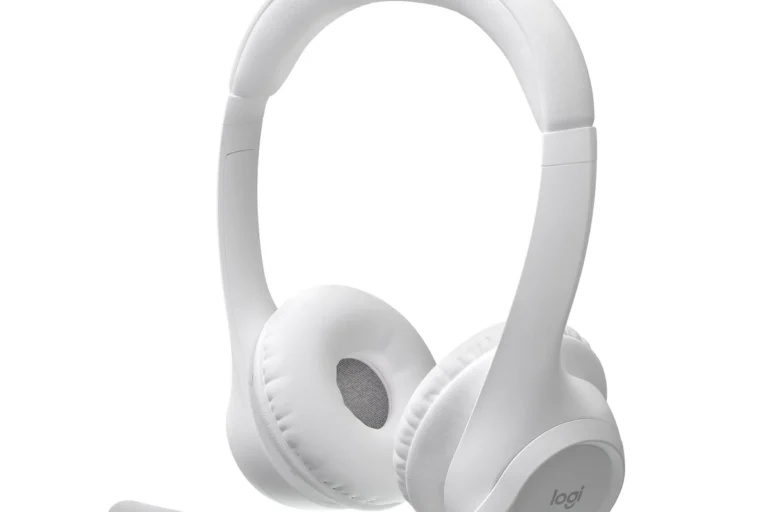
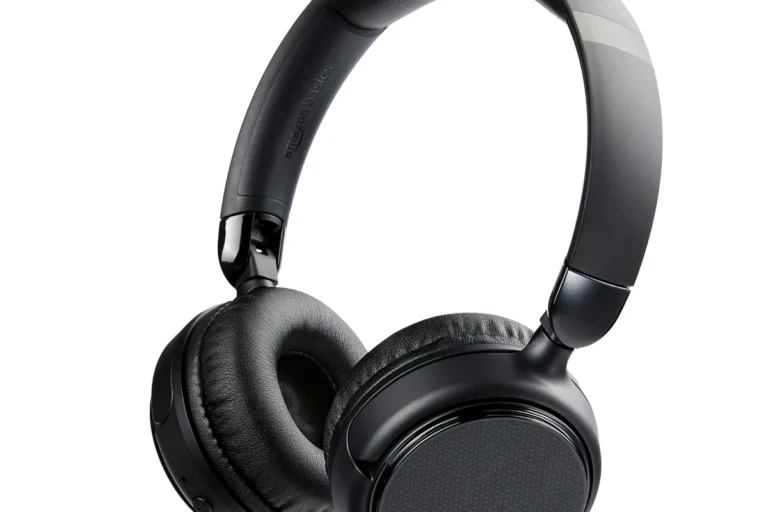
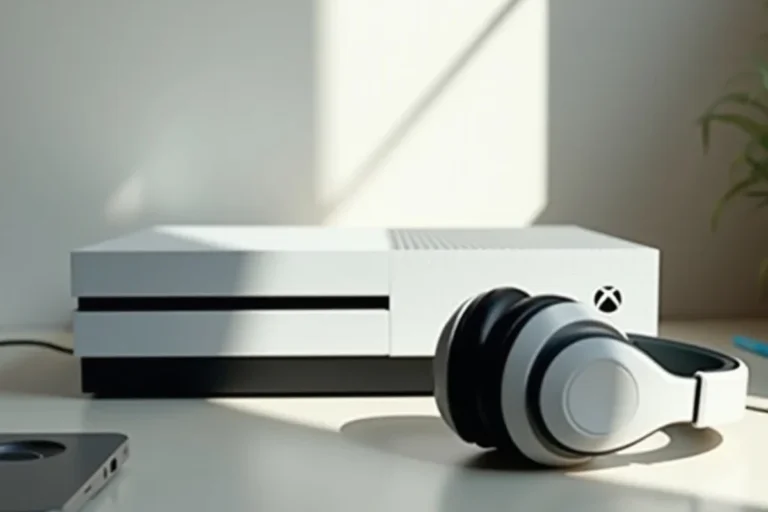
How to Watch TV with Headphones for Better Sound

The easiest way to watch TV with headphones is to use the connection your TV supports best, usually wired, Bluetooth, or a Bluetooth transmitter. The best choice depends on whether you care most about zero lag, wireless convenience, or long-wear comfort.
Using headphones with your TV is one of the easiest ways to get clearer dialogue, better late-night listening, and more control over your volume. Whether you have a smart TV, an older set, or a gaming console in the mix, there is usually a simple setup that works.
- Wired is most reliable: Best for sync and simple setup.
- Bluetooth is most convenient: Good for casual viewing, but lag can vary.
- Comfort matters: Over-ear designs usually work best for long sessions.
- Check TV settings: Audio mode can affect volume, clarity, and sync.
How to Watch TV with Headphones: What Viewers Actually Want in 2025
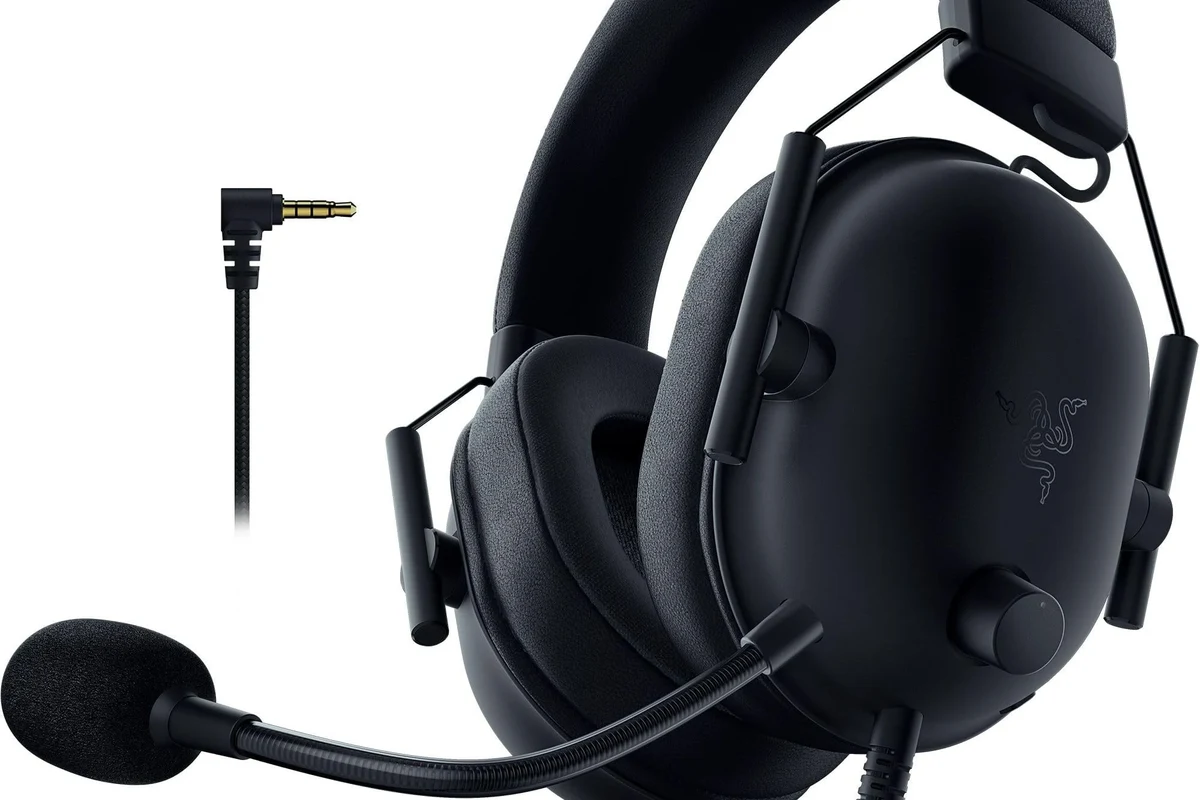
Most people searching for Bluetooth headphones for TV are not chasing a complicated audio setup. They want a clean, reliable way to hear shows, movies, and sports without waking anyone up or missing dialogue.
In 2025, the best solution depends on your TV model, your room, and how sensitive you are to delay, comfort, and sound quality. Some viewers need the simplest wireless pairing possible, while others care more about lip-sync, range, or all-night comfort.
Why Use Headphones for TV? Better Sound, Less Noise, More Control
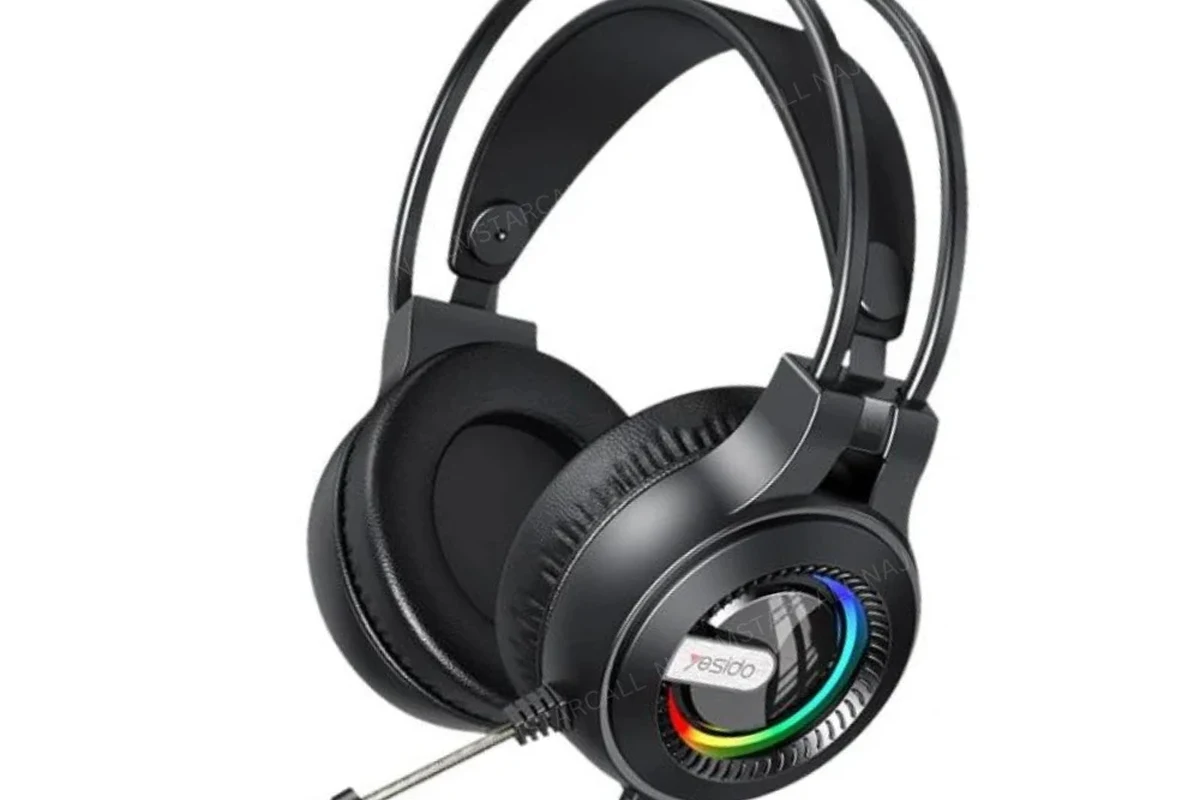
Headphones can make TV easier to enjoy in a lot of everyday situations. They help you hear details more clearly, reduce noise spill into shared spaces, and let you keep the volume at a level that works for you.
Late-night viewing and apartment living
If you live with roommates, family, or thin walls, headphones are an easy way to keep your TV personal. You can watch a movie at night without turning the speakers up and disturbing everyone else.
This is one reason many people compare noise cancelling headphones and closed-back wireless models for TV use. They can help reduce outside noise and make quieter listening more enjoyable.
Improving dialogue clarity for movies and shows
TV speakers often struggle with dialogue, especially when background music or action effects get louder. Headphones can make voices easier to follow, which is helpful for dramas, documentaries, and fast-paced streaming content.
If dialogue still sounds muddy through headphones, the issue may be the TV’s audio mode, the show’s mix, or the headphone tuning rather than volume alone.
Helping hearing-sensitive viewers and shared spaces
Some viewers are more comfortable with a private listening setup because they are sensitive to loud sound, echo, or room noise. Others simply want to avoid the strain of constantly adjusting the TV volume for everyone in the room.
If you have hearing concerns, tinnitus, or pain with louder audio, follow safe listening habits and consider speaking with an audiologist. A comfortable setup should make TV easier to enjoy, not more fatiguing.
Listening at high volumes for long periods can cause hearing damage. Keep volume at 60% or below for extended sessions.
The Main Ways to Connect Headphones to a TV
There are four common ways to connect headphones to a TV. The right one depends on whether your TV supports Bluetooth, has a headphone jack, or needs an external adapter or transmitter.
Bluetooth headphones with smart TVs and streaming devices
Many modern smart TVs can pair directly with Bluetooth headphones. This is usually the most convenient option because it avoids extra cables and keeps your setup tidy.
Still, Bluetooth latency can vary by TV and headphone model. For casual viewing it may be fine, but for live sports or gaming, even a small delay can be annoying.
If your TV has built-in Bluetooth, check whether it supports “audio out” or “headphone” mode, because some TVs limit which devices can connect properly.
Wired headphones through the TV’s audio jack or adapter
Wired headphones are often the simplest way to get stable sound with no pairing issues and no battery worries. If your TV has a 3.5mm headphone jack, this can be a very straightforward plug-and-play solution.
Some TVs no longer include a headphone jack, so you may need an adapter or a separate audio output path. Wired setups are especially useful if you want dependable sync and do not mind being physically tethered.
Using a Bluetooth transmitter for older TVs
If your TV does not have Bluetooth, a Bluetooth transmitter can add wireless headphone support through optical, RCA, or 3.5mm output. This is a common fix for older TVs and budget models.
For best results, look for a transmitter designed for low latency if you care about lip-sync. This matters most when you are watching dialogue-heavy content or anything where mouth movements need to match the audio closely.
Headphone base stations for RF or wireless TV headphones
Some TV headphone systems use a base station instead of standard Bluetooth. These are often sold as wireless TV headphones and may use RF or other dedicated wireless links.
They can be a strong option for viewers who want simple charging, long range, and easy use around the house. Many TV-focused models are designed for comfort first, which is useful for long movie nights.
How to Choose the Best Setup for Your TV and Listening Needs
The best setup is not always the newest or most expensive one. It is the one that matches your TV, your room size, and the kind of content you watch most often.
Best option for low latency gaming and live sports
If you watch a lot of sports or game on your TV, low latency should be a top priority. Wired headphones are usually the safest choice for sync, while Bluetooth may work well only if your TV and headphones support low-delay modes.
In this use case, even a small delay can feel distracting. If you want a wireless setup, look carefully at transmitter compatibility and any low-latency features before buying.
Best option for long movie nights and comfort
For long sessions, comfort can matter as much as sound. Over-ear headphones with soft pads and a secure but gentle fit are usually better than tight on-ear designs for extended viewing.
If you prefer a lighter feel, some in-ear options can work well too, especially for smaller rooms or shared spaces. The right choice depends on what you can wear comfortably for two or three hours at a time.
Best option for budget buyers versus premium users
Budget buyers often get the best value from a wired setup or a basic Bluetooth transmitter. These options can keep costs down while still solving the main problem: hearing TV clearly without using speakers.
Premium users may prefer a dedicated wireless TV headphone system or a higher-end headphone plus transmitter combination. These setups may offer better comfort, stronger range, or easier everyday use, but prices and features vary widely by brand and model.
Common Problems When Watching TV with Headphones and How to Fix Them
Even a good setup can run into issues. The most common complaints are audio delay, weak sound, and connection problems, but most of them have practical fixes.
Audio delay and lip-sync issues
Bluetooth delay is one of the biggest complaints when people first try TV headphones. If voices do not match mouth movement, switch to a wired connection or use a low-latency transmitter if your setup supports it.
Some TVs also include audio delay adjustment in the settings menu. If available, that feature can help fine-tune sync without replacing your headphones.
Low volume, weak bass, or dialogue that still sounds muddy
If the sound is too quiet, check both the TV volume and the headphone volume. Some TVs output a fixed level through headphone mode, while others still rely on the TV’s own volume control.
Weak bass or muddy dialogue can also come from the headphone tuning itself. If you are shopping for a better match, it can help to review types of headphones explained and choose a model that fits your listening style, whether that means clearer mids, stronger bass, or a more balanced sound.
Some TVs change their audio processing automatically when headphones are connected, which can affect bass, dialogue clarity, and overall loudness.
Pairing failures, dropouts, and range limits
Wireless dropouts usually come from distance, interference, or weak pairing support. Keep the transmitter and headphones within a reasonable range, and avoid placing the transmitter behind metal objects or inside crowded cabinets.
If pairing keeps failing, reset the headphones and check the TV’s output settings before assuming the headset is defective. For Bluetooth troubleshooting, it can also help to review a dedicated guide on how to connect Bluetooth headphones and make sure the basic pairing steps are correct.
Expert Advice: Mistakes to Avoid Before You Buy or Set Up
A lot of frustration comes from small setup mistakes, not from the headphones themselves. Paying attention to compatibility and comfort before you buy can save time and money later.
Ignoring latency specs and codec support
If you care about lip-sync, do not choose a wireless setup based on appearance alone. Latency can vary a lot depending on the TV, transmitter, and headphone support.
Codec support may also matter, but real-world performance depends on the whole chain, not just one spec on the box. When in doubt, prioritize low-latency support and easy return policies.
Overlooking TV audio settings like PCM, pass-through, or output mode
Some TVs need the correct audio output setting before headphones work properly. If you are using an optical transmitter or external audio device, the TV may need PCM or another compatible format instead of a surround pass-through mode.
A small settings change can fix problems that look like hardware failure. Always check the TV manual or audio menu before replacing equipment.
If you have persistent hearing strain, one-sided hearing differences, or frequent volume discomfort, consult an audiologist before assuming the problem is only your headphones.
Buying headphones that are uncomfortable for long sessions
Comfort is easy to overlook until you wear the headphones for a full movie or a long series binge. Weight, clamp force, ear cushion material, and headband padding all affect how wearable a headset feels over time.
When possible, choose a design you can wear for hours without pressure points. A slightly less “exciting” sound signature is often worth it if the headphones disappear on your head during a long watch session.
Price Comparison: What a Good TV Headphone Setup Costs in 2025
Costs vary widely depending on whether you buy a simple wired solution, a Bluetooth transmitter, or a dedicated wireless TV headphone system. The right price tier depends on how much convenience and performance you want.
Budget setup options
Budget setups usually include wired headphones, a basic adapter, or an entry-level Bluetooth transmitter. These can be a smart choice if you mainly want clearer TV audio without spending much.
They are often the easiest way to get started, but features like range, comfort, and latency control may be limited.
Mid-range wireless solutions
Mid-range options often include better Bluetooth headphones or more capable transmitters with stronger reliability. This is the sweet spot for many casual viewers who want wireless convenience without moving into premium pricing.
These setups may offer a better balance of comfort, sound quality, and everyday ease, though exact performance still depends on the model.
Premium headphone and transmitter combinations
Premium setups can include high-comfort headphones, dedicated base stations, and more advanced wireless features. They are appealing if you watch TV often and want a smoother experience with fewer compromises.
Price Estimate
That said, premium does not automatically mean better for every viewer. The best investment is the one that solves your actual problem, whether that is latency, comfort, or simple reliability.
Final Recap: The Best Way to Watch TV with Headphones for Your Situation
If you want the simplest answer to how to watch TV with headphones, start with the connection your TV already supports best. Wired is usually the most reliable for sync, Bluetooth is the most convenient, and a transmitter or base station helps when your TV needs extra support.
For most viewers, the best setup is the one that matches the room, the content, and the listening comfort you need every day. If you choose carefully, TV headphones can make dialogue clearer, reduce noise, and give you much more control over your viewing experience.
Frequently Asked Questions
Wired headphones usually give the most reliable sync and no battery worries. Wireless is more convenient, but latency and range can vary by TV and headset.
Yes, they can reduce room noise and make dialogue easier to hear. They are especially helpful in shared spaces or when you want lower volume.
Closed-back headphones are usually better for TV because they block more outside noise and prevent sound leakage. Open-back models can sound spacious, but they are less practical in shared rooms.
Over-ear headphones are often more comfortable for long sessions because they spread pressure around the ear. Some earbuds can still work well if you prefer a lighter fit or smaller profile.
Look at latency, comfort, battery life, and how the headphones are tuned for dialogue clarity, bass, and overall balance. Driver type and frequency response can matter, but the full design is usually more important than one spec alone.
Budget setups can work well if you only need basic TV listening, while mid-range options often give the best balance of convenience and sound. Premium setups are worth it if you watch often and want better comfort, range, or lower latency.