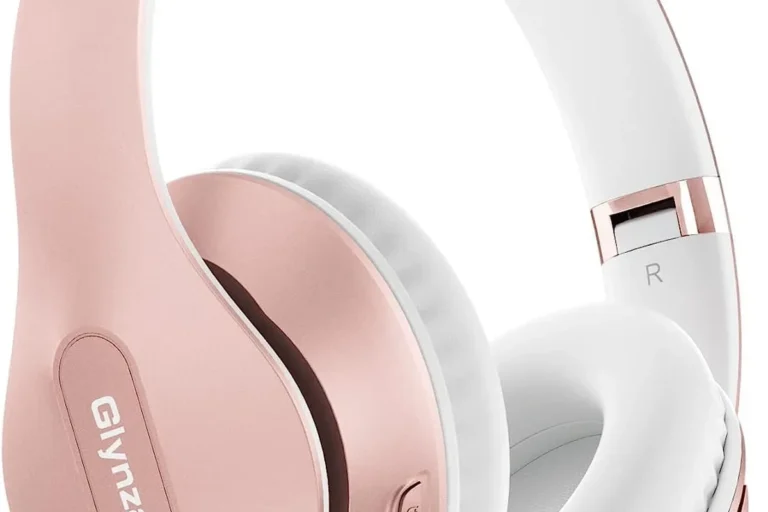
Can You Bluetooth Headphones to PS5 A Simple Guide

No, PS5 does not support standard Bluetooth headphones directly for game audio in the usual way. You can still use them with a USB transmitter, TV Bluetooth output, or a wired adapter setup.
If you’re wondering can you bluetooth headphones to ps5, the short answer is: not directly in the usual way most people expect. The PS5 does not support standard Bluetooth audio headsets for game sound, so you’ll need a workaround such as a USB transmitter, a TV Bluetooth output, or a wired adapter setup.
- Direct pairing: Standard Bluetooth headphones usually won’t connect to PS5 for full audio.
- Best workaround: A USB Bluetooth transmitter is often the simplest option.
- Lowest lag: Wired connections and PS5-ready wireless headsets are more reliable.
- Voice chat: Microphone support may be limited on many Bluetooth setups.
Can You Bluetooth Headphones to PS5? What the PS5 Actually Supports in 2025
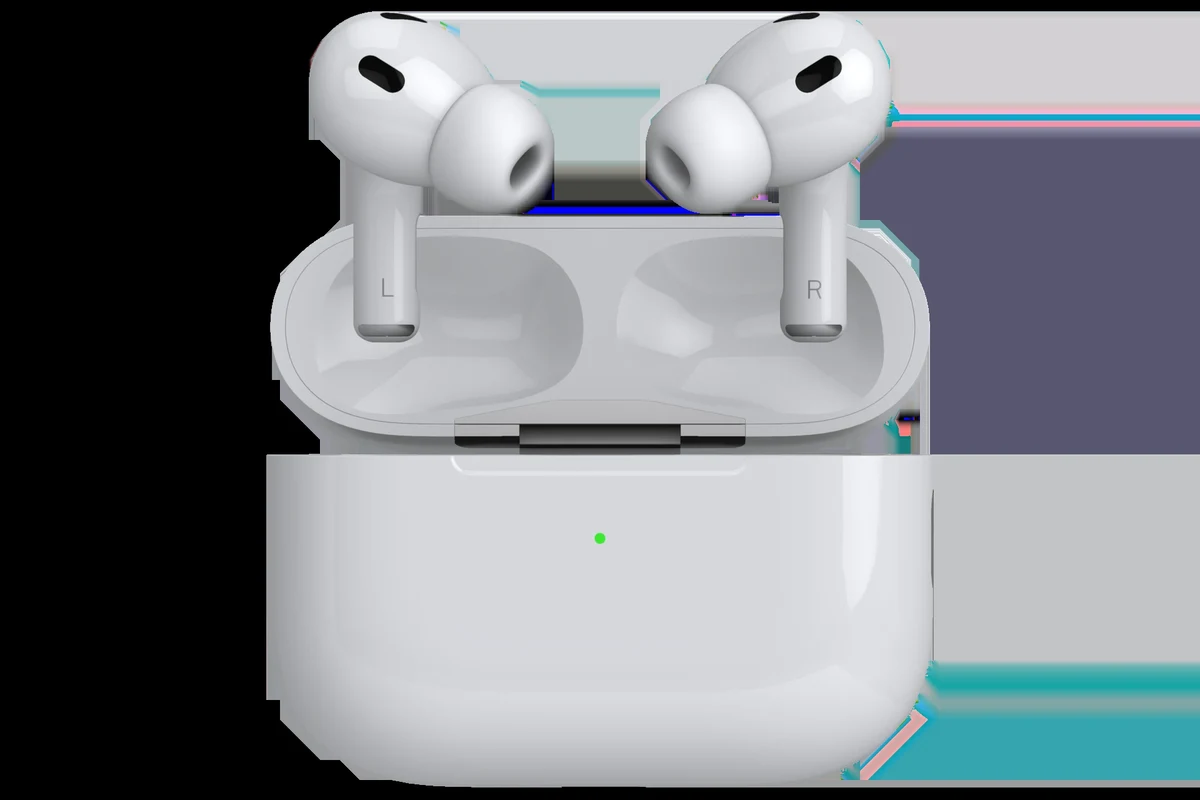
The PS5 is built to work best with Sony-compatible wireless headsets, USB wireless dongles, and wired audio connections. That means many Bluetooth headphones can’t pair straight to the console for full game audio, even though they work fine with phones, tablets, and laptops.
In practice, PS5 audio support is more limited than many players expect. If you want to use Bluetooth headphones, you usually have to send the sound through another device first, such as a TV, USB transmitter, or controller-connected adapter.
Compatibility can vary by headphone model, transmitter type, TV audio settings, and even the way your console is connected to your display.
Why Bluetooth Headphones Don’t Pair Directly With PS5
The main reason is that Sony keeps Bluetooth audio support limited on the PS5. This helps reduce delay and connection issues during gameplay, especially in fast-moving games where sound timing matters.
Standard Bluetooth headphones also use different codecs and pairing behavior than gaming-focused wireless gear. The result is that the PS5 may recognize some devices poorly, or not allow direct audio pairing at all.
How Sony’s wireless audio limitations affect gaming headsets
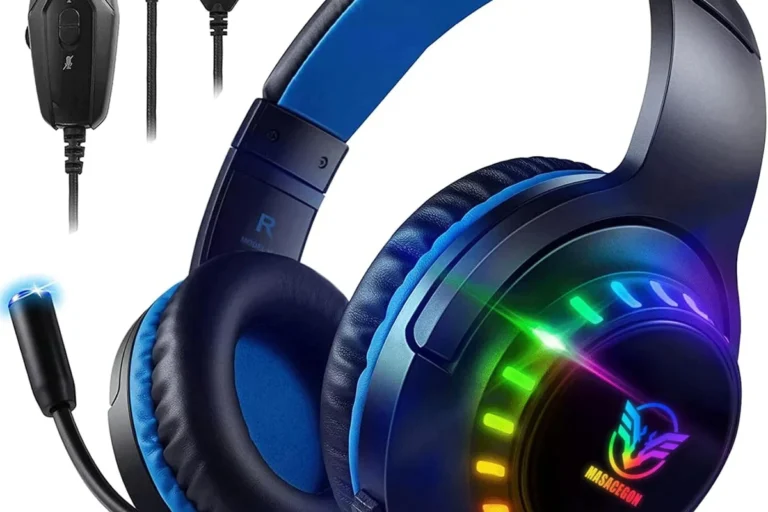
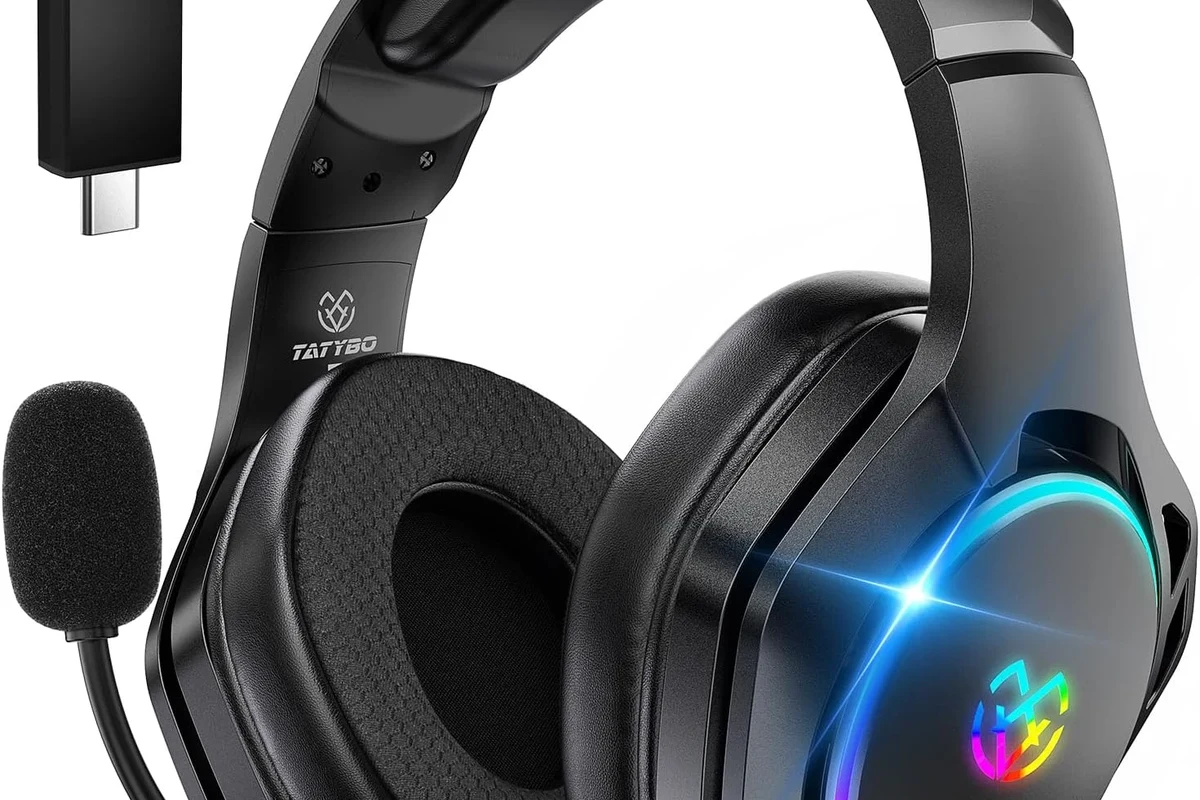
Wireless gaming headsets made for PS5 usually include a USB dongle or a proprietary wireless link. That setup is designed to keep audio more stable and reduce lag compared with regular Bluetooth.
For players, this means a headset can be “wireless” without being “Bluetooth.” That distinction matters a lot when shopping for a PS5 headset.
Many gaming headsets marketed as wireless do not use Bluetooth for the main connection. They often use a USB receiver for lower latency and better console support.
Latency, interference, and why it matters for gameplay
Bluetooth can introduce a small delay between what happens on screen and what you hear. That delay may be subtle in story games, but it can feel distracting in shooters, rhythm games, and competitive multiplayer.
Interference can also be an issue if you have a busy wireless environment at home. Wi-Fi routers, controllers, and other Bluetooth devices may all compete for signal stability.
If you notice audio lag, crackling, or dropouts, the issue may be the connection path rather than the headphones themselves.
Best Ways to Use Bluetooth Headphones on PS5
If you want to use your Bluetooth headphones with PS5, the best solution depends on whether you care most about convenience, low latency, or microphone support. Some workarounds are simple, while others are more reliable for gaming.
USB Bluetooth adapters and dongles: how they work
A USB Bluetooth transmitter plugs into the PS5 and sends audio to your headphones. This is one of the most common workarounds because it bypasses the console’s built-in Bluetooth limitations.
Still, not every dongle is equal. Some are designed only for audio output, while others may support a microphone or a lower-latency codec, depending on the model.
TV Bluetooth output as an alternative setup
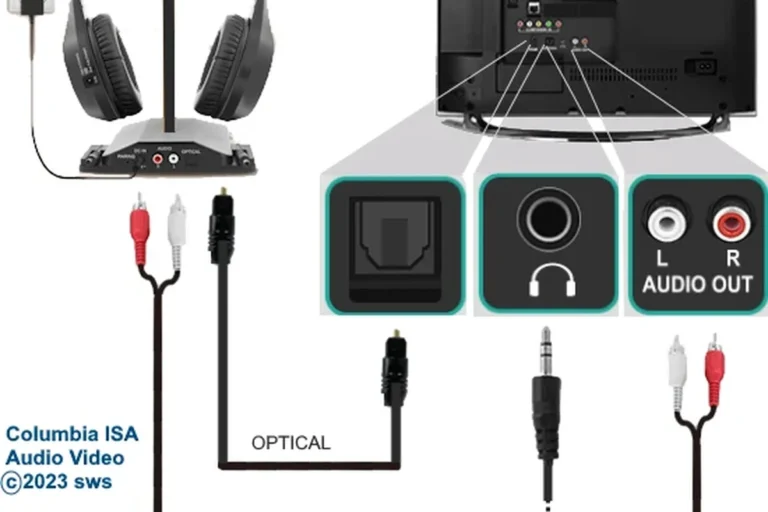
If your TV supports Bluetooth audio, you may be able to route PS5 sound through the TV and then to your headphones. This can be convenient if you already use your TV as the main display.
The downside is that TV processing can add extra delay. Some TVs also handle Bluetooth audio better than others, so results can vary quite a bit.
Using a wired controller connection or headset adapter
Another option is to connect via the DualSense controller’s 3.5mm jack or use a compatible headset adapter. This is often the most reliable choice for chat and game audio if you want to avoid Bluetooth delay.
It is not true Bluetooth wireless, but it can be the simplest way to get consistent sound without buying extra gear. For many players, wired still wins on stability.
If you want the cleanest PS5 audio with the fewest surprises, test a wired connection first before spending money on a Bluetooth workaround.
Step-by-Step Setup Examples for Common PS5 Audio Workarounds
There isn’t one universal setup for every Bluetooth headphone. The best method depends on whether your headphones support low-latency modes, whether your TV has Bluetooth, and whether you need a microphone.
Connecting Bluetooth headphones through a USB transmitter
Plug the USB transmitter into the PS5, then put the transmitter into pairing mode. After that, put your headphones into pairing mode and wait for the two devices to connect.
Once paired, go into the PS5 audio settings and make sure output is routed to the USB device. If the sound seems delayed, check whether the transmitter supports a gaming-friendly codec or low-latency mode.
Connect the USB dongle to the PS5’s USB port and wait for it to power on.
Put the headphones in pairing mode and let the transmitter complete the connection.
Open PS5 sound settings and select the USB output if needed.
Pairing headphones through a TV with Bluetooth audio
First, confirm that your TV supports Bluetooth audio output. Then open the TV’s sound or Bluetooth menu and pair your headphones directly to the television.
After that, launch your PS5 and send the console audio through the TV as normal. If you hear a delay, check whether your TV has a game mode or audio sync setting that can reduce lag.
- Does the TV support Bluetooth audio output?
- Is there an audio delay or lip-sync setting?
- Does game mode improve sync?
Using a Bluetooth transmitter with a 3.5mm audio jack
Some players use a transmitter that plugs into the controller’s headphone jack or another 3.5mm output source. This can be useful if you want a compact setup without relying on TV Bluetooth.
It may work well for casual play, but microphone support and sound quality can depend heavily on the adapter. For more details on wireless basics, see our guide to Bluetooth headphones explained simply.
What to Expect: Sound Quality, Lag, and Mic Performance
Bluetooth on PS5 can sound perfectly acceptable for casual gaming, but expectations matter. The biggest tradeoff is usually latency, followed by microphone limitations and occasional connection quirks.
Game genres where latency is most noticeable
Latency is easiest to notice in rhythm games, fighting games, and competitive shooters. In those genres, even a small delay can make audio cues feel disconnected from the action.
For slower single-player games, the delay may be much less bothersome. Story-driven titles and relaxed exploration games are usually more forgiving.
Chat audio and microphone limitations on Bluetooth setups
Many Bluetooth workarounds handle audio output better than microphone input. That means you may hear game sound fine, but voice chat support can be limited or unavailable.
If party chat matters to you, check the adapter’s mic support before buying. Some setups only send audio one way, which can be frustrating if you expect full headset features.
Listening at high volumes for long periods can cause hearing damage. Keep volume at 60% or below for extended sessions.
Cost Comparison: Cheapest vs Best Bluetooth Workarounds for PS5
The cheapest option is not always the best value, especially if you care about latency or microphone use. A slightly better adapter can save you a lot of frustration later.
Budget dongles vs premium low-latency transmitters
Budget dongles are usually the easiest entry point because they are simple and affordable in concept, though quality may vary. Premium low-latency transmitters are more likely to give a smoother gaming experience, but results still depend on the exact model and headphone support.
If you already own good Bluetooth headphones, a transmitter may be worth trying first. If not, compare the cost carefully against a headset made for console gaming.
When it makes more sense to buy a PS5-compatible wireless headset
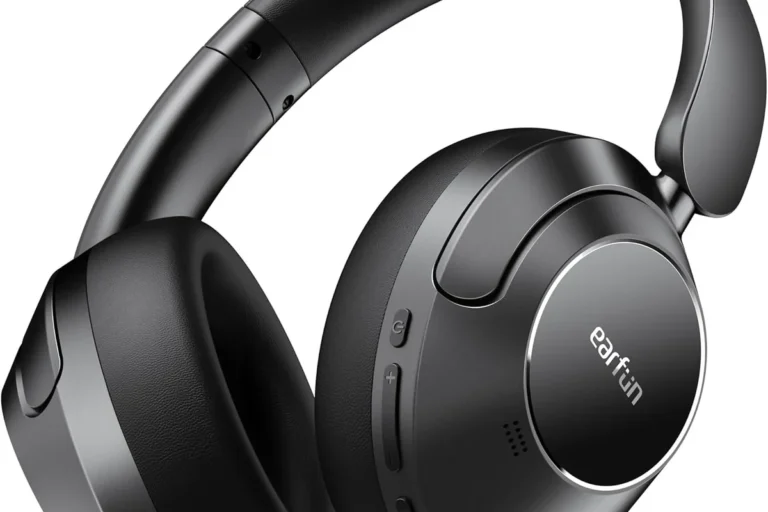
If you play often, use voice chat, or want fewer setup issues, a PS5-compatible wireless headset may be the better long-term choice. These models are generally designed for lower lag and easier pairing.
That can be especially helpful if you want a set-it-and-forget-it solution instead of troubleshooting adapters and TV settings. For readers comparing connection types, our Bluetooth vs wired headphones sound quality guide explains the tradeoffs clearly.
Common Mistakes to Avoid When Trying to Use Bluetooth Headphones on PS5
Most problems come from expecting standard Bluetooth to behave like a gaming wireless system. Once you know the limits, it becomes easier to avoid wasted money and setup headaches.
Choosing the wrong adapter or codec
Not every adapter supports the same audio codec or latency profile. A cheap transmitter may connect, but still deliver noticeable lag or unstable sound.
Before buying, check whether the adapter is meant for audio output, voice chat, or both. If you need help understanding wireless basics, our how to connect Bluetooth headphones guide is a useful starting point.
Ignoring TV audio delay and controller battery impact
If you use a TV Bluetooth setup, remember that the TV itself may add delay. That extra processing can make a wireless setup feel less responsive than expected.
Also, using a wired controller connection for audio can affect battery life and comfort over long sessions. Small details like that matter more than many first-time buyers realize.
Expecting full Bluetooth headset features on PS5
It is easy to assume a Bluetooth headset will give you everything at once: game sound, chat audio, microphone use, and low delay. On PS5, that is often not how it works.
If you want full headset functionality, a PS5-ready wireless headset or a solid wired option is usually the safer choice. For broader compatibility questions, see our wireless headphones compatibility article for a good example of how wireless features can change by device.
Expert Verdict: The Best Choice for Most PS5 Players in 2025
For most players, the simplest answer is that Bluetooth headphones are possible on PS5, but not the best native solution. The experience depends on the adapter, the TV, the headphones, and how sensitive you are to lag.
Who should use a workaround and who should skip Bluetooth entirely
If you already own Bluetooth headphones and only play casually, a USB transmitter or TV Bluetooth route may be enough. It can be a practical way to reuse gear you already have.
If you play competitively, use voice chat often, or want the fewest problems, skip Bluetooth and choose a headset made for PS5 or a wired setup instead. That choice usually saves time and gives more consistent audio.
Final recap on the safest, easiest, and most reliable options
The safest path is to match the connection method to your needs. Wired connections are the most reliable, PS5-compatible wireless headsets are the easiest wireless option, and Bluetooth workarounds are best treated as a convenience solution, not a perfect one.
If you’re still deciding between connection types, our general headphone buying guides at Top Headphone Reviews can help you compare comfort, latency, and sound quality before you buy.
Frequently Asked Questions
Usually, no. The PS5 does not support standard Bluetooth audio headphones for normal game sound pairing.
Often, yes. Wireless gaming headsets made for PS5 usually use a USB dongle or dedicated wireless link for lower latency.
They can. Lag depends on the adapter, TV, codec, and headphone model, so results may vary.
A wired controller connection is often the cheapest reliable choice. A basic USB transmitter can also work if you want wireless output.
Sometimes, but mic support is not guaranteed. Many Bluetooth workarounds handle audio better than microphone input.
Check connection type, latency, comfort, microphone support, and whether the headset is PS5-compatible. Sound quality and battery life can also vary by model.