How to Connect Bluetooth Headphones to Xbox Series X Easily

The Xbox Series X does not support standard Bluetooth headphone pairing directly. You can still use Bluetooth headphones through a TV, transmitter, or Remote Play workaround.
If you’re trying to figure out how to connect bluetooth headphones to xbox series x, the short answer is that the console does not support standard Bluetooth audio directly. You can still use wireless headphones with a few reliable workarounds, and the best option depends on your TV, headset, and how you play.
- Direct pairing: Standard Bluetooth headphones do not connect natively to Xbox Series X.
- Best workaround: Use TV Bluetooth, a transmitter, or mobile Remote Play.
- Gaming performance: Low latency matters most for competitive play and chat.
- Best native choice: Xbox Wireless headsets are usually the most reliable option.
Can You Connect Bluetooth Headphones to Xbox Series X? Understanding the Real Limitation
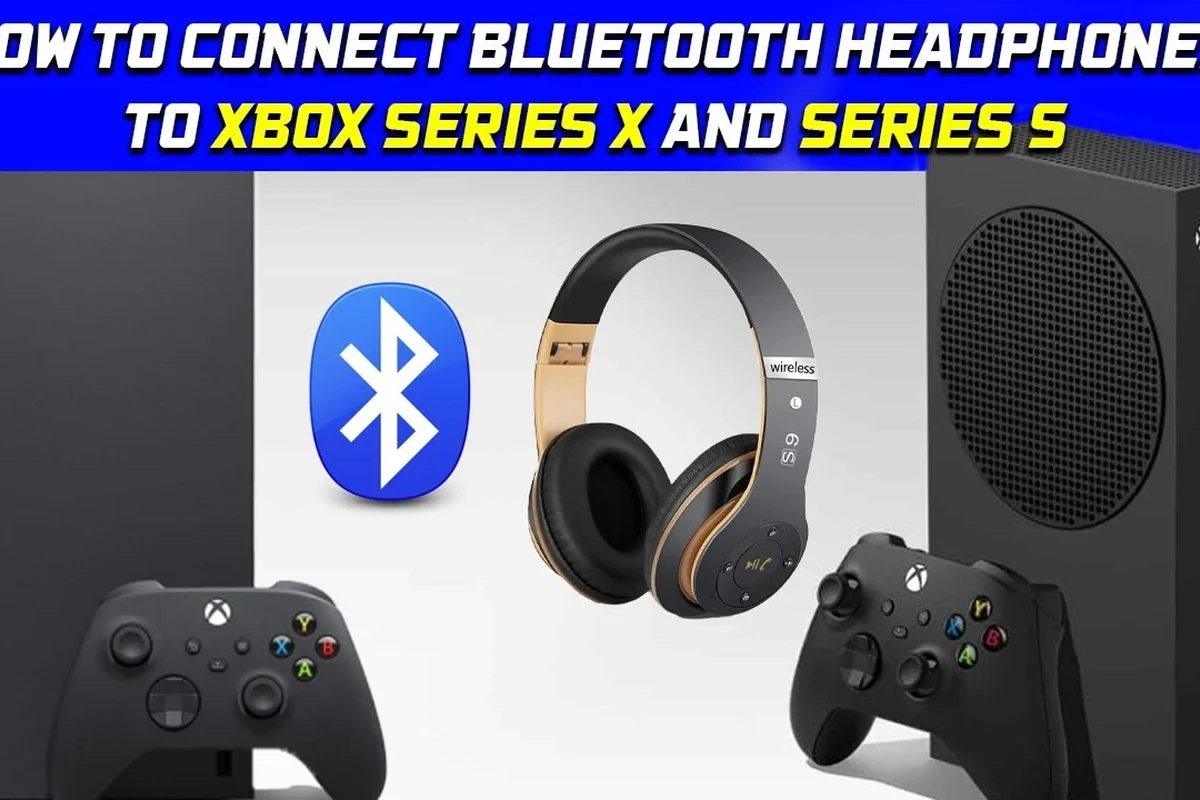
The Xbox Series X is designed differently from many other devices. Instead of offering a normal Bluetooth audio menu for headphones, it uses Xbox Wireless for supported headsets and controllers.
That means most regular Bluetooth headphones, earbuds, and noise-cancelling models will not pair directly to the console for game audio. This is one of the most common points of confusion for new Xbox owners, especially if they are used to pairing headphones with phones, tablets, or laptops.
Note
Some Bluetooth accessories may still work with the Xbox ecosystem in limited ways, but that does not mean the console supports full native Bluetooth headphone audio.
If you want a deeper refresher on pairing basics, our guide on how to connect Bluetooth headphones explains the general process on devices that do support standard Bluetooth.
Best Ways to Use Wireless Headphones with Xbox Series X in 2026
In 2026, the most practical choices are still Xbox Wireless headsets, TV-based audio routing, or a Bluetooth transmitter. Each method has tradeoffs in latency, convenience, and chat support.
If your goal is casual gaming, movie nights, or solo play, a workaround can be perfectly usable. If you play competitive shooters or rely on party chat, the setup choice matters much more.
Using Xbox Wireless Headsets vs. Standard Bluetooth Headphones
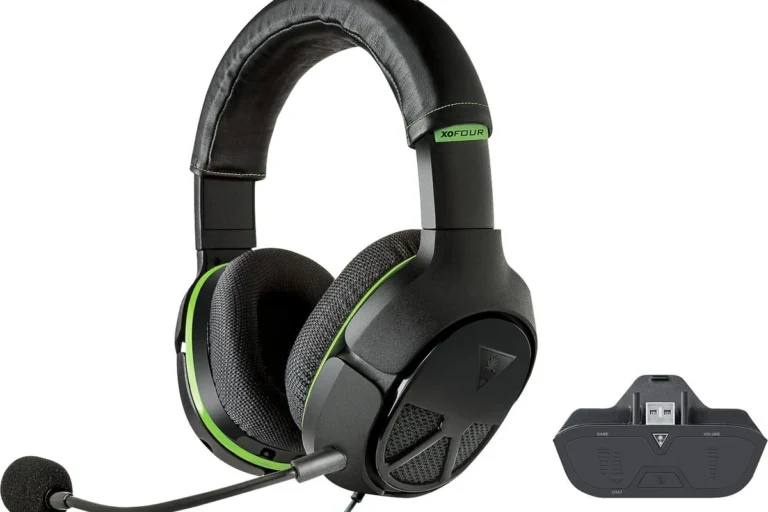
Xbox Wireless headsets connect through Microsoft’s own wireless system, so they usually offer the smoothest experience on the console. They are built for Xbox audio and are typically easier to use for game sound and voice chat.
Standard Bluetooth headphones, on the other hand, are made for phones, tablets, and laptops first. They may still work through a TV, transmitter, or mobile remote play setup, but they are not the most direct solution for Xbox Series X.
Connecting Through the TV, Monitor, or Soundbar Bluetooth Output
One easy workaround is to send Xbox audio to your TV or monitor first, then use the display’s Bluetooth output if it supports headphone pairing. This can be convenient because the Xbox itself is not doing the Bluetooth pairing.
The downside is that the TV becomes part of the audio chain, and that can add delay. Some TVs also handle Bluetooth better than others, so results may vary by model and firmware.
Many TVs support Bluetooth for sound, but not all of them support low-latency headphone audio well enough for fast-paced gaming.
Using a Bluetooth Transmitter for Xbox Series X Audio
A Bluetooth transmitter is another common workaround. It can plug into the TV, monitor, controller, or sometimes the console’s audio output path depending on the setup.
This method is popular because it gives you more control over the headphones you already own. Still, transmitter quality matters a lot, and cheap models may introduce lag, dropouts, or weak range.
Not every Bluetooth transmitter supports the same codecs, latency modes, or audio connections. Check compatibility carefully before buying.
Step-by-Step: How to Connect Bluetooth Headphones to Xbox Series X with a Workaround
There is no true direct Bluetooth pairing on the console for most headphones, so the steps below focus on practical workarounds. Choose the method that matches your gear and how sensitive you are to audio delay.
Setup via TV Bluetooth
First, connect your Xbox Series X to the TV with HDMI as usual. Then open the TV’s sound or Bluetooth settings and put your headphones into pairing mode.
Once the TV detects the headphones, select them and confirm the connection. After that, any Xbox audio passing through the TV should play in your headphones.
Look for Bluetooth audio, wireless sound, or headphone output settings in the TV’s sound section.
Put the headphones in pairing mode and connect them from the TV list, not from the Xbox menu.
Launch a game and check whether the sound feels in sync with the action before settling in for a long session.
Setup via Bluetooth Transmitter on the Controller or Console
Some gamers use a Bluetooth transmitter connected to the controller’s audio jack or another supported audio output path. This can be useful if your TV has no Bluetooth audio or if you want a more private setup.
Pair the transmitter with your headphones, then test game audio and chat behavior. If the transmitter supports low-latency mode, turn it on for better sync during gameplay.
Setup via Xbox App Remote Play on Mobile Devices
Another workaround is to use Xbox Remote Play on a phone or tablet and connect your Bluetooth headphones to that mobile device. In this setup, the Xbox streams to the app, and your headphones connect to the phone or tablet instead of the console.
This can be handy for private listening, but it is not the best choice for every game. Network quality, device performance, and audio sync can all affect the experience.
Audio Tip
If you only need a simple solo gaming setup, Remote Play can be an easy way to use the Bluetooth headphones you already own without buying extra hardware.
Audio Quality, Latency, and Game Chat: What to Expect
Bluetooth can sound good for casual play, but gaming adds a timing challenge that music listening does not. Even a small delay can make footsteps, gunfire, and dialogue feel slightly off.
Why Bluetooth Delay Can Hurt Competitive Gaming
Bluetooth audio often has more latency than wired or dedicated gaming wireless systems. That delay may be minor for movies, but in action games it can make aiming, rhythm timing, and reaction play less precise.
If you mostly play story games, sports titles, or slower-paced adventures, the delay may not bother you much. For competitive multiplayer, though, a low-latency headset or Xbox Wireless headset is usually the safer pick.
How Voice Chat and Party Chat Work on Xbox Series X
Game chat can be another complication. Some Bluetooth headphones support microphone input, but the Xbox may not use that mic directly through a standard Bluetooth path.
That is why many players prefer a headset made for Xbox chat rather than a general-purpose Bluetooth model. If voice chat matters to you, confirm microphone support before assuming your headphones will handle everything.
If you use hearing aids, have tinnitus, or notice discomfort during long gaming sessions, follow safe listening habits and consider speaking with an audiologist or hearing professional.
Common Mistakes When Trying to Pair Bluetooth Headphones to Xbox Series X
Most connection problems come from expecting the Xbox to behave like a phone or laptop. Once you understand the system limits, setup becomes much easier.
Assuming the Console Has Native Bluetooth Audio
This is the biggest mistake. The Xbox Series X does not offer the same kind of built-in Bluetooth headphone support that many other devices do.
So if a headset will not appear in the Xbox pairing menu, that is usually normal rather than a defect in the headphones.
Choosing a Low-Quality Transmitter or Wrong TV Output
A poor transmitter can ruin the experience even if your headphones are excellent. Weak hardware may cause lag, unstable pairing, or audio that cuts out when you move around.
It is also easy to plug into the wrong output. Before buying anything, check whether your TV, monitor, or controller actually sends the kind of audio signal the transmitter expects.
Ignoring Firmware, Codec, and Compatibility Issues
Some headphones and transmitters work better after a firmware update. Others depend on codec support or specific low-latency modes to perform properly.
Protect Your Hearing
Listening at high volumes for long periods can cause hearing damage. Keep volume at 60% or below for extended sessions.
If you are troubleshooting Bluetooth audio in general, our guide on Bluetooth headphone lag fix can help you understand delay and sync issues more clearly.
Expert Advice: Which Headphone Setup Is Best for Different Budgets
The best setup depends on how often you play, how sensitive you are to delay, and whether you also want the headphones for music or TV. There is no single perfect choice for every gamer.
If you want to compare broader wireless and wired tradeoffs, our article on Bluetooth vs wired headphones sound quality is a useful companion read.
Budget-Friendly Options Under a Low Cost Range
If you are trying to keep costs down, a basic Bluetooth transmitter plus the headphones you already own may be the cheapest workaround. This is best for casual gaming and single-player use.
Just be realistic about the tradeoff: budget gear often means more latency risk and less reliable chat support. In many cases, a simple wired headset can still beat a cheap wireless workaround for consistency.
Mid-Range Wireless Alternatives for Casual Gamers
Mid-range buyers often do best with a headset that is designed for gaming rather than a general-purpose Bluetooth model. That usually means easier setup, better comfort, and more predictable audio behavior on Xbox.
For casual players, this can be the sweet spot between convenience and performance. It is also a smart choice if you play a mix of games, watch TV, and use headphones for everyday listening.
Premium Picks for Low Latency and Best Sound
Premium setups usually focus on lower delay, stronger build quality, and more refined sound. That can include Xbox Wireless headsets or high-quality transmitters paired with a favorite headphone model.
If sound quality and comfort matter most, premium gear can be worth it for long sessions. Still, make sure the extra cost is solving a real problem for your use case, not just adding features you will never use.
Final Recap: The Easiest and Most Reliable Way to Use Bluetooth Headphones on Xbox Series X
If you want the simplest answer, the Xbox Series X is not built for direct Bluetooth headphone pairing. The easiest workaround is usually a TV Bluetooth output, a good Bluetooth transmitter, or Remote Play on a mobile device.
For the most reliable gaming experience, especially if you care about chat and low latency, an Xbox Wireless headset is often the better choice. If you already own Bluetooth headphones, though, a careful workaround can still give you a perfectly usable setup for many types of play.
- Xbox Series X does not support standard Bluetooth headphone pairing directly.
- TV Bluetooth, transmitters, and Remote Play are the main workarounds.
- Low latency matters most for competitive gaming and voice chat.
- Xbox Wireless headsets are usually the most reliable native option.
Frequently Asked Questions
Not usually. Xbox Series X does not support standard Bluetooth headphone audio directly, so most users need a workaround like TV Bluetooth, a transmitter, or Remote Play.
Xbox Wireless headsets are usually the most reliable native option. They are designed for Xbox audio and often handle game sound and chat more smoothly than standard Bluetooth headphones.
They can. Bluetooth often adds more delay than wired or dedicated gaming wireless systems, which is why competitive players usually prefer low-latency solutions.
Closed-back headphones are usually better for gaming because they block more outside noise and help keep game audio focused. Open-back models can sound wider, but they leak sound and are less private.
Check connection type, latency support, microphone compatibility, comfort, weight, and battery life if the model is wireless. Sound quality can also vary by driver design, tuning, and how the headphones fit your ears.
Look for soft ear cushions, a headband with even pressure, and a weight that feels manageable over time. If you feel pain, pressure, or hearing fatigue, take breaks and consider speaking with an audiologist if needed.