Can You Pair Bluetooth Headphones to Xbox Easily

No, standard Bluetooth headphones usually cannot pair directly to Xbox for game audio. The easiest wireless option is an Xbox Wireless or 2.4GHz gaming headset, while Bluetooth workarounds may add lag.
If you’ve been wondering can you pair bluetooth headphones to xbox, the short answer is usually no, not directly. Xbox consoles do not support standard Bluetooth audio the way phones, tablets, and many PCs do, so you need a different connection method for wireless sound.
- Direct pairing: Standard Bluetooth usually does not work with Xbox consoles.
- Best option: Xbox Wireless or 2.4GHz headsets are typically the smoothest choice.
- Workarounds: TV audio and Bluetooth transmitters can work, but delay may happen.
- Chat support: Always check microphone compatibility before buying.
- Comfort matters: Pick a headset you can wear for long sessions.
Can You Pair Bluetooth Headphones to Xbox? The Short Answer for 2025
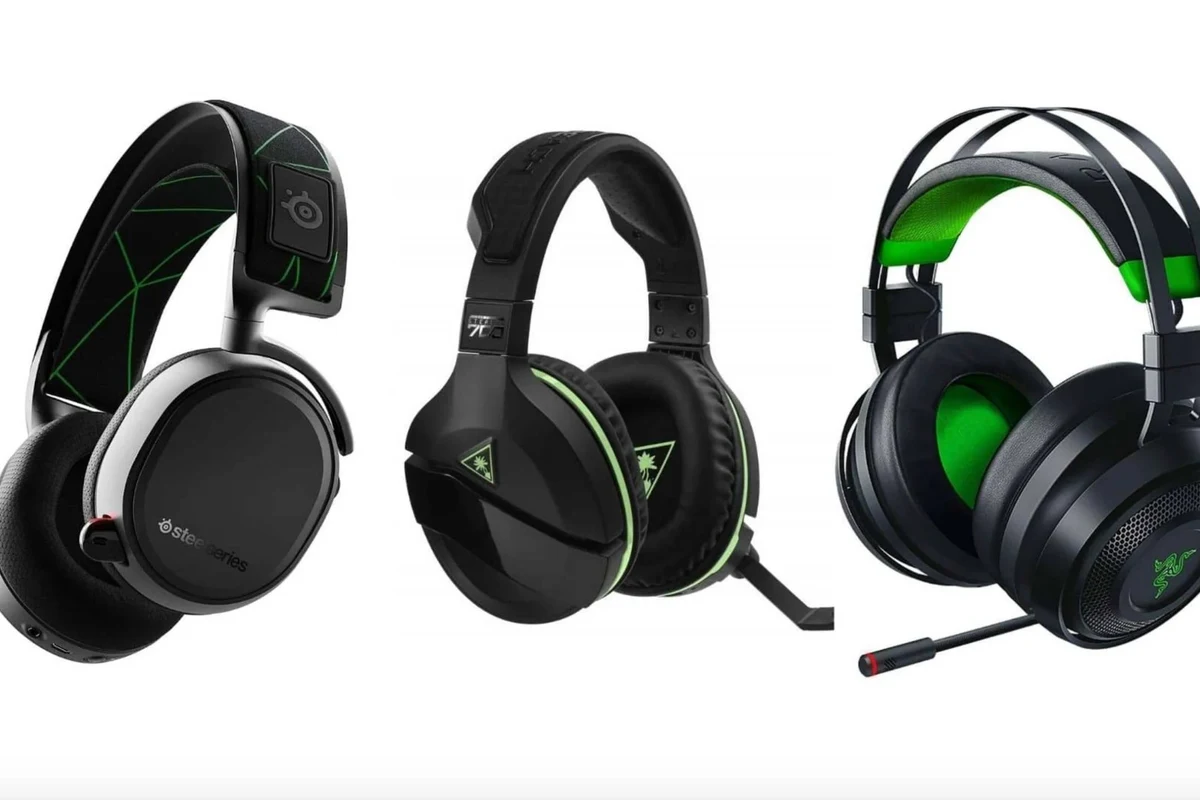
For most gamers in 2025, Bluetooth headphones still cannot connect straight to an Xbox console for game audio. That means your regular Bluetooth earbuds or headphones may work with your phone, but not as a native Xbox audio device.
There are exceptions through workarounds, such as connecting through a TV, a Bluetooth transmitter, or a supported wireless headset. If you want the simplest setup, it helps to understand how Xbox audio works before buying new gear.
Why Xbox Does Not Support Standard Bluetooth Audio
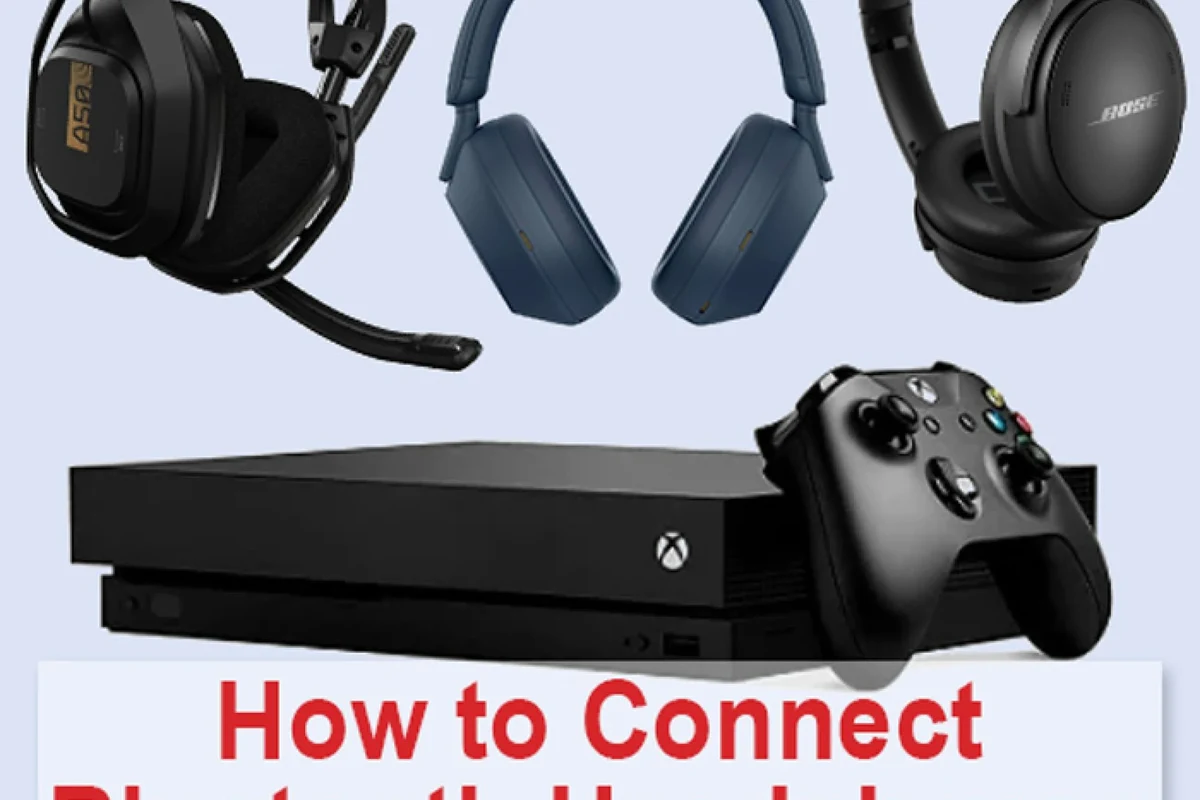
Xbox uses its own wireless audio approach instead of the same Bluetooth profile used by phones and laptops. That design helps reduce delay and improve controller and headset communication, especially for gaming and chat.
Standard Bluetooth can introduce lag, which is a problem in games where footsteps, gunfire, and voice chat need to feel immediate. Xbox prioritizes a more stable gaming connection over universal Bluetooth convenience.
How Xbox wireless audio works differently from Bluetooth
Bluetooth is a general-purpose wireless standard built for broad compatibility. Xbox Wireless is a more gaming-focused system that can support lower-latency headset audio and tighter console integration.
That difference matters because gaming headsets need to handle both game sound and microphone chat smoothly. A normal Bluetooth headset may connect to other devices easily, but Xbox is built around its own wireless ecosystem instead.
Many gaming headsets that say “wireless” are not Bluetooth-only. Some use 2.4GHz USB dongles or Xbox Wireless, which can be a better fit for console play.
What this means for Xbox One, Xbox Series X, and Xbox Series S owners
The basic rule is the same across Xbox One, Xbox Series X, and Xbox Series S: standard Bluetooth headphones are not meant to pair directly to the console for game audio. If you own one of these systems, you will usually need an Xbox-compatible headset or a workaround.
If you already own Bluetooth headphones, you may still be able to use them through your TV, monitor, or an external transmitter. The best option depends on whether you care more about convenience, chat support, or low latency.
Best Ways to Use Wireless Headphones with Xbox
There are several practical ways to get wireless audio on Xbox without relying on direct Bluetooth pairing. Some are simple and affordable, while others deliver a much better gaming experience.
Compatibility can vary by headset, controller, TV, and adapter model, so it is worth checking the exact connection method before you buy.
Connecting via Xbox Wireless headsets
The easiest setup is usually an Xbox Wireless headset made for the platform. These headsets are designed to connect to the console without a Bluetooth audio workaround and often support game sound plus voice chat.
This is the cleanest choice if you want fewer cables and less troubleshooting. For many players, it is the most reliable path to wireless gaming audio on Xbox.
Using a controller headphone jack with wired or wireless adapters
You can always use the 3.5mm headphone jack on an Xbox controller for wired headphones. If you want wireless sound, some people add a controller-mounted or inline wireless adapter, but results vary by model.
This route can be useful if you already have a favorite headset and do not want to replace it. Still, it may not be as seamless as a native Xbox Wireless headset, especially for microphone chat.
Pairing through a TV, monitor, or streaming device instead of the console
If your TV or monitor supports Bluetooth audio output, you may be able to pair your headphones to the display rather than the Xbox. In that setup, the console sends audio to the TV, and the TV sends it to your headphones.
This can work well for casual play, but it may add delay depending on the TV processing and Bluetooth implementation. If you also watch movies or stream content on the same screen, this workaround can be convenient.
Using Bluetooth transmitters: when they work and when they fail
A Bluetooth transmitter can sometimes let you use Bluetooth headphones with Xbox by plugging into the TV, monitor, or controller audio output. This is one of the most common workarounds for people who already own Bluetooth headphones.
However, transmitters are not all equal. Some create noticeable lag, some struggle with microphone support, and some work better for solo play than multiplayer gaming.
Bluetooth transmitters may solve audio output, but they do not always handle voice chat well. If you play competitive games, test latency and mic support before relying on one full-time.
Step-by-Step Setup Examples for Real-World Use
Below are a few practical setup examples that show how Xbox wireless audio can work in real life. The right method depends on what gear you already own and how much delay you can tolerate.
How to connect an Xbox Wireless headset
Power on the headset and put it in pairing mode according to the manufacturer’s instructions.
Use the Xbox pairing button on the console and connect the headset through the supported Xbox Wireless process.
Confirm that game sound, chat audio, and microphone input are all working before starting a match.
If you want a broader buying overview before choosing a headset, our guide to Bluetooth headphones explained can help you compare wireless types more clearly.
How to connect a Bluetooth headset through a TV with audio output
Make sure your Xbox audio is going through the TV or monitor first.
Open the TV or monitor Bluetooth menu and pair your headphones there, not on the Xbox.
Check whether dialogue, menu sounds, and action audio stay in sync with the picture.
If you are also trying to understand how wireless pairing works on other devices, our article on how to connect Bluetooth headphones covers the basic pairing process in a simple way.
How to use a Bluetooth transmitter with an Xbox controller or console
Decide whether the transmitter will connect to the controller jack, TV output, or another audio port.
Put both devices into pairing mode and confirm they connect successfully.
Play a game or video clip to see whether the sound stays responsive and loud enough.
Common Mistakes Gamers Make When Trying to Pair Bluetooth Headphones to Xbox
Most pairing problems come from expecting Xbox to behave like a phone or laptop. Once you know the limits, it becomes easier to avoid wasted time and disappointing purchases.
Assuming any Bluetooth headset will connect directly
This is the biggest mistake. A headset that works perfectly with your phone may still fail to connect directly to Xbox because the console does not use standard Bluetooth audio pairing.
Before buying, always check whether the headset is Xbox Wireless compatible, USB dongle based, or Bluetooth-only.
Overlooking audio lag and lip-sync delay
Even when a workaround technically works, the sound may arrive a little late. That delay can be distracting in action games, rhythm games, and fast-paced multiplayer matches.
For movies and casual single-player games, small lag may be acceptable. For competitive play, lower-latency options are usually worth the extra cost.
Ignoring chat compatibility and microphone support
Some Bluetooth setups only handle audio playback and do not support a reliable game chat microphone. That means you might hear everything but still struggle to talk to teammates.
If voice chat matters to you, look for headset compatibility details before you buy. This is especially important for party games, co-op titles, and online shooters.
Expert Advice: What to Check Before Buying Headphones for Xbox in 2025
When shopping for Xbox headphones, focus on how the headset connects first, and sound quality second. A great-sounding pair is not very useful if it cannot deliver low-lag game audio or working chat.
If you already have hearing sensitivity, tinnitus, or ear discomfort, consider a comfortable headset with moderate volume output and ask an audiologist for personalized guidance on safe listening.
Latency, battery life, and mic quality
Latency affects how quickly sound reaches your ears, battery life affects how often you recharge, and microphone quality affects how clearly teammates hear you. These three factors often matter more for gaming than flashy feature lists.
For long sessions, choose a headset with a stable wireless connection and a mic that sounds clear at normal speaking volume rather than one that simply gets very loud.
Wireless standard compatibility: Xbox Wireless vs Bluetooth vs 2.4GHz
Xbox Wireless is the most direct fit for the console. Bluetooth is the most universal but often the least ideal for direct Xbox use, while 2.4GHz USB wireless headsets can be a strong middle ground for low-lag gaming.
If you are comparing connection types, think about where else you will use the headset. A Bluetooth headset may be more versatile across devices, while an Xbox-focused model may be better for console-first players.
Comfort and sound profile for long gaming sessions
Comfort matters more than many buyers expect. Over-ear designs usually feel better for long sessions than on-ear models, though fit depends on head shape, clamp force, and ear cushion material.
Sound profile matters too. Some players prefer stronger bass for action games, while others want clearer mids and voices for chat-heavy titles. If you want a deeper comparison of styles, our types of headphones explained guide is a helpful starting point.
Price Comparison: Budget Workarounds vs Dedicated Xbox Headsets
There is no single best budget path for everyone. The right choice depends on whether you want the cheapest possible workaround or the most reliable gaming experience.
Cheap Bluetooth adapters and their limitations
Budget Bluetooth transmitters can be tempting because they are often the least expensive way to try wireless audio with Xbox. They may be fine for casual play, but they often come with tradeoffs in delay, range, or mic support.
If you only play story games or watch streaming apps, a low-cost adapter may be enough. For multiplayer gaming, the limitations can become more obvious.
Mid-range wireless solutions for casual players
Mid-range options often include wireless headsets with a USB dongle or models that support both Bluetooth and a gaming wireless mode. These can be a smart balance for players who want flexibility without going fully premium.
They are often better than pure Bluetooth for Xbox because they are designed with gaming latency in mind. For many casual players, that balance is worth paying for.
Premium Xbox-compatible headsets for the best experience
Premium Xbox-compatible headsets usually offer the most polished setup, better chat handling, and fewer connection headaches. They are the most convenient choice if you want one headset dedicated to the console.
Prices can vary widely by brand and feature set, so it is best to compare compatibility first and extras second. If you want a deeper understanding of wireless tradeoffs, our Bluetooth vs wired headphones sound quality article explains why connection type can affect what you hear.
Final Verdict: The Easiest Way to Get Wireless Audio on Xbox
If your goal is simple, reliable wireless gaming audio, the easiest solution is usually an Xbox Wireless headset or another headset made specifically for Xbox compatibility. Standard Bluetooth headphones are not the direct answer, even though they are common elsewhere.
You can still use Bluetooth headphones with Xbox through TVs, monitors, or transmitters, but those workarounds are best for casual use. For the smoothest experience in 2025, prioritize low latency, chat support, and comfort over Bluetooth convenience alone.
- Xbox does not support standard Bluetooth audio directly.
- Xbox Wireless and 2.4GHz headsets are usually better for gaming.
- TVs and Bluetooth transmitters can work, but lag may be an issue.
- Mic support and comfort matter as much as sound quality.
Frequently Asked Questions
No, standard Bluetooth headphones usually cannot connect directly to Xbox for game audio. You’ll need an Xbox Wireless headset or a workaround like a TV or transmitter.
Xbox Wireless is usually better for console gaming because it is designed for lower-latency audio and chat support. Bluetooth is more universal, but it is not the best direct option for Xbox.
They can help in some setups, especially through a TV or monitor audio output. However, they may add lag and may not handle microphone chat well.
Over-ear headphones are often more comfortable for long gaming sessions and can help with passive noise isolation. The best choice still depends on fit, weight, and your personal comfort.
Check connection type, latency, microphone quality, battery life, and comfort first. Sound quality matters too, but compatibility is usually the most important factor for Xbox.
Use a low-latency transmitter, keep the headphones close to the source, and avoid extra processing when possible. For the best results, choose a headset made for gaming instead of a Bluetooth-only model.