Can You Connect Bluetooth Headphones to Nintendo Switch Easily

Yes, you can connect Bluetooth headphones to Nintendo Switch using the console’s built-in Bluetooth audio support. It works best for casual play, but latency and microphone limits can still affect some games and headsets.
If you’re asking can you connect bluetooth headphones to nintendo switch, the short answer is yes. The Nintendo Switch added built-in Bluetooth audio support, so most modern Bluetooth headphones, earbuds, and many gaming headsets can connect without extra gear.
That said, the experience is not identical to using them on a phone or PC. There are still limits around microphone use, connection count, and latency, so it helps to know what works before you pair your headphones.
Bluetooth audio support on Switch is convenient, but it is still best for casual play, travel, and solo gaming rather than every competitive setup.
- Built-in support: Most Switch models can pair Bluetooth headphones directly.
- Best use: Great for handheld, travel, and casual gaming.
- Main limit: Audio lag can be noticeable in fast-paced games.
- Mic caution: Headphone microphones may not work as expected.
- Best backup: Wired headphones or an adapter can improve reliability.
Can You Connect Bluetooth Headphones to Nintendo Switch in 2026? Quick Answer and What Changed
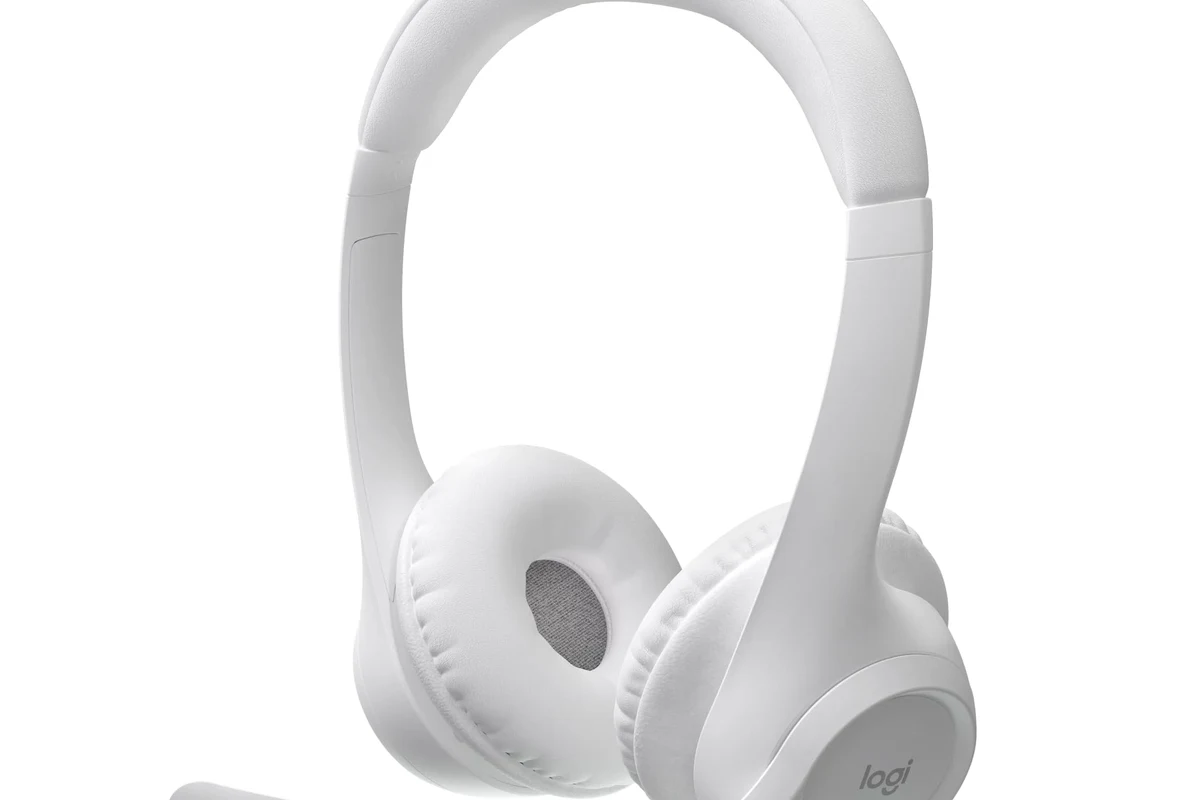
Yes, you can connect Bluetooth headphones to Nintendo Switch in 2026 as long as your console is updated and your headphones support standard Bluetooth audio. This applies to most Switch models, including the original Switch, Switch Lite, and OLED model.
The big change is that Nintendo added native Bluetooth audio support through a system update, which removed the need for a separate transmitter in many situations. Before that update, players had to rely on workarounds like USB-C adapters, dock dongles, or 3.5mm wired connections.
Even with built-in support, Bluetooth on Switch is still more limited than Bluetooth on a smartphone. If you want to understand wireless pairing basics more generally, our guide on how to connect Bluetooth headphones can help you recognize the same pairing steps across devices.
How Nintendo Switch Bluetooth Audio Works: Built-In Support, Limits, and Compatibility
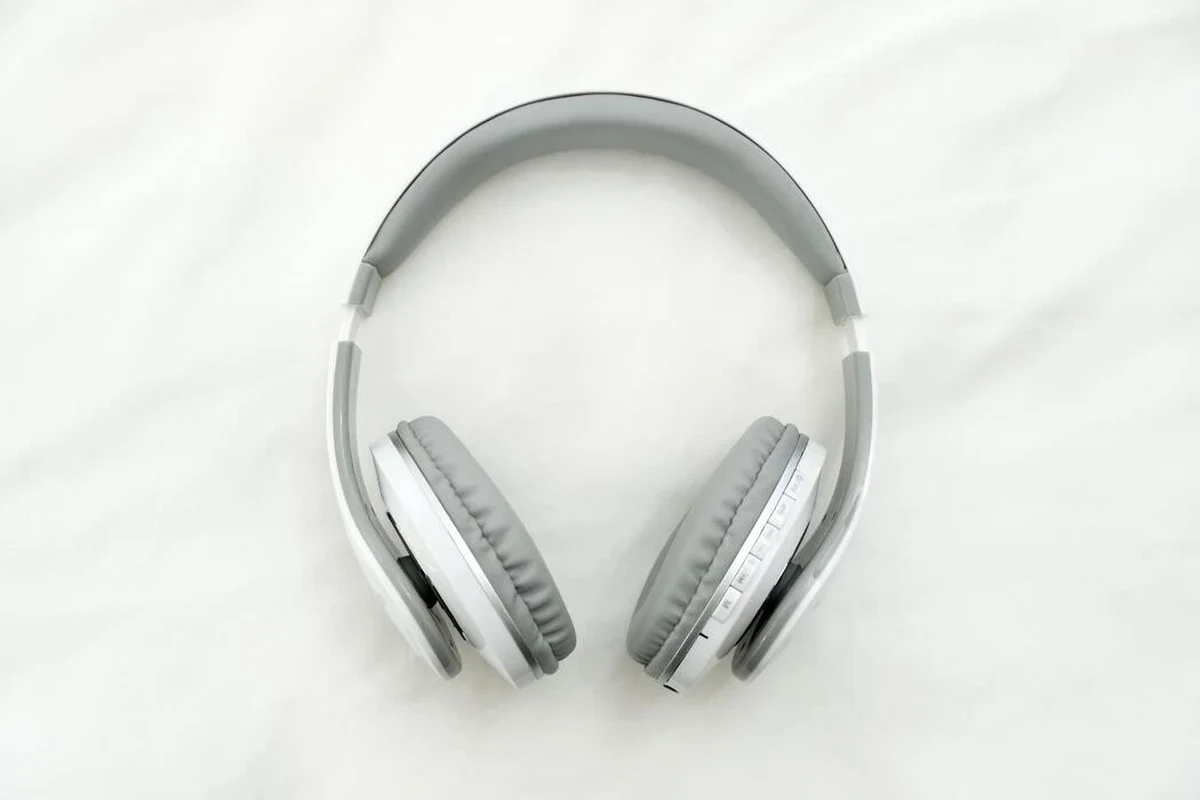
Switch Bluetooth audio works by sending game sound wirelessly to your headphones over a standard Bluetooth audio profile. In simple terms, the console acts like the source, and your headphones act like the receiver.
Compatibility is usually broad, but not universal. Some older headphones, some gaming headsets, and some multipoint earbuds may connect less smoothly than newer models that support stable Bluetooth audio and modern codecs.
Bluetooth audio on game consoles is often optimized for convenience first, not for the lowest possible delay. That’s why casual listening usually feels better than fast-paced competitive gaming.
Which Switch Models Support Bluetooth Headphones
All main Nintendo Switch models support Bluetooth headphones after the system update: the original Switch, Switch Lite, and Switch OLED. The feature is tied to the console software, not just the hardware shell.
That means the model you own matters less than whether the system software is current. If your Switch is updated, Bluetooth audio should be available in the system settings menu.
- Your Switch system software is up to date
- Your headphones are in pairing mode
- No other device is actively connected to the headphones
What Audio Features Still Do Not Work Over Bluetooth
Bluetooth audio on Switch does not fully replace a wired gaming headset setup. In many cases, microphone support is the biggest limitation, because voice chat and in-game communication may not work the way users expect.
Another common limitation is simultaneous device behavior. When Bluetooth audio is active, the console may reduce the number of wireless controllers or accessories it can support at the same time, and that can affect some multiplayer setups.
Do not assume every Bluetooth headset microphone will work on Nintendo Switch. Audio playback and microphone support are not always the same thing.
Step-by-Step: How to Pair Bluetooth Headphones to a Nintendo Switch
Pairing is straightforward once you know where to look in the Switch menu. The process is similar across models, but the exact menu labels may vary slightly depending on your system version.
Pairing on the Original Switch, Switch Lite, and OLED
From the home screen, go to the gear icon and open the Bluetooth audio or controller/audio section in settings.
Put your headphones into pairing mode. This usually means holding the Bluetooth or power button until the indicator light flashes.
Choose your headphones from the list on the Switch and confirm the connection. Wait for the console to finish pairing before starting a game.
If you are new to wireless audio, it may help to review the basics in our Bluetooth headphones explained guide. Knowing how pairing mode works can save time when a device does not show up right away.
Reconnecting After Sleep Mode or Console Restart
After sleep mode, most paired headphones should reconnect automatically if they are turned on and close enough to the console. If they do not reconnect, open the Bluetooth audio menu and select the device again.
After a full restart, the process may take a little longer. If the headset still refuses to connect, turning Bluetooth off and back on, or removing the device and pairing again, can solve many simple connection issues.
If your headphones support multipoint, temporarily disconnect them from your phone before pairing with Switch. That often reduces confusion and connection failures.
Best Real-World Use Cases: When Bluetooth Headphones Work Well and When They Don’t
Bluetooth headphones are a strong fit for some Switch players and a weaker fit for others. The best use case depends on how sensitive you are to delay, whether you use voice chat, and how often you play in handheld mode.
Handheld Gaming, Couch Play, and Travel Scenarios
Bluetooth headphones work especially well for handheld gaming, couch play, and travel. If you want fewer cables while playing on the sofa or on a plane, wireless audio is usually a welcome upgrade.
For casual games, story-driven titles, puzzle games, and single-player adventures, the convenience often outweighs the drawbacks. This is also where noise cancelling headphones can be useful, especially if you want to block out background noise during travel or shared living-room play. Our article on how noise cancelling headphones work explains why that can make a big difference in noisy environments.
Latency Issues in Competitive Games and Voice Chat Limits
Latency is the biggest tradeoff with Bluetooth on Switch. In rhythm games, shooters, fighting games, and other timing-sensitive titles, even a small delay can feel distracting.
Voice chat is another area where expectations should stay realistic. If your headset microphone does not behave as expected, you may need a different communication method or a wired headset solution instead.
- No cable clutter
- Great for casual and travel play
- Easy to set up
- Possible audio lag
- Mic support can be limited
- Not ideal for every competitive game
Common Mistakes People Make When Connecting Bluetooth Headphones to Switch
Most connection problems come from a few simple mistakes rather than a broken console or defective headset. If pairing fails, it is usually worth checking the basics before assuming the hardware is bad.
Outdated System Software, Too Many Paired Devices, and Audio Dropouts
One common mistake is forgetting to update the Switch system software. If the console is not current, Bluetooth audio may not appear or may act unpredictably.
Another issue is having too many paired devices saved on the console or too many active wireless devices nearby. That can create dropouts, slow reconnection, or pairing confusion, especially in busy homes with multiple Bluetooth products.
When troubleshooting, it can help to reset the headphones as well. If a device keeps failing to connect, our how to reset Bluetooth headphones guide may help you clear old pairing data and start fresh.
Confusing Bluetooth Audio with Microphone Support
Many users assume that if the headphones connect, the microphone will work automatically. On Switch, that is not always true, because audio output and mic input are handled differently by the system and the headset.
This is especially important for players buying gaming headsets for chat-heavy titles. Always check whether the headset is meant to support console voice chat, not just wireless playback.
Listening at high volumes for long periods can cause hearing damage. Keep volume at 60% or below for extended sessions.
Expert Advice: How to Improve Sound Quality, Reduce Lag, and Avoid Connection Problems
You can usually improve the Switch Bluetooth experience with a few practical habits. Start with the simplest fixes first: update the console, charge the headphones, and keep the headset close to the console or dock.
Sound quality also depends on the headphone model itself. Closed-back headphones and many in-ear monitors can sound more focused on the Switch, while open-back headphones may leak sound and work better in quiet rooms than in shared spaces.
If you notice persistent ear pain, ringing, or discomfort during gaming sessions, stop using the headphones and consider speaking with an audiologist or hearing professional.
When a Bluetooth Transmitter or USB-C Adapter Is Worth Buying
A Bluetooth transmitter or USB-C adapter can be worth buying if you want more stable wireless audio, lower delay, or broader compatibility with older headphones. This is especially useful if your preferred headset does not pair cleanly with the Switch on its own.
Adapters can also help in setups where you want to use a specific headset across several devices. Still, they add cost and another point of failure, so they are most useful when built-in Bluetooth does not meet your needs.
Price Comparison: Built-In Bluetooth vs Adapter vs Wired Headphones
Built-in Bluetooth is the cheapest option because it is already included with the console. A transmitter or USB-C adapter adds extra cost, while a wired headset is often the simplest low-latency choice if you already own one.
If you are comparing wireless and wired sound more broadly, our article on Bluetooth vs wired headphones sound quality offers a useful framework for deciding what matters most to you.
In short: built-in Bluetooth is the easiest route, adapters are for users who want more control, and wired headphones remain the most dependable option for many competitive players.
Final Recap: The Easiest Way to Use Bluetooth Headphones with Nintendo Switch
So, can you connect Bluetooth headphones to Nintendo Switch easily? Yes, and for most players the built-in feature is the simplest answer. If your console is updated and your headphones support standard Bluetooth audio, pairing should be quick and practical.
The main things to remember are the limits: latency can affect fast games, microphone support may be inconsistent, and some devices reconnect more reliably than others. For everyday gaming, travel, and casual play, though, Bluetooth headphones are a very convenient choice.
- Bluetooth headphones work on Switch through built-in support.
- Best for casual, handheld, and travel gaming.
- Mic support and latency can still be limiting.
- Adapters and wired headsets help when you need better stability.
Frequently Asked Questions
Wireless headphones are more convenient, especially for handheld and couch play. Wired headphones usually offer lower latency and more consistent audio for competitive games.
Yes, they can work very well for travel and noisy rooms because they reduce background sound. Just remember that noise cancelling does not fix Bluetooth lag or microphone limits.
Closed-back headphones are usually better for Switch because they isolate sound and keep game audio focused. Open-back headphones can sound spacious, but they leak sound and work best in quiet spaces.
Look at Bluetooth stability, comfort, battery life, and whether the headset supports low-latency modes. Driver type, tuning, bass response, and EQ options also affect how the audio feels in real use.
A comfortable closed-back wireless headset or earbuds with solid battery life is usually the most flexible choice. If gaming latency matters most, a wired headset or Bluetooth adapter may be a better fit.
Lightweight headphones with soft ear cushions are usually easier to wear for long sessions. Build quality matters too, because hinges, headbands, and padding can wear out faster with daily use.