Can You Connect Bluetooth Headphones to Roku Easily

Yes, but only some Roku devices support Bluetooth headphones directly. If yours does not, the Roku mobile app private listening feature or a TV Bluetooth workaround is usually the easiest fix.
If you’re asking can you connect bluetooth headphones to roku, the short answer is: sometimes yes, but it depends on the Roku model and the method you use. Some Roku devices and Roku TVs support Bluetooth audio directly, while many users still rely on the Roku mobile app or a TV-based workaround for private listening.
That means the “easy” answer is not the same for every setup. In this guide, the Top Headphone Reviews Editorial Team breaks down what works, what doesn’t, and which option makes the most sense for movies, gaming, and everyday TV watching.
- Direct support: Works only on select Roku models and Roku TVs.
- Best workaround: Roku mobile app private listening is often the simplest option.
- Gaming note: Bluetooth can add lag, so wired or RF may be better.
- Compatibility: TV Bluetooth may work even when Roku Bluetooth does not.
Can You Connect Bluetooth Headphones to Roku in 2025? What the Answer Really Means
Roku has improved headphone listening over time, but Bluetooth support is still not universal across every device. If your Roku hardware supports Bluetooth audio, you can usually pair headphones directly. If it doesn’t, you’ll need a workaround like private listening through the app or Bluetooth from your TV instead.
Roku models that support Bluetooth audio directly
Some newer Roku streaming devices and Roku TVs include Bluetooth audio support, which lets you pair wireless headphones without extra accessories. This is the cleanest option when it’s available because the connection happens right on the device.
Still, support can vary by exact model, software version, and region. Before you buy headphones or change your setup, check your Roku settings menu for Bluetooth or audio device options. If you do not see those menus, your device may not support direct Bluetooth headphone pairing.
Why many Roku users still need workarounds
Many Roku users own older streaming sticks, older Roku TVs, or TV setups where Bluetooth audio is limited. In those cases, direct pairing may not be possible even if the headphones themselves are excellent.
That is why workarounds remain so common. The Roku mobile app can turn your phone into a private listening bridge, and some TVs let you connect headphones through built-in Bluetooth even when the Roku device itself cannot.
Compatibility can change based on firmware updates and TV brand features, so always confirm your exact Roku model before assuming Bluetooth will work.
How Roku Headphone Connectivity Works: Bluetooth, Roku Mobile App, and Private Listening
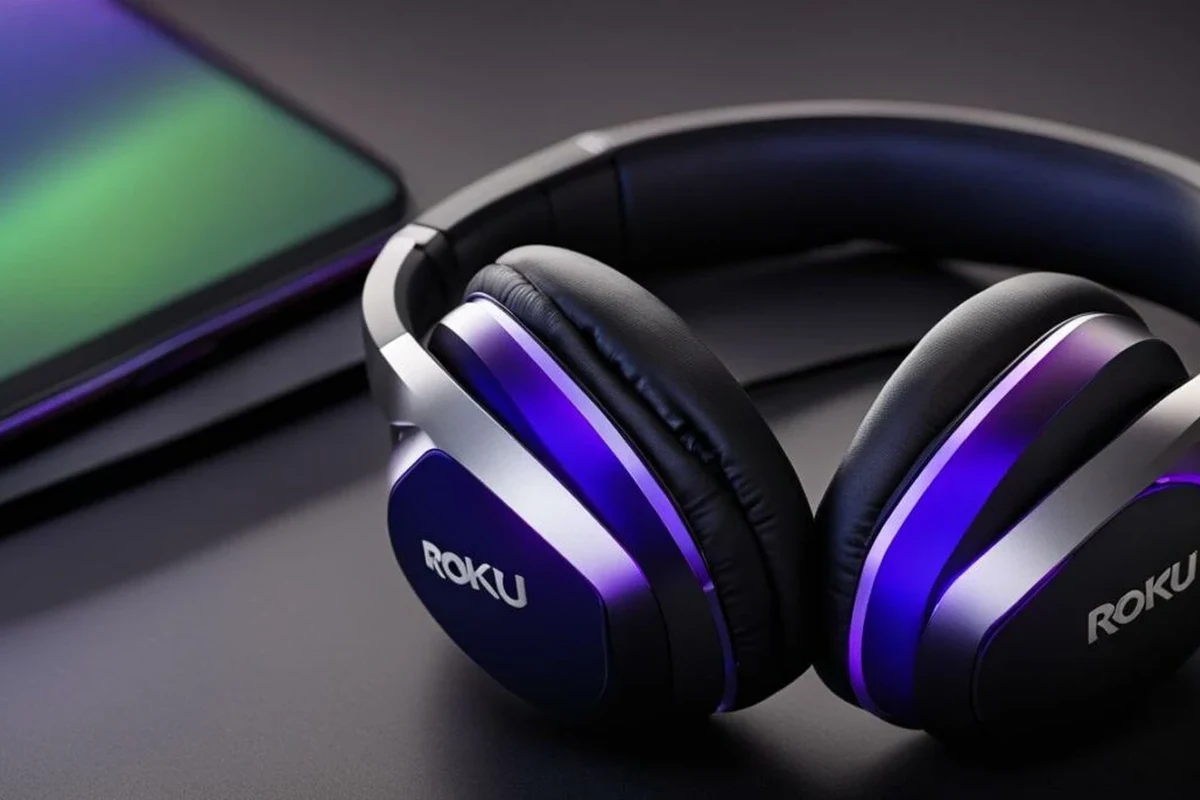
There are three main ways people listen privately with Roku: direct Bluetooth pairing, the Roku mobile app’s private listening feature, and Bluetooth through the TV instead of the Roku device. Each method has a different setup process and different sound behavior.
Bluetooth pairing vs. Roku’s private listening feature
Bluetooth pairing connects headphones wirelessly in the traditional way. It is simple when supported, but it may introduce delay, especially with action scenes or gaming.
Roku’s private listening feature works through the mobile app and sends audio to your phone first, then to your headphones. It is often easier for unsupported devices, but it depends on your phone, your network, and app stability.
Which method is best for late-night TV, gaming, and shared spaces
For late-night TV in a shared living room, private listening is often the most practical choice because it avoids disturbing others. If your Roku supports direct Bluetooth and the connection is stable, that can feel more seamless.
For gaming, low latency matters more than convenience. In that case, wired headphones, a low-lag wireless option, or a TV/receiver-based setup may be better than standard Bluetooth if you notice audio delay.
Listening at high volumes for long periods can cause hearing damage. Keep volume at 60% or below for extended sessions.
Step-by-Step: How to Connect Bluetooth Headphones to a Roku Device or TV
Before you start, make sure your headphones are charged and in pairing mode. If you want a broader refresher on pairing basics, our guide on how to connect bluetooth headphones covers the general process that also applies to many Roku-related setups.
Pairing directly on supported Roku streaming devices and Roku TVs
Go to the audio or Bluetooth section in the Roku menu if your device supports direct pairing.
Follow your headphone instructions so the device becomes discoverable.
Choose your headphones from the list and wait for the connection confirmation.
Using the Roku mobile app for private listening
If your Roku does not support direct Bluetooth audio, the mobile app is often the easiest workaround. Install the Roku app, connect your phone to the same network, and look for the private listening feature while media is playing.
Once private listening is active, audio routes to your phone and then to your headphones. This can be a smart choice for apartments, bedrooms, or shared homes where you want quiet TV time without extra hardware.
Private listening can be more flexible than direct Bluetooth because it may work even when the Roku device itself has no headphone pairing menu.
Connecting through a TV’s built-in Bluetooth instead of Roku
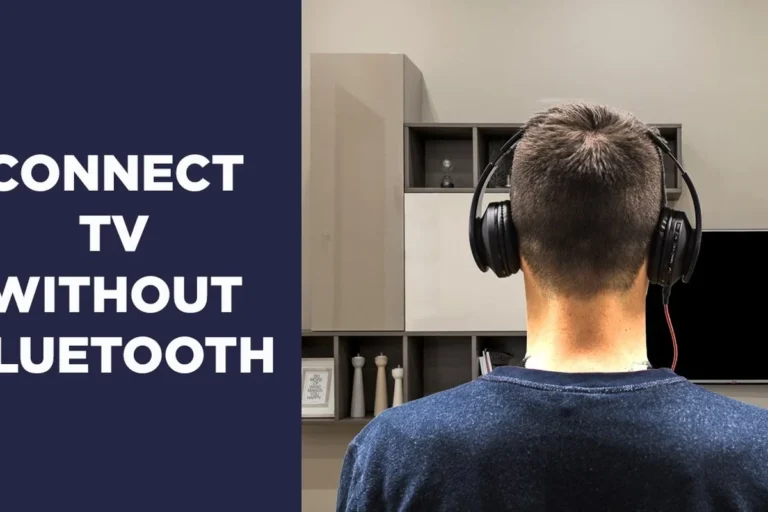
Some TVs have their own Bluetooth audio settings, separate from the Roku interface. If your Roku is plugged into a TV and the TV supports Bluetooth headphones, you may be able to pair there instead.
This can be a useful workaround, but TV Bluetooth behavior varies widely. Some TVs handle audio well, while others add delay or limit volume controls, so it is worth testing before you rely on it for regular use.
Best Use Cases and Real-World Examples for Roku Headphone Listening
Roku headphone listening is not just about technical compatibility. It is also about choosing the right setup for the way you watch, play, and share your space.
Watching movies without disturbing others
For movie nights, headphones are a great way to keep dialogue clear without turning up the TV. Closed-back headphones or comfortable wireless over-ear models are often the best fit because they help keep outside noise down and sound more immersive.
- Direct Bluetooth is best when your Roku supports it.
- Private listening is the easiest workaround for unsupported devices.
- TV Bluetooth can help, but it is not always the most reliable path.
Gaming with low-latency audio expectations
Gaming is where Bluetooth can become frustrating. Even small delays can make explosions, footsteps, and dialogue feel off, especially in action games or fast scenes.
If you game through a Roku-connected TV, consider whether your TV, console, or headset offers a lower-latency option. For a deeper look at wireless tradeoffs, our guide on bluetooth vs wired headphones sound quality explains why wired often wins for timing-sensitive audio.
Bedroom, apartment, and travel setups
In bedrooms and apartments, private listening is often the biggest quality-of-life upgrade because it keeps the room quiet. It is also helpful if you watch late at night and do not want to wake anyone nearby.
For travel or temporary setups, Bluetooth headphones can be convenient, but the best option depends on the TV or Roku hardware available. If you are moving between rooms or devices often, flexibility may matter more than perfect sound quality.
Common Problems When Connecting Bluetooth Headphones to Roku
Most Roku headphone problems come down to compatibility, delay, or pairing confusion. The good news is that many of these issues are easy to diagnose once you know what to look for.
Unsupported Roku models and missing Bluetooth menus
If you cannot find a Bluetooth option, your Roku model may not support direct headphone pairing. That does not mean headphones will not work at all; it just means you need another route such as private listening or TV Bluetooth.
Do not assume every Roku device works the same way. A missing Bluetooth menu usually means the feature is not available on that model, not that the headphones are broken.
Audio lag, sync issues, and weak wireless range
Bluetooth lag can happen because the signal needs to travel from the source to the headphones with some processing delay. That delay may be small for casual TV watching, but it can become noticeable during gaming or fast dialogue scenes.
Range can also affect stability. Walls, furniture, and interference from other wireless devices may weaken the connection, so try staying within a short, clear line of sight when possible.
Headphones not showing up or failing to pair
If your headphones do not appear in the Roku menu, make sure they are in pairing mode and not already connected to another device. Many Bluetooth issues are caused by headphones automatically reconnecting to a phone or tablet nearby.
If the connection still fails, restart the headphones, restart the Roku device, and try again. If you still have trouble, our guide on bluetooth headphones explained simply can help you understand pairing behavior and why some devices connect more easily than others.
Expert Advice: When Bluetooth Is the Wrong Choice for Roku Audio
Bluetooth is convenient, but convenience is not always the same as best audio performance. For some viewers, a different connection type is simply a better fit.
Latency concerns for action scenes and gaming
If you notice dialogue arriving late or sound effects feeling out of step with the picture, Bluetooth may be the problem. That matters most in gaming, sports, and fast-paced movies where timing affects the experience.
If you have ongoing sync problems, hearing concerns, or need a more specialized listening setup, consider speaking with an audiologist or a professional audio specialist.
Battery drain, dropouts, and interference warnings
Wireless headphones need battery power, and long Roku sessions can drain them faster than expected. Dropouts can also happen if the headphones are low on charge or if other devices are crowding the wireless environment.
That is why some users prefer a more stable setup for long viewing sessions. If your headphones frequently cut out, the problem may not be Roku at all; it may be the wireless path itself.
When a wired, RF, or app-based solution is better
Wired headphones are usually the simplest option for low lag, though they are less convenient. RF wireless headsets can also be a strong choice for TV use because they are often designed for longer range and more stable home listening.
If you want a no-extra-hardware option, the Roku app may still be the most practical solution. It is especially useful when your TV or Roku model does not offer a clean Bluetooth path.
Cost, Compatibility, and Best Value Options for Roku Headphone Listening
The best value choice depends on whether you already own compatible headphones and whether your Roku setup supports direct connection. Sometimes the cheapest solution is the one you already have.
Free options vs. buying Bluetooth headphones
If your Roku or TV already supports Bluetooth, you may not need to buy anything new. If not, the Roku app gives you a low-cost way to listen privately without adding another device.
Buying Bluetooth headphones makes sense if you want a reusable pair for TV, phone, and travel. If you want to compare wireless options more broadly, our article on types of headphones explained is a helpful starting point.
Budget, mid-range, and premium headphone considerations
Budget headphones can work fine for casual TV, but comfort and latency may be less consistent. Mid-range models often offer a better balance of battery life, fit, and sound quality.
Premium models may improve comfort, noise cancellation, and microphone quality, though those upgrades do not always reduce lag. For Roku listening, compatibility and comfort often matter more than chasing the most expensive pair.
What to look for in 2025: comfort, battery life, and latency
For long TV sessions, look for lightweight headphones, soft ear cushions, and a stable fit. Battery life also matters if you watch several episodes in a row or use headphones daily.
- Does your Roku model support Bluetooth audio?
- Does the headset stay comfortable for long sessions?
- Is latency acceptable for your TV or gaming use?
- Will the battery last through a full viewing session?
If you care most about sound balance, remember that EQ settings can help more than brand names in some cases. Bass, clarity, and soundstage all depend on the headphone design, fit, and your personal preferences.
Final Verdict: The Easiest Way to Use Headphones with Roku Without Frustration
The easiest way to use headphones with Roku is the method your exact device supports most reliably. If your Roku has direct Bluetooth audio, that is usually the most straightforward path.
Quick recap of the best connection method by device type
For supported Roku streaming devices and Roku TVs, direct Bluetooth pairing is the cleanest option. For unsupported models, the Roku mobile app’s private listening feature is usually the simplest workaround.
If your TV has its own Bluetooth menu, that may also work well, but results vary by brand and model. When timing matters, wired or RF options can still outperform Bluetooth for stability.
Who should use Bluetooth, private listening, or a TV-based workaround
Use Bluetooth if your Roku supports it and you want a simple wireless setup. Use private listening if your Roku does not support direct pairing or if you want a quick, no-extra-accessory solution.
Use a TV-based workaround if your television handles Bluetooth well and you want to keep the Roku itself out of the pairing process. That approach can be useful, but it is worth testing before you depend on it every day.
Frequently Asked Questions
Not always. Wired headphones usually offer lower latency and more stable sync, while wireless headphones are more convenient for couch listening.
Yes, especially in shared or noisy rooms. They can help dialogue feel clearer, but comfort and fit still matter for long sessions.
Closed-back headphones are usually better for Roku TV because they block more outside noise and reduce sound leakage. Open-back models can sound spacious, but they are less private.
Latency, comfort, and stable wireless range matter most. Bass and clarity are also important, but timing is usually the biggest factor for games.
Look for lightweight over-ear or comfortable in-ear designs with soft ear cushions and good battery life. Build quality and clamp force can affect comfort over time.
Yes, a little EQ tuning can improve dialogue clarity or reduce harsh treble. Small adjustments are usually better than extreme changes, especially for TV audio.