Can You Pair Bluetooth Headphones to Xbox One Easily

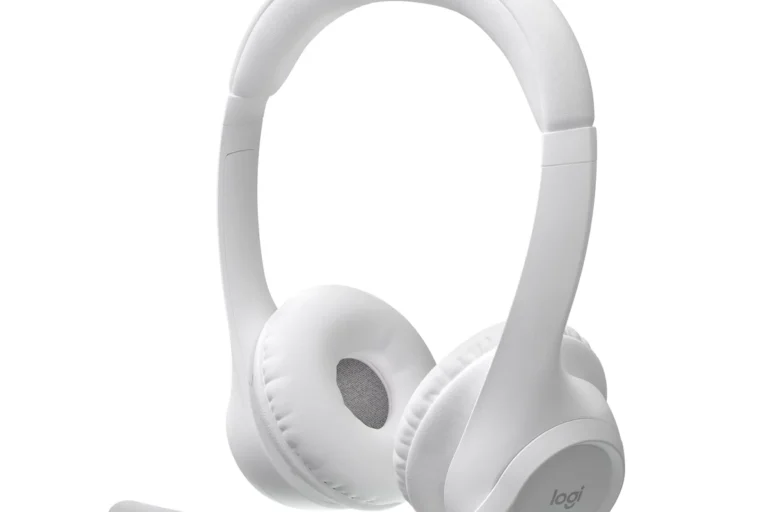
Not directly in the normal Bluetooth way, but you can use Bluetooth headphones with Xbox One through a transmitter or TV audio route. If you want the simplest setup, an Xbox-compatible wireless headset is usually the better choice.
If you’re asking can you pair bluetooth headphones to xbox one, the short answer is usually no, not directly. Xbox One does not work like a phone or laptop, so most Bluetooth headphones need a workaround such as a transmitter, TV audio output, or an Xbox-compatible wireless headset.
- Direct pairing: Xbox One usually does not connect to standard Bluetooth headphones natively.
- Best workaround: Use a low-latency Bluetooth transmitter or TV audio output.
- Chat support: Mic compatibility is not guaranteed with Bluetooth setups.
- Best value: Xbox Wireless headsets are often easier for gaming.
Can You Pair Bluetooth Headphones to Xbox One? The Short Answer and Why It Matters
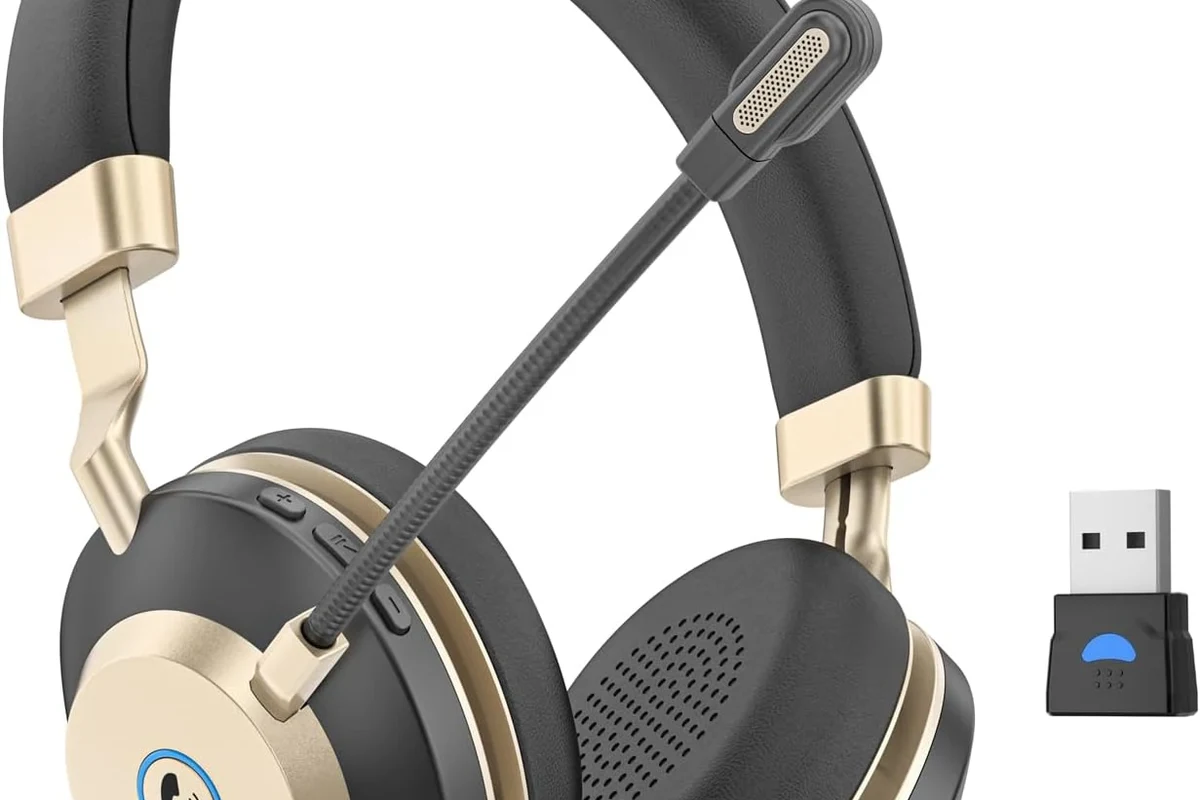
Xbox One is a little different from other devices because it does not support standard Bluetooth audio for most headphones. That means the pairing process many people expect simply won’t appear in the console settings.
This matters because a lot of buyers assume any wireless headphone will work with any gaming system. In reality, the audio path affects sound delay, chat support, and overall convenience, especially if you play fast-paced games or use party chat often.
How Xbox One Wireless Audio Actually Works in 2026
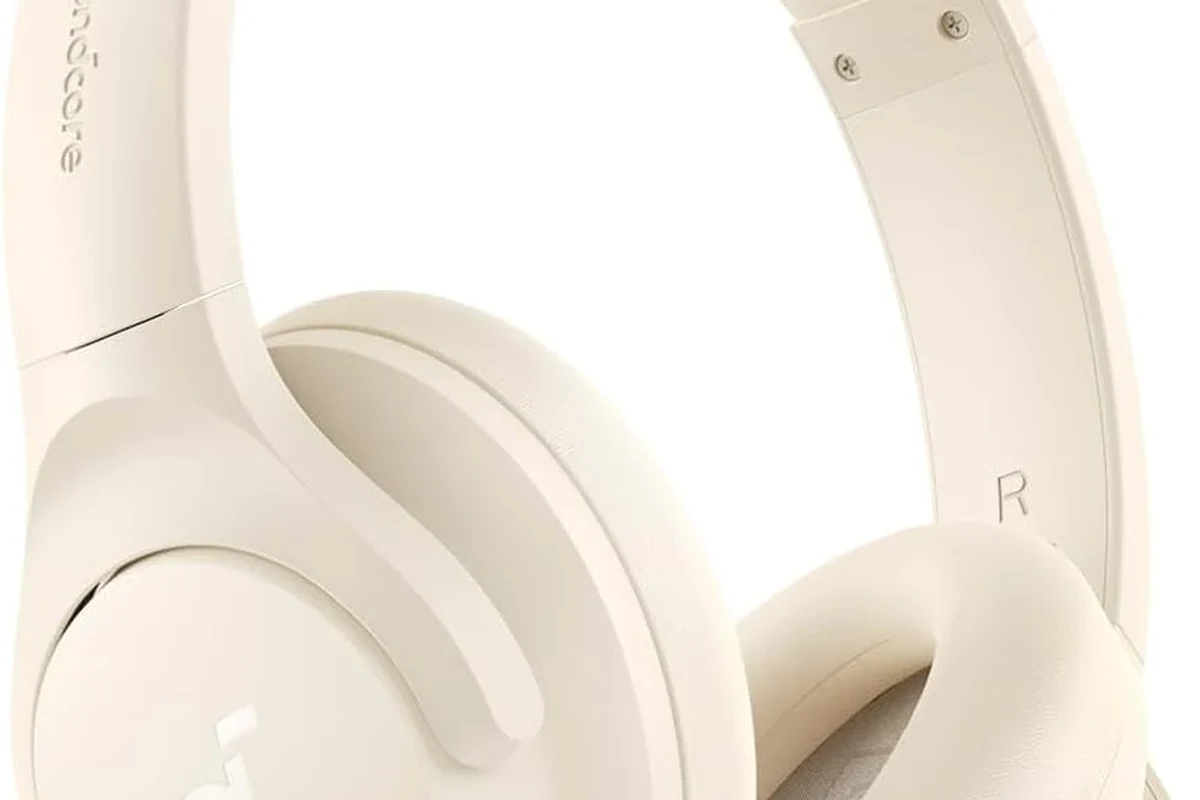
Even in 2026, Xbox One still relies on its own wireless ecosystem rather than standard Bluetooth audio for headphones. That design helps the console handle game audio and chat in a way that is more stable for gaming.
If you’re comparing options, it helps to understand that “wireless” does not always mean “Bluetooth.” Some headsets use proprietary Xbox Wireless, while others may connect through the controller, TV, or a separate adapter.
Xbox Wireless vs. Bluetooth: The Key Difference
Bluetooth is a general-purpose wireless standard used by phones, tablets, laptops, and many headphones. Xbox Wireless is Microsoft’s own connection method, built specifically for Xbox accessories and gaming use.
The difference is important because Bluetooth is not always optimized for low-latency game audio or voice chat. Xbox Wireless headsets are usually easier to set up on the console because they are designed for that ecosystem from the start.
Many “wireless” gaming headsets are not Bluetooth at all. They may use a dedicated dongle or a console-specific wireless system instead.
Why Most Bluetooth Headphones Still Won’t Connect Directly
The main reason is compatibility. Xbox One generally does not expose a normal Bluetooth audio menu for standard headphones, so your headset may never show up as an available device.
There are exceptions with third-party accessories or special setups, but those are workarounds rather than true native Bluetooth pairing. If you want a smoother experience, it’s better to plan the connection method before buying the headphones.
Best Ways to Use Bluetooth Headphones with Xbox One
If you already own Bluetooth headphones, you still have a few practical ways to use them with Xbox One. The best method depends on whether you want game audio only, voice chat, or the simplest setup possible.
For readers comparing headphone setups, it can also help to review bluetooth headphones explained simply and bluetooth vs wired headphones sound quality before choosing a workaround.
Using a Bluetooth Transmitter with the Xbox One Controller or TV
A Bluetooth transmitter is one of the most common fixes. It takes audio from a source like the controller’s 3.5mm jack or the TV’s audio output and sends it to your Bluetooth headphones.
This method is useful if your goal is just to hear the game wirelessly. Keep in mind that transmitter quality matters a lot, because cheaper models may introduce lag, weaker range, or unstable pairing.
If you use a transmitter, look for low-latency support and test audio sync with a game that has clear lip movement or gunfire timing.
Connecting Through the TV’s Audio Output or HDMI Audio Extractor
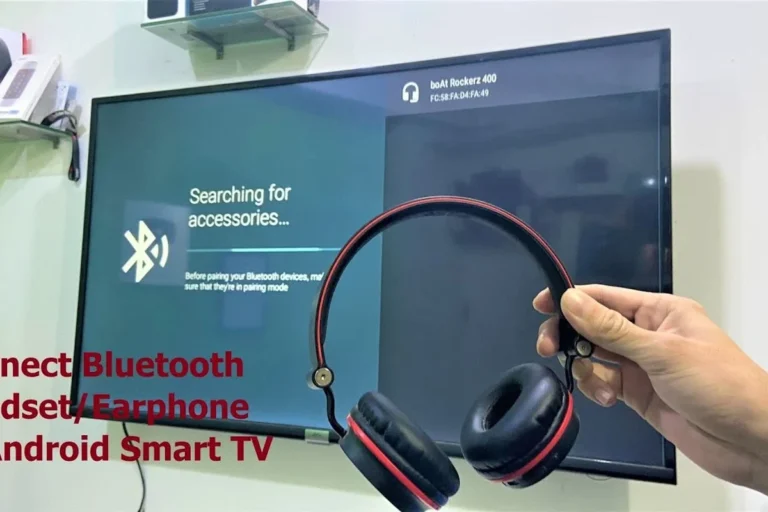
Another option is to send Xbox audio through your TV and then connect Bluetooth headphones to the TV, if the TV supports it. Some TVs also let you use wired headphones or pair a headset directly through their own Bluetooth menu.
If your TV does not offer a good audio path, an HDMI audio extractor may help by splitting the Xbox signal into separate audio and video outputs. That can make headphone routing easier, though results vary by TV model and extractor quality.
TV Bluetooth audio is convenient, but it may not be ideal for fast gaming if your TV adds noticeable delay. Always check for a game mode or low-latency setting if available.
Using Xbox-Compatible Wireless Headsets as the Easier Alternative
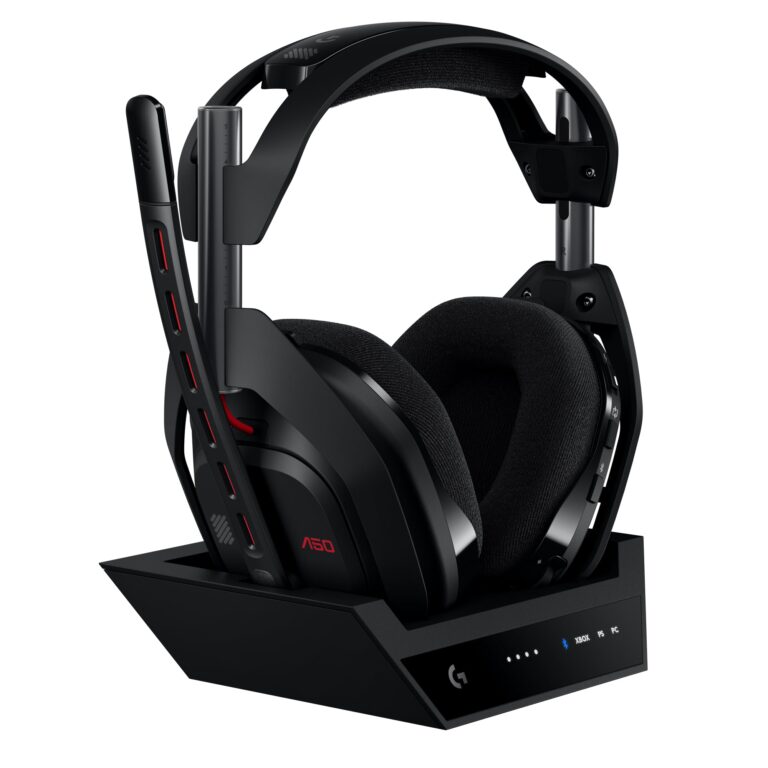
If you want the least frustrating setup, an Xbox-compatible wireless headset is often the better choice. These headsets are designed to connect directly to the console without extra adapters or TV routing.
For many players, that means fewer pairing issues and better support for chat. If you are also comparing comfort and fit across headset styles, our guide to types of headphones explained can help narrow down what style works best for long gaming sessions.
Step-by-Step Setup Examples for Real-World Use
Below are three simple examples of how people usually try to use Bluetooth headphones with Xbox One. These are not the only methods, but they cover the most common real-world setups.
Example 1: Bluetooth Transmitter from the Controller Jack
This is the most direct workaround when you want audio in your headphones without relying on the TV. You plug the transmitter into the Xbox controller’s headphone jack, then pair your Bluetooth headphones to the transmitter.
Plug the transmitter into the controller’s 3.5mm audio jack or another supported audio output.
Follow your headphone’s normal Bluetooth pairing steps until the transmitter detects them.
Open a game or video and check whether the audio stays in sync with on-screen action.
Controller-jack setups can work for listening, but mic support for party chat is not guaranteed. Check the transmitter’s features before buying if voice chat matters to you.
Example 2: Headphones Connected to a TV with Low-Latency Audio
If your TV supports Bluetooth audio, this can be a simple living-room solution. The Xbox sends video and sound to the TV, and the TV handles the headphone connection.
This is often easier for movie-style single-player gaming than for competitive play. If you notice lag, see whether your TV has a game mode, Bluetooth audio sync setting, or wired headphone output as a backup.
- Does the TV support Bluetooth headphones directly?
- Is there a low-latency or game mode setting?
- Does the TV allow separate volume control for headphones?
Example 3: Switching to an Xbox Wireless Headset for Simpler Pairing
If you are tired of adapters and sync issues, moving to an Xbox Wireless headset may be the cleanest answer. These headsets are built for console use and usually pair more naturally with Xbox hardware.
That does not automatically make them better for everyone, but it does make setup easier. For many gamers, convenience is worth more than forcing a Bluetooth-only headset into a system that was not designed for it.
Common Problems When Trying to Pair Bluetooth Headphones to Xbox One
Even when a workaround technically works, the experience can still be imperfect. The most common complaints are audio lag, voice chat limitations, and unstable connections.
Audio Lag, Lip Sync Issues, and Game Delay
Bluetooth audio can arrive a little late, which is fine for casual listening but less ideal for gaming. In fast shooters, rhythm games, or anything with precise timing, that delay can be distracting.
If you are sensitive to sync issues, you may prefer a wired connection or a headset made for gaming. Readers who want a deeper look at latency can also check our bluetooth headphone lag fix guide for general troubleshooting ideas.
Mic Not Working for Party Chat or Voice Chat
Some Bluetooth setups only carry audio one way, so the headphones may play sound but not send microphone input back to the Xbox. That is a common frustration for players who want both game audio and chat.
Before buying a transmitter or adapter, confirm whether it supports microphone passthrough. If it does not, you may need a separate mic solution or a gaming headset made for chat.
Connection Drops, Static, and Limited Range
Wireless audio can be affected by walls, interference, battery level, and the quality of the transmitter or headset. If the signal drops often, the problem may not be the Xbox itself but the accessory chain you are using.
Static or crackling can also happen when the transmitter is cheap or poorly matched to the headphones. In that case, a better adapter or a direct Xbox headset may be the more reliable fix.
Listening at high volumes for long periods can cause hearing damage. Keep volume at 60% or below for extended sessions.
What to Buy in 2026: Cost, Features, and Better Value Options
Shopping in 2026 is mostly about choosing the right path, not just the right headphone brand. You can spend less on an adapter, or spend more on a headset that works better with Xbox from the start.
Because pricing and feature sets vary by brand and model, it is smart to compare the full setup cost, not just the headphone price alone.
Budget Bluetooth Transmitters vs. Premium Low-Latency Models
Budget transmitters are attractive because they are cheap and easy to try. The downside is that they may have more delay, weaker range, or less stable pairing.
Premium low-latency models usually cost more, but they are often worth it if you care about smoother sync and fewer dropouts. The best choice depends on how often you game, what TV or controller output you use, and how picky you are about delay.
Bluetooth Headphones vs. Xbox Wireless Headsets: Which Is Worth It?
If you already own good Bluetooth headphones, a transmitter may be the most economical option. If you are buying from scratch, an Xbox Wireless headset is often the more practical long-term purchase.
Bluetooth headphones can still be great for music, streaming, and mobile use. But for Xbox One gaming, a headset designed for the console usually gives you fewer headaches and a cleaner setup.
- Works with headphones you already own
- Can be cheaper than buying a new headset
- Flexible for TV and casual gaming setups
- May add audio delay
- Mic support is inconsistent
- Setup can be more complicated
Expert Advice: When Bluetooth Is Fine and When It’s the Wrong Choice
Bluetooth is not automatically bad for gaming. It is just better for some use cases than others, and Xbox One is one of the systems where the limitations show up quickly.
If you want more background on wireless listening behavior, our article on how noise cancelling headphones work may also help you understand why some headphones feel better in loud rooms than others.
Best Use Cases for Casual Single-Player Gaming and TV Audio
If you mostly play story games, watch streaming apps, or use your Xbox as part of a living-room setup, Bluetooth can be perfectly acceptable. Small delays are less noticeable when you are not relying on split-second reactions.
It is also a decent option if you want private listening late at night and do not care about chat. In those cases, convenience may matter more than absolute gaming performance.
When Competitive Gaming Demands a Different Headphone Setup
If you play competitive shooters, rhythm games, or multiplayer titles where timing matters, Bluetooth is usually not the best route. A wired headset or Xbox Wireless headset will usually feel more responsive.
That is especially true if you want dependable mic support, low latency, and fewer connection problems. For long sessions, comfort also matters, so choose ear cups, clamping force, and weight carefully.
If you have hearing concerns, tinnitus, or ongoing ear discomfort, follow safe listening guidelines and consider speaking with an audiologist before using headphones for long gaming sessions.
Final Verdict: The Easiest Way to Get Wireless Audio on Xbox One
So, can you pair bluetooth headphones to xbox one? Not directly in the normal way most people expect, but you can still use them with workarounds like a Bluetooth transmitter or TV audio routing.
If you want the easiest and most reliable setup, an Xbox-compatible wireless headset is usually the best choice. If you already own Bluetooth headphones, they can still work well for casual gaming and TV audio, as long as you accept the limits around lag, chat, and stability.
- Xbox One usually does not support direct Bluetooth headphone pairing.
- Transmitters and TV audio output are the main workaround options.
- Xbox Wireless headsets are generally simpler and more reliable.
Frequently Asked Questions
Wired headphones are usually more reliable for Xbox One because they avoid wireless lag and pairing issues. Bluetooth can work through a transmitter or TV, but results vary by setup.
Over-ear headphones are often the most comfortable for long sessions because they spread pressure better. In-ear models can be lighter, but comfort and sound isolation depend on the fit and ear tip shape.
Look at latency, clarity, bass balance, and whether the headset supports EQ adjustments. Driver type and tuning matter, but comfort and connection stability are just as important for gaming.
Start with the connection type you need, then compare mic quality, comfort, and battery life if it is wireless. Budget models can be good value, but it helps to avoid features you will not use.
Check weight, headband padding, ear cushion material, and build quality around the hinges and cable points. For long listening sessions, a lighter fit and soft cushions usually matter more than flashy extras.
Yes, noise cancelling can help reduce background noise during gaming or TV watching. Just remember that ANC quality varies by model, and some players prefer passive isolation for simpler, lower-latency setups.