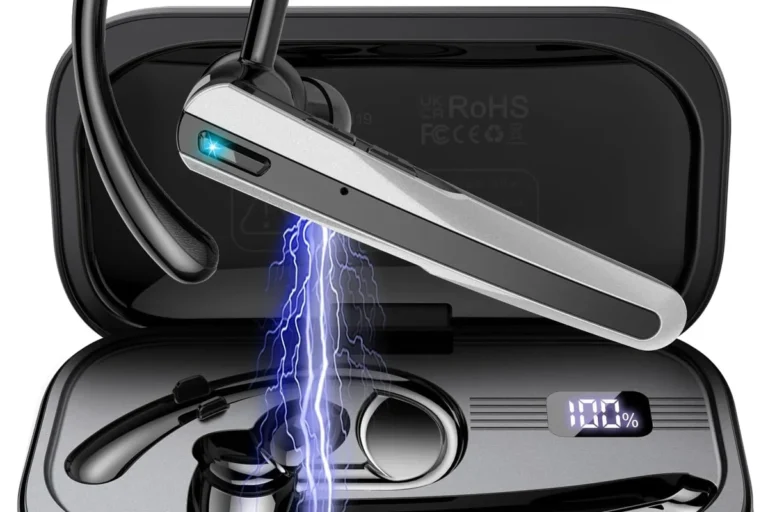
Can You Use Bluetooth Headphones for Xbox One Today

No, Xbox One does not support standard Bluetooth headphones directly. You can still use wired headsets, Xbox-compatible wireless headsets, or a Bluetooth transmitter workaround.
If you’re asking can you use bluetooth headphones for xbox one, the short answer is no, not directly. Xbox One does not support standard Bluetooth audio pairing, so most Bluetooth headphones will not connect to the console the way they do with a phone or laptop.
- Direct pairing: Standard Bluetooth headphones do not connect natively to Xbox One.
- Best reliability: Wired headsets and Xbox-compatible wireless models work best.
- Workarounds: TV transmitters can help, but they may add delay.
- Chat support: Mic compatibility is often the biggest limitation with Bluetooth setups.
Can You Use Bluetooth Headphones for Xbox One in 2026? The Short Answer
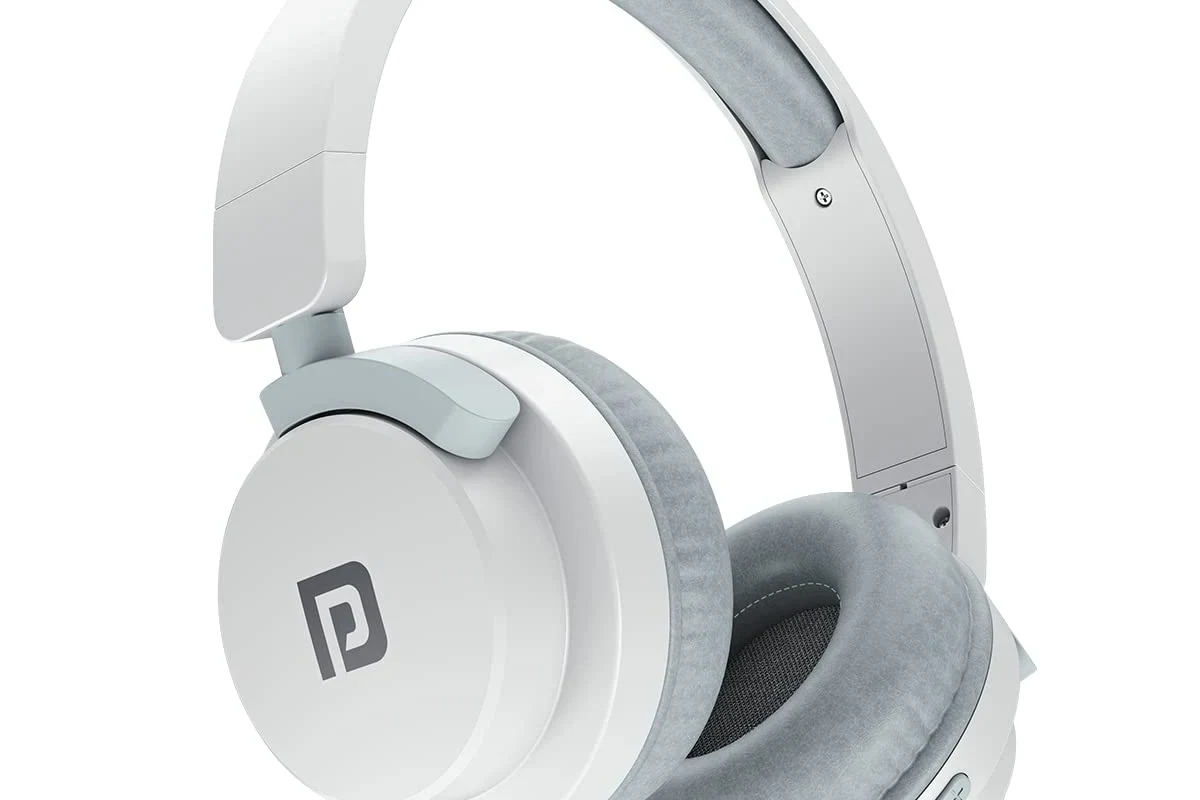
In 2026, the answer is still mostly the same: Xbox One does not natively support regular Bluetooth headphones for game audio. You can still use wireless headphones with Xbox One, but they usually need a different connection method or a headset designed specifically for Xbox.
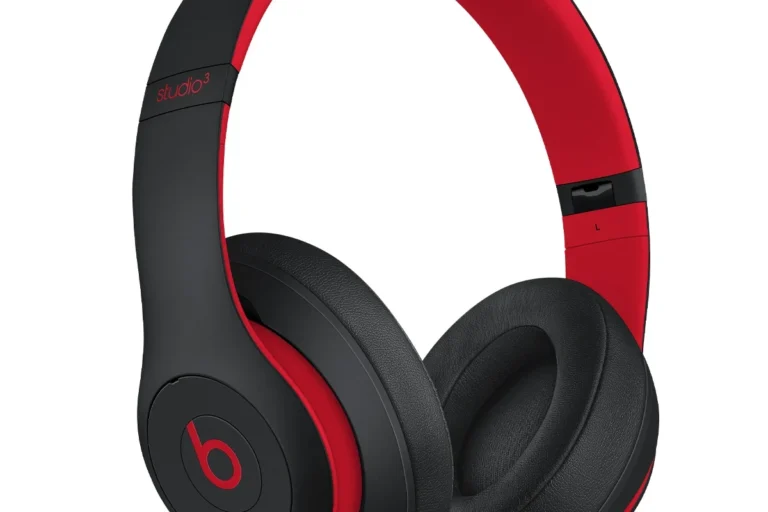
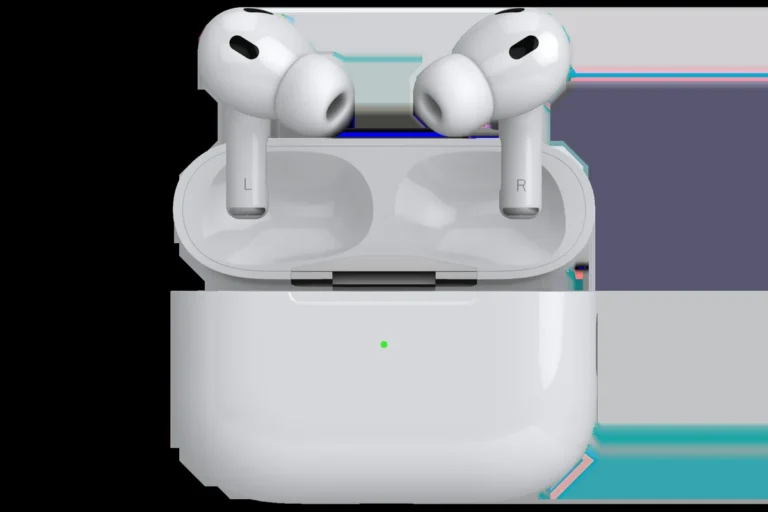
That means AirPods, many Sony wireless headphones, and most Bose Bluetooth models will not pair directly with the console. If you want a simple setup, you’ll usually have better luck with a wired connection or an Xbox-compatible wireless headset.
Why Xbox One Does Not Support Standard Bluetooth Audio

Xbox One was built around Microsoft’s own wireless ecosystem, which is different from the Bluetooth audio stack used by phones, tablets, and many PCs. This is why the console can support some wireless accessories, but not typical Bluetooth headphones for direct audio playback.
For readers who want a broader breakdown of how wireless headphones behave across devices, our guide on Bluetooth headphones explained simply can help make the difference easier to understand.
Xbox wireless protocol vs. Bluetooth: what’s actually different
Bluetooth is a general-purpose wireless standard used by many consumer audio devices. Xbox wireless is a separate protocol created for Xbox accessories, and it is not the same thing as Bluetooth audio pairing.
In practical terms, that means a headset may be wireless, but still not be “Bluetooth compatible” with Xbox One. A headset can work perfectly with your phone and still fail to connect to the console.
Why this matters for latency, sync, and game audio
Gaming audio needs to stay in sync with what you see on screen. Bluetooth can introduce delay, which is noticeable in fast-paced games when footsteps, gunfire, or dialogue arrive slightly late.
That delay is one reason console makers often prefer dedicated wireless systems or wired connections for gaming. If you want more context on lag, our article on Bluetooth headphone lag fix explains why delay happens and how to reduce it in other setups.
Even if a Bluetooth workaround gets audio playing, it may still add delay, reduce chat quality, or create lip-sync issues with movies and cutscenes.
Best Ways to Connect Headphones to Xbox One Without Bluetooth
If you want the most reliable experience, the best options are usually wired or Xbox-compatible wireless connections. These methods are more stable for game audio, chat, and voice clarity than standard Bluetooth pairing.
Using the Xbox controller’s 3.5mm audio jack
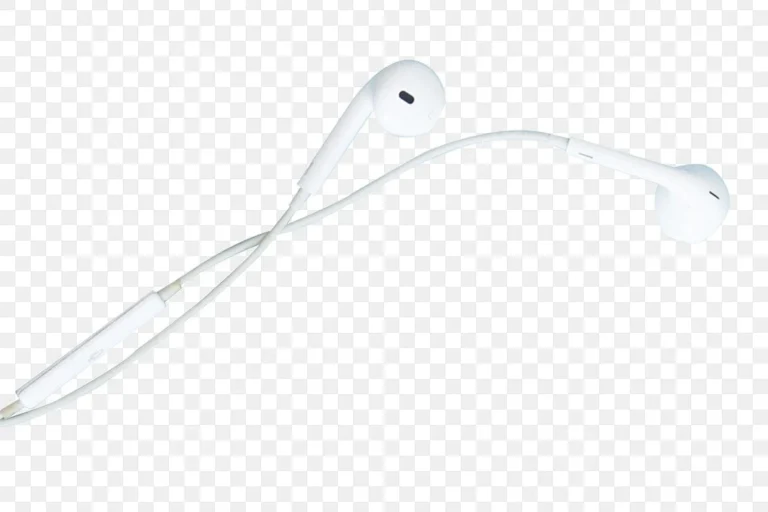
The easiest fix is often a wired headset plugged into the Xbox controller’s 3.5mm jack. This gives you direct game and chat audio without needing the console to support Bluetooth at all.
This option is simple, affordable, and usually the least frustrating for beginners. It is also a good choice if you mainly want dependable voice chat and low-latency audio.
If your headset cable is short, look for a longer replacement cable rather than adding extra adapters. Fewer connections usually means fewer points of failure.
Using a controller adapter or headset adapter
Some Xbox One controllers and accessories support headset adapters that make it easier to manage volume, chat balance, and microphone input. These adapters are especially helpful if your headset has a 3.5mm plug but needs better control over chat settings.
Not every adapter works the same way, so compatibility matters. Before buying, check whether the adapter supports both audio and mic features for your specific headset model.
Connecting through the TV, monitor, or AV receiver
Another option is to route audio through your TV, monitor, or AV receiver and then connect headphones there. This can work well for movie-style gaming setups, especially if you already use your display’s headphone output or audio pass-through.
However, this setup can vary a lot by TV or monitor model. Some displays add noticeable delay, and others may not pass microphone input at all, which makes chat harder to use.
Bluetooth Workarounds That Actually Work for Xbox One
There are a few ways to use Bluetooth-style headphones with Xbox One, but they are workarounds rather than direct support. These methods can be useful, yet they come with trade-offs you should understand before buying anything.
Bluetooth transmitters for TV or controller audio
A Bluetooth transmitter can send audio from your TV, monitor, or another output to your headphones. This is often the closest thing to “Bluetooth on Xbox One,” but it is really the display or adapter doing the work, not the console itself.
These transmitters can be convenient for single-player gaming or casual media use. Still, they may introduce latency, and microphone support is often limited or unavailable.
Bluetooth transmitters vary widely in quality. Some are fine for watching shows, but not ideal for fast gaming where audio timing matters.
Using an Xbox-compatible wireless headset instead
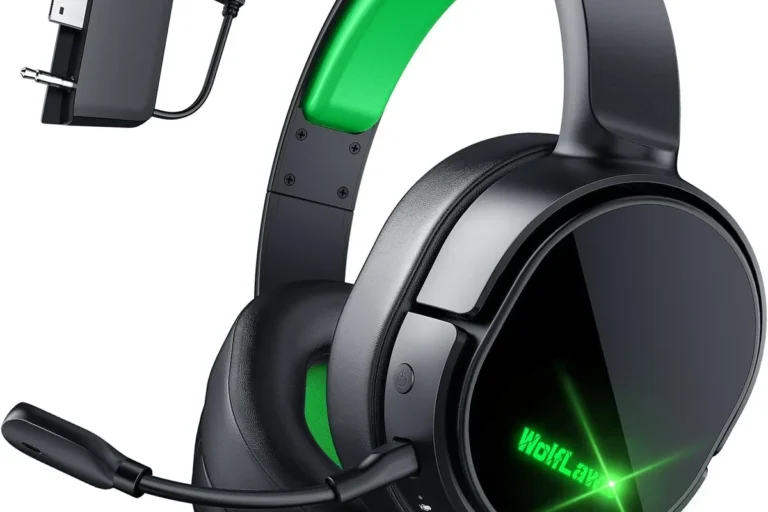
If you want a cleaner wireless experience, an Xbox-compatible headset is usually the better choice. Many of these headsets use a dedicated wireless dongle or Xbox wireless connection instead of standard Bluetooth.
That often means better sync, more reliable chat, and fewer pairing headaches. For readers comparing wireless and wired sound behavior, our guide on Bluetooth vs wired headphones sound quality is a useful companion read.
When a wired connection is still the better choice
Wired headphones still make a lot of sense for Xbox One, especially if you play competitive games or want the simplest setup. There is no battery to manage, no pairing process, and usually less delay.
If your main goal is clear game audio and dependable chat, wired is often the practical winner. Wireless is convenient, but convenience is not always worth the extra complexity on Xbox One.
Practical Examples: What Happens With Popular Headphone Setups
It helps to look at real-world headphone types, because “Bluetooth headphones” can mean very different things. Some are true Bluetooth models, while others are gaming headsets with their own wireless dongles.
AirPods, Sony WH-1000XM series, and Bose headphones on Xbox One
Popular Bluetooth headphones like AirPods, Sony WH-1000XM models, and many Bose headphones typically will not connect directly to Xbox One for native game audio. You may be able to use them through a TV transmitter or another workaround, but not as a simple console pairing.
That setup can be fine for casual listening, but it is usually not the best route for gaming chat or low-latency play. If you are coming from an Apple ecosystem and want to understand device compatibility more broadly, see our guide on phone headphones 2026 for another example of how bundled audio support varies by device.
Gaming headsets with 2.4GHz USB dongles vs. true Bluetooth models
Gaming headsets with 2.4GHz USB dongles are often a better fit for consoles than true Bluetooth headphones. They are designed for lower latency and more stable game audio, though exact performance varies by brand and model.
True Bluetooth models are usually built for phones, tablets, and laptops first. If you want a headset for gaming and everyday use, a dual-mode model or a console-focused headset may be a smarter buy.
Many gaming headsets labeled “wireless” are not Bluetooth headsets at all. They often use a dedicated low-latency wireless signal that is better suited to console gaming.
Party chat, game audio, and microphone limitations to expect
Even when you can get Bluetooth audio working through a workaround, microphone support may be limited. Some setups deliver game sound but do not pass voice chat cleanly, while others may force you to choose between audio quality and mic functionality.
That matters if you play multiplayer games or use Xbox party chat often. For headset buyers, mic support is just as important as sound quality, especially on consoles.
Common Mistakes Gamers Make When Trying to Use Bluetooth on Xbox One
Most problems come from expecting Xbox One to behave like a phone or laptop. Once you know the console’s limits, it becomes much easier to choose the right headset or adapter.
Assuming the console supports direct pairing
The biggest mistake is assuming any Bluetooth headset can pair directly with Xbox One. That is not how the console is designed, and it leads to a lot of frustration during setup.
If a headset does not mention Xbox support, it probably will not connect in the way most people expect. Always check the product’s console compatibility before buying.
Ignoring audio delay and lip-sync issues
Some users get audio working through a transmitter and stop there, only to notice lag later. In gaming, even small delay can affect reaction timing and make cutscenes feel off.
This is especially important for rhythm games, shooters, and fast action titles. If you care about sync, prioritize low-latency connections over convenience.
Overlooking mic support and chat compatibility
Another common issue is assuming that if sound works, the microphone will too. On Xbox One, that is often not the case with Bluetooth workarounds.
If you need party chat, look for a headset or adapter that explicitly supports microphone input on Xbox One. Otherwise, you may end up with game sound but no usable voice chat.
If you have ongoing hearing discomfort, ringing in the ears, or trouble understanding speech at normal volumes, consult an audiologist. For long gaming sessions, keep volume moderate and take regular breaks.
Expert Advice: How to Choose the Right Headphones for Xbox One Today
The best Xbox One headphones are the ones that fit your gaming habits, not just your device list. Think about latency, comfort, mic quality, and how often you switch between gaming, streaming, and everyday listening.
What to prioritize: latency, comfort, mic quality, and battery life
For gaming, latency is one of the most important factors because it affects timing and immersion. Comfort matters too, especially if you wear headphones for long sessions, and mic quality becomes essential if you play online.
Battery life is worth considering for wireless models, but it should not be the only thing you compare. A long battery is less useful if the headset is uncomfortable or has weak chat performance.
- Wireless convenience for casual use
- Better freedom of movement
- Good for mixed gaming and media
- Possible audio delay
- Compatibility limits on Xbox One
- Mic support may be inconsistent
Price comparison: budget wired options vs. premium wireless alternatives
Budget wired headphones are usually the easiest way to get reliable Xbox One audio without extra gear. Premium wireless gaming headsets cost more, but they may offer better convenience, better chat support, and more console-friendly connectivity.
The right choice depends on whether you want simplicity or flexibility. If you are shopping on a budget, wired models often deliver the best value for Xbox One.
Best use cases for casual gaming, competitive play, and media streaming
For casual gaming and streaming, a Bluetooth workaround may be acceptable if you already own the headphones and do not mind some compromise. For competitive play, a wired headset or Xbox-compatible wireless headset is usually the better choice.
If you mostly watch movies or single-player games, comfort and sound signature may matter more than absolute latency. For competitive multiplayer, low delay and clear mic pickup should come first.
- Xbox One does not support standard Bluetooth headphones directly.
- Wired headsets and Xbox-compatible wireless models are the most reliable options.
- Bluetooth workarounds can work, but they may add delay or limit mic use.
Final Verdict: Should You Buy Bluetooth Headphones for Xbox One?
If your main goal is to use Bluetooth headphones directly with Xbox One, the answer is no. The console does not natively support standard Bluetooth audio, so you will need a workaround or a different headset type.
For most gamers, the smarter choice is a wired headset or an Xbox-compatible wireless headset. Bluetooth headphones can still be useful in certain setups, but they are usually not the best first choice for Xbox One gaming.
Frequently Asked Questions
Not always. Wired headphones usually offer lower latency and more reliable chat, while wireless models can be more convenient depending on the headset and connection type.
They can be useful for blocking room noise, especially during casual play. For gaming, make sure the headset still gives you clear game audio and does not add too much delay.
Closed-back headphones are usually better for gaming because they isolate sound and keep audio from leaking out. Open-back headphones can sound more spacious, but they are less private and less common for console use.
Over-ear headphones are often the most comfortable for long sessions because they spread pressure around the ears. Look for soft ear cushions, moderate weight, and a fit that does not clamp too hard.
Check latency, microphone support, connection type, comfort, and battery life if the headset is wireless. If you care about sound tuning, also look at driver size, EQ options, and whether the headset supports game/chat balance.
For gaming, prioritize low latency and mic clarity. For commuting, noise cancelling and portability matter more, while studio use calls for accurate sound and a wired connection.