How to Turn Bose QC Headphones Off Easily and Fast

Use the Bose headphones’ power control or switch, then wait for the LED or voice prompt to confirm they are fully off. If they seem stuck on, disconnect Bluetooth, check the app’s auto-off settings, and try a reset.
If you want to know how to turn Bose QC headphones off, the process is usually simple once you know which model you own. The exact control can differ a little between the QC 35, QC 45, and QuietComfort Ultra, so matching the steps to your model matters.
- QC 35: Use the physical power switch for the fastest shutdown.
- QC 45 / Ultra: Confirm the right control and watch the indicator light.
- Stuck on: Bluetooth, auto-off, or firmware issues are common causes.
- Best habit: Fully power off for storage and longer battery life.
How to Turn Bose QC Headphones Off: What This Guide Covers and Why It Matters
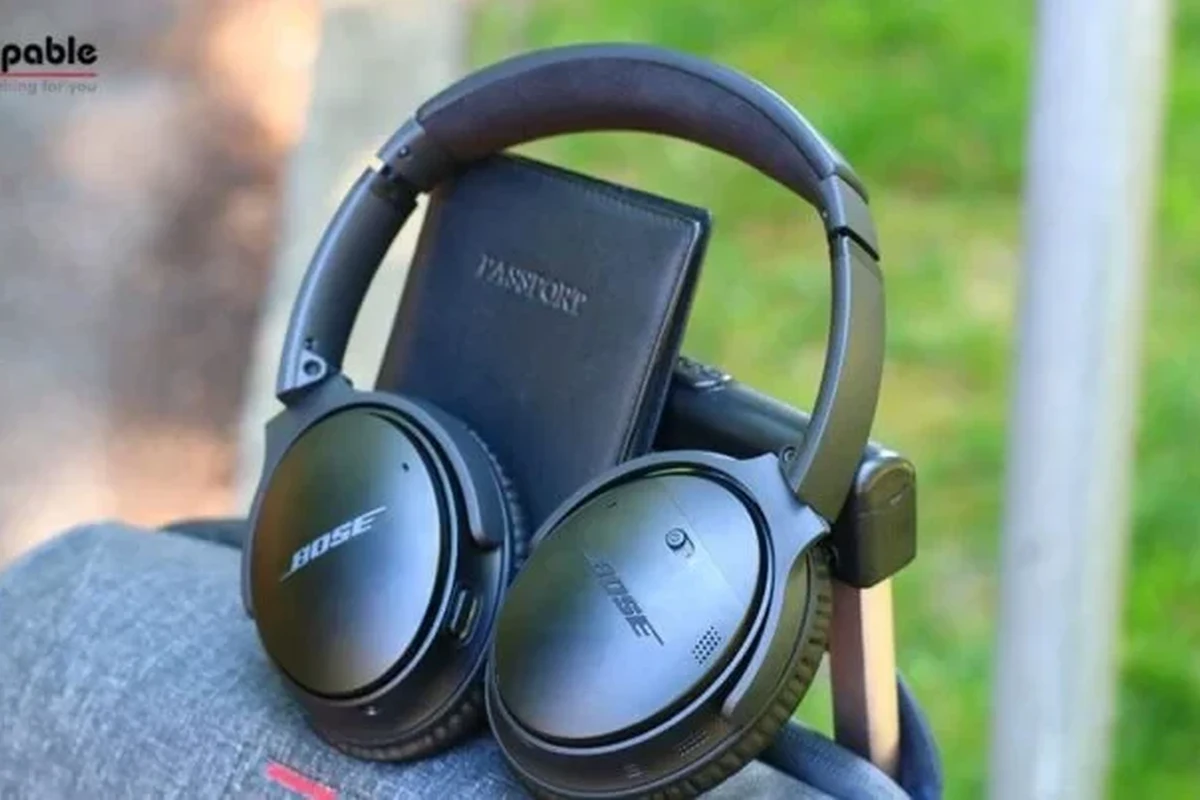
Many Bose QuietComfort users only need a fast shutdown, but confusion often starts when the headphones stay connected to Bluetooth or seem to remain awake after you stop listening. That can lead to extra battery drain, delayed power-off behavior, or the feeling that the headphones are “stuck on.”
This guide walks through the quickest way to power down Bose QC headphones, then breaks the process down by model. It also explains why shutdown problems happen, what to check before and after turning them off, and when a reset or app setting change may be the better fix.
Quick Answer: The Fastest Way to Power Off Bose QC Headphones
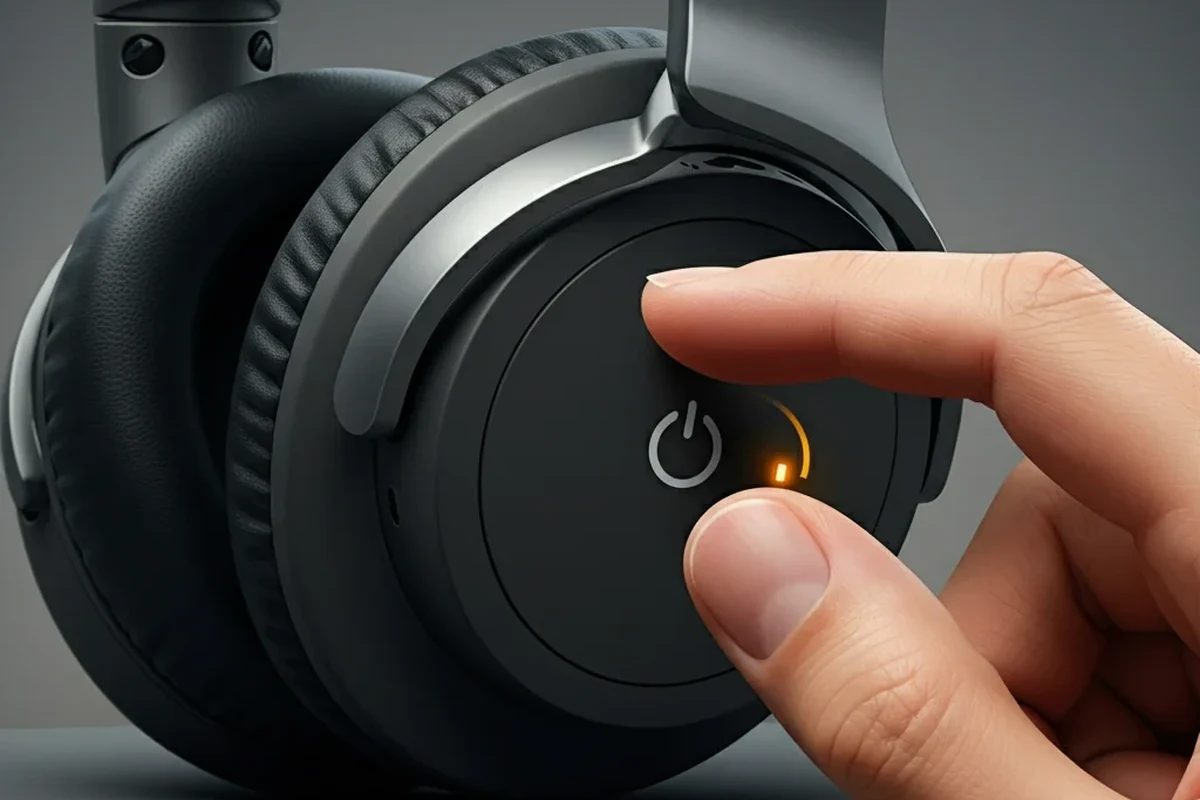
The fastest way is usually to use the physical power control on the earcup and wait for the voice prompt or indicator light to confirm shutdown. If your model supports auto-off, the headphones may also power down after a period of inactivity, but manual shutdown is the most reliable method when you want them off right away.
Button-based shutdown steps for Bose QC 35, QC 45, and QC Ultra models
On QC 35 models, use the power switch. On newer QC models, look for the dedicated power/Bluetooth control or follow the model’s shutdown behavior as shown in the Bose app or manual.
Use a firm, single action rather than repeated tapping. If the headphones are connected, wait for the voice prompt or LED change that confirms they are powering off.
Listen for the power-off voice prompt or watch the light go dark. If the headphones stay active, disconnect from Bluetooth and try again.
Bose control layouts can vary slightly by generation and region. If your headphones behave differently from the steps here, check the model label and the Bose app for the exact power behavior.
What to do when the headphones seem “stuck on”
If the headphones do not power down, first stop playback, end calls, and disconnect them from your phone, tablet, or laptop. Then try the power control again after a few seconds. In many cases, the issue is not a broken power button but an active Bluetooth connection or a temporary software hiccup.
If they still seem awake, place them on the charger briefly and then try powering them off again. For persistent problems, a Bluetooth reset may help more than repeated button presses, especially if you have multiple devices connected at once.
Model-by-Model Power Off Instructions for Bose QC Headphones
Different Bose QuietComfort generations use slightly different controls, so the best shutdown method depends on the model in your hands. If you are also comparing Bose to other wireless options, our Bluetooth headphones explained guide can help make the control layout and connection behavior easier to understand.
Bose QC 35 and QC 35 II: using the power switch correctly
The QC 35 and QC 35 II are among the easiest Bose models to power down because they use a physical switch. Slide the power switch to the off position and wait for the headphones to shut down fully.
If the headphones are paired to more than one device, give them a moment to finish disconnecting. A short delay is normal, especially if music or a call was active right before shutdown.
Bose QC 45: identifying the correct button and LED behavior
With the QC 45, the shutdown process is still straightforward, but users sometimes confuse the Bluetooth/power control with other buttons. Press or move the correct control according to the earcup layout, then watch for the LED to turn off or change state.
If the light remains on, the headphones may still be connected or waiting to enter standby. That is where checking Bluetooth on your phone or computer becomes useful, especially if the headphones keep reconnecting automatically.
If your QC 45 keeps waking up, turn off Bluetooth on nearby devices temporarily. That can prevent automatic reconnection while you confirm the headphones are fully off.
Bose QuietComfort Ultra: power controls, auto-off, and app settings
The QuietComfort Ultra line may rely more on app-managed behavior, auto-off timing, and touch or button controls depending on the exact version and region. If you are not sure whether the headphones are off, check the Bose app for power-saving settings and inactivity timers.
Auto-off can be helpful for casual use, but manual shutdown is still best when you want to store the headphones in a bag or save battery on a long trip. If the app has changed your power settings, the headphones may stay on longer than expected.
Many wireless headphones enter standby before they fully power down, which can make them seem on even when they are already saving battery in the background.
Common Reasons Bose QC Headphones Won’t Turn Off
When Bose QC headphones refuse to shut down normally, the cause is often simple. Bluetooth reconnection, auto-off settings, or a temporary firmware glitch are more common than hardware failure.
Bluetooth connection issues keeping the headphones awake
If a phone, laptop, or tablet is still actively connected, the headphones may stay awake longer than expected. This is especially common when multipoint connections are enabled and more than one device is trying to stay paired.
To fix it, disconnect the headphones from every device you used recently. If needed, forget the device on one source and reconnect later after the headphones are fully off.
Auto-off disabled or battery-saving settings changed in the app
Some Bose users change auto-off timing without realizing it, then notice the headphones remain on for longer sessions. If the Bose app is installed, check the power or inactivity settings and make sure they match how you actually use the headphones.
This matters most for commuters and travelers who want the headphones to shut down automatically after a short pause. If the feature is disabled, the battery can drain more quickly even when you are not listening.
Firmware glitches, frozen controls, or low-battery behavior
Occasionally, the headphones may freeze and ignore normal shutdown input. This can happen after a software update, a weak battery, or a brief pairing error.
Charge the headphones for a short time, then try again. If the issue continues, a Bluetooth reset or full device reset may be safer than forcing the same button sequence over and over.
If your headphones repeatedly fail to power down, do not keep pressing controls aggressively. That can make troubleshooting harder and may point to a battery, firmware, or hardware issue that needs a reset or support check.
What to Check Before and After Turning Them Off
A proper shutdown is not just about pressing the right control. It also means making sure audio has stopped, calls have ended, and the headphones are no longer actively connected to your devices.
Confirming the power indicator and voice prompts
Always use the indicator light or voice prompt as your main confirmation. If the headphones announce that they are powering off or the light goes dark, that is usually the clearest sign the shutdown worked.
If you do not hear a prompt, wait a few seconds before pressing anything else. Some Bose models need a brief moment to finish disconnecting from Bluetooth before they fully power down.
Making sure audio, calls, and multipoint connections are fully ended
Stop music, podcasts, video playback, and calls before switching the headphones off. If a call is still active, the headphones may remain partially engaged with the phone even after you try to shut them down.
Multipoint users should check both devices. A laptop and phone can each keep the headphones busy in different ways, which sometimes makes shutdown seem inconsistent.
- Music or video playback has stopped
- Phone and laptop are no longer connected
- Indicator light or voice prompt confirms shutdown
How shutdown affects battery life and standby drain
Turning the headphones fully off is the best way to reduce battery drain during storage or travel. Standby mode is useful for convenience, but it can still use a small amount of power over time.
If you only pause audio and leave the headphones connected, the battery may drain faster than expected. For better battery life, treat manual shutdown as the safest habit when you are done listening for the day.
Listening at high volumes for long periods can cause hearing damage. Keep volume at 60% or below for extended sessions.
Common Mistakes People Make When Trying to Power Down Bose QC Headphones
Most shutdown problems come from confusing the headphone’s different states. Pause, standby, and full power off are not the same thing, and that difference matters when you want to save battery.
Confusing pause, standby, and full power off
Pausing music does not mean the headphones are off. Standby may reduce power use, but it is still different from a full shutdown, which is what you want for storage and long breaks.
If the headphones still appear in your Bluetooth list, they may not be fully off yet. That is a good sign to check the power control again or disconnect them from the source device.
Pressing the wrong control on touch-enabled models
Some Bose models and similar wireless headphones use touch controls for playback, volume, or mode switching. It is easy to mistake one of those gestures for a power command.
If your model uses touch controls, refer to the app or manual before assuming a swipe or tap will turn the headphones off. The power function is usually separate from listening controls.
Forcing shutdown too often and ignoring app or firmware updates
If you keep forcing the same shutdown sequence, you may miss the real cause, such as outdated firmware or a changed app setting. Updating the headphones and the Bose app can solve behavior that looks like a power problem.
That is also why it helps to keep a simple troubleshooting routine: check the connection, check the app, then try a reset if needed. For readers who want a deeper reset walkthrough, our how to reset Bluetooth headphones guide covers the general process in a beginner-friendly way.
Expert Advice: When to Use Auto-Off, Manual Off, or Reset Steps
The best shutdown method depends on how you use the headphones. A commuter may prefer auto-off, while a frequent traveler or office user may want manual shutdown every time.
Best practice for travel, commuting, and storage
For travel and storage, manual off is usually the safest choice because it gives you a clear end point. That helps avoid battery drain in a backpack, suitcase, or desk drawer.
For commuting, auto-off can be convenient if you regularly take short breaks between sessions. Just make sure the setting is actually enabled in the app, since it may vary by model and update.
When a reset is safer than repeated button presses
If the headphones ignore the power command more than once, a reset is often the cleaner solution. This is especially true if the issue started after pairing with a new phone or switching between several devices.
A reset can clear temporary glitches without turning every shutdown into a guessing game. If you are unsure which reset path is correct for your model, follow the Bose support instructions for that exact version.
If the headphones will not turn off, will not charge normally, or keep reconnecting after resets, contact Bose support or a qualified audio technician. Persistent power problems can point to a battery or hardware issue that needs professional attention.
Warning signs that suggest a battery or hardware issue
Watch for shutdown problems that happen every time, not just once in a while. A swollen battery, unusual heat, unreliable charging, or a dead indicator light are all signs to stop troubleshooting and seek help.
If the headphones still work but power behavior is inconsistent, document when it happens and which devices are connected. That information can make support troubleshooting much faster.
Final Recap: The Easiest Way to Turn Bose QC Headphones Off Fast
The easiest way to turn Bose QC headphones off is to use the correct physical power control for your model, then confirm shutdown with the LED or voice prompt. If they seem stuck, disconnect Bluetooth, check app settings, and try a reset before assuming the headphones are broken.
Best shutdown method by model and the key takeaway for 2026 users
For QC 35 and QC 35 II, the power switch is the fastest and most reliable method. For QC 45 and QuietComfort Ultra, the key is to match the control layout, watch the indicator behavior, and check the Bose app if auto-off or standby seems unusual.
In 2026, the main takeaway is simple: manual off is best when you want certainty, while auto-off is best when you want convenience. If you know your model and confirm the shutdown signal, turning Bose QC headphones off should take only a few seconds.
Frequently Asked Questions
Wired headphones can offer a more direct connection, while wireless models add convenience and features like noise cancelling. Sound quality depends on the model, tuning, and your source device.
Yes, active noise cancelling uses power, so battery life can be shorter when ANC is on. The exact impact varies by model and listening settings.
Open-back headphones often feel more spacious, while closed-back models usually block more outside sound. Your choice depends on whether you want natural soundstage or better isolation.
For gaming, low latency, comfort, and mic quality matter most. For commuting, look at noise cancelling, battery life, portability, and fit.
Choose a lightweight design with soft ear cushions and a secure but not tight fit. Taking short breaks can also help reduce pressure and fatigue.
Yes, EQ can help reduce harshness, boost bass, or improve vocal clarity depending on the headphone and app. Small changes usually work better than extreme boosts.