Does Roku Have Bluetooth for Headphones Explained

Yes, some Roku devices support Bluetooth headphones directly, but many rely on the Roku mobile app’s Private Listening feature instead. The easiest way to know is to check your exact Roku model and choose the connection method it supports.
If you’re asking does Roku have bluetooth for headphones, the short answer is: sometimes, but not on every Roku device. Some Roku players and Roku TVs support Bluetooth audio directly, while many others rely on Roku’s Private Listening feature through the mobile app.
That difference matters because “Bluetooth on Roku” can mean two very different things. You may be able to pair headphones straight to the device, or you may need to use the Roku app, a TV Bluetooth setting, or an external transmitter depending on your setup.
- Model matters: Roku Bluetooth headphone support varies by device.
- Private Listening: The Roku app is the most common workaround.
- Sync issues: Gaming and sports may need lower-latency setups.
- TV settings: Your TV may offer Bluetooth even if Roku does not.
Does Roku Have Bluetooth for Headphones? The Short Answer and What It Actually Means
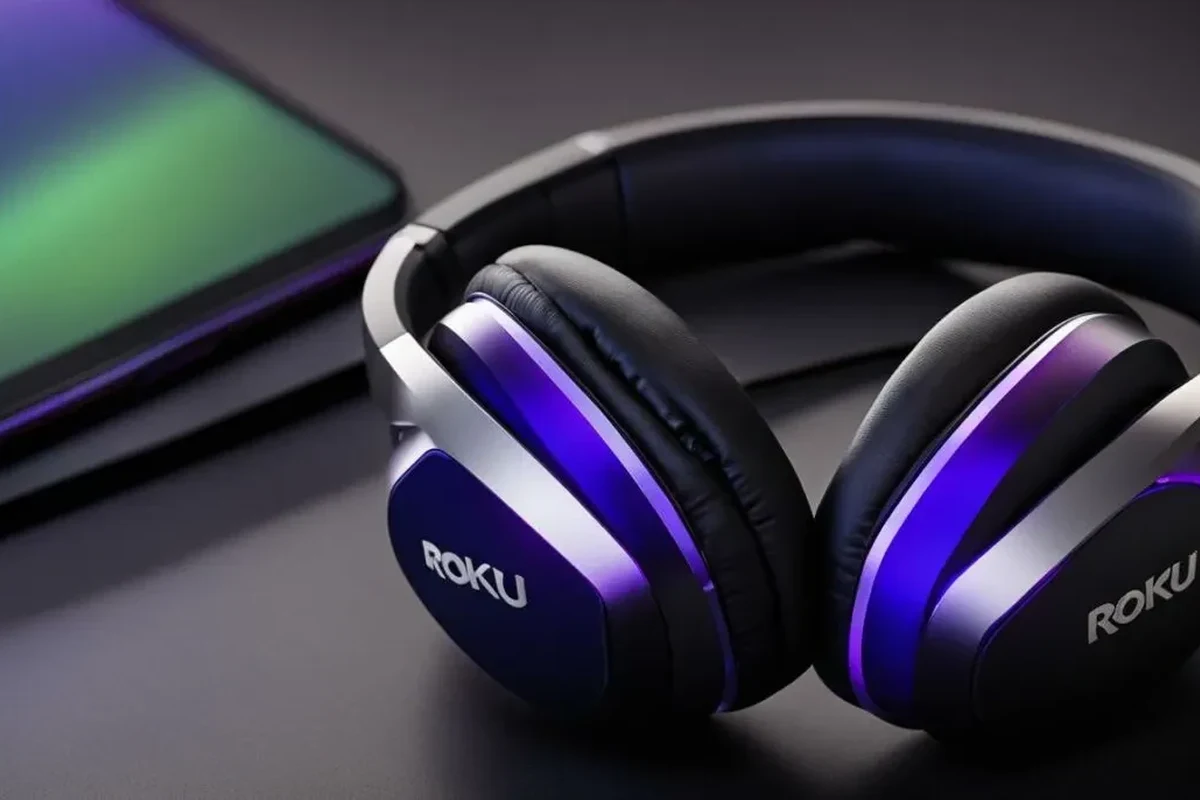
Roku’s headphone support is not one-size-fits-all. Certain newer Roku devices can connect to Bluetooth headphones directly, but many Roku streaming players still do not offer native Bluetooth audio in the way people expect from a phone or laptop.
In practice, the easiest route for many users is Roku Private Listening. That feature sends TV audio to your phone through the Roku app, and then you listen through wired headphones or Bluetooth headphones connected to the phone.
How Roku Headphone Listening Works in 2025: Bluetooth vs Private Listening
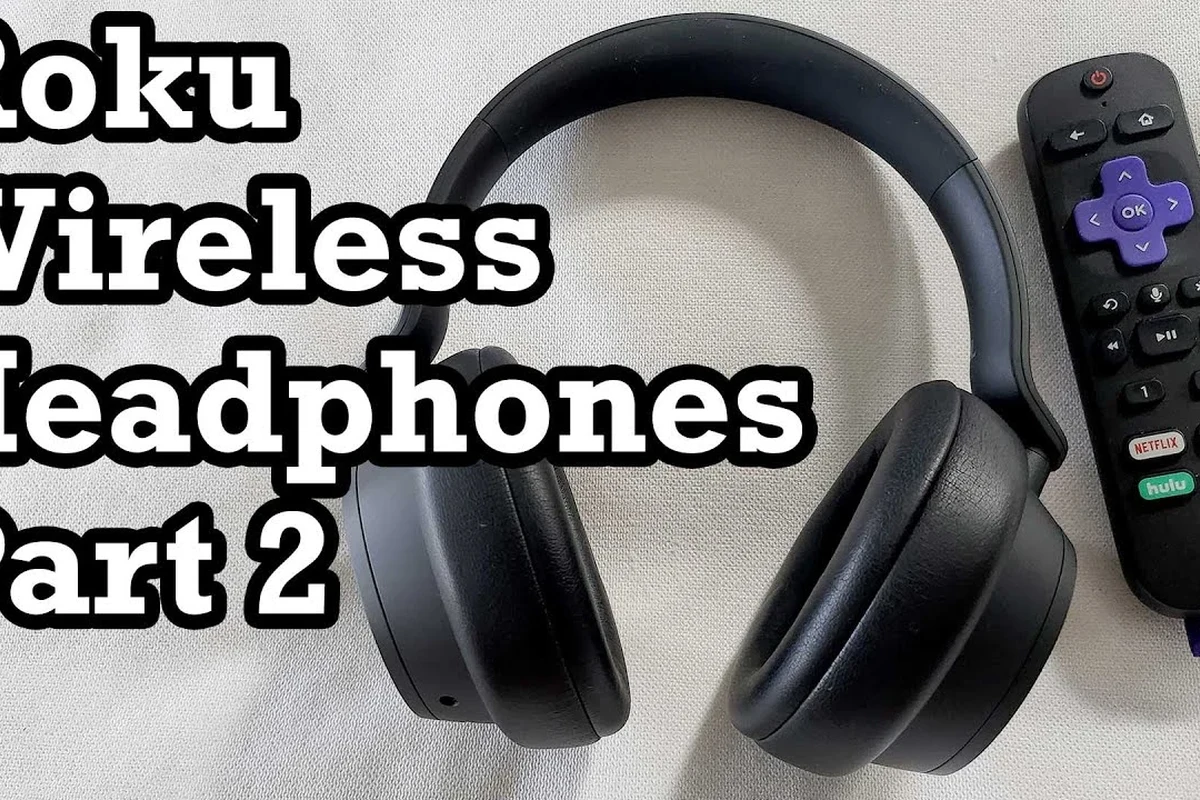
When people talk about Bluetooth headphones on Roku, they usually mean one of two things: direct Bluetooth pairing or app-based listening. Those are similar in outcome, but they work very differently.
Direct Bluetooth pairing is the most familiar method. Private Listening is more of a workaround that uses your phone as the audio bridge, which can be very convenient if your Roku model does not support Bluetooth output itself.
Roku devices that support Bluetooth headphones directly
Some Roku devices, especially higher-end or newer models, allow Bluetooth pairing for audio accessories. In those cases, you can connect compatible headphones from the Roku settings menu without needing the mobile app.
This is the cleanest option if you want fewer steps and less chance of delay. It also keeps your phone free, which is helpful for long movie nights or gaming sessions where you don’t want extra app juggling.
Roku devices that rely on the Roku mobile app for Private Listening
Many Roku users still depend on the Roku mobile app for headphone listening. With Private Listening, the TV audio streams to your phone, and the phone sends it to your headphones over Bluetooth or a wired connection.
This method is popular because it works on a wide range of Roku setups. It is also useful if your headphones are already paired to your phone, since you may not need any special Roku hardware support at all.
Roku TVs, Roku streaming sticks, and Roku remotes: what differs
Roku TVs and Roku streaming players do not always behave the same way. A Roku TV may include its own Bluetooth audio features, while a streaming stick often depends on the TV’s audio capabilities or the Roku app.
Roku remotes can also be confusing. Some remotes use Bluetooth for control, but that does not mean they support Bluetooth audio for headphones. Remote pairing and headphone pairing are separate features.
Which Roku Models Support Bluetooth Headphones and Which Don’t
Model differences are the biggest reason people get mixed answers online. One Roku device might support Bluetooth headphones directly, while another from the same general family may not.
If you are shopping for a new setup, it helps to think in terms of audio output options rather than just the Roku brand name. That keeps you from buying headphones first and discovering later that your device needs a workaround.
Roku Ultra, Roku Streambar, and select Roku TV models
Some higher-tier Roku products are more likely to include direct Bluetooth audio support or broader audio flexibility. That makes them easier to use with wireless headphones if you want a simple listening setup.
These devices are often the better fit for users who want a living-room friendly solution with fewer adapters. If you want the least complicated path, a model with built-in Bluetooth audio is usually the most convenient choice.
Older Roku players and budget models without native Bluetooth audio
Older Roku players and many budget-friendly models may not support Bluetooth headphones directly. In those cases, you will usually need the Roku app, your TV’s own Bluetooth output, or a transmitter.
This does not mean the device is unusable for private listening. It just means the audio path is less direct, and you may need to test a few options before settling on the most reliable one.
How to check your Roku model before buying headphones
The safest approach is to check the exact model number in your Roku settings or product box and then confirm its audio features on Roku’s support pages. Do not assume every Roku device in the same family has the same Bluetooth behavior.
- Exact Roku model number
- Whether Bluetooth audio is supported directly
- Whether Private Listening is available in the Roku app
- Whether your TV has its own Bluetooth output
How to Connect Headphones to Roku: Step-by-Step Methods That Work
There are several ways to get headphones working with Roku, and the right one depends on your device. The goal is to choose the method that gives you stable audio with the least hassle.
If you also want a deeper refresher on wireless pairing basics, our guide on how to connect Bluetooth headphones can help you understand the general pairing process before you troubleshoot Roku-specific steps.
Pairing Bluetooth headphones directly to supported Roku devices
If your Roku device supports Bluetooth audio, start in the audio or accessories settings menu. Put your headphones into pairing mode, then select them from the Roku device list when they appear.
Go to the device’s Bluetooth or audio accessory menu and look for pairing options.
Put your headphones in discoverable mode so Roku can find them.
Choose the headphones, then play a video to check sync, volume, and dropout behavior.
Using the Roku mobile app for wired or wireless headphone listening
Private Listening is the most flexible option for many users. Once the Roku app is installed and connected to the same network, you can route audio to your phone and listen through the phone’s headphone connection.
This is especially useful if your headphones are already paired with your phone. You can use Bluetooth earbuds, wired headphones, or even a headset with a phone adapter, depending on what your phone supports.
If you notice lag in the Roku app, try closing other apps on your phone and staying close to the Wi-Fi router for a steadier Private Listening connection.
Connecting via TV Bluetooth when the Roku device itself doesn’t support it
If your Roku player lacks Bluetooth audio, your TV may still support it. In that case, you can pair headphones to the TV instead of the Roku device, then let the Roku box send audio through the television.
This approach is often overlooked because users focus on the streaming device first. But if your TV has Bluetooth audio output, it can be the simplest route for wireless headphone listening without extra accessories.
Using a Bluetooth transmitter as a workaround for unsupported Roku setups
A Bluetooth transmitter can be a smart workaround when neither your Roku device nor your TV offers the connection you want. The transmitter plugs into an audio output and sends sound to your headphones wirelessly.
This can be a good choice for older setups, but it adds another device, another cable, and another battery to manage. For many people, it is still worth it if they want a more stable wireless listening experience than app-based audio provides.
Best Use Cases for Roku Headphones: Movies, Gaming, and Late-Night TV
Roku headphones are most helpful when you want private listening without disturbing anyone else. That makes them ideal for apartments, shared bedrooms, family rooms, and late-night viewing.
They are also useful when dialogue matters more than room-filling sound. If you often miss quiet lines in movies or TV shows, headphones can make the experience much easier to follow.
Watching without disturbing others in shared spaces
Private listening is one of the best reasons to use headphones with Roku. You can watch at a comfortable volume while people around you sleep, work, or study.
This is especially helpful if you live with light sleepers or if your TV sits in a space that doubles as a bedroom. It gives you more freedom to watch what you want, when you want.
Low-latency considerations for gaming and sports
For gaming and live sports, latency matters more than it does for casual TV. If the sound arrives late, footsteps, commentary, or action cues can feel slightly off.
That is why wired listening, direct Bluetooth support, or a low-latency transmitter can be better than a basic wireless workaround. If you care about sync, avoid assuming every Bluetooth path will feel the same.
Bluetooth audio delay can vary by device, codec, and signal quality. If lip sync is important to you, test the setup before committing to it for gaming or live events.
Why dialogue-heavy shows benefit from private listening
Shows with lots of dialogue, soft background audio, or layered sound design can be easier to understand through headphones. You may notice clearer speech and less need to raise the TV volume.
That said, headphone comfort matters too. For longer sessions, over-ear models often feel easier to wear than tight on-ear sets, while in-ear options can be more discreet but may bother some listeners over time.
Common Mistakes People Make When Trying to Use Bluetooth Headphones with Roku
The most common Roku headphone problems are not usually caused by the headphones themselves. They come from confusion about what the Roku device can actually do.
A quick compatibility check can save you a lot of frustration, especially if you are buying headphones for a specific TV setup.
Assuming every Roku remote has Bluetooth audio support
Many Roku remotes use Bluetooth or wireless technology for control, but that does not mean they can send TV audio to headphones. This is one of the biggest misunderstandings around Roku and Bluetooth.
If your remote pairs with the player, that only confirms remote connectivity. It does not confirm headphone audio support.
Confusing remote pairing with headphone pairing
Remote pairing is about controlling the Roku device. Headphone pairing is about sending audio to a listening device.
Those two functions can coexist on one product, but they are not the same feature. If the menu only mentions remotes or accessories, make sure you are not looking at the wrong pairing option.
Overlooking TV audio settings, volume modes, and app permissions
Sometimes the Roku setup is fine, but the TV settings are blocking the audio path. Volume leveling, sound modes, or Bluetooth output settings can change how headphones behave.
The Roku app also needs the right permissions and network access to work smoothly. If Private Listening fails, check Wi-Fi, app permissions, and whether the phone and Roku are on the same network.
Ignoring latency, dropouts, and range limitations
Wireless audio can be convenient, but it is not always perfect. Walls, interference, weak batteries, and crowded Wi-Fi environments can all affect performance.
If you hear dropouts, test the headphones closer to the TV or router. If the delay is still distracting, a wired option or transmitter may be the better long-term fix.
Listening at high volumes for long periods can cause hearing damage. Keep volume at 60% or below for extended sessions.
Cost, Convenience, and Best Value Options for Roku Headphone Listening
The best-value Roku headphone setup is usually the one that works reliably with your current devices. Sometimes that means using a free app feature, and sometimes it means buying a small accessory for better stability.
If you are comparing headphone styles more broadly, our guide to different types of headphones can help you decide whether over-ear, on-ear, or in-ear models fit your TV habits best.
Free methods: Roku app Private Listening vs built-in Bluetooth
Private Listening through the Roku app can be the lowest-cost option because you may already own everything you need. Built-in Bluetooth is also convenient because it removes the need for extra hardware.
The tradeoff is that app-based listening depends on your phone and network, while built-in Bluetooth depends on your exact Roku model. Free does not always mean simplest, so the better value is the method that stays stable in daily use.
When a Bluetooth transmitter is worth the extra cost
A transmitter is worth considering if you want wireless headphones but your Roku setup has no native audio support. It can also help if you want a more direct connection than phone-based Private Listening.
For households that watch TV every night, the extra cost may be easier to justify. The main benefit is consistency, especially if you want one reliable solution for movies, shows, and sports.
Price comparison: budget headphones, midrange wireless models, and premium low-latency options
Headphone prices vary a lot by brand, comfort, battery life, microphone quality, and latency behavior. Budget models may work fine for casual TV, while midrange and premium headphones often offer better comfort and connection stability.
Low-latency wireless models can be especially attractive for gaming or synced video. Still, the best option depends on your use case, not just the price tag.
Expert Advice for Choosing the Right Setup and Final Recap
At Top Headphone Reviews, we recommend choosing the simplest setup that matches your Roku model and your listening habits. If direct Bluetooth is supported, that is often the cleanest route; if not, Roku Private Listening or a TV-level workaround can still work well.
For many readers, the best choice comes down to reliability. A slightly less fancy setup that stays in sync and connects easily is usually better than a more advanced setup that drops out or introduces noticeable delay.
How the Top Headphone Reviews Editorial Team recommends choosing the simplest reliable option
Start with the connection method your device already supports. If your Roku device has direct Bluetooth audio, try that first. If it does not, test the Roku app before buying extra gear.
If both of those fall short, a Bluetooth transmitter can be the most practical backup. That approach is especially useful when you want one setup for the whole household rather than a temporary workaround.
Best-practice warning on compatibility, audio delay, and battery life
Compatibility should come before brand loyalty when buying headphones for Roku. Check whether you need direct Bluetooth, app-based listening, or a wired fallback before you decide on a model.
Also watch for battery life and delay. Wireless headphones can be great for TV, but they are only convenient if they last through your usual viewing sessions and stay in sync with the picture.
If you have hearing concerns, tinnitus, or you notice discomfort during long listening sessions, follow safe listening guidelines and consider speaking with an audiologist for personalized advice.
Final recap: the easiest way to get headphones working with Roku in 2025
So, does Roku have Bluetooth for headphones? Sometimes yes, but not always, and the exact answer depends on the model. The most dependable path is to check your device first, then use direct Bluetooth, Roku Private Listening, TV Bluetooth, or a transmitter as needed.
Once you match the method to the hardware, Roku headphone listening becomes straightforward. The key is choosing the option that gives you clear sound, low enough delay, and enough comfort for the way you actually watch TV.
Frequently Asked Questions
Wireless headphones are more convenient, but wired headphones usually avoid latency and battery concerns. The best choice depends on whether you care more about freedom of movement or consistent sync.
Yes, noise cancelling headphones can make dialogue easier to hear in shared or noisy spaces. They are especially useful if you want to keep the TV volume lower.
Closed-back headphones are usually better for Roku because they block more outside sound and keep audio from leaking out. Open-back models can sound more spacious, but they are less private.
Look at connection type, latency, comfort, battery life, and whether the headphones support a reliable wired fallback. Sound quality specs can help, but real-world sync and comfort matter most for TV use.
Choose a lightweight, comfortable fit with soft ear cushions and a stable headband. If you watch for hours, battery life and clamp pressure matter as much as sound quality.
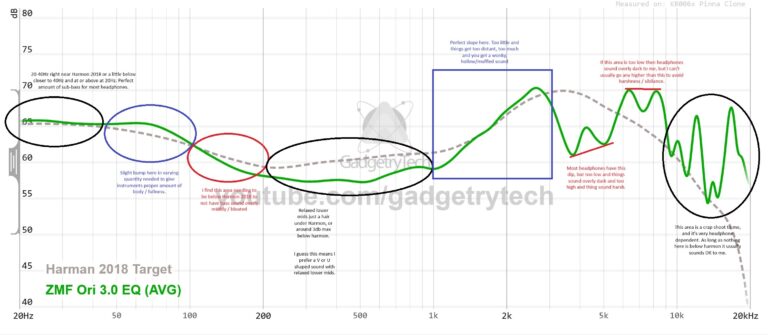
Yes, a small EQ adjustment can improve dialogue clarity or reduce harsh treble depending on your headphones. Keep changes subtle so the sound stays natural for movies and shows.