Can You Use Bluetooth Headphones on Xbox Series S Guide

No, you usually cannot connect Bluetooth headphones directly to Xbox Series S. The best alternatives are wired headphones, Xbox-compatible wireless headsets, or a Bluetooth workaround through your TV or adapter.
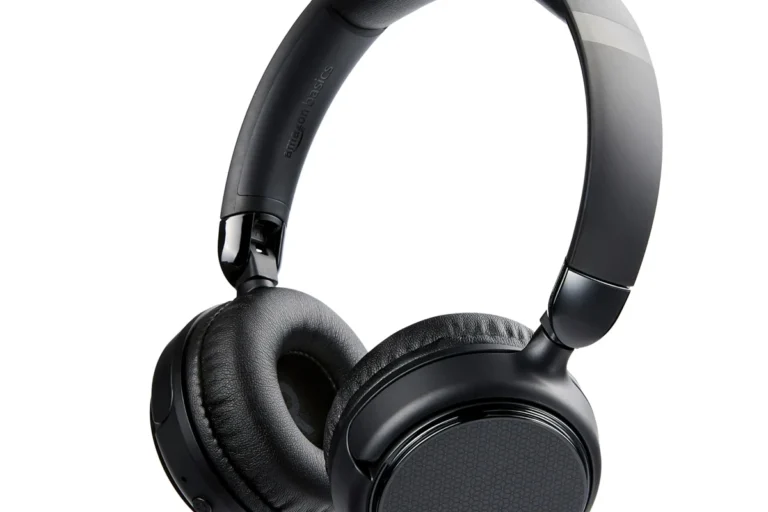
Can you use Bluetooth headphones on Xbox Series S? The short answer is no, not directly. Xbox Series S does not support standard Bluetooth audio pairing the way a phone, tablet, or laptop does, so most Bluetooth headphones will not connect to the console itself.
That does not mean you are stuck with speakers. There are several reliable ways to use headphones with Xbox Series S, and the best option depends on whether you want simple setup, low-latency gaming, microphone support, or the most comfortable long-session experience. For readers comparing headphone types and connection methods, our guide to Bluetooth vs wired headphones sound quality can also help frame the trade-offs.
- Direct pairing: Standard Bluetooth headphones usually do not connect to Xbox Series S.
- Best reliability: Wired headsets and Xbox-compatible wireless models work best for gaming.
- Workarounds: TV Bluetooth and transmitters can work, but latency may vary.
- Chat support: Mic performance is often better with Xbox-ready headsets than with generic Bluetooth.
Can You Use Bluetooth Headphones on Xbox Series S? The Short Answer and Why It Matters in 2025
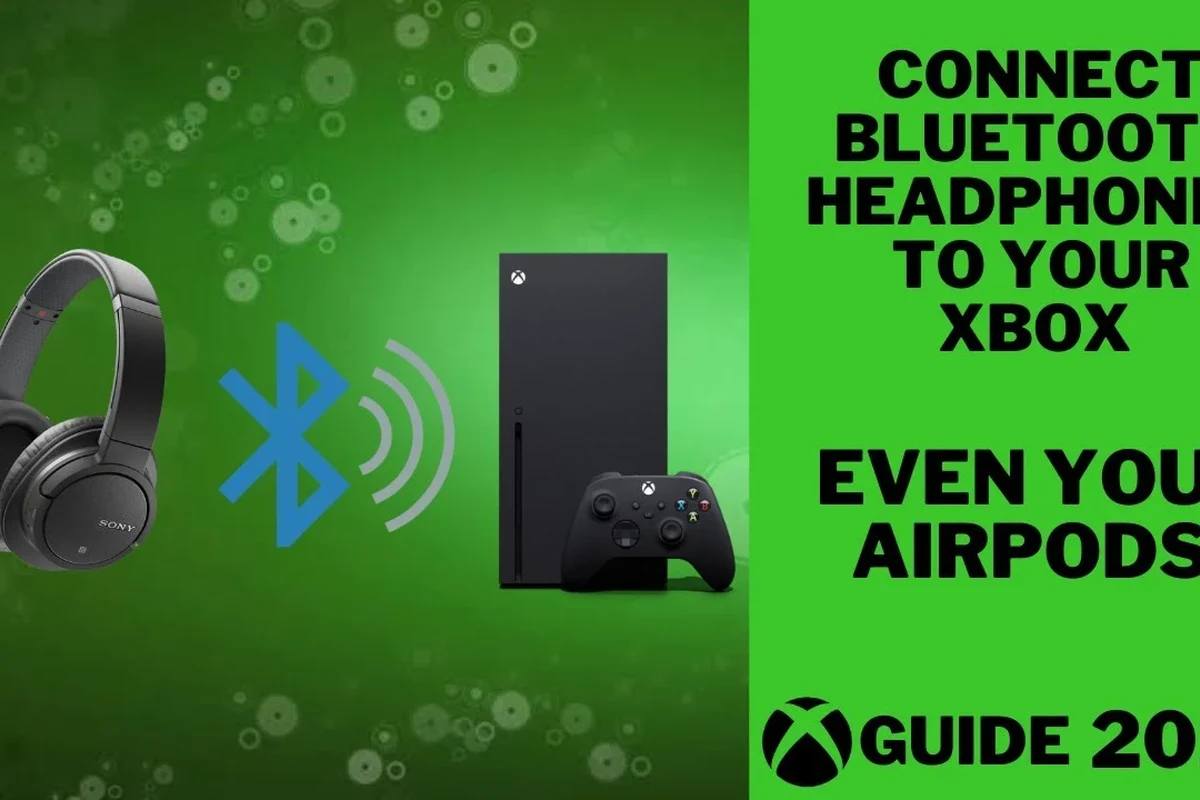
The answer in 2025 is still mostly no for direct Bluetooth pairing. Xbox Series S is designed around Xbox Wireless and wired audio paths rather than standard Bluetooth audio, which is why many headphones that work instantly on a phone will not show up in the console’s pairing menu.
This matters because a lot of buyers assume “wireless” means “Bluetooth.” In gaming, those two terms are not interchangeable. If you want a headset that works smoothly with Xbox, you need to choose the right connection type from the start.
Some accessories may advertise wireless support, but that does not always mean they support Xbox Series S directly. Always check for Xbox compatibility, not just Bluetooth branding.
How Xbox Series S Audio Works: Why Standard Bluetooth Usually Does Not Connect
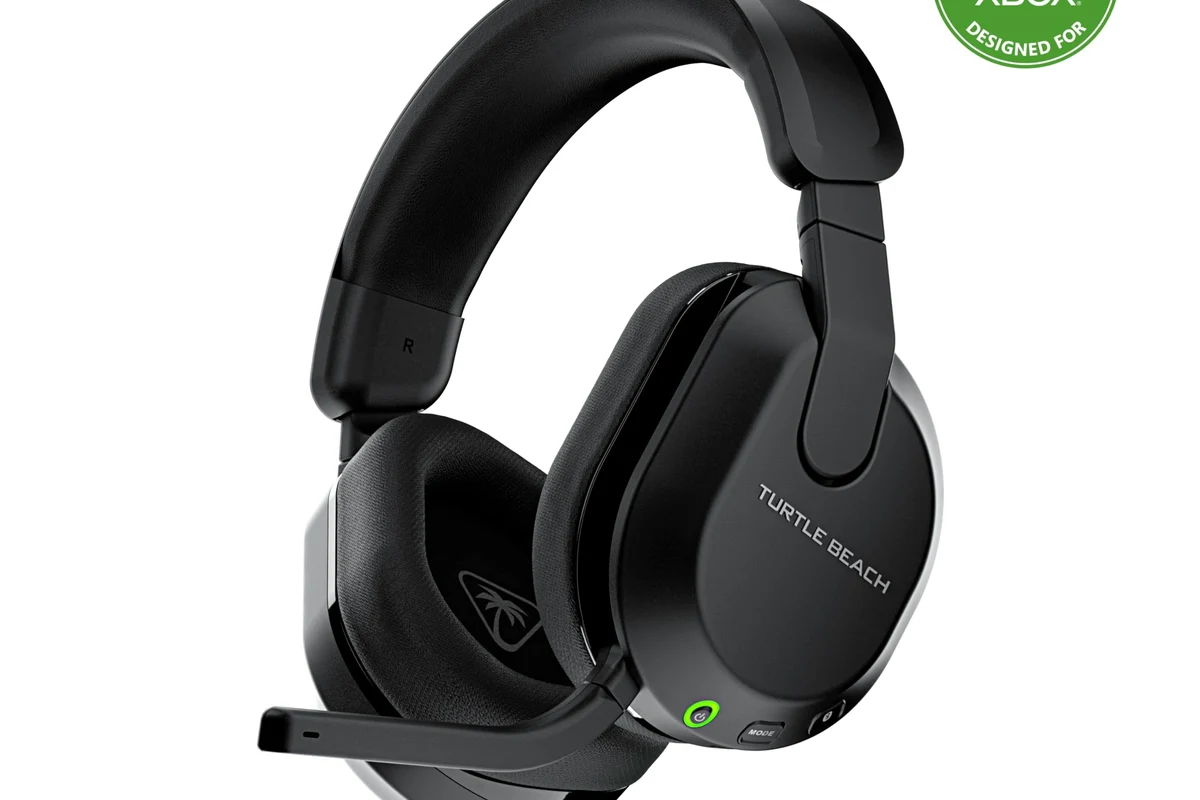
Xbox consoles use their own wireless audio ecosystem for compatible headsets. That system is separate from standard Bluetooth audio, which is why most Bluetooth headphones cannot pair directly with the Series S.
The console can still send audio to a TV, monitor, controller, or compatible headset, but the route matters. If the headset only supports Bluetooth, you usually need a workaround instead of a direct connection.
Xbox wireless audio vs. Bluetooth audio: the key difference
Xbox Wireless is built for console accessories and is optimized for gaming use. Bluetooth is a general-purpose wireless standard used by phones, laptops, and tablets, but it is not the console’s native headphone connection method.
That difference affects latency, chat support, and convenience. Xbox Wireless headsets are typically easier to use for game audio and voice chat, while Bluetooth headphones often need adapters or alternate audio sources.
What this means for casual players, streamers, and couch co-op users
Casual players may be fine with a workaround if they only want to hear game audio. Streamers and multiplayer players usually need better mic reliability and lower delay, which makes direct Bluetooth less attractive.
For couch co-op or late-night gaming, comfort and easy setup matter a lot. In those cases, a wired headset or Xbox-compatible wireless model is usually the least frustrating choice.
Best Ways to Use Headphones with Xbox Series S Without Bluetooth Pairing
If your goal is simply “headphones on Xbox Series S,” you have several better options than direct Bluetooth. The right one depends on how much you care about sound delay, microphone use, and cable freedom.
Wired headphones through the Xbox controller: simplest plug-and-play option
The easiest setup is a wired headset or headphones connected to the 3.5mm jack on the Xbox controller. This is the most straightforward plug-and-play option and avoids pairing issues entirely.
It is also the safest choice for low latency. If you already own a good wired headset, this is often the cheapest and most dependable way to get game audio on Xbox Series S.
If you want the least hassle, start with a wired headset first. It usually gives you the most predictable audio and chat performance on Xbox Series S.
Xbox Wireless Headsets and other Xbox-compatible wireless models
Xbox Wireless headsets are built to work with the console without standard Bluetooth pairing. Many gamers prefer them because they combine wireless convenience with better compatibility for voice chat and game audio.
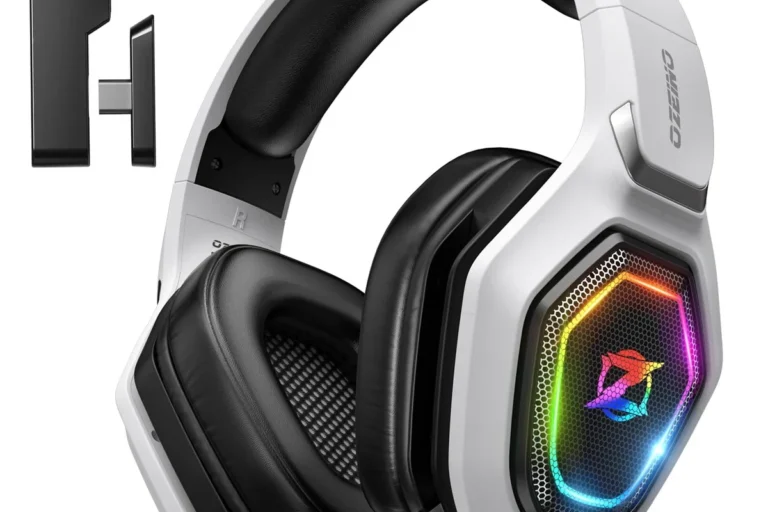
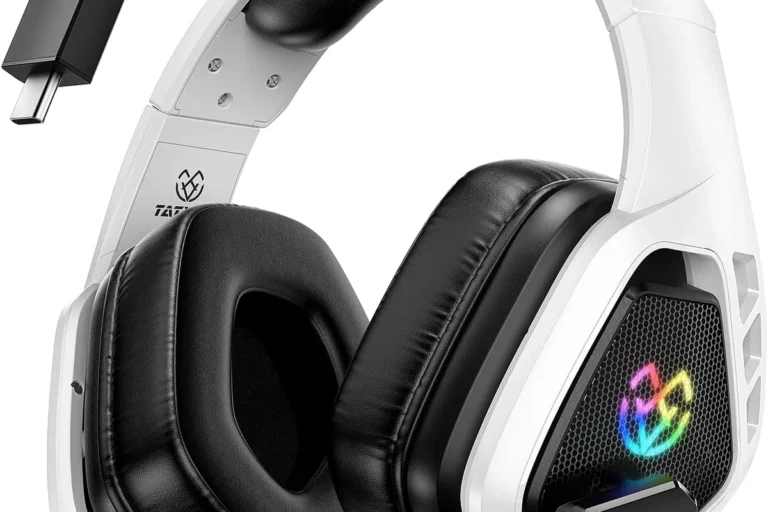
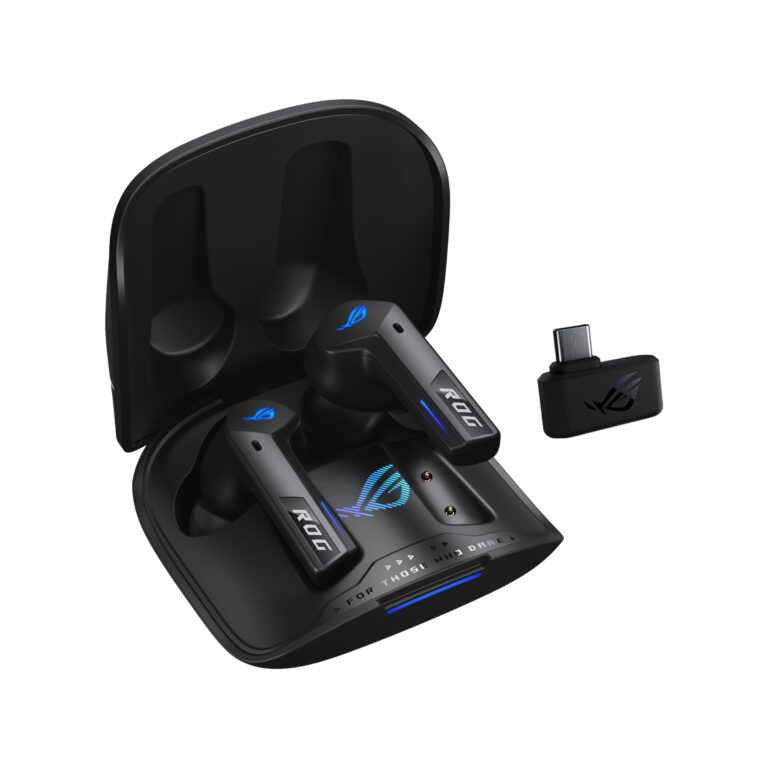
Some third-party headsets also support Xbox compatibility through a dedicated wireless dongle or Xbox-specific wireless protocol. When shopping, look for explicit Xbox Series S support instead of assuming any wireless headset will work.
TV-based audio routes: optical, HDMI ARC/eARC, and soundbar passthrough setups
You can also send Xbox audio through your TV or soundbar and then connect headphones there, depending on your home setup. HDMI ARC/eARC and soundbar passthrough can be useful if your TV supports headphone output or if your audio system has a dedicated headphone path.
This approach can work well for shared living rooms, but it is not always ideal for competitive gaming. TV processing can add delay, so it is worth testing before you commit to the setup.
Bluetooth Workarounds That Actually Work on Xbox Series S
Although direct Bluetooth pairing is not supported, a few workarounds can still let you use Bluetooth headphones with Xbox Series S. These solutions vary in quality, so the best one depends on whether you value convenience more than perfect responsiveness.
Bluetooth transmitter for the controller or TV: when it helps and when it adds lag
A Bluetooth transmitter can sometimes be connected to the controller, TV, or another audio output. This may let your Bluetooth headphones receive the sound even though the console itself does not pair with them.
The trade-off is latency. Some transmitters are fine for casual play, but others create enough delay to make action games feel off. If you use this route, look for low-latency support and test it with the games you actually play.
Not every transmitter is equally good for gaming. A cheap adapter may work for movies or menus but still feel delayed during fast-paced gameplay.
Using the Xbox app for party chat and remote audio on mobile devices
Another workaround is to use the Xbox app on a phone or tablet for voice chat while keeping game audio on another device. This can be useful if you mainly need communication and do not care about having everything in one headset.
It is not the cleanest solution, but it can help in a pinch. For players who already wear Bluetooth headphones all day, it may be a practical temporary setup.
Pairing Bluetooth headphones to a TV, monitor, or streaming device instead of the console
Many TVs and some monitors support Bluetooth headphones directly. In that case, you can connect the headphones to the display instead of the Xbox Series S.
This is often the simplest Bluetooth workaround, especially for single-player gaming or media use. Still, audio delay and microphone support can vary a lot by TV model, so test it before assuming it will feel good in every game.
Latency, Mic Support, and Sound Quality: What Gamers Should Expect
Gaming audio is not just about hearing sound. It is also about timing, chat clarity, and whether the setup makes long sessions comfortable or annoying.
Why Bluetooth delay can hurt competitive gaming and rhythm games
Bluetooth often adds more delay than wired or console-specific wireless audio. That delay can make gunshots, footsteps, and button timing feel slightly out of sync.
For competitive shooters and rhythm games, even small delays can be distracting. If timing matters to you, low-latency wired or Xbox-compatible wireless gear is usually the better choice.
Microphone limitations for chat, voice commands, and multiplayer communication
Mic support is another area where Bluetooth can be inconsistent. Some Bluetooth headphones work well for phone calls but perform poorly for console chat, or they may switch into a lower-quality mode when the microphone is active.
That can affect voice clarity in party chat and multiplayer games. If chat matters, make sure the headset is confirmed to support Xbox voice use rather than assuming the mic will behave like it does on a phone.
Some wireless headsets sound great for music but feel less precise in games because gaming audio is more sensitive to delay than casual listening.
Audio quality trade-offs: SBC, AAC, aptX, and why codec support still matters
Bluetooth codec support can affect how audio sounds and how much delay you notice. In general, codec differences may matter depending on the headset, transmitter, TV, and your own listening preferences.
That said, codec support alone does not guarantee a great Xbox setup. Even a good codec cannot fully fix a poor adapter, weak signal, or a TV with processing delay.
Price and Value Comparison: Cheapest Fixes vs. Best Long-Term Headphone Choices
The best value choice depends on whether you want the cheapest working solution or the most dependable gaming experience. In many cases, the right answer is less about “Bluetooth” and more about how much frustration you want to avoid.
Budget setup: wired headset or low-cost transmitter
A wired headset is usually the cheapest and easiest fix. If you already own one, you may not need to buy anything else.
A low-cost transmitter can be tempting if you want to keep using your Bluetooth headphones, but results vary. It may be fine for casual play, yet it is rarely the best long-term value for serious gaming.
Midrange option: Xbox Wireless headset alternatives
Midrange buyers should look at Xbox-compatible wireless headsets or models with a dedicated Xbox dongle. These often strike a better balance between convenience and game-ready performance than generic Bluetooth headphones.
They can also simplify chat and reduce setup headaches. For many players, that extra compatibility is worth more than the freedom of standard Bluetooth.
Premium option: gaming headsets built for low-latency console use
Premium gaming headsets are usually the best choice if you care about comfort, reliable wireless performance, and strong mic support. They are designed with console use in mind, which often makes them easier to live with than a Bluetooth workaround.
Common Mistakes to Avoid When Trying to Use Bluetooth Headphones on Xbox Series S
Most setup problems come from a few simple assumptions. Avoiding these mistakes can save you time, money, and a lot of audio frustration.
Assuming every Bluetooth headset will pair directly with the console
This is the biggest mistake. If a headset only says Bluetooth, it usually will not connect directly to Xbox Series S.
Always check for Xbox compatibility, a wireless dongle, or another supported connection method before buying.
Overlooking input lag, chat compatibility, and battery drain
Even if a workaround connects successfully, it may still have delay or weak microphone support. Battery life can also become a problem if you are using multiple wireless devices at once.
That matters in long sessions, especially if you play multiplayer games or use chat often.
Buying the wrong adapter or relying on TV audio settings without testing delay
Not every adapter is built for gaming, and not every TV handles Bluetooth audio well. Some setups sound okay in menus but feel delayed once the action starts.
Before settling on a solution, test it in the games you actually play. A setup that works for movies may not be good enough for shooters, racing games, or rhythm titles.
Expert Advice: The Best Headphone Setup for Different Xbox Series S Players in 2025
The best answer to can you use Bluetooth headphones on Xbox Series S depends on your play style. In 2025, the smartest choice is usually the one that matches your actual gaming habits instead of just your existing headphones.
Best choice for competitive gamers
Competitive players should prioritize wired or Xbox-compatible low-latency wireless headsets. These options are more likely to keep audio timing tight and voice chat clear.
If you care about footsteps, reaction time, and clean mic performance, direct Bluetooth is usually not the first choice.
Best choice for casual single-player gaming
Casual players can be more flexible. A TV Bluetooth workaround, controller wiring, or a simple transmitter may be enough if you mainly want convenience and decent sound.
If you play relaxed story games and do not notice small delays, you may be satisfied with a more basic setup.
Best choice for shared living rooms and late-night play
For shared spaces, comfort and convenience matter most. A comfortable over-ear headset, a wired connection, or a TV-based headphone solution may be the easiest way to keep the room quiet.
If you are sensitive to volume or listen for long periods, keep the level moderate and take breaks. If you notice ringing, discomfort, or hearing changes, follow safe listening guidance and consider speaking with an audiologist.
If you regularly struggle with delayed audio, unclear voice chat, or comfort issues during long sessions, it may be worth consulting a qualified audiologist or a headphone specialist for personalized guidance.
Final Recap: The Smartest Answer to Bluetooth Headphones on Xbox Series S
So, can you use Bluetooth headphones on Xbox Series S? Not directly in the normal way most people expect, but you can still make Bluetooth work through adapters, TVs, or alternate devices.
For the best gaming experience, wired headphones or Xbox-compatible wireless headsets are usually the smarter choice. If you already own Bluetooth headphones, use a workaround only if you are comfortable with possible delay, weaker mic support, and setup testing.
Frequently Asked Questions
Wired headphones usually give more predictable sound and less delay on Xbox Series S. Bluetooth can be fine for casual use, but latency and chat support may vary by headset and adapter.
Noise-cancelling headphones can be helpful in noisy rooms because they reduce outside distractions. Just make sure the model has a connection method that works well with Xbox and does not add noticeable delay.
Closed-back headphones are usually better for gaming on Xbox Series S because they block more outside noise and keep sound from leaking. Open-back models can sound more spacious, but they are less private and better in quiet rooms.
Look for Xbox compatibility, low latency, comfortable ear cushions, and reliable microphone support. Driver size and frequency response can matter too, but the connection type is usually more important for gaming.
Start with a comfortable fit and a good seal, since that affects bass more than many people expect. Then use EQ carefully to avoid boosting bass so much that voices and footsteps become muddy.
A lightweight wired headset is often the best budget option because it is simple, reliable, and usually has no battery concerns. If you prefer wireless, choose a model that is clearly made for Xbox and test comfort before long sessions.