Can You Use Bluetooth Headphones on Xbox Series X Guide

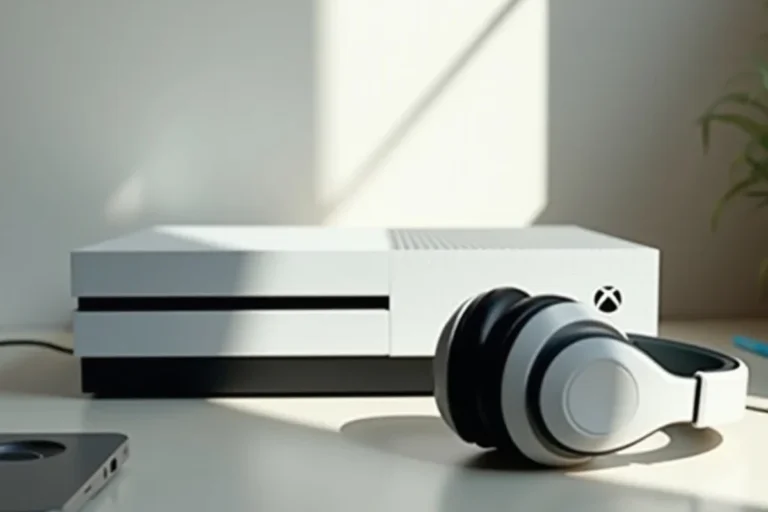
No, Xbox Series X does not support standard Bluetooth headphone pairing directly. For the best results, use an Xbox Wireless headset, a USB dongle headset, or a wired connection.
If you’re asking can you use bluetooth headphones on xbox series x, the short answer is usually no, not directly. Xbox Series X does not support standard Bluetooth audio pairing the way a phone, laptop, or tablet does, so most Bluetooth-only headphones will not connect natively.
That does not mean you’re stuck with TV speakers. There are several practical workarounds and better long-term options for gaming, voice chat, and low-latency audio, depending on how you play and what kind of headset you already own.
- Direct pairing: Standard Bluetooth headphones usually will not connect to Xbox Series X.
- Best options: Xbox Wireless, USB dongle, or wired 3.5mm headsets work better.
- Latency: Bluetooth workarounds can add delay and hurt gaming response.
- Chat support: Always check microphone and party chat compatibility.
Can You Use Bluetooth Headphones on Xbox Series X? The Short Answer and Why It’s Complicated
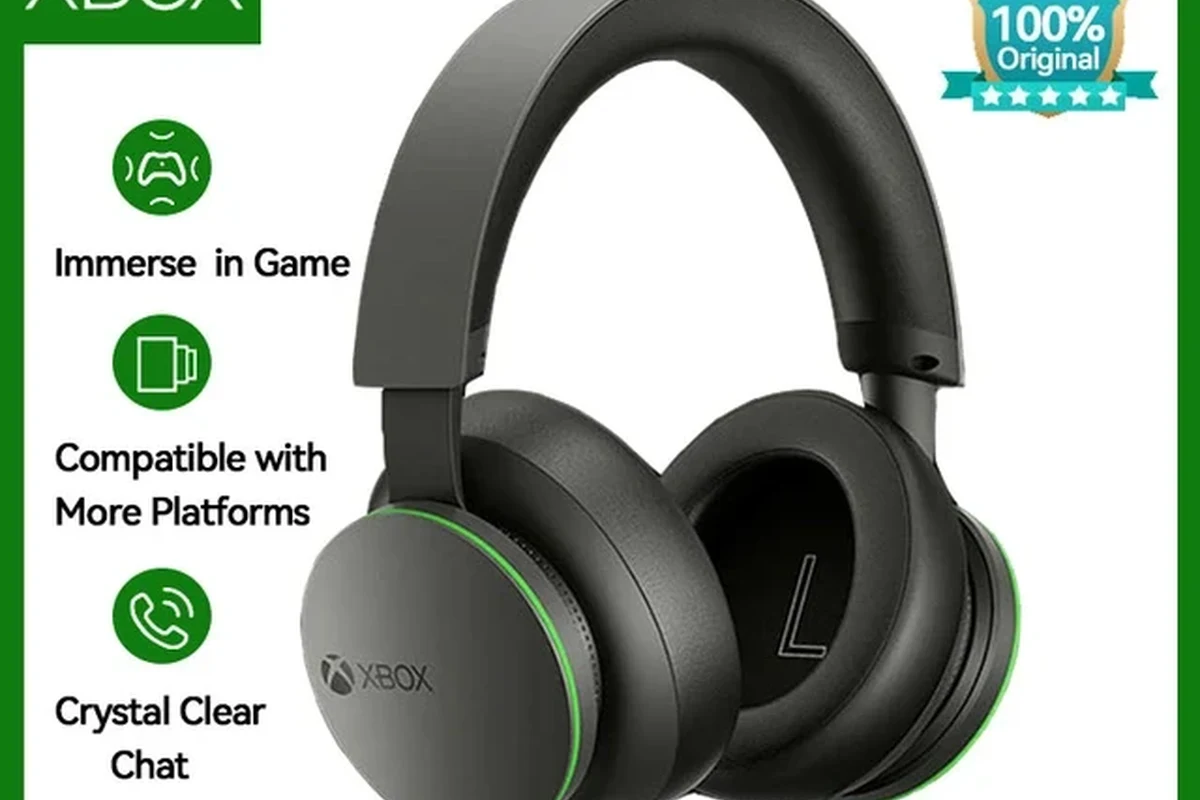
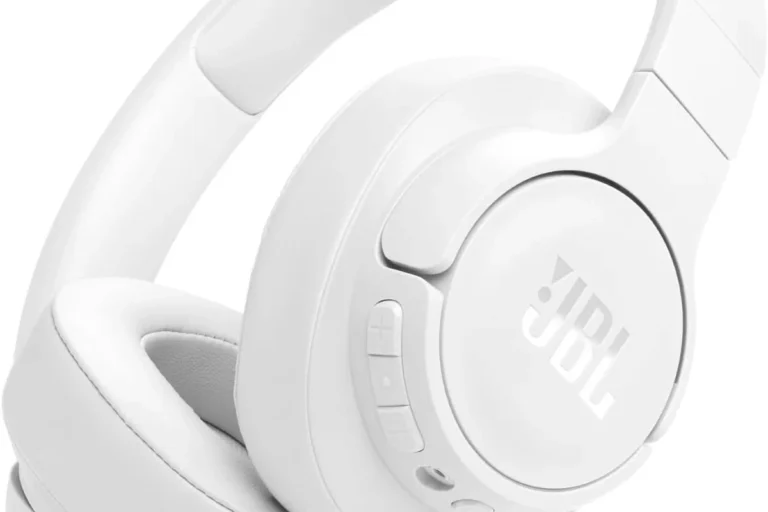
The complication is that “Bluetooth headphones” can mean a lot of different things. Some headsets are made only for music and calls, while others support gaming dongles, console wireless standards, or wired fallback modes.
So while the Xbox Series X itself does not pair with standard Bluetooth audio devices, you may still be able to use a headset if it supports Xbox Wireless, a USB dongle, or a wired connection through the controller. The best choice depends on whether you care most about convenience, microphone support, or the lowest possible delay.
Compatibility can vary by headset model, controller version, TV settings, and whether you need game audio only or full voice chat support.
How Xbox Series X Wireless Audio Actually Works in 2026
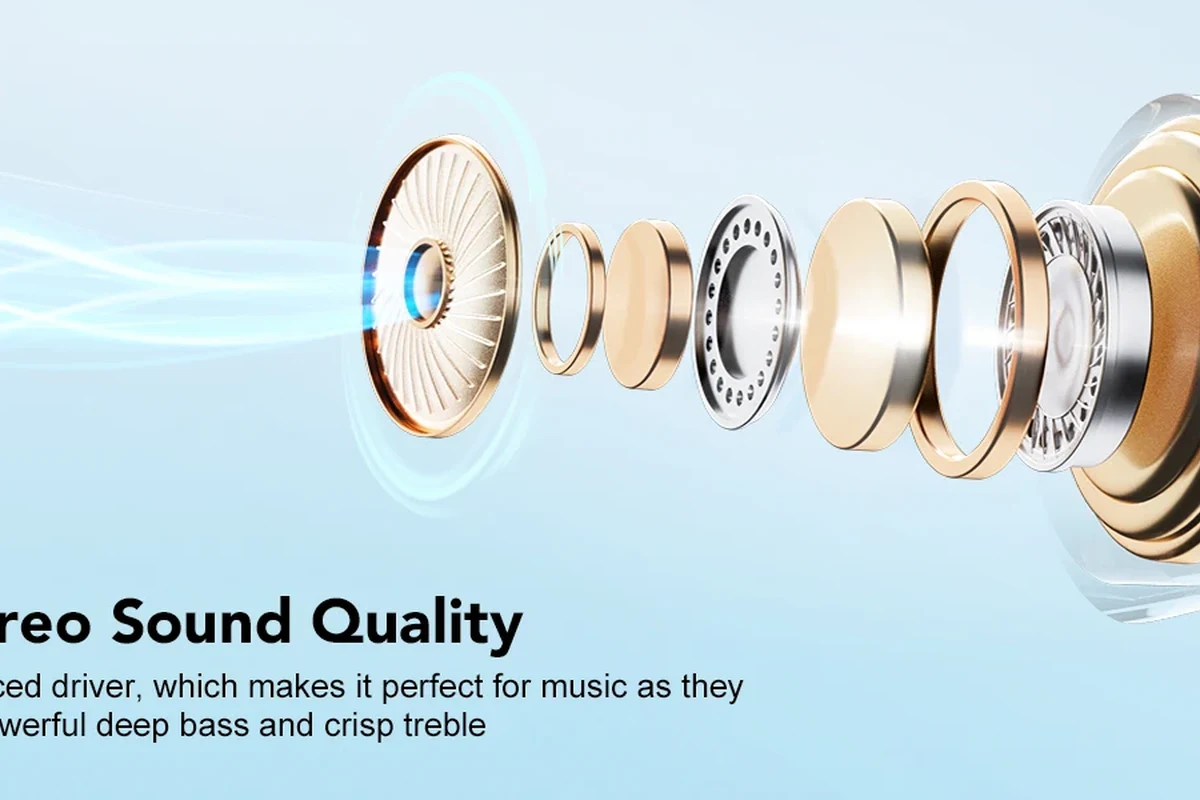
Xbox wireless audio is not the same thing as standard Bluetooth. Microsoft uses its own wireless approach for supported headsets, which is why some gaming headsets connect smoothly while regular Bluetooth headphones do not.
This matters because audio latency, microphone behavior, and chat balance all depend on the connection type. In gaming, even a small delay can make footsteps, reload sounds, and dialogue feel out of sync with what’s happening on screen.
Why Xbox consoles still do not support standard Bluetooth audio
The main reason is design choice. Xbox consoles have historically prioritized their own wireless ecosystem and controller connection methods instead of opening the door to generic Bluetooth audio pairing.
That means your Bluetooth earbuds, travel headphones, or office headset may work perfectly with a phone but still fail on Xbox Series X. Some users try to force a connection through menus, but the console simply does not offer the same Bluetooth audio path you’d expect from other devices.
Many “wireless gaming headsets” are not Bluetooth-only. They often use a 2.4GHz USB dongle or Xbox Wireless instead, which is why they work better for console gaming.
The difference between Xbox Wireless, Bluetooth, and 2.4GHz dongle-based audio
Xbox Wireless is the most console-friendly option and is built for supported Xbox headsets. Bluetooth is common for phones and laptops, but it is not the native audio solution on Xbox Series X.
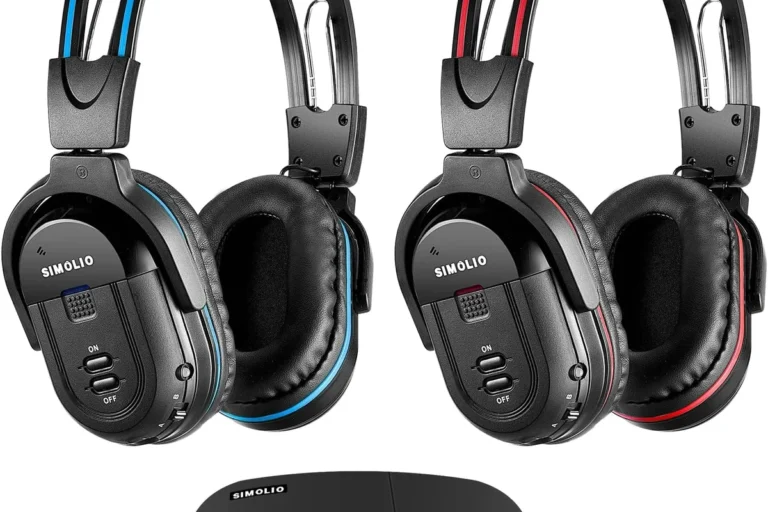
2.4GHz dongle-based audio usually means a USB transmitter that plugs into the console, TV, or another device. This can be a strong workaround because it often offers lower latency than Bluetooth, though setup and compatibility vary by brand.
Best Ways to Use Headphones with Xbox Series X Without Bluetooth Pairing
If your goal is simply to hear game audio clearly, you have multiple options that work better than forcing Bluetooth. The right choice depends on whether you want the easiest setup, the best chat support, or the cheapest fix.
For readers comparing connection types more broadly, our guide to bluetooth headphones explained simply breaks down how wireless audio actually works. If you’re deciding between connection styles, it also helps to review bluetooth vs wired headphones sound quality.
Xbox Wireless headsets: the most seamless option
For most Xbox Series X players, an Xbox Wireless headset is the smoothest route. It pairs directly with the console and is usually designed with gaming chat, game audio, and controller compatibility in mind.
This is the least frustrating option if you want a headset that “just works.” It is also the most likely to give you a balanced mix of low delay, decent voice chat support, and simple daily use.
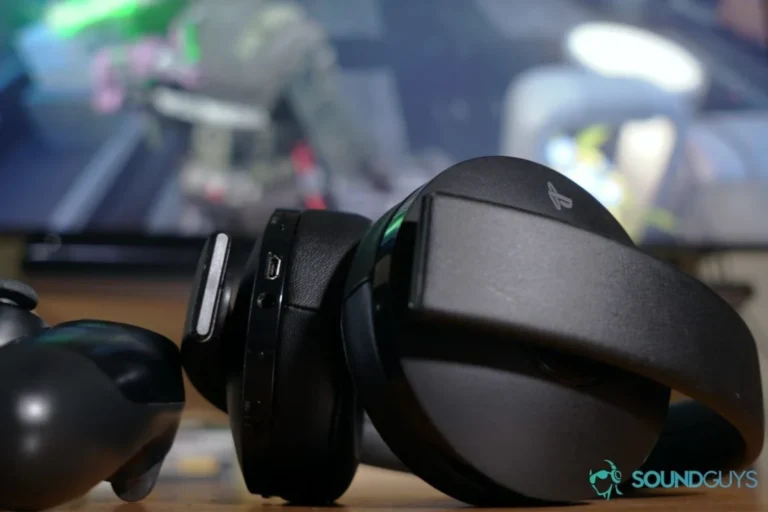
If you play late at night, a comfortable closed-back gaming headset can help keep sound focused without needing extreme volume.
USB wireless dongle headsets: compatibility and setup
Many gaming headsets use a USB wireless dongle instead of Bluetooth. In practice, this can be one of the best workarounds for Xbox Series X if the headset is officially supported or compatible through the right adapter.
Setup is usually simple: plug in the dongle, power on the headset, and follow the manufacturer’s pairing steps. Still, not every USB headset supports Xbox chat or console audio the same way, so it’s important to check the product details before buying.
- Xbox compatibility, not just “wireless” labeling
- Whether the mic works for party chat
- Whether the headset supports low-latency game audio
Wired 3.5mm headphones through the controller
A wired headset plugged into the Xbox controller is still one of the most reliable solutions. It avoids pairing problems, battery concerns, and most wireless delay issues.
If you already own a good pair of headphones, this can be the most budget-friendly route. You may not get every gaming feature found on premium headsets, but for pure audio playback it is often the simplest and most stable choice.
Listening at high volumes for long periods can cause hearing damage. Keep volume at 60% or below for extended sessions.
Practical Setup Examples for Gamers Who Want Low-Latency Audio
Low-latency audio matters more in some games than others. Competitive shooters, rhythm games, and fast-paced multiplayer titles tend to expose delay more quickly than slower single-player games.
That is why the “best” solution for Xbox Series X is not always the same for every player. A casual gamer may accept a small delay, while a ranked player usually wants the most responsive setup available.
Using a headset for competitive shooters and voice chat
If you play competitive shooters, prioritize a headset with direct Xbox support or a proven low-latency wireless dongle. You want footsteps, reloads, and callouts to land as close to real time as possible.
Mic quality also matters here, especially if you use party chat or team communication. A headset with stable chat support is usually more useful than a Bluetooth-only model that sounds fine for music but struggles in-game.
If you notice persistent delay, poor mic pickup, or one-sided audio issues, check your headset’s console compatibility first. If you have hearing sensitivity, tinnitus, or discomfort during long sessions, consult an audiologist or hearing professional.
Using TV Bluetooth as a workaround: when it works and when it fails
Some gamers route audio through the TV instead of the console and then connect Bluetooth headphones to the TV. This can work for casual play, especially if your TV has solid Bluetooth support and low enough delay.
However, this workaround is inconsistent. TV Bluetooth can introduce noticeable lag, and microphone support usually becomes a problem if you want to talk in party chat or in-game chat.
Even when TV Bluetooth works, audio sync can depend on the TV’s processing mode, game mode settings, and the headset’s own delay behavior.
Connecting via a Bluetooth transmitter: what to expect
A Bluetooth transmitter can plug into the controller, TV, or another audio output and send sound to Bluetooth headphones. This is often the first workaround people try when they want to use existing headphones.
The tradeoff is that results vary a lot. You may get usable sound for single-player games, but latency, audio quality, and microphone support can still be weaker than a headset designed for Xbox gaming.
Common Mistakes People Make When Trying to Use Bluetooth Headphones on Xbox Series X
Most problems come from assuming all wireless audio works the same way. In reality, Bluetooth, Xbox Wireless, and dongle-based systems behave very differently once you start gaming.
A little planning can save you from buying the wrong headset or spending extra money on adapters that still do not solve the real issue.
Assuming any Bluetooth headset will pair directly
This is the biggest mistake. Many people expect Xbox Series X to behave like a phone or laptop, but the console does not offer standard Bluetooth headphone pairing for audio output.
If a headset is labeled “Bluetooth,” that does not automatically mean it will work with Xbox. You need to look for Xbox Wireless support, USB dongle support, or a wired fallback option.
Ignoring audio delay and lip-sync issues
Bluetooth delay is easy to overlook until you notice it in a game or movie. Character voices may lag behind mouth movement, and gunshots may feel slightly behind the action.
For casual listening, that may be acceptable. For fast-paced gaming, it can be annoying enough to affect performance and immersion.
Overlooking mic support and chat compatibility
Some Bluetooth headphones can play audio but do not handle Xbox chat properly. Others may work for sound but make voice communication awkward or impossible.
If you plan to use party chat, in-game chat, or squad communication, check whether the headset supports microphone input on Xbox before you buy. This is one of the most common hidden compatibility problems.
Expert Advice: When Bluetooth Is Worth It and When It Is Not
Bluetooth is not automatically bad. It is simply not the best match for every Xbox Series X use case, especially when low delay and chat support matter.
The key is choosing Bluetooth for the right reason. If your priority is convenience and casual listening, it can still be a workable option through the TV or a transmitter.
Best use cases for casual single-player gaming
Bluetooth can make sense if you mostly play slower, story-driven games and do not care much about mic chat. In that case, a small amount of delay may not bother you much.
It can also be a decent option if you already own a quality Bluetooth headset and want a temporary workaround instead of buying a new gaming headset right away.
Why competitive players should avoid Bluetooth-only setups
Competitive players usually benefit from lower latency, stronger chat support, and more predictable audio behavior. Bluetooth-only setups can introduce delay and make coordination harder.
If you care about reaction time, voice clarity, and consistent performance, an Xbox-compatible wireless headset or a wired controller connection is usually the better choice.
- Xbox Series X does not support standard Bluetooth headphone pairing.
- Xbox Wireless, USB dongles, and wired controller connections are better options.
- Bluetooth workarounds can be okay for casual use but may add delay.
- Mic support and chat compatibility matter as much as sound quality.
Price Comparison: Bluetooth Workarounds vs Xbox-Compatible Headsets
Price is often the reason people try to make Bluetooth headphones work on Xbox. If you already own a headset, a transmitter may seem cheaper than buying a new gaming headset.
That can be true, but the cheapest option is not always the best value once you factor in latency, convenience, and microphone quality.
Budget transmitter options versus mid-range wireless headsets
Budget Bluetooth transmitters can be appealing because they let you reuse existing headphones. The downside is that performance depends heavily on the transmitter, the TV, the controller setup, and the headset itself.
Mid-range Xbox-compatible wireless headsets usually cost more, but they are often simpler to use and more reliable for gaming. If you game often, that convenience can be worth the extra spend.
What you pay for convenience, latency, and microphone quality
With Bluetooth workarounds, you may save money up front but give up consistency. With Xbox-compatible headsets, you usually pay more for easier setup, better timing, and better chat support.
For many gamers, that tradeoff is worth it. If you only play occasionally, a workaround may be enough; if gaming is a regular habit, a proper Xbox headset often delivers better long-term value.
- Reuses headphones you already own
- Can be cheaper upfront
- Good enough for casual single-player use
- Possible audio delay
- Mic support may be limited
- Setup can be inconsistent
Final Verdict: The Best Audio Choice for Xbox Series X in 2026
So, can you use bluetooth headphones on xbox series x? Not directly in the normal way most people expect, and that is still the biggest limitation in 2026. If you want the cleanest experience, Xbox Wireless headsets, USB dongle headsets, or a wired 3.5mm connection are usually better choices.
Bluetooth can still work as a workaround for casual gaming, especially through a TV or transmitter, but it is rarely the best option for low-latency play or reliable voice chat. For most readers at Top Headphone Reviews, the smartest move is to choose the connection type first, then the headset second.
Frequently Asked Questions
Usually no. Xbox Series X does not support standard Bluetooth audio pairing directly, so most Bluetooth-only headphones will not connect natively.
Wired headphones are usually better for reliability and lower latency. Bluetooth can be fine for casual use, but it may add delay and can be less consistent for chat.
Yes, if they connect in a compatible way and feel comfortable for long sessions. Noise cancelling can help reduce distractions, but it does not fix latency or microphone issues.
Closed-back headphones are usually better for gaming because they block more outside noise and keep sound focused. Open-back models can sound wider, but they leak sound and offer less isolation.
Look at connection type, latency, microphone support, comfort, and how the headset handles bass and clarity. Frequency response and driver type can matter too, but real-world tuning is often more important than numbers alone.
Check weight, ear cushion material, clamp force, and headband padding. A lighter headset with soft cushions usually feels better over long sessions, but fit still depends on your head shape and personal preference.