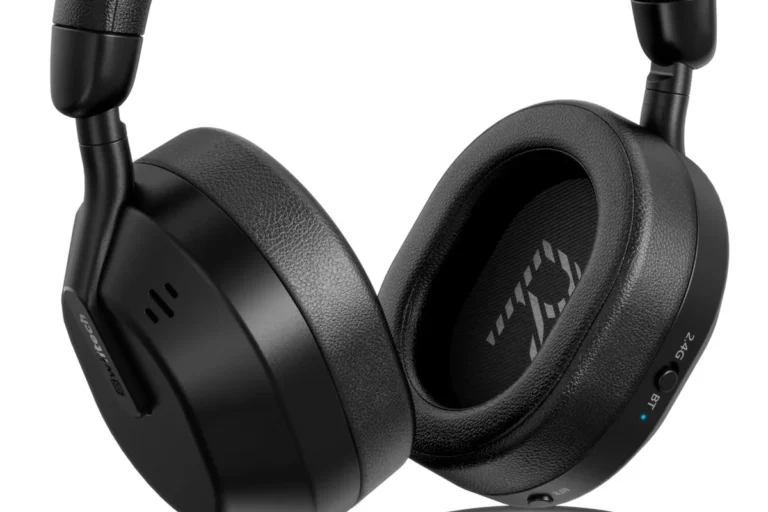
Do JBL Headphones Have Trackers Find Out Here

Most JBL headphones do not have built-in trackers. You can sometimes use Bluetooth history or phone records to help recover them, but that is not true location tracking.
If you’re asking, do JBL headphones have trackers, the short answer is usually no. Most JBL headphones and earbuds do not include built-in GPS, UWB, or AirTag-style tracking hardware.
That said, some JBL models can still be easier to recover than others because of Bluetooth history, app support, and your phone’s own location records. The exact recovery options depend on the model, your phone, and whether the headphones were recently connected.
- No built-in GPS: Standard JBL headphones usually do not include tracker hardware.
- Recovery is limited: Bluetooth history may help, but only as a clue.
- App features are not tracking: JBL app controls manage settings, not location.
- Separate tracker option: A dedicated tracker can be a better recovery tool.
Do JBL Headphones Have Trackers? Search Intent and Quick Answer for 2026
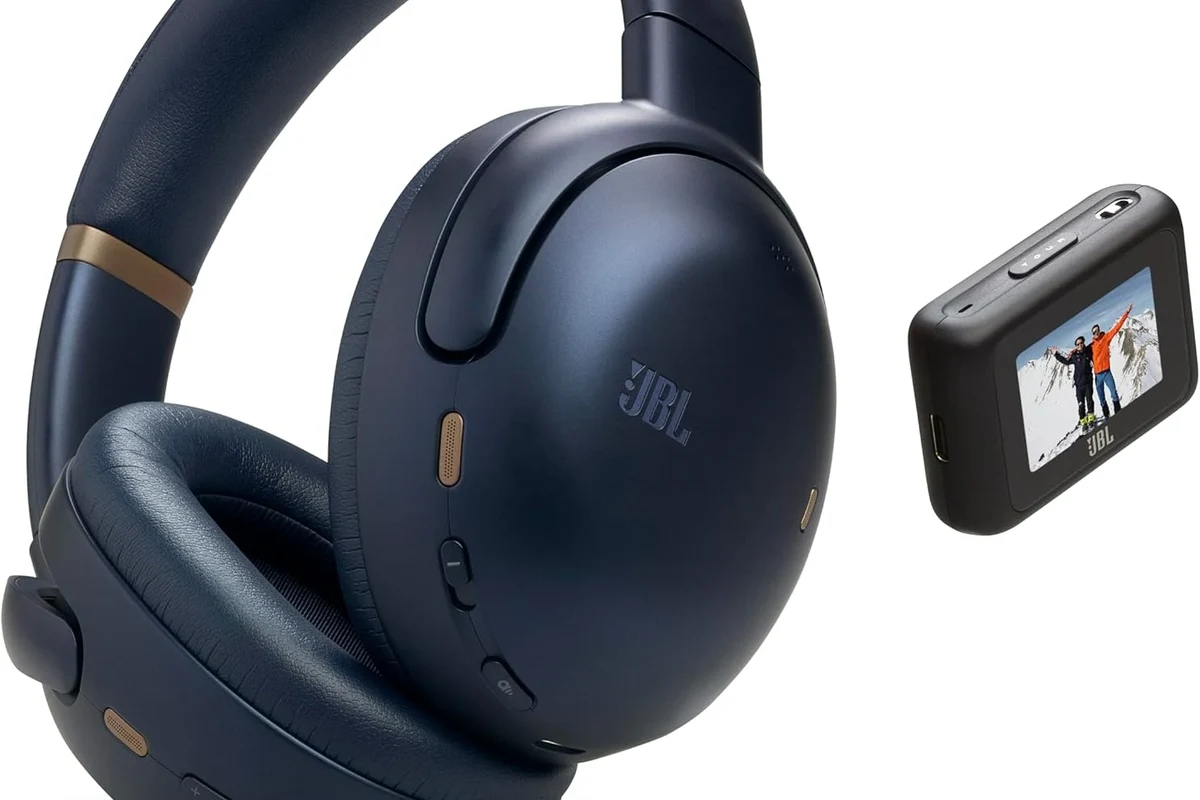
Many people search this question after losing a pair of JBL headphones and hoping for a simple “find my headphones” feature. In most cases, JBL headphones are not tracker-equipped in the way Apple AirPods or a dedicated item tracker might be.
Instead, JBL focuses on audio features such as wireless connection, noise cancellation, and app controls. If you want a deeper basics refresher on wireless audio behavior, our guide to Bluetooth headphones explained is a helpful place to start.
How JBL Headphones Handle Location Features: What They Do and Don’t Include
JBL headphones typically connect through Bluetooth, and some models work with a companion app for controls and personalization. That can create the impression that the headphones are “trackable,” but the feature set is usually limited to connection management rather than true location tracking.
In other words, JBL may help you manage the headphones you already own, but it generally does not turn the headphones into a GPS device. For readers comparing wireless behavior more broadly, our article on wired vs wireless headphones explains why wireless convenience comes with a few trade-offs.
Bluetooth pairing, device memory, and why that is not the same as a tracker
When JBL headphones pair with a phone, tablet, or laptop, both devices may remember each other for faster reconnection. That memory is useful, but it only helps the headphones reconnect when they are nearby and powered on.
A tracker, by contrast, is designed to report location. Bluetooth pairing does not provide live map tracking, and it does not usually show exact coordinates where the headphones are sitting.
Bluetooth can sometimes show a “last seen” or recently connected device, but that is not the same as real-time tracking or recovery support.
App-based controls in the JBL ecosystem: what users can manage
The JBL app is mainly used for convenience features such as EQ adjustments, firmware updates, button customization, and sound-mode changes on supported models. Those tools can improve the listening experience, but they are not a substitute for a built-in locator.
Some users mistake app connectivity for tracking because the headphones appear in the app or on the phone’s Bluetooth list. In reality, that only means the device can communicate with your phone, not that it can be pinpointed on a map.
Can You Track JBL Headphones After They’re Lost or Stolen?
You may be able to recover JBL headphones if they were recently connected and still have battery life, but success is limited. Recovery usually depends on timing, proximity, and whether the headphones were moved after disconnecting.
If you need a quick refresher on reconnecting Bluetooth gear, our guide on how to connect Bluetooth headphones can help you understand the basic pairing process that also affects recovery attempts.
Using your phone’s Bluetooth history and last connected location
On some phones, Bluetooth or device lists may show when the headphones were last connected. That can give you a rough clue about where you last used them, especially if you noticed the disconnect while still at home, in the office, or in the car.
Location history from your phone may also help if the headphones were connected in a place you visited recently. This is more of a detective-style recovery method than a true tracker, but it can still be useful.
Many wireless headphones can reconnect automatically when they are nearby, which is helpful for daily use but can also make them seem “trackable” even when they are not.
What works on Android versus iPhone in real-world recovery attempts
Android and iPhone handle Bluetooth records and location permissions differently, so your recovery options may vary. On Android, device history and nearby device behavior may be easier to inspect in some cases, while iPhone users often rely more on Apple’s ecosystem features and the phone’s own history.
Neither platform turns standard JBL headphones into fully trackable accessories by default. If you are trying to understand how your phone handles audio device switching and recognition, the article on select headphones in Windows 11 is also useful for understanding device management behavior across systems.
Recovery results can vary by model, phone settings, battery level, and how long ago the headphones disconnected. A dead battery or a factory reset can make recovery much harder.
JBL App, Smart Features, and Privacy: What Users Should Know
Like many modern audio brands, JBL may ask for permissions that help the app detect nearby devices, manage firmware, or improve app functionality. Those permissions can include Bluetooth access and, in some cases, location-related access depending on the phone operating system.
That does not necessarily mean the headphones themselves are tracking your location. It usually means the app needs access to nearby-device scanning or system-level Bluetooth functions to work properly.
Data collection, permissions, and location access warnings
Smartphone operating systems often show location warnings when an app needs Bluetooth scanning. That can confuse users, because “location access” sounds like GPS tracking even when the app is only trying to find nearby accessories.
Read permission prompts carefully before approving them. If you are concerned about app behavior, check the app’s settings and your phone’s privacy controls rather than assuming the headphones have their own tracker.
If an app asks for more permissions than you expected, review your phone’s privacy settings or consult the manufacturer’s support pages. If you have hearing concerns, tinnitus, or ear discomfort, speak with an audiologist before using headphones for long sessions.
Why some users mistake app features for built-in tracking
It is easy to assume that a headphone app with firmware updates, battery readouts, and device controls must also support tracking. But those are separate feature categories.
App features help you manage the headset; tracking features help you locate it. Standard JBL headphones usually offer the first, not the second.
Common Mistakes People Make When Looking for a Tracker in JBL Headphones
When people lose a headset, they often search the packaging, app menus, or phone settings for a hidden tracker feature. That is understandable, but it can lead to false expectations.
A better approach is to check what the model actually supports instead of assuming every wireless headphone includes recovery tools.
Confusing “Find My Device” support with headphone-native tracking
Some phones can show nearby accessories or previously connected devices, and that may look similar to “Find My Device” support. But unless the headphone model is specifically designed for that ecosystem, it is not true native tracking.
In practice, a device appearing in a Bluetooth list is only evidence of a past connection. It does not mean the headphones can be actively located on demand.
Expecting GPS, UWB, or AirTag-style precision from standard JBL models
GPS, ultra-wideband, and item-tracker systems are built for location precision. Standard JBL headphones generally do not include that hardware, so they cannot match the accuracy of a dedicated tracker.
If you want noise isolation basics while comparing designs, our piece on open back vs closed back headphones can help you think through fit and use case, which often matters more than tracking features for everyday buyers.
Listening at high volumes for long periods can cause hearing damage. Keep volume at 60% or below for extended sessions.
Best Ways to Protect and Recover JBL Headphones in 2026
Because most JBL headphones do not have built-in trackers, prevention matters more than recovery. Small habits can make a big difference when you are traveling, commuting, or using headphones at work.
If your headphones are already lost, act quickly by checking the last place you used them, retracing Bluetooth connections, and contacting any venue where they may have been left behind.
Practical examples: labeling, Bluetooth naming, and case habits
Labeling your case with a phone number or email can help if someone finds it. You can also rename the Bluetooth device in your phone settings, which makes it easier to identify in crowded environments with many wireless devices.
Keeping the charging case closed and storing the headphones in the same pocket or bag compartment every time also reduces loss. These habits are simple, but they work better than hoping for a recovery feature that may not exist.
If you use headphones daily, make a habit of checking battery level, case placement, and the Bluetooth name before leaving a room or vehicle.
Expert advice warning: why relying on tracking alone is risky
Even products with tracking support are not perfect. Batteries die, Bluetooth range is limited, and location updates can lag behind reality.
That is why the best recovery strategy is a mix of habit, labeling, and smart storage. Tracking should be treated as a backup, not your only defense.
JBL Headphones vs Tracker-Equipped Alternatives: Price and Feature Comparison
If tracking is a must-have, you may want to compare JBL with brands or models that explicitly advertise locator support. Those products can cost more because you are paying for extra hardware, software integration, and ecosystem features.
Pricing and feature bundles vary widely by brand and model, so it is better to compare the exact product rather than rely on brand reputation alone.
What you pay for true tracking support in premium earbuds and headphones
True tracking support usually comes from a dedicated ecosystem, not from standard Bluetooth alone. That can mean easier recovery, better last-known-location tools, and tighter app integration.
But those benefits are only valuable if you already use the matching phone platform or app system. If you do not, the extra cost may not be worth it.
| Model | Best For | Price Range |
|---|---|---|
| Standard JBL headphones | Everyday wireless listening | Varies by model |
| Tracker-equipped earbuds | Loss recovery and ecosystem users | Usually higher |
| Headphones with separate tracker | Flexible recovery without changing brands | Varies by setup |
When it makes sense to buy a separate tracker instead
If you already like your JBL headphones and only want better recovery options, a separate tracker may be the smarter purchase. That approach can be more affordable than replacing a perfectly good headset just for location support.
It also gives you flexibility. You can move the tracker between bags, cases, and other valuable items without depending on one specific headphone model.
- Most JBL headphones do not have built-in trackers.
- Bluetooth history and app tools can help with recovery, but only in limited ways.
- Real tracking requires special hardware or a separate tracker.
- Prevention habits are still the best way to avoid losing your headphones.
Final Recap: The Real Answer to Whether JBL Headphones Have Trackers
The real answer is simple: most JBL headphones do not come with built-in trackers. They may support Bluetooth memory, app controls, and phone-based recovery clues, but that is not the same as GPS, UWB, or AirTag-style tracking.
If tracking matters to you, compare the exact model carefully and decide whether a separate tracker is the better fit. For most buyers, JBL remains a solid wireless audio choice, but not a true location-tracking solution.
Frequently Asked Questions
Most JBL headphones do not have built-in tracking hardware like GPS, UWB, or AirTag-style precision. They may show up in Bluetooth history, but that is not true real-time tracking.
Sometimes you can use your phone’s Bluetooth history or last connected location as a clue. This can help you narrow down where the headphones were last used, but it is not guaranteed.
JBL makes both wireless and wired headphones, but tracking questions mostly apply to wireless models. Wired headphones do not need Bluetooth tracking, while wireless models can sometimes be easier to trace through device history.
Noise cancelling can improve listening in loud places by reducing background noise, but sound quality still depends on the exact model and your preferences. Some listeners prefer non-ANC models for a more natural feel.
Check battery life, comfort, microphone quality, latency, and whether the model supports the features you need. For commuting, noise cancellation matters more; for gaming, low lag and stable connection matter more.
Look for lightweight designs, soft ear cushions, and a fit that does not clamp too tightly. Take breaks, keep volume at safe levels, and consult an audiologist if you notice discomfort or hearing issues.