Can You Connect Wireless Headphones to PS5 Easily

Yes, you can connect wireless headphones to PS5, but the easiest method is usually a PS5-compatible headset or a USB dongle model. Standard Bluetooth headphones often need a workaround and may have more lag or limited mic support.
If you’re asking can you connect wireless headphones to PS5, the short answer is yes — but not every wireless headset connects the same way. The PS5 supports several wireless audio setups, while standard Bluetooth headphones usually need a workaround.
That distinction matters because gaming audio is not just about convenience. For many players, low latency, chat compatibility, and microphone support matter just as much as sound quality, and the wrong setup can lead to laggy audio or missing voice chat.
- Best method: Use a PS5-compatible headset or USB wireless dongle.
- Bluetooth limit: Direct pairing is often restricted on PS5.
- Gaming priority: Low latency matters most for FPS and chat.
- Buy smart: Check mic support, battery life, and full setup cost.
Can You Connect Wireless Headphones to PS5? What Works in 2025
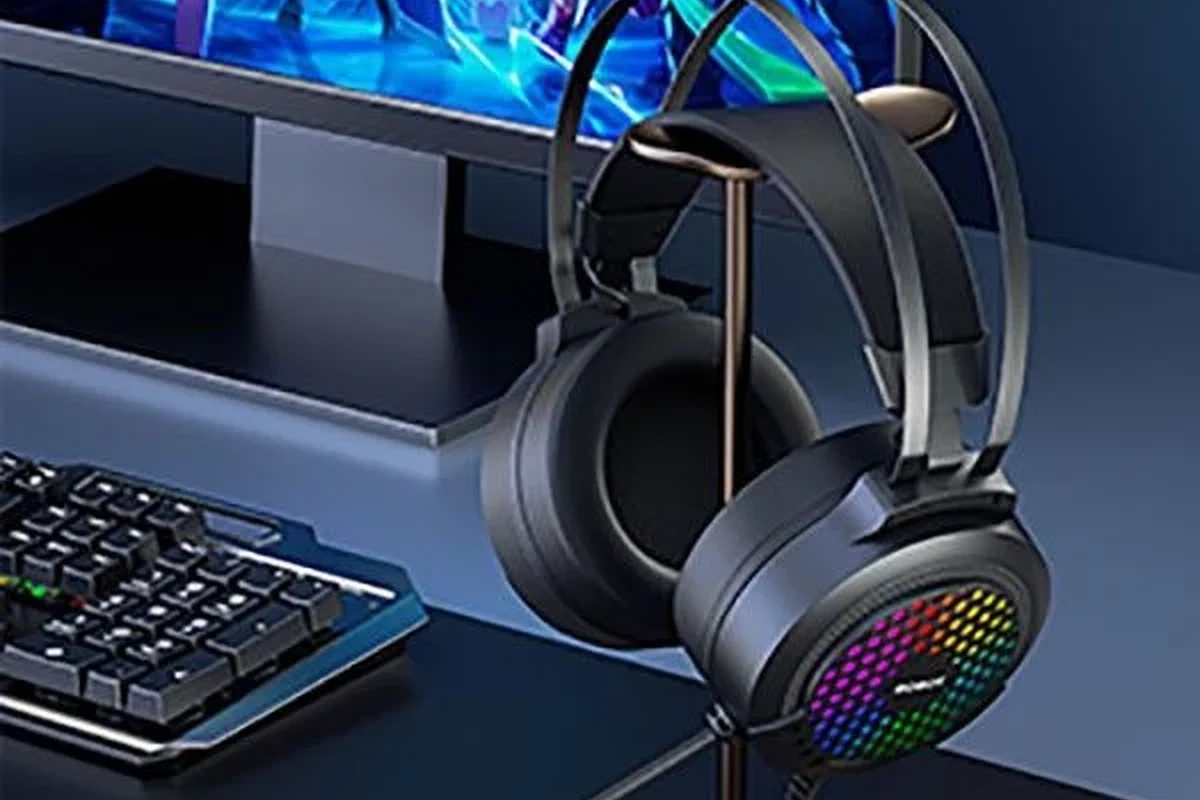
In 2025, the PS5 is still a little picky about wireless audio. The console does not behave like a phone or laptop that can pair with almost any Bluetooth headset in seconds, so the exact connection method matters.
Why this question matters for PS5 gamers
Many players want a clean setup with fewer cables, especially for long gaming sessions on a couch or desk. Wireless headphones can make the PS5 feel more comfortable and flexible, but only if they work well with game audio and voice chat.
That’s why compatibility is the real issue, not just whether a headset is “wireless.” A headset may connect for sound but still fail on mic input, or it may work with a dongle but not with direct Bluetooth pairing.
What “wireless” really means on PS5: Bluetooth, USB dongles, and proprietary RF
On PS5, “wireless” usually falls into three categories: Bluetooth, USB wireless dongles, and proprietary wireless systems such as PlayStation Link or brand-specific RF connections. Each one behaves differently in terms of sound quality, latency, and setup.
Wireless headphones are not all built the same. A headset that works perfectly on a phone may still need an adapter or special transmitter to work on PS5.
PS5 Wireless Headphone Compatibility: The Methods That Actually Work
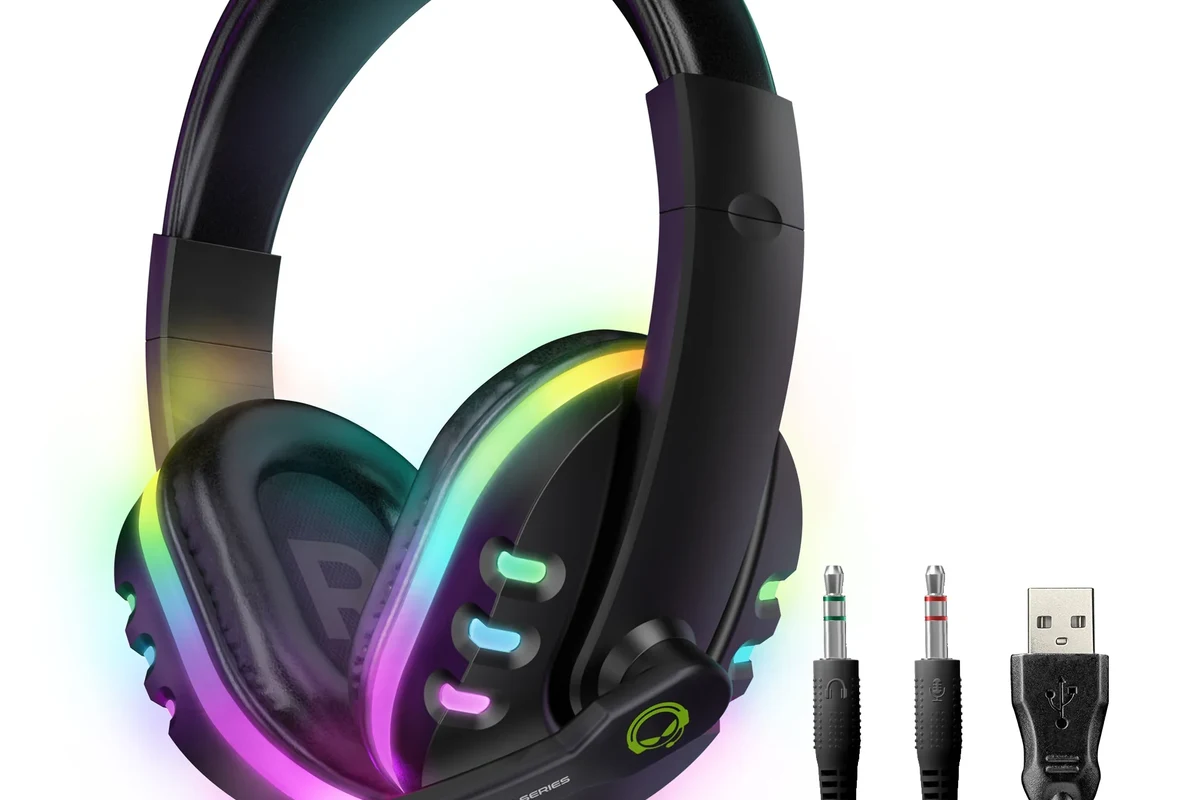
The good news is that there are several reliable ways to use wireless headphones with a PS5. The best option depends on your headset, your budget, and whether you care more about simple setup or the lowest possible lag.
Official PS5-compatible wireless headsets
The easiest route is a headset designed for PlayStation use. These models are made to work with the console’s wireless audio system, which usually means simpler pairing and fewer surprises.
This is often the safest choice for players who want plug-and-play convenience. If you want a straightforward setup and don’t want to troubleshoot adapters, an official PS5-compatible headset is usually the least frustrating option.
USB wireless dongle headsets and how they connect
Many gaming headsets use a USB wireless dongle that plugs into the PS5. The dongle creates a dedicated wireless link between the console and the headset, which is usually more stable than generic Bluetooth for gaming.
In most cases, this is one of the best middle-ground options. You get wireless freedom, decent latency, and often microphone support, as long as the headset and dongle are designed to work together.
Many gaming headsets use a 2.4GHz wireless connection instead of standard Bluetooth because it can offer lower lag for gameplay and chat.
Bluetooth headphones: why direct pairing is limited
Direct Bluetooth pairing is where many PS5 users run into trouble. The console does not support every Bluetooth headphone natively, and even when audio works through a workaround, microphone support can be limited or inconsistent.
If you already own Bluetooth headphones, you may still be able to use them through a TV, monitor, or external adapter. But if you want the simplest and most reliable gaming experience, Bluetooth is usually not the first choice for PS5.
Step-by-Step Ways to Connect Wireless Headphones to PS5
There is more than one way to connect wireless headphones to PS5, and the steps depend on your hardware. Below are the most practical methods most gamers use.
Connecting through a USB wireless transmitter
If your headset includes a USB transmitter or dongle, plug it into the PS5’s USB port. Then power on the headset and follow the pairing instructions that came with the model.
Use a front or rear USB port on the PS5, depending on what is easiest and most stable for your setup.
Put the headset into pairing mode if needed, then wait for the wireless link to connect.
Go into PS5 sound settings and confirm the headset is selected for output and, if available, microphone input.
If you want a broader understanding of wireless audio behavior, our guide on wired vs wireless headphones can help you compare convenience, latency, and everyday usability.
Using a headset with a PlayStation Link adapter
Some newer headsets use a PlayStation Link adapter or a similar low-latency wireless system. In that case, the process is usually similar to a USB dongle setup, but the headset and adapter are designed to work as a matched pair.
This can be a strong option for players who want better integration and less lag. Just make sure the headset explicitly supports the PS5 method you plan to use, because not every wireless model is compatible.
Pairing through a TV, monitor, or AV receiver workaround
Another workaround is connecting your wireless headphones to a TV, gaming monitor, or AV receiver that supports Bluetooth or wireless audio output. The PS5 sends sound to the display, and the display sends it to your headphones.
This can be useful if your headset does not connect directly to the console. However, audio delay may be more noticeable, especially in fast-paced games where timing matters.
TV and monitor workarounds can introduce latency. That delay may be fine for movies or slower games, but it can feel distracting in competitive play.
Sound Quality, Latency, and Mic Performance: What to Expect
Once your headset is connected, the next question is performance. For gaming, the best wireless setup is not always the one with the biggest brand name — it’s the one that balances sound quality, response time, and voice chat reliability.
Why low-latency matters for gaming and voice chat
Low latency means the sound reaches your ears quickly after the action happens on screen. That matters in shooters, rhythm games, and any title where timing is part of the experience.
It also matters for voice chat. If the connection is unstable or delayed, communication can feel awkward, especially during team play. That’s one reason many gamers prefer 2.4GHz wireless systems over standard Bluetooth.
How wireless connection type affects audio quality
Wireless audio quality depends on both the headset and the connection method. A good USB wireless headset can sound clear and detailed, while a weaker Bluetooth workaround may compress sound more or feel less responsive.
That does not mean Bluetooth always sounds bad. It just means the overall experience may vary more from model to model, especially when a third-party adapter or TV passthrough is involved.
Listening at high volumes for long periods can cause hearing damage. Keep volume at 60% or below for extended sessions.
Practical examples for FPS, RPG, and party chat use
For FPS games, low-latency wireless is usually the top priority because footsteps, gunfire, and directional cues need to feel immediate. A USB dongle or PlayStation Link setup is often the better fit here.
For RPGs and story games, a little extra latency may be less noticeable, so comfort and battery life can matter more. For party chat, a headset with a dependable microphone and stable wireless connection is usually the most important factor.
Common Mistakes When Trying to Use Wireless Headphones on PS5
Most PS5 wireless headphone problems come from a few avoidable mistakes. If you know these ahead of time, you can save yourself a lot of setup frustration.
Assuming any Bluetooth headset will work natively
This is the biggest misconception. Many people assume the PS5 works like a phone and will pair with any Bluetooth headphones, but that is not how the console behaves in practice.
Before buying, always check whether the headset supports PS5 directly, needs a dongle, or requires a workaround. That small step can prevent a disappointing purchase.
Overlooking mic support and chat compatibility
A headset may play game audio but still not support voice chat the way you expect. That can be a problem if you play multiplayer games or use party chat often.
If microphone performance matters, look closely at the product description. Compatibility for audio output does not always guarantee full chat support.
Ignoring dongle firmware, USB port issues, and console settings
Sometimes the headset is fine, but the setup is not. Outdated dongle firmware, a loose USB connection, or the wrong PS5 sound output setting can make a good headset seem broken.
If something does not work right away, try another USB port, check the headset’s pairing mode, and review the console’s sound settings before assuming the headset itself is faulty.
- PS5 compatibility before buying
- Mic support for chat
- USB dongle or adapter requirements
- Battery life for long sessions
Best Budget vs Premium Options for PS5 Wireless Audio
Wireless PS5 audio can fit different budgets, but the best value depends on what you need most. Some players only want basic convenience, while others want the most seamless gaming experience possible.
Affordable headset-and-dongle setups
Budget-friendly setups often rely on a wireless headset with a USB dongle. These can be a smart choice if you want wireless freedom without paying for premium ecosystem features.
The trade-off is that sound tuning, microphone quality, and battery life may vary more from model to model. If you shop in this range, check compatibility carefully and avoid assuming every cheap wireless headset will be equally good for PS5.
Mid-range choices for balanced performance
Mid-range headsets often offer the best balance for most gamers. You may get better comfort, clearer chat audio, and more reliable wireless performance without jumping into the most expensive category.
If you are comparing broader headphone styles for gaming or general use, our overview of types of headphones explained can help you narrow down whether over-ear, on-ear, or in-ear designs suit your setup best.
Premium PS5 wireless headsets for best integration
Premium options usually focus on convenience, lower latency, and tighter PS5 integration. These are often the easiest to live with if you game frequently and want fewer setup headaches.
They may also include better comfort materials, stronger battery life, and more refined mic monitoring. Still, premium does not automatically mean perfect for every player, so comfort and fit should remain part of the decision.
Expert Advice: What Top Headphone Reviews Recommends Before You Buy
At Top Headphone Reviews, our main advice is simple: buy for compatibility first, then sound quality, then comfort. A headset that sounds great but does not connect the way you need it to is not a good value.
Check PS5 compatibility, latency specs, and battery life first
Look for clear PS5 support, a low-latency wireless connection, and battery life that matches your play habits. If you play long sessions, comfort and charge time can matter as much as sound.
If you have hearing loss, tinnitus, or discomfort during long listening sessions, consult an audiologist or hearing professional before relying on high-volume gaming audio.
Watch for hidden costs like adapters, transmitters, or replacement dongles
Some wireless headphones look inexpensive at first, but the real cost can rise once you add adapters, transmitters, or replacement USB dongles. That is especially important if the headset does not support PS5 directly.
When comparing options, include the full setup cost, not just the headset price. A slightly more expensive model that works right away may actually save money and hassle.
When wired headphones may still be the smarter choice
Wireless is convenient, but wired headphones can still be the better choice for many PS5 players. They usually avoid battery concerns, pairing issues, and extra adapter costs.
If you want the simplest possible setup, or if you are very sensitive to latency, a wired headset may be the more practical option. Our guide on how to connect Bluetooth headphones also helps if you are comparing wireless setup methods across devices.
Final Recap: The Easiest Way to Connect Wireless Headphones to PS5
So, can you connect wireless headphones to PS5 easily? Yes — if you choose the right method for your headset. The easiest path is usually a PS5-compatible wireless headset or a USB dongle model built for low-latency gaming.
Quick summary of the best connection method by user type
If you want the least hassle, choose an official PS5-compatible headset. If you already own a gaming headset with a USB dongle, that is often the most practical middle-ground option.
If you only have standard Bluetooth headphones, expect to use a workaround and accept possible latency or mic limitations. For competitive gaming, that trade-off may be more noticeable than for casual play.
Key takeaway for choosing the right wireless setup in 2025
The best wireless PS5 setup is the one that matches your gaming style, chat needs, and budget. Check compatibility first, then focus on latency, microphone support, comfort, and battery life before you buy.
- PS5 supports wireless audio best through compatible headsets or USB dongles.
- Standard Bluetooth headphones often need a workaround and may have lag.
- Mic support, latency, and battery life matter as much as sound quality.
- Wired headphones can still be the simplest and most reliable option.
Frequently Asked Questions
Not always. Wireless headphones are more convenient, but wired headphones can still offer simpler setup and fewer latency concerns.
They can be, especially for blocking room noise during long sessions. Just make sure the headset still has clear game audio and a comfortable fit.
Closed-back headphones are usually better for PS5 gaming because they isolate sound more effectively. Open-back models can feel more spacious, but they leak sound and let in more noise.
Over-ear headsets are often the most comfortable for long sessions because they spread pressure more evenly. On-ear and in-ear options can work too, but comfort depends more on fit and personal preference.
Check PS5 compatibility, wireless type, latency, microphone support, battery life, and comfort. If you want gaming performance, look for a headset designed for low-latency use.
Start with the headset’s EQ settings if available, then adjust PS5 audio output options. Small EQ changes can improve bass or clarity, but the headphone’s driver design still matters most.