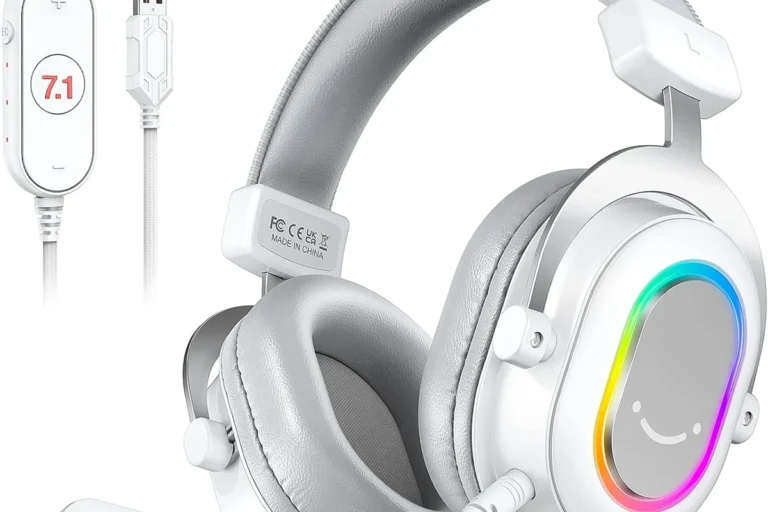
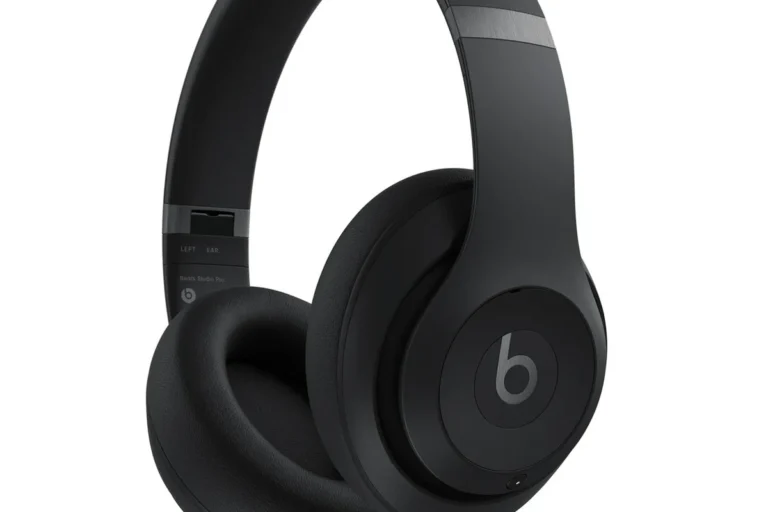
How Do Wireless Headphones Work for TV and Why Use Them

Wireless TV headphones work by receiving audio from the TV either through Bluetooth or through a transmitter connected to the TV’s audio output. They are useful for private listening, clearer dialogue, and late-night viewing, but compatibility and audio delay matter.
Wireless TV headphones are a simple way to listen to your favorite shows, movies, and games without relying on the TV’s built-in speakers. In most setups, the TV sends audio to a transmitter or built-in wireless system, and the headphones receive that signal and play it directly into your ears.
If you have ever wondered how wireless headphones compare to wired options, TV use is one of the clearest examples of the tradeoff: convenience and privacy versus the need to manage latency, compatibility, and battery life. The right setup depends on your TV model, your room, and how sensitive you are to delay or sound quality.
- Signal path: TV audio goes to Bluetooth or a transmitter, then to the headphones.
- Best use: Great for private, late-night, and dialogue-focused TV listening.
- Buy smart: Check latency, range, comfort, and TV compatibility first.
- Common issue: Audio delay is the biggest problem, especially with basic Bluetooth.
How Wireless TV Headphones Work: The Basic Signal Path
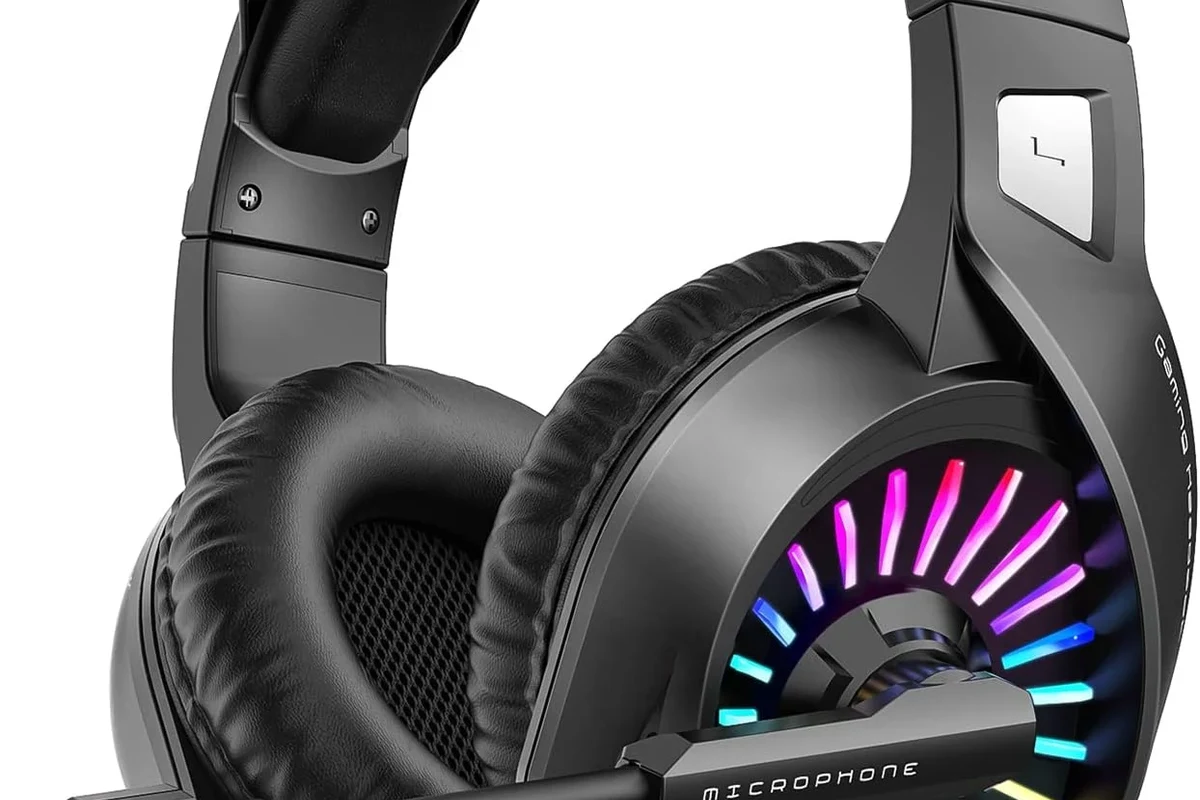
At a basic level, TV audio follows a short chain: the TV creates the sound signal, sends it out through a port or wireless connection, and the headphones receive it. The exact path changes depending on whether you use Bluetooth, RF, or infrared.
That signal path matters because it affects delay, range, and reliability. Some systems are easy to pair but may add a little lag, while others are designed specifically for TV listening and can feel more stable over longer sessions.
From TV audio output to transmitter and headphones
In many wireless TV setups, the TV sends audio through optical, AUX, RCA, or Bluetooth. If the headphones are not built with TV wireless support directly, a transmitter acts as the middle step and converts the TV’s audio into a wireless signal.
The transmitter sits near the TV and broadcasts to the headphones. The headphones then decode that signal and turn it back into sound, which is why the setup can feel almost like a private listening channel for one person or a whole household.
Some TVs let you use both speakers and headphones at the same time, but many do not. If shared listening matters, check the TV audio menu before buying.
How Bluetooth, RF, and infrared differ in real-world use
Bluetooth is the most familiar option because many smart TVs already support it. It is convenient, but performance can vary by TV brand, codec support, and how the TV handles audio delay.
RF, or radio frequency, is often used in dedicated TV headphone systems. It usually offers a strong range and simple pairing, which is why it remains popular for living rooms and larger spaces.
Infrared is less common today. It generally needs line of sight between the transmitter and headphones, so it can be more limited if you move around or block the signal.
Why People Use Wireless Headphones for TV in 2025
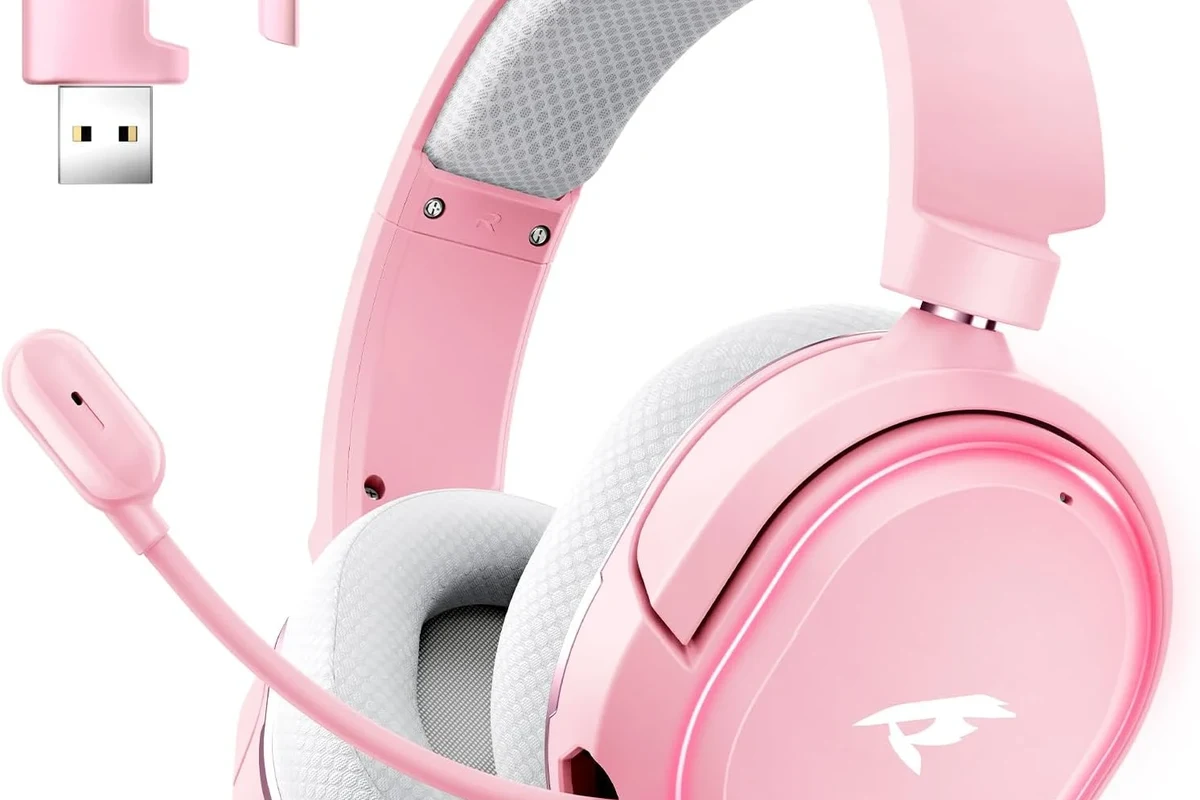
People use wireless headphones for TV for the same reason they use them for music or gaming: convenience. But TV listening adds a few extra benefits, especially in shared homes and late-night viewing setups.
They also help when built-in speakers are not clear enough. Dialogue-heavy streaming shows, sports commentary, and action scenes can all become easier to follow when the sound goes straight to your headphones.
Late-night viewing without disturbing others
This is one of the biggest reasons people buy wireless TV headphones. You can watch movies or play games late at night without waking kids, partners, or neighbors in apartment settings.
That privacy is especially useful if your TV room shares a wall with a bedroom. Instead of turning the volume up and hoping for the best, you can keep the TV quiet and listen at a comfortable level through headphones.
Better clarity for dialogue, sports, and streaming content
Many viewers struggle to hear dialogue clearly, especially when background music and effects are mixed loudly. Wireless headphones can make voices stand out more, even if the TV’s built-in speakers sound thin or muddy.
Sports and live events can also benefit from more direct sound. Announcers, crowd noise, and on-screen action often feel easier to track when the audio is isolated in headphones rather than spread across a room.
Some viewers prefer TV headphones even when they do not need extra volume, because clearer dialogue can reduce the urge to keep rewinding scenes.
Accessibility benefits for hearing support and personal volume control
Wireless TV headphones can be a practical accessibility tool for people who need more control over volume or clarity. They let one listener raise the sound to a comfortable level without changing the experience for everyone else in the room.
If hearing support is a concern, an audiologist can help you decide whether a TV headphone setup, hearing aid features, or another assistive listening option is the better fit. Safe listening habits still matter, especially during long sessions.
Listening at high volumes for long periods can cause hearing damage. Keep volume at 60% or below for extended sessions.
How to Connect Wireless Headphones to a TV
Connecting wireless headphones to a TV is usually straightforward, but the best method depends on the TV’s outputs and wireless features. The main goal is to match the headphone system to the TV’s available connection options.
If you are setting up a new pair, it helps to think in terms of compatibility first and sound quality second. A great headphone can still be frustrating if the TV cannot send audio to it properly.
Using Bluetooth on smart TVs
Many newer smart TVs include Bluetooth audio output. In that case, you open the TV’s sound or device settings, put the headphones into pairing mode, and select them from the list of available devices.
This is the easiest setup for most beginners. Still, it may not be the best for gaming or fast-paced movies if the TV adds noticeable audio delay.
Look for Bluetooth, audio output, or device settings in your TV menu.
Follow the headphone manual so the TV can detect the device.
Play a dialogue scene and check whether the lips and sound stay in sync.
Connecting with a dedicated transmitter via optical, AUX, or RCA
If your TV does not support Bluetooth well, a dedicated transmitter is often the better choice. These systems plug into the TV through optical, AUX, or RCA outputs and send audio directly to the headphones.
This is especially helpful for older TVs or for people who want a more reliable TV-specific solution. Many dedicated systems are designed for low-latency listening and easier living-room range.
Pairing steps and setup examples for different TV models
On a Samsung, LG, Sony, or similar smart TV, the process usually starts in the sound settings. If Bluetooth is supported, select the headphones directly; if not, use the optical or AUX output with a transmitter.
For older TVs, the RCA or headphone jack may be the simplest option. The exact setup can vary by model, so it is worth checking the TV manual or the manufacturer’s support page before buying anything.
- Does the TV support Bluetooth audio output?
- Does the TV have optical, AUX, RCA, or headphone out?
- Do the headphones support the same wireless method as the transmitter?
- Can the TV and soundbar work together without muting audio?
What to Look for When Choosing Wireless TV Headphones
Choosing the right model is less about flashy features and more about how well the headphones fit your TV habits. The most important factors are delay, comfort, battery life, range, and compatibility.
If you watch a lot of dialogue-heavy content, clarity may matter more than booming bass. If you game, latency becomes much more important than it does for casual late-night TV.
Latency and lip-sync performance for movies and gaming
Latency is the delay between the TV picture and the sound reaching your ears. A small delay may be fine for talk shows, but it can become distracting in movies, sports, and especially gaming.
Bluetooth performance varies widely, so some TVs and headphones will sync well while others will not. If low lag is a top priority, look for products designed specifically for TV or gaming use.
Range, battery life, comfort, and sound quality
Range matters if you move around the room or step into the kitchen while watching. Battery life matters if you use the headphones for long streaming sessions and do not want to charge them constantly.
Comfort is just as important as sound quality. Over-ear designs usually work well for long TV sessions because they spread pressure more evenly, while lighter on-ear or in-ear styles may be better for some users but less comfortable over time.
Codec support, TV compatibility, and multi-device convenience
Codec support can affect how audio is transmitted over Bluetooth, but the exact benefit depends on both the TV and the headphones. In practice, compatibility is often more important than chasing a specific codec name.
Multi-device convenience is useful if you also want to use the headphones with a phone, tablet, or laptop. If that matters, choose a model that switches easily between devices instead of one that is awkward to re-pair each time.
- Private listening
- Better dialogue focus
- Useful for shared homes
- Possible audio delay
- Battery charging required
- Not every TV supports easy pairing
Common Problems People Run Into and How to Avoid Them
Most wireless TV headphone problems are not caused by the headphones alone. They usually come from a mismatch between the TV, the transmitter, and the wireless method being used.
The good news is that many issues are easy to avoid if you check compatibility before buying and spend a few minutes on setup.
Audio delay, dropouts, and connection instability
Audio delay is the most common complaint, especially with basic Bluetooth TV setups. Dropouts can also happen if the signal is blocked, the range is weak, or the transmitter is placed too far from the seating area.
If you want steadier performance, a dedicated RF system may be a better fit than standard Bluetooth. If you already own Bluetooth headphones, moving the transmitter closer and reducing interference can help.
If your TV and headphones do not support the same wireless standard well, no settings tweak will fully fix the mismatch. Compatibility matters more than marketing claims.
Volume mismatch and poor dialogue clarity
Sometimes the headphone volume feels too low even when the TV volume is high. In other cases, dialogue sounds thin because the TV audio mode is set for surround sound or a preset that is not ideal for speech.
Try the TV’s sound modes, speech enhancement options, and equalizer settings before assuming the headphones are the problem. A small EQ adjustment can make voices much easier to understand.
Compatibility mistakes with older TVs and soundbars
Older TVs often lack Bluetooth, and some newer TVs route audio in ways that complicate headphone use. Soundbars can add another layer of complexity if the TV only sends audio to one output at a time.
This is why it helps to check whether the TV has optical out, a headphone jack, or RCA outputs before shopping. If you use a soundbar, make sure the headphone setup will not disable the audio path you already rely on.
Price Ranges and Value: What You Get at Different Budgets
Wireless TV headphones come in a wide range of prices, and the value usually comes from reliability rather than fancy extras. At lower budgets, you are mostly paying for basic convenience and simple TV listening.
At higher budgets, you are usually paying for better comfort, lower latency, stronger range, and more polished build quality. The right choice depends on how often you watch TV with headphones and how picky you are about delay.
Budget wireless TV headphones vs mid-range sets
Budget models can be fine for casual use, especially if you mostly watch talk shows or use them in short sessions. The tradeoff is that they may have weaker materials, less comfortable padding, or less consistent wireless performance.
Mid-range sets often strike the best balance for most households. They tend to offer better comfort and more dependable audio without pushing into premium pricing territory.
Premium models with low latency and better comfort
Premium TV headphones are usually worth considering if you watch for long stretches or care deeply about lip-sync. They may also feel better on the head and ears, which matters more than many buyers expect.
Keep in mind that premium does not automatically mean perfect. Even expensive models can be a poor fit if they do not match your TV’s output options or wireless standards.
When a separate transmitter is worth the extra cost
A separate transmitter is often worth it if your TV’s Bluetooth is unreliable or missing altogether. It can also be the better choice if you want a more TV-focused setup with fewer pairing headaches.
For many readers, this is the hidden value decision. A slightly more expensive transmitter-based setup can be easier to live with than a cheaper Bluetooth-only setup that keeps dropping out.
Expert Advice: Best Practices for Reliable TV Listening
The best wireless TV experience usually comes from choosing the right connection method first, then tuning the TV settings second. Once the foundation is right, the rest becomes much easier to manage.
As a general rule, match the headphone system to the way you actually watch TV, not just the feature list on the box.
When to choose Bluetooth over RF and vice versa
Choose Bluetooth if your TV already supports it well and you want a simple, flexible setup that can also work with phones and tablets. Choose RF if you want a more dedicated TV listening solution with stronger range and often better consistency.
If gaming or lip-sync accuracy matters a lot, RF or a low-latency TV-specific system is often the safer bet. If convenience and device switching matter more, Bluetooth may be enough.
Settings adjustments for the cleanest audio experience
Start by checking the TV’s audio output mode, volume leveling, and speech enhancement features. If the sound feels muffled, try a different sound preset before adjusting the headphone EQ.
Also make sure the transmitter and headphones are charged, updated if applicable, and placed where the signal has a clear path. Small setup changes can make a noticeable difference in stability.
Warning signs that a model may not suit your TV setup
If the product description is vague about compatibility, that is a red flag. The same is true if the headphones only mention phone use and do not clearly support TV listening.
Another warning sign is a setup that depends on too many adapters without explaining how audio will route through your TV and soundbar. If the path is unclear, the experience may be frustrating even if the headphones themselves are good.
If you have hearing loss, tinnitus, or frequent difficulty understanding dialogue even at comfortable volumes, an audiologist can help you decide whether a headphone setup, TV hearing mode, or assistive listening device is the best option.
Final Recap: How Wireless Headphones Work for TV and Who Should Buy Them
So, how do wireless headphones work for TV? In most cases, the TV sends audio to the headphones through Bluetooth or through a transmitter connected by optical, AUX, or RCA, and the headphones play that audio privately and wirelessly.
The best choice depends on your setup and priorities. If you want easy late-night viewing, better dialogue, or more personal volume control, wireless TV headphones can be a very practical upgrade.
Quick summary of the setup, benefits, and buying priorities
Look first at compatibility, then latency, then comfort and battery life. A good TV headphone setup should be simple to connect, stable to use, and comfortable enough for long sessions.
For most buyers, the most important factors are whether the headphones work well with the TV, whether the sound stays in sync, and whether the system fits the way the household watches TV.
Best-fit scenarios for casual viewers, gamers, and shared households
Casual viewers usually do well with simple Bluetooth or mid-range wireless sets. Gamers and movie fans often benefit from lower-latency systems, while shared households may care most about private listening and easy switching between users.
If you are still deciding, think about your real viewing habits first. The right wireless TV headphones are the ones that make watching easier, clearer, and more comfortable without creating new setup problems.
Frequently Asked Questions
Wireless headphones are more convenient for TV because they let you move freely and avoid cables. Wired headphones can still be better if you want the simplest connection and zero wireless lag.
Noise cancelling headphones can help reduce room noise and make dialogue easier to hear. They are not required for TV use, but they can improve focus in noisy homes.
Closed-back headphones are usually better for TV because they block more outside noise and keep sound from leaking out. Open-back headphones can sound more spacious, but they are less private and less ideal in shared rooms.
Over-ear headphones are usually the most comfortable for long TV sessions because they spread pressure across the ears more evenly. Comfort still depends on weight, clamp force, and ear cushion material.
Check latency, battery life, range, TV compatibility, and whether the headphones use Bluetooth or RF. If sound quality matters, also look at driver design, EQ options, and how clearly the headphones handle dialogue.
Start by adjusting the TV sound mode, speech enhancement, and equalizer settings. If voices still sound muddy, try a different headphone fit or a model with better dialogue clarity and lower distortion.