10 Best Gaming Headsets With Microphone in 2026

A best gaming headsets with microphone does two jobs at once: it delivers game audio and carries your voice to teammates. Most shoppers focus on sound quality alone, but for anyone who plays online, microphone clarity matters just as much. A muddy or muffled mic can undercut coordination in a ranked match just as badly as bad sound can hide footsteps.
The market splits mainly between wired and wireless designs. Wired headsets tend to offer lower latency and simpler setup, while wireless models trade a small amount of lag for freedom of movement and multi-device pairing. Beyond that, features like flip-to-mute mics, detachable microphones, virtual surround sound, and RGB lighting all affect price and usefulness in different ways depending on how someone actually plays.
Picking the right headset comes down to matching connection type and mic quality to your platform and play style, not just chasing the highest spec sheet. A PC player streaming to Discord has different priorities than a console player who mainly wants clear party chat. This roundup breaks down ten well-reviewed options, covering their strengths for competitive gaming, multiplatform use, Xbox compatibility, wireless convenience, and budget-conscious shopping, so it’s easier to land on the right one without overpaying for features that won’t get used.
Best for all-round comfort: HyperX Cloud III
Best for competitive FPS on a budget: Razer BlackShark V2 X
Best value wired surround sound: Logitech G432
Best for wireless flexibility across devices: AOC Wireless Gaming Headset
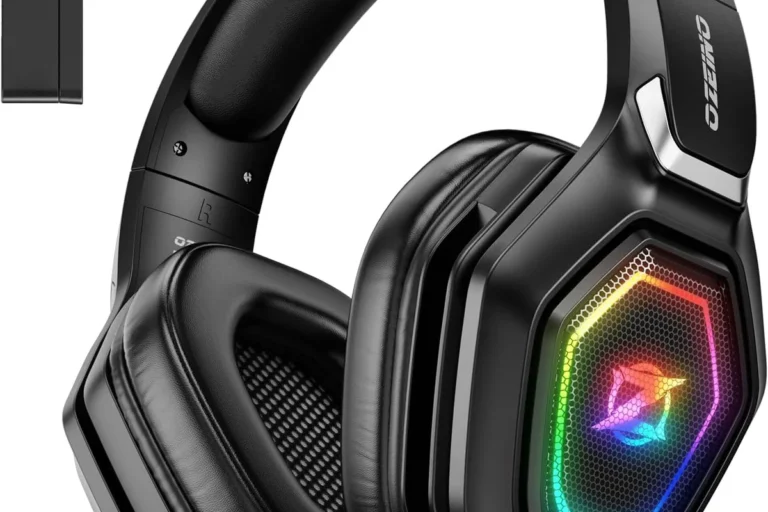
Best battery life for long sessions: Ozeino Wireless Gaming Headset
Best for durability and long-term use: Razer Kraken
Best for Discord and voice chat clarity: JBL Quantum 400
Best for Xbox console players: HyperX CloudX
Best for RGB style and multiplatform USB-C: Razer Kraken V4 X
Best premium wireless with top-tier mic: Logitech G522 Lightspeed
HyperX Cloud III
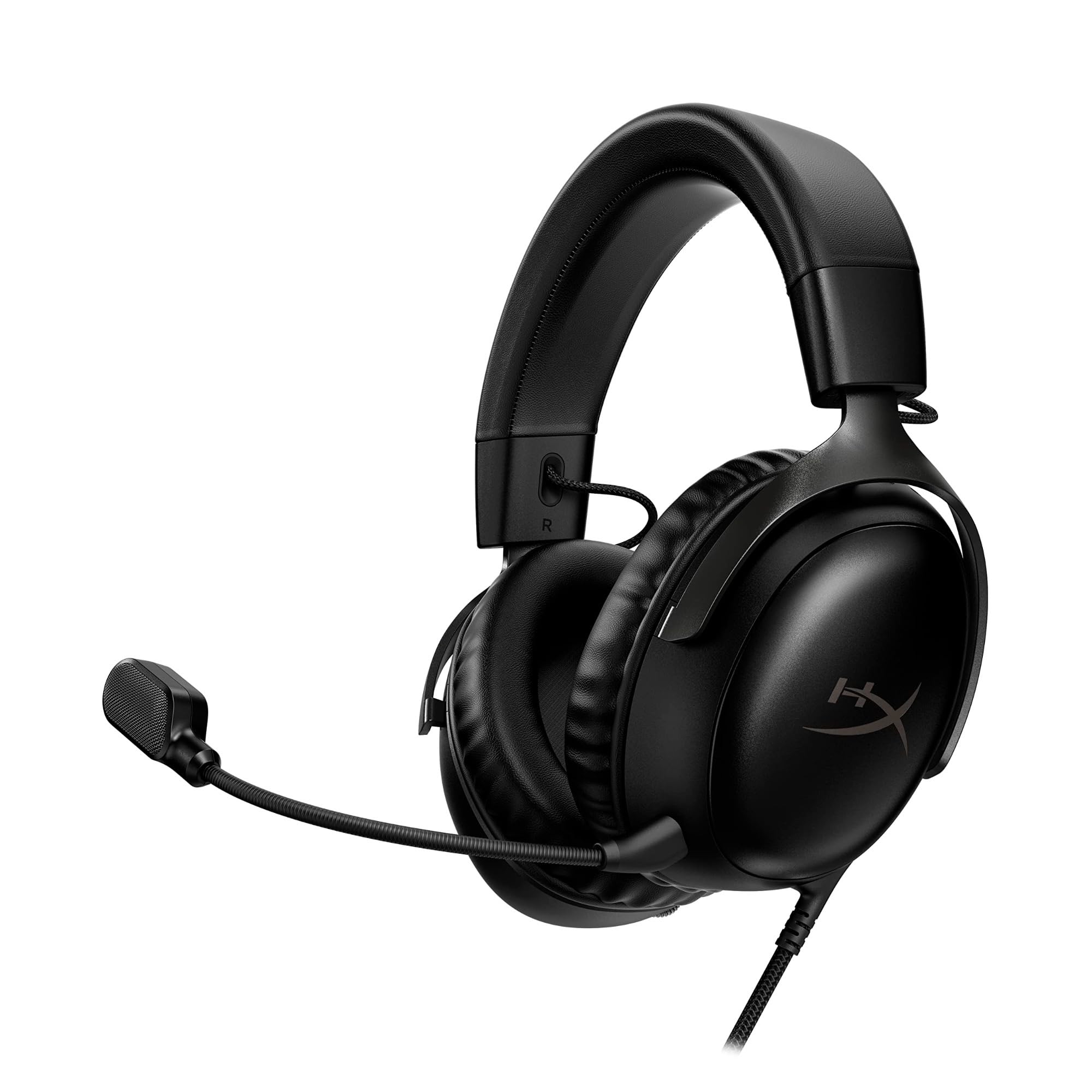
This headset suits gamers who want long-session comfort and reliable mic quality across nearly every platform.
Pros
- Memory foam ear cushions and headband stay comfortable for hours
- Detachable 10mm mic with noise cancellation and LED mute indicator
- Aluminum frame adds durability without extra weight
Cons
- No wireless option
- Surround sound requires software setup on PC
- On-ear controls take some getting used to
The Cloud III builds on a well-known design with retuned 53mm drivers angled for clearer positional cues. Voice chat comes through clean thanks to the upgraded mic, which filters background noise without sounding thin. It works with PC, PlayStation, Xbox, Switch, and mobile through USB-C, USB-A, or a 3.5mm jack, making it a solid pick for households with mixed gaming setups.
Razer BlackShark V2 X
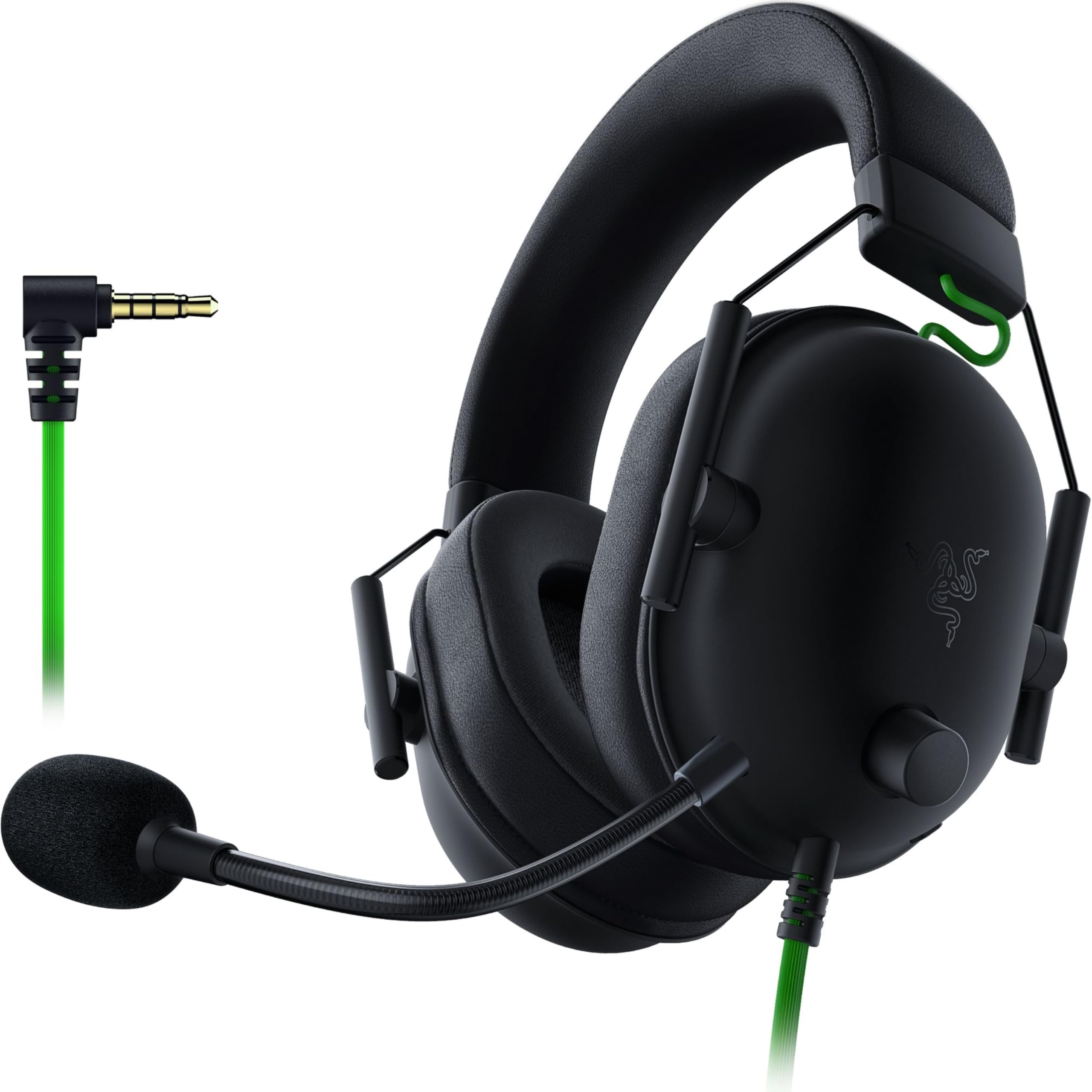
Competitive players who need clear directional audio and a dependable mic without spending much will find this one hard to beat.
Pros
- Lightweight build reduces fatigue during marathon sessions
- Cardioid mic picks up voice clearly while rejecting side noise
- 7.1 surround sound on PC sharpens footstep and directional cues
Cons
- Surround sound is Windows-only
- Ear cushions can trap heat during long play
- Xbox use may require a separate adapter
The BlackShark V2 X earns its reputation among esports-focused players for a reason. Its titanium-coated 50mm drivers separate highs, mids, and lows cleanly, so gunfire and voice chat don’t blur together. The HyperClear mic tapers pickup at the edges, cutting down on keyboard clatter and room noise during calls.
Logitech G432
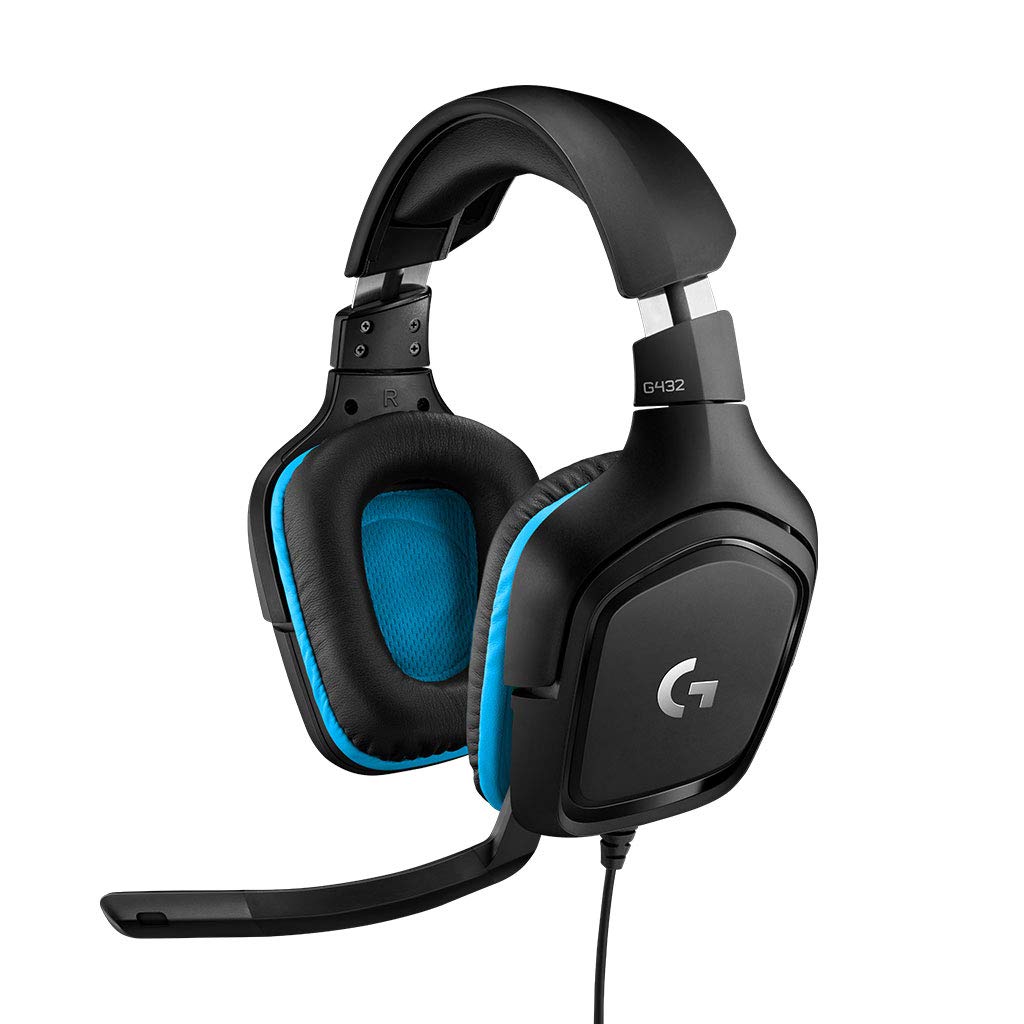
Budget-conscious shoppers who still want DTS surround sound and a usable flip-to-mute mic should consider this model.
Pros
- DTS Headphone 2.0 surround adds positional depth on PC
- Flip-to-mute boom mic is simple and reliable
- Rotating ear cups improve fit and portability
Cons
- Leatherette padding wears down faster than fabric alternatives
- Build feels less rugged than pricier competitors
- No console-native surround sound
The G432 pairs big 50mm drivers with a straightforward design that works over USB or a 3.5mm cable. Voice clarity from the 6mm boom mic holds up well in party chat, and the flip-up mute function is a nice physical shortcut. It’s a practical entry point for anyone testing whether surround sound is worth the upgrade.
AOC Wireless Gaming Headset
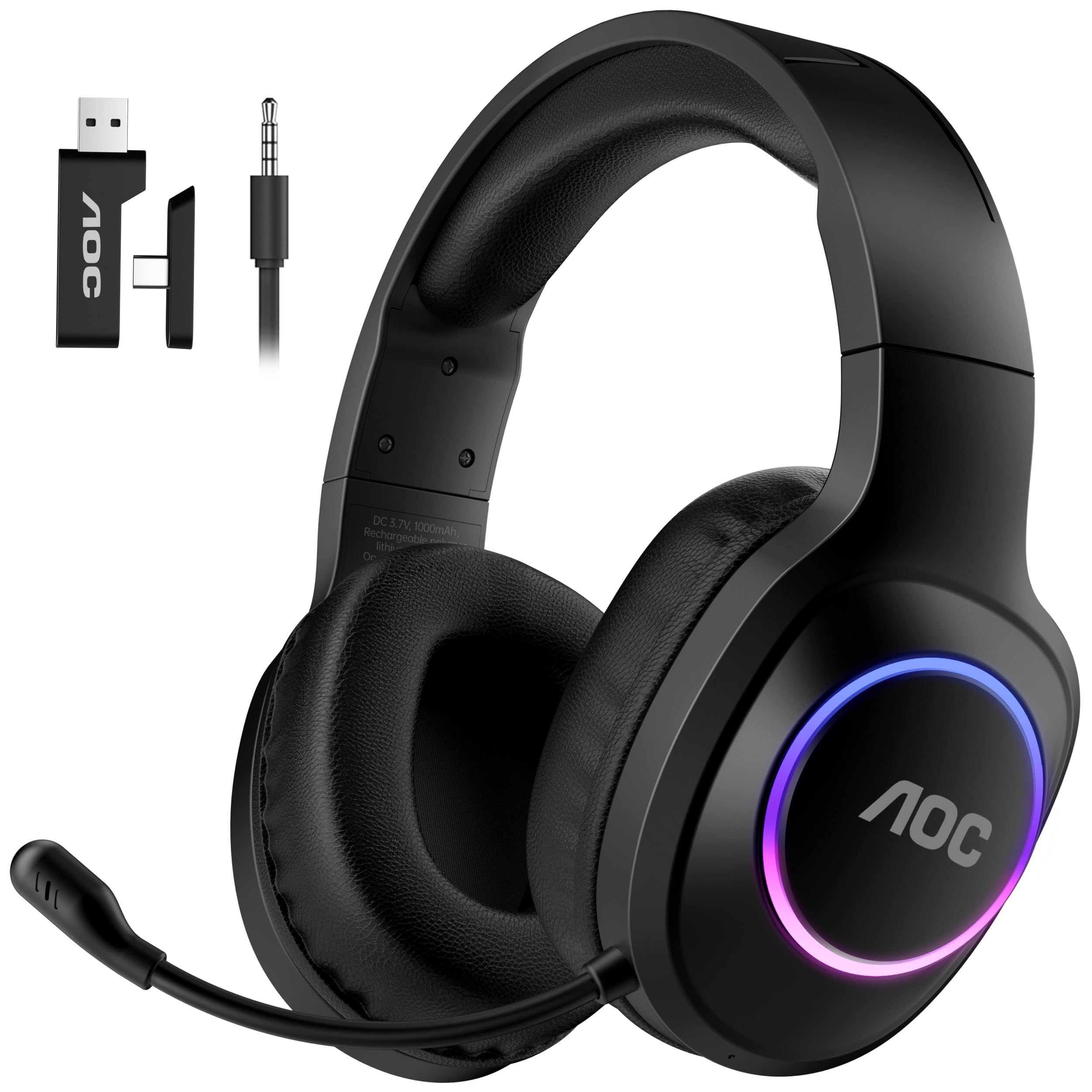
Gamers who switch between consoles, PC, and mobile devices will appreciate this headset’s flexible 4-in-1 connectivity.
Pros
- Supports 2.4GHz, Bluetooth, USB-C, and 3.5mm wired modes
- Triple-stage noise-cancelling mic with AI voice enhancement
- Up to 45 hours of battery life with fast USB-C charging
Cons
- Bluetooth mode does not work with PlayStation or Xbox
- Xbox compatibility is limited to wired 3.5mm mode
- Virtual surround requires the correct connection mode to activate
The AOC headset packs a lot of connection options into a lightweight frame. Its 50mm graphene drivers paired with a 96kHz/24-bit DAC give game audio noticeable clarity, while the layered mic processing keeps voice chat intelligible even in noisy rooms. Buyers just need to match the connection mode to their platform to unlock full functionality.
Ozeino Wireless Gaming Headset
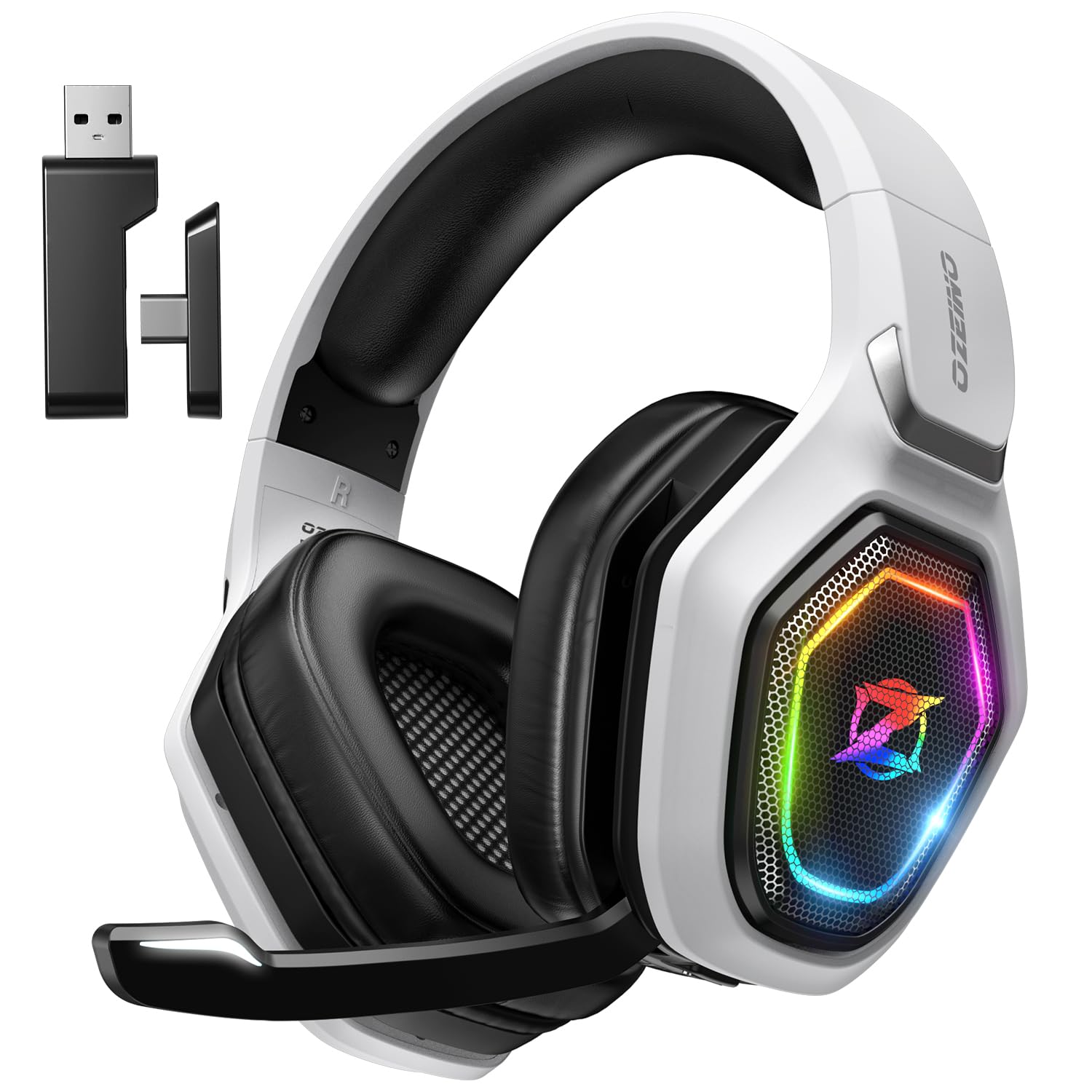
This headset fits players who want long battery life and low-latency wireless play without paying premium prices.
Pros
- Up to 40 hours of battery life with fast recharge
- 2.4GHz connection keeps latency under 30ms
- Works with PS5, PC, Switch, and Mac via USB dongle
Cons
- Bluetooth doesn’t work directly with PS5, PS4, PC, or Mac without an adapter
- Not compatible with any Xbox console
- Build materials feel less premium than pricier rivals
The Ozeino headset relies on a 50mm driver and 2.4GHz wireless link to deliver punchy, detailed audio for fast-paced games. Its flip mic and multi-function buttons keep basic controls within easy reach during matches. For PlayStation and PC players who don’t need Xbox support, it offers strong value per hour of battery life.
Razer Kraken

Players who want a headset built to survive years of daily use will get strong mileage out of the Kraken’s aluminum frame.
Pros
- Bauxite aluminum frame resists bending and cracking over time
- Cooling gel ear cushions reduce heat buildup
- Retractable cardioid mic cuts background noise for clear chat
Cons
- Bass output is lighter than some rivals
- Heavier than newer lightweight designs
- Surround sound needs Windows software
The Kraken’s in-line volume wheel and mic mute switch keep basic adjustments quick during matches. Voice pickup stays consistent thanks to the cardioid mic pattern, which favors direct speech over ambient noise. Its broad console and PC compatibility makes it an easy long-term pick for households with multiple gaming systems.
JBL Quantum 400
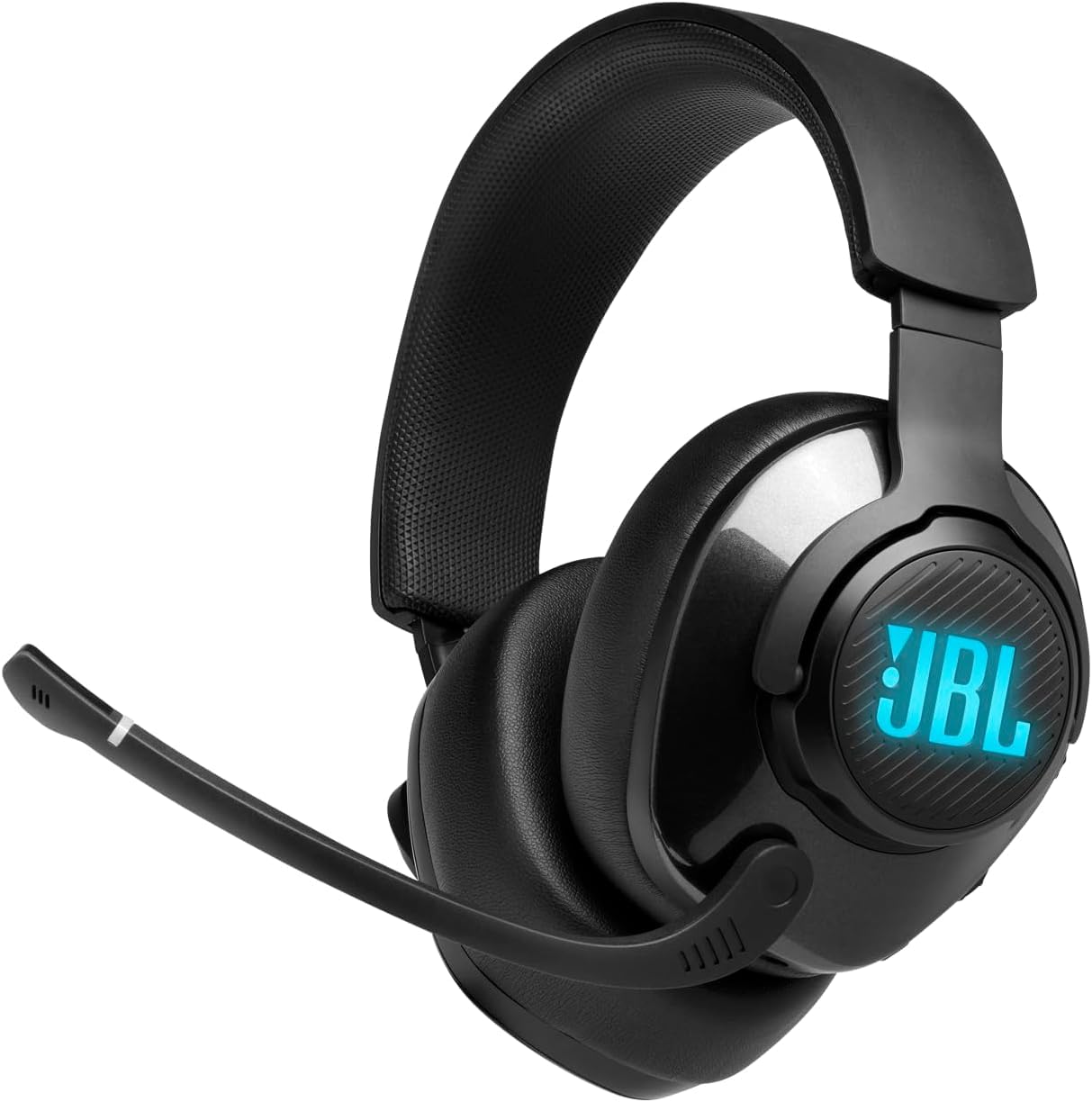
Anyone who spends more time talking than listening will benefit from the Quantum 400’s dedicated game-chat balance dial.
Pros
- Game-chat dial adjusts voice and audio levels without menus
- Discord-certified flip-up boom mic with auto mute
- Memory foam cushions support long sessions comfortably
Cons
- Best sound quality requires the QuantumENGINE software
- Cable length feels short for some PC setups
- Mic clarity depends on proper software tuning
The Quantum 400’s 50mm drivers combine with JBL QuantumSURROUND to widen the soundstage on PC. The flip-up mic mutes automatically when raised, a small convenience during voice calls or breaks. For players juggling game audio and voice chat volume constantly, the physical balance dial saves real time.
HyperX CloudX

Xbox owners looking for an officially licensed headset with dependable comfort and mic quality should look here first.
Pros
- Officially licensed and tested by Microsoft for Xbox
- Detachable noise-cancelling mic can be removed for music listening
- In-line controls skip console menu navigation
Cons
- Built specifically for Xbox controllers with a headset jack
- Not intended as a PC-first headset despite mobile compatibility
- Bass emphasis is modest compared to some rivals
The CloudX carries over HyperX’s signature memory foam comfort into a headset built around Xbox compatibility. Its aluminum frame and braided cable hold up to daily wear, while the detachable mic keeps things flexible for music breaks between matches. For Xbox-focused households, it removes the guesswork around compatibility that some multiplatform headsets create.
Razer Kraken V4 X

Gamers who want customizable RGB style paired with solid mic performance will like what the Kraken V4 X offers.
Pros
- Chroma RGB lighting supports millions of color combinations
- Retractable cardioid mic protects itself when not in use
- Convertible USB-C to USB-A cable adds multiplatform flexibility
Cons
- Not wireless, despite the premium styling
- RGB features drain more power on battery-powered devices
- Some buyers report inconsistent sound tuning out of the box
- Read more: best gaming headsets with microphone
The Kraken V4 X uses Razer’s TriForce 40mm drivers to separate frequency ranges for clearer detail in games and chat alike. Hybrid fabric and leatherette cushions keep the fit comfortable while adding sound isolation. Its RGB lighting and swappable cable design make it a strong fit for players building a color-coordinated desk setup.
Logitech G522 Lightspeed

Players who want the clearest microphone in this lineup paired with flexible wireless options should prioritize the G522.
Pros
- Full-bandwidth 48kHz/16-bit mic with Blue VO!CE clarity tools
- Offers LIGHTSPEED wireless, Bluetooth, and wired USB-C modes
- Up to 60 hours of battery life with lighting disabled
Cons
- RGB lighting shortens battery life noticeably when active
- Premium price puts it above most other options here
- No traditional 3.5mm headphone jack
The G522’s PRO-G drivers deliver synchronized 48kHz/24-bit audio, giving both music and game sound extra detail. Its standout feature is the microphone, tuned through Blue VO!CE software for broadcast-quality voice clarity. For streamers or anyone prioritizing how they sound to teammates, this headset leads the group.
best gaming headsets with microphone Buying Guide
Match the Connection Type to Your Platform
Wired headsets connect through a 3.5mm jack, USB-A, or USB-C and generally deliver the lowest latency. This matters most for competitive gaming, where a delay between action and sound can affect reaction time.
Wireless headsets use either a 2.4GHz USB dongle or Bluetooth. A 2.4GHz connection stays fast and stable enough for gaming, usually under 30 milliseconds of delay. Bluetooth works well for calls and casual listening but isn’t always supported by consoles without an adapter.
| Connection Type | Best For | Watch Out For |
|---|---|---|
| Wired (3.5mm/USB) | Competitive gaming, universal compatibility | Cable management, less mobility |
| 2.4GHz Wireless | Low-latency wireless gaming | Requires USB dongle, may not fit small laptops |
| Bluetooth | Mobile devices, calls, casual use | Often unsupported on PS5/Xbox without adapter |
Prioritize Microphone Quality for Team Communication
A good gaming mic should isolate your voice from background noise like keyboard clicks, fans, or roommates. Look for cardioid or noise-cancelling mic designs, since they pick up sound mainly from directly in front of the microphone.
Detachable and flip-to-mute mics add convenience. A detachable mic lets the headset double as regular headphones, while a flip-to-mute design offers a quick physical way to silence yourself without hunting for a button.
Understand What Surround Sound Actually Does
Virtual surround sound processes stereo audio to simulate directional cues, helping you judge where footsteps or gunfire are coming from. Most virtual surround features only work through software on a PC and won’t activate on consoles without extra hardware.
This feature helps most in shooters and games with strong spatial audio design. Music listening and casual gaming won’t benefit much from it, so factor that into whether it justifies a higher price.
Check Comfort, Weight, and Materials for Long Sessions
Memory foam ear cushions and padded headbands reduce pressure during multi-hour sessions. Lighter headsets, generally under 300 grams, tend to cause less fatigue than heavier models with metal frames.
Materials matter for durability, too. Aluminum frames resist bending better than plastic, though they add a small amount of weight. Leatherette cushions look sharp but wear out faster than fabric alternatives, especially with daily use.
Confirm Console and Device Compatibility Before Buying
Not every headset works fully across PC, PlayStation, Xbox, Switch, and mobile. Some wireless features, like Bluetooth, are blocked on certain consoles, and Xbox often requires a wired 3.5mm connection even on headsets marketed as multiplatform.
Check the specific connection modes supported by each device before assuming full compatibility. A headset that lists “multiplatform support” may still require an adapter or specific cable for full functionality on your system.
Battery Life and Charging for Wireless Models
For wireless headsets, battery life ranges widely between roughly 5 hours and 60 hours depending on lighting and features used. RGB lighting and Bluetooth simultaneous connections drain batteries faster than a basic wireless link.
Fast charging and play-while-charging support reduce downtime. A headset with USB-C fast charging can add several hours of use from a short charging break between gaming sessions.