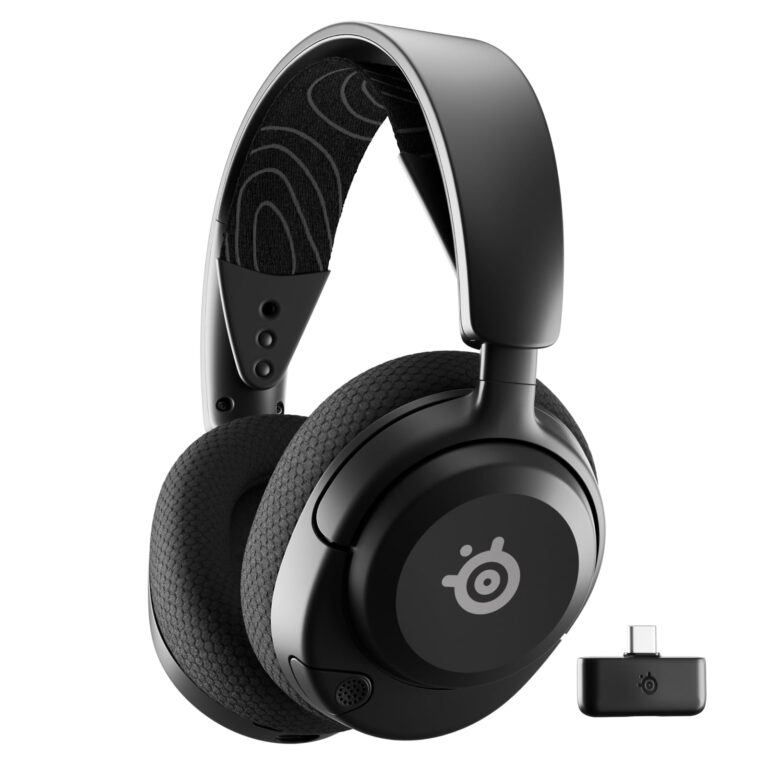
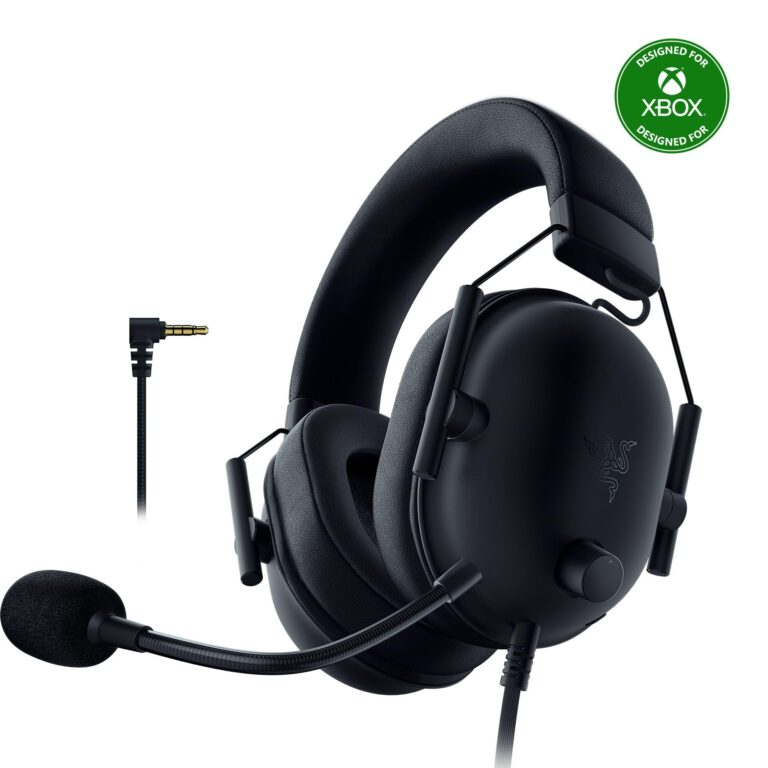
10 Best Gaming Headsets of 2026: Top Picks Compared

A best gaming headsets changes how players experience a game, not just how they hear it. Footsteps behind a wall, the crack of distant gunfire, or a teammate’s warning in the middle of a firefight all depend on accurate audio positioning. The right headset can mean the difference between reacting in time or getting caught off guard.
Picking a top gaming headset means balancing several things at once: sound quality, microphone clarity, comfort during long sessions, and how well it connects to the platforms someone actually owns. A headset built for PC gaming might work poorly on a PlayStation or Xbox, while a console-focused model might lack the software depth PC players want. Wireless models add battery life and latency into the equation, while wired options trade convenience for consistency.
The best choice depends less on brand reputation and more on how someone plays: competitive shooter fans need low latency and precise directional audio, while people who split time between console and PC need flexible connectivity. Comfort matters just as much during a six-hour RPG session as it does in a ranked match, and microphone quality affects everyone who uses voice chat regularly.
Best for multi-console households: SteelSeries Arctis Nova Pro Omni
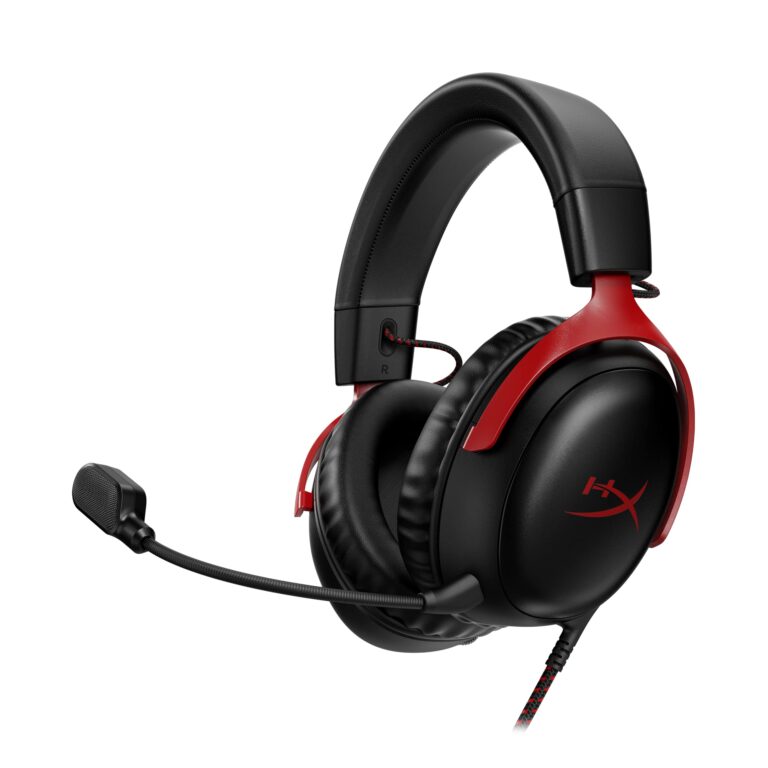
Best for long wireless sessions: HyperX Cloud III S
Best budget-proven classic: HyperX Cloud II
Best for game-specific audio tuning: SteelSeries Arctis Nova 5
Best battery life for Xbox and PlayStation: Turtle Beach Stealth 600
Best budget wired headset: Razer BlackShark V2 X
Best for RGB setups: Corsair Void RGB Elite
Best simple wired option: Logitech G432
Best value for cross-platform wireless: AOC Wireless Gaming Headset
Best for competitive PC players wanting ANC: Razer BlackShark V3 Pro
SteelSeries Arctis Nova Pro Omni
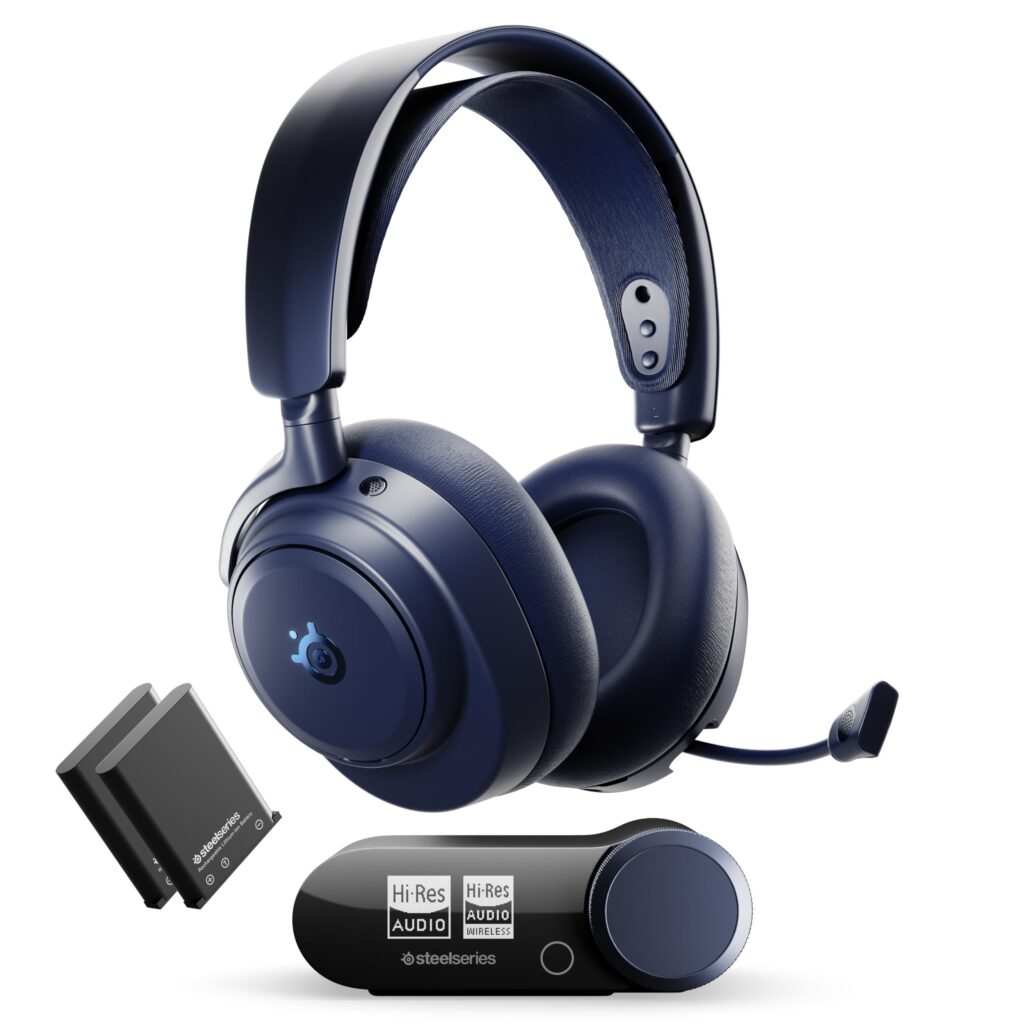
Gamers who own a PC, PlayStation, and Xbox and want one headset to work with all three should buy this without hesitation.
Pros
- Connects to three systems at once with seamless switching
- Hi-Res certified audio with strong ANC performance
- Dual hot-swap batteries prevent charging downtime
Cons
- High price point compared to most competitors
- Software setup can be finicky on first connection
- Heavier than simpler wireless headsets
This headset earns its premium price through connectivity most competitors can’t match. OmniPlay lets someone mix PC Discord audio with console game sound at the same time, which solves a real problem for streamers and co-op players. The ClearCast Pro mic delivers clear voice pickup, and AI noise rejection strips out background noise effectively during chat.
Battery anxiety disappears thanks to the dual hot-swap battery system. One charges in the dock while the other powers the headset, so play never has to stop for charging. The ANC performs well for a gaming headset, blocking meaningful ambient noise without flattening game audio. Setup complaints show up in user feedback, particularly around Windows connectivity, so patience during initial pairing helps.
HyperX Cloud III S
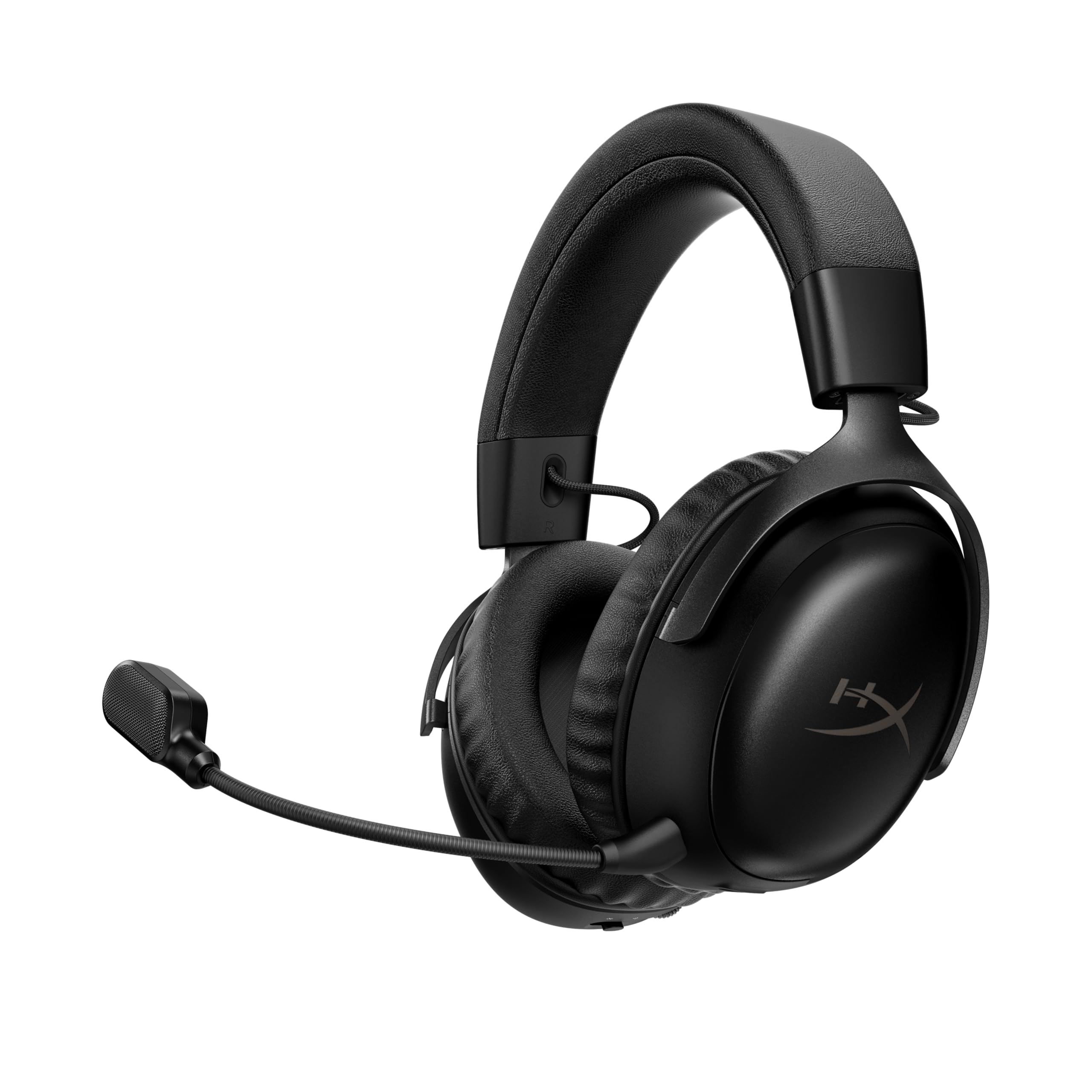
Players who want long battery life without sacrificing comfort or sound quality will find this headset hard to beat.
Pros
- Up to 120 hours on 2.4GHz and 200 hours on Bluetooth
- Comfortable memory foam ear cushions for long sessions
- Detachable mic with reliable clarity
Cons
- Switching between 2.4GHz and Bluetooth isn’t instant
- On-ear fit may feel tight for some head shapes
- Companion software feels optional rather than essential
Battery life is the standout feature here. Most wireless headsets need daily charging, but the Cloud III S can go over a week of regular use before needing a plug. The 53mm angled drivers give clear directional audio, which helps in shooters where footstep location matters.
Comfort holds up well over multi-hour sessions thanks to HyperX’s memory foam design. The detachable mic captures voice clearly enough for competitive comms and video calls alike. Switching between 2.4GHz and Bluetooth requires a manual toggle rather than automatic handoff, which is a minor inconvenience for people juggling calls and games.
best gaming headsets
HyperX Cloud II

Budget-focused gamers who want a proven, comfortable wired headset should consider this long-running favorite.
Pros
- Exceptional comfort thanks to memory foam padding
- Durable aluminum frame built for years of use
- Strong track record with a large customer base
Cons
- Virtual 7.1 surround only works on PC and Mac
- Requires a USB sound card for full features
- Detachable mic quality is functional, not exceptional
The Cloud II has stayed popular for years, and the reasons are practical. The memory foam ear cushions and headband padding make it one of the more comfortable wired headsets available, even during extended sessions. The aluminum frame holds up to daily wear better than many plastic-heavy alternatives.
Console players should know that the virtual 7.1 surround sound only activates through the USB sound card on PC and Mac. PlayStation and Xbox users get stereo sound instead, which is still solid but not the full experience. The mic handles voice chat clearly, though it won’t match newer AI-enhanced microphones for background noise rejection.
SteelSeries Arctis Nova 5

Gamers who want tailored audio profiles for specific games without manual EQ tweaking will appreciate this headset’s preset library.
Pros
- Over 100 game-specific audio presets available
- Strong 60-hour battery life with fast charging
- Quick-switch button toggles between 2.4GHz and Bluetooth
Cons
- Default sound profile needs EQ adjustment out of the box
- Build feels more plastic than metal-framed competitors
- App setup adds an extra step some players skip
The audio preset library sets this headset apart. Instead of manually adjusting EQ for every game, players can select a preset tuned for titles like Fortnite or Apex Legends and get positional audio suited to that game’s sound design. Battery life at 60 hours covers a full week of typical use.
The retractable ClearCast mic delivers noticeably better clarity than the previous Nova generation, with enough bandwidth to sound natural rather than compressed. Out-of-box sound leans flat according to user feedback, so spending a few minutes in the companion app to select a preset or build an EQ makes a real difference before judging the sound quality.
Turtle Beach Stealth 600
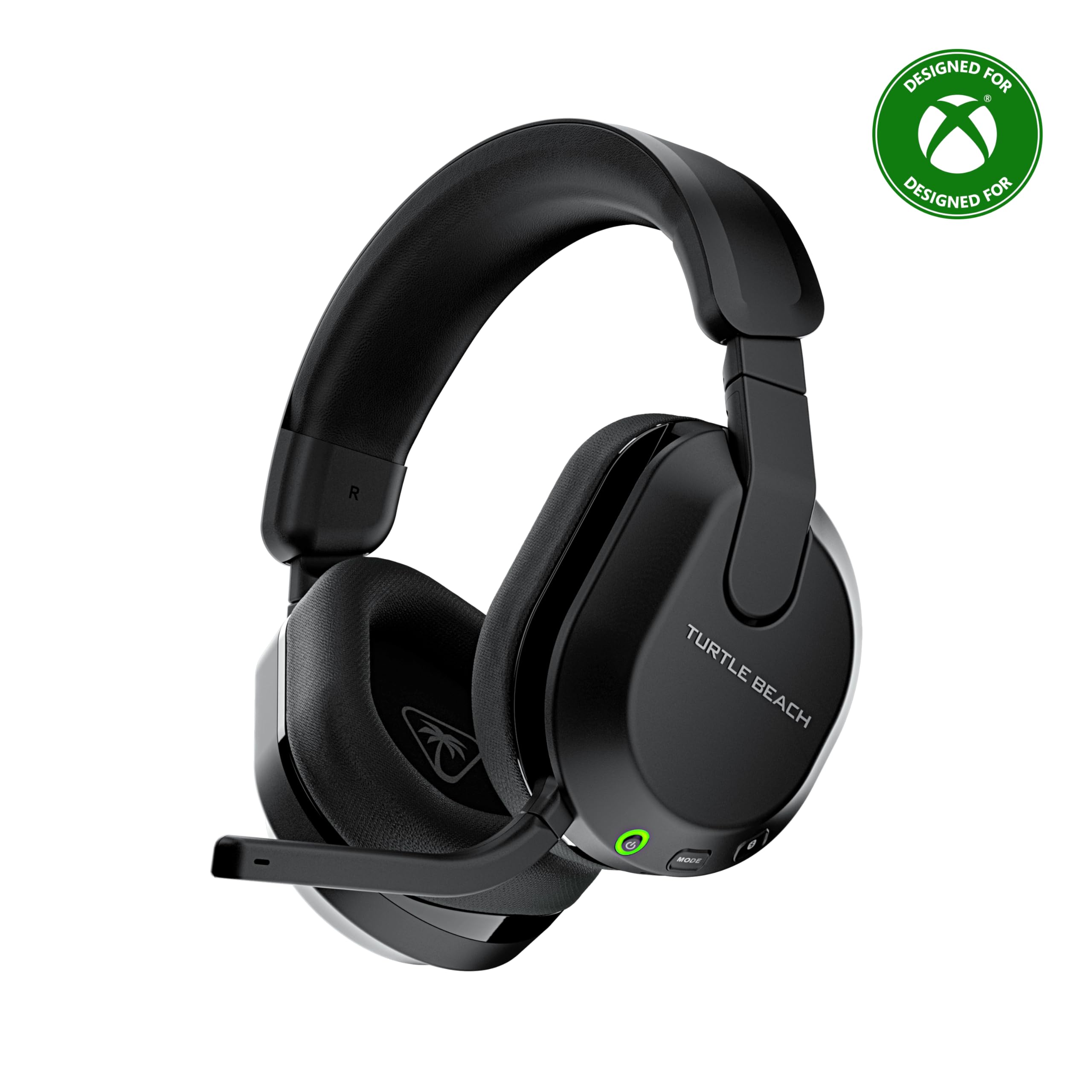
Xbox and PlayStation players who want long battery life and simple wireless switching should put this near the top of their list.
Pros
- 80-hour battery life with quick charge support
- QuickSwitch button toggles 2.4GHz and Bluetooth instantly
- Comfortable memory foam cushions with glasses relief design
Cons
- Advanced EQ features require the Swarm II app
- Not all features carry over to Bluetooth mode
- Plastic build feels less premium than metal-framed rivals
Battery life here rivals the best in this roundup, and the quick charge feature means a short plug-in session adds hours of playtime. The QuickSwitch button is a genuinely useful hardware feature, letting players jump from console audio to a phone call on Bluetooth without digging through menus.
The 50mm Nanoclear drivers deliver clear, detailed audio well-suited for spatial cues in shooters. Comfort stands out too, with ProSpecs glasses relief technology that reduces pressure for glasses wearers during long sessions. Some advanced audio features, like the 10-band EQ, only work in 2.4GHz wireless mode and drop out over Bluetooth.
Razer BlackShark V2 X
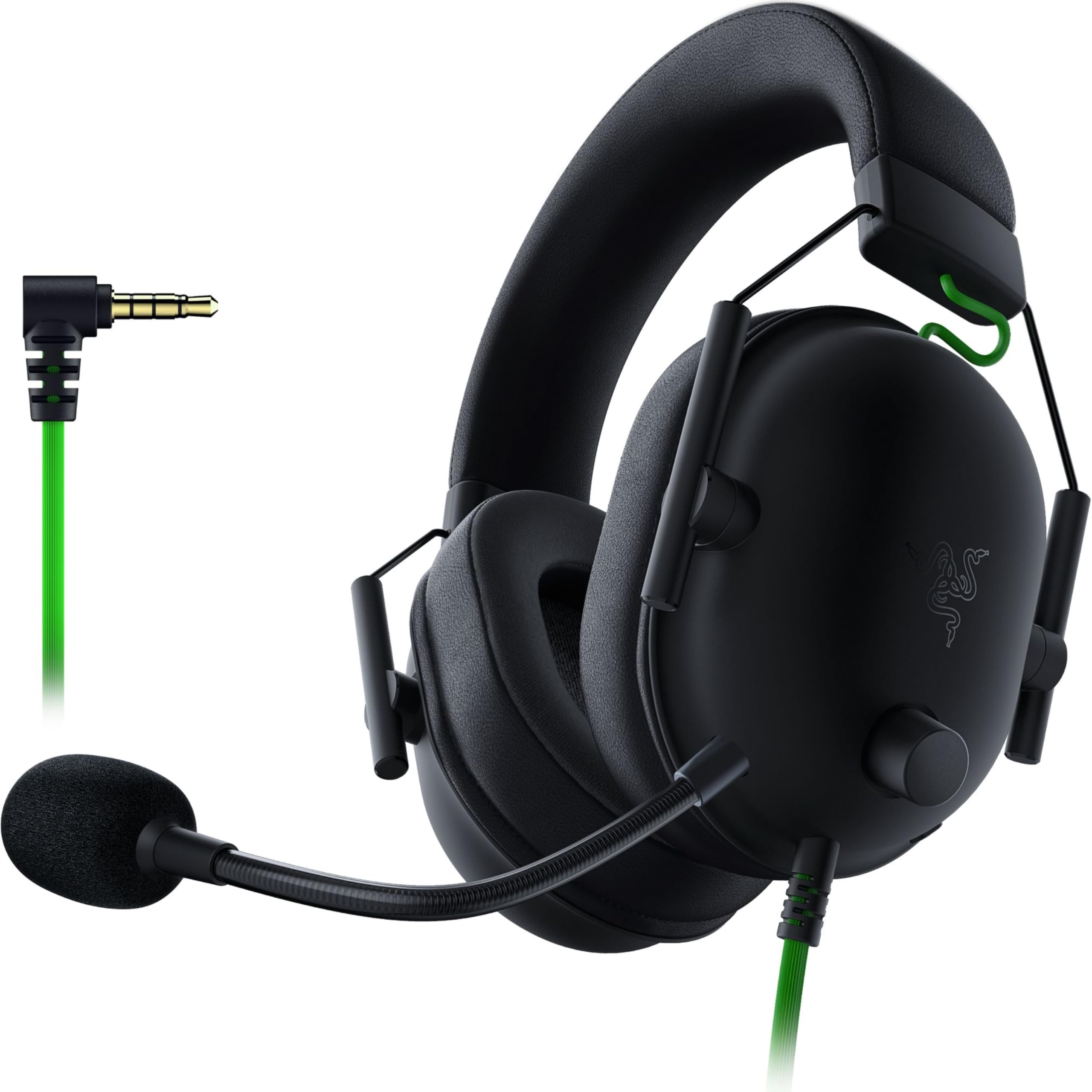
Budget-conscious gamers who want reliable wired sound without a subscription to extra software will find good value here.
Pros
- Lightweight design at roughly 240 grams
- Clear cardioid mic that reduces background noise well
- Wired 3.5mm connection works across most platforms
Cons
- No wireless option, tethering players to their device
- 7.1 surround sound only works on Windows PC
- Ear cushions can trap heat during long sessions
This headset punches above its price point on sound quality. The Triforce Titanium drivers separate highs, mids, and lows more clearly than most headsets in this range, giving footsteps and gunfire distinct clarity in competitive games. The HyperClear cardioid mic also does a solid job filtering out keyboard clatter and room noise.
Being wired means no battery to manage and no latency concerns, which appeals to competitive players who prioritize consistency. The tradeoff is obvious: no wireless freedom, and Xbox players need a separate adapter for the 3.5mm jack. Some users report the closed-back ear cushions get warm during extended sessions, especially in hot rooms.
Corsair Void RGB Elite

Gamers building an RGB-themed setup who also want dependable wireless audio on PC or PlayStation should take a look.
Pros
- Customizable RGB lighting on each ear cup
- Comfortable microfiber mesh and memory foam padding
- Straightforward 2.4GHz wireless setup with USB adapter
Cons
- Battery life trails newer wireless competitors
- Console support is limited to PS4 and PS5
- Long-term durability complaints appear in user reviews
RGB lighting is the visual hook, but the audio holds its own too. The 50mm neodymium drivers cover a wide frequency range, giving music and game audio decent depth. Comfort is a genuine strength, with breathable mesh fabric and memory foam that hold up over multi-hour sessions.
Battery life sits at 16 hours, noticeably shorter than most other wireless options in this list. That means more frequent charging for daily players. A handful of user reviews mention battery degradation after extended use, so buyers should weigh the RGB appeal against these longevity concerns before committing.
Logitech G432
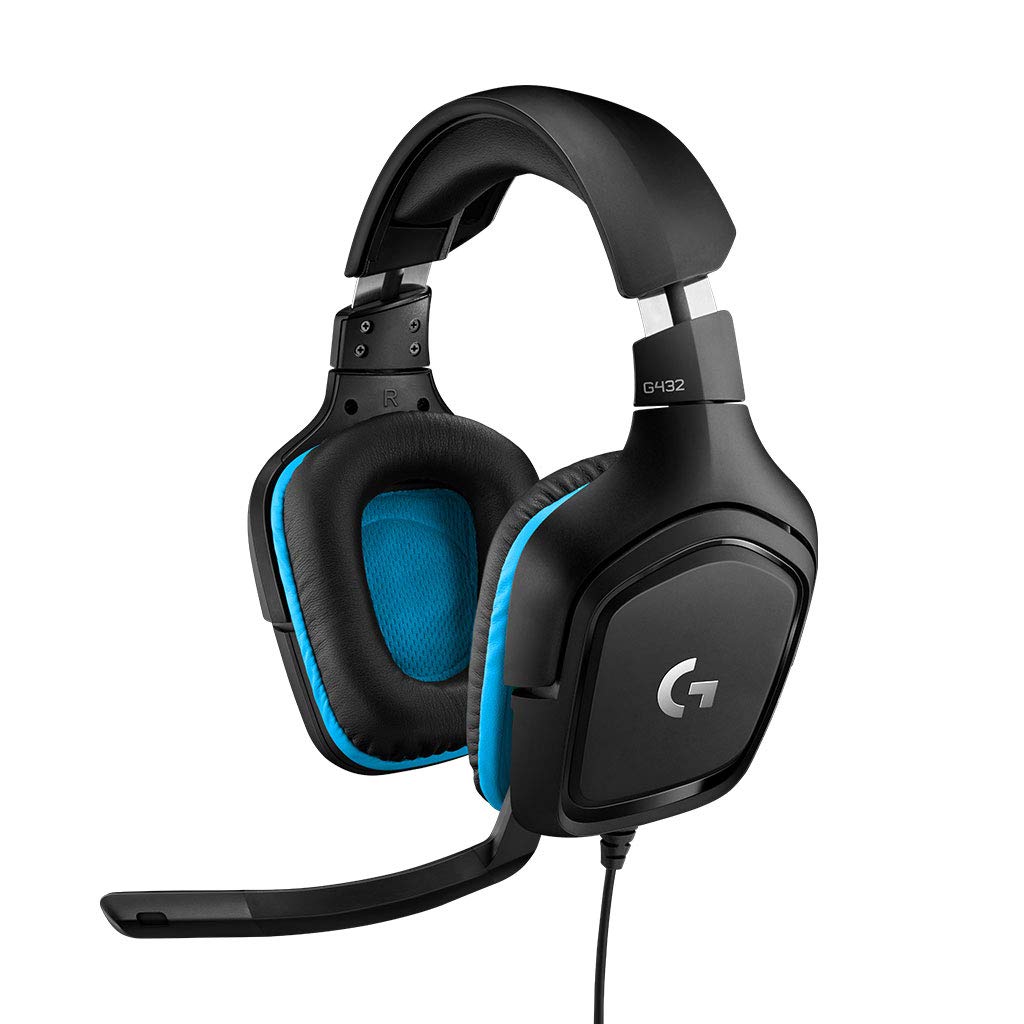
Gamers who want a no-fuss wired headset that works across PC, consoles, and mobile devices will get solid value here.
Pros
- Wide platform compatibility via USB and 3.5mm
- DTS Headphone 2.0 surround sound adds positional depth
- Affordable price point relative to sound quality
Cons
- Surround sound requires Logitech G HUB software on PC
- Leatherette ear pads can wear out over a few years
- No wireless option limits desk-free mobility
The G432 covers a lot of ground for a budget wired headset. The 50mm drivers produce a full sound, and DTS Headphone 2.0 surround adds noticeable positional detail on PC when G HUB software is installed. Console players get standard stereo without the surround feature, which is worth knowing before buying for Xbox or Switch.
Comfort is respectable thanks to the leatherette ear cups and rotating design, though multiple long-term reviews note the padding breaking down after a couple years of regular use. The flip-to-mute boom mic works reliably for voice chat, delivering clear enough audio for teammates without extra processing.
AOC Wireless Gaming Headset
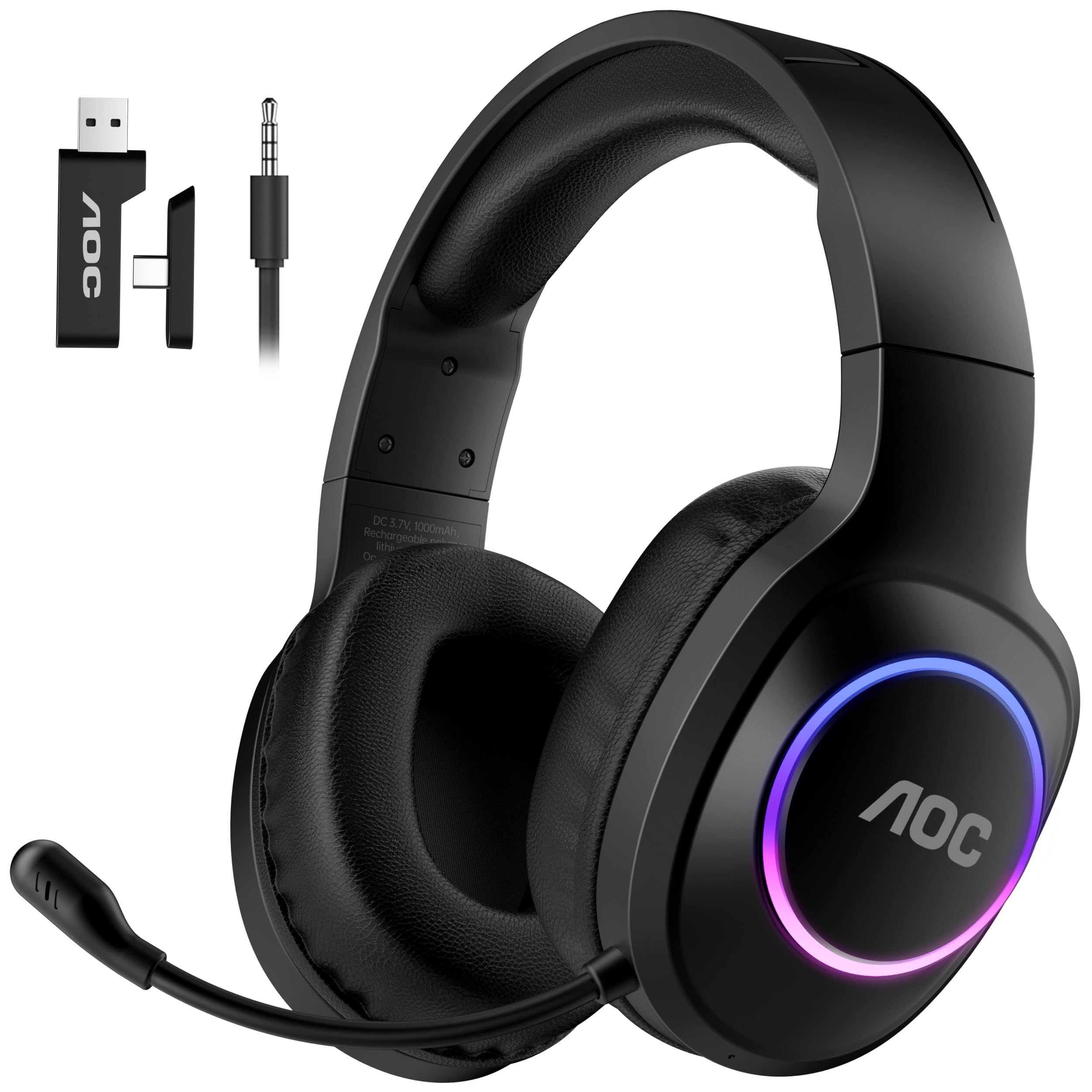
Budget shoppers who want flexible connectivity across PlayStation, Switch, PC, and mobile should consider this well-rounded option.
Pros
- Four connection modes: USB-A, USB-C, Bluetooth, and 3.5mm
- Long 45-hour battery life with fast 2-hour charging
- Lightweight design at under nine ounces
Cons
- Bluetooth mode doesn’t work with PlayStation consoles
- Xbox compatibility limited to wired 3.5mm on Series X/S
- Brand lacks the long track record of bigger names
This headset offers surprising versatility for its price. The combination of USB-A, USB-C, Bluetooth, and 3.5mm connections means it adapts to nearly any device a household might own, and the 50mm graphene drivers with a built-in DAC produce clear, detailed sound with real depth.
Battery life impresses too, lasting through multiple long sessions before needing a charge. The triple-stage noise cancelling mic handles background noise well for the price tier. Platform quirks exist, since Bluetooth mode won’t connect to PlayStation, and Xbox support only works through the wired 3.5mm jack on Series X/S consoles.
Razer BlackShark V3 Pro

Competitive PC players who want low-latency wireless audio with ANC should weigh this against the pricier flagship options.
Pros
- Ultra-low 10ms latency via HyperSpeed Wireless Gen-2
- Hybrid ANC paired with detailed 50mm drivers
- Simultaneous 2.4GHz and Bluetooth audio mixing
Cons
- Mixed reliability reports around connection stability
- Higher price for a headset with inconsistent reviews
- THX Spatial Audio requires supported Windows systems
Low latency is the headline feature, and Razer’s HyperSpeed Wireless Gen-2 delivers on that promise for competitive FPS play. The TriForce Bio-Cellulose drivers offer a wide frequency range that helps with picking out footsteps and directional cues in fast-paced games.
Feedback on reliability is mixed, with some users reporting connection drops or slow pairing that undercut the premium positioning. The detachable HyperClear mic performs well when the connection is stable, and Hybrid ANC adds a meaningful layer of noise isolation. Buyers should weigh the strong feature set against the inconsistent user experience before paying flagship prices.
Buying Guide
Connectivity and Platform Support
Check which platforms a headset actually supports before buying, since compatibility varies more than most people expect. Some wireless headsets work only with PC and PlayStation, while others need a separate adapter for Xbox. Bluetooth mode sometimes doesn’t work with game consoles at all, even when the headset lists Bluetooth as a feature.
| Connection Type | Best For | Trade-off |
|---|---|---|
| Wired (3.5mm/USB) | Lowest latency, no battery | Less freedom of movement |
| 2.4GHz Wireless | Low latency, stable connection | Requires USB dongle |
| Bluetooth | Mobile and multi-device use | Higher latency, limited console support |
Microphone Quality
A clear microphone matters as much as good speakers for anyone who uses voice chat regularly. Look for headsets with noise reduction features, since background noise from keyboards, fans, or roommates can make voice chat frustrating for teammates. Detachable mics offer flexibility for people who don’t always need voice chat active.
Comfort and Build Quality
Ear cushion material affects comfort during long sessions more than most buyers realize. Memory foam wrapped in breathable fabric tends to stay comfortable longer than pure leatherette, which can trap heat. Weight matters too: headsets under 300 grams generally feel less fatiguing after several hours.
Battery Life and Charging
Wireless headsets vary widely in battery life, from around 15 hours to over 100 hours per charge. Fast charging features help offset shorter battery life, since a quick 15-minute charge can add several hours of playtime. Consider how often recharging fits into a normal routine before choosing a shorter-battery option.
Audio Features Worth Considering
- Active Noise Cancellation (ANC): Blocks ambient sound for focus, useful in noisy environments
- Virtual surround sound: Adds positional audio cues, though platform support varies
- AI noise rejection: Improves mic clarity by filtering background noise automatically
- RGB lighting: Purely cosmetic, adds no audio benefit but matches themed setups
Match these features against actual needs rather than buying based on the longest spec list, since many premium features only work on specific platforms or require companion software to activate.