How to Shut Off Bose Headphones Easily and Fast

Use the headphone’s power button, switch, app control, or charging case to turn off Bose headphones, depending on the model. If they will not shut off, check Bluetooth connections, battery level, and auto-off settings.
If you want to know how to shut off Bose headphones quickly, the short version is that most models power down with a dedicated button, an app command, or an auto-off timer. The exact method depends on the model, but the goal is the same: stop Bluetooth activity, save battery, and avoid unnecessary drain.
At Top Headphone Reviews, we know Bose users often want a simple answer without digging through a manual. This guide breaks down the fastest shutdown methods, why a pair may stay on, and a few practical habits that can help protect battery life over time.
Listening at high volumes for long periods can cause hearing damage. Keep volume at 60% or below for extended sessions.
- Model matters: Bose shutdown steps vary by product line.
- Fastest method: Use the intended power control or charging case.
- Common issue: Bluetooth connections can make headphones seem still on.
- Best habit: Manual power off saves battery after each session.
How to Shut Off Bose Headphones: What Most Users Need to Know
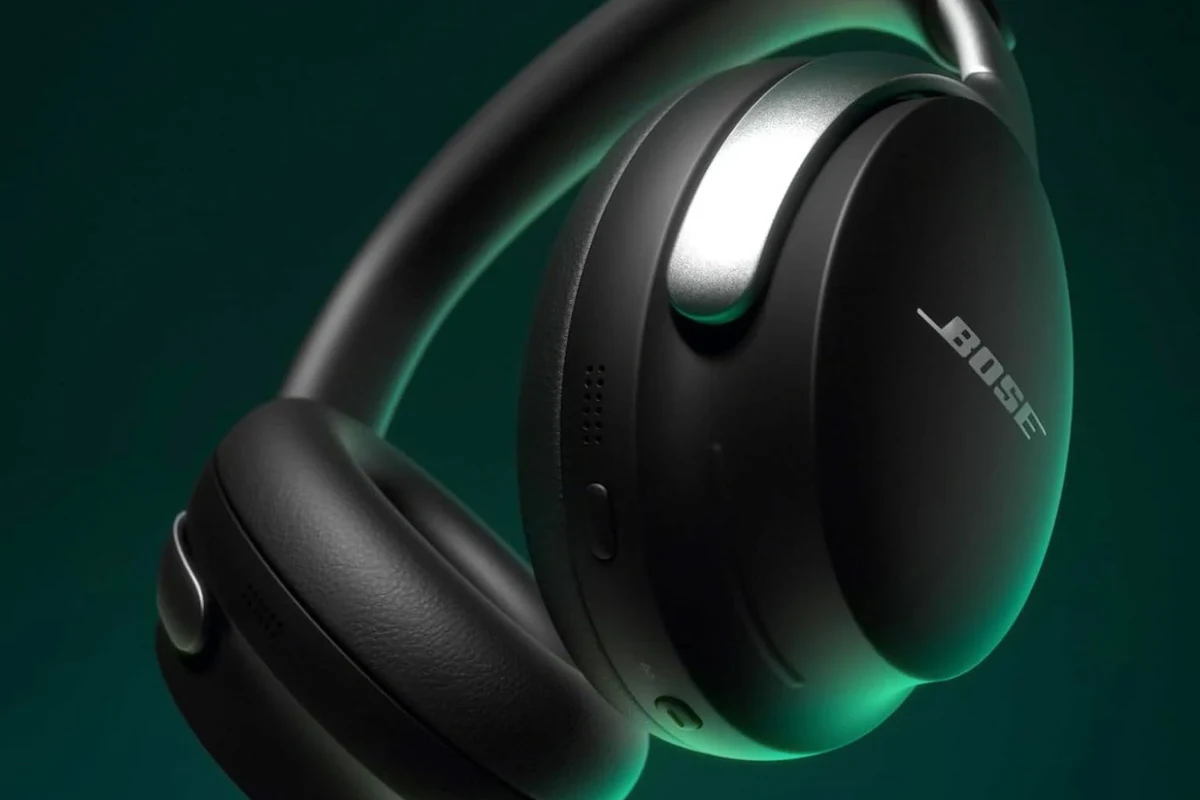
For most Bose headphones, shutting them off is straightforward once you know where the power control is. Some models use a physical power switch or button, while others rely more on auto-off behavior and app controls.
If your headphones are wireless, fully powering them down is usually the best way to preserve battery when you are done listening. It also helps prevent accidental reconnects to your phone, laptop, or tablet.
Shutdown behavior can vary by Bose model, firmware version, and how long the headphones have been idle.
Quick Power-Off Methods for Bose Headphones by Model
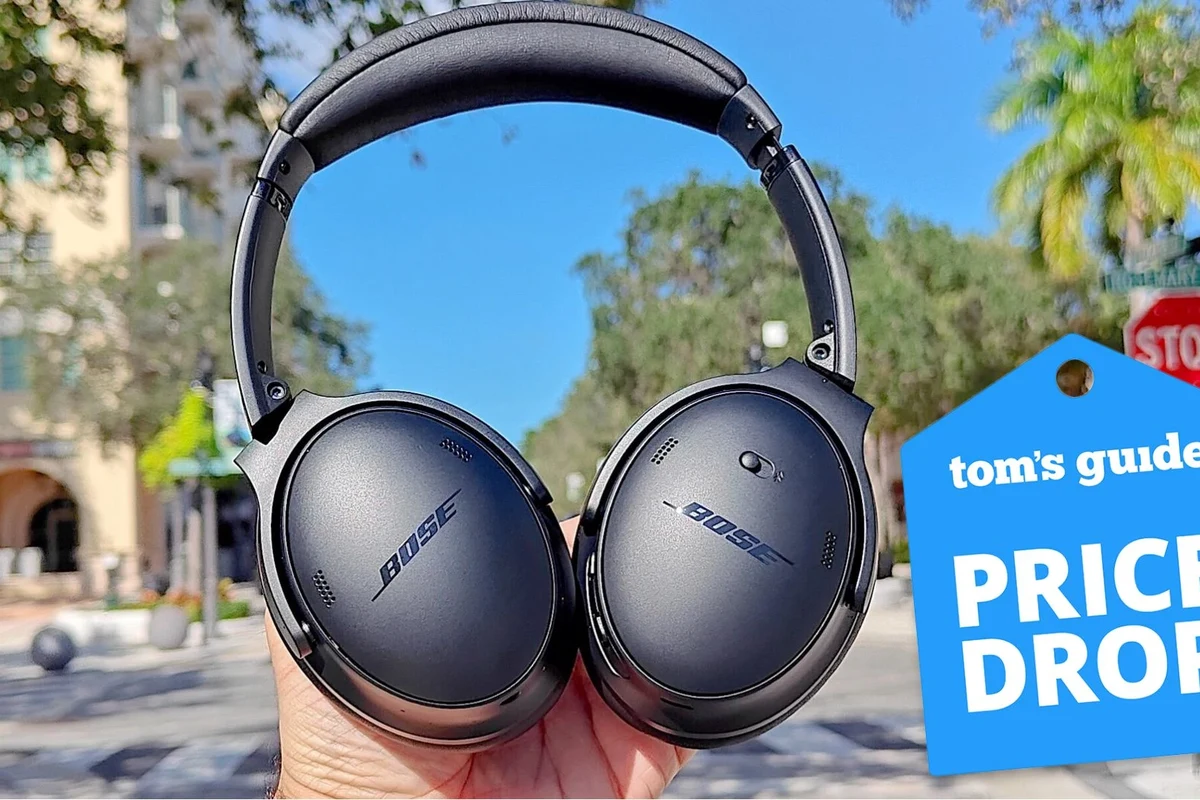
The fastest way to shut off Bose headphones depends on the product line. If you are not sure which method applies, check the controls on the earcup or earbud stem first, then confirm in the Bose app if your model supports it.
Bose QuietComfort and QuietComfort Ultra
QuietComfort models commonly use a power button or switch on the earcup. In many cases, a short press or slide is enough to turn them off, while a longer hold may trigger other functions depending on the version.
If your QuietComfort Ultra model feels unresponsive, make sure it is not still connected to another device or waiting in an active mode. A brief pause after pressing power can also help, since some models use a short shutdown delay.
Bose Noise Cancelling Headphones 700
The Bose 700 line is known for its clean control layout, but the shutdown action can still feel different from older Bose headphones. Look for the power/Bluetooth control and follow the usual off sequence rather than tapping random buttons.
If the headphones remain active after you think you shut them off, check whether they are still paired and connected. In some cases, Bluetooth activity can make them seem “on” even when audio is stopped.
Bose Sport, SoundLink, and Earbuds
Sport headphones, SoundLink models, and Bose earbuds may use a mix of button presses, case-based charging behavior, or idle shutdown. Earbuds often power down once placed in the charging case, which is the simplest shutdown method for many users.
For wireless earbuds, the charging case is often the most reliable way to stop battery drain. If they do not seem to turn off, confirm they are seated correctly in the case and that the case itself has charge.
Step-by-Step: Turning Off Bose Headphones the Right Way
Even when the controls look simple, it helps to use the intended shutdown method. That reduces the chance of button confusion, connection glitches, or battery drain from partial power states.
Using the Power Button Correctly
First, identify the dedicated power control on your Bose headphones. On many models, this is a switch, button, or combined control that also handles Bluetooth pairing.
Check the earcup or stem for the labeled power or Bluetooth button before pressing anything.
Press, slide, or hold the control only as the model expects. Avoid repeated tapping.
Listen for the shutdown tone or watch for indicator lights to stop before setting them aside.
Using Auto-Off and Idle Shutdown Features
Many Bose headphones include an auto-off feature that turns them off after a period of inactivity. This is useful when you forget to power them down manually, especially after travel or long work sessions.
Auto-off is convenient, but it is not always the fastest option if you want immediate shutdown. If you are done listening, manual power off is usually the better choice.
If your Bose headphones support auto-off, keep the feature enabled unless you have a specific reason to disable it. It can reduce battery drain between uses.
Shutting Down Through the Bose App When Available
Some Bose models pair with the Bose app, which may provide settings for power behavior, Bluetooth connections, and device management. If your model supports app controls, it can be a useful backup when the physical button is acting up.
The app is especially helpful if you want to adjust sleep or auto-off settings rather than forcing the headphones to stay awake. If you often switch between devices, app-based management can also make troubleshooting easier.
Some wireless headphones stay partially active to manage Bluetooth reconnection, which can make them seem “on” even after audio stops.
Why Your Bose Headphones May Not Shut Off
If Bose headphones refuse to power down, the cause is usually simple. Battery problems, software glitches, or a stuck control are more common than serious hardware failure.
Battery Issues, Firmware Glitches, and Button Delays
A low or unstable battery can sometimes make shutdown behavior inconsistent. In other cases, a firmware glitch may delay the off command or cause the headphones to ignore a press the first time.
If the button feels slow to respond, give it a clean press rather than a quick tap. Dirt, wear, or a protective case pressing against the control can also interfere with normal operation.
If your headphones repeatedly fail to power down, restart them, check for firmware updates, and contact Bose support or an audiologist if you suspect broader device or hearing-related concerns.
Bluetooth Connection Problems That Keep Them Active
Sometimes the headphones are technically off, but a connected device keeps trying to wake them or reconnect. This can happen with phones, laptops, and tablets that remember the pairing.
If you have trouble, disconnect Bluetooth on the source device first, then try shutting the headphones off again. This simple step often clears up confusion about whether the headphones are still active.
When the Headphones Are Stuck in Pairing Mode
If Bose headphones appear stuck in pairing mode, they may keep blinking or remain partially awake. That does not always mean they are broken, but it does mean the normal off sequence is not completing.
In that case, try ending pairing on the source device, then power the headphones down again. If the issue repeats, a reset may be more effective than forcing the button repeatedly.
Common Mistakes to Avoid When Powering Off Bose Headphones
Most shutdown problems come from using the wrong action or expecting the wrong indicator. A few small mistakes can make Bose headphones seem more complicated than they really are.
Confusing Sleep Mode with Full Power Off
Some headphones enter a low-power state instead of fully shutting down. That can look like the unit is off, but it may still be ready to reconnect quickly.
If you want a true power-off, confirm the model’s indicator lights or shutdown tone. Do not assume that silence alone means the headphones are completely off.
Holding the Button Too Long or Too Briefly
Timing matters. A short press may do one job, while a longer hold may trigger pairing, reset, or another function entirely.
If you are unsure, avoid guessing through repeated presses. Use the model’s intended off action and wait for confirmation before trying again.
Forcing Shutdown the Wrong Way
It is tempting to keep pressing buttons until something happens, but that can create more problems. Repeated force can confuse the controls or lead to unnecessary wear over time.
If normal shutdown does not work, try a proper restart, remove Bluetooth connections, or place earbuds back in the case. Those steps are safer than forcing a shutdown with random button combinations.
- Correct power control for your model
- Whether Bluetooth is still connected
- Battery level and charging status
- Any app-based auto-off settings
Expert Advice: Protect Battery Life and Extend Headphone Lifespan
Good shutdown habits do more than save power. They also reduce wear on the battery and help keep the headphones reliable for longer.
When to Use Auto-Off vs Manual Shutdown
Auto-off is useful for forgetful days, travel, and office use where the headphones may sit idle for a while. Manual shutdown is better when you know you are done and want immediate battery savings.
As a rule, use manual power off after each session and rely on auto-off as a backup. That balance is simple and effective for most Bose owners.
Charging Habits That Help Prevent Power Problems
Try not to leave the battery empty for long periods, and avoid rough handling of charging ports or cases. Consistent charging habits can help prevent shutdown confusion caused by a drained battery.
If your Bose headphones or earbuds support a charging case, make sure the case itself is charged too. A dead case can make earbuds seem like they will not power down properly.
Warning Signs That Need a Reset or Service
If the headphones will not shut off after multiple normal attempts, or if the button feels physically stuck, a reset may be the next step. Persistent charging issues, random power loss, or unstable Bluetooth behavior can also point to a deeper problem.
When those symptoms keep happening, it is worth checking Bose support resources or professional service options. If audio discomfort or hearing concerns are involved, consult an audiologist rather than trying to solve everything through the headphone controls alone.
Bose Headphone Shutdown Tips Compared with Other Premium Brands
Bose tends to keep shutdown controls relatively user-friendly, especially for people who want quick access without complicated menus. That said, the exact experience can still differ from one premium brand to another.
How Bose Power Controls Differ from Sony and Apple
Some Sony and Apple headphone models rely more heavily on automatic power management, case-based shutdown, or smart device behavior. Bose often gives users a more direct physical control, which many people find easier to understand.
If you are used to another brand, the Bose shutdown process may feel simpler because it is usually tied to a clearly defined button or case action rather than multiple software steps.
Why Bose Users Often Prefer Simpler Shutdown Options
Many listeners just want headphones that turn off without extra thought after commuting, working, or watching a movie. Bose’s straightforward approach is appealing because it reduces the chance of missing a setting or leaving the headphones awake.
That simplicity is especially helpful for casual users, travelers, and anyone who switches between devices often. It keeps daily use easy, which is one reason Bose remains popular in the noise cancelling headphones conversation.
For readers comparing wireless and wired options, shutdown behavior is another reason to understand the basics of Bluetooth headphones explained simply. Wireless models need power management, while wired headphones do not require the same off routine.
Final Recap: The Fastest Way to Shut Off Bose Headphones
The fastest way to shut off Bose headphones is usually to use the model’s dedicated power control, then wait for the shutdown confirmation. If that does not work, check Bluetooth connections, use the Bose app if available, or let auto-off handle it after idle time.
In most cases, the problem is not serious. Once you know your specific Bose model’s controls, powering it down becomes quick, predictable, and easy to repeat every day.
If you are also comparing Bose with other headphones for travel or everyday use, it helps to understand broader types of headphones explained before choosing your next pair.
Frequently Asked Questions
Bose often uses a direct power button, switch, or case-based shutdown, while some brands rely more on auto power features. The exact method depends on the model and firmware.
Noise cancelling can change how music feels, especially bass and clarity in noisy places. Sound quality is subjective, so test both modes and use EQ if your model supports it.
Over-ear models often feel better for longer sessions because they spread pressure around the ear. Earbuds can be lighter, but fit and ear tip material matter a lot.
Check battery life, noise cancelling, Bluetooth version, comfort, weight, and app features. If you care about sound, also look at tuning, EQ options, and how the headphones fit your use case.
They can work well for casual gaming or general listening, but latency and mic quality may vary by model. For studio work, wired monitoring and a flatter sound profile are often better choices.
Store them in a case, keep them dry, and avoid stretching the headband or yanking on cables. Replace worn ear cushions when they start to crack, flatten, or lose seal.