Can You Connect JBL Headphones to PS5 Easily and Fast

Yes, you can connect JBL headphones to PS5, but wired 3.5mm and compatible USB adapters are usually the easiest options. Standard Bluetooth pairing is often limited, so the best method depends on your exact JBL model.
If you’re asking can you connect JBL headphones to PS5, the short answer is yes, but the method matters. Some JBL models work easily with a cable or a USB wireless adapter, while standard Bluetooth pairing is usually the part that causes frustration.
The PS5 is a little picky about wireless audio, so the easiest setup depends on whether your JBL headphones are wired, Bluetooth-only, or designed with a USB dongle. Below, the Top Headphone Reviews Editorial Team breaks down the real-world options in a simple way so you can get gaming faster and avoid unnecessary trial and error.
- Best method: Wired 3.5mm is the fastest and most reliable setup.
- Wireless option: USB adapters work better than direct Bluetooth for many users.
- Chat support: Mic compatibility can vary by JBL model and connection type.
- Latency: Bluetooth is usually the least ideal for competitive gaming.
Can You Connect JBL Headphones to PS5? Quick Answer for 2026 Gamers
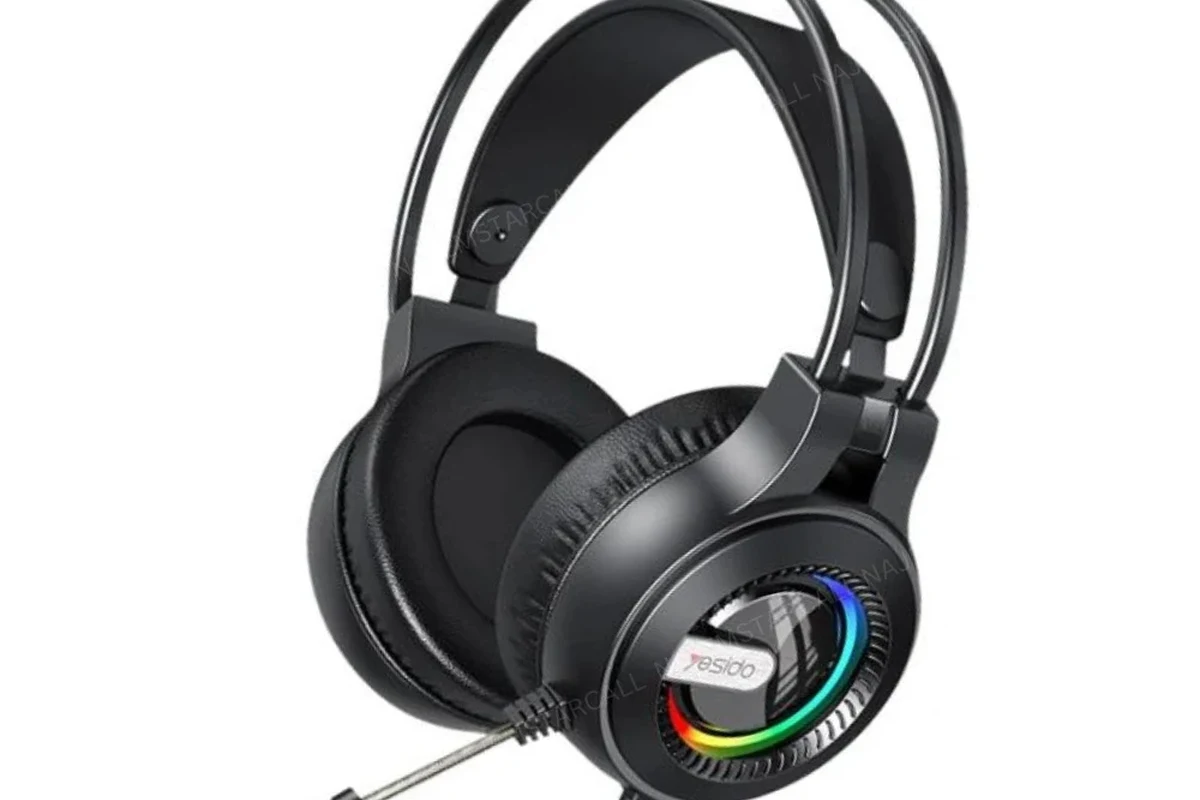
Yes, JBL headphones can work with a PS5, but not every connection method is equally smooth. The most reliable options are a wired 3.5mm connection through the DualSense controller or a USB wireless transmitter that supports the headset.
Direct Bluetooth pairing is where many players run into trouble, because the PS5 does not support standard Bluetooth headphones as openly as a phone or laptop does. If your JBL model came with a USB dongle or supports wired listening, your setup will usually be much easier.
What Connection Methods Actually Work with a PS5 and JBL Headphones
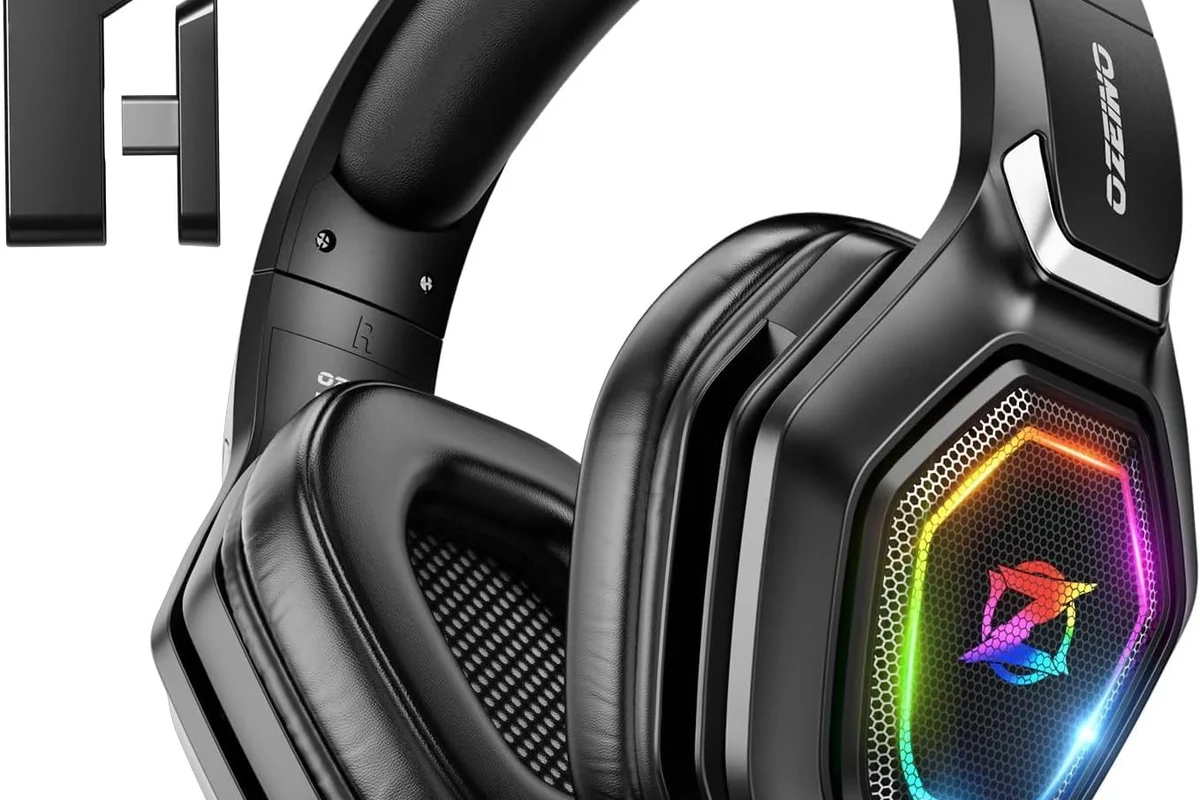
There are three practical ways to use JBL headphones with a PS5: USB wireless, Bluetooth workarounds, and wired controller connection. Each one has different tradeoffs for latency, chat support, and convenience.
If you want a broader look at pairing basics, our guide on how to connect Bluetooth headphones explains why some wireless setups are simple on phones but less straightforward on consoles. That same idea applies here: the device matters as much as the headphones.
USB wireless dongle setup for JBL gaming and BT models
Some JBL headphones or JBL-compatible gaming headsets can connect through a USB wireless transmitter. In that case, the dongle handles the wireless link to the PS5, which is often more stable than standard Bluetooth.
This method is popular because it can deliver lower lag and a more console-friendly experience. If your JBL headset includes a USB receiver, plug it into the PS5 and follow the pairing steps from the headset manual.
USB wireless support depends on the exact JBL model and the adapter included with it. Not every Bluetooth JBL headphone will work with a random USB dongle.
Bluetooth workaround options and why the PS5 limits direct pairing
The PS5 generally limits direct Bluetooth headphone pairing, so many JBL Bluetooth models will not connect the same way they do to a phone. That does not mean Bluetooth is impossible, but it usually requires a workaround such as a TV Bluetooth connection or a compatible USB Bluetooth transmitter.
Workarounds can be convenient, but they may add delay or reduce microphone support. If you mainly want casual single-player audio, that may be fine; if you play competitive shooters, latency becomes more important.
3.5mm wired connection through the DualSense controller
The simplest and most reliable method is often a 3.5mm cable from your JBL headphones into the DualSense controller. This avoids Bluetooth pairing issues and usually gives you the lowest-latency audio path.
For many JBL over-ear and wired models, this is the fastest way to start playing. It is also a good fallback if your wireless connection is unstable or if you want a simple plug-and-play solution.
Not every JBL headphone includes a removable 3.5mm cable, so check your box or product page before assuming wired PS5 use will be possible.
Step-by-Step: How to Connect JBL Headphones to PS5 Fast
Before you start, confirm whether your JBL headphones are wired, Bluetooth-only, or include a USB wireless adapter. That one detail determines the fastest setup path.
Using a wired JBL headset with the controller
Insert the 3.5mm audio plug into the DualSense controller and make sure it seats firmly.
Open the sound settings and confirm the output is set to the controller headset option.
Launch a game or party chat and adjust volume until voices and effects sound balanced.
This setup is usually the easiest for beginners because it avoids pairing problems. It also works well if you want a quick gaming session without extra accessories.
Using a USB transmitter or wireless adapter
Plug the USB transmitter into the PS5’s USB port and wait for the light or indicator to activate.
Follow the JBL pairing method for your model until the headset and adapter connect.
Choose the USB headset or USB audio device in the console sound menu if needed.
If you are comparing wireless options, our article on Bluetooth headphone lag fix is useful for understanding why some wireless audio feels delayed in games. That matters a lot more on PS5 than on music playback.
Using TV or monitor audio output with JBL headphones
Another option is routing audio through your TV or monitor and then connecting JBL headphones to that device. This can work well if your display has Bluetooth or a headphone jack.
It is not always the cleanest solution, but it can be handy when the PS5 itself does not cooperate with a direct wireless setup. Just remember that TV Bluetooth can still introduce lag depending on the model.
Many console gamers prefer wired audio for competitive play because even small delays can make footsteps and gunfire feel less precise.
Best JBL Headphone Types for PS5 Gaming and Chat
Not every JBL headphone type is equally suited for PS5 use. The best choice depends on whether you care more about convenience, chat support, or low-latency audio.
JBL over-ear wireless models for casual play
Over-ear wireless JBL headphones can be comfortable for long sessions, especially if you mainly play single-player games or watch TV through the console. They are a good fit when comfort matters more than absolute latency.
Just keep in mind that wireless convenience is only ideal if the model has a PS5-friendly connection path, such as a USB transmitter or a reliable wired fallback. Standard Bluetooth-only use may be less satisfying for fast-paced gaming.
JBL wired models for lowest-latency gaming
Wired JBL headphones are usually the safest pick for the lowest delay and the simplest setup. If your main goal is responsive sound in shooters, racing games, or competitive titles, wired is often the better bet.
They also tend to be easier for voice chat because the controller handles the connection directly. For readers who want a broader sense of headphone styles, our guide to types of headphones explained is a useful reference when choosing between over-ear, on-ear, and in-ear designs.
JBL earbuds and when they make sense for PS5
JBL earbuds can work for PS5 if you use a compatible wired connection or an adapter route. They are a practical option when portability or a lighter fit matters more than full-size comfort.
That said, earbuds often feel different from over-ear headphones in terms of soundstage and long-session comfort. If you plan to game for hours, make sure the fit is comfortable enough for your ears.
Audio Quality, Mic Support, and Latency: What to Expect
Once JBL headphones are connected, the next question is how they actually perform. Audio quality, mic behavior, and delay can vary by model and connection type.
Game audio vs. voice chat performance
Game audio usually sounds fine through a wired JBL connection or a good USB wireless adapter. Voice chat can be trickier, because some headphones support audio well but have limited microphone compatibility on the PS5.
If you need party chat, check whether your JBL model includes a built-in mic that works over the chosen connection. A headset may sound great for games but still be awkward for chat if the mic is not fully supported.
Latency differences between wired, USB, and Bluetooth routes
Wired is typically the most responsive option, USB wireless is usually the next best, and Bluetooth is the one most likely to introduce delay. That delay may be small for movies or casual play, but it can be noticeable in fast games.
Listening at high volumes for long periods can cause hearing damage. Keep volume at 60% or below for extended sessions.
For readers who want to understand wireless behavior better, our Bluetooth headphones explained simply article is helpful background. It explains why wireless convenience sometimes comes with tradeoffs in gaming.
3D Audio compatibility and real-world sound performance
The PS5’s 3D Audio can work with many headphone setups, but the real experience depends on the headset tuning and fit. Some JBL models may emphasize bass, while others may sound more balanced and clearer for footsteps or dialogue.
You can often improve the experience with in-game EQ settings or the PS5 audio menu. If you are sensitive to treble, bass, or directional cues, small adjustments can make a big difference.
If you notice persistent distortion, one-sided audio, or hearing discomfort, consult an audiologist or a qualified audio specialist. Sound issues can come from the headset, the cable, the console settings, or your hearing itself.
Common Mistakes When Connecting JBL Headphones to PS5
Most connection problems come from a few predictable mistakes. Avoiding them can save time and keep you from assuming your headphones are broken when the issue is actually the setup.
Expecting standard Bluetooth headphones to pair directly
This is the biggest mistake. Many users expect JBL Bluetooth headphones to pair instantly like a phone accessory, but the PS5 often blocks that simple route.
If direct pairing fails, do not keep retrying the same method forever. Switch to wired, USB wireless, or a display-based workaround instead.
Using the wrong USB port or adapter
Not every USB port or adapter behaves the same way, and not every third-party dongle is fully compatible. A headset may power on but still fail to transmit audio properly if the adapter is not suited to the PS5.
- Does the adapter support console audio?
- Is the headset in the correct pairing mode?
- Is the PS5 output set to USB audio?
Ignoring controller battery drain and cable quality
Using a wired headset through the DualSense controller can drain battery a bit faster than playing without accessories. That is normal, but it is worth remembering if you like long sessions.
Cable quality matters too. A loose or damaged 3.5mm cable can cause crackling, cutouts, or microphone issues, so it is worth using a solid cable rather than the cheapest one available.
Price, Value, and Best Setup Choice for Different Budgets
The best PS5 setup depends on how much you want to spend and how much convenience you need. In many cases, the cheapest solution is also the most reliable.
Budget-friendly wired setup
If you already own JBL headphones with a 3.5mm cable, this is usually the best value. It gives you simple setup, low delay, and no need for extra accessories.
For many gamers, that is all they need. It is the most practical choice if you want to spend as little as possible while still getting solid PS5 audio.
Mid-range USB wireless setup
If you want more freedom to move around, a USB wireless adapter can be a smart middle ground. It often costs more than a cable-only setup, but it can feel much more convenient for couch gaming.
Just make sure the adapter is compatible with your exact JBL model and the PS5. Compatibility matters more than marketing language here.
When it is worth upgrading to a dedicated gaming headset
If you play online often, use voice chat a lot, or want a more plug-and-play console experience, a dedicated gaming headset may be worth considering. Those headsets are usually designed with console compatibility, chat, and low-latency use in mind.
That does not mean JBL headphones are a bad choice. It simply means a gaming-specific headset can be easier if you want fewer setup steps and more predictable PS5 support.
- Wired 3.5mm is usually the easiest and lowest-latency option.
- USB wireless adapters can work well if they match your JBL model.
- Standard Bluetooth pairing is often limited on PS5.
- Mic and chat support vary by headset and connection method.
Final Verdict: The Easiest Way to Use JBL Headphones on PS5
So, can you connect JBL headphones to PS5 easily and fast? Yes, but the easiest route is usually a wired 3.5mm connection, followed by a compatible USB wireless adapter if your model supports one.
If your JBL headphones are Bluetooth-only, expect more setup friction and possibly more delay. For most gamers, the best approach is to start wired, then move to wireless only if your model and adapter are clearly PS5-friendly.
Frequently Asked Questions
Over-ear JBL headphones are often more comfortable for long PS5 sessions and can give a fuller sound. Earbuds can still work, but fit, mic support, and comfort may be less consistent depending on the model.
Wired headphones usually offer the lowest latency and the simplest setup on PS5. Wireless can be convenient, but it depends on whether the connection uses a USB adapter or Bluetooth workaround.
Most JBL headphones do not need an amp for normal PS5 gaming. If a model sounds too quiet, the issue is more likely the headset sensitivity, cable, or console settings than a missing amp.
Use the PS5 sound settings and any in-game EQ options to fine-tune the output. Small adjustments often help balance bass, dialogue, and footsteps without making the sound harsh.
Check whether the model supports a 3.5mm cable, a USB wireless transmitter, or a compatible microphone setup. Also consider comfort, weight, ear cushion material, and whether you want closed-back isolation or a more open sound.
Noise-cancelling models can help reduce distractions, especially in shared spaces. Comfort, clamp force, and battery life still matter, so choose a model that feels good during long sessions and listen at safe volumes.