Can You Use Bluetooth Headphones on Switch Easily

Yes, you can use Bluetooth headphones on Switch, and the setup is built into all current models. The main limits are audio delay, voice chat restrictions, and occasional connection quirks.
If you’ve been wondering can you use bluetooth headphones on switch, the short answer is yes. Nintendo added built-in Bluetooth audio support, so most modern Bluetooth headphones and earbuds can connect without extra gear.
That said, the experience is not identical to using a wired headset or a dedicated gaming wireless setup. You may run into latency, device limits, and chat restrictions, so it helps to know what the Switch can and cannot do before you pair anything.
- Built-in support: All Switch models can pair Bluetooth headphones.
- Main trade-off: Latency can be noticeable in fast games.
- Chat limits: Bluetooth audio is not a full voice chat solution.
- Best for: Casual, handheld, and story-driven gaming.
Can You Use Bluetooth Headphones on Switch? The Short Answer and What It Means in 2026
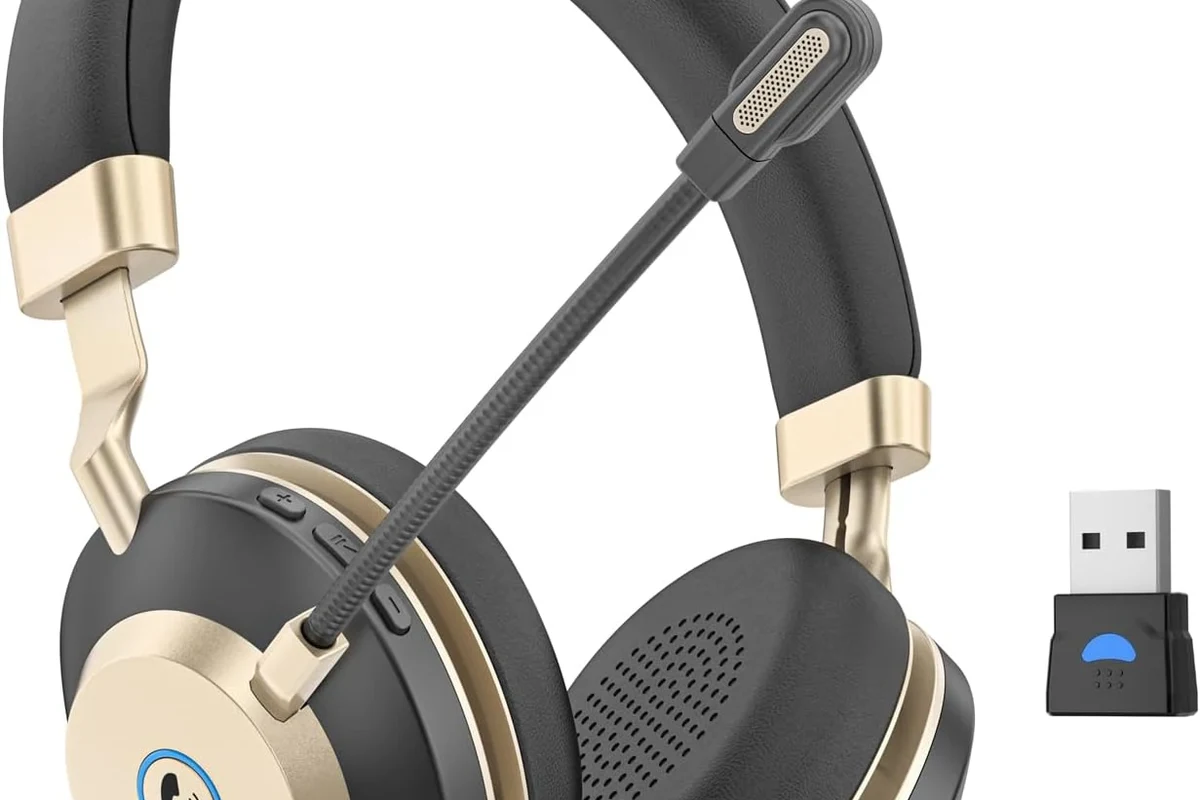
Yes, Bluetooth headphones work on the Nintendo Switch, including the original model, Switch OLED, and Switch Lite. For most players, that means you can listen wirelessly in handheld, tabletop, or docked play without buying a separate transmitter first.
The important part is that “supported” does not always mean “perfect.” Bluetooth audio on the Switch is designed for convenience, not for the lowest possible delay or the most advanced headset features.
If you want a broader look at wireless audio basics, our guide on Bluetooth headphones explained simply is a helpful place to start. It covers the core ideas behind pairing, range, and the limits of wireless sound.
How Nintendo Switch Bluetooth Audio Works: Built-In Support, Limits, and Compatibility
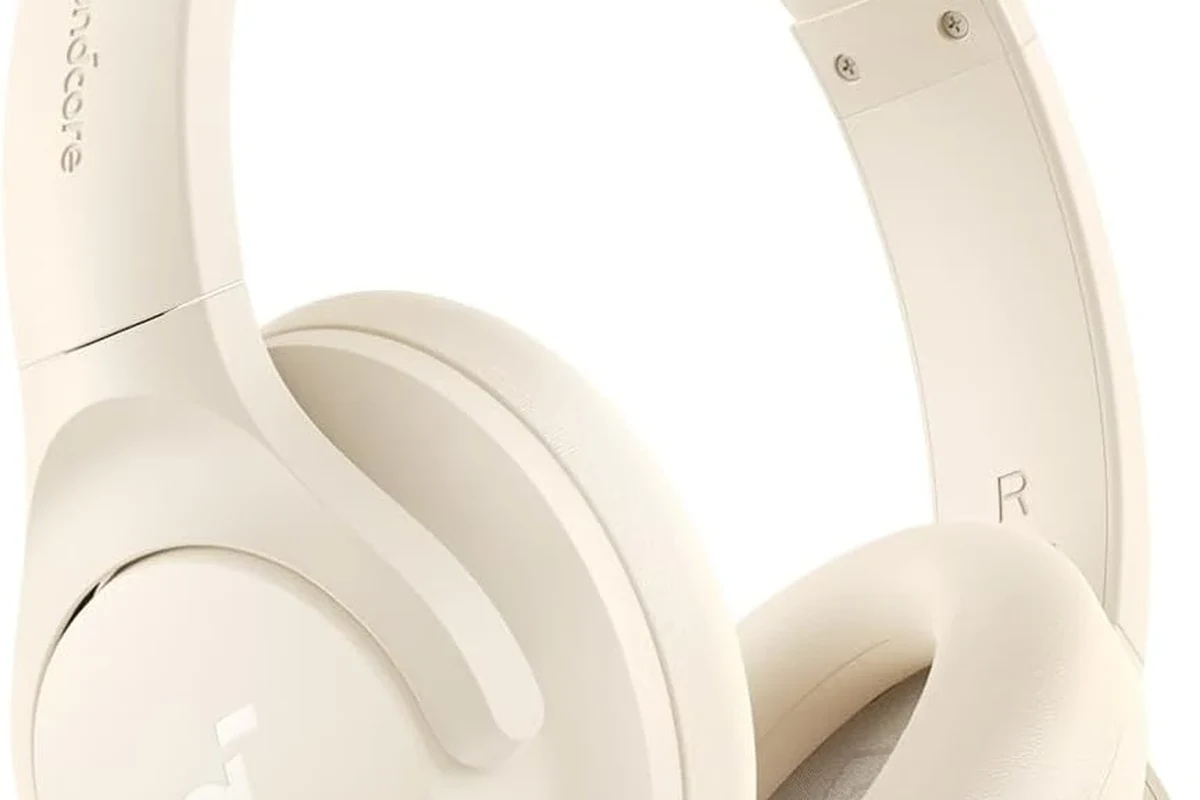
Bluetooth audio on the Switch works through the console’s built-in wireless system. Once paired, the Switch sends game audio directly to your headphones, which is convenient for couch play, travel, or late-night gaming.
Compatibility is usually broad, but not universal. Some headphones connect instantly, while others may need a reset, a fresh pairing attempt, or a firmware update from the headphone maker.
Which Switch models support Bluetooth headphones
All current Switch models support Bluetooth audio, including the original Switch, Switch OLED, and Switch Lite. That means the feature is available whether you play mostly in handheld mode or with the console docked to a TV.
Even though the support is built in, the exact behavior can vary slightly depending on system updates and the headphone model you use. If you have trouble, checking Nintendo’s current system software and your headphone firmware is a smart first step.
Bluetooth support on Switch is for audio playback. It is not the same as a full gaming headset system with every feature enabled.
What audio codecs and latency expectations to know
For everyday gaming, the biggest thing to understand is latency. Bluetooth audio always adds some delay, and on Switch that delay can be noticeable in fast action scenes, rhythm games, or online matches.
The console does not give you the same low-lag experience you would expect from a dedicated 2.4GHz wireless gaming headset. Some headphones feel fine for story games and slower titles, while others may feel slightly behind the action.
Bluetooth audio quality and delay can vary by headphone model, distance, interference, and your own sensitivity to lag.
Step-by-Step: How to Pair Bluetooth Headphones with a Nintendo Switch
Pairing is simple if you follow the Switch menu carefully. The process is mostly the same across all Switch models, though the screen layout may look a little different depending on your system version.
If you are also learning how to connect headphones to other devices, our guide on how to connect Bluetooth headphones can help you understand the general pairing process before you start.
From the Switch home screen, go to System Settings, then find the Bluetooth Audio section.
Hold the pairing button or follow your headphone manual until the indicator light shows they are discoverable.
Choose the headphone name from the list and confirm the connection if prompted.
Pairing on the original Switch, Switch OLED, and Switch Lite
The pairing flow is the same on all three models. Once the headphones are in pairing mode, the Switch should detect them and add them to the Bluetooth audio list.
If your headphones do not appear right away, move closer to the console and make sure no other device is already connected to them. Many Bluetooth headphones can only pair with one active audio source at a time.
If pairing fails, turn Bluetooth off on your phone or tablet first. That often prevents the headphones from reconnecting to the wrong device.
How to reconnect quickly after sleep mode or power-off
After sleep mode, the Switch often reconnects automatically to the last paired headphones. If it does not, open the Bluetooth audio menu and select the headset again.
After a full power-off, you may need to reconnect manually. Keeping the headphones close to the console and turning them on before opening the Switch menu can make the process faster.
Real-World Performance: Sound Quality, Delay, and Mic Limitations While Gaming
In real use, Bluetooth headphones on Switch are usually good enough for relaxed gaming. Dialogue, background music, and casual sound effects generally come through clearly, especially with decent midrange headphones or earbuds.
The main compromise is responsiveness. If you notice a slight mismatch between action on screen and sound in your ears, that is normal Bluetooth behavior rather than a defect in the console.
For readers comparing wireless and wired sound quality more broadly, our article on Bluetooth vs wired headphones sound quality explains why wired connections still matter for timing and consistency.
Best game genres for Bluetooth headphones on Switch
Bluetooth headphones are usually a good fit for story-driven games, RPGs, platformers, puzzle games, and casual indie titles. These genres are less dependent on instant audio timing, so a small delay is less distracting.
They are also handy for docked play on the couch when you want a private listening setup without running a cable across the room.
When Bluetooth audio feels too laggy for competitive play
If you play fighting games, rhythm games, competitive shooters, or anything that depends on precise audio cues, Bluetooth delay can become frustrating. Even a small lag can throw off timing and reaction-based play.
That is when a wired headset or a low-latency wireless gaming headset usually makes more sense. If you are sensitive to delay, your ears will probably notice it before you can explain it.
Some players prefer over-ear headphones for Switch because they can improve comfort during long sessions, but in-ear models can be easier to travel with.
Common Mistakes People Make When Using Bluetooth Headphones on Switch
Most Bluetooth problems on Switch are not caused by the headphones themselves. They usually come from feature expectations, interference, or device limits that people do not realize exist.
Trying to use voice chat through Bluetooth
One of the most common mistakes is expecting Bluetooth headphones to handle full voice chat the way a phone call headset would. On Switch, Bluetooth audio support is mainly for game sound, not a complete chat solution.
If you rely on voice chat, you may need to use Nintendo’s separate app-based chat setup or another supported communication method, depending on the game and your setup.
Do not buy Bluetooth headphones expecting every gaming chat feature to work automatically on Switch.
Forgetting about controller disconnects, Wi-Fi interference, and device limits
Bluetooth and Wi-Fi can share crowded wireless space, especially in apartments or busy homes. If you experience dropouts, moving closer to the console or reducing interference may help.
The Switch also has device limits, so too many connected controllers or accessories can complicate things. If your setup feels unstable, disconnect unused devices and test again with only the headphones connected.
Best Ways to Improve the Experience: Adapters, Headphones, and Budget Comparisons
If built-in Bluetooth is good enough, you may not need anything else. But if you want lower lag, better stability, or easier compatibility, a transmitter dongle or a different headset type can improve the experience.
When a Bluetooth transmitter dongle makes sense
A Bluetooth transmitter dongle can make sense if you want to use a specific headset that pairs better with an external adapter than with the Switch itself. It can also be useful if you already own a quality headset and want to reuse it across devices.
That said, not every dongle is equal. Some are designed for low-latency use, while others add extra delay or require more setup than casual users want.
Price comparison: built-in Bluetooth vs. USB-C dongles vs. premium headsets
Built-in Bluetooth is the simplest and usually the cheapest option because it costs nothing extra. USB-C dongles and premium wireless headsets can cost more, but they may offer better latency, stronger connection stability, or easier gaming-focused features.
If you are comparing options, think about your main use case first. Casual players may be happiest with built-in Bluetooth, while frequent handheld gamers or competitive players may prefer a more specialized setup.
| Model | Best For | Price Range |
|---|---|---|
| Built-in Bluetooth | Casual gaming and convenience | Included with Switch |
| USB-C dongle | Lower-lag wireless listening | Varies by brand |
| Premium wireless headset | Frequent gaming and comfort | Varies by brand |
Expert Advice: When Bluetooth Is Good Enough and When You Should Choose Another Option
For many Switch owners, Bluetooth is absolutely good enough. It is especially appealing if you want fewer cables, simple setup, and easy use with everyday headphones you already own.
Still, the “best” choice depends on how you play, how sensitive you are to lag, and whether you care more about convenience or performance.
Recommended use cases for casual, handheld, and docked gaming
Bluetooth is a strong choice for casual gaming, portable play, and single-player sessions. It is also convenient when you want to keep the TV room tidy and avoid running long cables.
For handheld play, wireless headphones can make the experience feel cleaner and more comfortable, especially if you are using a larger pair that would otherwise snag on your controller or hands.
Warning signs that wired or 2.4GHz wireless is the better choice
If you keep noticing delay, dropouts, or connection issues, the Switch’s built-in Bluetooth may not be the right fit for you. The same is true if you need dependable voice chat or play a lot of reaction-based games.
In those cases, wired headphones or a dedicated 2.4GHz wireless gaming headset usually offer a more predictable experience. If you are unsure which style fits you best, our guide to types of headphones explained can help you compare over-ear, on-ear, and in-ear options before buying.
If you experience ringing, discomfort, or fatigue after long sessions, consider lowering volume, taking breaks, or speaking with an audiologist. Safe listening habits matter just as much as headphone features.
Listening at high volumes for long periods can cause hearing damage. Keep volume at 60% or below for extended sessions.
Final Recap: The Easiest Way to Use Bluetooth Headphones on Switch Without Frustration
So, can you use bluetooth headphones on switch? Yes, and for many players it is an easy, practical solution that works well for casual gaming. The setup is built in, the pairing process is straightforward, and the convenience is hard to beat.
The trade-offs are equally important: some latency, limited chat support, and occasional connection quirks. If you understand those limits, you can decide whether built-in Bluetooth is enough or whether a wired or low-latency wireless option would serve you better.
- Built-in Bluetooth works on all Switch models.
- Great for casual play, but not ideal for low-lag gaming.
- Voice chat and device limits can complicate setup.
- Wired or 2.4GHz options are better for competitive players.
Frequently Asked Questions
Wireless headphones are more convenient, but wired headphones usually give you lower lag and more consistent timing. If you play competitive games, wired is often the safer choice.
Yes, noise cancelling headphones can work well with Switch as long as they connect properly. They are especially useful in noisy rooms, but the sound quality and comfort will still depend on the model.
Closed-back headphones usually block more outside noise and are better for private gaming. Open-back headphones can feel more spacious, but they leak sound and are less ideal for shared spaces.
Over-ear headphones are often more comfortable for long sessions because they spread pressure around the ear. In-ear models are lighter and more portable, while on-ear designs can feel less secure for some users.
Look at driver type, comfort, and how the tuning fits your listening style more than marketing claims alone. Frequency response, bass balance, and clarity can all affect how a headset sounds in games.
A simple EQ tweak, a better fit, and keeping volume at a safe level can improve the experience a lot. Budget models vary, so choose one that matches your game type and comfort needs.