Can PS5 Connect to Bluetooth Headphones Easily

No, the PS5 usually cannot connect directly to standard Bluetooth headphones for game audio. The easiest options are a USB adapter, a wired connection through the controller, or a gaming headset made for consoles.
If you’re asking can ps5 connect to bluetooth headphones, the short answer is: not directly in the way most people expect. The PS5 has Bluetooth for accessories like controllers, but standard Bluetooth audio headphones usually need a workaround such as a USB adapter, TV Bluetooth output, or a wired connection.
- Direct pairing: Most Bluetooth headphones will not connect natively to PS5.
- Best workaround: USB audio adapters are usually the most practical wireless fix.
- Lowest hassle: A wired connection through the DualSense controller is the simplest fallback.
- Gaming priority: Dedicated gaming headsets usually offer better latency and mic support.
Can PS5 Connect to Bluetooth Headphones? Understanding the Real Answer in 2025
The PS5 is a great console for games, but Sony keeps Bluetooth audio support limited. That means many common earbuds and headphones will not pair directly to the console for game sound.
For readers who want a broader basics refresher on wireless audio, our guide on Bluetooth headphones explained is a helpful starting point. It covers why Bluetooth can behave differently across devices, which matters a lot on consoles.
Why the PS5 does not natively support most Bluetooth audio devices
The main reason is performance. Game audio needs low delay, stable connection quality, and reliable voice chat support, while standard Bluetooth audio can introduce lag or dropouts.
That delay may be small for music, but it can be noticeable in fast games where sound cues matter. Sony’s approach helps avoid random pairing issues, but it also limits simple plug-and-play use for many headphones.
Some Bluetooth headphones may appear to connect through certain TVs, monitors, or adapters, but compatibility depends on the exact model and setup.
What gamers are actually trying to solve when they search this question
Most gamers want one of three things: wireless game audio, a headset mic for party chat, or a cleaner setup with fewer cables. In other words, the question is usually less about Bluetooth itself and more about convenience.
Others are trying to use headphones they already own instead of buying a dedicated gaming headset. That is understandable, but the best method depends on whether you care more about convenience, sound delay, or microphone support.
How Bluetooth Headphones Work with PS5: Compatible and Incompatible Methods
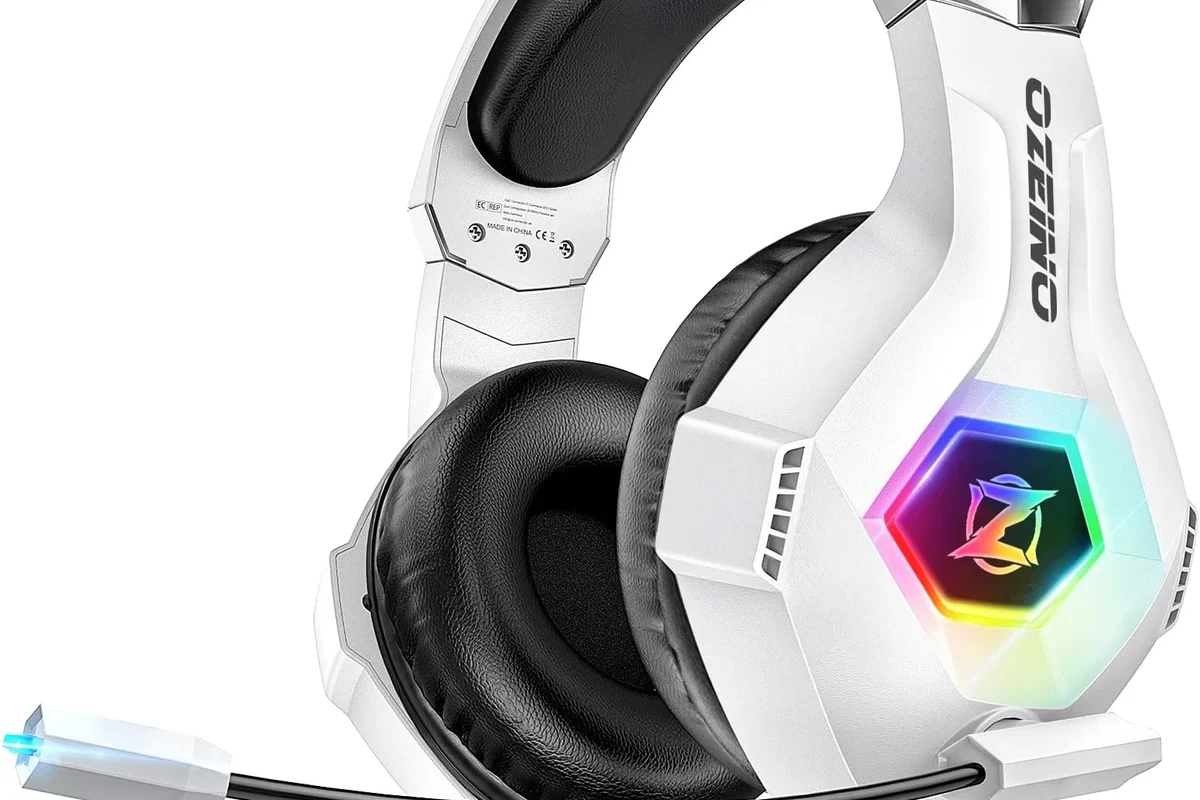
There are a few ways to get headphone audio from a PS5, but not all of them are equal. Some are simple, while others are only worth using for casual play.
Direct Bluetooth pairing vs. USB dongle solutions
Direct pairing is the method most people try first, but it often fails with standard Bluetooth headphones. A USB dongle or wireless transmitter is usually the more dependable option because it creates a dedicated link designed for audio.
If you are comparing wireless methods, it helps to understand the difference between Bluetooth and other wireless formats. Our guide on Bluetooth vs wired headphones sound quality explains why wireless convenience can come with trade-offs in delay and consistency.
Using the DualSense controller audio jack as a wired fallback
The easiest reliable backup is the 3.5mm headphone jack on the DualSense controller. If your headphones include a cable, this gives you stable audio with no Bluetooth pairing trouble.
It is not wireless, but it is often the simplest way to get clear sound and consistent voice chat without extra gear. For many players, that trade-off is worth it.
When Bluetooth adapters are worth considering
Bluetooth adapters can be worth it if you already own good headphones and want to keep using them. They are especially useful for casual gaming, single-player titles, or living-room setups where a little latency is less noticeable.
Still, adapter quality matters a lot. Cheap options may create lag, connection drops, or microphone problems, so it is better to choose carefully than to buy the first low-cost dongle you see.
Best Ways to Use Bluetooth Headphones on PS5 Without Lag or Audio Drops
If your goal is smooth gameplay, the connection method matters more than the headphone brand alone. A strong setup should keep audio synced, avoid dropouts, and support voice chat when needed.
Low-latency Bluetooth codecs and why they matter for gaming
Low-latency codecs can reduce the gap between what you see and what you hear, but support varies by headphone, adapter, and TV. Not every Bluetooth device supports the same codec, so two pairs of headphones can behave very differently.
That is why “Bluetooth” is not a single performance category. For gaming, codec support, transmitter quality, and device compatibility all matter more than marketing labels.
Do not assume a headphone is “gaming-ready” just because it is wireless. Latency, mic support, and connection stability can vary widely by model.
USB transmitter setup for stable voice chat and game audio
A USB transmitter is often the most practical wireless workaround for PS5 players. It can provide a more stable link than standard Bluetooth and may offer better results for game audio and chat.
Setup is usually straightforward: plug the transmitter into the console, put the headphones or headset into pairing mode, and select the audio output in PS5 settings. Results still vary by product, but this is one of the most dependable wireless routes.
TV Bluetooth output as an alternative and its limitations
Some players route audio through the TV or monitor instead of the console. This can work if the display has Bluetooth output built in, but it is not always ideal for gaming.
The biggest limitation is delay. TV audio processing can add extra lag, and microphone support may not carry over at all, which makes this option better for casual listening than competitive play.
Many people blame the headphones when the real problem is the TV, adapter, or codec path in the middle.
Step-by-Step Setup Examples for Common PS5 Audio Scenarios
Different users need different setups, so it helps to match the method to the gear you already own. Below are the most common ways players try to connect.
Connecting Bluetooth headphones through a compatible USB adapter
This is the most common wireless workaround for PS5 audio. It is not true native Bluetooth pairing, but it can feel close enough for many players.
Insert the USB Bluetooth transmitter or wireless audio dongle into the PS5 console.
Put the adapter and headphones into pairing mode according to the product instructions.
Open PS5 sound settings and confirm the USB device is set as the output source.
- Whether the adapter supports PS5 use
- Whether your headphones support low-latency audio
- Whether voice chat works through the same setup
Pairing headphones through a TV or monitor with Bluetooth support
If your TV has Bluetooth audio output, you may be able to connect your headphones there instead of to the console. This can be convenient for movies and slower-paced games.
However, it is smart to test the setup before relying on it for multiplayer. Some TVs handle audio delay better than others, and some do not pass microphone audio at all.
Using a wired connection when wireless pairing fails
When wireless options become frustrating, wired is often the fastest fix. A cable from the DualSense controller to your headphones can solve most compatibility problems immediately.
If your headphones are designed for both wireless and wired use, this also gives you a backup option when the battery runs low. For many PS5 owners, having both choices is the most practical approach.
If you hear delay, crackling, or random disconnects, test the same headphones with a wired cable first. That helps you tell whether the problem is the headset or the wireless link.
Common Mistakes That Cause PS5 Bluetooth Headphone Problems
Most PS5 audio problems come from expectations, not broken hardware. A little planning can save you a lot of pairing frustration.
Expecting standard Bluetooth earbuds to pair directly with the console
This is the most common mistake. Many earbuds work beautifully with phones, but that does not mean they will connect directly to a PS5 for game audio.
If direct pairing fails, that is usually normal behavior rather than a defect. The solution is usually an adapter, a wired connection, or a gaming headset made for console use.
Ignoring latency, mic support, and codec compatibility
Sound quality is only one part of the equation. For gaming, latency and microphone support can matter just as much, especially in multiplayer titles.
Codec compatibility also affects how well the connection performs. A headphone may sound fine for music but still feel off in a game if the audio arrives too late or the mic does not route correctly.
Buying cheap adapters that create audio delay or disconnects
Low-cost adapters can be tempting, but they are often the source of the worst problems. Some may work for a while and then become unreliable during longer sessions.
That does not mean every budget adapter is bad, but it does mean you should read compatibility notes carefully and avoid assuming all USB dongles perform the same.
Expert Advice: What Top Headphone Reviews Recommends for PS5 Players
At Top Headphone Reviews, our editorial advice is simple: choose the setup that fits how you actually play. The best option for a casual single-player gamer may not be the best option for someone who plays ranked shooters every night.
When to choose a dedicated gaming headset instead of Bluetooth headphones
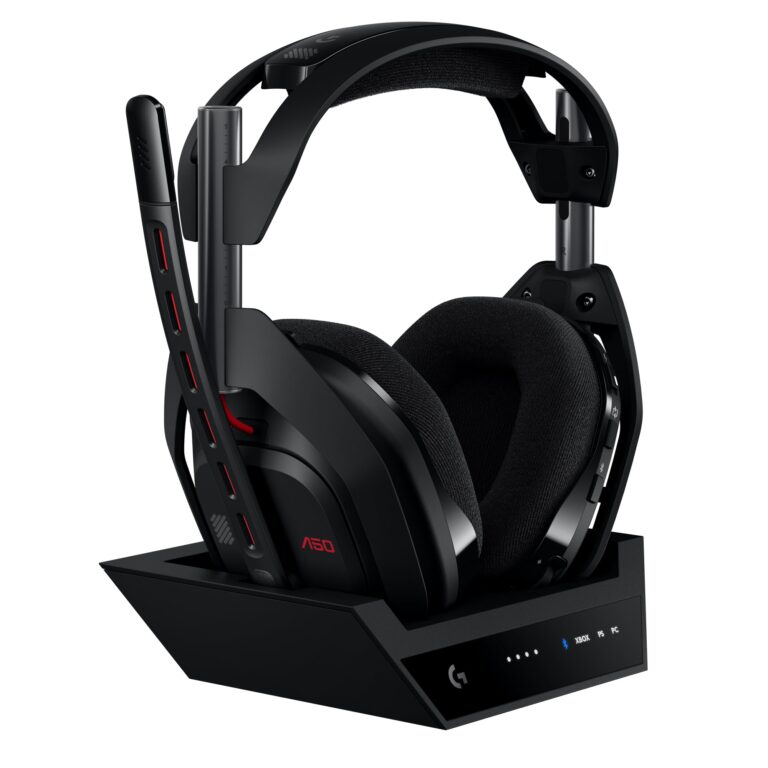
A dedicated gaming headset makes sense if you want fewer compatibility headaches, a built-in mic, and more predictable performance. It is usually the easiest route for players who want to plug in and start gaming.
Bluetooth headphones can still be a good choice if you also use them for travel, music, or daily listening. But for PS5-first use, a gaming headset often offers fewer compromises.
What features matter most in 2025: latency, mic quality, battery life, and comfort
For PS5 players, latency is the first feature to check, followed by mic quality if you use party chat. Battery life matters for wireless setups, but comfort becomes just as important during long sessions.
Ear cup shape, clamp force, and cushion material can affect comfort more than many shoppers expect. If you are comparing models, look beyond the headline feature list and think about how the headset will feel after two or three hours.
If you have ongoing ear pain, ringing, or hearing sensitivity, follow safe listening guidelines and consider speaking with an audiologist before using headphones for long gaming sessions.
Warning signs that a setup will not work well for competitive gaming
If your audio lags behind the action, drops out during movement, or cuts off when you use voice chat, the setup is probably not ideal for competitive play. Those issues can be distracting and may affect reaction time.
In that case, a wired headset or a purpose-built wireless gaming headset is usually the better long-term choice. Convenience is nice, but stability matters more in fast games.
Listening at high volumes for long periods can cause hearing damage. Keep volume at 60% or below for extended sessions.
Cost and Value Comparison: Bluetooth Adapters vs. Gaming Headsets vs. Wired Options
There is no single best-value answer for every player. The right choice depends on whether you want the cheapest fix, the easiest setup, or the best all-around performance.
Budget-friendly setup choices for casual players
If you already own Bluetooth headphones, a basic adapter or wired controller connection may be the lowest-cost path. This is often enough for story games, streaming, or casual co-op.
Budget setups can be perfectly fine, but they are more likely to have compromises in latency or mic performance. That is why they work best when convenience matters more than precision.
Mid-range and premium options for better sound and voice chat
Mid-range and premium gaming headsets often give you a better balance of sound, comfort, and chat quality. They may cost more upfront, but they can reduce the need to troubleshoot adapters and compatibility issues.
If you want a simple comparison framework for headphone buying, our article on types of headphones explained can help you sort out over-ear, on-ear, and in-ear options before you buy.
Which option offers the best long-term value for PS5 owners
For most PS5 owners, the best long-term value comes from a setup that is reliable, comfortable, and easy to use every day. That is often a good wired headset or a well-reviewed wireless gaming headset rather than a random Bluetooth workaround.
If you want one device for gaming, music, and travel, Bluetooth headphones still make sense. If gaming is the priority, purpose-built gear usually wins on consistency.
Final Recap: The Easiest Way to Use Bluetooth Headphones with PS5
So, can ps5 connect to bluetooth headphones? Yes, but usually not directly with standard Bluetooth audio devices. The easiest reliable path is often a USB adapter, a TV Bluetooth output if it works well, or a wired connection through the DualSense controller.
The quickest answer for readers who want a simple yes-or-no conclusion
If you want the simplest answer: not natively, and not always with standard Bluetooth earbuds or headphones. You will usually need a workaround.
Best recommendation based on convenience, performance, and price
For casual use, try a compatible USB adapter or the controller’s wired jack. For the best balance of convenience and performance, a dedicated gaming headset is usually the safest recommendation for PS5 players.
- PS5 usually does not support standard Bluetooth headphones directly.
- USB adapters and wired connections are the most reliable workarounds.
- Latency and mic support matter more than simple pairing.
- Gaming headsets are often the easiest long-term choice.
Frequently Asked Questions
The PS5 limits standard Bluetooth audio support to avoid lag and connection issues. Many headphones need a USB adapter or wired fallback instead.
Usually yes, because they are designed for lower latency and better console compatibility. They also tend to handle voice chat more reliably.
Over-ear models are often preferred for long gaming sessions because they can be more comfortable and immersive. In-ear models can be more portable, but fit and mic quality vary by brand.
Look at latency, driver design, codec support, and whether the headset lets you adjust EQ. Bass, clarity, and soundstage can vary a lot by model and personal preference.
Start with the connection method you need most, then compare comfort, mic support, and reliability. A wired headset or a solid adapter is often better value than a cheap wireless workaround.
Weight, ear cushion material, and clamp force matter a lot during long sessions. If you get ear pain or ringing, lower volume and consider speaking with an audiologist.