Can U Connect Bluetooth Headphones to Xbox Easily

No, standard Bluetooth headphones usually do not connect directly to Xbox for game audio. The easiest wireless solution is an Xbox Wireless headset, while TV or transmitter workarounds may help with some tradeoffs.
If you’re asking whether you can u connect bluetooth headphones to xbox, the short answer is usually no, not in the same easy way you would with a phone, laptop, or tablet. Xbox consoles do not support standard Bluetooth audio for most headphones, so you’ll need either an Xbox wireless headset or a workaround such as TV audio, a controller connection, or a compatible transmitter.
- Direct support: Xbox usually does not accept standard Bluetooth audio.
- Best option: Xbox Wireless headsets are the simplest fit.
- Workarounds: TV or transmitter setups can work, but latency may appear.
- Chat matters: Mic support is often the biggest limitation.
- Buy smart: Check compatibility, comfort, and battery life first.
Can U Connect Bluetooth Headphones to Xbox? The Short Answer for 2025

For most players in 2025, standard Bluetooth headphones still do not connect directly to Xbox for game audio. That means your regular wireless earbuds or Bluetooth over-ear headphones may pair with other devices just fine, but they usually won’t work natively with an Xbox console.
There are exceptions through workarounds, but they often come with tradeoffs like latency, limited mic support, or extra hardware. If you want the cleanest setup, Xbox Wireless headsets are usually the simplest path for gaming audio and chat.
Why Xbox Does Not Support Standard Bluetooth Audio

Xbox uses its own wireless audio ecosystem instead of standard Bluetooth for direct headset connections. Microsoft designed that system to reduce lag and improve reliability for gaming, where even a small delay can be distracting.
Bluetooth is great for music and calls, but it is not always ideal for fast-paced gameplay. Audio delay, unstable voice chat, and device pairing limitations are the main reasons Xbox keeps standard Bluetooth support out of the core experience.
Xbox Wireless vs. Bluetooth: What’s the Difference?
Xbox Wireless is a proprietary connection method made for Xbox consoles and compatible headsets. It is built to handle game audio and voice chat with fewer connection issues than typical Bluetooth.
Bluetooth, on the other hand, is a universal wireless standard used by phones, tablets, and many TVs. It is more flexible across devices, but that flexibility can come with higher latency and less consistent gaming performance.
Key audio insight: Xbox Wireless is usually the better fit for gaming because it is designed around lower-latency console audio.Bluetooth is more universal, but not always the best match for Xbox.
Which Xbox Models Have Audio Limitations?
Xbox Series X, Series S, and Xbox One models generally share the same basic limitation: they do not offer standard Bluetooth audio output for headphones. So if you own one Xbox model, you should not assume the others behave differently in this area.
That said, your TV, monitor, or controller setup can change what is possible. In practice, the console may be limited, but the rest of your gaming chain can sometimes give you a workable wireless audio route.
Best Ways to Use Wireless Headphones with Xbox
If your goal is simply to hear game audio without a cable, there are several realistic options. The best one depends on whether you care most about sound quality, chat support, convenience, or budget.
Note
Compatibility can vary by headset brand, TV model, controller version, and console generation, so check each device before buying extra accessories.
Xbox Wireless Headsets That Connect Directly
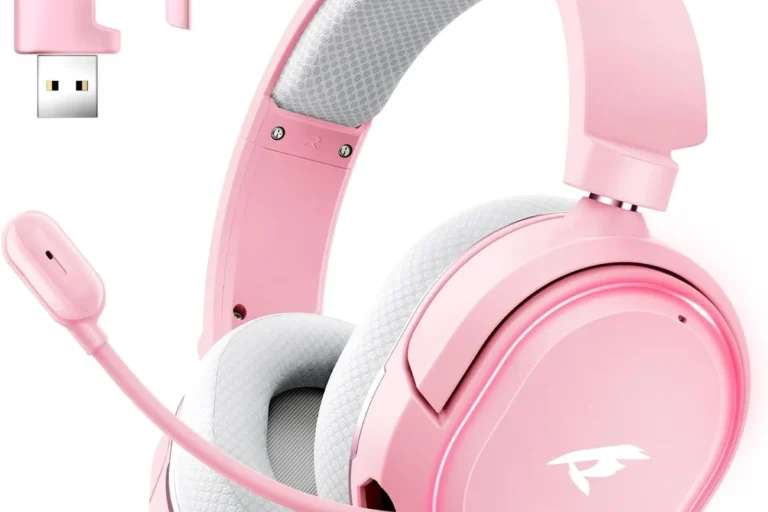
The easiest option is an Xbox Wireless headset made to pair directly with the console. This avoids the need for Bluetooth workarounds and usually gives you the most straightforward setup for both audio and voice chat.
For many gamers, this is the “plug in, pair, play” option that feels closest to what people expect from wireless headphones. If you want a simple setup and reliable chat, this is often the best place to start.
- Direct console pairing
- Better chat support
- Less setup hassle
- Not the same as standard Bluetooth
- Model choices vary
- May cost more than basic earbuds
Using a TV, Monitor, or Controller Audio Workaround
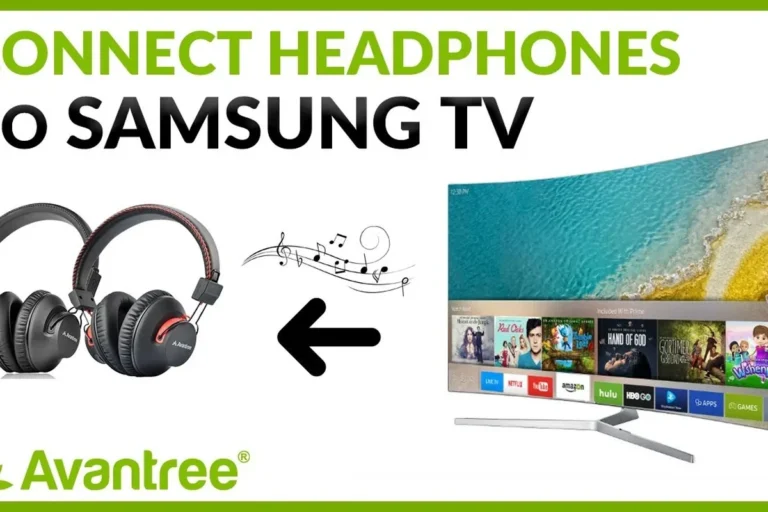
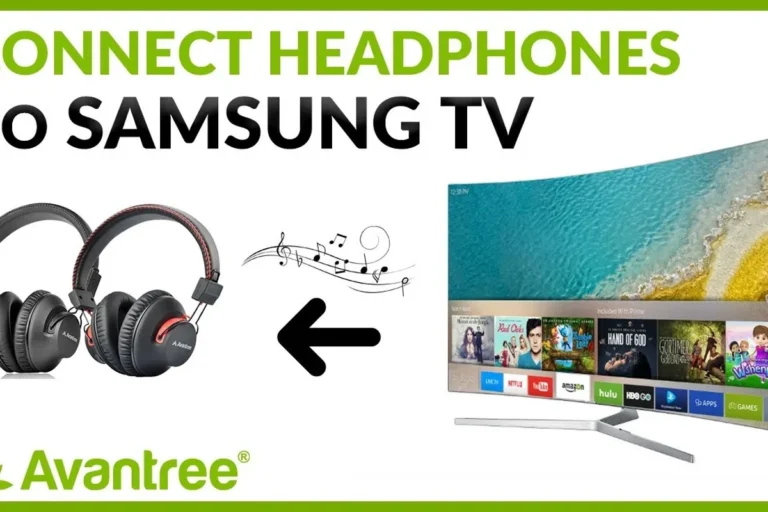
One common workaround is to send audio from the Xbox to your TV or monitor, then use the display’s Bluetooth output if it supports headphones. This can work well for casual play, especially if your TV already has Bluetooth built in.
Another option is using the controller’s 3.5 mm headphone jack with a wired headset or adapter. It is not wireless, but it is often the most dependable fallback when Bluetooth pairing becomes too complicated.
If you want a broader primer on pairing basics, our guide on how to connect Bluetooth headphones explains the general process on devices that support standard Bluetooth audio.
Bluetooth Transmitters for Xbox: When They Help and When They Don’t
A Bluetooth transmitter can sometimes help by converting audio from a TV, monitor, or another output into a Bluetooth signal for your headphones. This is useful when your display has the right audio output and your headphones are already a good fit for low-latency wireless use.
But transmitters are not a perfect fix. They may add delay, and some setups do not handle microphone audio well, which matters if you play multiplayer games or use party chat often.
Not every Bluetooth transmitter will solve Xbox audio cleanly. Check for latency support, audio input compatibility, and whether your mic still works before you buy.
Practical Setup Examples for Popular Xbox Use Cases
Different players need different solutions. A solo story-game player may be fine with a TV-based workaround, while a competitive multiplayer player usually needs lower latency and better voice chat support.
Series X and Series S with a TV-Based Bluetooth Transmitter
If your TV has an optical, USB, or headphone output that works with a transmitter, you may be able to route Xbox audio to your Bluetooth headphones that way. This is often the most flexible wireless workaround when you already own a decent TV.
Still, you should expect some setup testing. Audio delay, volume control, and lip sync can vary, so it may take a little adjustment before everything feels right.
Run game audio through the TV first, since the TV is often the bridge to your Bluetooth headphones.
Connect your headphones to the TV or transmitter, then test audio sync in a game or menu screen.
Xbox One with a Wired Adapter or Controller Connection
On Xbox One, the controller headphone jack remains one of the most reliable audio options. If you are okay with a cable, this avoids many of the pairing issues that come with Bluetooth.
Some players also use wireless headsets that connect through Xbox-compatible adapters or dedicated Xbox wireless support. That approach is usually more stable than trying to force standard Bluetooth into a system that was not built for it.
Gaming on Xbox While Keeping Voice Chat Clear
Voice chat is where many Bluetooth workarounds fall short. Even if game audio sounds acceptable, the microphone path may be weak, delayed, or unsupported depending on the headset and adapter.
If party chat matters to you, prioritize a headset or connection method known for clear mic support. That is one reason many readers choose Xbox Wireless headsets instead of trying to make everyday Bluetooth headphones do everything.
If you need consistent voice chat, hearing fatigue, or audio delay is becoming a problem, consider asking an audiologist about safe listening habits or a professional audio specialist about the best low-latency setup for your room.
Common Mistakes People Make When Trying to Pair Bluetooth Headphones
The biggest mistake is assuming that any Bluetooth headset should work with Xbox the same way it works with a phone. Xbox audio is more restrictive than many people expect, and that can lead to frustration if you buy the wrong gear.
Assuming Any Bluetooth Headset Will Work Natively
Many shoppers see “wireless” and assume it means “Bluetooth.” On Xbox, those are not the same thing, so a headset that works perfectly on Android or iPhone may still fail to connect properly to the console.
This is why it helps to look for Xbox compatibility specifically instead of relying on general wireless branding. A quick compatibility check can save you from returns and disappointment.
Ignoring Latency, Lip Sync, and Mic Compatibility
Latency is the delay between the action on screen and the sound in your headphones. In story games, a little delay may be tolerable, but in shooters or rhythm games it can be very noticeable.
Mic compatibility matters too. Some Bluetooth headphones can play audio but cannot handle Xbox chat the way you expect, which means you may hear the game fine but still struggle to talk with teammates.
Bluetooth audio delay is one reason many gaming headsets use their own wireless systems instead of standard Bluetooth alone.
Overlooking Battery, Range, and Audio Quality Tradeoffs
Wireless convenience always comes with tradeoffs. Battery life, connection range, and sound consistency can change depending on the headset, the room, and even interference from other devices.
Audio quality can also vary. Some Bluetooth headphones sound excellent for music but feel less responsive for games, especially when you want strong positional cues or clear dialogue in busy scenes.
Expert Advice: What Top Headphone Reviews Recommends in 2025
For Top Headphone Reviews readers, the best choice usually comes down to use case. If you want the easiest wireless Xbox experience, choose gear designed for the console rather than trying to adapt a general Bluetooth headset.
If you already own premium Bluetooth headphones, a workaround may still be worth trying. Just be realistic about what you gain and what you give up in latency, chat support, and convenience.
When to Choose Xbox Wireless Headphones Over Bluetooth
Choose Xbox Wireless headphones if you play often, use voice chat, or want the least complicated setup. They are usually the safer pick for people who value dependable console audio over universal device compatibility.
Bluetooth is better suited to travel, mobile listening, and mixed-device use. For Xbox gaming, though, purpose-built console support often delivers a smoother experience.
Budget vs. Premium Options: Cost and Performance Comparison
Budget-minded players may prefer a wired headset or a basic setup through the controller, especially if they only game occasionally. That keeps costs down while still giving you dependable audio.
Premium buyers usually want better comfort, clearer mic performance, stronger battery life, and more stable wireless behavior. Prices can vary by brand and model, so compare features carefully instead of focusing on the headset label alone.
What Features Matter Most for Gaming & TV Headphones
For Xbox use, comfort, low latency, clear voice pickup, and stable wireless performance matter more than flashy marketing terms. If you also watch TV with the same headset, battery life and easy switching between devices become important too.
Noise cancellation can help in noisy rooms, but it is not a substitute for good gaming audio tuning. If you want to learn more about how noise cancelling affects listening, our article on how noise cancelling headphones work is a useful companion read.
Also, if you are comparing wireless and wired sound behavior more broadly, see our guide on Bluetooth vs wired headphones sound quality for a simple breakdown of the tradeoffs.
Listening at high volumes for long periods can cause hearing damage. Keep volume at 60% or below for extended sessions.
Final Recap: The Easiest Way to Get Wireless Audio on Xbox
So, can u connect bluetooth headphones to xbox? Not directly in the normal Bluetooth sense, but you can still get wireless audio through Xbox Wireless headsets or a few practical workarounds. The right choice depends on whether you care most about convenience, chat quality, or using headphones you already own.
For most gamers, the simplest answer is to skip standard Bluetooth and use a headset designed for Xbox. That usually gives you the best mix of sound, comfort, and reliability without the frustration of pairing problems.
- Xbox does not support standard Bluetooth audio for most headphones.
- Xbox Wireless headsets are usually the easiest direct solution.
- TV or transmitter workarounds can help, but latency and mic issues may appear.
- Check compatibility, chat support, and comfort before buying.
Frequently Asked Questions
Wireless headphones are more convenient, but wired headsets are often simpler and more reliable on Xbox. If you want the least delay and the easiest setup, wired can still be the safest choice.
Check Xbox compatibility, microphone support, latency, comfort, and battery life. Also make sure the headset fits your gaming use, whether that is chat, single-player games, or TV watching.
Noise cancelling can help block room noise, especially during long sessions. However, it should not be the only feature you look at, because gaming performance and mic quality matter more for Xbox.
Closed-back headphones usually isolate better and are more practical for most Xbox players. Open-back models can sound wider, but they leak sound and are less ideal in noisy rooms.
No, driver size alone does not guarantee better sound. Tuning, comfort, latency, and overall build quality are often more important for gaming than a single spec.
Look for lightweight designs, soft ear cushions, and a headband that does not clamp too tightly. If you feel pressure or pain after long sessions, take breaks and consider a different fit or consult a professional if needed.