Can U Use Bluetooth Headphones on PS5 for Best Audio

Yes, you can use Bluetooth headphones on PS5, but usually not as a direct, lag-free connection. For the best results, use a USB adapter, TV audio output, or a PS5-focused wireless headset instead.
If you’re asking can u use bluetooth headphones on ps5, the short answer is yes, but not directly in the way most people expect. The PS5 has built-in Bluetooth, yet Sony limits standard Bluetooth audio support, so the smoothest setup usually involves an adapter, your TV, or a dedicated wireless headset.
That limitation matters most for gaming, where audio delay, mic support, and connection stability can make or break the experience. If you want a simple overview of how Bluetooth audio works in general, our guide to Bluetooth headphones explained simply is a helpful place to start.
- Direct Bluetooth is limited: PS5 audio support is not as simple as pairing a phone.
- Latency is the main issue: Fast games expose delay more than movies do.
- Adapters can help: Quality varies, so choose carefully.
- Wired is most reliable: It is still the easiest low-lag option.
- Gaming headsets are best for most players: They usually offer better stability and chat support.
Can U Use Bluetooth Headphones on PS5? What Works in 2025
In 2025, Bluetooth headphones can still be used with a PS5, but usually not through the console’s standard Bluetooth pairing menu. Sony’s system is designed to favor low-latency, more stable audio accessories rather than generic Bluetooth audio devices.
That means the answer is less about “does it connect?” and more about “how well does it work?” Some setups are fine for casual play or watching content, while others are better for fast-paced gaming where every sound cue matters.
Compatibility can vary by headphone model, adapter quality, TV features, and how far you sit from the screen.
Why PS5 Bluetooth Audio Is Limited and What That Means for Gamers
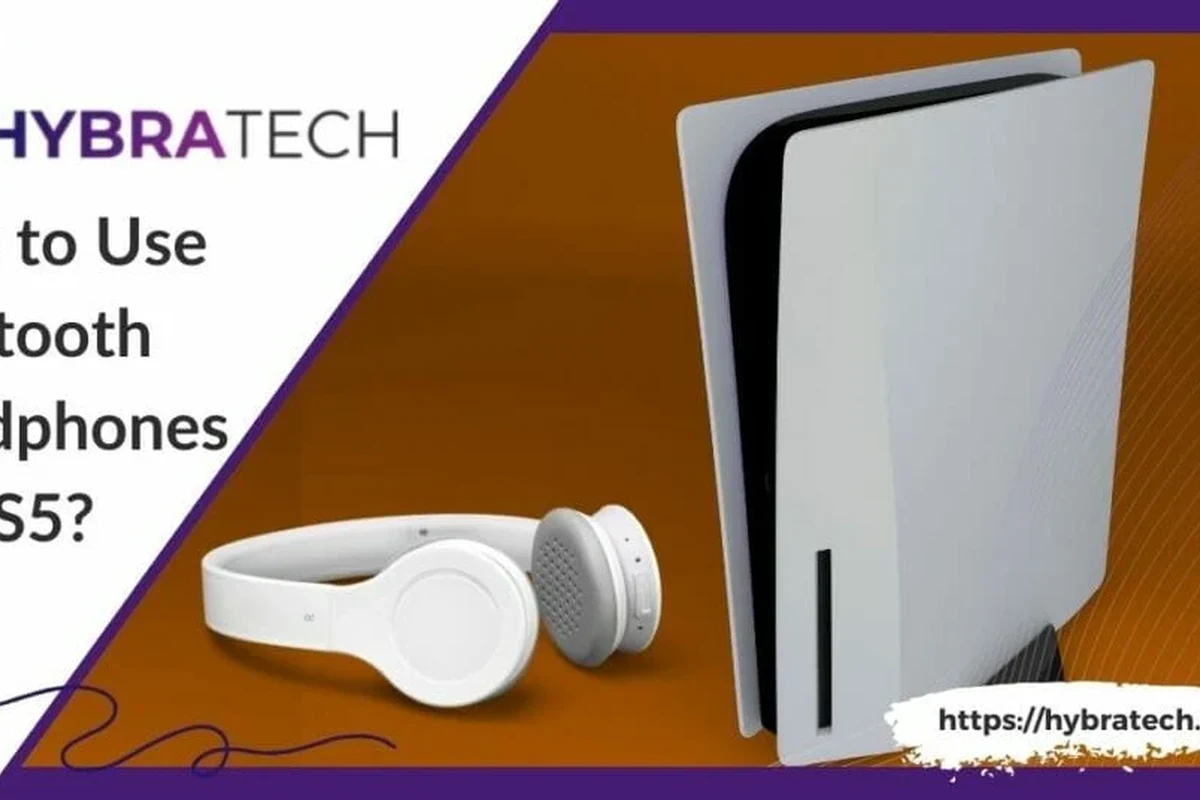
Sony’s Bluetooth restrictions are mainly about performance. Standard Bluetooth audio can introduce delay, and in games that delay can make footsteps, gunfire, and menu sounds feel slightly out of sync.
For movies, that delay may be easy to ignore. For gaming, especially competitive play, even a small lag can be distracting. The PS5 is built to keep controller and headset communication as responsive as possible, which is why it often prefers its own wireless audio solutions.
How Sony’s Bluetooth restrictions affect latency and mic support
Latency is the biggest issue. Bluetooth audio must encode and transmit sound wirelessly, and that can create a noticeable gap between what happens on screen and what you hear.
Mic support is another common problem. Some Bluetooth headphones may play audio but not support voice chat properly, or they may require extra workarounds that are not always reliable.
Not every Bluetooth headset that pairs with a TV or phone will support PS5 voice chat, party chat, or in-game chat the same way.
Search intent: finding a simple way to connect wireless headphones without lag
Most people searching this topic want one thing: wireless convenience without the annoying delay. That is a fair goal, but on PS5 the best result usually comes from choosing the right connection method instead of relying on plain Bluetooth alone.
If your priority is easy pairing and stable audio, you may want to compare Bluetooth against wired and dedicated wireless options. Our Bluetooth vs wired headphones sound quality guide can help you think through the trade-offs.
Best Ways to Use Bluetooth Headphones on PS5 Today
There are a few practical ways to get Bluetooth headphones working with a PS5. The best method depends on whether you care most about latency, chat support, convenience, or budget.
In general, the more direct the audio path is to the console or display, the more likely you are to get usable results. Here are the most common setups gamers use.
Direct Bluetooth adapters for the PS5 USB port
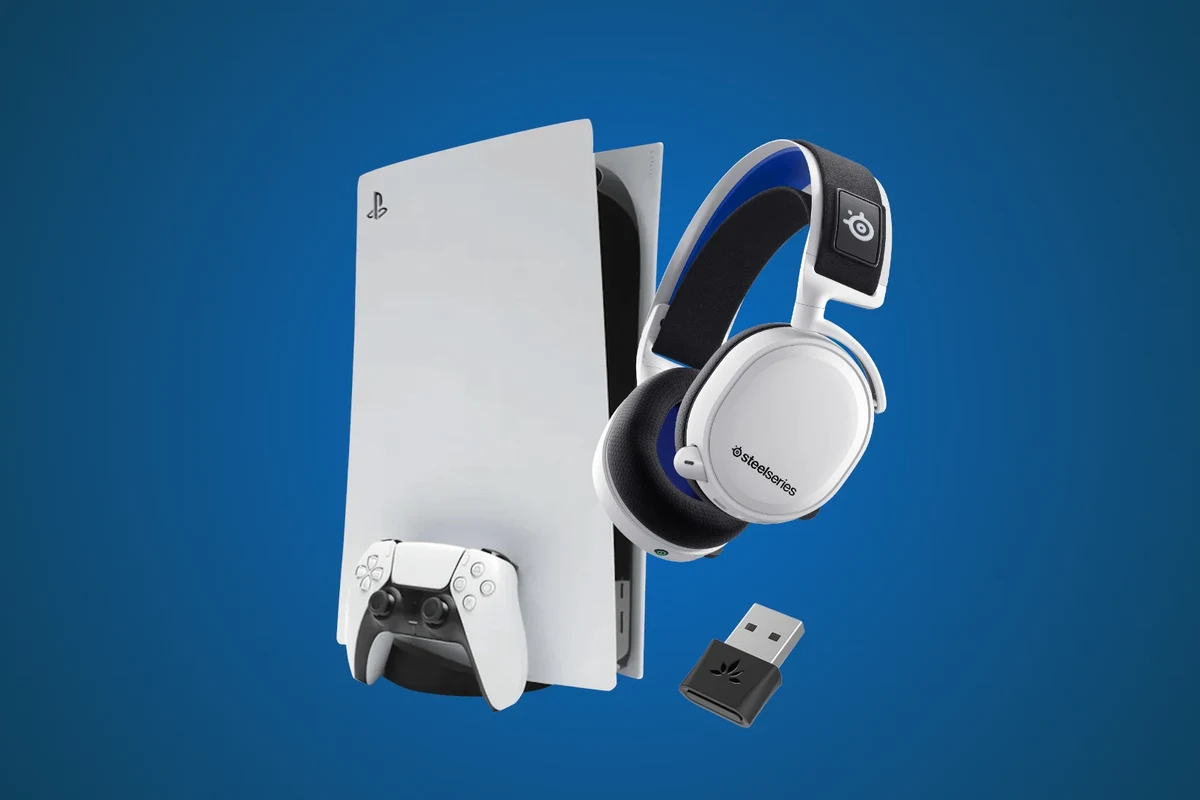
A USB Bluetooth adapter or transmitter is one of the most common workarounds. It plugs into the PS5’s USB port and sends audio to your headphones through a separate wireless link.
This can be a practical option if you already own Bluetooth headphones and want to avoid buying a whole new headset. Still, adapter quality matters a lot, and cheap models may struggle with delay, range, or microphone pass-through.
- Low-latency support
- Voice chat compatibility
- USB power and plug-and-play setup
Using the TV’s Bluetooth audio output instead of the console
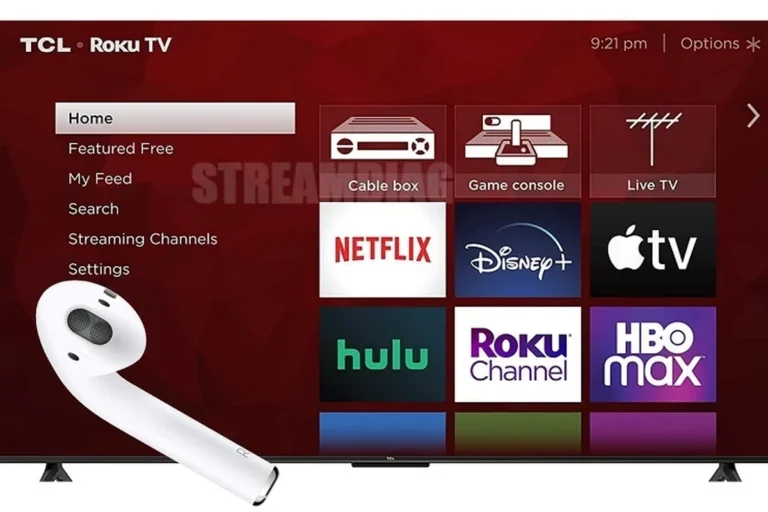
Some gamers route PS5 audio through the TV and then send sound from the TV to Bluetooth headphones. This can be convenient if your TV already supports Bluetooth audio output.
The downside is that TV processing can add even more delay. If your TV has a game mode or low-latency audio setting, that may help, but results still vary by TV brand and model.
Some TVs handle Bluetooth audio better than others, but even a good TV connection may still be less responsive than a gaming headset made for consoles.
Connecting through a gaming monitor, soundbar, or AV receiver
If your setup includes a gaming monitor, soundbar, or AV receiver, you may be able to send PS5 audio through that device and then out to Bluetooth headphones. This is often more about convenience than perfect performance.
It can work well for single-player games, streaming, or casual use. For competitive shooters, though, every extra link in the chain increases the chance of audio delay or sync issues.
Bluetooth Headphones vs Official PS5 Audio Options: Which Is Better?
Bluetooth headphones are not automatically the best choice just because they are wireless. For PS5, the ideal option depends on how you play and how much you care about latency, chat, and comfort.
Official PS5 audio options are usually more predictable, while Bluetooth setups can be more flexible. The right answer is often a balance between convenience and performance.
Pulse 3D and other wireless headset alternatives
Sony’s own wireless headset options are designed with console gaming in mind, which usually makes them easier to live with than generic Bluetooth headphones. They are typically a better choice if you want fewer compatibility headaches.
Other gaming headsets from trusted brands can also be strong alternatives, especially if they include a USB dongle or low-latency wireless connection. That kind of setup often gives you the wireless freedom people want without the Bluetooth lag problem.
Wired controller connection vs Bluetooth adapter vs dedicated wireless headset
A wired headset plugged into the DualSense controller is still one of the simplest ways to get reliable PS5 audio. It avoids Bluetooth delay and usually keeps setup easy.
A Bluetooth adapter gives you more freedom if you already own wireless headphones, but it adds another device into the chain. A dedicated wireless headset is often the best all-around compromise for gamers who want convenience without sacrificing responsiveness.
- Wired connection: low lag and simple setup
- Bluetooth adapter: uses headphones you already own
- Dedicated wireless headset: better gaming-focused performance
- Wired connection: less freedom to move
- Bluetooth adapter: quality varies a lot
- Dedicated wireless headset: often costs more
Cost and performance comparison for budget, mid-range, and premium setups
Budget setups usually rely on what you already own, such as wired headphones or a basic Bluetooth adapter. These can be fine for casual play, but they may not offer the most polished experience.
Mid-range setups often include a better USB wireless headset or a higher-quality adapter. Premium setups tend to focus on better comfort, stronger wireless performance, and more reliable voice chat, though exact pricing varies by brand and model.
Common Bluetooth Headphone Problems on PS5 Gamers Run Into
Bluetooth on PS5 can be frustrating because the problems are not always obvious until you start playing. A headset may connect, but that does not mean it will perform well in real gameplay.
The most common complaints are delay, unstable pairing, and weak signal strength. These are especially noticeable once you move beyond menu navigation and into actual games.
Audio delay in fast-paced games like shooters and racing titles
Fast games expose Bluetooth lag very quickly. In shooters, delayed footsteps can hurt awareness, and in racing games, engine sounds may feel slightly disconnected from the action.
That is why many players who are happy with Bluetooth for music or TV shows are less satisfied when they switch to gaming. The use case matters a lot.
Mic not working, pairing drops, and weak signal issues
Microphone support is one of the most inconsistent parts of Bluetooth gaming on PS5. Some headphones may play sound but fail to handle voice chat properly, while others may disconnect if you move too far from the console or adapter.
Weak signal issues can also happen if the adapter is blocked by a console cabinet, wall, or other wireless devices nearby. A clear line of sight often helps more than people expect.
Listening at high volumes for long periods can cause hearing damage. Keep volume at 60% or below for extended sessions.
Why some Bluetooth headphones sound fine for movies but not for gaming
Movies and shows are more forgiving because the sound and picture do not have to react instantly to your actions. Gaming is different because your brain expects audio feedback to match the on-screen moment.
That is why a headset can sound perfectly acceptable for streaming, yet feel off during gameplay. If you mostly use headphones for mixed entertainment, Bluetooth may still be a good fit.
Expert Advice: What to Check Before Buying an Adapter or Headset
If you are shopping for a workaround, do not look only at “PS5 compatible” marketing. The details behind the claim matter much more than the label on the box.
Focus on latency, connection stability, and whether the product supports the kind of audio you actually need. That is the difference between a useful purchase and a frustrating one.
Codec support, USB dongle quality, and low-latency mode
Codec support can affect how quickly audio reaches your headphones, but the full story is not always simple because performance depends on both the source and the headset. Low-latency modes are helpful when available, especially for gaming.
USB dongle quality also matters. A well-made dongle can be far more reliable than a cheap no-name adapter, even if both claim broad compatibility.
Warning signs of cheap adapters and misleading “PS5 compatible” claims
Be cautious if a product promises flawless audio with no lag and full mic support at a very low price. Those claims are often oversimplified or depend on ideal conditions that do not reflect real gaming use.
Also watch for vague compatibility language. If the product does not clearly explain how it handles audio, chat, and latency, that is a red flag.
If you have ongoing hearing discomfort, ringing, or trouble understanding game audio, consider speaking with an audiologist or a professional audio specialist.
Best Use Cases for Bluetooth Headphones on PS5
Bluetooth headphones are not useless on PS5. They are just better in some situations than others, and that distinction is important if you want to avoid disappointment.
For the right gamer, Bluetooth can be a perfectly reasonable choice. For others, a wired or dedicated wireless setup will be the smarter buy.
Casual single-player gaming, late-night play, and TV listening
Bluetooth works best when precision is not the top priority. Story games, exploration titles, and late-night sessions are all situations where a little audio delay may be acceptable.
It can also be a convenient option if you are using the PS5 more like a media device and want one headset for both gaming and TV listening. In those cases, comfort and convenience may matter more than perfect sync.
When Bluetooth is acceptable and when you should avoid it
Bluetooth is acceptable if you mainly play single-player games, watch streaming apps, or want a simple wireless listening setup. It is less ideal for competitive multiplayer, rhythm games, or anything where timing is crucial.
If you care most about responsiveness, a wired headset or a console-focused wireless headset is usually the better path. For more background on different headset styles, see our guide to types of headphones explained.
Final Recap: The Best Way to Get Great PS5 Audio Without Headache
So, can u use bluetooth headphones on ps5? Yes, but the best method usually depends on whether you want convenience or gaming performance. Standard Bluetooth is often the least reliable choice for low-lag gameplay, while adapters, TV output, and dedicated wireless headsets can offer better results.
If you want the simplest setup, wired through the controller is still hard to beat. If you want wireless convenience with fewer problems, a gaming headset made for consoles is usually the safest long-term choice.
- Bluetooth can work on PS5, but usually not as smoothly as console-focused wireless options.
- Adapters and TV routing are workable, but latency and mic support can vary.
- Wired headsets remain the easiest low-lag option.
- Dedicated wireless gaming headsets are often the best balance of comfort and performance.
Frequently Asked Questions
Wireless headphones are more convenient, but wired headphones usually give you lower latency and simpler setup on PS5. If you play competitive games, wired is often the safer choice.
Yes, noise cancelling headphones can work well for PS5 if they connect properly and stay comfortable for long sessions. Just remember that ANC helps block outside noise, but it does not fix Bluetooth lag.
Closed-back headphones are usually better for PS5 gaming because they block more outside noise and help you focus. Open-back models can sound more spacious, but they leak sound and are less private.
Look at connection type, latency support, comfort, and whether the headset supports voice chat if you need it. Sound tuning, bass level, and clarity also matter, but they depend on your personal preference.
Use EQ settings if your headset or TV supports them, and avoid boosting bass so much that it hides dialogue or footsteps. Small adjustments usually work better than extreme changes.
Check weight, ear cushion material, clamping force, and build quality because comfort matters a lot over time. If you plan to play for hours, choose a model that feels light and breathable.