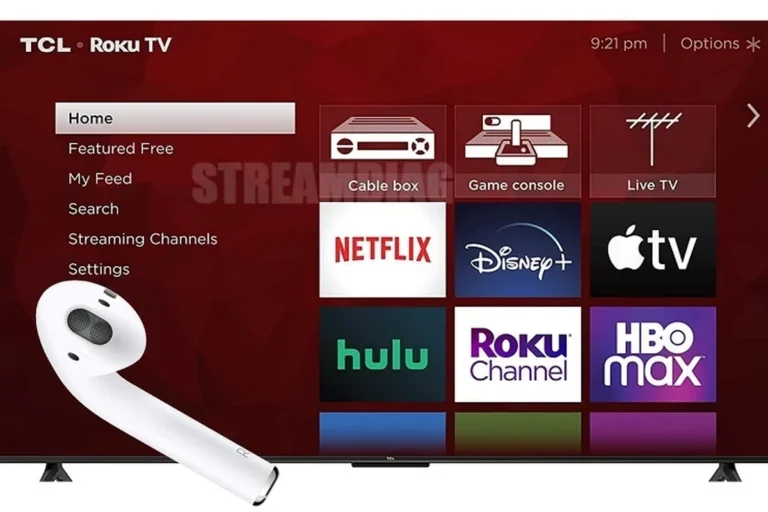
Can Bluetooth Headphones Connect to Xbox One Easily

No, Bluetooth headphones usually cannot connect directly to Xbox One for standard game audio. The easiest fix is a wired headset through the controller or an Xbox Wireless headset made for the console.
If you’re asking can bluetooth headphones connect to xbox one, the short answer is usually no, not directly. Xbox One does not support standard Bluetooth audio for most headphones, so you’ll need a wired connection, an Xbox Wireless headset, or a workaround like a TV-based Bluetooth transmitter.
- Direct Bluetooth: Usually not supported on Xbox One.
- Best easy fix: Use the controller’s 3.5mm jack.
- Best wireless fix: Choose an Xbox Wireless headset.
- Workaround: TV or transmitter setups can work with limits.
Can Bluetooth Headphones Connect to Xbox One? The Short Answer and What It Really Means
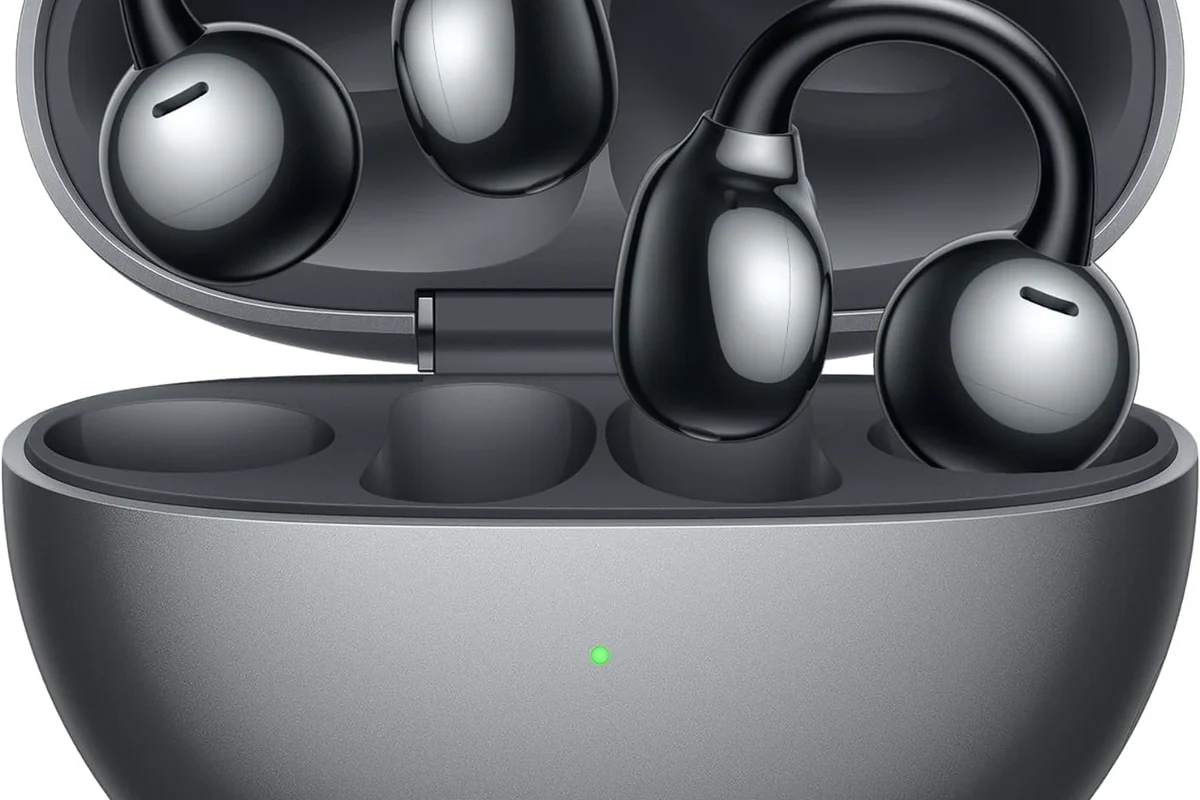
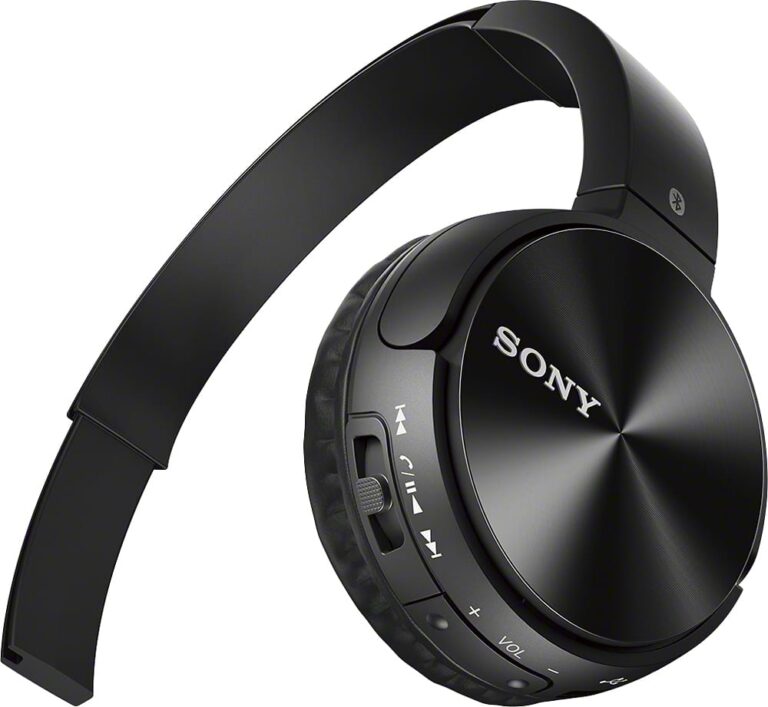
For most gamers, the confusion comes from the word “wireless.” Bluetooth headphones and Xbox wireless audio are not the same thing. That means your AirPods, Bose, Sony, or generic Bluetooth earbuds may pair with other devices easily, but they usually will not connect to the Xbox One console for game audio.
In practical terms, Xbox One is picky about audio connections. It supports certain headsets through the controller, USB in some cases, or Xbox Wireless accessories, but not the standard Bluetooth audio path many people expect. If your goal is simple game sound and chat, the best method depends on whether you want convenience, low lag, or microphone support.
Why Xbox One Does Not Support Standard Bluetooth Audio
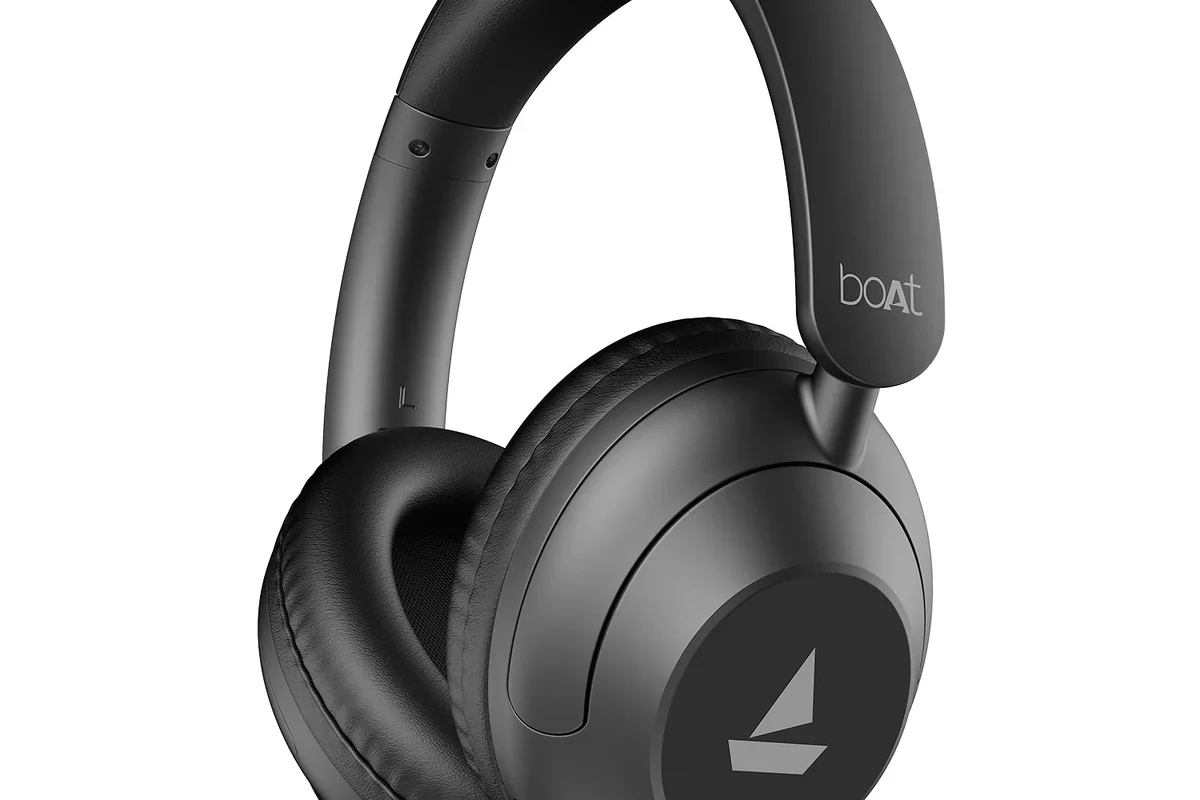
Xbox One was designed around Microsoft’s own wireless ecosystem rather than generic Bluetooth audio. That decision helps reduce connection conflicts and keeps headset performance more consistent for gaming, especially when voice chat is involved. It also means the console avoids some of the lag and instability that can happen with basic Bluetooth audio links.
Xbox One wireless design versus Bluetooth limitations
Bluetooth works well for phones, tablets, and laptops, but it was never built specifically for low-latency console gaming. Even when a Bluetooth headset connects successfully to another device, the audio delay may be noticeable in fast games. On Xbox One, Microsoft instead uses a separate wireless standard for supported headsets, which is why standard Bluetooth is not a direct option.
Some accessories may mention “wireless” in marketing, but that does not automatically mean they use Bluetooth. Check whether the product supports Xbox Wireless or wired 3.5mm audio.
What this means for gamers using AirPods, Sony, Bose, or generic Bluetooth headphones
If you already own Bluetooth headphones, you may still be able to use them indirectly. For example, you can route audio through your TV, monitor, or a separate transmitter instead of connecting them to the console itself. However, microphone support and chat mixing can become limited or unavailable depending on the setup.
That is why many players who search for bluetooth headphones explained end up learning that “Bluetooth” is only one part of the story. For Xbox gaming, compatibility matters just as much as the wireless label.
Best Ways to Use Headphones with Xbox One in 2026
If you want the least frustrating setup, focus on the connection method first and the headphone brand second. In most cases, wired headsets are the easiest fix, while Xbox Wireless headsets offer the cleanest cable-free experience. Bluetooth adapters can help, but they are not always the best choice for gaming.
Wired connection through the Xbox controller 3.5mm jack
The simplest option is a wired headset plugged into the 3.5mm jack on the Xbox controller. This usually gives you immediate game audio and, if the headset includes a mic, voice chat support as well. It is also the most reliable choice for people who want plug-and-play use without pairing steps.
This is often the best route for beginners and budget buyers. If you want a deeper look at how headphone connections work across devices, our guide on how to connect bluetooth headphones can help explain the difference between direct pairing and adapter-based setups.
- Easy setup
- Low latency
- Usually supports chat
- Cable limits movement
- Comfort depends on controller distance
Xbox-compatible wireless headsets and Xbox Wireless protocol
Xbox-compatible wireless headsets are the best true wireless option for console gaming. These models use the Xbox Wireless protocol, not standard Bluetooth, so they are built to work directly with the console. That usually means better game audio stability and easier chat integration than a generic Bluetooth workaround.
If you want fewer headaches over the long term, this is the most “console-native” choice. It may cost more than a basic wired headset, but the convenience can be worth it for regular players.
Many gaming headsets that look wireless on the shelf are not Bluetooth headsets at all. They may use a USB dongle or a console-specific wireless system instead.
Bluetooth transmitters and adapters: when they help and when they do not
Bluetooth transmitters can be useful if you want to send audio from your TV or monitor to Bluetooth headphones. They are most helpful when your Xbox One is connected to a display that has an audio output you can tap into. In that case, the transmitter handles the Bluetooth link while the console simply sends sound to the screen.
Still, these adapters are not magic. They can introduce delay, and some may not handle voice chat well. If you care about competitive play or mic communication, a transmitter is usually a compromise rather than a perfect solution.
Low-quality Bluetooth adapters can cause lag, audio dropouts, or poor microphone support. If gaming responsiveness matters, choose carefully and check compatibility before buying.
Step-by-Step Setup Options for Real-World Gaming
Most Xbox One headphone setups fall into three practical paths: wired, Xbox Wireless, or TV-based Bluetooth. The right one depends on whether you want simplicity, low latency, or the ability to reuse your current headphones.
How to connect wired headphones for instant use
Use the 3.5mm audio jack on the Xbox controller. If your headset has a mic, make sure the plug is fully seated.
Open the console audio menu and confirm headset volume, chat volume, and mic monitoring are set the way you want.
Join a party or test in-game sound to confirm both playback and microphone input are working properly.
How to pair an Xbox Wireless headset correctly
Xbox Wireless headsets usually pair through the console’s own wireless pairing process, not through the Bluetooth menu. Follow the headset manufacturer’s instructions, then put the Xbox One into pairing mode and wait for the connection to complete. Once paired, the headset should reconnect automatically in future sessions.
Audio Tip
If your headset supports both Bluetooth and Xbox Wireless, use the Xbox Wireless mode for console gaming and save Bluetooth for your phone or PC.
How to use a Bluetooth transmitter with the TV instead of the console
If your TV has an audio output, connect the transmitter there instead of directly to the Xbox One. This lets the TV handle the audio signal while the transmitter sends it to your Bluetooth headphones. It is a common workaround for players who want to use AirPods or travel-style Bluetooth headphones.
Keep in mind that TV audio processing can add delay on some setups. If the lag bothers you, look for a low-latency transmitter and a TV/game mode setting that reduces processing.
Common Mistakes Gamers Make When Trying to Connect Bluetooth Headphones to Xbox One
Most connection problems happen because people assume all wireless audio works the same way. Once you separate Bluetooth from Xbox Wireless, the setup becomes much easier to understand.
Assuming any Bluetooth headset will work directly with the console
This is the biggest mistake. A Bluetooth headset might be excellent for music or calls, but that does not mean Xbox One will recognize it as a game audio device. In most cases, the console simply will not offer a standard Bluetooth pairing option for headphones.
Ignoring latency, voice chat, and microphone compatibility
Even when you get audio working through a workaround, the experience may not be ideal. Delay can make action games feel off, and some adapters do not pass mic audio cleanly. If you play online often, check both listening and speaking features before you buy.
If you notice persistent audio delay, strange mic behavior, or one-sided sound issues, it may be worth asking a headphone specialist or audiologist for help if hearing comfort is also a concern. For sound quality or fit problems, a knowledgeable audio retailer can also help you compare options.
Using low-quality adapters that create lag or audio dropouts
Cheap transmitters may look like an easy fix, but they can create more problems than they solve. Weak range, unstable pairing, and poor codec handling can all lead to interruptions during gameplay. A better adapter is often worth it if you plan to use Bluetooth regularly.
Expert Advice: What to Watch For Before Buying Headphones for Xbox One
Before you buy, think beyond the wireless label. A good Xbox headset should fit your play style, your budget, and how long you usually stay in a game session. Comfort and reliability often matter more than flashy features.
Latency, mic support, battery life, and comfort for long sessions
Latency is especially important for shooters, sports games, and rhythm titles. Mic support matters if you use party chat or team communication. Battery life is useful for wireless models, but comfort is just as important if you play for hours at a time.
For fit, look at ear cushion material, clamp force, and headset weight. These details can change how a headset feels after a long night of gaming, and they vary a lot by brand and model.
Listening at high volumes for long periods can cause hearing damage. Keep volume at 60% or below for extended sessions.
Xbox compatibility labels, Dolby Atmos support, and chat mix features
Look for clear Xbox compatibility wording on the box or product page. Features like Dolby Atmos support, chat mix, and sidetone can improve the experience, but they are not equally important for every gamer. If you mainly want simple audio, a basic compatible headset may be enough.
Also remember that sound quality is personal. Some people prefer stronger bass for action games, while others want clearer mids for voices and footsteps. If you are comparing models, our article on bluetooth vs wired headphones sound quality is a useful place to start.
Price and Value Comparison: Cheapest Fixes vs Better Long-Term Options
There is no single best answer for every gamer. The cheapest solution is usually a wired headset, while the most convenient long-term option is often an Xbox Wireless model. Bluetooth transmitters sit in the middle, but their value depends heavily on your TV setup and tolerance for latency.
Budget wired solutions
Budget wired headsets are the easiest way to get Xbox One audio without compatibility stress. They are usually the most affordable and often the most dependable for voice chat. If you want a simple fix today, this is where many buyers should start.
Mid-range Xbox Wireless headsets
Mid-range Xbox Wireless headsets usually make sense for gamers who play often and want fewer cables. They are not always the cheapest option, but they can be more convenient than adapters or controller cables. For regular console use, that convenience can be a better value over time.
Premium alternatives for gamers who want TV, PC, and console use
Premium headsets can be attractive if you want one headset for multiple devices. Some models support both Bluetooth and console-specific wireless modes, which makes switching between Xbox, PC, and mobile easier. Just make sure the features you are paying for are actually useful in your setup.
Final Verdict: The Easiest Way to Get Audio on Xbox One Without Frustration
So, can bluetooth headphones connect to xbox one? Not directly in the normal way most people expect. If you want the easiest and most reliable setup, use a wired headset through the controller or buy an Xbox Wireless headset designed for the console.
Bluetooth headphones can still work through a TV or transmitter workaround, but that route is best for casual listening rather than perfect gaming performance. For most players, the right choice comes down to whether they value convenience, low latency, or reusing headphones they already own.
- Xbox One does not support standard Bluetooth headphone audio directly.
- Wired controller connections are the simplest and most reliable fix.
- Xbox Wireless headsets are the best true wireless option.
- TV-based Bluetooth transmitters can work, but latency and mic limits are common.
Frequently Asked Questions
Not always. Wired headphones usually give lower latency and more reliable chat, while wireless headphones offer more freedom if they use Xbox Wireless or a good low-latency system.
They can be, especially if you play in a noisy room. Just remember that noise cancelling helps with outside sound, but it does not automatically improve game audio or microphone quality.
Closed-back headphones are usually better for gaming because they block more outside noise and help keep game sound private. Open-back models can sound wider, but they leak sound and are less ideal for shared spaces.
There is no single best driver type for everyone. Focus more on tuning, clarity, bass balance, and comfort, since those affect footsteps, dialogue, and long-session listening more than driver size alone.
Check Xbox compatibility, mic support, connection type, battery life, weight, and comfort. If you want wireless use, also look for low-latency support and clear pairing instructions.
Look for soft ear cushions, moderate clamping force, and a weight that does not feel tiring after an hour or two. Taking breaks and keeping volume at a safe level also helps reduce fatigue.