Can I Connect Skullcandy Headphones to PS5 Easily

The direct answer goes here in 2 short helpful sentences.
If you’re asking can i connect skullcandy headphones to ps5, the short answer is yes in some cases, but not always in the way people expect. Wired Skullcandy headphones are usually the easiest option, while wireless models often need a dongle, adapter, or work-around.
- Wired first: A 3.5mm cable is usually the easiest PS5 setup.
- Wireless caveat: Many Bluetooth Skullcandy models need an adapter.
- Latency matters: Wired is better for competitive gaming.
- Mic support varies: Always test chat audio before playing.
Can I Connect Skullcandy Headphones to PS5? Quick Answer for 2026
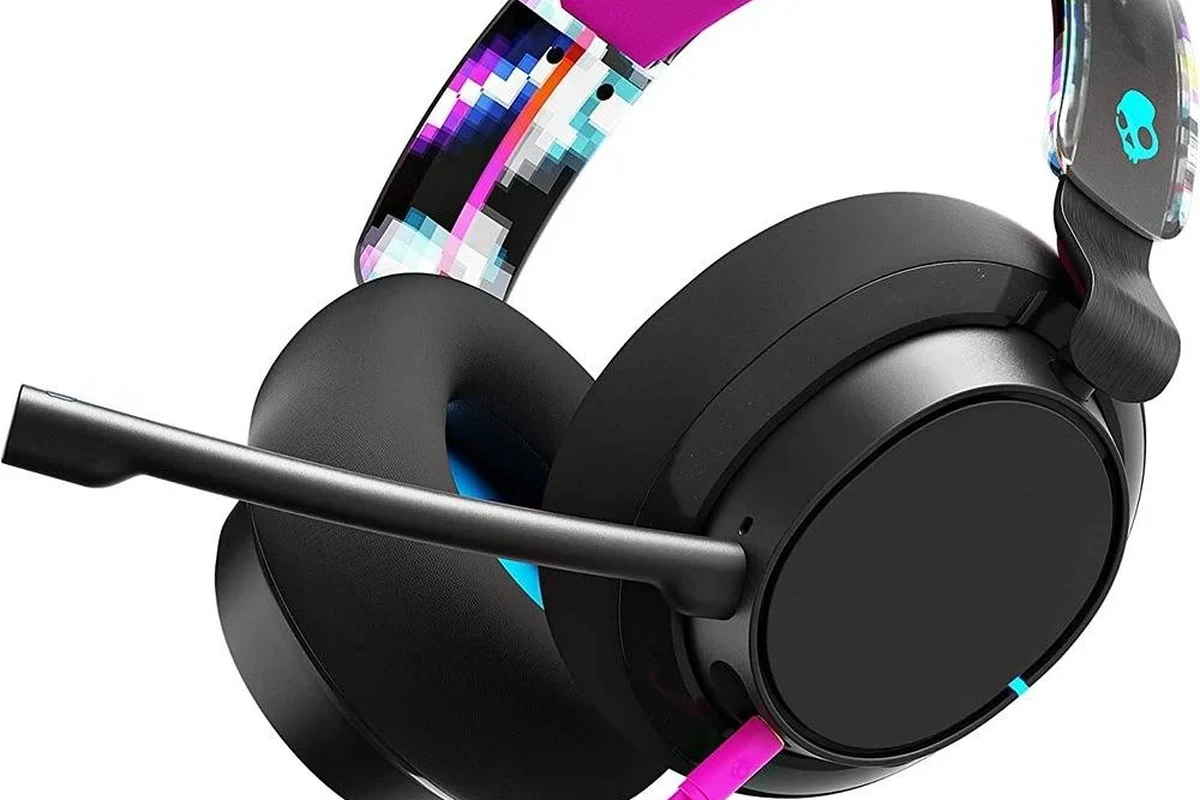
For most PS5 players, the simplest setup is a Skullcandy headphone with a 3.5mm cable plugged into the DualSense controller. That gives you direct audio support without extra accessories, and it is usually the most reliable path for game sound and chat.
Wireless Skullcandy headphones are a different story. The PS5 does not support many standard Bluetooth headphones natively, so you may need a USB Bluetooth adapter or another compatible transmitter to make them work.
- Wired Skullcandy headphones are usually the easiest PS5 option.
- Many wireless Skullcandy models need an adapter or dongle.
- Audio delay is less likely with wired connections.
- Mic support can vary depending on the model and setup.
How Skullcandy Headphones Work with PS5: Wired, Wireless, and USB Options
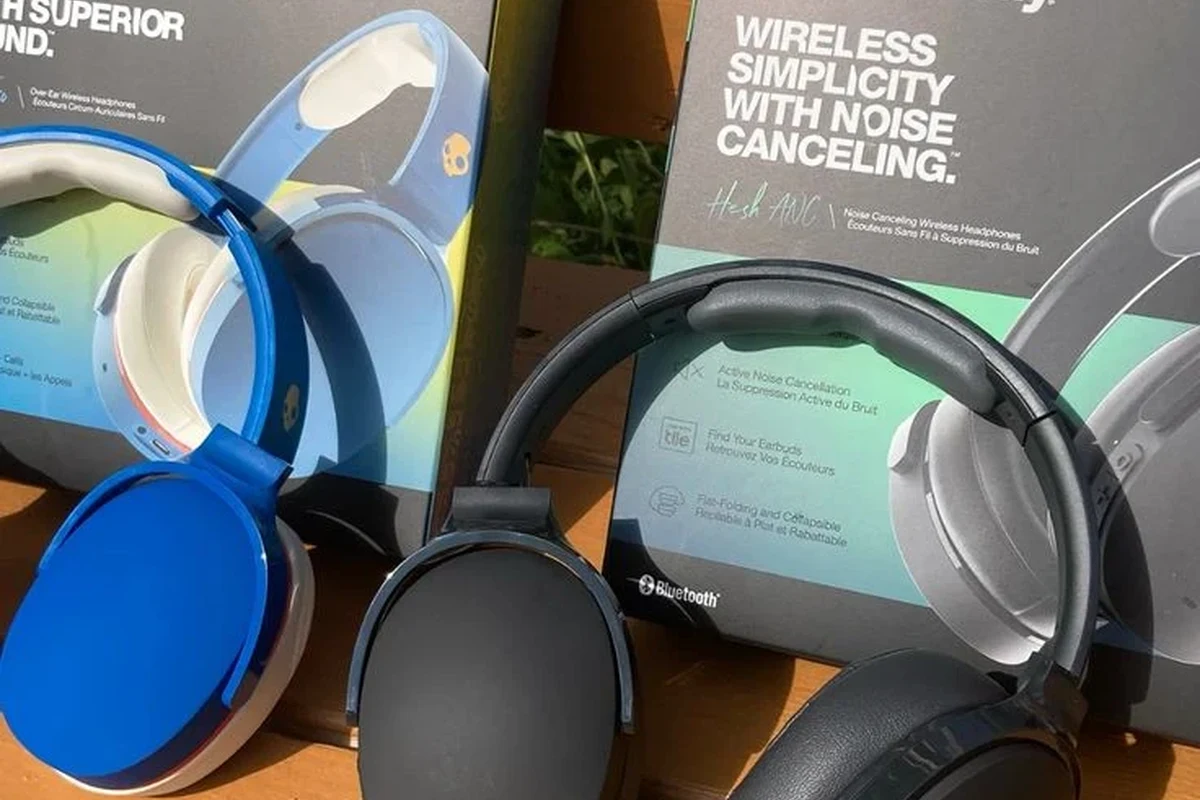
Skullcandy makes a wide mix of headphones and earbuds, so compatibility depends on the exact model and connection type. Some are simple plug-and-play, while others need a little extra setup to deliver stable game audio.
If you want a broader look at connection basics, our guide on how to connect Bluetooth headphones can help explain why some wireless devices pair more easily than others. For PS5, the key issue is usually not the brand itself, but whether the audio connection is wired, USB-based, or Bluetooth-only.
Using a 3.5mm Aux Cable with the DualSense Controller
This is the easiest method for most Skullcandy over-ear headphones and some wired earbuds. Plug the 3.5mm cable into the PS5 controller, then set the console to send audio to the controller headset output.
In many cases, this gives you immediate game sound with very little lag. It is also the best choice if you want a simple setup for casual gaming, single-player titles, or party chat.
If your Skullcandy headphones include an inline mic, test the mic in PS5 party chat after connecting. Some cables carry audio only, while others support both listening and voice input.
Connecting Skullcandy Wireless Models via Bluetooth Workarounds
The PS5 does not behave like a phone or laptop when it comes to Bluetooth audio. That means many Skullcandy wireless headphones will not pair directly through the console’s normal Bluetooth menu.
To use them wirelessly, some players rely on a USB Bluetooth adapter or a transmitter that plugs into the PS5. Results vary by adapter quality, headset model, and how the device handles latency.
Wireless workarounds may support audio but still have limitations with microphone use, voice chat, or in-game sound delay. Always check the adapter’s compatibility list before buying.
Using USB Dongles, Adapters, or Transmitters with PS5
Some Skullcandy products may work better if they are paired with a USB dongle or a third-party transmitter. This is more common for gaming-focused wireless setups than for basic Bluetooth headphones.
If you already own a Skullcandy wireless model, a transmitter can be worth trying before replacing the headset. Still, performance depends on the adapter, and not every combination will deliver clean chat audio or zero-lag sound.
Best Skullcandy Headphone Models for PS5 Gaming
The best Skullcandy choice for PS5 is usually the one that matches your connection preference first, then your comfort and sound needs. For gaming, low latency and dependable voice support matter more than flashy features.
If you are comparing Skullcandy with other budget-friendly options, it also helps to understand types of headphones explained. Over-ear wired models often feel more game-friendly, while true wireless earbuds can be convenient but less consistent for console play.
Wired Skullcandy Picks for Low-Latency Gameplay
Wired Skullcandy headphones are the safest recommendation for PS5 if you care about timing in shooters, sports games, or competitive play. A direct cable connection avoids most wireless delay concerns.
They are also easier to troubleshoot. If the sound does not work, the issue is usually the cable, controller setting, or volume level rather than a pairing problem.
- Simple plug-in setup
- Lower chance of audio lag
- Usually better for chat reliability
- Cable length can limit movement
- Some models may not support mic input well
Wireless Skullcandy Models That Work Better for Console Use
Wireless Skullcandy models can still be useful for PS5, especially if you prefer a cleaner desk setup or want to move around between matches. The best results usually come from models that can connect through USB audio accessories rather than standard Bluetooth alone.
For long sessions, comfort matters too. If you want to compare fit, clamping force, and overall wearability, our general guide on headphones vs earphones is a helpful place to start before choosing a console setup.
Step-by-Step Setup Guide: How to Pair Skullcandy Headphones with PS5
Setup is usually straightforward once you know whether your Skullcandy model is wired or wireless. The steps below cover the most common PS5 use cases and the settings that matter most.
- Is your Skullcandy model wired, wireless, or USB-based?
- Does it have a built-in mic or inline microphone?
- Do you need game audio only, or game audio plus chat?
Wired Connection Setup in PS5 Audio Settings
First, plug the Skullcandy headset into the DualSense controller with a 3.5mm cable. Then go to the PS5 sound settings and make sure the controller headset is selected as the output device.
If needed, adjust the output volume and microphone settings from the quick menu. A small change in volume balance can make dialogue, footsteps, and chat sound much clearer.
Insert the 3.5mm plug fully into the controller and headset.
Set the PS5 to send sound through the controller headset output.
Check game audio, chat audio, and mic input before starting a match.
Wireless Connection Setup Using an External Bluetooth Adapter
Start by plugging the Bluetooth adapter or transmitter into a PS5 USB port. Put the adapter into pairing mode, then follow the Skullcandy headset’s pairing steps until the two devices connect.
After pairing, test the sound in a game or menu screen. If you notice delay, distortion, or weak volume, the adapter may not be a good match for that headset model.
Not all Bluetooth adapters handle PS5 audio the same way. A cheap or incompatible adapter can cause lag, dropouts, or microphone problems even if the connection appears successful.
Common Problems and Mistakes When Connecting Skullcandy to PS5
Most connection issues come from expectations, not broken headphones. Players often assume every wireless headset should work like a phone accessory, but game consoles are stricter about audio support.
No Sound, Mic Not Working, or Audio Delay
If you get no sound, first check the controller volume, PS5 output device, and cable seating. A loose plug or wrong output setting is one of the most common reasons a wired headset seems “broken.”
If the mic does not work, the headset may not support voice input through that cable or adapter. Audio delay is usually a wireless issue, especially with Bluetooth-only setups that were not designed for console gaming.
Even when two headsets both use Bluetooth, one may feel fine for music but frustrating for gaming because game audio is more sensitive to delay.
Why Native Bluetooth Usually Fails on PS5
The PS5 is built to prioritize stable gaming audio, and that is one reason native Bluetooth headphone support is limited. Sony’s console often expects either a supported USB audio device or a direct wired connection.
That is why a Skullcandy Bluetooth headset may work perfectly on a phone but not on the PS5 without extra hardware. If you want to reduce lag on any wireless setup, our Bluetooth headphone lag fix guide covers the common causes in simpler terms.
Expert Advice: What Top Headphone Reviews Recommends in 2026
For most PS5 players, our editorial advice is still simple: choose wired Skullcandy if you want the least hassle. Wireless can work, but the setup is more dependent on adapters, compatibility, and your tolerance for compromise.
If you have ongoing hearing discomfort, ringing, or pain after gaming, stop using high volume and consult an audiologist. A professional can help if you suspect volume sensitivity or tinnitus-related issues.
When Skullcandy Is Good Enough and When to Upgrade
Skullcandy is often good enough for casual gaming, story-driven titles, and everyday console use. If you mainly want decent sound and easy comfort, a wired Skullcandy headset may be all you need.
You may want to upgrade if you need stronger mic clarity, lower latency, or more reliable chat features. Competitive players often benefit from a headset built specifically for consoles.
Important Warning About Latency, Chat Audio, and Voice Quality
Latency matters more in gaming than in music playback. A small delay can make footsteps, gunfire, and voice chat feel disconnected from the action.
Voice quality can also vary a lot by headset model and adapter. If clear team chat is important, test your setup before relying on it for ranked or co-op play.
Listening at high volumes for long periods can cause hearing damage. Keep volume at 60% or below for extended sessions.
Price Comparison: Skullcandy vs PS5-Compatible Gaming Headsets
Price alone does not tell you which headset is best for PS5. A cheaper wired Skullcandy model may be a better buy than a more expensive wireless headset if the wireless one needs extra accessories to function well.
When comparing costs, factor in adapters, transmitters, and replacement cables. Those extras can change the value of a wireless setup quickly.
| Model | Best For | Price Range |
|---|---|---|
| Wired Skullcandy headset | Simple PS5 gaming and chat | Varies by model |
| Wireless Skullcandy with adapter | Cleaner setup with extra hardware | Varies by adapter and headset |
| PS5 gaming headset | Console-first performance and mic support | Varies by brand |
Final Recap: The Easiest Way to Use Skullcandy Headphones on PS5
The easiest way to use Skullcandy headphones on PS5 is usually a wired 3.5mm connection through the DualSense controller. That setup is simple, reliable, and the least likely to cause lag or pairing problems.
Wireless Skullcandy headphones can still work, but usually only with an adapter or transmitter, and results depend on the model. If you want the smoothest console experience, start wired first and move to wireless only if convenience matters more than perfect stability.
- Wired is the easiest and most dependable PS5 option.
- Wireless often needs extra hardware to work properly.
- Mic support and latency can vary by model.
- Check compatibility before buying adapters or dongles.
Frequently Asked Questions
Yes, wired Skullcandy headphones are usually easier to use on PS5 and typically have less audio delay. Wireless models can work too, but they often need an adapter or transmitter.
The PS5 does not support many standard Bluetooth headphones natively. That is why some Skullcandy wireless models need a USB Bluetooth adapter or another workaround.
A wired over-ear Skullcandy headset is usually the safest choice for gaming. It is more likely to give you stable audio, lower latency, and simpler chat support.
Start by checking the PS5 audio output settings and making sure the volume is balanced correctly. If your Skullcandy model has an EQ app or built-in tuning, you can adjust bass and clarity to taste.
Check whether the model is wired, wireless, or USB-based, and confirm whether it supports microphone input. Also consider comfort, cable length, and whether you need low-latency audio for gaming.
Over-ear models are often more comfortable for long sessions because they spread pressure around the ear more evenly. Fit still depends on the head shape, pad material, and clamp force, so personal comfort matters most.