Can I Connect Bluetooth Headphones to Switch Easily

Yes, you can connect Bluetooth headphones to a Nintendo Switch, and the setup is built into the console. Just remember that mic support is limited and some delay can happen in certain games.
Yes, you can connect Bluetooth headphones to a Nintendo Switch in 2026. The feature is built into the console, so most modern wireless headphones, earbuds, and many gaming headsets can pair without extra accessories.
- Compatibility: Original Switch, OLED, and Lite all support Bluetooth audio.
- Limits: Bluetooth mics do not handle in-game chat on Switch.
- Performance: Latency is usually fine for casual play, not ideal for competitive games.
- Fixes: Updates, resets, and reducing wireless clutter solve many issues.
Can I Connect Bluetooth Headphones to Switch? What Nintendo Switch Supports in 2026
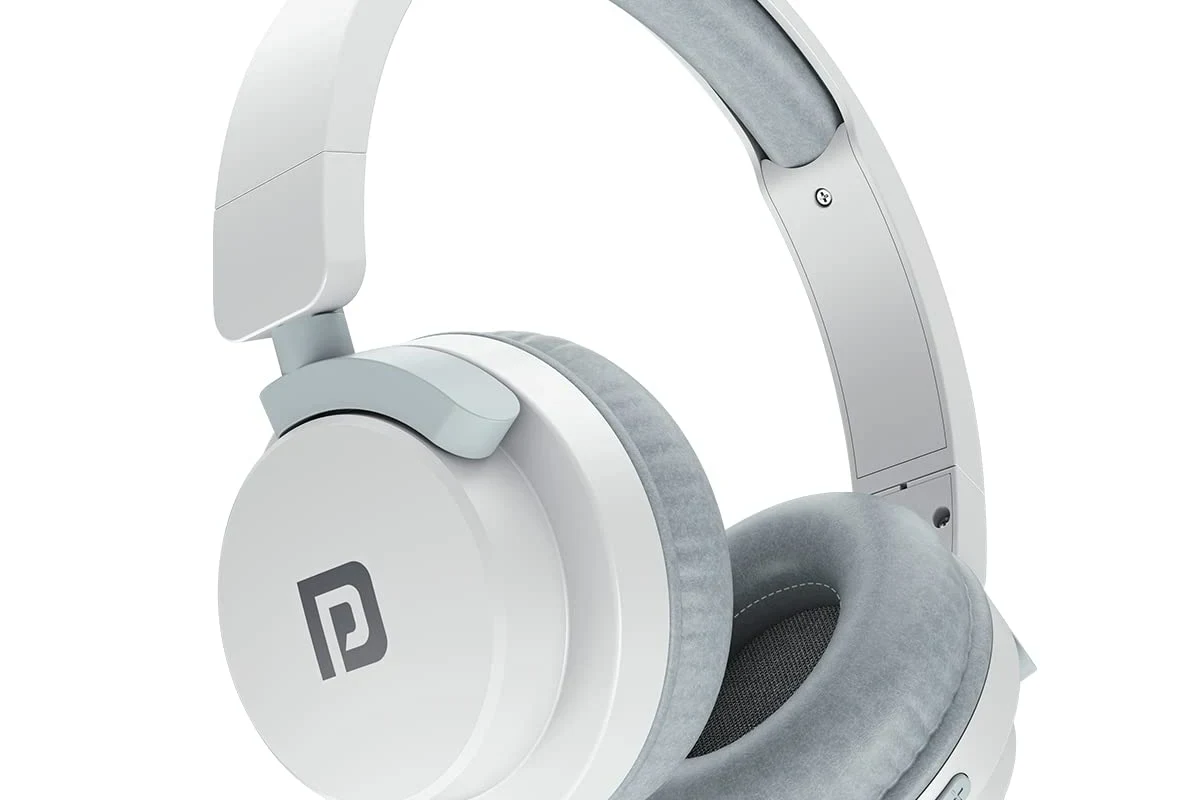
If you have been wondering can i connect bluetooth headphones to switch, the short answer is yes. Nintendo added native Bluetooth audio support, which makes listening much easier for casual play, TV-style gaming, and travel.
That said, the experience is not identical to using Bluetooth on a phone or laptop. The Switch supports Bluetooth audio, but there are still limits around microphone use, wireless controller stability, and the number of connected devices.
Bluetooth audio compatibility on original Switch, Switch OLED, and Switch Lite
The original Nintendo Switch, Switch OLED, and Switch Lite all support Bluetooth audio through the system settings. That means you can pair wireless headphones directly with any of these models as long as the console software is up to date.
The process is similar across models, whether you play handheld, in tabletop mode, or docked with a TV. If you want a broader primer on pairing wireless gear, our guide on how to connect Bluetooth headphones can help you understand the basics before you start.
Why the answer is yes, but with a few important limitations
The main reason the answer is “yes, but” is that Nintendo designed Bluetooth audio with some guardrails. The Switch may reduce the number of wireless controllers it can support while Bluetooth audio is active, and some users notice small delays in sound.
Also, Bluetooth microphones are not used for in-game voice chat on Switch. If your headset depends on a built-in mic for chat, you may need another solution for communication while still using wireless audio for listening.
Bluetooth support can vary by headset model, firmware version, and how crowded your wireless environment is. If pairing is inconsistent, updating both the Switch and your headphones is a smart first step.
How to Pair Bluetooth Headphones to a Nintendo Switch Step by Step
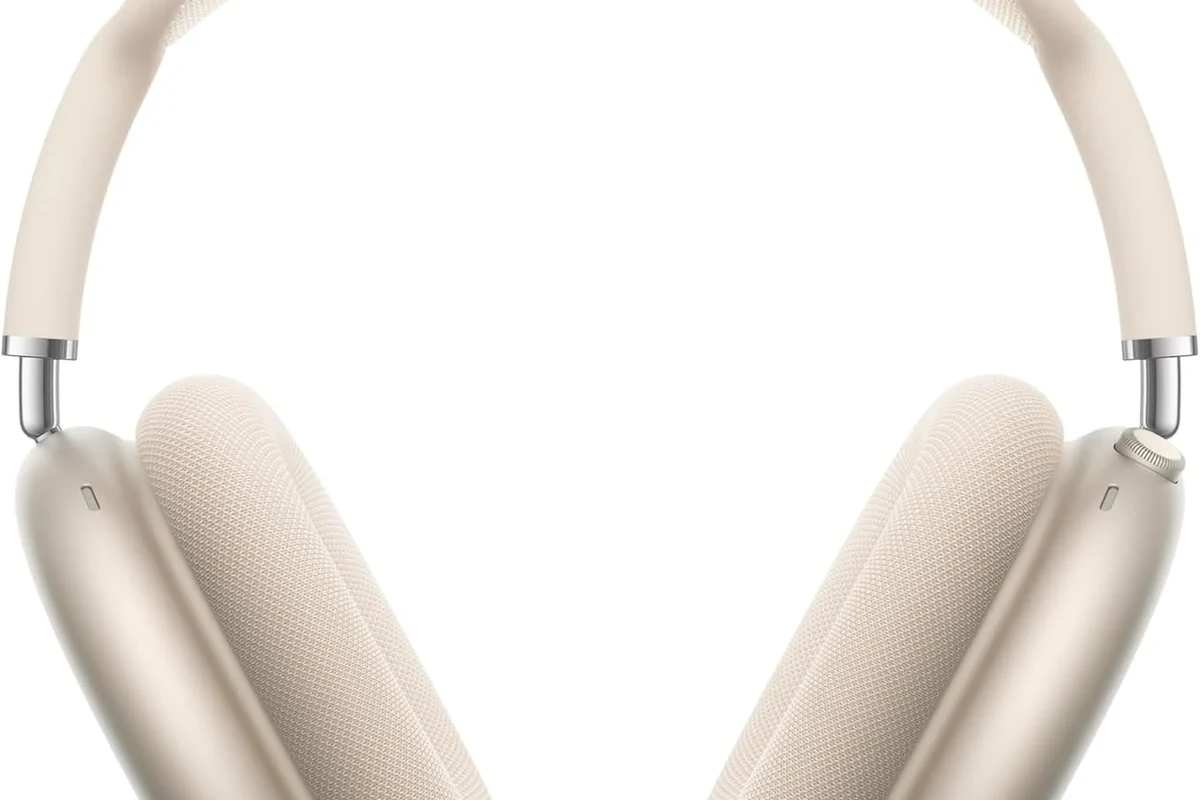
Pairing is simple once you know where the setting lives. The key is to update the console first, then put your headphones into pairing mode, and finally connect them from the Switch menu.
Updating the Switch system software before pairing
Before you connect anything, make sure the Switch is running the latest system update. Bluetooth audio support and stability can improve with updates, and outdated software is one of the most common reasons pairing fails.
You can check for updates in the system settings. If your headphones also have a companion app or firmware update, it is worth checking that too, since older headset firmware can cause connection problems.
Where to find Bluetooth Audio in the console settings
On the Switch, go to the system settings and look for the Bluetooth audio section. Once there, you can add a new device and start scanning for nearby headphones or earbuds.
If you do not see the option right away, make sure the console is not in a mode that blocks certain wireless functions. Docked and handheld play both work, but the menu should still be visible only when the system is ready for audio pairing.
Putting headphones into pairing mode and completing the connection
Turn on your headphones and activate pairing mode according to the manufacturer’s instructions. Usually this means holding the power button or a dedicated Bluetooth button until the indicator light flashes.
On the Switch, go to the Bluetooth audio menu so the console can search for nearby devices.
Follow the headset’s instructions until the light flashes or you hear the pairing prompt.
Choose your headphones from the list and wait for the Switch to confirm the connection.
If the headset does not appear, turn Bluetooth off and back on for the headphones, then rescan on the Switch. A fresh pairing attempt often solves simple discovery issues.
What to Expect After Connecting: Sound Quality, Lag, and Mic Limits
Once connected, the Switch works well for casual listening, story games, and everyday play. But Bluetooth audio is still a wireless compromise, so it is helpful to know what to expect before you judge the headset itself.
Typical audio delay in games, movies, and menus
Bluetooth can introduce a small amount of lag, and that delay is easier to notice in rhythm games, competitive shooters, and fast menu navigation. For movies or slower single-player games, the delay may be less distracting.
The amount of lag depends on the headset, the Bluetooth implementation, and the wireless environment around you. If you are sensitive to delay, you may prefer a wired connection or a low-latency dongle instead.
Why Bluetooth microphones do not work for in-game chat
The Switch does not use Bluetooth headset microphones for game chat in the way many people expect. That means your headset may play sound normally, but the mic may not be available for voice communication in supported games.
This is one of the biggest surprises for first-time users. If voice chat matters to you, check the game’s communication method before assuming the headset mic will handle everything.
How volume, codec support, and headset quality affect performance
Sound quality depends on more than just “Bluetooth” as a label. Headphone tuning, driver quality, and codec support can all influence clarity, bass, and how clean the audio feels during play.
Some headphones sound fuller and more stable than others, especially at moderate volume. If you want a deeper look at wireless tradeoffs, our Bluetooth vs wired headphones sound quality guide explains why wired connections still have an edge for latency and consistency.
Listening at high volumes for long periods can cause hearing damage. Keep volume at 60% or below for extended sessions.
Best Ways to Fix Bluetooth Headphone Problems on Switch
Most Bluetooth issues on Switch are fixable with a few basic checks. In many cases, the problem is not the headphones themselves, but pairing history, wireless congestion, or a simple settings conflict.
Headphones not showing up during pairing
If your headphones do not appear, make sure they are in true pairing mode and not just powered on. Some headsets reconnect automatically to a phone or tablet, which can stop them from showing up on the Switch scan list.
It also helps to move closer to the console and disconnect the headset from other nearby devices. If the headphones still refuse to appear, a reset may help, and our how to reset Bluetooth headphones guide is a useful next step.
Audio cutting out, crackling, or disconnecting mid-game
Dropouts can happen when the wireless signal is crowded or when too many Bluetooth devices are active at once. Controller interference, distance from the console, and low battery on the headphones can also affect stability.
Try staying closer to the Switch, reducing the number of active wireless accessories, and charging the headset fully. If you are still having trouble, a dedicated Bluetooth headphone lag fix guide may help narrow down the cause.
Switching between handheld and docked play without losing connection
The Switch can keep Bluetooth audio connected across handheld and docked play, but some users still notice brief interruptions when changing setup. That is normal enough that it should not be mistaken for a broken headset.
If you often move between TV play and portable play, test the connection in both modes before a long session. That way you will know how your specific headset behaves before a multiplayer night or a movie marathon.
Common Mistakes Players Make When Using Bluetooth Headphones on Switch
Most setup problems come from a few repeat mistakes. Avoiding them can save time and make wireless audio feel much smoother.
Trying to use too many wireless accessories at once
The Switch has to balance Bluetooth audio with controllers and other wireless signals. If you connect multiple accessories at once, the system may have less room to keep everything stable.
That does not mean you cannot use wireless controllers and headphones together. It simply means the more devices you add, the more likely you are to notice hiccups, especially in busy wireless environments.
Forgetting that Bluetooth audio can reduce controller connectivity stability
Some users focus only on the headphones and forget that controller stability matters too. Bluetooth audio can slightly affect how much wireless bandwidth remains for other devices, which may show up as input issues in rare cases.
Wireless audio and wireless controllers share limited radio space, so a clean setup often performs better than a crowded one.
Assuming all gaming headsets work the same way on Switch
Not every gaming headset behaves the same on Nintendo Switch. Some are tuned for consoles with USB dongles, some rely on a phone app, and some are built mainly for PC or PlayStation use.
Before you buy, check whether the headset supports native Bluetooth audio, a USB-C dongle, or wired mode. If you are comparing headset types, our types of headphones explained article can help you sort through the basics.
Bluetooth Headphones vs USB-C and Wireless Dongle Options for Switch
Native Bluetooth is the easiest option for most players, but it is not always the best one. Your ideal choice depends on whether you care more about convenience, low latency, or competitive responsiveness.
When native Bluetooth is the easiest choice
Native Bluetooth is best when you want simple setup, fewer accessories, and decent sound for casual play. It is especially useful for travel, handheld gaming, and players who already own a good pair of wireless headphones.
If you mainly play single-player games or watch media on the Switch, the convenience is hard to beat. You pair once, and then you are ready to go without extra hardware.
When a low-latency dongle or wired connection is the better option
A low-latency dongle or wired headset is often better for players who want tighter sync and more reliable performance. Competitive games, rhythm titles, and fast reaction gameplay usually benefit from a more direct connection.
Wired headphones also avoid battery concerns, which can be useful during long sessions. If you are deciding between different connection styles, the choice often comes down to whether convenience or responsiveness matters more.
Price and value comparison for casual and competitive players
Bluetooth headphones can be a strong value if you already own them, since you may not need to buy anything else. But if you need the best possible timing and consistency, a wired or dongle-based solution may offer better overall value.
For casual players, native Bluetooth is usually the cheapest and simplest path. For competitive players, spending a little more on the right connection type may matter more than extra features like flashy lighting or app-based sound effects.
Expert Advice: Which Headphone Features Matter Most for Switch Users
When choosing headphones for Switch, focus on the features that improve day-to-day use instead of marketing extras. Comfort, stable connection, and sensible battery life usually matter more than complicated bonus modes.
Low-latency mode, battery life, and comfort for long sessions
Low-latency mode can help reduce delay, though results vary by brand and model. Battery life matters too, especially if you play handheld for long stretches or use the headset for more than one device.
Comfort is just as important. Lightweight builds, soft ear cushions, and a secure fit can make a big difference during long gaming sessions, especially if you play while traveling or lying down.
Why Nintendo Switch gamers should prioritize stable connection over premium extras
For Switch use, a stable connection is usually more valuable than extra sound features. Fancy surround modes or app-based EQ tools do not help much if the audio keeps cutting out or drifting behind the action.
A reliable headset with straightforward controls often ends up being the better purchase. That is especially true for players who want an easy setup rather than a long troubleshooting process.
Warning signs to avoid when buying budget Bluetooth headphones
Be careful with very cheap headphones that promise everything but provide little detail about connection quality. Missing information about battery life, Bluetooth version, or latency handling can be a red flag.
If you notice persistent ear pain, ringing, or unusual sensitivity to sound, stop using the headset and consult an audiologist or hearing professional.
Final Recap: The Easiest Way to Use Bluetooth Headphones on Switch in 2026
So, can i connect bluetooth headphones to switch? Yes, and for most players it is the easiest wireless option available on the console. The setup is straightforward, but the experience works best when you understand the limits around lag, microphones, and wireless stability.
Quick summary of setup, limitations, and best-use scenarios
Update the Switch, open Bluetooth audio in settings, and pair your headphones in the console menu. Then keep in mind that mic support for chat is limited, latency can be noticeable in some games, and too many wireless devices can affect performance.
- Bluetooth headphones work on all current Switch models.
- Native pairing is easy, but mic and lag limits still apply.
- Wired or dongle options are better for competitive play.
- Stable connection matters more than extra features for most users.
Best choice for casual gaming, travel, and TV-style play
For casual gaming, travel, and relaxed TV-style play, Bluetooth headphones are usually the best balance of convenience and comfort. If you want the simplest setup with decent sound, native Switch Bluetooth is a practical place to start.
For more demanding play, a wired headset or low-latency dongle may be the smarter choice. The best option depends on how you play, how sensitive you are to delay, and how much you value convenience over perfect sync.
Frequently Asked Questions
Bluetooth is easier and more convenient, but wired headphones usually offer lower latency. If timing matters, wired is often the better choice.
Yes, noise cancelling can help block background noise during play. Just remember that ANC does not improve game audio quality by itself.
Closed-back headphones are usually better for Switch because they block more outside noise and keep sound from leaking. Open-back models can sound spacious, but they are less practical in shared spaces.
Over-ear headphones are often the most comfortable for long sessions because they spread pressure more evenly. Fit, weight, and ear cushion material matter more than style alone.
Check Bluetooth support, battery life, latency features, comfort, and whether the headset works in wired mode too. If you use a mic, confirm how the headset handles voice chat on Switch.
Use a comfortable fit, keep volume at a moderate level, and adjust EQ if your headset or app supports it. Bass and clarity vary by model, so tuning and seal can make a big difference.