Can Turtle Beach Headphones Connect to PS5 Easily

Yes, most Turtle Beach headphones can connect to PS5, but the best method depends on the model. USB wireless and 3.5mm wired connections are usually the easiest and most reliable.
If you’re asking can Turtle Beach headphones connect to PS5, the short answer is yes for many models, but the connection method depends on the headset. Most Turtle Beach gaming headsets work best on PS5 through a USB wireless transmitter or a 3.5mm cable plugged into the DualSense controller.
The main thing to understand is that “connect” does not always mean the same thing as standard Bluetooth pairing. PS5 supports several audio paths, but Turtle Beach compatibility is usually about gaming headset support, not casual phone-style Bluetooth audio. If you want a broader look at wireless headset basics, our guide on Bluetooth headphones explained simply can help.
- Best method: USB wireless is usually the smoothest PS5 setup.
- Budget choice: 3.5mm wired models are simple and reliable.
- Bluetooth limit: Direct Bluetooth pairing is often not the right expectation.
- Setup tip: Check firmware, transmitter pairing, and PS5 audio output settings.
Can Turtle Beach Headphones Connect to PS5? Quick Answer and What “Connect” Really Means
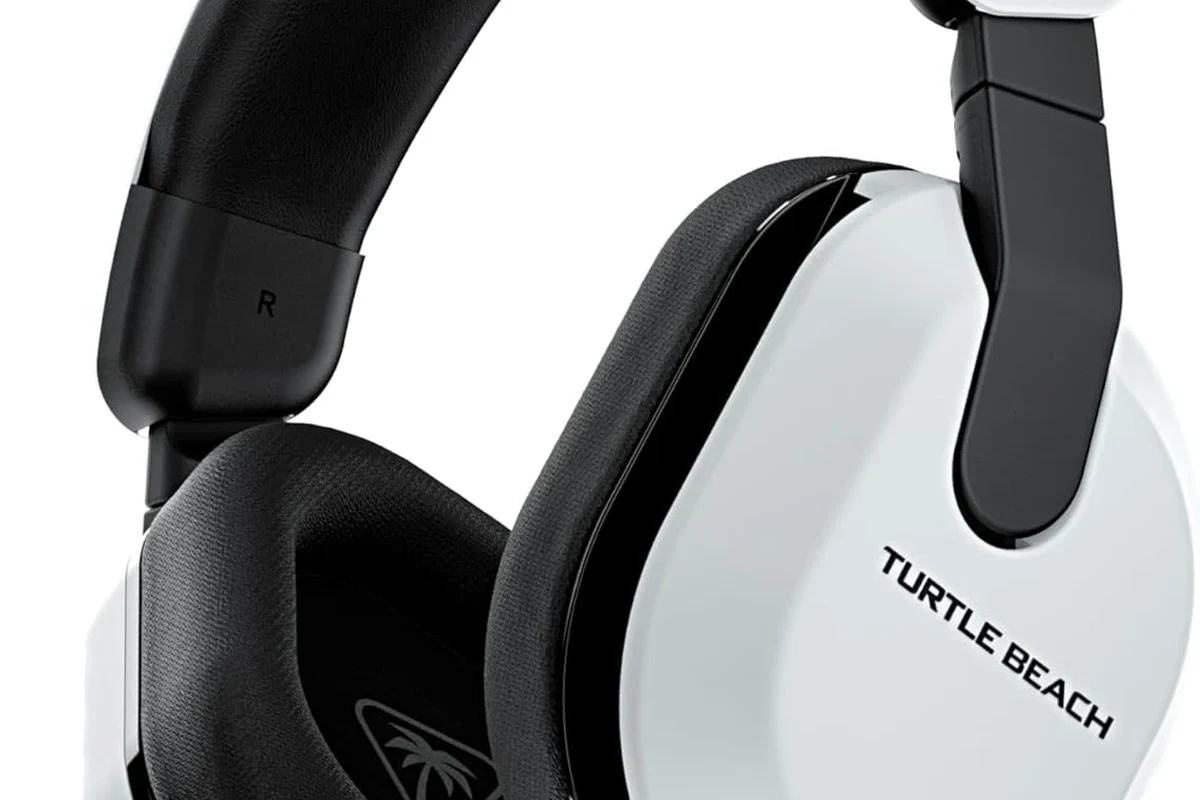
Yes, Turtle Beach headphones can connect to PS5 in many cases, but the easiest setup depends on the model. Wireless Turtle Beach headsets usually use a USB dongle or transmitter, while wired models connect through the controller’s 3.5mm jack.
That matters because PS5 does not treat every headset the same way. Some users expect direct Bluetooth pairing, but most Turtle Beach gaming headsets are designed for low-latency game audio through a dedicated wireless link or wired connection.
If you are shopping for a headset mainly for console use, it also helps to understand different headphone types. Our article on types of headphones explained is a useful starting point for beginners.
PS5 Connection Methods for Turtle Beach Headphones: USB Wireless, 3.5mm Wired, and Bluetooth Workarounds
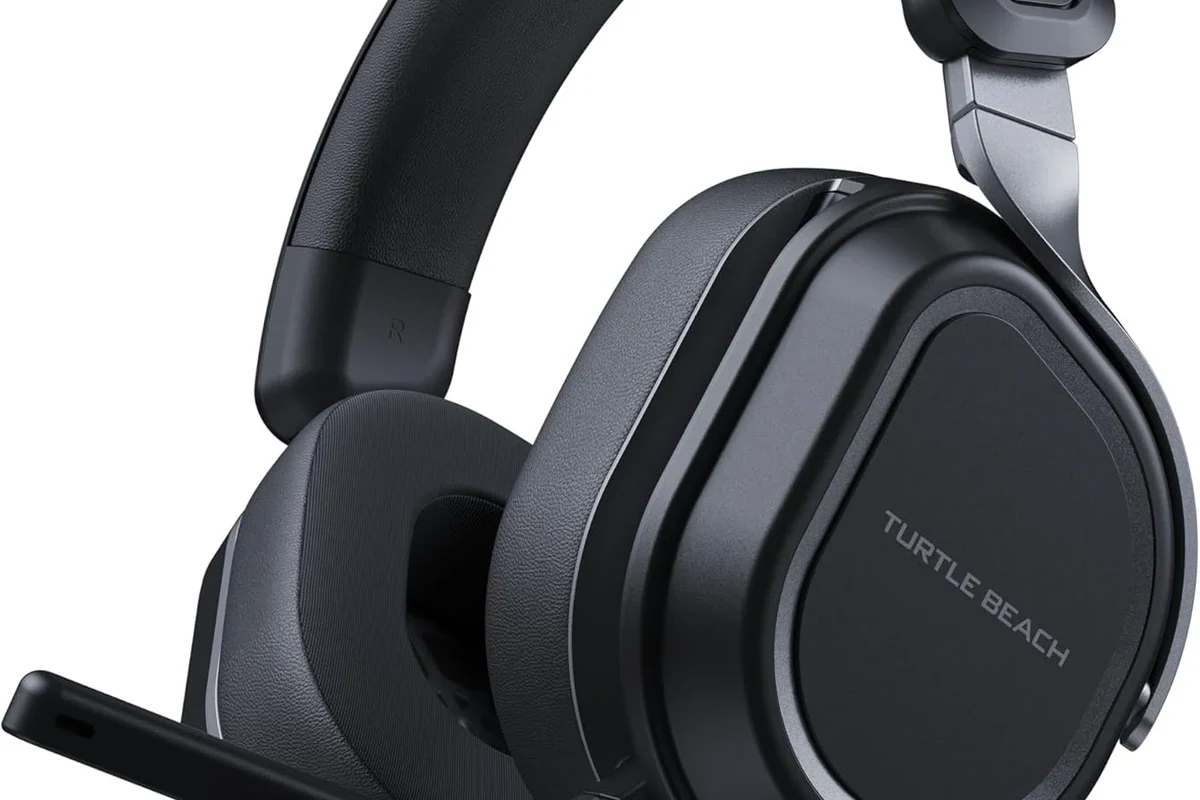
There are three common ways Turtle Beach headphones can work with PS5. The best option is usually USB wireless, because it is simple and built for gaming. Wired 3.5mm support is the most universal, and Bluetooth workarounds are the least recommended for most players.
USB transmitter setup for Turtle Beach wireless models
Many Turtle Beach wireless headsets use a USB transmitter or dongle. You plug the transmitter into the PS5, power on the headset, and wait for the two devices to pair automatically or with a button press.
This is usually the smoothest route because it gives you game audio and chat audio with minimal delay. It also avoids the latency problems that can happen when a headset is used through standard Bluetooth audio.
Wired connection through the DualSense controller
If your Turtle Beach headset has a 3.5mm cable, you can connect it directly to the PS5 DualSense controller. This is a simple budget-friendly option and often works with no extra setup beyond selecting the correct audio output.
Wired use is especially helpful if you want a reliable connection and do not want to worry about battery life. It is also the most compatible choice for older or more basic Turtle Beach models.
Why direct Bluetooth is usually the wrong expectation on PS5
Many people assume any wireless headset should pair directly with PS5 over Bluetooth, but that is not usually how gaming headsets are designed to work. PS5 Bluetooth support is limited for audio devices, and direct pairing often creates latency, mic issues, or no connection at all.
Do not assume a Turtle Beach headset will pair to PS5 like a phone or tablet headset. If the model is not built for direct console Bluetooth support, a USB transmitter or cable is usually the correct solution.
Which Turtle Beach Headphones Work Best with PS5 in 2026?
In 2026, the best Turtle Beach choices for PS5 are still the models that are clearly designed for console gaming. Look for wireless headsets with a USB transmitter, or wired models with a standard 3.5mm connector.
Compatibility can vary by exact model, region, and firmware version, so it is always smart to check the product page before buying. If you are comparing headset choices by platform, our guide on whether Turtle Beach headphones work on PC can also help you understand the brand’s connection styles.
Compatible wireless gaming headsets
Wireless Turtle Beach gaming headsets are often the best PS5 match when they include a USB wireless transmitter. These models are built for low-latency gameplay, easier chat use, and simple setup.
They are usually the most convenient choice for players who want to sit farther from the console or avoid cable clutter. Just remember that wireless performance may vary depending on the model and local interference.
Compatible wired models for budget buyers
Wired Turtle Beach headsets are a solid pick if you want to spend less and keep things easy. A 3.5mm headset connected to the controller will usually work for game audio and voice chat with minimal hassle.
This is often the safest choice for casual players, families, or anyone who wants a no-fuss backup headset. The main tradeoff is that you give up wireless freedom.
Models that need adapters or extra steps
Some Turtle Beach models may need a USB adapter, transmitter reset, or firmware update before they work properly on PS5. Others may support sound but not full mic functions unless the correct cable or dongle is used.
Not every Turtle Beach headset has the same feature set. A model may play audio on PS5 but still need extra setup for microphone chat, chat mix, or surround sound features.
Step-by-Step: How to Connect Turtle Beach Headphones to PS5 Successfully
Once you know your headset type, the setup is usually straightforward. The key is to match the headset’s intended connection method with the PS5’s audio settings.
Pairing a USB wireless Turtle Beach headset
Insert the Turtle Beach USB transmitter into an open PS5 USB port.
Turn on the headset and wait for the pairing light or connection tone.
Go to PS5 sound settings and choose the USB headset or transmitter as the audio output.
If the headset does not connect right away, try unplugging the transmitter and reconnecting it. A reset or firmware update may also help if the headset is supported by Turtle Beach software.
Using a 3.5mm cable with PS5 audio settings
Plug the headset into the DualSense controller’s 3.5mm port.
On PS5, confirm that controller audio output is selected.
Check mic input in party chat or the sound menu before starting a match.
Wired setups are usually the fastest to troubleshoot because the cable either works or it does not. If you hear audio but the mic is quiet, check the inline mute switch or controller input settings.
Adjusting mic, chat, and game audio balance
Many Turtle Beach headsets include physical controls for game volume, chat volume, and mic monitoring. Those controls can make a big difference in how the headset sounds on PS5.
Start with balanced settings, then increase game audio until footsteps, dialogue, and effects sound clear without drowning out voice chat. If you are sensitive to loud sound, follow safe listening habits and consider professional guidance if you have hearing concerns.
If you notice persistent buzzing, distorted mic audio, or hearing discomfort during long sessions, lower the volume and consult an audiologist or audio professional if the issue continues.
Common Setup Mistakes That Cause Turtle Beach PS5 Connection Problems
Most Turtle Beach PS5 issues come from simple setup mistakes, not broken hardware. A few checks can save a lot of frustration before you assume the headset is defective.
Confusing Bluetooth audio with gaming headset support
This is the biggest mistake. A headset may be wireless, but that does not mean it supports direct PS5 Bluetooth pairing.
Gaming headsets often use a dedicated wireless protocol for lower latency and better chat support. If you want to understand wireless limitations more broadly, our how to connect Bluetooth headphones guide explains why Bluetooth behaves differently from gaming wireless systems.
Forgetting firmware updates and transmitter resets
Some Turtle Beach headsets need firmware updates to fix connection bugs or improve PS5 compatibility. Others may need the transmitter to be reset if pairing fails after a power outage or console update.
If your headset worked before and suddenly stopped, update the headset software if available and re-pair the transmitter. That simple step often solves the problem faster than replacing the headset.
Using the wrong USB port or audio output setting
Another common issue is plugging the transmitter into a port that is not working well or forgetting to select the correct output in PS5 sound settings. The headset may be connected, but the console may still be sending audio somewhere else.
Double-check the selected output device, default chat device, and volume levels. If you are using the controller jack, make sure the PS5 recognizes the headset as a wired audio device.
Sound Quality, Mic Performance, and Comfort on PS5: What to Expect from Turtle Beach
For most PS5 players, Turtle Beach is popular because it aims for easy gaming audio rather than studio-style listening. That usually means clear voice chat, punchy game sound, and features that are simple to use.
Game audio clarity for shooters, RPGs, and sports titles
In shooters, you will usually want clear directional cues, footstep detail, and a clean midrange. In RPGs and sports games, you may care more about dialogue, crowd sound, and immersive effects.
Turtle Beach headsets often focus on these gaming priorities, though sound tuning can vary a lot by model. Some are bass-forward, while others are more balanced, so personal preference matters.
Voice chat quality in party and Discord-style use cases
Mic quality can be good enough for party chat, co-op games, and casual communication, but it is still worth checking reviews for the exact model. Budget headsets may sound fine in chat but not impress in noisy rooms.
If you use voice chat often, look for a comfortable mic boom, easy mute controls, and stable wireless performance. Those features matter more than flashy marketing terms.
Long-session comfort for casual and competitive players
Comfort depends on ear cushion material, clamping force, weight, and headband design. Over-ear Turtle Beach models are usually better for long PS5 sessions than on-ear styles, especially if you wear glasses.
Even a good-sounding headset can feel uncomfortable after an hour if the ear pads trap too much heat or clamp too tightly.
If comfort is a top priority, choose a model with soft pads and a fit that does not squeeze your temples. For readers comparing headphone wear styles, our headphones vs earphones complete guide is a helpful companion article.
Is It Worth Buying Turtle Beach for PS5? Price, Value, and Better Alternatives by Budget
Turtle Beach can be a good PS5 value if you want gaming-focused features without spending on a premium headset. The brand often makes sense for players who want simple setup, chat controls, and console-friendly design.
Entry-level vs mid-range vs premium Turtle Beach pricing
Entry-level Turtle Beach headsets are usually the best for budget buyers who just want basic PS5 audio and chat. Mid-range models often add better mic quality, wireless convenience, and more comfort.
Premium models may offer stronger build quality, more advanced audio controls, or extra features, but the value depends on how much you actually use them. Price can vary by retailer and season, so it is worth comparing before buying.
When Turtle Beach beats Sony or SteelSeries alternatives
Turtle Beach can be a smart pick when you want easy console setup, physical controls, and a gaming-first feature set. It may also be appealing if you prefer a specific sound signature or want a headset that feels straightforward instead of overly technical.
For some buyers, Turtle Beach is also a better value than pricier alternatives when the main goal is reliable PS5 gaming rather than music listening or studio use.
When a different headset is the smarter purchase
If you want the most balanced sound, stronger cross-platform flexibility, or a more premium feel, another brand may fit better. Sony and SteelSeries options can be worth comparing if you care more about overall polish than brand loyalty.
- Choose Turtle Beach if you want simple PS5 gaming setup.
- Pick wired if you want the easiest budget connection.
- Pick USB wireless if you want the cleanest console experience.
- Compare alternatives if you care most about sound tuning or comfort.
Final Verdict: The Easiest Way to Use Turtle Beach Headphones on PS5 in 2026
So, can Turtle Beach headphones connect to PS5 easily? Yes, as long as you use the right connection method for your model. USB wireless headsets and 3.5mm wired headsets are the most dependable choices, while direct Bluetooth is usually not the right expectation.
If you want the simplest setup, buy a Turtle Beach headset that explicitly supports PS5 through USB wireless or a controller cable. That approach gives you the best chance of clean audio, working chat, and fewer setup headaches.
Frequently Asked Questions
Wireless Turtle Beach headsets are often more convenient on PS5 if they use a USB transmitter. Wired models are simpler and usually cheaper, but they trade away cable-free freedom.
Usually, direct Bluetooth pairing is not the best expectation for Turtle Beach gaming headsets on PS5. Most models work better through USB wireless or a 3.5mm cable.
For PS5 gaming, Turtle Beach closed-back headsets are often better for isolation and chat use. Open-back headphones can sound wider, but they leak sound and are less practical for most console players.
Check the connection type, EQ settings, and whether the headset is tuned for bass, clarity, or balanced sound. Driver type and fit can also affect how clear footsteps, dialogue, and music feel.
Look for lightweight construction, soft ear cushions, and a fit that does not clamp too tightly. Comfort can vary by model and personal preference, so long-session fit matters as much as sound.
Focus on connection type, mic quality, comfort, and whether the headset works with your console without extra adapters. Battery life, cable length, and build quality also matter for daily use.