How To Choose The Right Headphones: Easy Buying Guide

The right headphones depend on how you will use them, where you will use them, and what matters most to you. A commuter in New York may need strong noise cancellation and a secure fit. A gamer in Texas may care more about microphone quality and low delay. A home listener may prefer a wide, natural sound and a comfortable design.
Before you compare brands, decide on five things:
- Type: earbuds, on-ear, or over-ear
- Connection: wired, wireless, or both
- Noise control: open-back, closed-back, or active noise cancellation
- Fit: comfort, seal, stability, and ear shape
- Features: microphone, battery life, controls, app support, and repair options
The best headphones are not always the most expensive. They are the pair that fits your ears, works with your devices, suits your environment, and meets your main need without unwanted trade-offs.
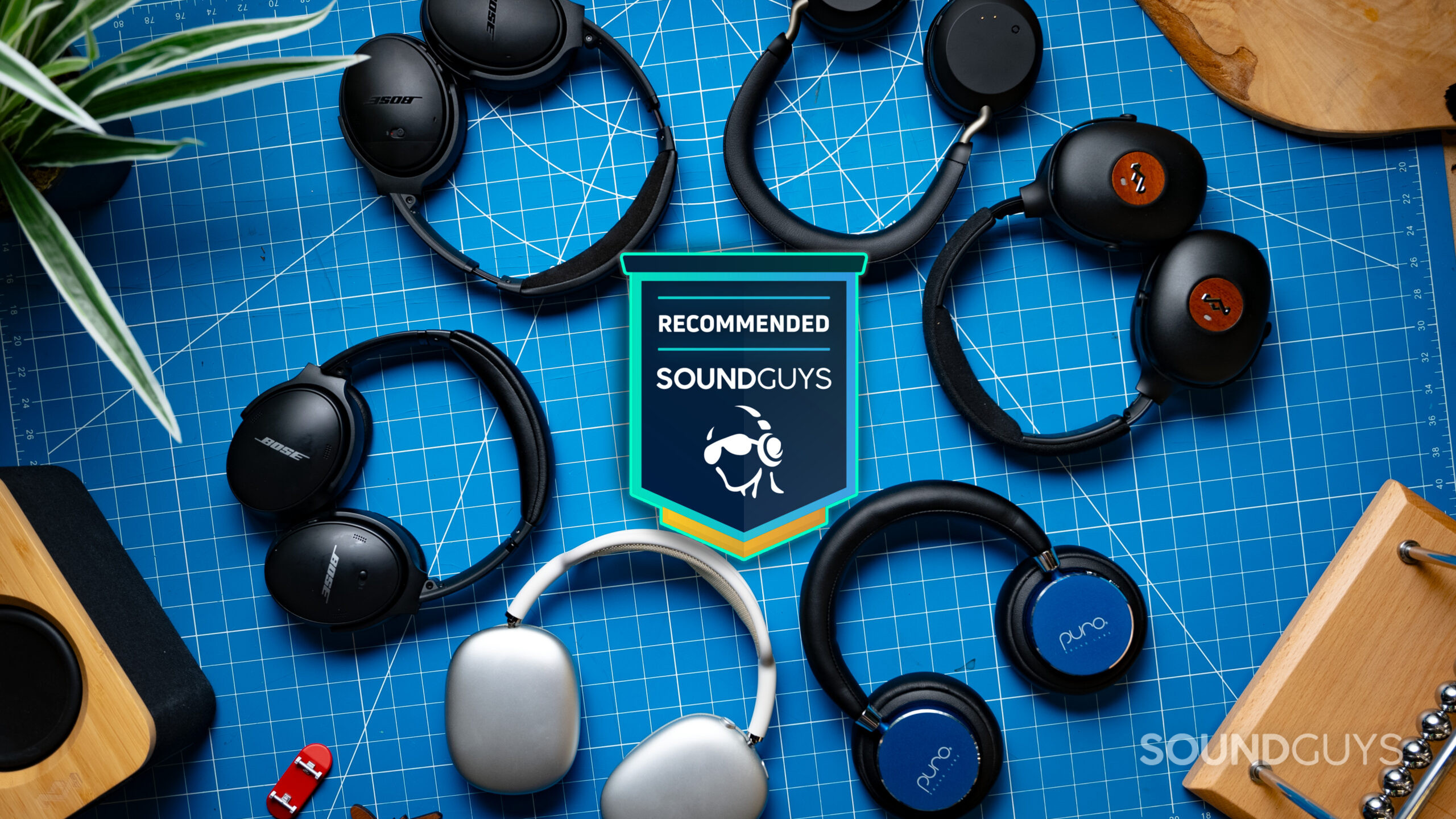
Start With How You Will Use the Headphones
Your main use should guide your choice more than a brand name or a long list of technical features. A pair made for quiet home listening may perform poorly on a bus. Lightweight earbuds may be ideal for a walk but less useful for long flights if their battery runs out.
Use this table as a starting point:
| Main use | Best starting point | Features to prioritize |
|---|---|---|
| Daily travel | Wireless earbuds or closed-back headphones | ANC, secure fit, transparency mode, battery life |
| Air travel | Over-ear wireless headphones | Strong ANC, comfort, foldable design, wired backup |
| Work calls | Earbuds or closed-back headphones with a boom or strong mic | Voice clarity, sidetone, multipoint, mute controls |
| Exercise | Sport earbuds or bone-conduction headphones | Stability, sweat resistance, easy controls |
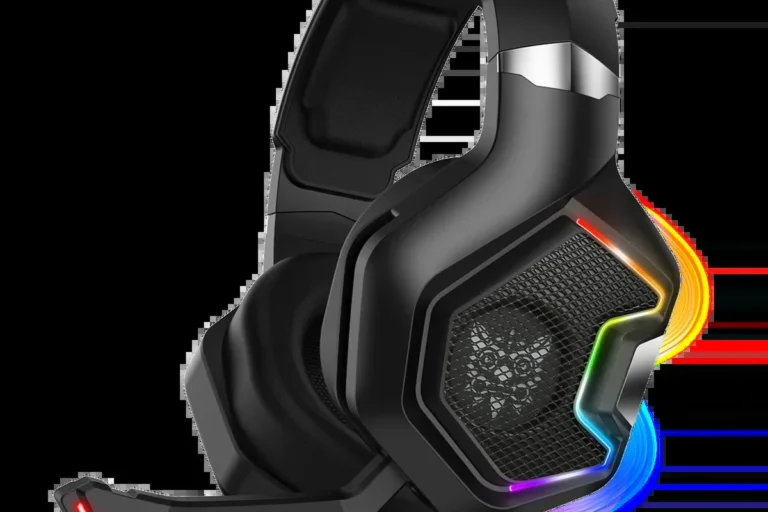
| Gaming | Wired or wireless gaming headset | Low delay, clear microphone, platform support |
| Music at home | Over-ear headphones or open-back headphones | Comfort, sound quality, replaceable parts |
| Recording or mixing | Wired, closed-back or studio headphones | Accurate sound, low delay, durable cable |
| TV listening | Wireless headphones or a low-latency set | TV compatibility, range, simple controls |
Ask these questions before you shop
- Will you use the headphones in a quiet room or noisy public places?
- Do you need to hear people, traffic, alarms, or announcements?
- Will you wear them for 20 minutes or several hours at a time?
- Do you use an iPhone, Android phone, Windows PC, Mac, game console, or TV?
- Do you need one pair for several devices?
- Will you exercise in rain or heavy sweat?
- Do you need a strong microphone for calls?
- Do you want to replace the ear pads, cable, or battery later?
These answers remove many unsuitable choices before you compare sound quality.
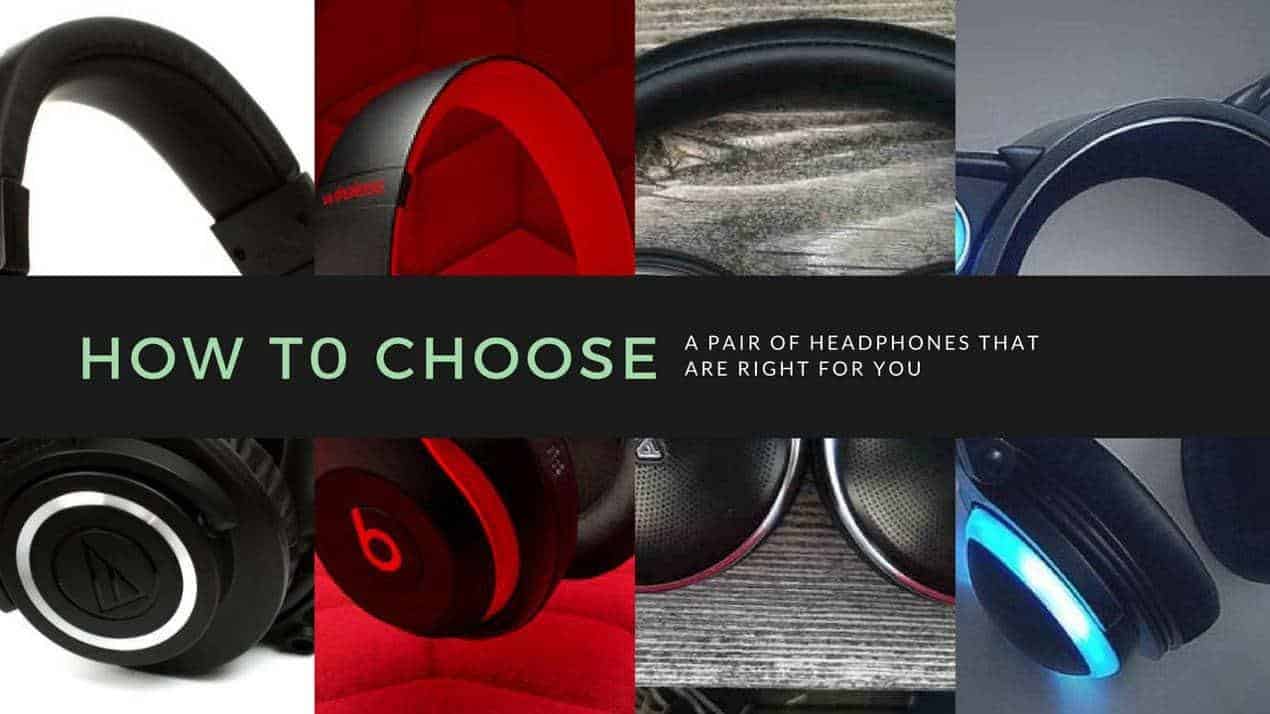
Choose the Right Headphone Type
The three main physical designs are in-ear, on-ear, and over-ear. Each design changes comfort, sound isolation, portability, and stability.
In-ear headphones and earbuds
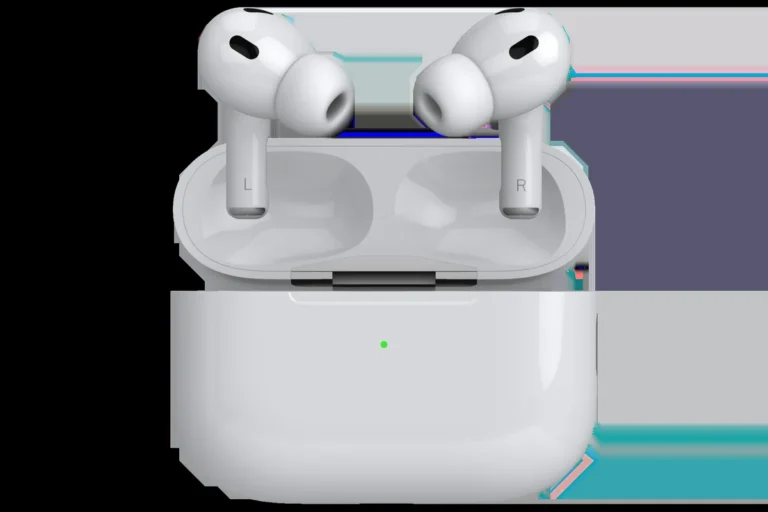
In-ear headphones sit inside the ear canal or at its opening. Many true wireless earbuds have no cable between the two earpieces.
They are usually the best choice when you want:
- A small case that fits in a pocket
- Easy use with a phone
- A secure fit for walking or commuting
– Good passive isolation from a proper ear seal - Quick access to calls and voice assistants
Their main weakness is fit. Ear shapes vary, so one earbud may feel loose while the other fits well. A poor seal can reduce bass and make you raise the volume.
Look for several ear-tip sizes. Foam tips may improve the seal, but they can wear out faster and may feel warm. Silicone tips are easier to clean and often last longer.
On-ear headphones
On-ear headphones rest on the outer ear instead of covering it. They are often lighter and smaller than over-ear models.
They can work well if you want:
- Less bulk than large over-ear headphones
- More awareness of your surroundings
- A light design for short listening sessions
The trade-off is pressure. The ear cups may press on the ears, and outside sound can leak in more easily. They are less suitable for loud travel if they make you increase the volume.
Over-ear headphones
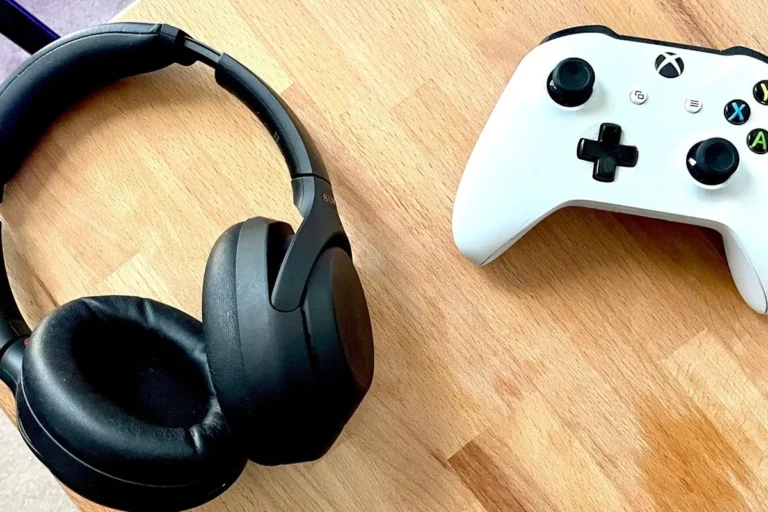
Over-ear headphones surround the ears. Large ear cups can spread pressure around the ear rather than pressing directly on it.
They are often the best choice for:
- Long work sessions
- Air travel
- Home listening
- Strong passive isolation
- A larger battery
- A full-size microphone or control system
Over-ear headphones can become hot and heavy. Check the weight, headband padding, ear-cup depth, and clamp force. People who wear glasses may also lose some of the ear-cup seal.
Open-back and closed-back headphones
Closed-back headphones have sealed ear cups. They block more outside sound and reduce sound leakage.
Open-back headphones allow air to pass through the ear cups. They can sound spacious and natural, but they leak sound and provide little isolation.
Choose open-back headphones for a quiet room when you want a more open presentation. Do not use them in busy public places, at the gym, or near traffic.
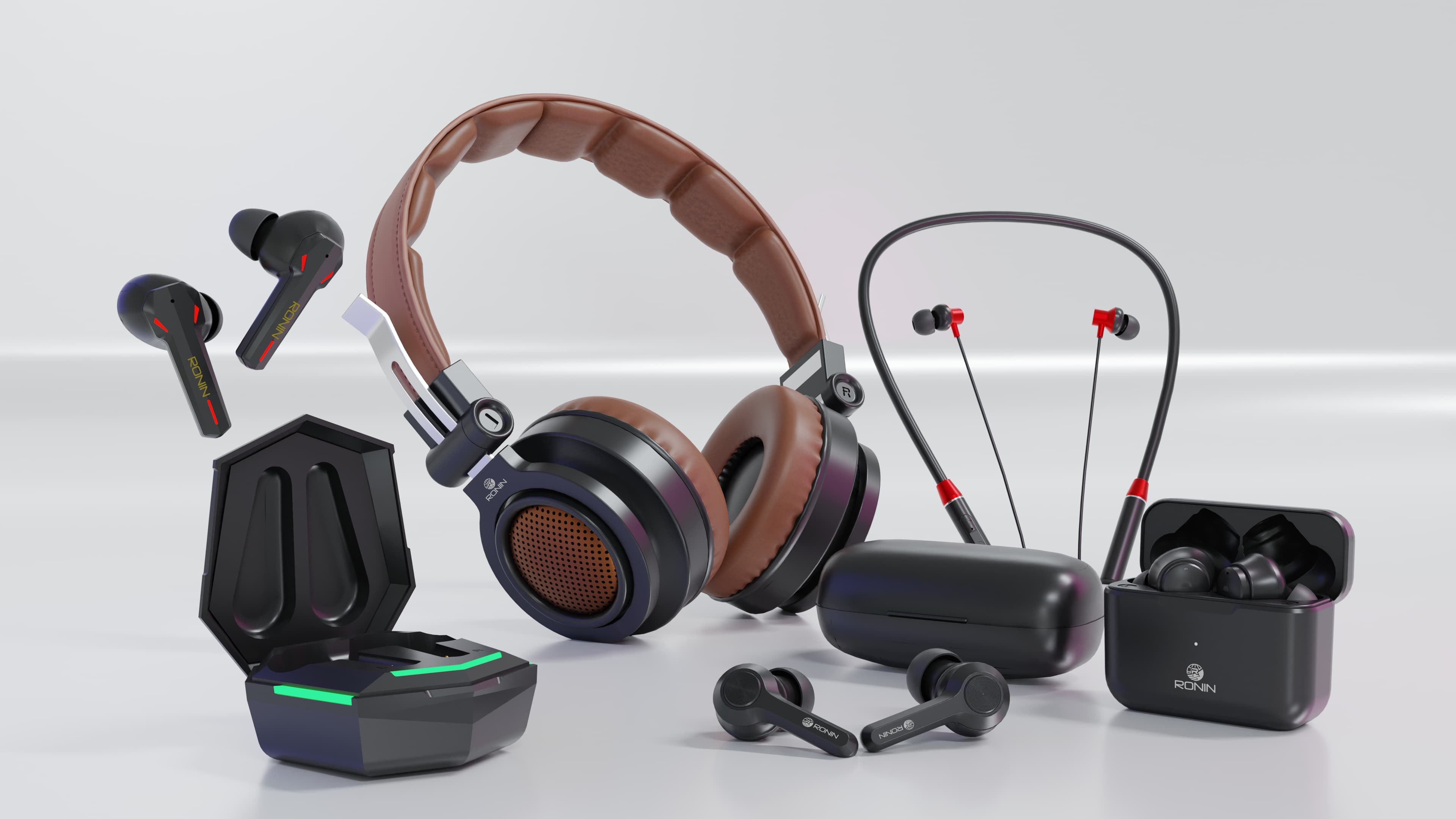
Decide Between Wired and Wireless Headphones
Wireless headphones are convenient, but wired headphones remain useful. The right choice depends on battery needs, device ports, delay, and reliability.
Wireless headphones
Bluetooth headphones work well for phones, tablets, laptops, and many newer TVs. They remove cable clutter and often include useful controls.
Check these points:
- Battery life: Look for both listening time and case capacity for earbuds.
- Charging method: USB-C is common in the United States.
- Multipoint: This lets one pair connect to two devices, such as a phone and laptop. The feature may have limits by model.
- Bluetooth version: A newer version does not guarantee better sound. Headphones and the source device must support the needed features.
- Codec support: A codec controls how Bluetooth audio is sent. Compatibility must exist on both the source and the headphones.
- Backup mode: Some wireless headphones can work with a cable when the battery is empty.
- App needs: Some features, such as equalizer settings or firmware updates, may require a mobile app.
Battery claims are usually measured under stated test conditions. Noise cancellation, high volume, calls, and extra features can shorten battery life.
Wired headphones
Wired headphones do not need a battery for basic playback. They are useful for:
- Gaming where low delay matters
- Recording and music production
- Long listening sessions
- Devices with a headphone jack
- Airplane entertainment systems
- Avoiding battery wear
Before buying, check the connector. A 3.5-millimeter plug, USB-C plug, and USB digital connection are not the same. Some phones need an adapter. Passive wired headphones may also need a headphone amplifier if they are difficult to drive, although many portable models work directly from a phone or laptop.
Which connection is best?
Choose wireless headphones if convenience matters most. Choose wired headphones if you need predictable delay, no charging, or simple long-term use. A model that supports both can provide more flexibility, but confirm that the cable connection supports audio and not only charging.

Choose the Right Noise Control
Noise control has three different forms: passive isolation, active noise cancellation, and transparency or ambient mode.
Passive noise isolation
Passive isolation comes from the physical design. Ear tips and sealed ear cups block some sound before it reaches your ears.
A good seal can reduce outside noise without electronics. It also helps preserve bass and may reduce the need to raise the volume. However, passive isolation is not the same as certified hearing protection.
Active noise cancellation
Active noise cancellation, often called ANC, uses microphones and electronic processing to reduce outside sound. It tends to work best against steady, low sounds such as:
- Aircraft engine noise
- Bus and train rumble
- Air conditioners
- Office ventilation
ANC may be less effective against sudden voices, claps, horns, or irregular high-pitched sounds. Performance also depends on the fit and seal.
ANC is useful for comfort and listening clarity. It is not a substitute for occupational or recreational hearing protection. If you work around dangerous noise, use hearing protection with an appropriate noise reduction rating and follow workplace guidance. The National Institute for Occupational Safety and Health provides U.S. information on workplace noise exposure.
Transparency and ambient modes
Transparency mode uses microphones to bring outside sound into the headphones. It can help you hear a coworker, public announcement, or nearby conversation without removing the headphones.
Do not assume transparency mode makes outdoor listening safe. You still need to stay alert near roads, bicycles, construction areas, and other hazards.
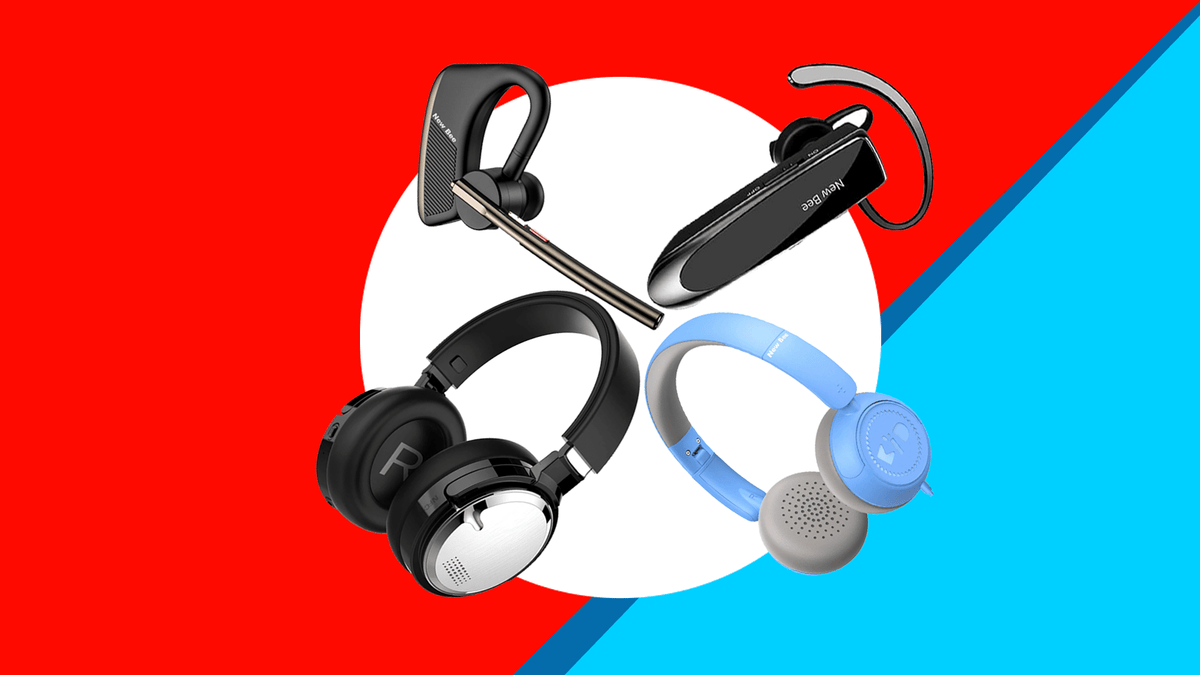
Evaluate Sound Quality Without Getting Trapped by Specifications
Sound quality is personal, but some specifications can help you understand a product. They cannot predict the full listening experience by themselves.
Frequency response
Frequency response describes the range of frequencies a headphone can reproduce. Human hearing is commonly described as roughly 20 Hz to 20 kHz, but hearing varies with age and individual factors.
A wide stated range does not prove that the headphones sound better. It does not show how evenly the headphones reproduce that range. The shape of the response matters more than extreme numbers.
Bass, mids, and treble
- Bass affects drums, low notes, and impact.
- Midrange carries much of the voice, guitar, piano, and spoken word.
- Treble affects detail, brightness, and some sense of clarity.
For podcasts and calls, clear midrange is often more useful than strong bass. For electronic music or hip-hop, controlled bass may matter more. For classical music, acoustic music, or long sessions, an even sound may be easier to enjoy.
Soundstage and imaging
Soundstage describes the perceived width and depth of the sound. Imaging describes how clearly you can place sounds within that space.
Open-back headphones often create a more open presentation, but the result depends on the design and recording. Gaming “surround sound” modes may change the presentation, but they do not automatically improve accuracy.
Equalizer controls
A built-in equalizer can adjust bass, mids, and treble. It can help if you like a different sound from the factory tuning.
Equalizer settings cannot fix every problem. They cannot correct a poor fit, weak microphone, broken driver, or uncomfortable headband.
Impedance and sensitivity
Impedance, measured in ohms, describes electrical resistance. Sensitivity indicates how loudly headphones may play with a given input.
These numbers matter most for wired headphones. High-impedance headphones may need more power from an amplifier. Do not judge loudness or sound quality from impedance alone.
Check Comfort, Fit, and Build Quality
Comfort is a performance feature. If headphones hurt after 30 minutes, impressive sound will not make them useful.
For earbuds
Check:
- Ear-tip sizes and replacement options
- How far the earbuds sit in the ear
- Weight of each earbud
- Stability during walking
- Pressure or soreness after use
- Ease of cleaning
- Whether the case fits your pocket
A proper seal should feel secure without painful pressure. If the earbuds keep falling out, try another tip size before changing the entire product.
For over-ear and on-ear headphones
Check:
- Headband pressure
- Ear-cup depth
- Clamp force
- Weight
- Heat buildup
- Compatibility with glasses
- Pad material
- Replacement pad availability
Soft pads may feel comfortable at first but can create heat. Firm pads may last longer but require a better fit.
For exercise
Look for a design that stays in place during movement. An IP rating can describe resistance to water or dust under stated test conditions. It does not mean the headphones are safe to submerge unless the manufacturer specifically says so.
Sweat, salt, sunscreen, and rain can damage electronics over time. Dry the headphones as directed and keep charging contacts clean.
Build quality and repair
A durable product is not only one with strong plastic or metal. It should also have parts that can be replaced.
Check whether the manufacturer sells:
- Ear tips
- Ear pads
- Charging cases
- Cables
- Batteries or repair service
For wireless earbuds, the small batteries may be difficult or impossible for a typical owner to replace. Warranty terms and repair support can matter more than a premium finish.

Match the Headphones to Your Devices
Compatibility can change the value of a headphone. Confirm the connection before you buy.
Phones and tablets
Most current U.S. smartphones use Bluetooth or USB-C audio. Some devices do not include a 3.5-millimeter headphone jack.
If you plan to use a wired model, check whether your phone needs a digital-to-analog adapter. Some USB-C adapters work only with certain devices.
Windows and Mac computers
For calls, the microphone matters as much as the speakers. A headset may sound good for music but produce thin or muffled speech.
Check support for:
- Your operating system
- Bluetooth profiles
- Microphone use during calls
- Multipoint switching
- Manufacturer software
- USB or 3.5-millimeter connections
PlayStation, Xbox, Nintendo Switch, and PC
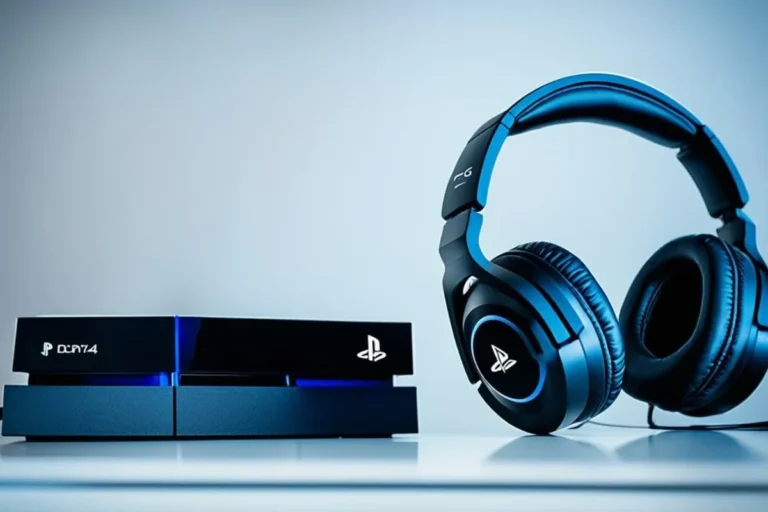
Gaming compatibility varies by platform. A headset may work wirelessly on a PC but require a cable on a console. Some headsets support only one console family.
Before buying, verify:
- The exact console model
- Wireless receiver support
- Voice chat support
- Microphone monitoring
- Surround or spatial audio support
- Whether the receiver uses USB-A or USB-C
TVs and airplane entertainment
Some TVs support Bluetooth, while others need a transmitter. Bluetooth delay may make voices appear out of sync.
Airplane seat systems often use a 3.5-millimeter connection. Wireless headphones may need a compatible Bluetooth transmitter, and some airlines may restrict Bluetooth use during certain parts of a flight. Follow the airline’s current instructions.
Compare Microphones, Controls, and Smart Features
Extra features matter only when they solve a real problem.
Microphone quality
For calls, look for clear speech in quiet and moderately noisy settings. A boom microphone often gives your voice a more consistent position than microphones built into small earbuds.
Manufacturer claims such as “studio-quality microphone” are not a reliable substitute for an actual recording or call test. If calls are central to your work, read independent tests that describe the test conditions.
Controls
Physical buttons can be easier to use in cold weather or while moving. Touch controls may feel cleaner but can trigger by mistake when you adjust the headphones.
Check whether you can control:
- Volume
- Play and pause
- Track changes
- Calls
- Noise modes
- Microphone mute
Voice assistants and apps
Apps may provide firmware updates, equalizer settings, device locating, and control customization. Review the app’s permissions and privacy policy before creating an account.
A headphone should remain useful if the app is discontinued. Basic playback and volume control should not depend on a feature that may disappear.
Spatial audio
Spatial audio can create a more three-dimensional effect for supported movies, games, and music. Results depend on the content, device, operating system, and service.
Do not pay extra for spatial audio if your main use is basic phone calls or stereo music and you do not plan to use compatible content.

Use a Simple Headphone Buying Method
Follow this process to narrow your options without being distracted by marketing language.
Step 1: Set the use case
Write one main use, such as “daily train commute” or “long work calls.” Add a second use only if it affects the design.
Step 2: Choose the physical type
Pick earbuds, on-ear, or over-ear. Remove types that conflict with your comfort or portability needs.
Step 3: Choose the noise approach
Select passive isolation, ANC, open-back design, or a mix. If you must hear your surroundings, avoid strong isolation unless the headphones offer a reliable ambient mode.
Step 4: Confirm device compatibility
Check every device you expect to use. Pay special attention to game consoles, TVs, USB-C connections, and microphone support.
Step 5: Set a feature limit
Choose only features that solve your problems. For example, multipoint can help a person who moves between a work laptop and phone. It may add little value to someone who uses only one device.
Step 6: Check comfort and return terms
Buy from a seller with a clear return policy. Headphones can look suitable on paper but feel wrong after an hour.
Step 7: Compare total ownership cost
Include replacement ear tips, ear pads, cables, adapters, charging cases, and subscriptions if required.
Step 8: Test the important functions
During the return period, test:
- Comfort after 30 to 60 minutes
- Fit while walking
- Microphone clarity
- Noise cancellation
- Transparency mode
- Bluetooth range
- Device switching
- Battery performance
- Delay during video
- Controls with gloves or while moving
A successful choice should work in your real setting, not only in a quiet store.

Protect Your Hearing While Using Headphones
Headphones can contribute to hearing damage when sound is too loud for too long. The risk depends on volume, duration, and repeated exposure.
The National Institute on Deafness and Other Communication Disorders explains that loud noise can damage the inner ear. The CDC also identifies loud sound as a cause of noise-induced hearing loss.
Use these safer habits:
- Keep the volume as low as practical.
- Take listening breaks.
- Use noise cancellation in loud but otherwise safe settings so you do not need to overpower background sound.
- Do not use ordinary headphones as hearing protection.
- Lower the volume if you notice ringing, muffled hearing, or discomfort.
- Seek medical advice if symptoms continue or you notice a sudden change in hearing.
For work, shooting, concerts, tools, or other high-noise settings, use hearing protection designed and labeled for that purpose. A headphone’s ANC feature does not provide the same protection as certified earplugs or earmuffs.

Common Headphone-Buying Mistakes
Choosing by price alone
A high price may pay for better materials, software, or support, but it does not guarantee a better fit or sound for you.
Trusting battery claims without checking conditions
Battery life may change with ANC, calls, volume, codec use, and temperature. Check whether the stated time includes the charging case or only the earbuds.
Ignoring the microphone
A headphone can sound excellent for music and still perform poorly on calls. Look for evidence from voice tests if calls are important.
Confusing ANC with hearing protection
Noise cancellation can make listening more comfortable. It does not replace certified protection in dangerous noise.
Buying open-back headphones for public use
Open-back headphones leak sound and allow outside noise in. They are usually a poor choice for commuting or shared offices.
Forgetting return policies
Ear comfort and earbud fit cannot be predicted perfectly from a product page. A clear return period lowers the risk.
Assuming every feature works on every device
Spatial audio, multipoint, app controls, low-latency modes, and microphone functions may vary by operating system or connection method.
Key Takeaways
- Choose headphones based on your main use, not on brand popularity alone.
- Pick earbuds for portability, on-ear models for light use, and over-ear models for comfort and isolation.
- Use ANC for steady background noise, but never treat it as hearing protection.
- Check fit, microphone quality, battery conditions, device compatibility, and return terms.
- Wired models remain useful for low delay, recording, long sessions, and devices with a headphone jack.
- Test the headphones in the setting where you will actually use them.
Frequently Asked Questions
Are wired or wireless headphones better?
Neither is always better. Wireless headphones provide convenience and often include ANC, multipoint, and smart controls. Wired headphones avoid charging, usually provide very low delay, and can work with devices that support a headphone jack. Choose based on your devices and daily routine.
Are earbuds or over-ear headphones better for long listening?
Over-ear headphones often spread pressure around the ear and may feel better during long sessions. Some people prefer earbuds because they are lighter and cooler. Fit, weight, and personal ear shape decide the result.
Is active noise cancellation worth it?
ANC is worth considering if you travel, work near steady background noise, or listen in shared spaces. It may add cost and battery use. It cannot remove every sound and does not replace hearing protection.
How much should I spend on headphones?
Spend enough to meet your main needs for fit, comfort, connection, and durability. A lower-cost pair may be the better choice if it fits well and has the features you need. Set a budget after identifying the essential features, not before.
How can I tell if headphones are too loud?
If you hear ringing, muffled sound, pain, or discomfort after listening, the volume may be too high or the exposure too long. Turn the volume down and take a break. If symptoms persist or appear suddenly, contact a health professional.
Conclusion: Choose for Your Real Routine
To choose the right headphones, start with your setting and habits. A commuter needs a different design from a home listener, gamer, runner, or call-center worker.
Prioritize fit, comfort, compatibility, and safe listening before cosmetic details. Then compare ANC, sound profile, microphone quality, battery life, and repair support. The best pair is the one you can wear comfortably, use reliably, and enjoy without turning the volume up to overcome a poor fit or noisy environment.