How To Choose Headphones: Expert Buying Guide

The best headphones for you depend on where you will use them, how they should fit, which devices you own, and what you value most: sound, comfort, noise blocking, call quality, or price. For shoppers in the United States, start with your main use—commuting, work, exercise, gaming, travel, or home listening—then compare fit, connection type, battery life, microphone quality, and safety features.
Do not choose headphones by brand name or a single specification. A costly pair can feel uncomfortable after 30 minutes, while a less expensive model may suit your needs better. This guide explains how to compare headphones in a clear, useful way.
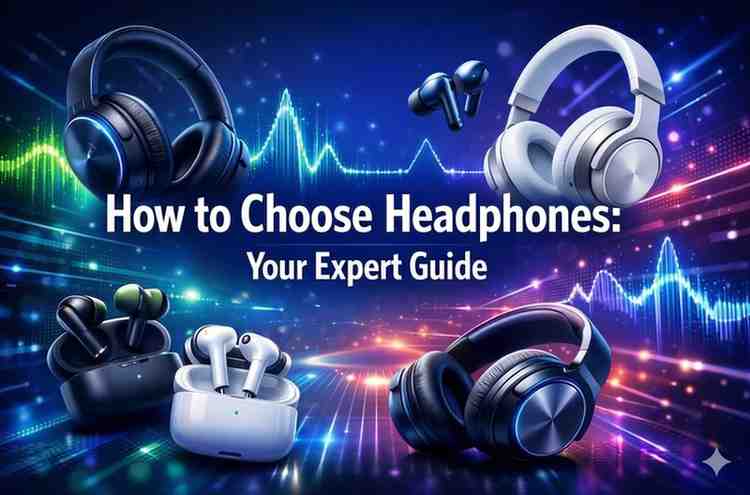
Start With How You Will Use the Headphones
Your main use should guide every other choice. Headphones designed for an office do not always work well for running, and gaming headphones may be too large for daily travel.
Use this quick guide:
| Main use | Features to prioritize | Features to watch |
|---|---|---|
| Daily commuting | Active noise cancellation, comfort, strong battery life | Wind noise, poor transparency mode |
| Air travel | Noise cancellation, low clamp force, compact case | Battery limits and bulky design |
| Office calls | Clear microphone, multipoint connection, comfort | Mic quality in noisy rooms |
| Exercise | Secure fit, sweat resistance, light weight | Loose fit and weak controls |
| Gaming | Low delay, clear microphone, platform support | Bluetooth delay and poor console support |
| Home listening | Sound quality, comfort, wired option | Large size and limited portability |
| TV watching | Low latency, easy controls, stable connection | Lip-sync delay |
| Studio or music work | Neutral sound, wired connection, replaceable parts | Added bass or active processing |
Over-ear, on-ear, or in-ear?
The design affects comfort, sound, isolation, and portability.
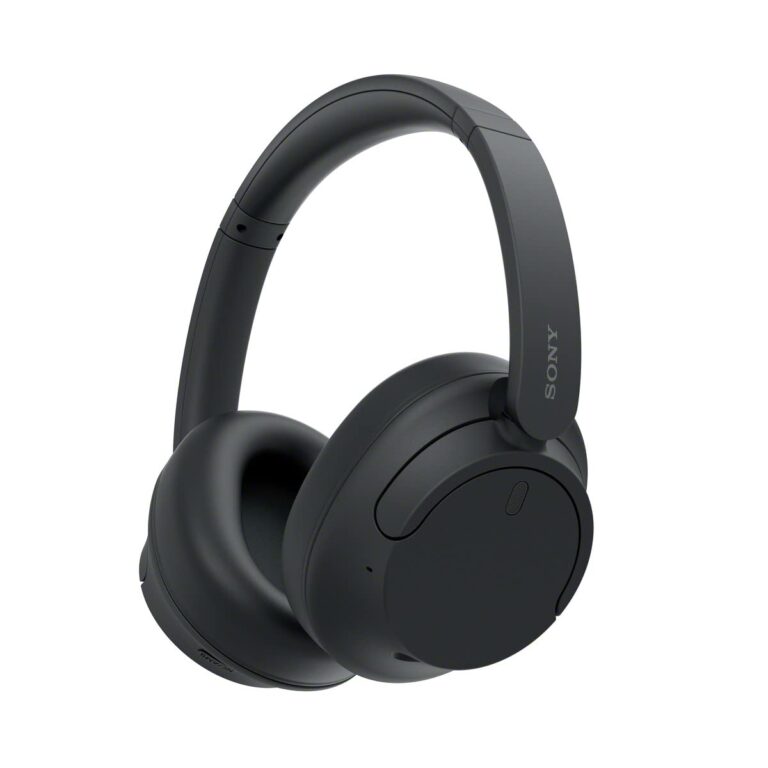
- Over-ear headphones surround the ears. They often provide strong comfort and passive noise blocking, but they are larger and may feel warm.
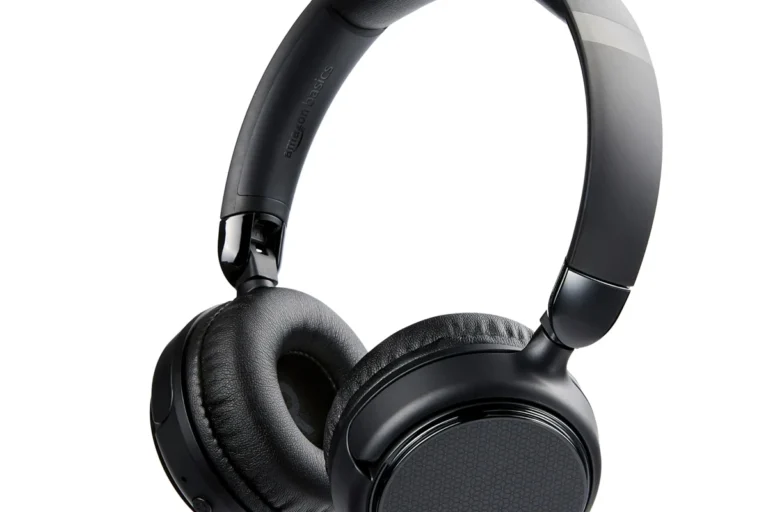
- On-ear headphones rest on the ears. They are usually smaller, but the ear pressure may become tiring over long sessions.
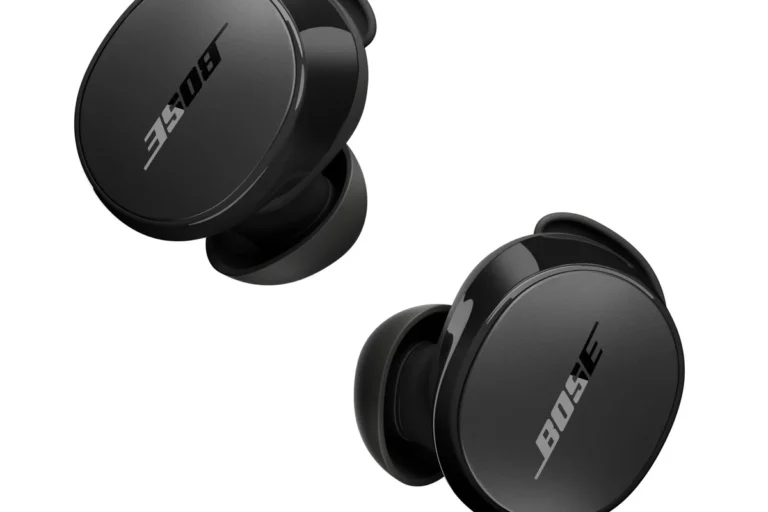
- In-ear headphones, including true wireless earbuds, sit in or near the ear canal. They are small and useful for travel or exercise, but fit varies greatly between users.
- Open-back headphones allow air and sound to pass through the ear cups. They can create a natural sound, but people nearby may hear your audio and outside noise will enter.
- Closed-back headphones block more outside sound and keep audio from leaking out. They are usually better for travel, work, and shared spaces.
If you work in a shared home or office, closed-back headphones or earbuds with good noise control are often the safer practical choice. If you listen in a quiet room and want a wider, more open presentation, open-back headphones may be worth considering.
Choose the fit before the features
A headphone that hurts is not a good headphone, even if it has excellent sound. Check the following areas:
- Ear pad pressure: The pads should seal without squeezing hard.
- Headband pressure: The band should stay in place without creating a painful hot spot.
- Earbud stability: Earbuds should remain secure when you walk or turn your head.
- Weight: Heavier models may feel fine at first but become tiring over long sessions.
- Heat: Thick pads and tight seals may make your ears warm.
- Glasses compatibility: Thick eyeglass frames can break the seal of over-ear headphones and reduce bass or noise cancellation.
Look for a return policy when possible. Fit is personal, and product photos cannot show how a headphone will feel on your head.
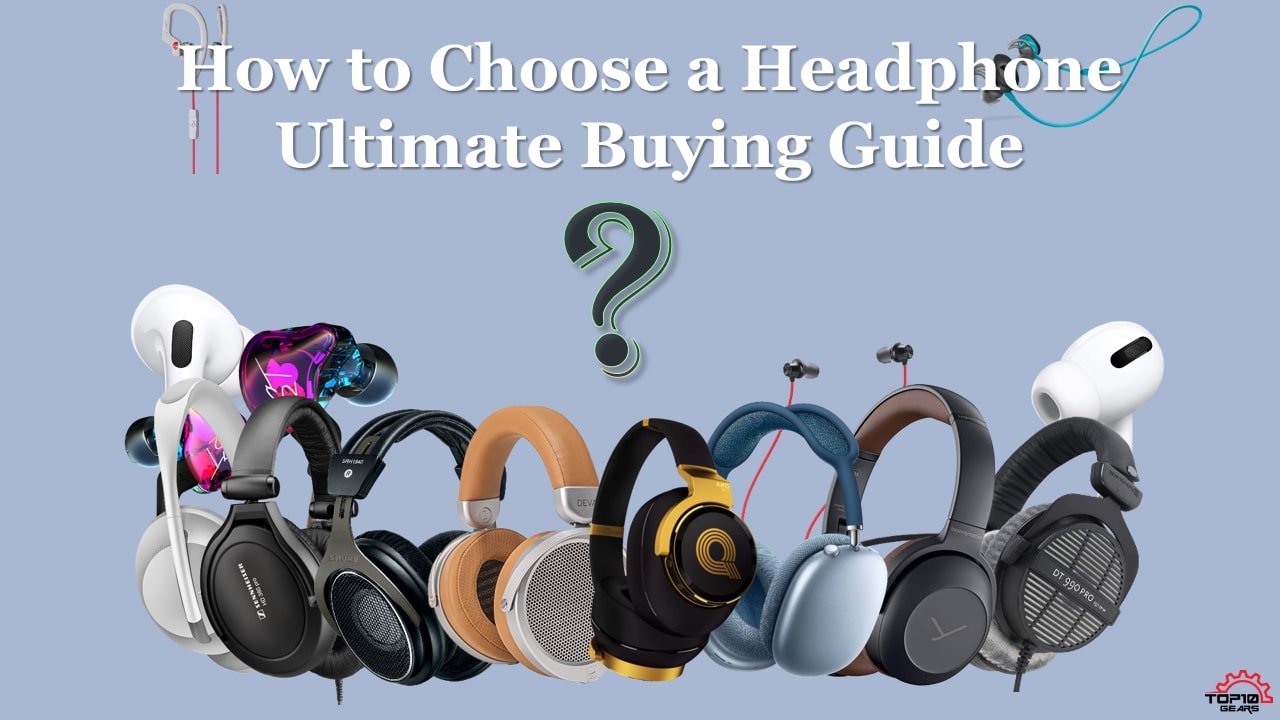
Decide Between Wireless, Wired, and True Wireless
The right connection depends on your devices and your tolerance for charging. Wireless headphones offer freedom, while wired headphones offer a simple signal path and no battery concern.
Wireless Bluetooth headphones
Bluetooth headphones work well with most modern phones, tablets, laptops, and many televisions. They are useful when you want to move around without a cable.
Check these points before buying:
- Bluetooth version: A newer version does not guarantee better sound. The phone and headphones must support the same useful features.
- Supported codecs: Codecs affect how audio travels over Bluetooth. Common codecs include SBC, AAC, and aptX variants. Compatibility depends on both devices.
- Multipoint: This lets headphones connect to two devices at once, such as a phone and a laptop. Confirm that the feature works with your operating system and desired functions.
- Connection range: A stated range is measured under test conditions. Walls, other wireless devices, and your body can reduce it.
- Battery replacement: Built-in batteries age. Check whether the manufacturer offers service or sells replacement parts.
Bluetooth sound quality is often good enough for casual listening, work, travel, and streaming. Do not assume that a higher codec bit rate will matter more than fit, tuning, or the quality of the audio source.
Wired headphones
Wired headphones do not need charging and can be a good choice for home listening, gaming, music production, or long work sessions. They may also reduce connection problems and delay.
Before choosing wired headphones, check the plug:
- 3.5-millimeter plug: Common on computers, some audio devices, and older phones.
- USB-C: Connects directly to many current phones, tablets, laptops, and game devices. The device must support USB audio.
- USB-A: More common on computers than mobile devices.
- 6.35-millimeter plug: Used with some amplifiers and studio equipment. An adapter may be needed.
Many current US smartphones do not include a 3.5-millimeter headphone jack. If your phone lacks one, you may need a USB-C adapter or USB-C headphones. A passive adapter may not work with every device, so check whether it includes a digital-to-analog converter when required.
True wireless earbuds
True wireless earbuds have no cable between the left and right sides. They are convenient, but their small batteries can limit listening time. They are also easier to lose.
Check whether the charging case supports:
- USB-C charging
- Wireless charging
- A battery level indicator
- Replacement earbuds or case service
- Single-earbud use
- Find-device features
For exercise, look for a secure fit and a clear water-resistance rating. Water resistance does not mean the earbuds are safe for swimming unless the manufacturer specifically states that they are designed for it.
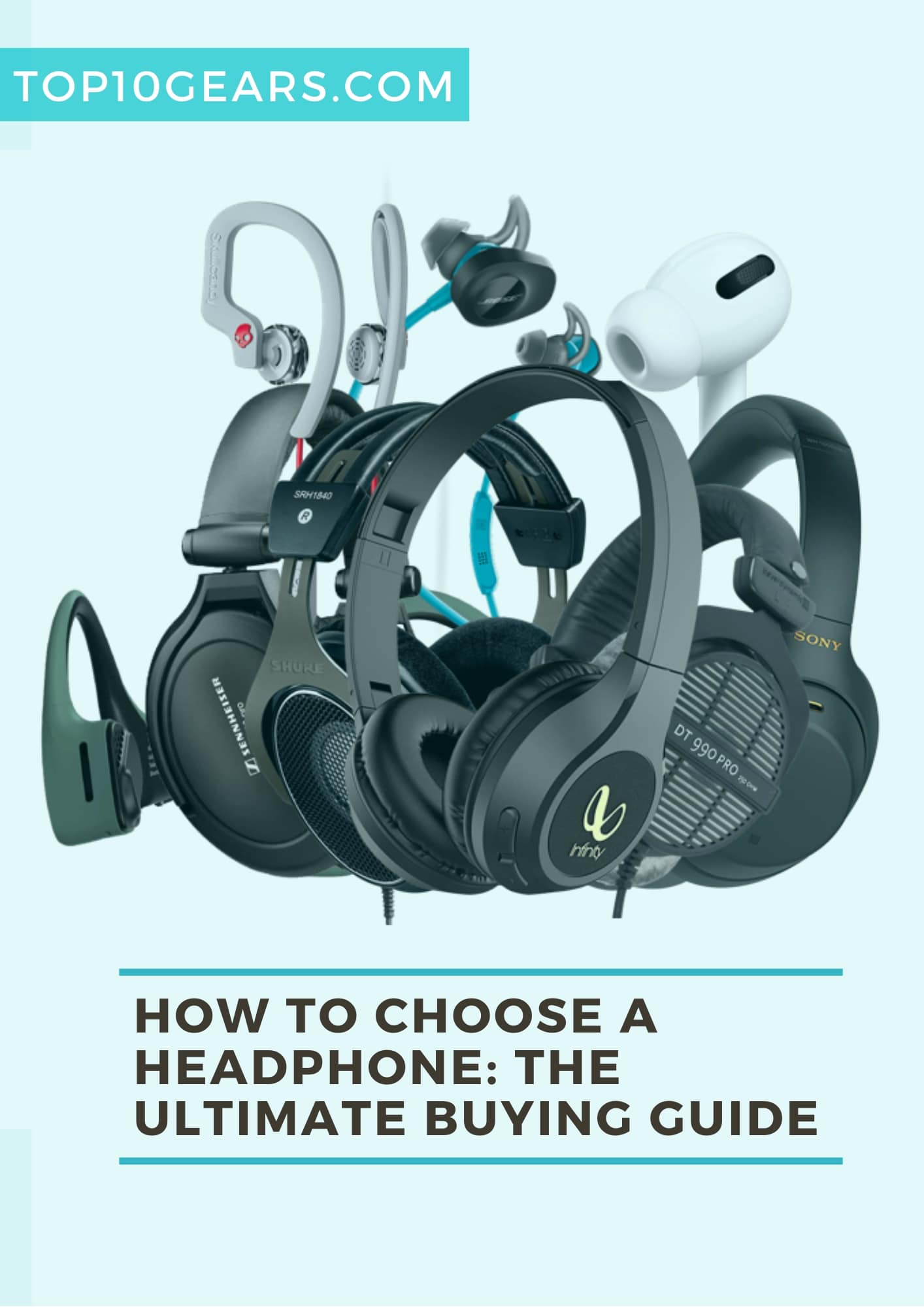
Compare Sound Quality Without Getting Tricked by Specifications
Sound quality is shaped by tuning, fit, seal, source quality, and personal taste. A specification sheet cannot tell you whether a headphone will sound natural or enjoyable to you.
Understand the basic sound profile
Headphones are often described by their tonal balance:
- Bass-forward: More impact and low-end energy. This can suit hip-hop, electronic music, and action films.
- Balanced or neutral: Vocals and instruments may sound closer to the recording balance.
- Bright: More energy in the upper range. This can make detail stand out but may sound sharp to some listeners.
- Warm: More emphasis in the lower and lower-mid range. This can sound smooth but may reduce separation.
- V-shaped: Stronger bass and treble with less emphasis on the midrange.
No profile is automatically best. If you listen to podcasts, clear midrange and natural voices may matter more than deep bass. If you listen to orchestral music, separation and a controlled treble may be more useful.
Do not judge sound from frequency range alone
A label such as “20 Hz to 20 kHz” describes a claimed range, not the quality of the sound across that range. It does not show whether the headphone has a large bass peak, harsh treble, or uneven mids.
Other specifications also need context:
- Impedance: Measured in ohms. High-impedance headphones may need more power from an amplifier, but impedance alone does not determine sound quality.
- Sensitivity: Helps indicate how loud headphones may play from a given power level. Measurement methods can differ.
- Driver size: A larger driver does not automatically sound better.
- High-resolution audio labels: These labels do not guarantee a better listening experience.
If possible, read measurements from a source that explains its test method. Measurements can reveal frequency-response trends, distortion, and noise control, but they still do not replace comfort and personal preference.
Use equalization when it solves a real problem
Equalization, or EQ, changes the level of selected frequencies. It can reduce excessive bass, improve vocal clarity, or adjust treble.
EQ works best when:
- The headphone app supports it.
- The adjustment is saved to the device or headphones.
- You make small changes.
- You compare the result at the same volume.
Avoid using EQ to correct a poor physical fit. Earbuds that do not seal well may lose bass, and adding more bass will not fully solve the problem.
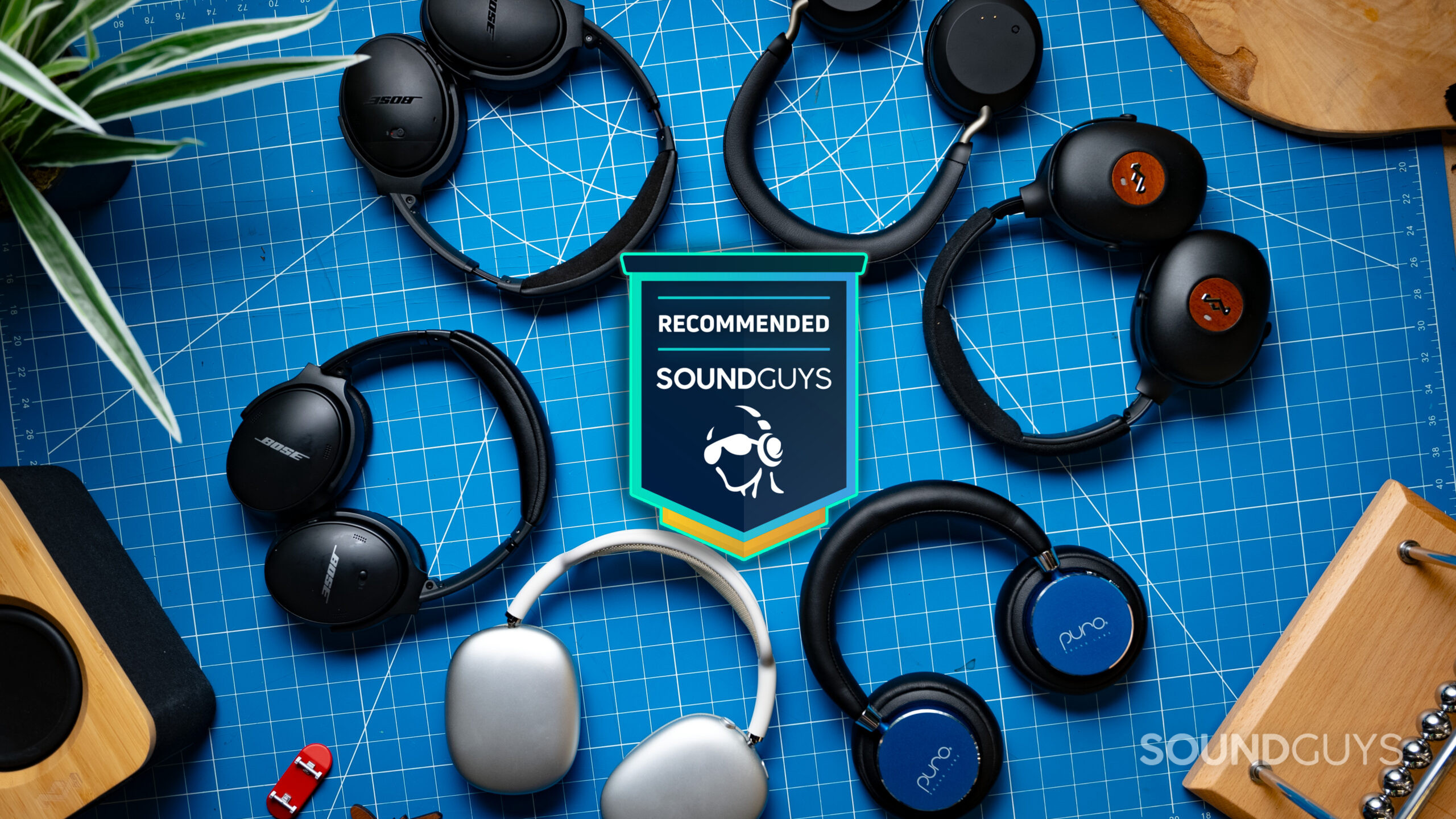
Choose Noise Cancellation and Sound Awareness Carefully
Active noise cancellation, or ANC, uses microphones and electronic processing to reduce outside sound. It usually works best against steady low sounds, such as airplane engines, bus noise, and air conditioners.
ANC may be less effective against:
- Sudden voices
- High-pitched sounds
- Wind
- Irregular street noise
- Sounds that enter through a poor ear seal
ANC versus passive isolation
Passive isolation comes from the physical seal of ear pads or ear tips. ANC adds electronic processing. The strongest result often comes from both.
A good fit can matter more than a large ANC claim. If earbuds do not seal your ear canal, the system has less outside noise to control. Try different ear tips if the product includes them.
Transparency and awareness modes
Transparency mode uses microphones to pass outside sound into your ears. It can help when you need to hear a conversation, an announcement, or traffic.
Still, do not treat transparency mode as a substitute for careful awareness. Microphones can add delay, change the direction of sound, or fail to reproduce every important sound. Remove one earbud or pause audio when you need full awareness.
For driving, follow state law and vehicle rules. Headphones can reduce your ability to hear sirens, horns, cyclists, and other road hazards.
Check Microphone Quality for Calls, Work, and Gaming
A headphone can sound great to you while making your voice unclear to others. If you take calls, microphone quality should be a primary feature, not an afterthought.
Look for:
- Multiple microphones
- Wind-noise reduction
- Sidetone, which lets you hear your own voice
- A physical mute button
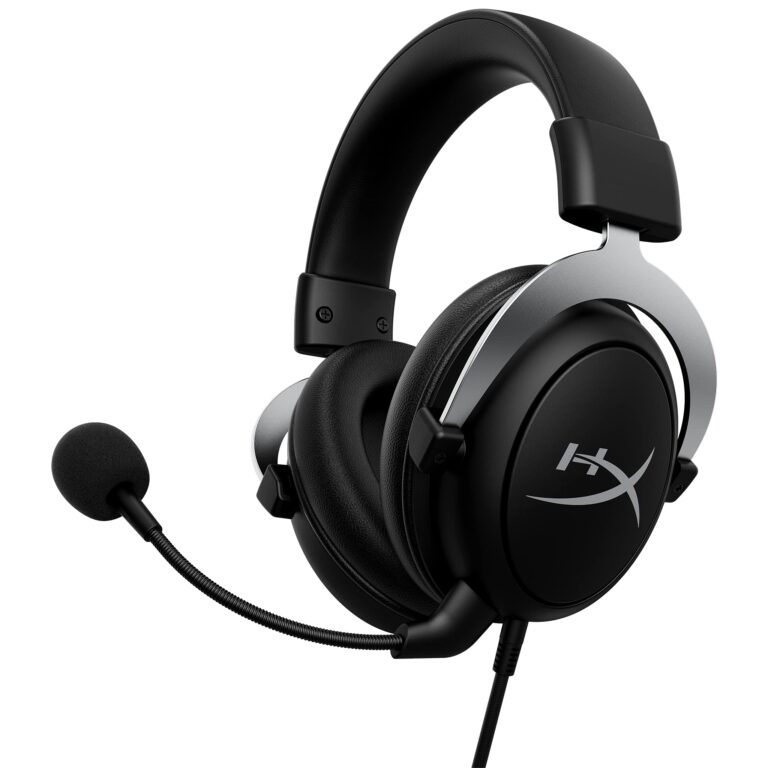
- A detachable boom mic for gaming
- Compatibility with your call or chat platform
- A microphone test in the companion app
Microphones built into small earbuds can perform well in quiet rooms but may struggle in wind or busy streets. Over-ear headsets with a boom microphone often provide more consistent voice pickup for gaming and desk work.
Multipoint connection can help people who switch between a work laptop and a phone. However, some headphones pause or switch audio in unexpected ways. Confirm how calls, video meetings, and notifications behave before relying on the feature for work.
Match Headphones With Your Devices
Compatibility problems are common because a headphone may support a connection but not every feature.
Before you buy, list your main devices:
- Phone
- Laptop or desktop
- Tablet
- Game console
- Television
- Music player or amplifier
Then confirm:
- The physical connector or Bluetooth support
- The operating system
- App availability
- Microphone support
- Codec support
- Console compatibility
- Charging method
- Whether controls work as expected
Gaming compatibility
Bluetooth can add noticeable delay in games. Some gaming headphones use a USB wireless transmitter to reduce delay, but the transmitter must support your platform.
Check whether the headset works with:
- PlayStation
- Xbox
- Nintendo Switch
- Windows PC
- Mac
- Mobile devices
A headset that works on a computer may not work wirelessly on an Xbox. Some models support one console but not another. Platform support should come from the manufacturer’s current documentation, not only from a store listing.
TV compatibility
For television use, look for low latency and an easy volume control. Some TVs support Bluetooth headphones, while others may need a transmitter connected to an audio output.
If you hear a delay between speech and lip movement, check for:
- A low-latency mode
- TV audio-delay settings
- A different connection method
- Firmware updates
- Separate volume controls on the TV and headphones

Evaluate Battery Life, Charging, and Long-Term Cost
Battery life should match your routine, not just the number printed on the box. Manufacturers may measure battery life with features such as ANC turned off and volume set under test conditions.
Ask these questions:
- How long does the battery last with ANC on?
- How quickly does it charge?
- Does a short charge provide useful playback time?
- Can you listen while charging?
- Does the case add several full charges for earbuds?
- Is there a battery-saving mode?
- Can the battery be replaced?
For daily use, a model with a slightly shorter claim may be more practical if it charges quickly and has a reliable battery indicator. Battery life also declines over time, especially with frequent charging and heat.
Consider long-term cost, not only the purchase price. Replaceable ear pads, available cables, repair service, and firmware support can extend a headphone’s useful life.
Check Comfort, Durability, and Maintenance
Comfort is not a luxury. It determines whether you will use the headphones.
Inspect the materials and construction:
- Are the hinges flexible or stiff?
- Does the headband adjust smoothly?
- Can the ear pads be replaced?
- Does the cable detach?
- Does the case protect the headphones?
- Is the finish likely to show scratches?
- Are controls easy to use without looking?
For exercise and outdoor use, check the official water- and dust-resistance rating. A rating such as IPX4 generally indicates protection against water splashes under specified test conditions. It does not mean the device is waterproof or safe for submersion.
Keep headphones clean. Wipe ear pads and earbuds with a suitable dry or lightly damp cloth according to the manual. Do not push liquid into charging ports. Clean ear tips before sharing earbuds, and do not insert objects deep into the ear canal.

Use Volume and Fit in a Hearing-Safe Way
Loud sound can damage hearing. The risk rises with both volume and listening time. The Centers for Disease Control and Prevention advises reducing exposure to loud noise and using hearing protection when needed. The World Health Organization also provides safe-listening guidance for personal audio devices.
Practical steps include:
- Keep the volume low enough to hear nearby speech when appropriate.
- Take regular listening breaks.
- Use well-fitting headphones so you do not raise the volume to overcome outside noise.
- Avoid using ANC as permission to increase volume.
- Follow venue or workplace hearing-protection rules.
- Stop if you notice pain, ringing, muffled hearing, or unusual sensitivity.
The common “60/60 rule” is a simple reminder to limit volume and take breaks. It is not a personal medical limit for every listener. If ringing or hearing changes continue, speak with a qualified health professional or audiologist.
Headphones can also reduce environmental awareness. Use extra care near roads, train platforms, construction areas, water, and other hazards.
Build a Headphone Buying Checklist
Use this checklist before you place an order:
1. Define the main job
Write down the top use: work calls, travel, exercise, gaming, music, or TV. If you have several uses, rank them.
2. Choose the form
Pick over-ear, on-ear, or in-ear. Decide whether open-back or closed-back design suits your space.
3. Decide on the connection
Choose Bluetooth, wired, USB-C, or a wireless gaming transmitter. Confirm that the connection works with every important device.
4. Set a realistic budget
Keep money aside for an adapter, replacement ear tips, a case, or a gaming transmitter if needed. A low purchase price can become higher after required accessories.
5. Compare the features that affect your use
Focus on ANC, microphone quality, fit, battery life, controls, and platform support. Ignore features that you will not use.
6. Check independent evidence
Read measurements, hands-on reviews, warranty terms, and support documentation. Treat manufacturer claims as specifications, not proof of superior real-world performance.
7. Confirm the return policy
This matters most for comfort, fit, and sound. Check the return window, restocking fees, hygiene restrictions, and warranty coverage before opening the package.
8. Test the complete setup
Try the headphones with your phone, computer, calls, music, and the apps you use. Test ANC, transparency mode, controls, microphone quality, and charging.
Success means the headphones stay comfortable, connect reliably, meet your sound needs, and work with your devices without extra problems.
Common Headphone Buying Mistakes
Buying based only on price
A higher price may provide better materials or features, but it does not guarantee a better fit or sound. Compare the features that affect your use.
Ignoring the return policy
Comfort and earbud fit are difficult to predict. A return policy can matter more than a small difference in specifications.
Assuming ANC blocks every sound
ANC reduces some sounds better than others. It does not make you unaware of your surroundings.
Choosing by driver size
Large drivers are not automatically better. Tuning, distortion, fit, and source quality matter too.
Forgetting device compatibility
A headset may connect to a phone but lack microphone support on a computer or wireless support on a console. Check every key device.
Treating water resistance as waterproofing
Sweat resistance is not the same as protection from swimming, rain, or immersion. Follow the exact rating and manual.
Overlooking replacement parts
Ear pads, ear tips, charging cases, and cables can affect the useful life of the product. Check whether they are sold separately.
Turning up the volume to fix poor isolation
If outside noise is the problem, improve the fit or use suitable noise control. More volume increases hearing risk.
Key Takeaways
- Choose headphones for your main use, not for the longest feature list.
- Fit and comfort should come before sound claims.
- Confirm wired, Bluetooth, USB-C, and console compatibility before buying.
- ANC works best with a good physical seal and does not remove every sound.
- Check microphone performance if you work, study, or game online.
- Consider battery aging, repair options, replacement parts, and the return policy.
- Keep volume moderate, take breaks, and protect your hearing around loud noise.
Frequently Asked Questions
Are expensive headphones always better?
No. More expensive headphones may offer better materials, noise control, software, or support, but comfort and sound remain personal. A less expensive model can be the better choice if it fits well and supports your devices.
Are wired headphones better than Bluetooth headphones?
Neither is always better. Wired headphones avoid charging and may reduce delay. Bluetooth headphones are easier to use while moving and often include ANC, microphones, and app controls.
Should I choose earbuds or over-ear headphones?
Choose earbuds for small size, exercise, and portability. Choose over-ear headphones for longer listening, stronger passive isolation, and a larger fit around the ears. Your ear shape, glasses, heat tolerance, and activity level can change the answer.
Is active noise cancellation worth it?
ANC is useful for steady noise such as engines, air conditioners, and public transit. It is less effective against sudden voices, wind, and irregular sounds. Buy it when you often listen in noisy places.
How much should I spend on headphones?
Spend enough to meet your main needs without paying for features you will not use. Set a budget after accounting for adapters, cases, replacement parts, and the value of a reliable return policy.
Conclusion
To choose headphones, start with your real routine. Decide where you will listen, how long you will wear them, which devices they must support, and whether you need strong noise control or a clear microphone. Then compare fit, connection, sound profile, battery life, durability, and safety.
The best choice is the pair you can wear comfortably, use reliably, and enjoy at a safe volume. Before buying, verify compatibility and return terms. After buying, test the full setup during the first few days while you can still return it.