Can You Connect Bluetooth Headphones to Xbox One Easily

No, you cannot connect standard Bluetooth headphones directly to Xbox One. You’ll need an Xbox-compatible wireless headset, a wired connection, or a workaround like a transmitter or TV audio output.
If you’re asking can you connect bluetooth headphones to xbox one, the short answer is no, not directly. Xbox One does not support standard Bluetooth audio the way a phone, laptop, or tablet does, so you need an Xbox-friendly wireless option or a workaround.
- Direct support: Xbox One does not pair with standard Bluetooth headphones for audio.
- Best choice: Xbox Wireless or officially compatible headsets are the easiest fix.
- Workarounds: Transmitters and TV audio can work, but latency and mic support may vary.
- Competitive gaming: Low delay matters most for shooters, racing games, and chat.
Can You Connect Bluetooth Headphones to Xbox One? What the Console Actually Supports
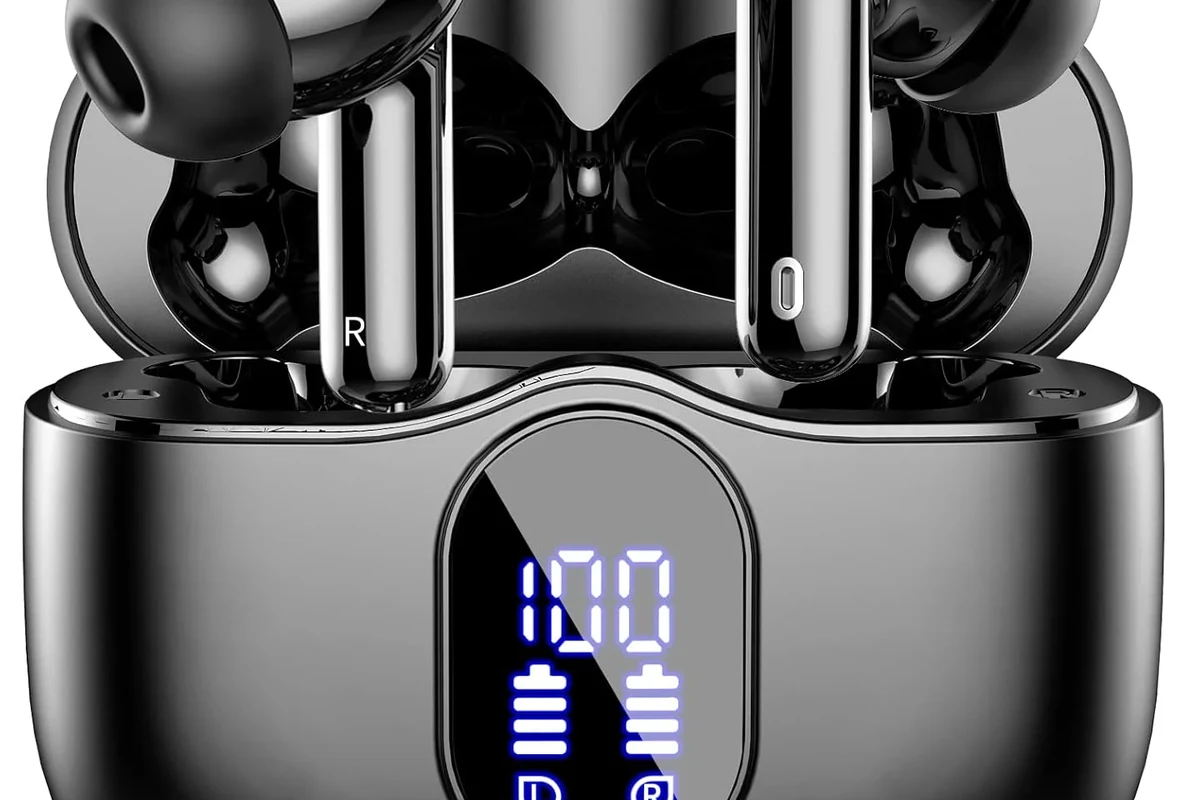
Xbox One can connect to certain wireless accessories, but that does not mean it supports Bluetooth headphones for game audio. Microsoft uses its own Xbox Wireless system for compatible headsets and controllers, which is separate from regular Bluetooth pairing.
That distinction matters because many players assume “wireless” means “Bluetooth.” In reality, the Xbox One is more selective, and the console’s audio support depends on the connection method, the headset model, and whether you need game sound, chat audio, or both.
If a headset box says “Bluetooth,” that only tells you it can connect to phones and similar devices. It does not automatically mean it will work with Xbox One audio.
Why Xbox One Does Not Work Like a Typical Bluetooth Audio Device
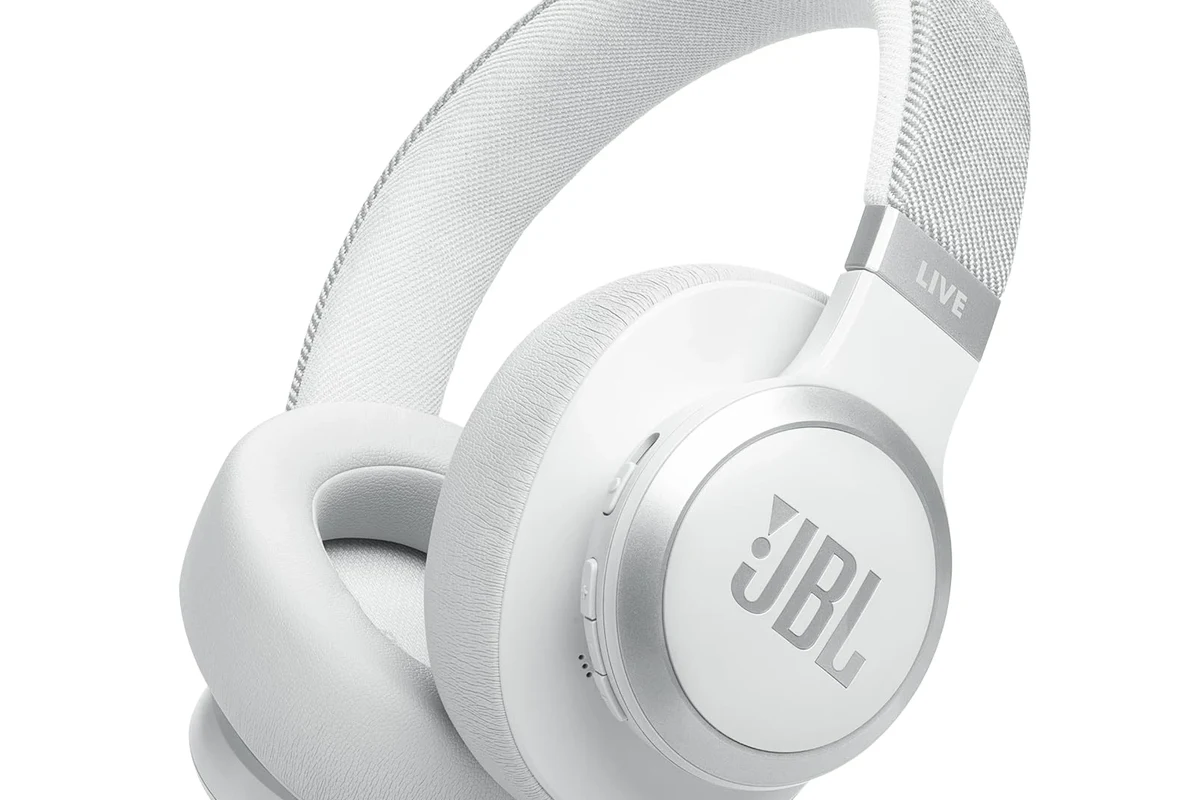
Most Bluetooth headphones are designed to pair with devices that fully support Bluetooth audio profiles. Xbox One is different, so it does not function like a typical Bluetooth source for headphones.
Xbox wireless vs. Bluetooth: the key difference gamers need to know
Xbox Wireless is Microsoft’s own low-latency wireless connection used by supported headsets and some controllers. Bluetooth is a separate standard, and Xbox One does not use it for direct headset audio.
For gamers, the practical takeaway is simple: a headset can be wireless and still not work with Xbox One unless it is specifically Xbox-compatible. If you want a broader overview of pairing basics, our guide on how to connect Bluetooth headphones can help explain why different devices behave differently.
What happens when you try pairing standard Bluetooth headphones
When you try to connect standard Bluetooth headphones, the Xbox One typically will not find them as an audio device. Even if the headphones pair with your phone at the same time, the console still will not route game sound through them directly.
Some users try to force the connection through controllers, adapters, or menu settings, but those methods usually do not create true Bluetooth audio support. At best, they may solve part of the problem, such as chat or TV audio, while leaving game sound or microphone support incomplete.
Buying a headset just because it is Bluetooth can lead to disappointment on Xbox One. Always check for Xbox Wireless support, a 3.5mm wired option, or a confirmed console-compatible transmitter.
Best Ways to Use Wireless Headphones with Xbox One in 2026
If your goal is convenience, there are still good ways to get wireless audio on Xbox One. The best path depends on whether you care most about game sound, chat, microphone quality, or overall ease of use.
Xbox Wireless Headsets and compatible options
The cleanest solution is an Xbox Wireless headset that is designed to work with the console. These headsets are usually the least frustrating option because they are built for game audio and chat without extra adapters.
Compatibility can vary by brand and model, so it is still worth checking the product page carefully. Some headsets also support Bluetooth for phone use, which is useful if you want one headset for gaming and everyday listening.
Using a controller audio jack with wired or wireless dongle headphones
If your controller has a 3.5mm jack, you can use wired headphones for reliable audio and then add a separate wireless solution for other devices if needed. This is often the simplest fallback when you already own a good headset.
Wireless USB dongle headsets can also be a strong choice if they are officially supported on Xbox One. They are not Bluetooth in the traditional sense, but they often provide a more stable gaming experience than generic wireless adapters.
Connecting through the TV, monitor, or streaming device instead
Another option is to send audio through your TV, monitor, or AV receiver and connect headphones there. This can work well for casual play, especially if your display has a headphone output or supports Bluetooth audio.
That said, TV-based audio routes can add delay depending on the display and settings. If you want to compare wireless sound behavior in general, our article on Bluetooth vs wired headphones sound quality is a useful reference.
If you mostly play single-player games, a small amount of delay may be acceptable. For competitive multiplayer, prioritize the lowest-latency path you can find.
Step-by-Step Workarounds for Bluetooth Headphone Users
If you already own Bluetooth headphones, you may still be able to use them with Xbox One indirectly. The key is understanding that you are not truly connecting them to the console in the same way you would with a phone.
Using a Bluetooth transmitter with the Xbox One controller or console
A Bluetooth transmitter can sometimes be connected to a controller’s audio jack or to the console’s audio output, depending on your setup. The transmitter then sends sound to your Bluetooth headphones.
This workaround can be convenient, but results vary a lot. Latency, microphone support, and audio quality depend on the transmitter, the headphones, and the game you are playing.
See whether your controller, TV, monitor, or receiver has an audio output you can use safely.
Look for gaming-friendly support, not just generic Bluetooth pairing.
Confirm that game audio, voice chat, and microphone behavior all work the way you expect.
Pairing headphones through a smart TV or AV receiver
Some smart TVs and AV receivers can pair directly with Bluetooth headphones. If your display supports this, it may be the easiest way to use the headphones you already own.
Still, this route is better for casual gaming than competitive play. TV processing and Bluetooth compression can make the sound feel slightly behind the action, especially in fast games.
Using the Xbox app for chat and companion audio where applicable
In some setups, the Xbox app can help with party chat or companion features, depending on the device and current Microsoft support. This can be useful if you want to keep game audio on the TV while handling voice elsewhere.
Just remember that app-based solutions are not a full replacement for native headset support. They may solve one part of the experience while leaving the rest less convenient.
Many gaming headsets that are marketed as “wireless” use a 2.4GHz USB connection instead of Bluetooth, because it usually offers lower delay for game audio.
Common Mistakes People Make When Trying to Connect Bluetooth Headphones
Most connection problems come from assuming all wireless audio works the same way. Xbox One is especially easy to misunderstand because it supports some wireless accessories but not standard Bluetooth headset pairing.
Assuming all wireless headphones are Xbox-compatible
This is the biggest mistake. A headset may work perfectly with a phone and still fail on Xbox One because the console needs a different wireless standard or a wired path.
Before buying, check for Xbox Wireless support, a dongle-based connection, or a 3.5mm cable option. If you need a refresher on Bluetooth behavior in general, our guide to Bluetooth headphones explained simply is a good starting point.
Buying the wrong transmitter or adapter for gaming latency
Not every Bluetooth transmitter is built for gaming. Some are fine for music or movies, but they can introduce noticeable delay that makes gunfire, footsteps, and cutscenes feel out of sync.
For Xbox One, low-latency support matters more than flashy features. If the adapter does not clearly mention gaming use or reduced delay, it may not be the right fit.
Ignoring chat audio, mic support, and controller limitations
Game sound is only part of the story. Many Bluetooth headphone setups on Xbox One struggle with microphone support, party chat, or controller compatibility.
That is why a “works with Bluetooth” claim is not enough. You need to know whether the solution handles both listening and speaking, and whether it works with your specific controller model.
- Does the headset explicitly support Xbox One?
- Does the solution handle both audio and mic input?
- Is the connection path low latency enough for your games?
Expert Advice: Latency, Audio Quality, and Mic Performance Risks
Bluetooth can be perfectly fine for music, podcasts, and casual viewing, but gaming adds tighter timing demands. That is where many workarounds start to feel less impressive.
Why delay matters in shooters, racing games, and party chat
In shooters, even a small delay can make footsteps, reloads, and gunfire feel disconnected from the action. Racing games can also feel less responsive when the audio lags behind what you see.
Party chat has its own timing issues too. If voices arrive late or the mic monitoring feels off, the whole session can become more tiring than enjoyable.
How audio compression can affect game sound and voice clarity
Bluetooth audio often uses compression to keep the connection stable. That can slightly reduce detail, impact, and clarity, especially when the connection is busy or the transmitter is basic.
For story games, that may be acceptable. For players who care about directional cues, voice clarity, or rich soundstage behavior, a native Xbox-compatible headset usually makes more sense.
Warning signs that a workaround will frustrate competitive players
If your setup already needs multiple adapters, extra cables, or TV audio routing, it may be too complicated for fast-paced gaming. Complexity often adds delay, confusion, and more points of failure.
Protect Your Hearing: Listening at high volumes for long periods can cause hearing damage. Keep volume at 60% or below for extended sessions.
If you notice persistent ringing, muffled hearing, or discomfort after gaming sessions, consider speaking with an audiologist. If a headset causes pain, pressure, or severe fatigue, a professional audio specialist can also help you choose a better fit.
Price Comparison: Cheapest Fixes vs. Better Long-Term Solutions
There is no single best answer for every budget. The right choice depends on whether you want the cheapest possible workaround or a cleaner setup that is easier to live with over time.
Budget Bluetooth transmitter setups
Budget transmitters can be the lowest-cost way to try your existing Bluetooth headphones on Xbox One. They may be good enough for casual play, but performance can vary widely.
Lowest upfront cost, but also the highest chance of lag or limited mic supportBest for casual users who already own Bluetooth headphones
Mid-range Xbox-compatible wireless headsets
Mid-range Xbox-compatible headsets often offer the best balance of convenience and reliability. They usually remove the guesswork that comes with adapters and TV routing.
For many players, this is the sweet spot because it keeps setup simple without jumping straight to premium pricing. A headset with clear Xbox support is often the most frustration-free choice.
Premium headsets for the best all-in-one experience
Premium gaming headsets may offer stronger comfort, better microphones, improved wireless stability, and more flexible controls. Exact features vary by brand and model, so it is worth comparing carefully.
If you play often and want the least hassle, premium Xbox-ready models can be a long-term upgrade. They are usually a better investment than repeatedly buying adapters that do not fully solve the problem.
Final Verdict: The Easiest Way to Get Wireless Audio on Xbox One
If you want the simplest answer, Bluetooth headphones are not the easiest direct solution for Xbox One. The console works best with Xbox Wireless headsets, wired controller connections, or carefully chosen dongle-based alternatives.
Who should use a workaround and who should avoid Bluetooth entirely
Use a workaround if you already own Bluetooth headphones and only play casually. Avoid Bluetooth-only setups if you play shooters, racing games, or anything where timing and chat clarity matter.
If you want to compare solutions for different devices, our article on Bluetooth headphone lag fix can also help you understand why delay becomes such a big issue in gaming.
Quick recap of the best option based on budget and gaming style
For the lowest hassle, buy an Xbox-compatible wireless headset. For the lowest cost, try a transmitter or TV audio route, but expect trade-offs in latency and mic support.
For most players, the best answer is not “Bluetooth headphones on Xbox One” but “a headset built for Xbox One from the start.” That gives you the cleanest mix of sound quality, comfort, and reliability.
Frequently Asked Questions
No. Wireless headphones may use Bluetooth, Xbox Wireless, or a USB dongle, and Xbox One does not support standard Bluetooth audio directly. Always check the headset’s console compatibility before buying.
Wired headphones are usually more reliable for Xbox One because they avoid wireless delay and pairing issues. They can be a better choice for competitive games and voice chat.
Closed-back headphones usually block more outside noise and keep game sound contained, which is useful for most gaming setups. Open-back headphones can sound wider and more natural, but they leak sound and work best in quiet rooms.
Look at driver type, comfort, and how the headset handles bass, clarity, and imaging rather than chasing one spec alone. Frequency response can help as a reference, but real-world tuning and fit matter just as much.
Focus on Xbox compatibility, comfort, and a clear microphone before extra features. A simple wired or officially supported wireless headset is often a better value than a cheap Bluetooth workaround.
Check ear cushion material, headband padding, clamping force, and total weight for long sessions. Build quality matters too, especially if you use your headset daily or travel with it.