Can I Connect JBL Headphones to Xbox Easily and Fast

Yes, you can connect many JBL headphones to Xbox, but wired connections are usually the easiest and most reliable. Bluetooth-only JBL headphones often need an adapter or workaround because Xbox does not support standard Bluetooth audio well.
If you’re asking “can i connect jbl headphones to xbox,” the short answer is yes, but usually not through normal Bluetooth pairing. The easiest method is to use a wired connection, while wireless options often need a workaround like a transmitter or Xbox-compatible headset setup.
- Best method: Use a wired 3.5mm connection when possible.
- Bluetooth limit: Most Xbox consoles do not pair normally with JBL Bluetooth headphones.
- Workarounds: Transmitters and TV audio output can help, but may add delay.
- Gaming value: JBL headphones can work well if you prioritize simple setup and low latency.
Can I Connect JBL Headphones to Xbox? Quick Answer for 2026 Gamers
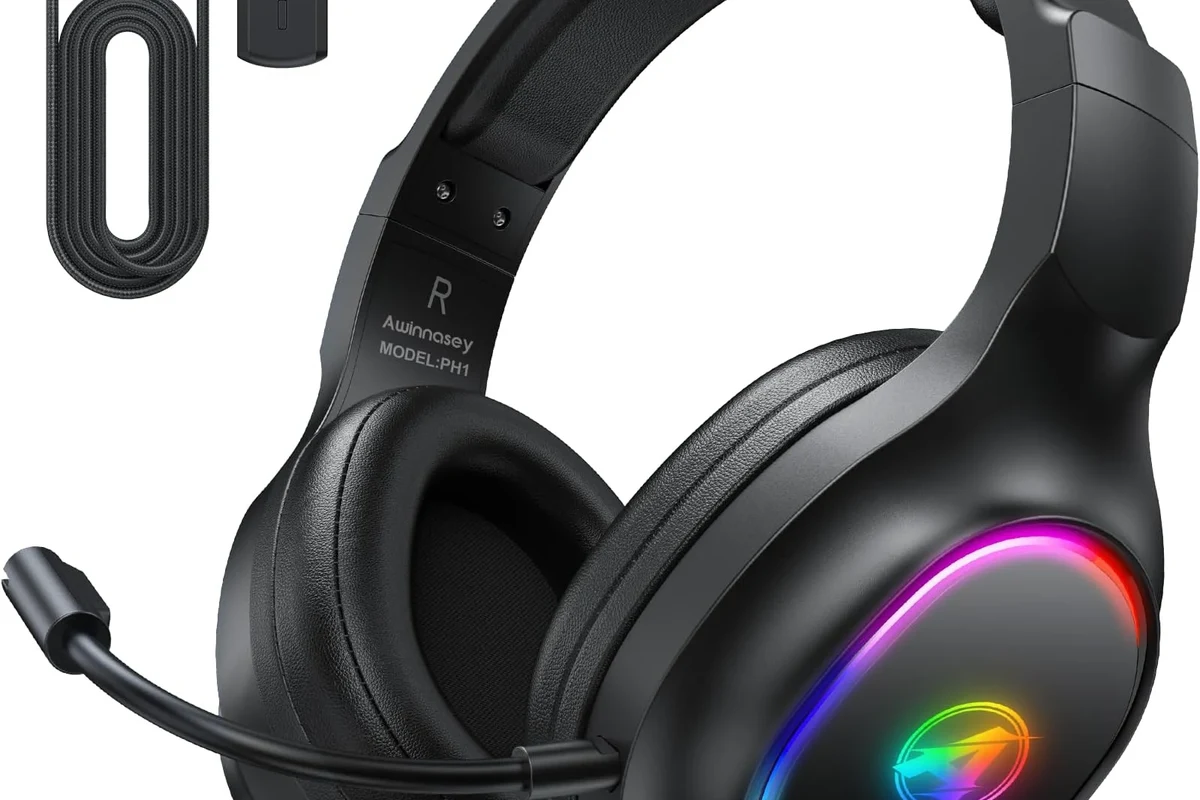
Yes, you can connect many JBL headphones to Xbox, but the method depends on the model and the Xbox console you own. In most cases, wired JBL headphones are the simplest and most reliable choice.
Xbox consoles do not support standard Bluetooth audio for most headphones, so the usual “pair and play” method often fails. If you want a fast setup, use the controller’s 3.5mm jack or connect through your TV, monitor, or an adapter.
- Wired JBL headphones are the easiest Xbox option.
- Most Xbox consoles do not support regular Bluetooth headphone pairing.
- Wireless JBL models may need a transmitter or other workaround.
- Audio quality and mic support depend on the exact JBL model and setup.
How Xbox Audio Connections Work with JBL Headphones
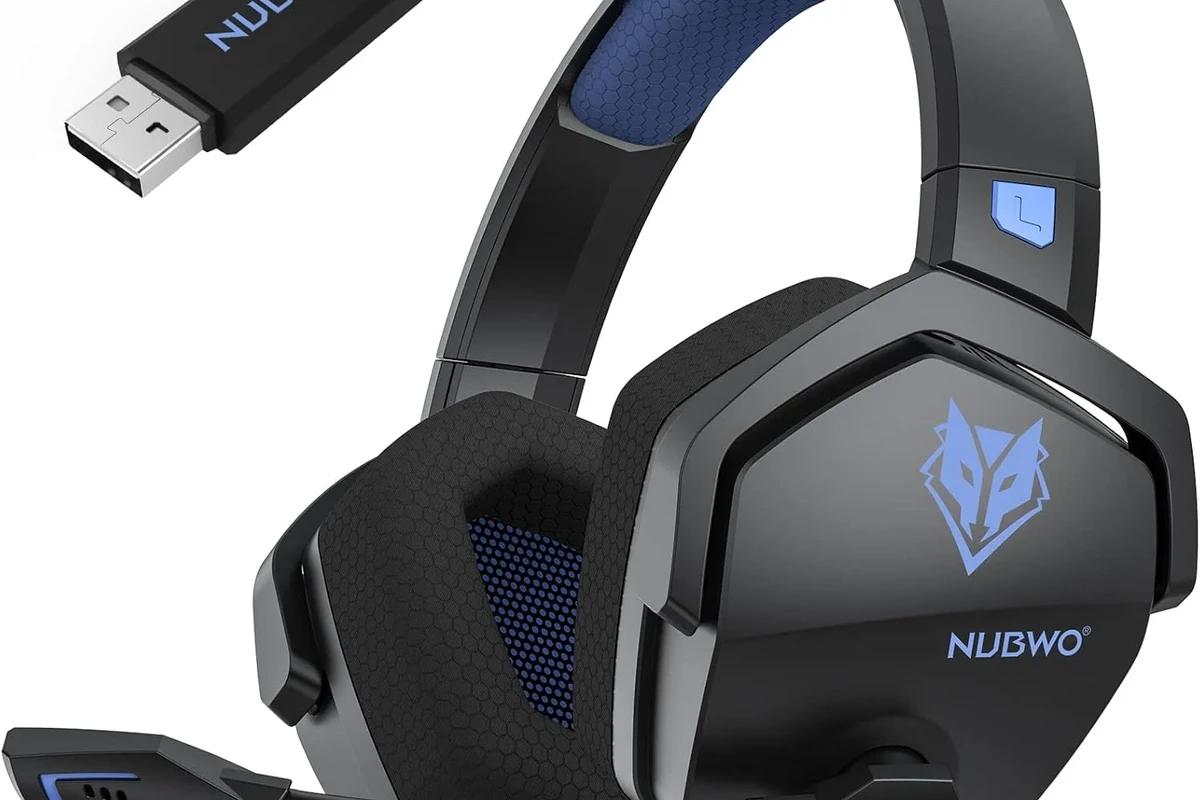
Xbox handles audio differently from phones, tablets, and many PCs. That difference is the main reason JBL headphones can work on one device but feel confusing on Xbox.
For most players, the key question is not whether JBL headphones are good enough for gaming, but whether the Xbox can send audio to them in a compatible way. Once you understand the connection path, setup becomes much easier.
Why Xbox Is Different from PlayStation, PC, and Phones
Phones and PCs usually support Bluetooth headphones directly, or they give you more connection choices. Xbox is more limited, especially when it comes to standard wireless audio.
That means a JBL headset that connects instantly to a phone may not connect the same way to an Xbox console. If you also use your headphones on other devices, a Bluetooth headphones explained simply guide can help you understand why some wireless setups are easier than others.
Bluetooth Limitations on Xbox Consoles
Most Xbox consoles do not support regular Bluetooth audio output for headphones. So if your JBL model only supports Bluetooth, it will usually not pair directly with the console.
That is the biggest compatibility issue people run into. A workaround may still work, but it often adds delay, extra hardware, or weaker microphone support.
Do not assume “wireless” means Xbox-compatible. Many JBL wireless headphones work great on phones and laptops but still need an adapter or transmitter for Xbox.
Which JBL Headphones Can Work With Xbox?
Not every JBL headphone is equally easy to use with Xbox. The best options are usually the ones that can accept a cable or connect through a gaming-friendly adapter.
If your JBL model is mostly for music, it may still work for Xbox voice chat and game audio, but the experience can vary by console generation and controller type.
Wired JBL Headphones with 3.5mm Audio Jack
Wired JBL headphones with a standard 3.5mm plug are the most straightforward choice. If your Xbox controller has a headphone jack, you can usually plug in and start listening right away.
This is the simplest setup because it avoids Bluetooth pairing problems and keeps latency low. For gaming, that usually means cleaner timing for footsteps, dialogue, and action sounds.
If your JBL headphones support both wired and wireless use, the cable connection is usually the better choice for Xbox gaming.
JBL Wireless Headphones and Xbox-Compatible Workarounds
Wireless JBL headphones can still be used with Xbox, but often through a workaround. Common options include a Bluetooth transmitter, a TV or monitor with audio output, or a USB audio solution that your setup supports.
These methods can work, but they are not always as clean or reliable as a direct wired connection. Sound delay, unstable pairing, and mic limitations are the most common trade-offs.
JBL Gaming Headsets vs Standard JBL Headphones
JBL gaming headsets are usually easier to adapt for console use than standard music headphones. That is because gaming-oriented models are more likely to include a detachable cable, boom mic, or console-friendly connection options.
Standard JBL headphones can still sound good for games, especially for single-player titles and casual play. But if you want voice chat and simple plug-and-play use, a gaming headset is often the safer choice.
Best Ways to Connect JBL Headphones to Xbox
There are a few practical ways to connect JBL headphones to Xbox, and the best one depends on your exact model. In general, the fewer adapters you need, the better the audio experience will be.
If you want the easiest path, start with a wired controller connection. If that is not possible, move to TV, monitor, or transmitter-based solutions.
Using the Xbox Controller Headphone Jack
This is the fastest method for many JBL headphones. Plug the 3.5mm cable into the controller, then make sure your Xbox audio settings are set to output game sound through the headset.
If your JBL headphones have an inline mic, that may also work for chat depending on the model and cable type. This setup is usually the best balance of simplicity, price, and low delay.
Connect your JBL headphones to the Xbox controller using a 3.5mm audio cable.
Raise headset volume in the Xbox audio settings and on the headphone controls if available.
Open a game or party chat to confirm that sound and microphone input are working properly.
Connecting Through the TV, Monitor, or Audio Extractor
If your controller does not support the connection you want, you can route audio through your TV or monitor. Some displays have a headphone jack or audio output that can send sound to JBL headphones.
An audio extractor can also help in some setups, especially when you want to separate audio from video. This method is useful, but the result depends heavily on the quality of the display and external device.
Using a Bluetooth Transmitter or USB Adapter
A Bluetooth transmitter can let you use wireless JBL headphones with Xbox indirectly. You connect the transmitter to a compatible audio source, and it sends sound to the headphones over Bluetooth.
USB adapters may help in some cases, but compatibility is not guaranteed across every Xbox model and every JBL headphone. If you go this route, check the adapter requirements carefully before buying.
Wireless workarounds can be useful, but they may introduce audio delay. For competitive shooters, wired audio is usually the safer choice.
Step-by-Step Setup Examples for Common JBL Models
JBL makes several headphone and headset lines, and the setup process changes based on whether the model includes a cable port. The examples below are meant to help you match your headphones to the right Xbox method.
If you are unsure about your exact model, check whether it has a 3.5mm input, a detachable cable, or only Bluetooth pairing.
JBL Tune and JBL Live Series on Xbox Controllers
Many JBL Tune and JBL Live headphones can work with Xbox if they include a wired audio jack. In that case, the controller connection is usually the easiest option.
Just plug in the cable, set the headset volume to a safe level, and test the sound in a game. If the model includes a microphone, remember that mic behavior may vary depending on the cable and controller.
JBL Quantum Models with Xbox-Friendly Connections
JBL Quantum gaming models are often a better fit for console users because they are designed with gaming in mind. Some versions include features that make wired console use much easier than standard music headphones.
If your Quantum headset supports a 3.5mm connection, it is usually one of the most practical JBL choices for Xbox. For users who also game on PC, this flexibility can make the headset more valuable overall.
What to Do If Your JBL Headphones Have No Cable Port
If your JBL headphones are Bluetooth-only, direct Xbox pairing will usually not work. In that case, your choices are limited to transmitters, TV audio output, or switching to a different headset model.
That does not mean your headphones are useless for gaming. It just means Xbox is less convenient than a phone or laptop for that specific model.
Some gamers prefer wired headphones on console because they avoid Bluetooth lag and keep voice chat more stable.
Common Problems, Mistakes, and Audio Quality Issues
Most connection problems are not caused by the JBL headphones themselves. They usually come from the wrong cable, the wrong output source, or a wireless workaround that adds delay.
Knowing the common mistakes can save time and prevent unnecessary returns or adapter purchases.
No Sound, Low Volume, or Mic Not Working
If you hear nothing, first confirm the cable is fully inserted and the controller is recognized by the console. Then check whether the Xbox audio output is set to headset or controller audio.
Low volume can come from the headphone itself, the controller settings, or the game’s own audio mix. Mic problems are also common with certain cables, so test chat in a party before assuming the headset is broken.
Listening at high volumes for long periods can cause hearing damage. Keep volume at 60% or below for extended sessions.
Latency, Lip Sync Delay, and Game Audio Drops
Latency is one of the main reasons wireless workarounds feel worse than wired setups. Even a small delay can make gunfire, footsteps, and cutscenes feel off.
If audio drops happen often, the transmitter, distance, or interference may be the problem. A shorter path and fewer devices usually means more stable sound.
Why Some “Wireless” Fixes Feel Cheap or Unstable
Some wireless fixes rely on extra hardware that was not designed specifically for Xbox gaming. That can lead to weaker range, awkward pairing, or inconsistent sound quality.
In practice, a simple wired JBL setup often sounds better than a complicated wireless chain. For many players, that trade-off is worth it.
If you experience persistent distortion, one-sided audio, or ongoing chat issues, it may be worth speaking with a headphone specialist or audiologist if hearing comfort is also a concern.
Expert Advice: Best Value Options and When to Upgrade
If you already own JBL headphones, the best value is usually to make them work with the simplest possible connection. But if you are shopping specifically for Xbox, it may be smarter to buy a model built for console use.
The right choice depends on how often you game, whether you use voice chat, and how important wireless convenience is to you.
Low-Cost Connection Solutions vs Buying an Xbox Headset
A low-cost cable or adapter may be enough if you only play casually. This is usually the cheapest way to get usable sound from JBL headphones on Xbox.
However, if you game often and want dependable chat plus low latency, a dedicated Xbox headset can be a better long-term purchase. The final value depends on your budget and how much setup hassle you want to avoid.
When a JBL Headphone Setup Makes Sense for Gaming
A JBL setup makes sense if you already like the sound signature, want to save money, or plan to use the same headphones across multiple devices. It can be a smart way to avoid buying a second headset just for Xbox.
It makes less sense if you want the easiest wireless console experience. In that case, a headset designed specifically for Xbox may be simpler.
Final Recap: The Fastest and Most Reliable Way to Use JBL Headphones on Xbox
So, can you connect JBL headphones to Xbox? Yes, but the best method depends on whether your JBL model has a cable port and whether you are okay using a workaround.
For most people, the fastest and most reliable setup is a wired JBL connection through the Xbox controller. If your headphones are Bluetooth-only, you will likely need an adapter, transmitter, or a different headset for the smoothest experience.
- Wired JBL headphones are the easiest Xbox option.
- Bluetooth-only JBL headphones usually need a workaround.
- Controller audio is the most stable choice for gaming.
- Wireless fixes can work, but they often add delay or complexity.
Frequently Asked Questions
They usually work more easily on PC because PC systems support more audio connection options. Xbox often needs a wired connection or a workaround for Bluetooth-only JBL headphones.
Yes, wired JBL headphones are usually better for Xbox because they reduce delay and avoid pairing problems. They are also simpler for chat and game audio.
Closed-back headphones are often preferred for Xbox because they help block outside noise and keep game audio focused. Sound quality still depends on the driver tuning, fit, and your personal preference.
Over-ear headphones are usually the most comfortable for long gaming sessions and often give a fuller sound. In-ear models can be more portable, but fit and comfort vary more from person to person.
Check for a 3.5mm cable port, microphone support, and whether the headset can work in wired mode. If you want wireless use, look closely at adapter compatibility and latency concerns.
Start with a secure fit, then adjust EQ if your headset or game settings allow it. Bass, clarity, and soundstage vary by model, so small changes in positioning and settings can make a noticeable difference.