Best Wired PS5 Headsets 2026 for Gaming & Chat Quality

A Best Wired PS5 Headsets 2026 is still the simplest way to get reliable audio and chat on PS5. There’s no pairing menu, no battery to charge before a raid, and no dropout when your router acts up. Plug into the DualSense controller’s 3.5mm jack or a USB port, and the console recognizes the headset right away.
PS5 supports two wired paths: the 3.5mm jack on the controller and USB-C or USB-A connections for headsets with a dongle or digital cable. Both work well, but they aren’t identical. A 3.5mm connection relies on the controller’s built-in audio processing, while USB headsets often handle their own digital signal and can unlock extra features through companion apps. Sony’s Tempest 3D AudioTech, the spatial audio system built into PS5, works with any wired stereo headset through the console’s own settings, so a headset doesn’t need proprietary “3D audio” branding to take advantage of it.
Comfort matters as much as sound quality if a headset gets worn for hours. Look at clamping force, ear cushion material, and total weight before checking driver size or frequency response. Microphone quality varies a lot at the budget end, so pay attention to mute controls and pickup pattern if squad chat is a priority. The lineup below covers full gaming headsets built for PS5 alongside one wired earbud option for players who want something simpler for calls and music.
Best for long sessions: HyperX Cloud III
Best for competitive play: Razer BlackShark V2 X
Best for glasses wearers: Turtle Beach Atlas 200
Best budget pick: Turtle Beach Recon 50
Best for PS5-tuned spatial audio: Sony INZONE H3
Best lightweight all-rounder: Logitech G335
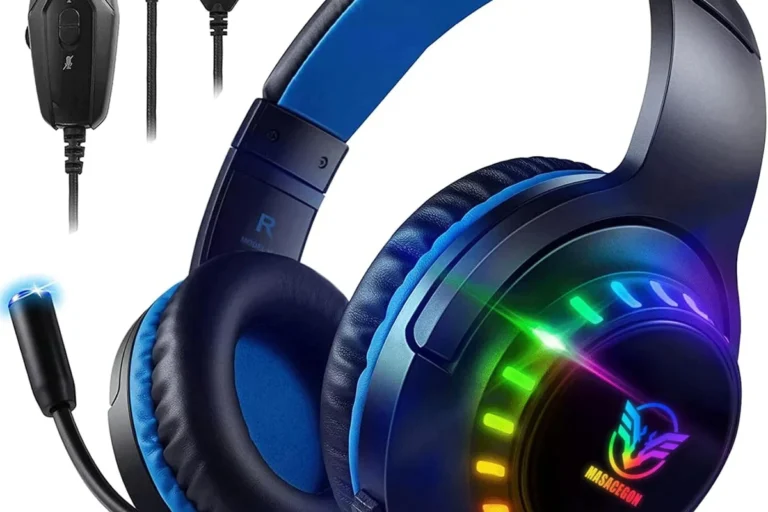
Best for RGB fans on a budget: BENGOO G9000
Best for simple calls and music: Sony MDREX15AP Earbuds
Best for travel and portability: NUBWO HG04L
Best for multiplayer chat clarity: AOC Wired Gaming Headset
HyperX Cloud III

This headset suits PS5 players who game for hours at a stretch and want dependable comfort plus a mic that holds up in group chat.
Pros
- Memory foam ear cushions and headband stay comfortable over long sessions
- Includes USB-C, USB-A, and 3.5mm connections for flexible setup
- Aluminum frame adds durability without much extra weight
Cons
- DTS Spatial Audio works best on PC, not through PS5’s native system
- On-ear controls are simple but offer no digital display
- Detachable cable adds one more part to keep track of
The Cloud III connects to PS5 through the controller’s 3.5mm jack or through USB on PC, giving flexibility across systems. Its angled 53mm drivers produce a balanced sound that handles footsteps and explosions clearly.
The upgraded 10mm microphone picks up voice chat with good clarity, and the LED mute indicator makes it obvious when the mic is off. Build quality feels solid thanks to the aluminum frame, and the memory foam cushions reduce ear fatigue during marathon sessions.
Razer BlackShark V2 X

Competitive players who want accurate footstep detection and clear callouts will find this headset a strong match for ranked play.
Pros
- TriForce Titanium drivers separate highs, mids, and lows for precise audio cues
- Lightweight design reduces strain during long ranked sessions
- Officially licensed for PlayStation with plug-and-play 3.5mm setup
Cons
- Passive noise isolation only, no active noise cancellation
- Volume wheel has no digital readout
- Bendable mic boom feels less sturdy than a rigid arm
The BlackShark V2 X plugs directly into the PS5 controller’s 3.5mm jack, so setup takes seconds. Its tuned driver design separates frequency bands, which helps players pick out enemy footsteps against background noise.
The HyperClear cardioid mic focuses on the player’s voice and cuts down on room noise, a real advantage in squad chat. At under half a pound, it stays comfortable through extended ranked sessions without pressing hard on the ears.
Turtle Beach Atlas 200
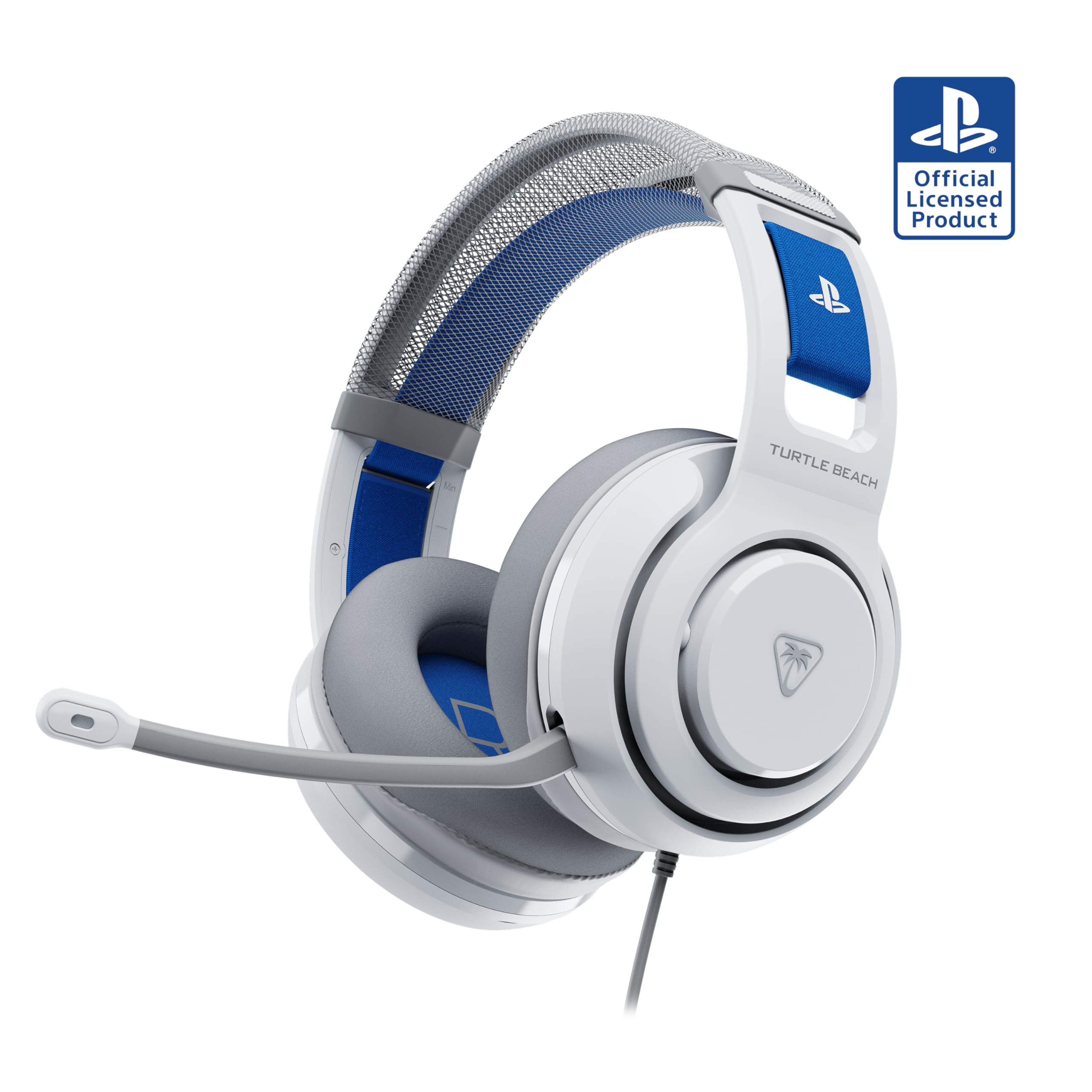
Players who wear glasses and want a PlayStation-licensed headset built for Tempest 3D AudioTech should look at the Atlas 200 first.
Pros
- ProSpecs dual-foam cushions reduce pressure for glasses wearers
- Officially licensed for PlayStation with Tempest 3D AudioTech support
- Floating headband adjusts automatically to head shape
Cons
- Rotary volume control feels less precise than a slider
- Newer release means less long-term durability history
- No USB option, 3.5mm only
The Atlas 200 was built with PlayStation 5 in mind, and its 50mm Nanoclear drivers work with Tempest 3D AudioTech once enabled in the console’s audio settings. Sound comes through clearly with good separation between dialogue and effects.
At around 280 grams, it stays light for long play. The ProSpecs cushions genuinely help reduce the pinch some glasses wearers feel with over-ear headsets, and the flip-to-mute mic keeps chat control simple.
Turtle Beach Recon 50
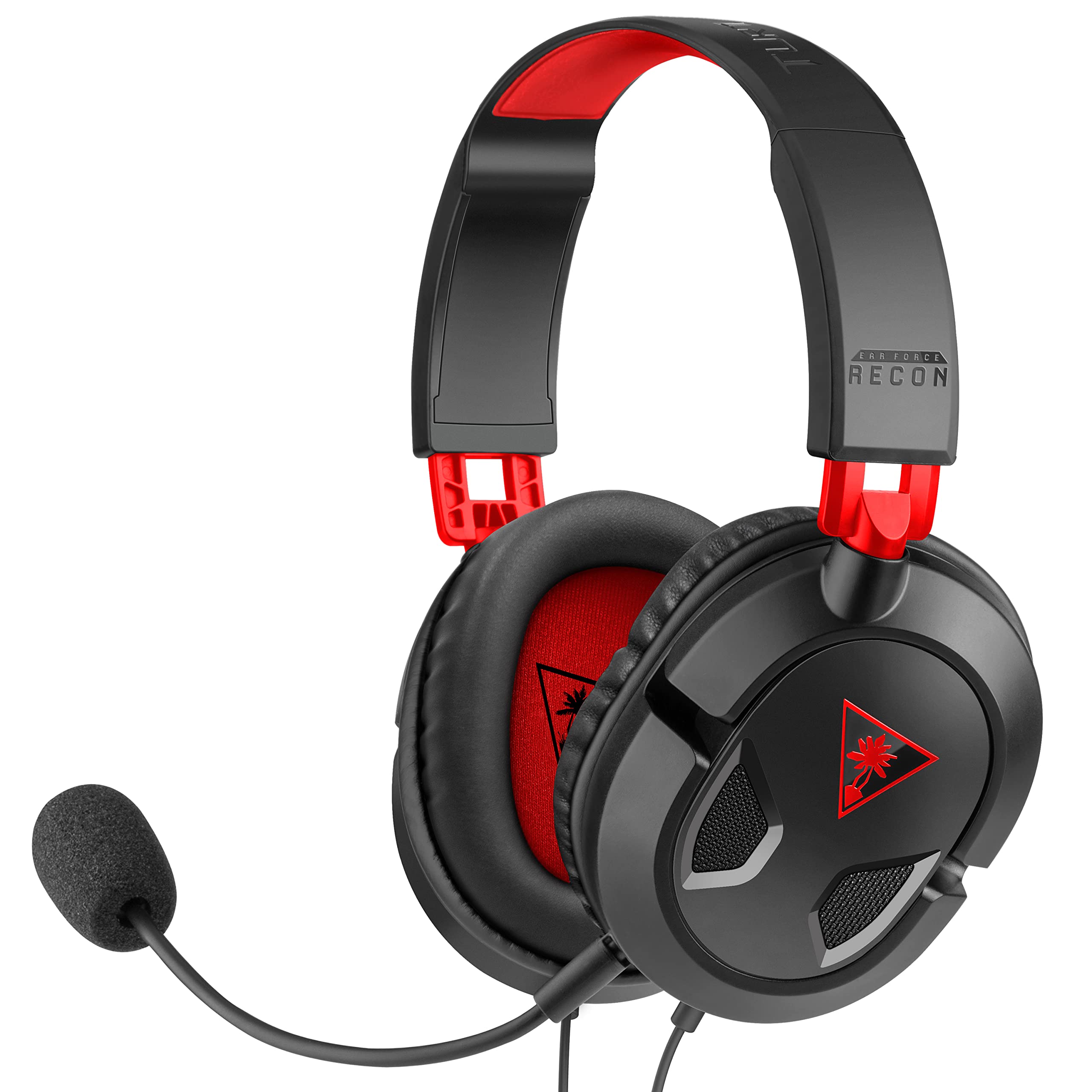
Budget-focused PS5 owners who want a dependable headset without extra features will get solid value from the Recon 50.
Pros
- Low price point with in-line volume and mute controls
- Removable mic works well for both gaming and media
- Compatible across PC, Xbox, PS5, and mobile devices
Cons
- Smaller ear cups may feel tight on larger heads
- No memory foam padding, just standard cushions
- 40mm drivers offer decent but unremarkable sound depth
The Recon 50 keeps things simple: plug the 3.5mm jack into the DualSense controller and start playing. Its 40mm speakers deliver clear mids and enough bass for most game genres, though it won’t match pricier headsets in depth.
Best Wired PS5 Headsets 2026
The mic detaches easily for switching between gaming and music listening. Build quality has held up well across years of use for many buyers, making it a reliable pick for kids, backup use, or anyone testing out PC gaming audio for the first time.
Sony INZONE H3

Players who want a headset designed by Sony specifically for PS5’s spatial audio system should consider the INZONE H3.
Pros
- Personalized 360 Spatial Sound tunes audio to the user’s ear shape
- Flip-to-mute mic is Discord certified for clear chat
- Nylon ear pads and soft headband suit extended wear
Cons
- Bass response is lighter than some competing headsets
- Mic durability issues have been reported by some owners
- No active noise cancellation despite the spec listing ANC
The INZONE H3 connects over 3.5mm and pairs naturally with PS5’s audio processing since Sony designed both. The personalization app scans a photo of the ear to adjust the spatial sound profile, a feature few competitors offer.
Comfort holds up well for a few hours before some users notice head pressure. The flip-to-mute mic works cleanly for Discord and party chat, though a handful of buyers have reported mic reliability problems after months of use.
Logitech G335

Shoppers who want one lightweight headset that moves easily between PS5, Switch, and PC will appreciate the G335’s flexibility.
Pros
- Weighs only 240 grams thanks to a suspension headband design
- Discord certified for reliable voice chat quality
- Reversible, washable headband offers a customizable look
Cons
- On-ear fit may feel snug for users with larger ears
- No noise cancellation, so background sound leaks through
- Sound clarity trails premium headsets at louder volumes
The G335 uses a simple 3.5mm connection that works across PS5, Xbox, Switch, and PC without any adapters. Its suspension headband spreads weight evenly, which helps during long sessions where clamping pressure usually becomes an issue.
Sound from the 40mm drivers is clear enough for most games and voice chat, even if it doesn’t have the punch of costlier options. The flip-to-mute mic and volume roller sit right on the ear cup, making quick adjustments easy mid-match.
BENGOO G9000
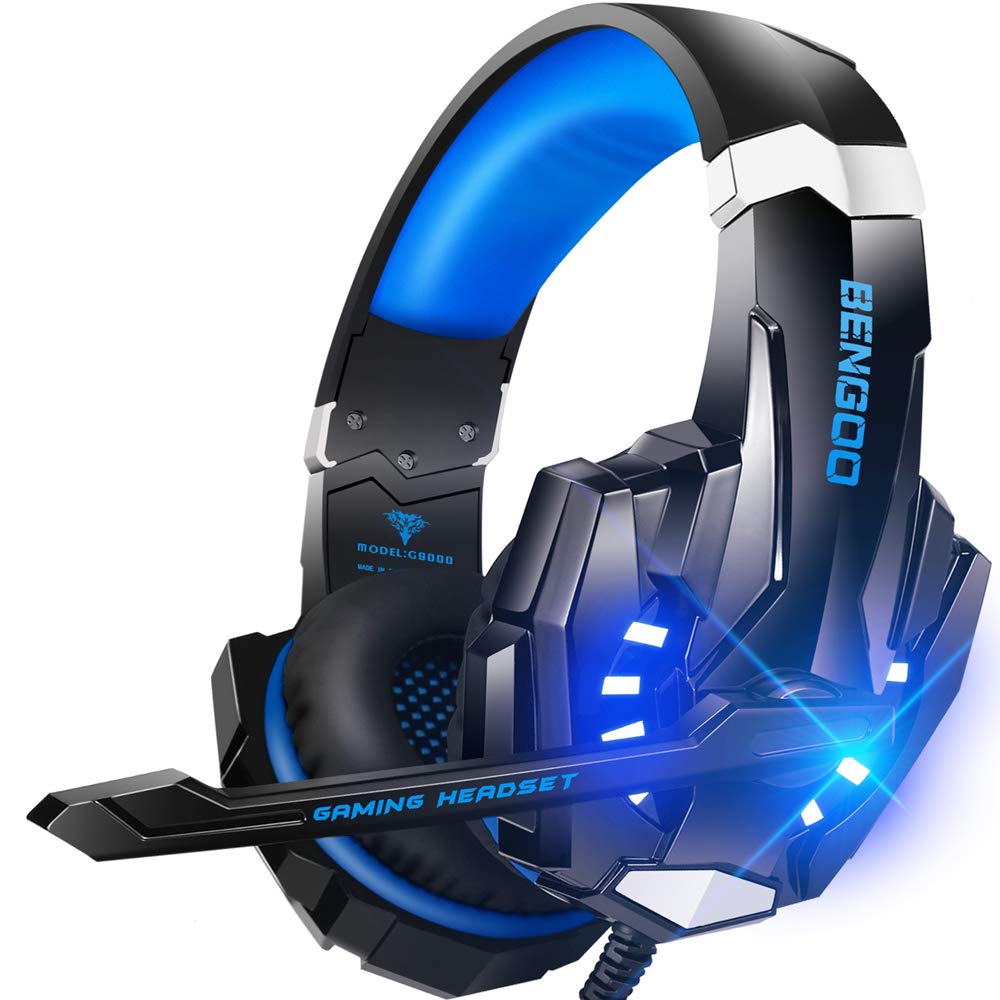
Casual gamers on a tight budget who want LED flair and decent sound will find the G9000 an easy entry point.
Pros
- Very low price for a full over-ear gaming headset
- LED lighting adds a visual touch for setups that want it
- Comes with adapters for older Xbox controllers
Cons
- “7.1 surround sound” claim is a marketing label, not true multichannel audio
- Build materials feel less durable than pricier competitors
- Cable can tangle without careful storage
The G9000 plugs into the PS5 controller’s 3.5mm jack and works right away. Its 40mm drivers produce enough clarity for casual play, though the advertised 7.1 surround feature is a processing effect rather than genuine multichannel hardware.
Comfort is reasonable for shorter sessions, with faux leather ear pads that can warm up over time. The noise-isolating mic performs adequately for casual chat, making this a fair pick for players who just want a working headset without spending much.
Sony MDREX15AP Earbuds

These in-ear buds suit players who want a compact, low-cost option for party chat and music rather than a full gaming headset.
Pros
- Small, portable design fits in a pocket
- Hybrid silicone tips come in three sizes for a snug fit
- Inline mic and remote work for calls and playback control
Cons
- No gaming-specific features like flip-to-mute or spatial audio
- Sound isolation is weaker than over-ear headsets
- Cable and driver housing feel fragile over time
The MDREX15AP connects through the controller’s 3.5mm jack and works fine for basic party chat, though it lacks the mic quality and comfort features built into dedicated gaming headsets. This is a budget option for listening to music or taking calls, not a primary competitive gaming headset.
Sound from the 9mm drivers leans toward bass-forward, which suits casual listening more than precise footstep tracking. Buyers looking for a simple backup pair or an everyday earbud for non-gaming use will get the most value here.
NUBWO HG04L
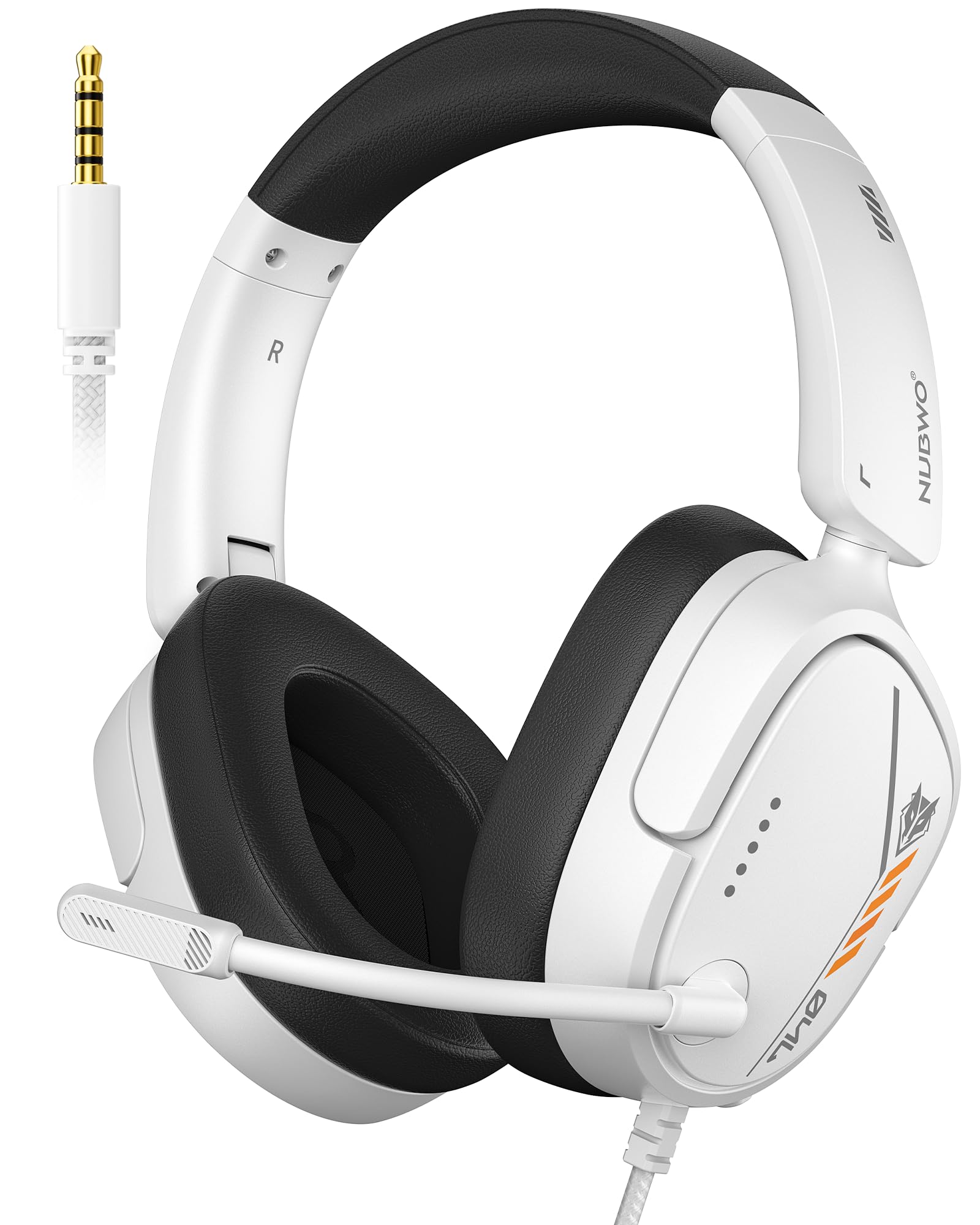
Players who travel often or want a foldable headset for switching between PS5 and Switch will like the HG04L’s compact design.
Pros
- Foldable earcups reduce size for travel by up to half
- Cardioid mic filters side and rear noise for clearer chat
- Weighs only 250 grams for reduced neck strain
Cons
- Requires a splitter cable for PCs with separate audio and mic jacks
- Xbox controller use may need extra PC microphone setup
- Braided cable is fixed length, not extendable
The HG04L connects over 3.5mm and works with the PS5 controller without extra setup. Its cardioid mic locks onto the user’s voice within a 120-degree range, cutting down on background chatter during squad calls.
The foldable, rotatable earcups make this a practical pick for players who move between consoles or want a compact travel option. Memory foam padding and breathable leather keep it comfortable across sessions, and durability has held up well for most buyers over its first year of use.
AOC Wired Gaming Headset
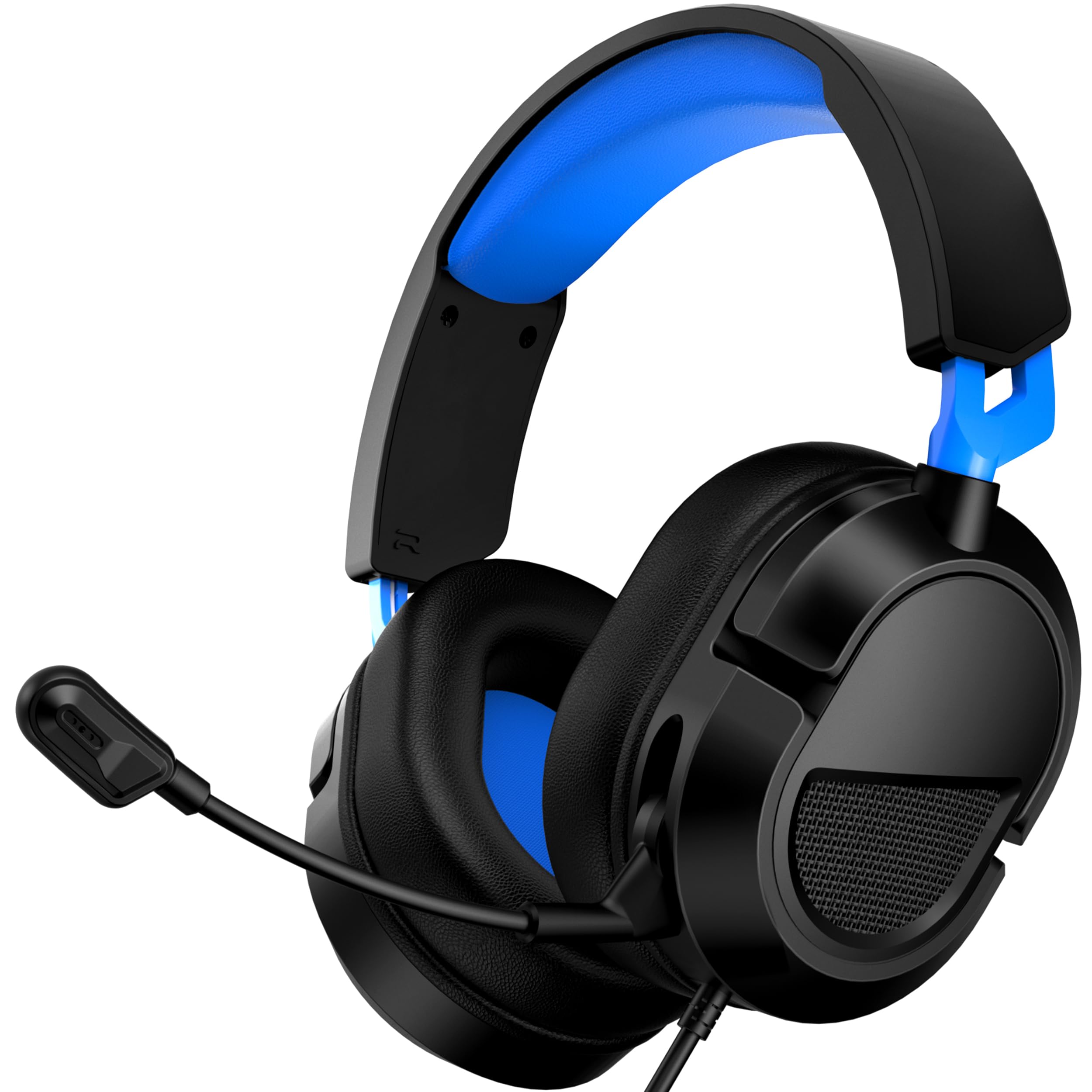
Players focused on clear squad and party chat will benefit from this headset’s noise-canceling boom mic and lightweight build.
Pros
- 360-degree noise-canceling mic filters steady background sounds
- Weighs just 207 grams for reduced fatigue over long sessions
- Simple 3.5mm plug-and-play setup with no lag
Cons
- On-ear fit may not suit players who prefer full over-ear coverage
- “3D spatial sound” claim depends on processing, not true multichannel hardware
- Limited long-term reviews compared to more established brands
The AOC headset connects over 3.5mm and works immediately with the PS5 controller. Its 40mm drivers deliver clear mids and decent bass, while the flexible mic boom filters out steady background noise like fans or AC units, a real plus for group chat.
At 207 grams, it stays comfortable through longer sessions with minimal neck strain. Build quality feels solid for the price, with a reinforced headband designed to resist snapping under regular use.
Buying Guide
Check the PS5 connection type first
PS5 supports two wired paths, and they aren’t interchangeable in every case. The controller’s 3.5mm jack works with any standard wired headset, while USB connections plug straight into the console and sometimes bypass the controller entirely. Confirm which type a headset uses before buying, especially if a model advertises a USB dongle or digital cable as its primary connection.
Understand what “spatial audio” really means
PS5’s Tempest 3D AudioTech processes positional sound through the console itself, and it works with most wired stereo headsets once turned on in the audio settings. Headset brands sometimes label their own tuning as “3D audio” or “surround sound,” but this doesn’t always mean true multichannel hardware. Treat these labels as marketing descriptions rather than proof of better positional accuracy.
| Feature Claim | What It Usually Means |
|---|---|
| Tempest 3D AudioTech | Native PS5 spatial processing, works with most stereo headsets |
| “7.1 Surround Sound” (stereo headset) | Software-processed effect, not physical multichannel drivers |
| Personalized Spatial Audio | Ear-shape based tuning through a companion app |
Prioritize comfort for long sessions
Weight, clamping force, and cushion material affect comfort more than driver size. Memory foam ear cushions and a padded headband reduce pressure during multi-hour sessions. Players who wear glasses should look for cushions designed with extra room around the temples.
Look closely at microphone quality and mute controls
A clear microphone matters for squad chat and voice commands. Cardioid or noise-canceling mics focus on the user’s voice and reduce background pickup. Flip-to-mute or a dedicated mute button offers faster control during matches than reaching for a software setting.
Confirm cross-platform compatibility
Many wired headsets work across PS5, Xbox, PC, Switch, and mobile devices through a standard 3.5mm jack. Buyers who game across multiple systems should choose a headset without console-exclusive features that only work on one platform.
Compare cable length and control placement
In-line controls and cable length affect daily convenience. A short cable limits movement away from the console, while in-line volume and mute controls save time compared with adjusting settings through a menu.