How to Work JBL Headphones Easy Setup and Use Guide

To work JBL headphones, charge them, put them in pairing mode, and connect them through your device’s Bluetooth settings. After that, use the buttons or JBL app to manage volume, playback, sound modes, and battery checks.
If you want to learn how to work JBL headphones quickly, the key is to understand the controls, Bluetooth pairing, and app settings first. Once those basics are clear, most JBL wireless models become very easy to use for calls, music, travel, and everyday listening.
- Start with pairing: Charge first, then connect through Bluetooth settings.
- Learn the controls: Buttons and touch actions vary by JBL model.
- Use the app: EQ, ANC, and battery tools often live there.
- Watch volume levels: Keep listening safe during long sessions.
How to Work JBL Headphones: What This Guide Covers for First-Time and Everyday Users
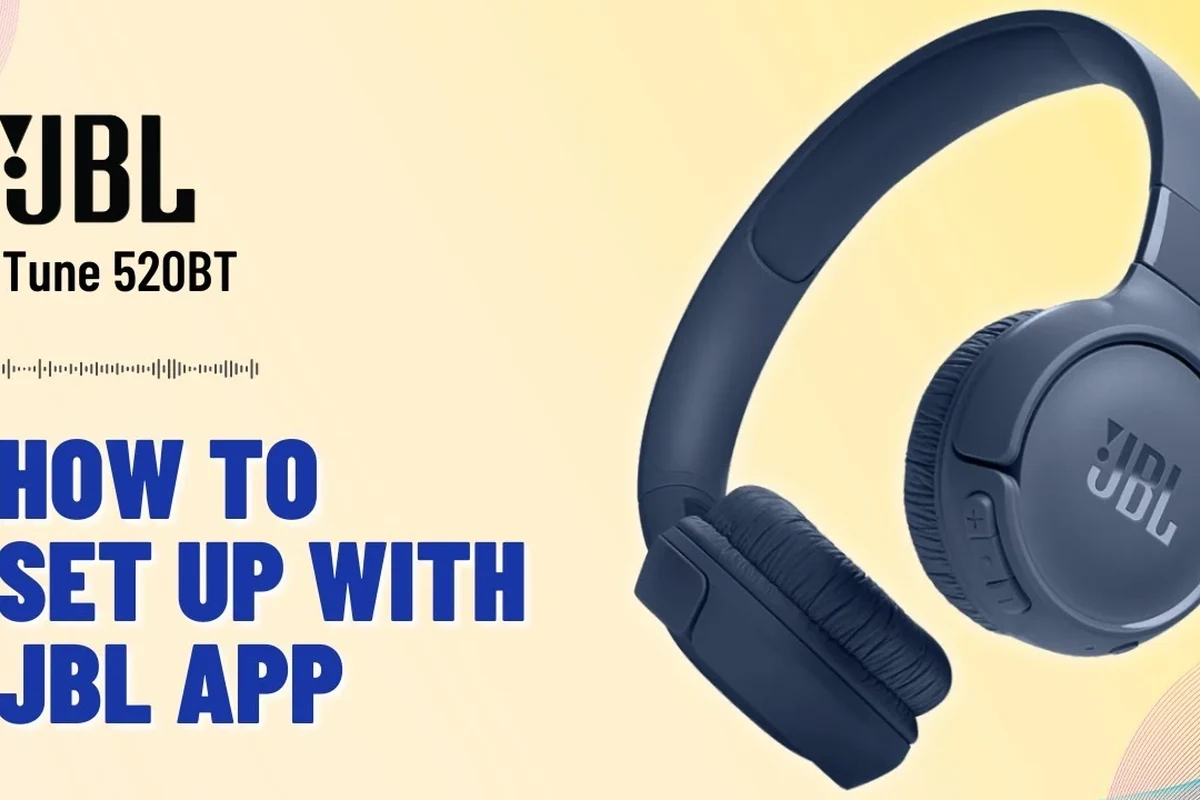
JBL headphones are usually designed with simple controls, but the exact layout changes by model. That means the fastest way to get comfortable is to learn the common functions first: power, pairing, volume, playback, charging, and app features.
This guide is written for beginners and everyday users who want a practical setup path, not a technical deep dive. If you are comparing wireless models or figuring out whether a headset fits your routine, you may also find our guide to wired and wireless headphones useful for understanding the trade-offs.
JBL Headphone Basics: Button Layout, Touch Controls, and App Features
Most JBL headphones use a mix of physical buttons, multi-function buttons, and sometimes touch controls depending on the model. The controls can look different on over-ear, on-ear, and true wireless products, but the logic is usually the same.
Physical controls on popular JBL wireless models
On many JBL wireless headphones, you will find a power button, volume up and down buttons, a play/pause button, and sometimes a dedicated ANC or voice assistant button. Some models combine functions, so one button may handle play, pause, answer calls, and activate pairing depending on how long you press it.
That is why it helps to check the quick-start guide that comes with your specific model. If the buttons feel confusing at first, start with the basics: short press for playback, long press for power or pairing, and volume buttons for level changes.
When a button does more than one job, timing matters. A short press, long press, and double press can each trigger a different function.
When JBL Headphones app settings matter more than the buttons
The JBL Headphones app can matter more than the buttons when you want to adjust EQ, switch noise control modes, or customize how the headphones behave. On some models, the app also shows battery status, firmware updates, and button remapping options.
If your headphones sound too bass-heavy, too bright, or not loud enough for your taste, the app is often the best place to start. For a broader look at tuning, our article on EQ settings for headphones can help you understand why small changes can make a big difference.
App features vary by JBL model. Some headphones offer full customization, while others only support basic controls and battery information.
Easy JBL Headphone Setup: Pairing, Charging, and First-Time Connection
Before pairing, charge the headphones enough to avoid interruptions during setup. A low battery can cause connection problems, unstable Bluetooth behavior, or a device that powers off before it finishes pairing.
For first-time use, turn the headphones on, enter pairing mode, and then open the Bluetooth menu on your phone or computer. If you need a deeper Bluetooth overview, our Bluetooth headphones explained guide covers the basics in plain language.
Bluetooth pairing on iPhone, Android, Windows, and Mac
On iPhone and Android, open Bluetooth settings, find your JBL headphones in the list, and tap to connect. On Windows and Mac, go to the Bluetooth menu, search for new devices, and select the headphones when they appear.
If the headphones do not show up, make sure they are in pairing mode and not already connected to another device nearby. Some JBL models reconnect automatically to the last device, so turning Bluetooth off on that device can help during setup.
Give the headphones enough battery before pairing so setup does not fail mid-process.
Use the model’s pairing method, usually a long press on the power or Bluetooth button.
Select the JBL device from your phone, tablet, or computer list.
How to confirm battery status and avoid setup issues
Battery status may appear through voice prompts, LED indicators, or the JBL app depending on the model. If the headphones keep disconnecting, a low battery is one of the first things to check.
Also confirm that your source device supports Bluetooth and is not already connected to too many accessories. If pairing keeps failing, a reset may help, and our how to reset Bluetooth headphones guide explains the general process many users follow.
If a JBL headphone model supports multiple devices, switching between them can sometimes cause confusion during setup. Disconnect old devices before troubleshooting a new connection.
How to Use JBL Headphones for Calls, Music, and Everyday Listening
Once your JBL headphones are connected, the everyday controls are usually straightforward. Most users spend their time adjusting volume, pausing tracks, answering calls, and switching between listening modes.
If you are using them on a computer, especially Windows, device selection matters too. That is why it can help to know how to choose the right audio output, and our Windows 11 headphone selection guide may be useful if the sound is going to the wrong device.
Adjusting volume, skipping tracks, and activating voice assistants
Volume controls are usually handled by dedicated buttons or touch gestures. Track skipping often uses a double press or a long press, while voice assistants may be triggered by a separate button or a press-and-hold action.
For calls, the same controls often let you answer, end, or reject a call. If your model supports hands-free voice features, check the app or manual so you do not accidentally activate them when you only meant to skip a song.
Using JBL headphones for meetings, commuting, workouts, and travel
For meetings, comfort and microphone clarity matter more than bass. For commuting and travel, noise cancelling or passive isolation can make listening easier in loud environments, while workouts usually call for a secure fit and sweat resistance.
Over-ear JBL headphones often feel best for long sessions, while smaller wireless models can be more convenient for movement. If you want to compare fit styles more broadly, our article on types of headphones explained is a helpful starting point.
Many listening complaints are not caused by the headphones themselves, but by the wrong device profile, low battery, or an accidental mode change.
Best JBL Sound Settings for Better Audio Performance
JBL headphones often sound good out of the box, but small adjustments can make them better for your ears and your content. The best settings depend on whether you listen to bass-heavy music, spoken-word podcasts, or video calls.
Sound preferences are personal, so there is no single “best” setting for everyone. Still, a balanced starting point is usually better than pushing bass or treble too far.
Using EQ presets, bass boost, and ANC/transparency modes
EQ presets can help shape the sound without making things complicated. If your JBL app offers bass boost, use it carefully, because too much bass can blur vocals and reduce clarity in podcasts or meetings.
ANC can reduce background noise on some models, while transparency mode can let in more outside sound when you need awareness. If you want a deeper explanation of how these features differ, our guide to how noise cancelling headphones work is a good companion read.
Practical examples for music, podcasts, and video calls
For music, a mild bass lift can be enjoyable if you like pop, hip-hop, or electronic tracks. For podcasts, a flatter EQ usually improves speech clarity and reduces fatigue over longer listening sessions.
For video calls, clarity matters more than impact, so a neutral or voice-focused setting is usually the safest choice. If your audio sounds muddy, our why headphones sound muffled article can help you troubleshoot common causes.
Common Mistakes When Learning How to Work JBL Headphones
Most JBL headphone problems are not serious. They usually come from pairing mistakes, low battery, wrong app settings, or expecting one button to do too many jobs at once.
Pairing problems, low battery confusion, and accidental button presses
Pairing problems often happen when the headphones are already connected to another device or are not fully in pairing mode. Low battery can also look like a connection issue because the headphones may power off, disconnect, or stop responding.
Accidental button presses are common on portable headphones, especially if you put them in a bag without locking the controls. If your model supports touch controls, be extra careful when handling the earcups or earbuds.
Overlooking firmware updates, app permissions, and device compatibility
Firmware updates can improve stability, fix bugs, or refine app features, so it is worth checking the JBL app occasionally. App permissions also matter, especially on phones that restrict Bluetooth, location, or notification access.
Compatibility is another common issue. A headphone may connect just fine, but certain features like EQ, multipoint, or ANC controls may not work the same way on every device.
If your headphones keep cutting out, sound distorted, or fail to pair across multiple devices, consult the product support page or a qualified audio specialist before assuming the unit is defective.
Expert Advice: What to Avoid to Protect Battery Life and Sound Quality
Good headphone habits can help your JBL headphones last longer and stay comfortable to use. Battery care, storage, and safe listening habits all play a role in everyday performance.
Warning signs of overcharging, poor storage, and unsafe volume habits
Modern headphones usually include charging protection, but it is still smart to avoid leaving them plugged in unnecessarily for long periods. Heat, cramped storage, and repeated bending can also wear down cables, ports, and padding over time.
For sound quality, avoid listening at very high volumes for long sessions. If you notice ringing, fatigue, or pressure after listening, lower the volume and consider safe listening guidance or advice from an audiologist.
Listening at high volumes for long periods can cause hearing damage. Keep volume at 60% or below for extended sessions.
JBL Headphones Price vs. Features: Which Models Offer the Easiest Everyday Use?
JBL headphones are sold across a wide range of price points, and the easiest models to use are not always the most expensive. Entry-level options may be simple and practical, while mid-range and premium models usually add more controls, app features, and noise management.
If you are deciding what matters most, think about setup speed, battery life, comfort, and whether you want ANC or app customization. A higher price may bring convenience, but it does not automatically guarantee a better fit for your routine.
Entry-level vs. mid-range vs. premium JBL options for simple control and setup
Entry-level JBL headphones are often best for users who want basic Bluetooth listening without too many settings. Mid-range models can be a sweet spot for people who want better sound control, more comfort, and more reliable app support.
Premium JBL models may be easier to live with if you want more advanced features like stronger noise cancellation, better battery management, or richer app customization. Still, the right choice depends on your use case, and not every feature is useful for every listener.
| Model Type | Best For | Ease of Use |
|---|---|---|
| Entry-level JBL | Basic listening and simple pairing | Very easy |
| Mid-range JBL | Balanced daily use and app control | Easy |
| Premium JBL | Advanced features and longer sessions | Easy once configured |
Final Recap: The Fastest Way to Learn How to Work JBL Headphones Confidently
The fastest way to learn how to work JBL headphones is to master the basics first: charging, pairing, playback, and battery checks. After that, the JBL app becomes the best place to fine-tune sound, ANC, and other model-specific features.
If you keep the controls simple, avoid low-battery setup attempts, and use safe volume levels, JBL headphones are generally easy to live with day to day. For readers who want to compare listening styles more broadly, our guide to Bluetooth vs wired headphones sound quality can help with the next step.
Frequently Asked Questions
Wireless JBL headphones are more convenient for commuting, calls, and travel because they remove the cable. Wired headphones can still be better if you want a simple plug-in setup or never want to charge a battery.
Noise cancelling is usually more helpful in noisy places like buses, trains, and offices. It may not matter as much in quiet rooms, and performance can vary by model and fit.
Over-ear models usually feel best for long listening sessions, while in-ear models are more portable. On-ear styles sit between the two, but comfort depends on head shape, ear size, and padding.
Look at comfort, EQ options, bass balance, clarity, and whether the headphones support the features you need. Driver type and frequency response can matter, but real-world tuning and fit often matter just as much.
For commuting, prioritize ANC, battery life, and portability. For gaming or studio-style listening, check latency, mic quality, wired support, and whether the sound profile is clear rather than overly bass-heavy.
Check weight, ear cushion material, headband padding, battery life, and build quality. For long sessions, a lighter fit and softer padding can matter more than extra features.