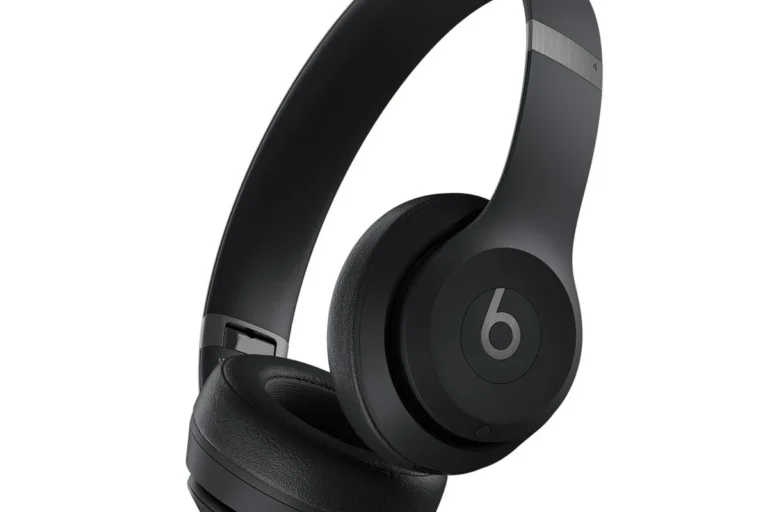
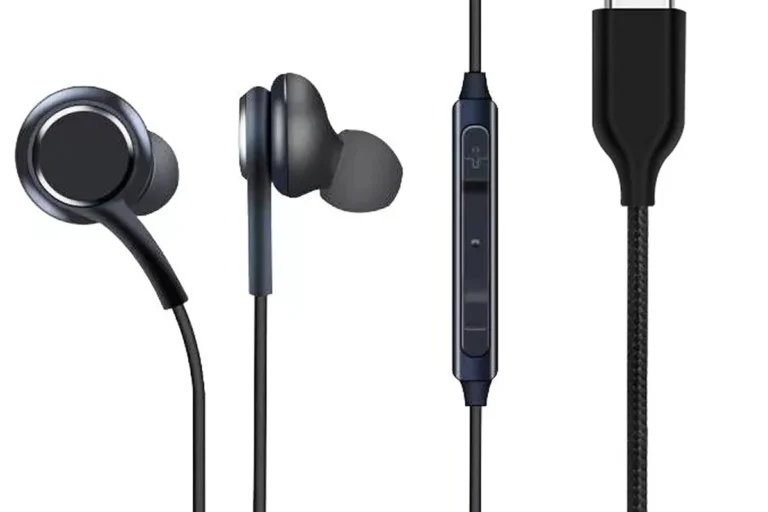
Will Apple Headphones Work with Android Devices Today

Yes, Apple headphones usually work with Android for basic listening and calls, especially over Bluetooth. You just won’t get every Apple-only feature, and wired models may need the right adapter.
If you’re asking will Apple headphones work with Android, the short answer is yes in most cases. AirPods, Apple EarPods, and many Beats models can connect to Android phones and tablets, but you usually lose some of the Apple-only features.
- Bluetooth works: AirPods and many Beats models pair with Android normally.
- Features are limited: Siri, auto-switching, and Apple battery pop-ups usually do not transfer.
- Wired models vary: EarPods need the right jack, USB-C, or adapter setup.
- Beats often fit better: They tend to be the most Android-friendly Apple-owned option.
Will Apple Headphones Work with Android Devices in 2025?
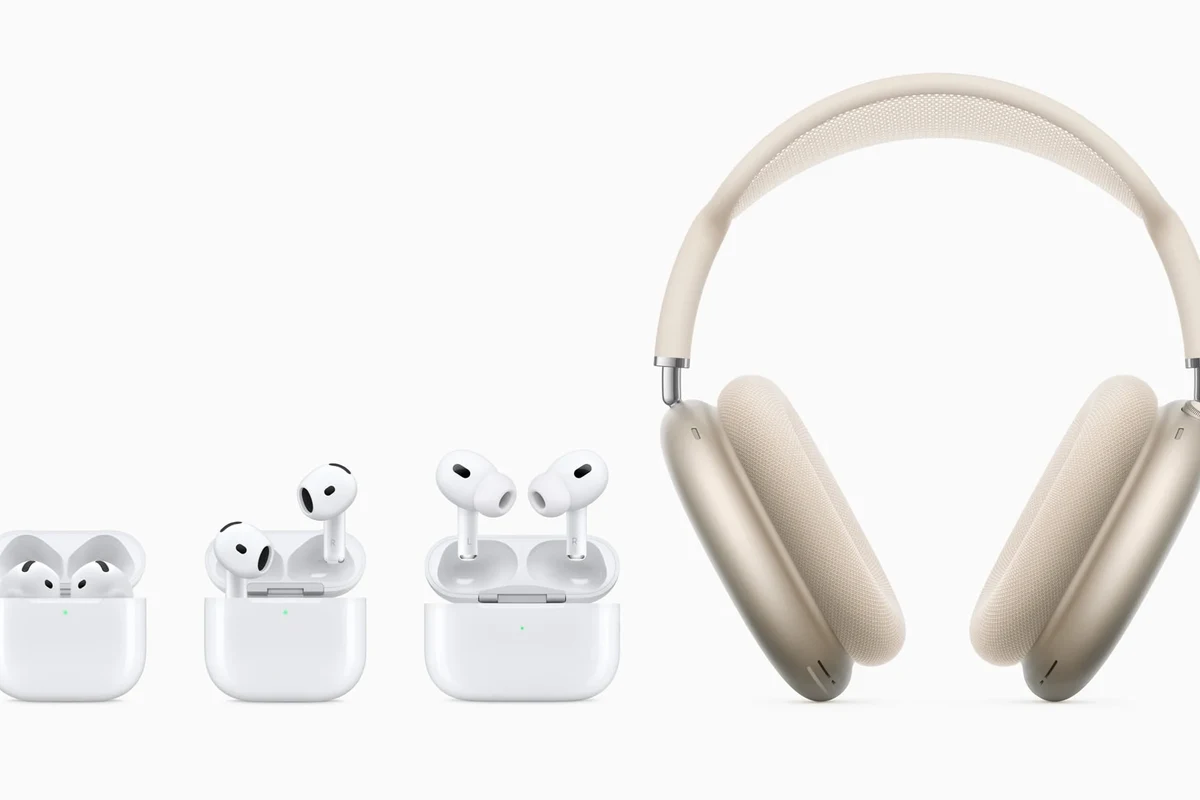
In 2025, Apple headphones are still broadly compatible with Android as long as the connection type matches the device. Bluetooth models like AirPods and many Beats headphones can pair with Android phones, while wired Apple headphones depend on the port, cable, or adapter you use.
The important thing is to separate “works” from “works fully.” Basic audio playback is often fine, but advanced features such as automatic device switching, Siri, battery pop-ups, and some customization tools are usually limited outside the Apple ecosystem.
Compatibility can vary by model, phone brand, Android version, and even the app you use for music or calls.
What “Apple Headphones” Means: AirPods, EarPods, and Beats Compatibility
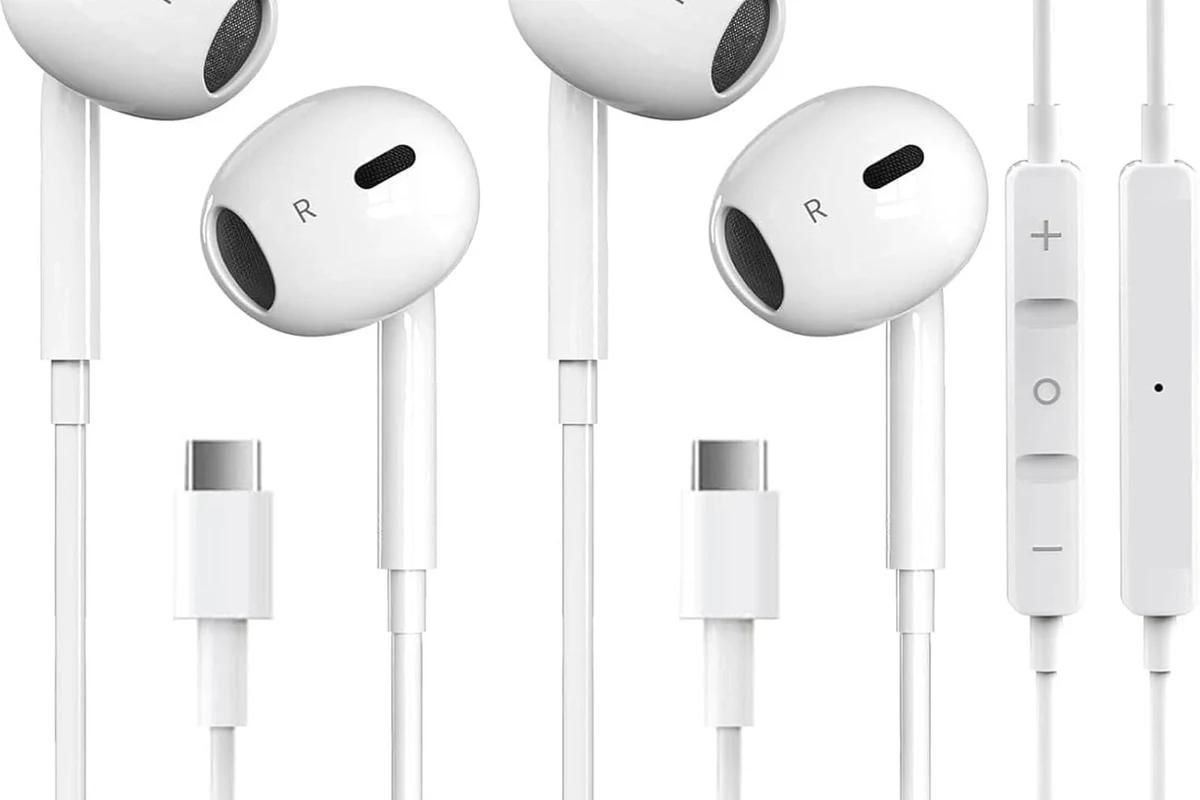
People often use “Apple headphones” to mean several different products, and they do not all behave the same on Android. AirPods are wireless earbuds, EarPods are Apple’s wired earbuds, and Beats headphones are Apple-owned but usually more Android-friendly than AirPods.
AirPods with Android phones and tablets
AirPods can work with Android through standard Bluetooth pairing. You can listen to music, take calls, and use basic playback controls, but you won’t get the full Apple experience without an iPhone.
That means features like automatic ear detection, easy battery status on iOS, and seamless switching between Apple devices are either missing or reduced on Android. Some Android apps may help show battery levels or improve control, but results vary.
AirPods are just Bluetooth headphones at the core, so Android can use the basic audio connection even if Apple’s special features are unavailable.
Wired Apple EarPods with USB-C, Lightning, and 3.5mm devices
Wired EarPods are more complicated because the connector matters. A 3.5mm EarPods model can work with Android phones that still have a headphone jack, while USB-C or Lightning versions may need the right adapter or may not be ideal for every phone.
If your Android phone has USB-C audio support, a USB-C EarPods setup may work, but not every adapter or dongle behaves the same. Mic support, button controls, and sound quality can all depend on the accessory and the phone’s software.
Beats headphones and why they often work better on Android
Beats headphones are often the easiest Apple-owned option for Android users. Many Beats models use Bluetooth well on both platforms, and some are designed with broader compatibility in mind.
They still may not offer the same Apple ecosystem extras on Android, but the day-to-day experience can be smoother than with AirPods. If you want a wireless Apple-family product for Android, Beats is often the safer starting point.
How Apple Headphones Connect to Android: Bluetooth, Wired, and Adapter Options
Apple headphones usually connect to Android in one of three ways: Bluetooth, a direct wired connection, or an adapter. The best option depends on your phone’s ports and how much convenience you want.
If you are still comparing wireless and wired setups in general, it can help to read about wired vs wireless headphones before you buy. The connection type affects sound, latency, and everyday ease of use.
Bluetooth pairing steps and what to expect
Bluetooth is the most common way to use AirPods and Beats with Android. You usually open your phone’s Bluetooth menu, put the headphones in pairing mode, and select them from the available devices list.
Once connected, the headphones should work for media, calls, and most apps. If you want a simple refresher on the process, our guide on how to connect Bluetooth headphones covers the basics that apply to most models.
Put the headphones into Bluetooth pairing mode using the case, button, or touch controls.
Open Bluetooth settings on your phone and tap the headphone name when it appears.
Using Lightning-to-USB-C or 3.5mm adapters
Adapters can help, but they are not always a perfect fix. A Lightning-to-USB-C or USB-C-to-3.5mm adapter may allow audio playback, but the quality of the adapter matters a lot.
Some adapters pass sound and microphone input cleanly, while others may not support the inline remote, may reduce volume, or may introduce noise. If you are trying to solve a connection issue, a quality adapter is usually better than a cheap no-name replacement.
When adapters cause sound or mic issues
Adapter problems often show up as weak microphone pickup, one-sided controls, low volume, or a headset that works for audio but not calls. This is especially common when the adapter is not fully compatible with the phone or headphone model.
If your sound becomes muffled or uneven after adding an adapter, the problem may be the accessory rather than the headphones themselves. In those cases, a different adapter or a native USB-C headphone may be the better choice.
Do not assume every adapter will preserve full mic and remote functionality. Small accessory differences can change call quality and button behavior.
What Features Work on Android and What Features You Lose
Apple headphones can still be useful on Android because the essentials usually work. The tradeoff is that the deeper Apple integration is what you give up first.
Basic audio playback, calls, and media controls
Most Android users can expect music, podcasts, YouTube, and phone calls to work normally over Bluetooth. Pause, play, and track skipping often work too, although exact button behavior depends on the model.
For many people, that is enough. If you mainly want reliable everyday listening, Apple headphones can still do the job well on Android.
Missing Apple-only features like Siri, automatic switching, and seamless battery pop-ups
Without an iPhone, you usually lose Siri integration, automatic switching between Apple devices, and the polished battery alerts that Apple users see. You may also miss some setup convenience and firmware-related features.
This is why AirPods can feel less magical on Android than they do on an iPhone. They still function, but the experience becomes more generic Bluetooth and less Apple ecosystem.
Model-specific extras that may still work through Android apps
Some third-party Android apps can restore limited features such as battery monitoring or control customization for certain models. These apps are not universal, and they do not always work the same way across phones.
If you are interested in sound tuning, Android’s built-in EQ or a music app EQ can sometimes help more than headphone-specific extras. For broader tuning ideas, see our guide to best EQ settings for headphones.
If your Apple headphones sound too bright or too bass-heavy on Android, try the phone’s EQ before blaming the headphones.
Real-World Use Cases: Best and Worst Android Pairings
In real life, the best pairing depends on what you do most often. A phone that handles Bluetooth well can make Apple headphones feel very close to native support, while weaker Bluetooth implementation can expose every limitation.
Best results with Samsung, Google Pixel, and other Bluetooth-friendly phones
Many modern Samsung and Google Pixel phones handle Bluetooth accessories smoothly, so AirPods and Beats usually pair without much hassle. That makes them a sensible option for people who already own Apple headphones and want to use them on Android.
These phones often provide a stable connection for listening, calls, and video apps, which matters more than brand loyalty in day-to-day use. For more background on Bluetooth behavior, our Bluetooth headphones explained article is a useful companion read.
Where compatibility problems show up: mic quality, latency, and touch controls
Problems are most likely to show up in the microphone, not the speakers. Call quality can sound fine to you but less clear to the person on the other end, depending on the environment and the headset model.
Latency can also matter for videos and gaming, especially if your phone or app does not handle Bluetooth timing well. Touch controls may work, but they may not feel as consistent as they do on Apple devices.
Examples for commuting, gaming, workouts, and video calls
For commuting, Apple headphones can be a solid choice if you want easy wireless listening and decent noise reduction from the fit or ANC model. If you want to understand the difference between cancellation styles, our article on how noise cancelling headphones work is worth a look.
For gaming, latency can be the bigger issue, so Apple headphones are not always the best Android pick. For workouts, a secure fit matters more than ecosystem features, and for video calls, microphone consistency should be tested before you rely on them daily.
Common Mistakes People Make When Trying Apple Headphones on Android
Most compatibility complaints come from unrealistic expectations, not from a total lack of support. If you know the limits ahead of time, you can avoid disappointment.
Assuming all Apple headphones behave the same
AirPods, EarPods, and Beats are not interchangeable in how they work on Android. Wireless, wired, and adapter-based setups each have different strengths and weak points.
That is why one person may love their setup while another gets poor mic quality or missing controls. Always check the exact model and connector before buying.
Expecting full AirPods feature parity without an iPhone
AirPods are often marketed in ways that make them sound like plug-and-play for everything, but the full feature set is Apple-first. Android users should expect a more basic Bluetooth experience.
If you want a deeper look at Apple’s audio behavior versus other wireless options, our Lightning headphones vs Bluetooth guide can help explain where convenience and compatibility diverge.
Ignoring codec limits, firmware updates, and charging case differences
Bluetooth codec support can affect sound quality and latency, and not every Android phone supports the same options. Firmware updates may also be easier to manage through Apple devices, which can matter over time.
Charging case behavior is another small but important detail. Some features are tied to the Apple ecosystem, so the case may not feel as informative or interactive on Android.
Listening at high volumes for long periods can cause hearing damage. Keep volume at 60% or below for extended sessions.
Expert Advice: When Apple Headphones Are a Smart Buy for Android Users
Apple headphones can be a smart buy for Android users in a few situations, but they are rarely the most efficient choice if you are starting from scratch. The value depends on what you already own and how much you care about Apple-only features.
Best value scenarios versus better Android-native alternatives
If you already own AirPods or Beats, using them with Android can be perfectly reasonable. If you are buying new, though, Android-friendly earbuds and headphones often give you better feature access for the same money.
That is especially true if you want strong app support, better battery visibility, or deeper customization. In many cases, a well-matched Android headset will feel more complete than an Apple headset on Android.
Price comparison: Apple headphones vs. similarly priced Android-friendly options
Prices change often, so it is better to think in ranges than in exact numbers. At similar budgets, many Android-focused models offer better app control, codec support, or call features than AirPods do on Android.
If you are shopping by budget, compare feature lists carefully instead of assuming the Apple name guarantees the best fit. For broader buying advice, our best headphones under 100 guide can help you find alternatives worth considering.
Warning signs that another brand will be a better fit
If you need the best microphone quality for calls, low latency for gaming, or deep app customization, another brand may suit you better. The same goes for users who want the most stable Android integration without workarounds.
If you are unsure, think about your main use case first. Commuters, gamers, and office users often need different headphone features, which is why a general-purpose Apple option is not always the best answer.
Final Verdict: Should Android Users Buy Apple Headphones in 2025?
Yes, Apple headphones can work with Android in 2025, and for basic listening they often work just fine. The main limits are feature loss, possible adapter issues, and the fact that some models are simply more Android-friendly than others.
Quick recap of compatibility, limitations, and value
AirPods connect over Bluetooth and give you core audio, but not the full Apple experience. EarPods can work if the connector and adapter match, while Beats often offer the smoothest Apple-family option for Android users.
If you want a broader understanding of headphone categories before choosing, our types of headphones explained article can help you match the style to your needs.
Who should buy, who should skip, and the best decision by budget
Buy Apple headphones if you already own them, find them at a good price, or mainly care about simple music and calls. Skip them if you want full-feature Android support, the best value per dollar, or the most consistent gaming and app control experience.
For most Android users, the best decision is to compare Apple headphones against Android-native alternatives before buying new. That approach usually gives you better compatibility, fewer surprises, and a more practical long-term setup.
Frequently Asked Questions
Yes, AirPods can connect to Android over Bluetooth for music, calls, and basic controls. You will miss many Apple-only features like Siri, seamless switching, and easy battery pop-ups.
Yes, but the connector matters. A 3.5mm model works with phones that have a headphone jack, while USB-C or Lightning versions may need the right adapter and may not support every function equally.
Not automatically. Sound quality depends more on the specific model, codec support, tuning, and fit than on whether the brand is Apple or Android-focused.
Check Bluetooth stability, latency, microphone quality, battery life, comfort, and whether the headphones support your phone’s connection type. For gaming, low lag matters more, while commuting often benefits from noise cancellation and a secure fit.
Yes, the fit and comfort can change how they sound and how long you can wear them. In-ear models usually isolate better, while over-ear headphones often feel more comfortable for long sessions.
Try your phone’s EQ settings, make sure the ear tips or cushions fit properly, and keep the volume at a safe level. If comfort or sound still feels off, the headphone design may not suit your ears or use case.