How to Pair Headphones to PS5 Fast and Easy

The easiest way to pair headphones to PS5 is usually a wired 3.5mm connection or a PS5-compatible USB wireless dongle. Standard Bluetooth headphones may need an adapter, and PS5 sound settings should always be checked after connecting.
If you want to know how to pair headphones to PS5, the fastest path depends on the type of headset you own. In most cases, wired 3.5mm headphones, USB wireless dongles, and PS5-compatible wireless headsets are the easiest options.
- Fastest setup: Use the controller jack or a USB wireless transmitter.
- Bluetooth limits: Not every Bluetooth headphone connects directly to PS5.
- Best settings: Confirm output device, mic input, and volume levels.
- Gaming performance: Lower latency matters most for competitive play.
How to Pair Headphones to PS5: What Gamers Need to Know in 2025
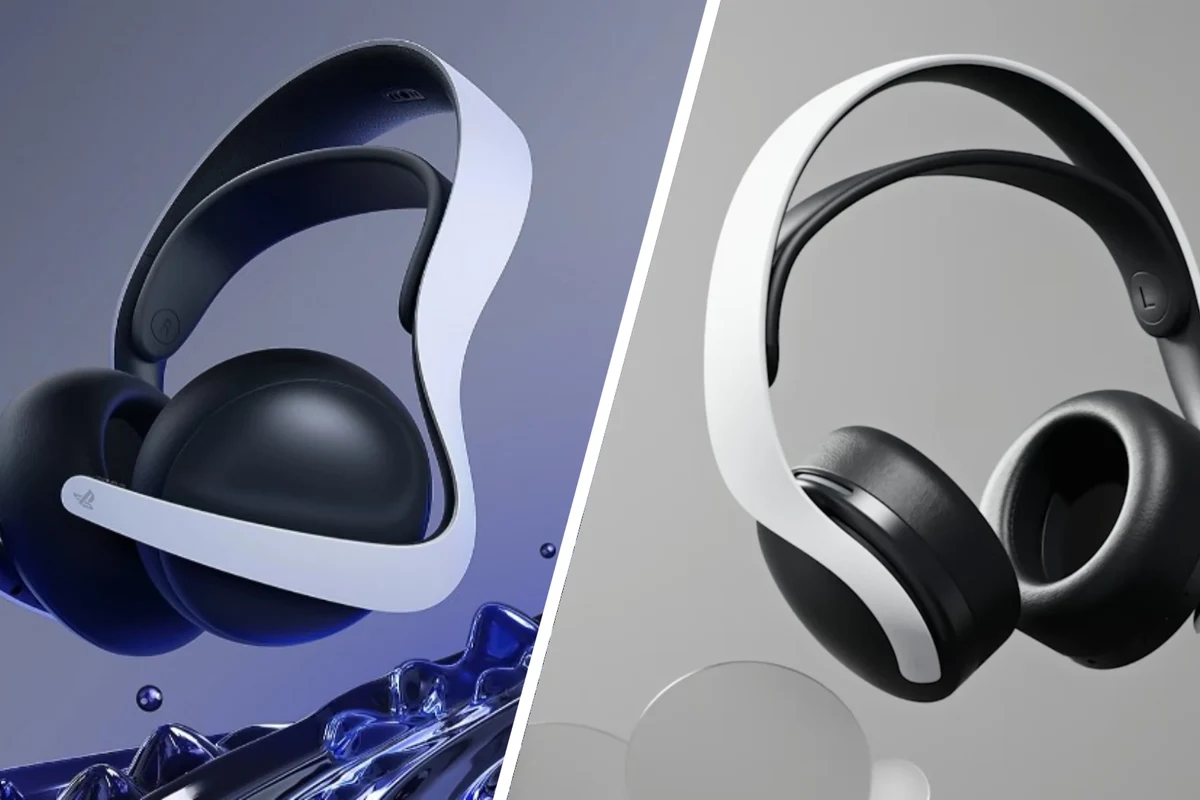
The PS5 is flexible, but it is not equally friendly to every headphone type. Some headphones connect instantly, while others need a USB transmitter or a wired fallback through the DualSense controller.
That is why it helps to understand the connection method before you start. If you use Bluetooth headphones, for example, the PS5’s support is more limited than many people expect, which is why pairing can feel confusing at first.
Compatibility can vary by headphone model, firmware, and whether the headset is designed for console gaming or general Bluetooth use.
For readers comparing headset styles, our guide on types of headphones explained can help you match the right design to your gaming setup. It is especially useful if you are deciding between earbuds, over-ear headsets, or a more portable option.
PS5 Audio Connection Basics: Bluetooth, USB Dongles, and 3.5mm Wired Options
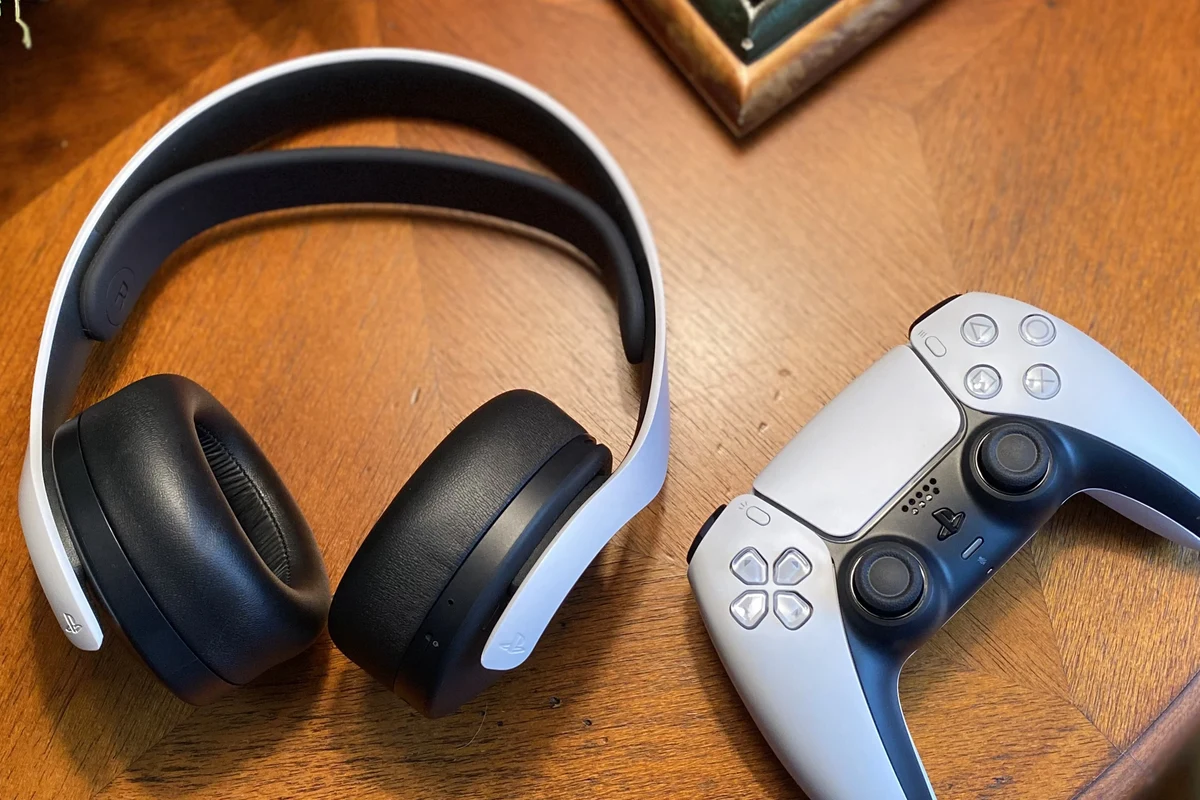
Before pairing anything, it helps to know the three main ways headphones can work with a PS5. Each method has different advantages for sound quality, latency, and ease of setup.
Wired headphones connect directly to the DualSense controller’s 3.5mm jack. USB wireless headsets use a transmitter or dongle that plugs into the console, while Bluetooth headphones may require a separate adapter because the PS5 does not handle all Bluetooth audio devices the same way.
Which headphone types work best with PS5?
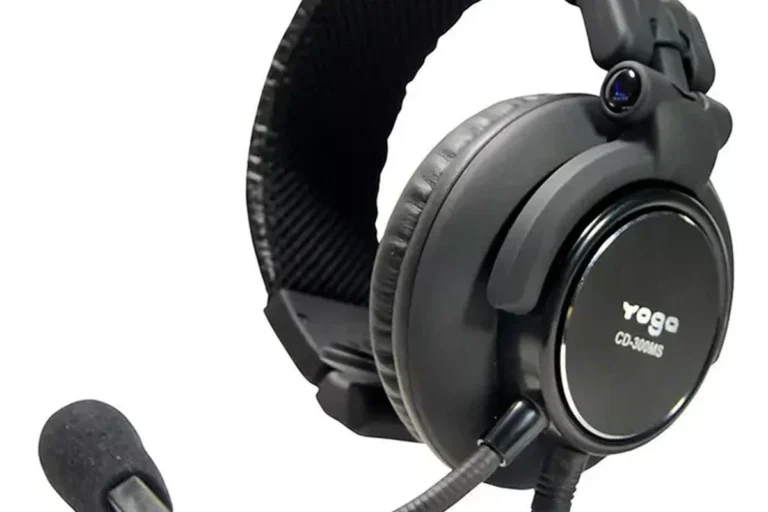
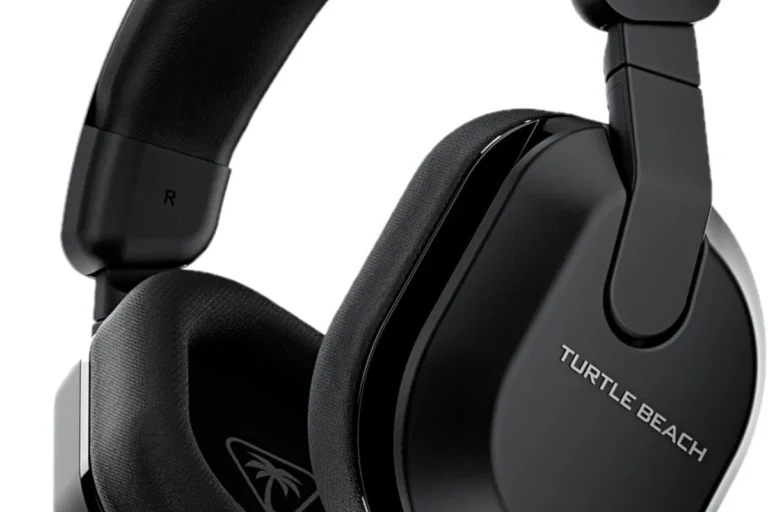
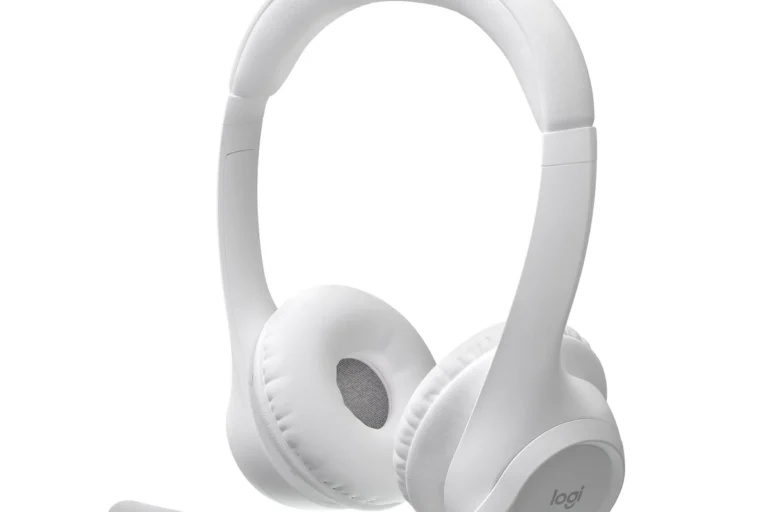
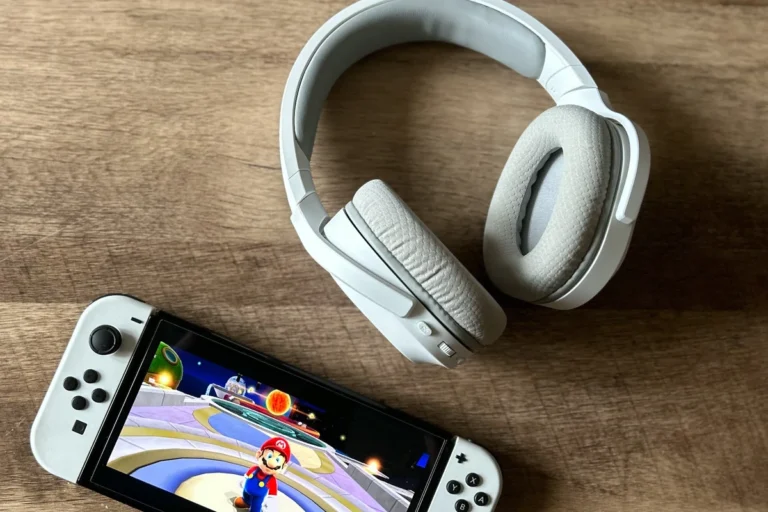
In general, PS5-friendly wireless headsets and wired headphones are the simplest choices. Wired models are plug-and-play, while gaming headsets with a USB dongle often offer low-latency audio and a built-in microphone.
Over-ear headsets are usually the most comfortable for long sessions, but in-ear monitors and earbuds can also work well if you prefer something lighter. Open-back headphones can sound spacious, but they may leak sound and are less ideal if you need isolation.
Many gaming headsets are not “more powerful” than regular headphones; they are often just easier to connect to consoles and include a mic that works right away.
Why some Bluetooth headphones need a USB adapter
The PS5 does not support every Bluetooth headphone directly, especially standard consumer models designed for phones and laptops. If your headphones are not recognized, a USB Bluetooth transmitter or a console-compatible wireless dongle may solve the problem.
That extra adapter can also improve reliability, because it gives the PS5 a purpose-built audio path instead of relying on generic Bluetooth behavior. For more background on Bluetooth behavior in general, see our guide to Bluetooth headphones explained simply.
Not every Bluetooth adapter is equally compatible with PS5. Check the adapter and headset documentation before buying, especially if you want microphone support too.
Step-by-Step: How to Pair Wireless Headphones to PS5 Fast and Easy
If you are using wireless headphones, the setup is usually straightforward once you know the correct connection path. The key is to pair the headset through the method it was designed for, not just the method that seems easiest.
Pairing through a USB wireless transmitter
USB wireless transmitters are often the simplest route for gaming headsets. Plug the dongle into the PS5, power on the headset, and wait for the transmitter and headset to connect automatically.
Plug the wireless transmitter into one of the PS5’s USB ports.
Power on the headphones and put them into pairing mode if needed.
Let the headset and dongle sync automatically before opening a game.
If the headset has a companion app or a mode switch, make sure it is set to console or USB wireless mode. That small detail is often the difference between instant pairing and a device that never shows up.
Connecting via the DualSense controller headphone jack
Wired headphones are still the easiest way to get sound on PS5. Just plug the 3.5mm cable into the DualSense controller, and the console should route audio through the headset automatically.
This method is ideal for players who want simple setup, no charging, and no wireless latency. It is also a good fallback if your wireless headset runs out of battery during a long session.
If your wired headset sounds quiet, check the inline volume controls on the cable and the PS5 output volume before assuming the headphones are weak.
Using PS5 audio settings to confirm the connection
After connecting, open the PS5 sound settings to confirm that the correct output device is selected. This is especially important if you have both a TV and headphones connected at the same time.
Go to the sound menu, choose the headset or controller output, and test the volume. If your headset includes a microphone, also check that the input device is set correctly so party chat works as expected.
For players who also use a PC or laptop headset, our guide on wired headphones on MacBook can be helpful when comparing how simple wired audio can be across devices.
Best Settings to Optimize Headphone Sound on PS5
Pairing is only half the job. The right PS5 settings can improve clarity, chat balance, and overall comfort during long gaming sessions.
Adjusting output device and microphone input
First, confirm that the PS5 is sending audio to the correct output device. If sound is still coming from the TV, switch the output to the headset or controller connection in the sound settings.
Then verify the microphone input if you plan to use party chat. A headset can play game audio perfectly and still fail in chat if the mic source is set incorrectly.
- Headset is selected as the output device
- Microphone input matches the headset or controller
- Volume is high enough for normal play, but not excessive
Choosing 3D Audio settings for supported headsets
The PS5 supports 3D Audio for compatible setups, and many gamers like it for better directionality in shooters and adventure games. It can help footsteps, effects, and environmental cues feel more precise.
That said, not every headset or ear shape responds the same way. Some players prefer the added spatial effect, while others find a more traditional stereo presentation clearer for music-heavy games.
Balancing game chat, party chat, and overall volume
Many PS5 headsets let you balance game sound against chat volume. If teammates sound too quiet or the game is drowning out voice chat, adjust the mix before changing headset hardware.
Also, keep the master volume at a comfortable level. It is easy to turn things up during action scenes, but long sessions at high volume can be tiring and unsafe.
Listening at high volumes for long periods can cause hearing damage. Keep volume at 60% or below for extended sessions.
Common Pairing Problems and How to Fix Them Quickly
Most PS5 headphone issues are simple setup problems, not broken hardware. A few quick checks usually solve the issue without needing a replacement.
Headphones not showing up on PS5
If the headset does not appear, start with the basics: check power, battery, and pairing mode. For USB models, unplug the dongle and reconnect it to another port.
If you are using standard Bluetooth headphones, remember that the PS5 may not support them directly. In that case, a console-compatible adapter or a different connection method may be necessary.
Audio delay, dropouts, or low volume issues
Audio delay is more common with generic Bluetooth setups than with wired or dongle-based gaming headsets. If you notice lag, try moving closer to the console or switching to a lower-latency connection.
Dropouts can happen if the transmitter is blocked by furniture or other wireless devices. Low volume may be caused by headset controls, PS5 volume settings, or a partially inserted cable.
If you are troubleshooting wireless lag in general, our article on Bluetooth headphone lag fix covers common causes in a simple way.
Controller jack and dongle connection mistakes
With wired headphones, the most common mistake is not pushing the 3.5mm plug in all the way. A loose connection can cause one side to cut out or make the audio sound thin.
With dongles, the mistake is often using the wrong USB mode or assuming the headset will pair automatically without first putting it into the correct wireless mode. When in doubt, restart the headset, unplug the dongle, and try again.
Expert Advice: When Bluetooth Isn’t the Best Choice for PS5
Bluetooth is convenient, but it is not always the best gaming choice. For fast-paced games, connection stability and latency matter more than convenience.
Latency concerns for competitive gaming
In competitive play, even a small delay between action and sound can be distracting. That is why many gamers prefer wired headphones or licensed wireless headsets with a dedicated transmitter.
For single-player games, a little delay may not bother you. But if you play shooters, rhythm games, or online team titles, lower latency is usually worth prioritizing.
Why licensed wireless headsets often outperform generic Bluetooth models
Headsets designed for PS5 or console gaming are usually built for easier pairing, more stable audio, and better mic support. They often use a USB dongle instead of relying on standard Bluetooth alone.
That does not make them automatically better for everyone, but it does make them more predictable. If you want fewer setup headaches, licensed wireless headsets tend to be the safer buy.
If you have persistent ringing, ear pain, or trouble hearing dialogue even at normal volume, consider speaking with an audiologist. Hearing comfort is just as important as sound quality for long-term gaming.
Cost Comparison: Budget Wired Headphones vs Mid-Range Wireless vs Premium PS5 Headsets
Price matters, but so does convenience. The best choice depends on whether you want the lowest cost, the fewest cables, or the most polished gaming features.
What you get at each price level in 2025
Budget wired headphones usually offer the easiest setup and no charging concerns. Mid-range wireless models often add better convenience, a microphone, and a USB dongle for easier PS5 pairing.
Premium PS5 headsets may include stronger build quality, better comfort, more refined sound tuning, and extra features such as chat controls or companion software. Actual performance and pricing can vary by brand and model.
Best value features to look for before buying
If you are shopping for PS5 headphones, look for comfort, a reliable connection method, and a microphone that fits your chat needs. Battery life matters for wireless models, while cable quality matters for wired ones.
Also pay attention to ear cushion material, headset weight, and whether the headset is closed-back or open-back. These details affect comfort, isolation, and how much outside noise you hear during play.
- Wired models are simple and reliable
- USB wireless headsets reduce latency
- Premium models may improve comfort and chat control
- Bluetooth can be inconsistent on PS5
- Wireless models need charging
- Higher price does not always mean better sound
Final Recap: The Fastest Way to Pair Headphones to PS5 Without Hassle
The fastest way to pair headphones to PS5 is usually either a wired 3.5mm connection through the DualSense controller or a PS5-compatible USB wireless transmitter. Those two options are usually more reliable than trying to use standard Bluetooth headphones directly.
If you want the least trouble, start with the connection type your headset was designed for, then confirm the PS5 audio and microphone settings. That simple approach solves most pairing issues and gives you better sound with fewer interruptions.
- Wired and USB dongle headsets are the easiest PS5 options.
- Standard Bluetooth headphones may need an adapter.
- Check output, mic input, and volume in PS5 settings.
- For competitive gaming, lower latency matters more than convenience.
Frequently Asked Questions
Wired headphones can offer a very stable connection and no pairing delay. Wireless headsets can still sound excellent, but quality depends on the model and connection type.
They can be helpful if you play in a noisy room because they reduce background sound. Just remember that active noise cancelling may affect comfort or sound preference for some players.
Closed-back headphones usually work better for gaming because they block more outside noise and keep sound from leaking out. Open-back models can sound more spacious, but they are less private and less isolating.
Look at connection type, comfort, microphone quality, and latency first. Sound tuning, driver type, and battery life also matter, but the best choice depends on your games and preferences.
Start with the PS5 volume and audio settings, then use any headset EQ if available. Small EQ changes usually work better than pushing bass too high, which can muddy dialogue.
Budget wired headphones are often the easiest value choice because they are simple, reliable, and do not need charging. If you want wireless convenience, look for a PS5-compatible headset with a USB dongle.