Can I Connect Bluetooth Headphones to Xbox One Easily

No, most Bluetooth headphones do not connect directly to Xbox One. The easiest alternatives are a wired headset through the controller or an Xbox Wireless headset made for the console.
If you’re asking “can i connect bluetooth headphones to xbox one,” the short answer is usually no, not directly. Xbox One does not support standard Bluetooth audio the way phones, tablets, and laptops do, so most Bluetooth headphones will not pair with the console in the normal way.
That does not mean you’re stuck with no wireless options. There are several practical ways to get audio on Xbox One, and the best choice depends on whether you want game sound only, voice chat, low latency, or the simplest setup possible.
- Direct pairing: Standard Bluetooth audio is not supported on Xbox One.
- Best simple option: Use a wired headset through the controller.
- Best wireless option: Choose an Xbox Wireless headset for fewer issues.
- Bluetooth workaround: TV or transmitter setups can work, but may add lag.
Can I Connect Bluetooth Headphones to Xbox One? The Short Answer and Why It Matters
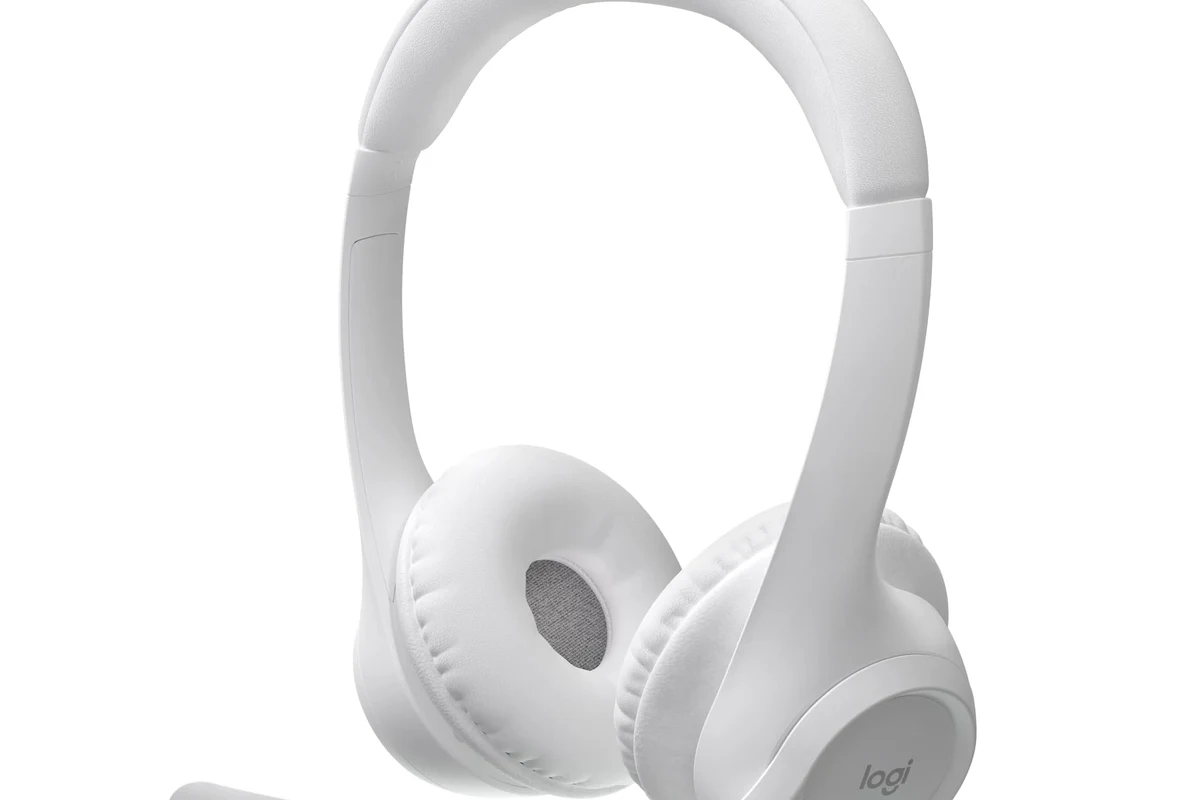
Most Bluetooth headphones cannot connect directly to an Xbox One for game audio. That is because Xbox One uses its own wireless ecosystem, not standard Bluetooth audio streaming.
This matters because many gamers buy a headset expecting the same easy pairing they get on a phone or laptop. On Xbox One, the connection method affects sound delay, microphone support, and whether party chat works correctly.
Why Xbox One Does Not Support Standard Bluetooth Audio
Xbox One was designed to work with Microsoft’s own wireless accessories and with headsets connected through the controller or TV setup. That keeps latency lower and voice chat more reliable than many basic Bluetooth setups.
Standard Bluetooth can introduce delay, and gaming is one place where delay is easy to notice. A small lag between action and sound can make footsteps, gunfire, and dialogue feel slightly out of sync.
How Xbox One wireless audio actually works
Xbox One supports audio through the controller’s 3.5mm headset jack, through compatible Xbox Wireless headsets, and through some USB or TV-based audio paths depending on the setup. The console is built around these methods rather than generic Bluetooth pairing.
If you want to learn the basics of Bluetooth headphone setup in general, our guide on how to connect Bluetooth headphones explains the usual pairing process on devices that do support it.
What this means for Bluetooth headphones and earbuds
In practice, your Bluetooth headphones may still work with Xbox One only if you route audio through another device, such as a TV, monitor, or Bluetooth transmitter. Even then, microphone support may be limited or unavailable.
Not every workaround supports both game audio and chat audio. Always check whether the method you choose can handle microphone input before you buy extra hardware.
Best Ways to Use Headphones with Xbox One in 2026
If your goal is the easiest and most reliable setup, wired headsets and Xbox-ready wireless headsets are still the safest choices. Bluetooth can work in some situations, but it is usually the least predictable option for gaming.
Wired connection through the Xbox controller
The simplest option is a wired headset with a 3.5mm plug connected directly to the Xbox controller. This usually gives you straightforward game audio and, with the right headset, voice chat support as well.
Wired headphones also avoid battery concerns and reduce the chance of lag. If you want a clearer comparison between wireless and wired listening, see our article on Bluetooth vs wired headphones sound quality.
Xbox Wireless Headsets made for Xbox One
Headsets built for Xbox Wireless are the most seamless wireless option for the console. These are designed to connect in the way Xbox expects, which usually means fewer pairing headaches and better gaming compatibility.
They are often the better pick if you want wireless freedom without relying on a TV workaround. For many players, that makes them easier to live with than a Bluetooth headset plus adapter combination.
Bluetooth transmitter adapters and TV-based workarounds
Bluetooth transmitter adapters can send audio from the controller, console, TV, or monitor to your headphones. This can be useful if you already own a good Bluetooth headset and want to keep using it.
TV-based workarounds are also common, especially for casual play or single-player gaming. Just remember that audio delay and microphone limitations can still happen depending on the TV, adapter, and headset model.
Compatibility varies a lot by adapter and headset model. A setup that works well for one person may still have lag, weak volume, or no mic support for another.
Step-by-Step Setup Options for Different Headphone Types
The right setup depends on whether you own wired headphones, an Xbox Wireless headset, or Bluetooth earbuds. Below are the most practical paths for each type.
Using a 3.5mm wired headset for game and chat audio
Plug the headset into the Xbox controller’s headphone jack. Then open the Xbox audio settings and make sure headset volume, chat mixer, and mic monitoring are set the way you want.
If the headset has an inline mic or boom mic, test party chat before you start playing. A quick test is the easiest way to confirm both listening and speaking work correctly.
Connect the headset securely to the controller, not to the console body.
Adjust game/chat balance and volume in the Xbox menu if needed.
Join a party chat or record a quick voice test to confirm the mic is active.
Pairing an Xbox Wireless headset correctly
Turn on the headset and put it into pairing mode according to the manufacturer’s instructions. Then use the Xbox pairing button on the console and follow the headset prompts until the connection is confirmed.
After pairing, check whether the headset is set as the default output device. If the sound is too low or chat is unbalanced, adjust the Xbox audio controls before assuming something is broken.
Many gaming headsets sound “bad” only because the chat mix or volume limit is set too low. A quick settings check can fix the issue without changing hardware.
Connecting Bluetooth headphones through a TV, monitor, or adapter
If your TV supports Bluetooth audio, you may be able to pair your headphones to the TV instead of the Xbox. The console sends video and sound to the display, and the TV handles the Bluetooth connection.
Another option is a Bluetooth transmitter connected to the TV, monitor, or controller audio output. This can work for casual gaming, but you should expect some delay unless the transmitter and headset are designed for low-latency use.
- Does the TV or adapter support low-latency audio?
- Will the setup carry microphone input for chat?
- Is the delay noticeable in fast-paced games?
Common Mistakes Gamers Make When Trying to Use Bluetooth on Xbox One
Most Bluetooth frustration comes from expecting Xbox One to behave like a phone or laptop. Once you understand the limits, it becomes much easier to choose the right setup.
Assuming any Bluetooth headset will pair directly
This is the biggest mistake. A headset may pair instantly with a smartphone and still fail completely with Xbox One because the console does not use standard Bluetooth audio support.
Before buying, check whether the headset is specifically designed for Xbox Wireless, wired controller use, or TV-based audio routing.
Overlooking audio delay and lip-sync issues
Bluetooth can introduce a small delay between the action on screen and the sound in your ears. That is especially noticeable in rhythm games, shooters, and fast competitive titles.
If you mainly play single-player games or watch movies, the delay may bother you less. But for competitive gaming, low-latency wired or Xbox Wireless options are usually the better choice.
Ignoring microphone and party chat limitations
Some Bluetooth headphones can play sound but cannot send mic audio back to the Xbox. That means you may hear the game but still not be able to talk in party chat.
Listening at high volumes for long periods can cause hearing damage. Keep volume at 60% or below for extended sessions.
What to Look for in a Better Xbox One Headphone Solution
If you are choosing between adapters, wired headsets, and Xbox-ready wireless models, focus on the features that affect gaming most. Sound quality matters, but connection stability and chat support matter just as much.
Latency, mic support, comfort, and battery life
Low latency is important if you want sound to match the action on screen. Mic support matters if you play party chat, co-op, or multiplayer games regularly.
Comfort is also a big deal because gaming sessions can run long. Look for ear cushions, headband pressure, weight, and battery life that fit your routine rather than the marketing copy alone.
- Wired and Xbox Wireless options are usually more reliable
- Better chat support for multiplayer gaming
- Less delay than many Bluetooth workarounds
- Bluetooth adapters can add lag
- Some setups lose microphone support
- Comfort and battery life vary by brand and model
Price comparison: budget adapters vs. Xbox-ready headsets
Budget Bluetooth adapters may look cheaper at first, but they can be a gamble if you care about lag or chat quality. A more expensive Xbox-ready headset may cost more upfront, but it often saves time and frustration.
If you are trying to compare different headphone styles before buying, our guide to types of headphones explained can help you narrow down the right fit for gaming and TV use.
Expert Advice: When Bluetooth Is Worth It and When It Is Not
Bluetooth can be worth it if you already own a good headset and only want casual audio for slower games, streaming, or TV-style listening. It is also useful when convenience matters more than perfect sync.
Best use cases for casual gaming, streaming, and TV listening
Bluetooth works best when you are not sensitive to a little delay and when microphone use is optional. That makes it a decent choice for story games, menus, or watching content through a display that supports Bluetooth audio.
It can also be a practical backup if you do not want to buy another headset right away. In that case, the goal is convenience, not the best possible gaming performance.
When to skip Bluetooth and choose a dedicated gaming headset
If you play multiplayer often, use party chat, or want the most consistent experience, skip Bluetooth and choose a wired or Xbox Wireless headset. The connection is usually simpler, and the audio behavior is more predictable.
If you have ongoing ear pain, tinnitus, or sensitivity to volume, speak with an audiologist or hearing professional before making long-session listening habits part of your routine.
For readers who want a broader explanation of Bluetooth behavior, our article on Bluetooth headphones explained covers the basics in a simple way.
Final Verdict: The Easiest Way to Get Audio on Xbox One Without Frustration
So, can i connect bluetooth headphones to xbox one? Not directly in the standard way most people expect, and that is why many gamers run into pairing problems right away.
The easiest path is usually a wired headset through the controller or an Xbox Wireless headset made for the console. If you already own Bluetooth headphones, a TV or transmitter workaround can help, but it is best for casual use rather than the most reliable gaming setup.
Frequently Asked Questions
Wired headphones are usually better for Xbox One because they are simpler and have less delay. Bluetooth can work through adapters or TVs, but results vary by headset and setup.
Yes, Xbox Wireless headsets are usually better for Xbox One because they are designed for the console. They often give you a more stable connection and fewer pairing issues than Bluetooth workarounds.
Open-back headphones can sound wider and more natural, but they leak sound and block less noise. Closed-back headphones are usually better for gaming in shared spaces because they isolate better.
Look at comfort, latency, mic support, and whether the headset fits your gaming style. Driver size, tuning, and EQ options can also affect bass, clarity, and soundstage, but performance varies by model.
Pick the simplest connection that supports your needs, usually wired or Xbox Wireless. Check build quality, ear cushion comfort, and whether the headset supports chat before focusing on extra features.
Lightweight over-ear headsets with soft cushions are usually the most comfortable for long sessions. If you are sensitive to volume or ear fatigue, keep listening levels moderate and take breaks.