Can You Connect Bluetooth Headphones to Smart TV Easily

Yes, you can often connect Bluetooth headphones to a smart TV, but support depends on the TV model and audio settings. If your TV does not support it directly, a Bluetooth transmitter or another external audio device is usually the easiest workaround.
If you’re wondering whether you can connect Bluetooth headphones to a smart TV, the short answer is usually yes—but not every TV supports it the same way. In many homes, the easiest setup depends on your TV’s built-in Bluetooth, your streaming device, or a simple external transmitter.
This guide from the Top Headphone Reviews Editorial Team breaks down how pairing works, what can go wrong, and what to buy if your TV needs help. If you also want a broader primer on wireless pairing, our guide on how to connect Bluetooth headphones can help you understand the basics before you start.
- Native support: Some smart TVs pair directly with Bluetooth headphones.
- Backup option: A Bluetooth transmitter works for many non-Bluetooth TVs.
- Best for gaming: Low-latency gear helps reduce lip-sync delay.
- Shared spaces: Headphones are great for late-night viewing and privacy.
Can You Connect Bluetooth Headphones to Smart TV in 2025? What Most Users Want to Know
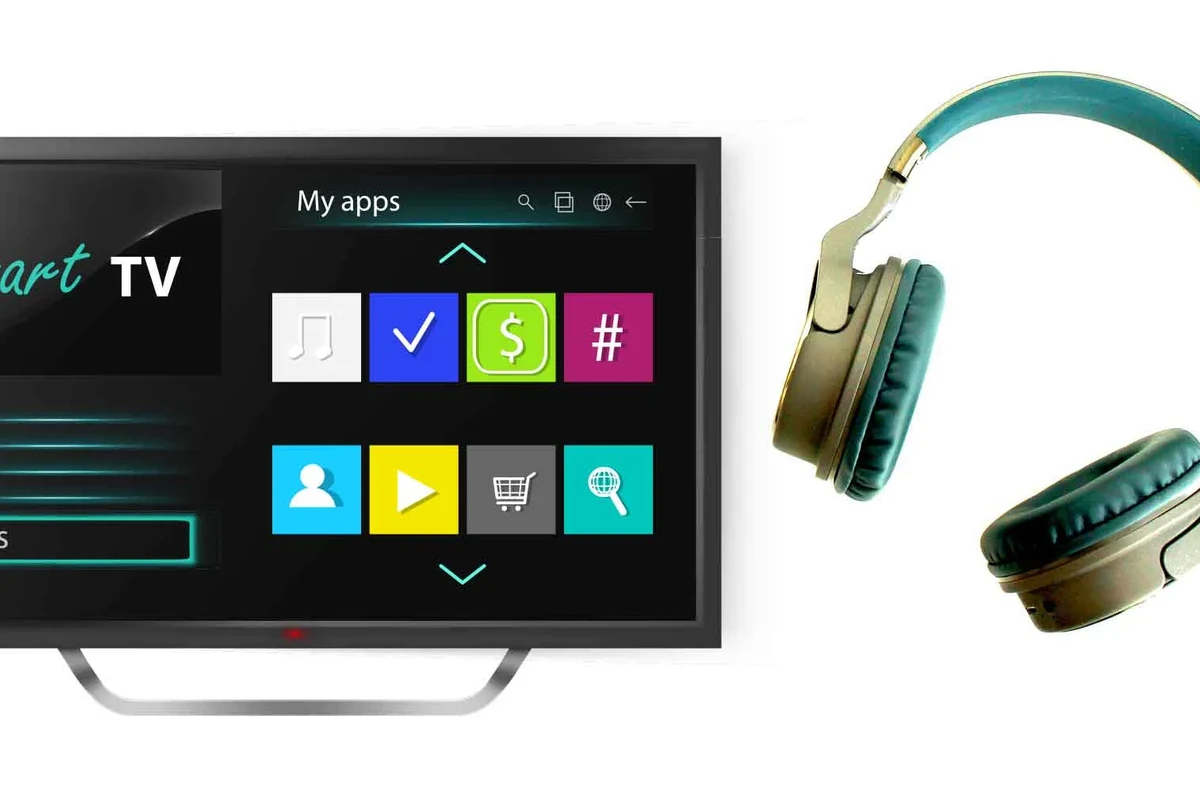
In 2025, many smart TVs include Bluetooth support, but that does not always mean they support Bluetooth headphones for audio output. Some TVs use Bluetooth mainly for remotes, keyboards, or accessories, while others allow full headphone pairing.
The real answer depends on the brand, model, and software menu. If your TV has an audio output option for Bluetooth headphones, you can usually pair them directly. If not, you may still be able to use a streaming box, game console, or Bluetooth transmitter to get the same result.
Bluetooth support can vary even within the same TV brand. Always check the TV’s sound settings, user manual, or support page before assuming headphones will work natively.
For readers comparing wireless options in general, our article on Bluetooth headphones explained simply is a useful companion read.
How Bluetooth Headphone Pairing Works on Smart TVs
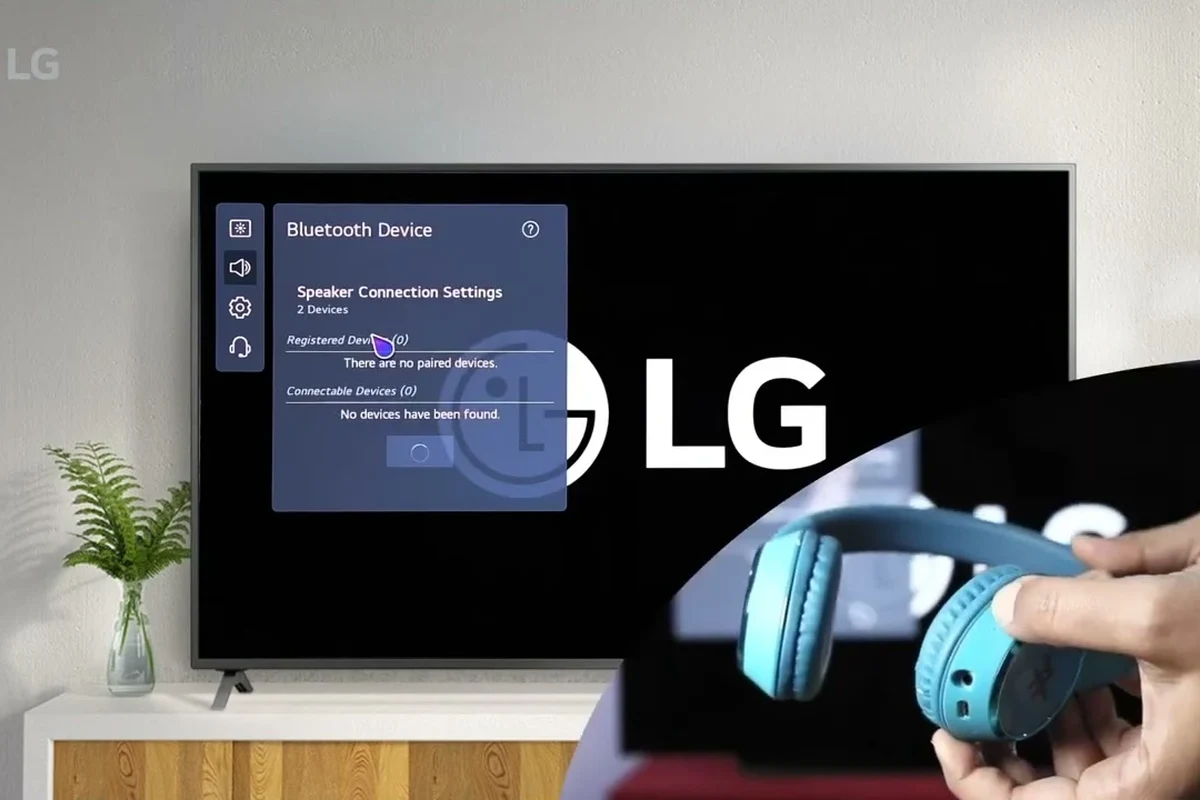
Bluetooth pairing is basically a handshake between the TV and the headphones. Once both devices are in pairing mode, the TV searches for nearby audio devices and creates a connection if they are compatible.
That sounds simple, but TV audio is a little more complicated than phone audio. A TV may still send sound through its speakers, a soundbar, or an HDMI audio device unless you manually switch the output to headphones.
Built-in Bluetooth vs. External Audio Support
Built-in Bluetooth means the TV itself can send audio wirelessly. That is the cleanest setup because you do not need extra hardware, and the connection is usually handled from the TV settings menu.
External audio support is different. Some TVs need help from a streaming device, console, or transmitter because the TV’s own Bluetooth menu does not support headphone audio, or it supports only certain accessories.
Why Some TVs Detect Headphones but Still Don’t Output Sound
This is a common frustration. A TV may show your headphones as connected, but sound still plays through the speakers or cuts out completely.
That usually happens because the TV is using Bluetooth for control functions, not audio. In some cases, the TV needs a manual audio output change, a firmware update, or a specific headphone mode to route sound correctly.
Some smart TVs disable speaker output automatically when Bluetooth headphones connect, while others let you keep both active. The behavior depends on the TV’s software design.
Step-by-Step Ways to Connect Bluetooth Headphones to a Smart TV
There are three common ways to listen privately: use the TV’s native Bluetooth menu, connect through another device, or add a Bluetooth transmitter. The best option depends on your TV model and how much delay you can tolerate.
Using the TV’s Native Bluetooth Menu
This is the simplest method if your TV supports Bluetooth audio output. Open the sound or device settings, put your headphones into pairing mode, and select them from the list of available devices.
Go to the TV menu and look for sound output, audio device, or Bluetooth device settings.
Hold the pairing button until the indicator light flashes, then wait for the TV to detect them.
Confirm the connection and play a show or movie to check for sound, delay, and volume balance.
If the pairing process keeps failing, it can help to reset the headphones first. Our guide on how to reset Bluetooth headphones may save you time before you try again.
Pairing Through a Streaming Device or Console
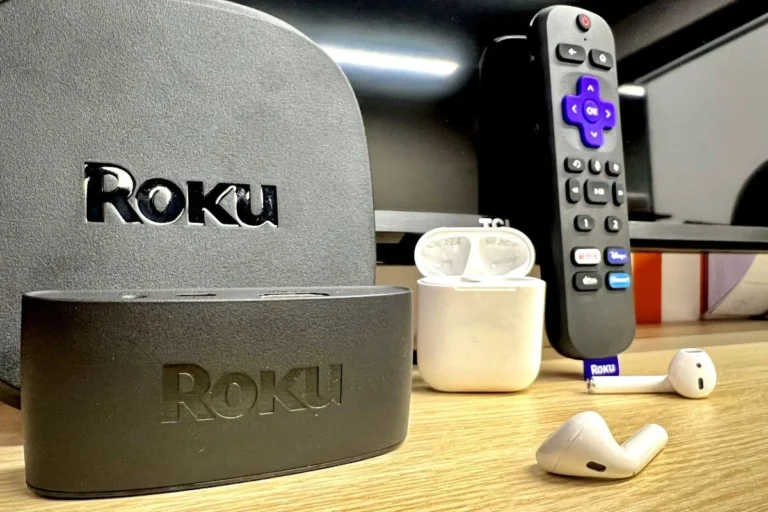
Some streaming devices and gaming consoles offer better headphone support than the TV itself. If your TV menu is limited, connecting headphones through a device like a set-top box or console may give you a more reliable path to audio.
This is especially useful for people who already watch most content through a streaming app or game system. The downside is that the connection may only work for that device, not for every source on the TV.
Using a Bluetooth Transmitter for Non-Bluetooth TVs
If your smart TV does not support Bluetooth headphones, a Bluetooth transmitter is often the easiest fix. The transmitter plugs into the TV’s audio output, then sends sound wirelessly to your headphones.
These devices are popular because they work with many older TVs and can be a low-cost alternative to replacing the whole setup. If you are comparing wireless audio options, our article on Bluetooth vs wired headphones sound quality can help you decide whether wireless is the right fit for your room and listening style.
Not every transmitter is equally good for TV use. Some models add noticeable audio delay, so look for low-latency support if lip-sync matters to you.
Best Use Cases for TV Headphone Listening
Bluetooth headphones are not just about convenience. For many people, they make TV time easier, quieter, and more flexible in shared spaces.
Late-Night Movies and Shared Living Spaces
Headphones are a practical solution when others are sleeping or studying nearby. You can keep the dialogue clear without pushing the TV volume high enough to disturb the room.
This is one of the biggest reasons people ask, “can you connect bluetooth headphones to smart tv?” The answer matters most when you want private listening without giving up movie night.
Gaming on Smart TV Without Disturbing Others
If you game on a smart TV, headphones can make footsteps, dialogue, and ambient effects easier to hear. They also help keep explosions and voice chat from spilling into the rest of the house.
For gaming, latency matters more than it does for casual shows. Even a small delay can feel distracting when the action on screen and the audio do not line up.
If you play fast-action games, test the headphones with a game scene before settling in for a long session. What sounds fine for movies may feel delayed in gaming.
Accessibility and Hearing-Friendly Listening
Private headphone listening can be helpful for viewers who need clearer dialogue or more controlled volume. It can also make it easier to hear speech without turning up the whole room.
Note
For hearing concerns, tinnitus, or long-term listening comfort, follow safe volume habits and consider speaking with an audiologist if you need personalized guidance.
Common Problems When Connecting Bluetooth Headphones to Smart TV
Even when a TV supports Bluetooth, the experience is not always perfect. The most common issues are delay, weak range, and settings that send audio to the wrong place.
Audio Delay and Lip-Sync Issues
Bluetooth audio can lag slightly behind the picture, which is easiest to notice during dialogue or fast scene changes. Some TVs and headphones handle this better than others, but delay is still a common limitation.
If lip-sync bothers you, look for low-latency support in both the transmitter and the headphones. That will not solve every problem, but it can reduce the gap enough for comfortable viewing.
If you have persistent audio delay, unusual dropouts, or hearing-related listening discomfort, consider consulting an audiologist or a professional audio specialist for tailored advice.
Connection Drops, Limited Range, and Codec Mismatch
Bluetooth can be stable in one room and unreliable in another. Walls, furniture, and other wireless devices can weaken the signal, especially if you move farther from the TV.
Codec mismatch can also affect performance. Even if the headphones connect, the TV and headphones may not share the same audio format, which can affect delay, stability, or sound quality.
TV Settings That Block Headphone Audio
Some TVs require you to turn off speaker output, switch to an external audio mode, or choose headphones as the primary device. If you skip that step, the headphones may connect but stay silent.
It is also worth checking for firmware updates. TV software updates sometimes fix pairing bugs or improve Bluetooth behavior, especially on newer smart platforms.
- Audio output is set to headphones or Bluetooth
- TV speakers are not overriding the connection
- Firmware is up to date
- Headphones are in pairing mode
What to Buy If Your Smart TV Doesn’t Support Bluetooth Headphones
If your TV does not support headphone audio over Bluetooth, you do not need to replace the TV. A transmitter or alternate audio solution is usually enough.
Bluetooth Transmitters: Budget vs. Low-Latency Models
Budget transmitters are usually fine for casual TV watching, especially if you are not picky about perfect lip-sync. Low-latency models are better for movies and gaming because they are designed to reduce the delay you hear.
Some models also support multiple headphone pairs, which is useful if two people want to watch together. Just remember that features vary by brand and price tier.
Approximate Price Ranges and Value Comparison
Prices vary a lot by brand, codec support, and build quality, so it is better to think in value tiers than exact numbers. Budget options are usually the cheapest way to add Bluetooth audio, while premium models may offer stronger range, better latency, or easier setup.
If you want a deeper look at wireless behavior and audio tradeoffs, our article on how noise cancelling headphones work can also help you understand why some headsets feel better for TV rooms than others.
Expert Advice: How to Get the Best Sound and Lowest Latency
The best TV headphone setup is not always the most expensive one. It is the one that matches your room, your TV, and how sensitive you are to delay and comfort.
Choosing Headphones with Multipoint or Low-Latency Support
If you switch between devices often, multipoint support can be convenient. For TV use specifically, low-latency support is usually more important than extra smart features.
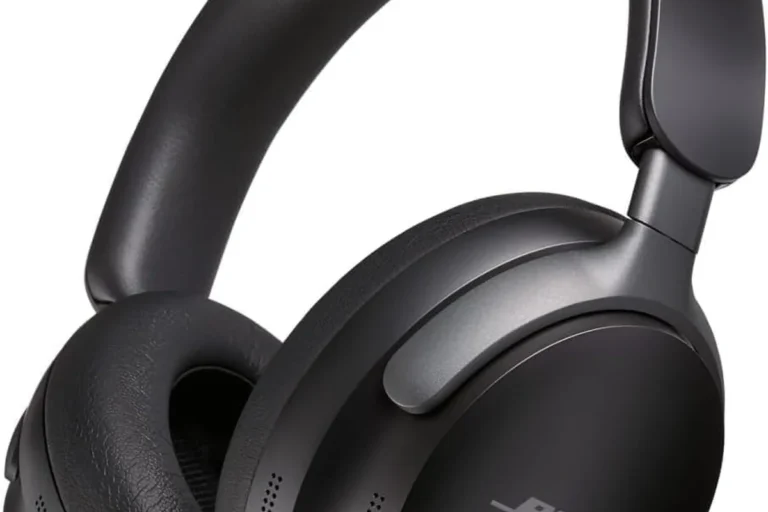
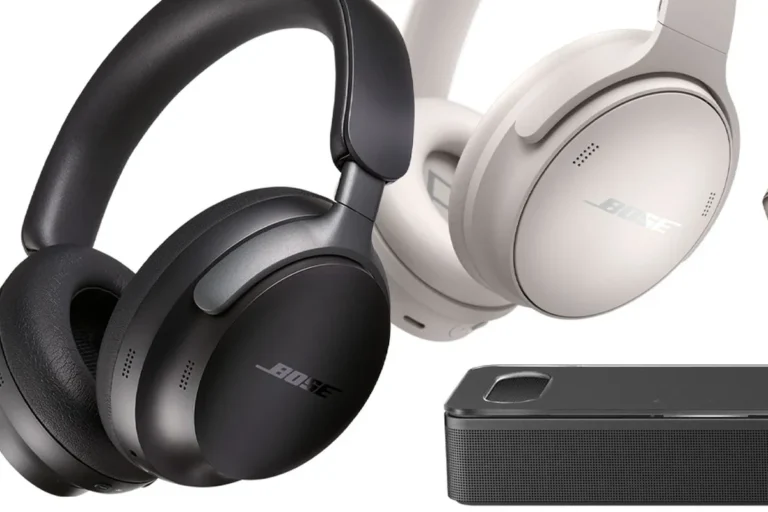
Closed-back over-ear headphones are often the safest pick for TV because they block room noise better and keep sound from leaking out. In-ear models can work too, but fit and comfort become more personal over long viewing sessions.
- Low-latency support matters most for movies and gaming.
- Comfort and fit matter more during long viewing sessions.
- Closed-back designs usually work well in shared spaces.
When to Avoid Bluetooth and Use Wired or RF Alternatives
Bluetooth is convenient, but it is not always the best answer. If you want the lowest possible delay, a wired connection or RF wireless headset may be a better fit.
Wired headphones are still the simplest choice when your TV supports them. RF headsets can also be useful for viewers who want a dedicated TV listening setup without depending on Bluetooth menus or codec compatibility.
- Easy private listening
- Works well for shared homes
- Useful for gaming and late-night TV
- Possible audio delay
- Not every TV supports it natively
- Range and stability can vary
Final Recap: The Easiest Way to Connect Bluetooth Headphones to a Smart TV
So, can you connect Bluetooth headphones to a smart TV? In many cases, yes—but the easiest method depends on whether your TV has native Bluetooth audio support.
If it does, use the TV’s sound menu and pair directly. If it does not, a Bluetooth transmitter is usually the most practical fix, especially for movie watching, gaming, and quiet late-night listening.
Frequently Asked Questions
Wired headphones usually offer more consistent audio and less delay. Wireless headphones are more convenient, but sound quality and latency can vary by TV, codec, and headphone model.
Yes, noise-cancelling headphones can help reduce room noise and improve dialogue clarity. They are especially useful in shared spaces, but comfort and latency still matter.
Closed-back headphones are usually better for TV because they block outside noise and keep sound from leaking out. Open-back models can sound spacious, but they are less private and less ideal for shared rooms.
Look for low-latency support, comfort, battery life, and stable wireless connectivity. For gaming, delay matters more than extra bass or flashy features.
Start with comfort, connection type, and whether the headset works with your TV setup. Budget models can be fine for casual viewing, but check latency and build quality before buying.
Check weight, ear cushion material, clamp force, and headband adjustability. For long sessions, lighter headphones with soft padding are usually easier to wear.