Can Xbox Connect to Bluetooth Headphones Easily

No, Xbox usually cannot connect directly to standard Bluetooth headphones for game audio. You can still use Bluetooth through workarounds, but Xbox Wireless or wired headphones are usually the better choice.
If you’re asking can Xbox connect to Bluetooth headphones, the short answer is usually no for standard Bluetooth audio. Xbox consoles are built around Xbox Wireless and other connection methods, so most Bluetooth headphones need a workaround instead of a direct pairing.
That does not mean you’re stuck with wired sound forever. There are several practical ways to use wireless headphones with Xbox, and the best choice depends on whether you care most about chat, low latency, TV audio, or convenience.
- Direct pairing: Standard Bluetooth headphones usually do not connect natively to Xbox.
- Best workaround: Xbox app, TV audio, or a transmitter can help, with tradeoffs.
- Lowest lag: Wired 3.5mm headsets are the simplest low-latency option.
- Best wireless: Xbox Wireless headsets are usually the smoothest fit.
Can Xbox Connect to Bluetooth Headphones in 2025? The Short Answer and What It Means
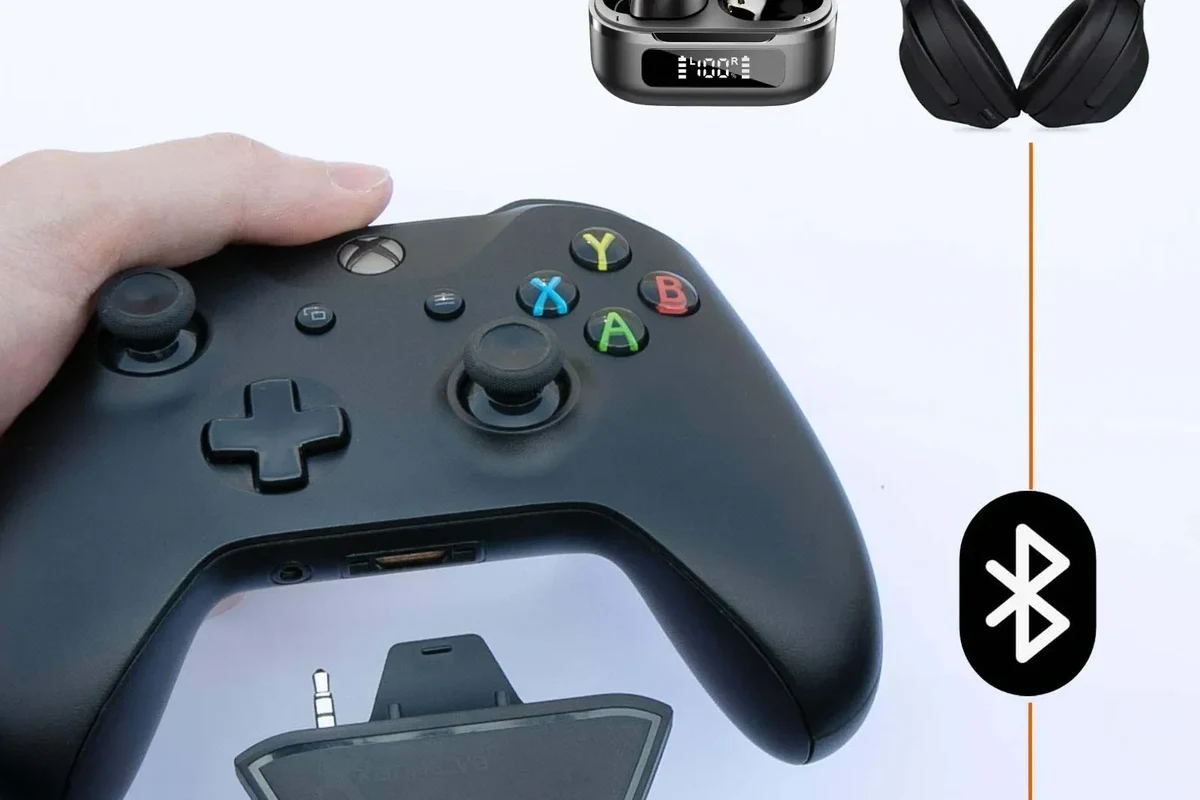
In 2025, Xbox still does not support standard Bluetooth headphones the way a phone, tablet, or laptop does. If you try to pair typical Bluetooth earbuds or headphones directly with an Xbox Series X, Series S, or Xbox One, it usually will not work for game audio.
What this means in practice is simple: you can often use Bluetooth headphones with Xbox only through a workaround. The workaround may be good enough for casual play, but it is rarely as smooth as a headset made for Xbox.
Why Xbox Consoles Still Don’t Support Standard Bluetooth Audio
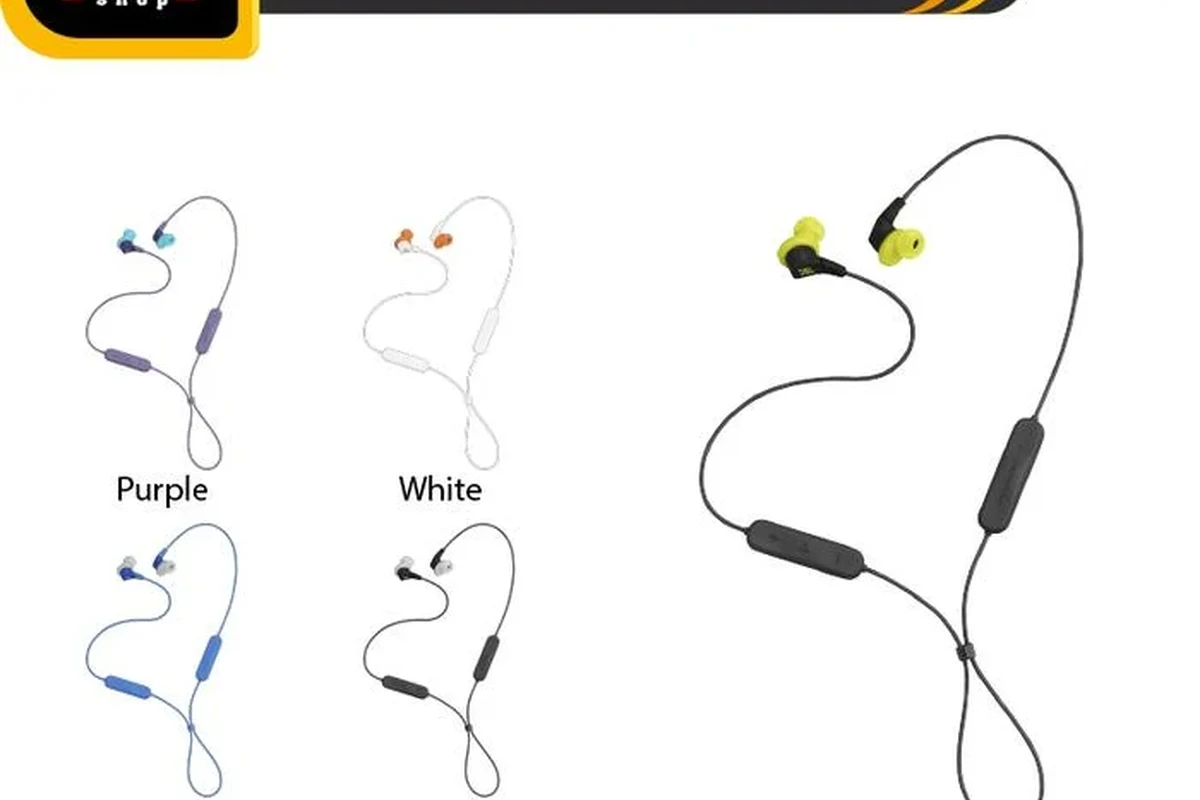
The biggest reason is latency. Standard Bluetooth audio can add delay, and that delay becomes noticeable when gunfire, footsteps, and voice chat need to stay in sync with what you see on screen.
Xbox prioritizes a more direct wireless setup for gaming headsets and controllers. That helps reduce lag and keeps the experience more stable than many generic Bluetooth pairings would.
How Xbox Wireless differs from Bluetooth
Xbox Wireless is Microsoft’s own connection system for compatible headsets and controllers. It is designed for console use, so it can provide a more responsive audio and chat experience than typical Bluetooth headphones.
Bluetooth is excellent for phones, travel, and everyday listening, but it is not always the best fit for real-time gaming. If you want to understand the broader tradeoffs, our guide on Bluetooth vs wired headphones sound quality explains why wireless convenience can come with audio compromises.
Which Xbox models are affected: Series X, Series S, and Xbox One
This limitation applies across the modern Xbox family, including Xbox Series X, Xbox Series S, and Xbox One models. The exact menu wording or accessory support may vary by console and firmware, but the core issue stays the same: standard Bluetooth headphones are not a native audio option.
If you are trying to connect different headphone types across devices, it helps to understand the basics of Bluetooth headphones explained simply so you can spot which products are truly wireless and which are made for console use.
Best Ways to Use Bluetooth Headphones with Xbox
Even though direct pairing is limited, there are still a few workable paths. Some are better for solo play, while others are more useful if you want chat, low lag, or easy switching between devices.
Using the Xbox app for cloud gaming and remote play
If you play through the Xbox app on a phone, tablet, PC, or handheld device, Bluetooth headphones become much easier to use. In that setup, your headphones connect to the device running the app, not the console itself.
This is one of the cleanest solutions for casual players who care more about flexibility than living-room simplicity. It works especially well if you already use your headphones with multiple devices and want a single headset for gaming, streaming, and everyday listening.
Cloud gaming and remote play can still be affected by network quality, device performance, and headphone latency. Results may vary by app, headset, and internet connection.
Connecting through your TV, monitor, or soundbar
Another option is to send Xbox audio to your TV or monitor first, then connect Bluetooth headphones to that display or to a soundbar with headphone support. This can be convenient if your TV already handles Bluetooth audio well.
The downside is that the TV or monitor becomes part of the audio chain, and that can add delay. If you are sensitive to lip-sync issues, this route may feel fine for movies and slower games but less ideal for competitive play.
Using a Bluetooth transmitter with the controller or audio output
A Bluetooth transmitter can sometimes be connected through the controller’s 3.5mm jack, the console’s audio output path, or another compatible source. This is the most common workaround for people who already own Bluetooth headphones and want to keep using them.
Still, transmitter quality matters a lot. Some transmitters are more stable than others, and battery life, codec support, and microphone handling can vary widely by model.
If you already own Bluetooth headphones, look for a low-latency transmitter and test it with a single-player game first before relying on it for party chat.
Xbox-Compatible Headset Alternatives That Work Better Than Bluetooth
If your goal is the easiest and most reliable setup, Xbox-compatible headsets usually beat generic Bluetooth headphones. They are built for gaming latency, party chat, and controller-friendly use.
Xbox Wireless headsets for the most seamless setup
Xbox Wireless headsets are the closest thing to a plug-and-play wireless solution on the console. They are designed to connect directly to Xbox hardware, which usually means less setup trouble and better gaming convenience.
For players who want the fewest compatibility headaches, this is often the best route. It is also the most natural choice if you want game audio and chat to work together without extra adapters.
Many gaming headsets are tuned for voice clarity and positional cues rather than pure music listening, so they may sound different from everyday Bluetooth headphones.
Wired 3.5mm headsets for the simplest low-latency option
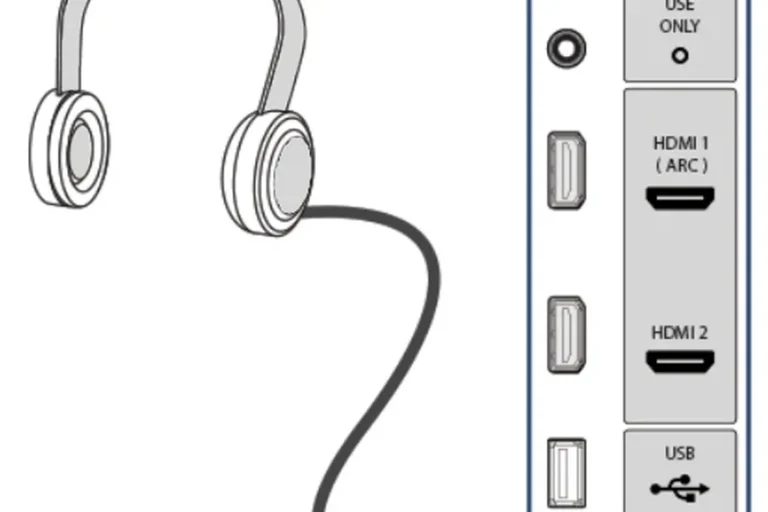
A wired headset connected to the controller’s 3.5mm jack is still one of the simplest and most dependable Xbox audio options. There is no Bluetooth pairing, no transmitter setup, and no extra battery to charge.
For competitive players, wired is often the safest choice because it avoids wireless delay. If you are comparing comfort and build style, our guide to types of headphones explained can help you decide between over-ear, on-ear, and in-ear designs.
USB and dongle-based wireless headsets for mixed-device users
Some wireless headsets use a USB dongle or multi-device wireless system instead of standard Bluetooth. These can be useful if you switch between Xbox, PC, and sometimes mobile devices.
Just make sure the headset is actually compatible with Xbox before buying. A USB wireless headset that works on PC does not automatically mean it will work on console audio and chat the same way.
Listening at high volumes for long periods can cause hearing damage. Keep volume at 60% or below for extended sessions.
Common Problems When Trying to Pair Bluetooth Headphones with Xbox
Most frustrations come from the same few issues: lag, chat limitations, and confusing connection steps. Knowing these ahead of time can save you from buying the wrong accessory.
Audio lag and lip-sync issues
Bluetooth audio delay is the most common complaint. You may hear explosions, dialogue, or footsteps a fraction of a second after they happen on screen, which can break immersion and hurt timing in fast games.
This is why many players prefer wired or Xbox Wireless solutions instead of standard Bluetooth. If delay is already a problem with your current setup, a dedicated Bluetooth headphone lag fix guide may help you troubleshoot the source, but it will not remove every limitation.
Mic not working in party chat
Some Bluetooth headphones can play audio but still fail to handle microphone input properly on Xbox. That can be confusing if the headset works perfectly on your phone but not in a party chat.
For multiplayer users, this is one of the biggest reasons to choose an Xbox-compatible headset instead of a generic Bluetooth model. Voice chat support is often more important than the headphone brand itself.
Connection drops, pairing confusion, and battery drain
Bluetooth devices can disconnect if the transmitter, TV, or audio source is not stable enough. Pairing can also be confusing when the headphones keep reconnecting to a phone, tablet, or laptop instead of the Xbox workaround you intended.
Battery drain is another practical issue. If you are using a transmitter, a TV Bluetooth menu, and headphones all at once, there are more devices to charge and more points where the setup can fail.
Not every Bluetooth workaround supports voice chat, and not every “wireless” headset is optimized for Xbox. Check compatibility carefully before you buy.
What to Buy in 2025: Cost, Value, and Feature Comparison
There is no single best choice for every player. The right option depends on whether you want the cheapest fix, the most reliable gaming setup, or the most flexible headset for multiple devices.
Budget Bluetooth workarounds vs. premium Xbox Wireless headsets
A budget Bluetooth transmitter can be a decent stopgap if you already own good headphones and only play casually. It may cost less upfront, but performance can vary and you may still run into latency or chat limitations.
Premium Xbox Wireless headsets usually cost more, but they are purpose-built for the console experience. If you want less troubleshooting and better day-to-day reliability, that extra value can be worth it.
Best use cases for casual players, competitive gamers, and TV listeners
Casual players may be fine with a Bluetooth workaround, especially if they mainly play single-player games or use remote play. TV listeners who want one headset for shows and gaming may also prefer a display-based Bluetooth setup.
Competitive gamers, however, usually benefit more from wired or Xbox Wireless audio. For them, lower latency and stable chat matter more than the convenience of using the same Bluetooth headset everywhere.
Expert Advice: When Bluetooth Is Worth It and When It Is Not
Bluetooth is worth considering when convenience matters more than perfect gaming performance. It is less attractive when you need reliable chat, tight timing, or a setup that just works every time.
Warning signs that a Bluetooth workaround will disappoint
If you play fast shooters, use party chat often, or hate audio delay, a Bluetooth workaround is likely to frustrate you. The same is true if you want a simple setup but do not want to manage transmitters, TV menus, or extra charging.
Also be cautious if your headphones are already older, frequently disconnect from other devices, or have weak battery life. Those issues tend to become more noticeable once they are part of a gaming setup.
How to choose based on latency, chat needs, and multi-device use
Choose based on your most important priority. If latency matters most, go wired or Xbox Wireless; if multi-device convenience matters most, a Bluetooth headset plus a good workaround may be enough.
If you are unsure, start with the simplest reliable option for your play style. For many readers, that means a headset made for Xbox rather than a generic Bluetooth model adapted to do a job it was not designed for.
If you experience ringing, discomfort, or difficulty hearing after gaming sessions, reduce volume and consider speaking with an audiologist or hearing professional.
Final Recap: The Easiest Answer for Xbox Players Who Want Wireless Audio
Xbox does not natively connect to standard Bluetooth headphones for normal game audio, so the direct answer is usually no. You can still use Bluetooth through workarounds like the Xbox app, TV audio, or a transmitter, but each option has tradeoffs.
If you want the easiest wireless experience on Xbox, an Xbox Wireless headset is usually the cleanest choice. If you want the lowest-latency and simplest setup overall, a wired headset is still hard to beat.
Frequently Asked Questions
Not always. Wired headphones usually offer lower latency, while wireless models are better for convenience. Sound quality depends on the headset design, tuning, and your gaming setup.
They can be useful if you want less background noise, especially in shared spaces. Just remember that active noise cancelling may change how some games and voices feel during long sessions.
Closed-back headphones are usually better for gaming because they block more outside noise and help keep audio focused. Open-back models can sound wider, but they leak sound and work best in quiet rooms.
Look at comfort, latency, microphone quality, and how the headset is tuned rather than only chasing big frequency response numbers. Bass, clarity, and soundstage can all vary by model and personal preference.
Pick based on your main use case. Gaming favors low latency and chat support, commuting favors portability and noise control, and studio use favors accuracy and wired reliability.
Check weight, clamp force, ear cushion material, and build quality. For long listening sessions, comfort matters as much as sound, especially if you wear headphones for hours at a time.