Can I Connect Bluetooth Headphones to Xbox Series S Easily

No, Xbox Series S does not support direct Bluetooth headphone pairing. The easiest wireless option is an Xbox Wireless headset, while Bluetooth headphones usually need a TV or transmitter workaround.
If you’re asking, “can i connect bluetooth headphones to xbox series s,” the short answer is no, not directly through the console’s standard Bluetooth menu. The good news is that there are still several practical wireless options that can give you great audio with the Xbox Series S.
- Direct pairing: Standard Bluetooth headphones do not connect directly to Xbox Series S.
- Best option: Xbox Wireless headsets are usually the most reliable choice.
- Workarounds: TV audio output or a Bluetooth transmitter can work with limits.
- Watch for lag: Bluetooth setups may add delay and weaken chat support.
Can I Connect Bluetooth Headphones to Xbox Series S? The Short Answer and Why It Matters
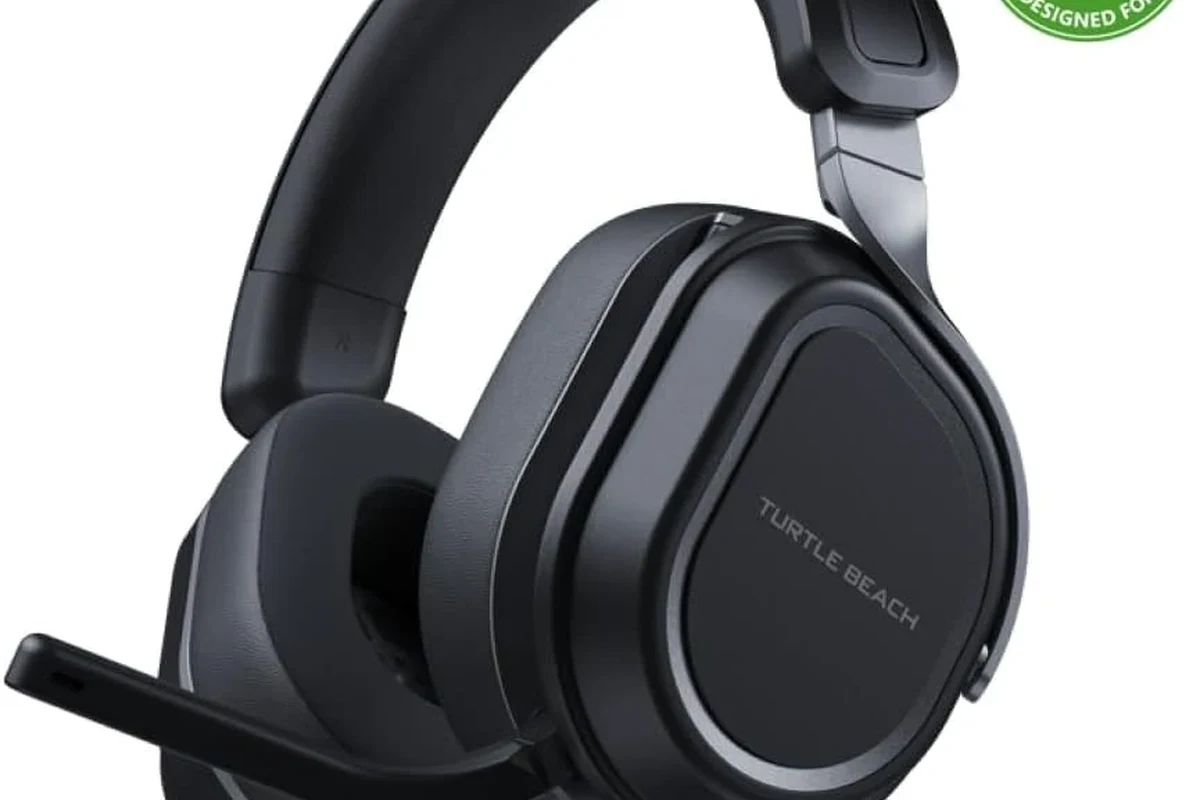
Xbox Series S does not support regular Bluetooth headphone pairing the way a phone, tablet, or laptop does. That means most Bluetooth earbuds and headphones will not connect directly to the console for game audio or chat.
This matters because many gamers expect wireless audio to be simple. On Xbox, the path to wireless sound is a little different, so choosing the right method can affect latency, microphone support, and overall sound quality.
If you already own Bluetooth headphones, check whether they also support a wired connection or come with a USB dongle. That can save you from buying a second headset.
Why Xbox Series S Does Not Support Standard Bluetooth Audio
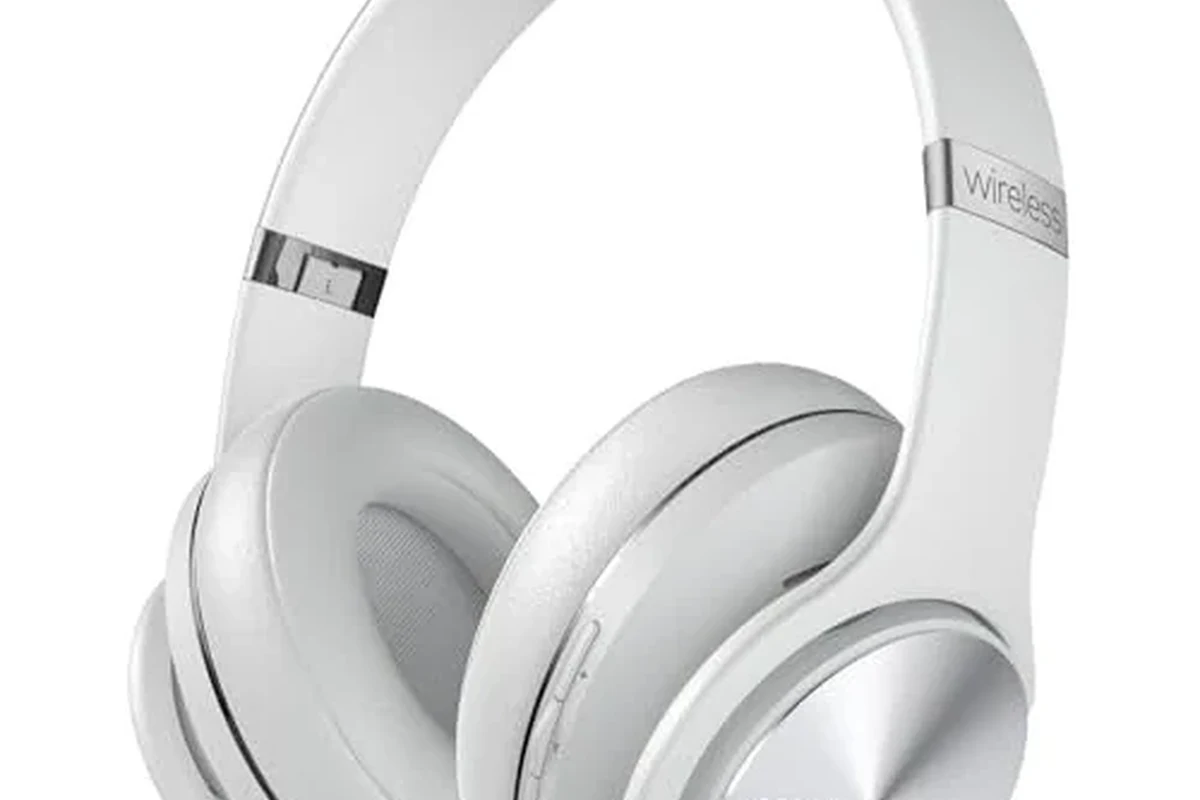
Microsoft built Xbox audio around its own wireless system rather than standard Bluetooth. This helps the console prioritize stable game audio, controller communication, and low-latency performance.
For players, that design choice means the Xbox Series S is not as open as a phone or PC when it comes to casual Bluetooth pairing. It is less about “missing” a feature and more about using a different wireless standard for gaming.
How Xbox Wireless Differs From Bluetooth
Bluetooth is a universal wireless format, but it is not always ideal for fast-paced gaming. Xbox Wireless is designed specifically for the Xbox ecosystem, which helps keep audio and controller communication more responsive.
That difference is why an Xbox Wireless headset can usually connect more smoothly than a standard Bluetooth headset. If you want to understand the basics of wireless audio behavior, our guide on Bluetooth headphones explained simply is a useful starting point.
What This Means for Headphones, Earbuds, and Gaming Latency
With Bluetooth, audio delay can be noticeable in games, especially in shooters, rhythm games, and anything where sound cues matter. Even if the delay is small, it can feel distracting during competitive play.
Microphone support is another limitation. Some Bluetooth setups can deliver audio only, while chat may not work properly or may require a separate connection path.
Not every wireless adapter or TV audio route supports both game sound and voice chat. Always check microphone compatibility before you buy.
Best Ways to Use Wireless Headphones With Xbox Series S in 2025
If you want wireless audio on Xbox Series S, the best method depends on your budget and how you play. Some options are better for solo gaming, while others are stronger for party chat and low-latency gameplay.
In most cases, the most reliable path is an Xbox Wireless headset. But Bluetooth workarounds can still make sense if you already own a good pair of headphones.
Xbox Wireless Headsets: The Most Reliable Option
An Xbox Wireless headset is the cleanest solution because it is made to work with the console’s wireless system. Setup is usually simpler, and you are less likely to run into audio delay or chat issues.
These headsets are especially appealing if you play often, use party chat, or want a more consistent gaming experience. Build quality, battery life, comfort, and mic performance still vary by brand and model, so it is worth comparing carefully.
Bluetooth Workarounds That Actually Work
Bluetooth can still be useful if you route the audio through another device. Common workarounds include pairing your headphones to a TV, monitor, or Bluetooth transmitter instead of the console itself.
This can be a practical choice for casual play, streaming, or single-player games where a slight delay is easier to tolerate. If you want a general walkthrough for wireless pairing habits, see our guide on how to connect Bluetooth headphones.
Using a TV, Monitor, or Controller as an Audio Bridge
Some TVs and monitors support Bluetooth audio output, which lets the console send sound to the screen and then to your headphones. This is one of the simplest workarounds if your display supports it.
Another route is using a wired headset through the Xbox controller, then adding a separate wireless path for your headphones only if needed. That approach is not true Bluetooth gaming, but it can be a useful compromise for some users.
Audio routed through a TV or monitor may introduce delay depending on the display’s processing and Bluetooth implementation. Results can vary a lot by brand and model.
Step-by-Step Setup Options for Different Headphone Types
The setup process depends on what kind of headphones you own. Xbox Wireless headsets are straightforward, while Bluetooth headphones usually need a middle device such as a TV or transmitter.
Before you start, it helps to know whether you need game audio only or game audio plus chat. That decision changes which setup is best.
Connecting an Xbox Wireless Headset
First, put the headset into pairing mode according to the manufacturer’s instructions. Then use the Xbox pairing button on the console to link the headset to the system.
Once connected, test game audio and chat in a party or menu. If something sounds off, check the headset’s mute switch, volume controls, and firmware updates before assuming the connection failed.
Turn on the headset and activate Xbox pairing mode.
Use the Xbox Series S pairing button to complete the connection.
Confirm that both sound and microphone input work as expected.
Pairing Headphones Through a TV or Soundbar Bluetooth Output
If your TV or soundbar supports Bluetooth audio, start by turning on Bluetooth pairing on the display or sound system. Then pair your headphones to that device, not to the Xbox console.
After that, make sure the Xbox audio output is set to send sound through the TV or HDMI connection. This works best when your display handles Bluetooth smoothly and does not add too much delay.
- Does the TV support Bluetooth audio output?
- Does the connection add noticeable delay?
- Can you still use a microphone for chat?
Using a Bluetooth Transmitter With Xbox Series S
A Bluetooth transmitter can convert audio from the TV, monitor, or another output into a Bluetooth signal for your headphones. This is one of the most common workarounds for people who already own Bluetooth gear.
However, transmitter quality matters. Cheaper models may create more latency, weaker range, or noisy sound, so it is worth being cautious before buying the first inexpensive adapter you see.
Listening at high volumes for long periods can cause hearing damage. Keep volume at 60% or below for extended sessions.
Common Mistakes Gamers Make When Trying to Pair Bluetooth Headphones
Most connection problems come from expecting Xbox Series S to behave like a phone or laptop. Once you understand the console’s wireless limits, the setup process becomes much less frustrating.
A few common mistakes also lead to poor sound or missing chat features, even when the headphones technically connect through a workaround.
Expecting Direct Bluetooth Pairing on the Console
This is the biggest mistake. If your headphones are standard Bluetooth-only models, they will not pair directly to the Xbox Series S like they would with a smartphone.
That is why many users think their headset is broken when the real issue is compatibility. The console simply is not designed for direct Bluetooth audio.
Ignoring Audio Delay and Mic Limitations
Some players get sound working and stop there, only to discover that the delay is annoying or the microphone does not function properly. That can be especially frustrating in multiplayer games.
Before buying an adapter, check whether it supports low-latency audio and voice chat. If you need help comparing wireless performance in general, our article on Bluetooth vs wired headphones sound quality explains the trade-offs clearly.
Choosing Cheap Adapters That Hurt Sound Quality
Low-cost adapters can be tempting, but they may create hiss, dropouts, or lag. Some also struggle with stability when the room has other wireless devices nearby.
If your goal is a dependable gaming setup, it is usually better to spend a little more on a reputable transmitter or choose a headset built for Xbox from the start.
Even small audio delays can feel bigger in games because your brain expects sound effects to match action instantly.
Cost Comparison: Xbox Wireless Headsets vs Bluetooth Adapters vs TV Audio Routes
Cost is often the deciding factor. The cheapest option is not always the best value if it creates lag, poor mic support, or extra setup hassle.
Think about how often you play, whether you need voice chat, and whether you already own headphones you like. That will help you avoid overpaying for features you do not need.
Budget-Friendly Choices for Casual Players
If you only play occasionally, a Bluetooth transmitter or TV audio route may be enough. These can be good for single-player games, movies, or relaxed sessions where perfect latency is not essential.
Still, budget solutions vary widely in quality. If you already own a headset you enjoy, a simple workaround may be more economical than buying a whole new gaming headset.
Mid-Range and Premium Picks for Better Latency and Chat Support
Mid-range Xbox Wireless headsets often make the most sense for regular gamers. They reduce the guesswork and usually provide a better balance of convenience and performance.
Premium models may offer better comfort, mic monitoring, battery life, or sound tuning, but those extras depend on the brand. If you are comparing headset styles more broadly, our article on types of headphones explained can help narrow your choice.
Expert Advice: When Bluetooth Is Fine and When It Is Not for Xbox Gaming
Bluetooth is perfectly fine in some situations, but it is not the best fit for every Xbox player. The right answer depends on how sensitive you are to delay and whether chat quality matters to you.
For casual listening, Bluetooth workarounds can be convenient. For serious gaming, the Xbox Wireless route is usually the safer bet.
Best Use Cases for Single-Player, Streaming, and Party Chat
Bluetooth can work well for story games, media apps, and relaxed play sessions. It can also be acceptable if you are streaming casually and do not need ultra-tight audio timing.
For party chat, an Xbox Wireless headset or a headset with built-in console support is usually better. That setup is more likely to deliver stable voice communication and easier controls.
If you notice ringing, discomfort, or hearing fatigue after gaming sessions, consider lowering volume and speaking with an audiologist if the issue continues.
Warning Signs That You Need a Better Wireless Solution
If you hear delay during gameplay, lose connection often, or cannot get the microphone to work reliably, your current setup is probably not the right fit. Those are signs that a better Xbox-compatible headset may save you time and frustration.
Comfort also matters. If your headset feels heavy, clamps too hard, or gets warm after long sessions, you may want to look at lighter over-ear designs or better ear cushion materials.
Final Verdict: The Easiest Way to Get Wireless Headphone Audio on Xbox Series S
So, can i connect bluetooth headphones to xbox series s directly? No, not in the normal Bluetooth-pairing sense. The easiest and most reliable wireless solution is usually an Xbox Wireless headset.
If you already own Bluetooth headphones, a TV, monitor, or Bluetooth transmitter can still work as a workaround, but results will vary by setup. For most gamers, the best choice is the one that balances comfort, latency, and chat support without creating extra hassle.
Frequently Asked Questions
No, Xbox Series S does not support standard direct Bluetooth headphone pairing. You usually need an Xbox Wireless headset, a TV audio route, or a Bluetooth transmitter.
An Xbox Wireless headset is usually the most reliable option for audio and chat. It is designed to work with the console’s wireless system and often has fewer latency issues.
They can, especially when used through a TV or transmitter. The amount of delay varies by device, so some setups feel fine while others are distracting.
Closed-back headphones usually block more outside noise and can improve focus during gaming. Open-back models may sound more spacious, but they leak sound and are less private.
Check wireless compatibility, microphone support, comfort, battery life, and whether the headset supports low-latency audio. Sound tuning, weight, and ear cushion materials also matter for long sessions.
Look for lighter builds, soft ear cushions, and an adjustable headband. If you feel pressure, heat, or ear fatigue, take breaks and lower volume when needed.