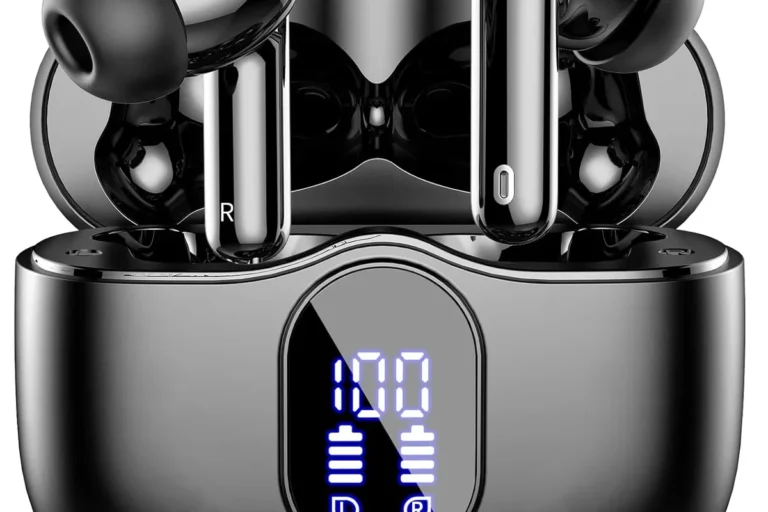
Can PlayStation 5 Connect to Bluetooth Headphones Easily

Yes, but not directly in the same easy way as a phone or laptop. Most PS5 users need a USB Bluetooth adapter, TV passthrough, or a PS5-ready wireless headset for the best results.
If you’re asking, “can playstation 5 connect to bluetooth headphones,” the short answer is yes, but not always directly. The PS5 has limited native Bluetooth audio support, so most standard Bluetooth headphones will need a workaround such as a USB adapter, TV passthrough, or remote play.
- Direct pairing: Standard Bluetooth headphones usually are not plug-and-play on PS5.
- Best workaround: USB wireless dongles and PS5-compatible headsets are the safest choices.
- Main tradeoff: Bluetooth can add delay, especially in fast games.
- Chat support: Mic performance may vary a lot by headset and adapter.
Can PlayStation 5 Connect to Bluetooth Headphones? Quick Answer for 2025
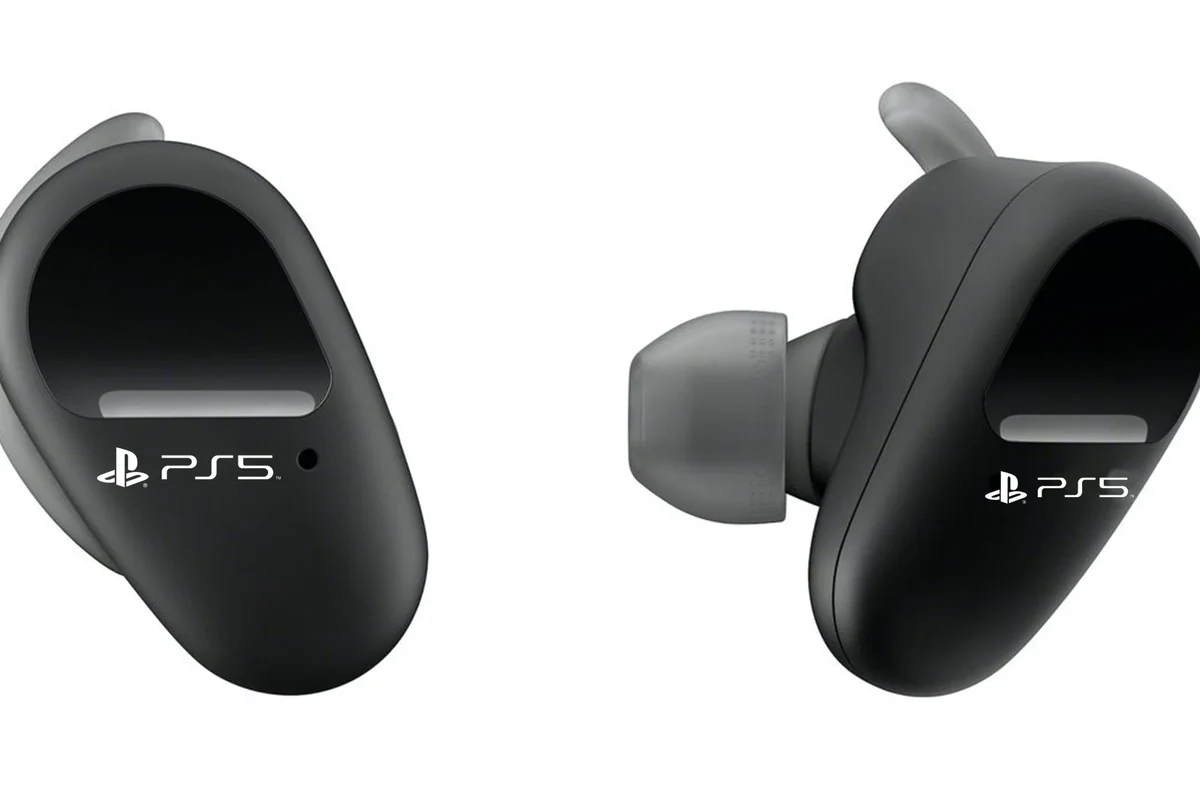
The PlayStation 5 can connect to some Bluetooth audio devices, but Sony does not support most regular Bluetooth headphones as a simple plug-and-play option. In practice, many users need a compatible adapter or another connection method to get wireless audio working reliably.
If you want the easiest path, a USB Bluetooth transmitter or a headset designed for the PS5 usually gives the most predictable result. For readers comparing wireless options more broadly, our guide to Bluetooth headphones explained simply can help make the basics easier to understand.
How PS5 Bluetooth Audio Works and Why Compatibility Is Limited
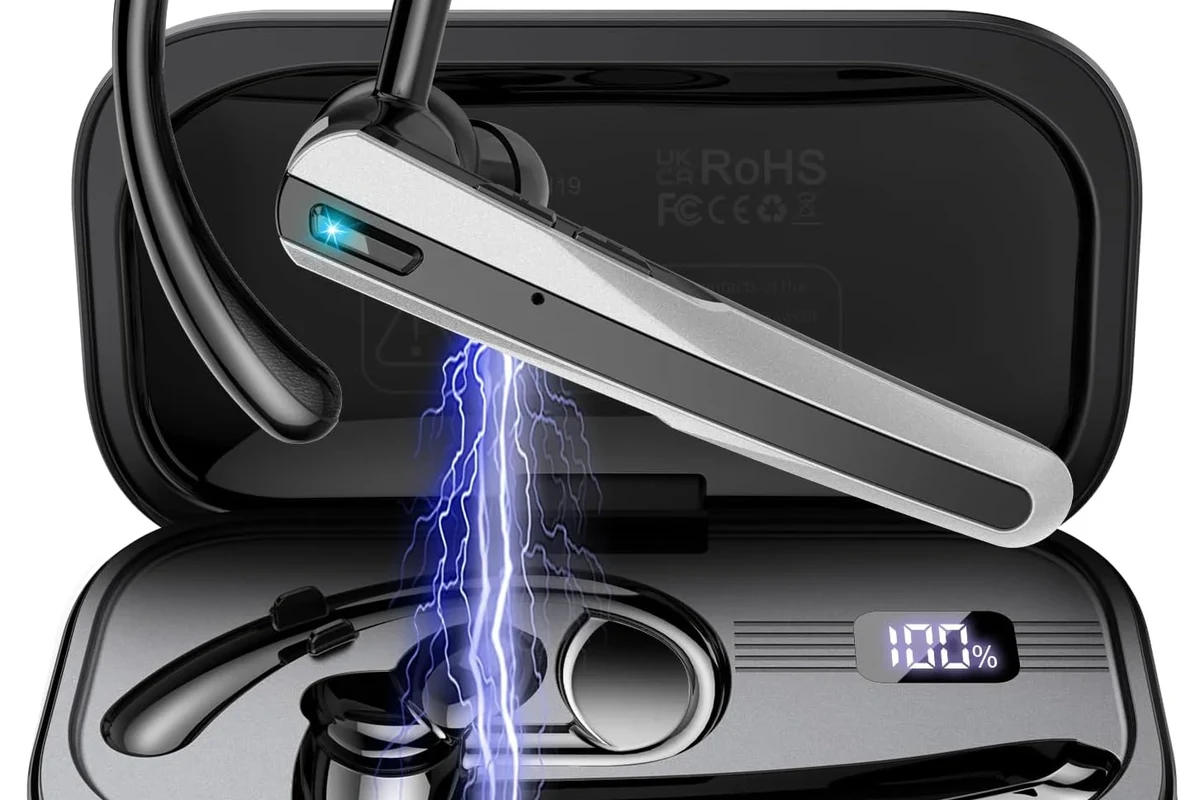
The PS5 is built to work best with Sony-compatible wireless accessories, USB wireless dongles, and wired audio connections through the controller. That means the console is not designed to behave like a phone or laptop that pairs with almost any Bluetooth headset.
What the PS5 supports natively for wireless audio
Out of the box, the PS5 is most comfortable with wireless headsets that use their own USB transmitter. These headsets create a dedicated wireless link instead of relying on the console’s general Bluetooth audio support.
The system also works well with wired headphones plugged into the DualSense controller. That is still one of the simplest ways to get clean game audio and avoid pairing headaches.
Why most standard Bluetooth headphones are not directly compatible
Many standard Bluetooth headphones are blocked from direct pairing because of latency and connection stability concerns. In gaming, even a small delay can make footsteps, dialogue, and action feel out of sync.
Another limitation is microphone support. A pair of Bluetooth headphones may play audio through the PS5 with an adapter, but voice chat behavior can vary a lot depending on the headset, adapter, and codec support.
Bluetooth compatibility on PS5 can vary by headset model, adapter quality, and TV settings. Always check the device’s supported codecs and return policy before buying.
Best Ways to Use Bluetooth Headphones with a PS5
There are a few practical ways to use Bluetooth headphones with the PS5, and the best one depends on whether you care most about convenience, audio delay, or microphone use. If you want a general setup walkthrough, our article on how to connect Bluetooth headphones covers the basic pairing process on common devices.
Using a Bluetooth adapter or dongle with the console
A USB Bluetooth adapter is usually the most direct workaround. You plug the transmitter into the PS5, pair your headphones to the adapter, and route audio through the dongle instead of the console’s built-in Bluetooth path.
This method can be a good fit for casual gaming, but performance depends heavily on the adapter. Low-quality dongles may introduce delay, weak range, or inconsistent microphone support.
If you buy a Bluetooth adapter, look for one that clearly supports low-latency audio and PS5-friendly USB operation. Matching the adapter to your headphone codec can make a noticeable difference.
Connecting through your TV, monitor, or soundbar with Bluetooth passthrough
Some TVs and monitors can send PS5 audio to Bluetooth headphones through their own Bluetooth output. In that case, the console sends sound to the display, and the display handles the wireless headphone connection.
This can be convenient if your TV already supports Bluetooth audio well. The tradeoff is that TV processing may add delay, and not every display passes game audio cleanly enough for fast-paced play.
TV Bluetooth settings vary a lot by brand and model. If your sound feels delayed, check for a game mode or low-latency audio option on the TV first.
Using the PlayStation app or remote play as a workaround
Remote Play is another option if you want to hear PS5 audio on a phone, tablet, or PC and then listen through Bluetooth headphones connected to that device. It is not the cleanest solution, but it can work for some casual setups.
This approach is better for convenience than competitive gaming. Because the audio is traveling through another device and network path, it may not feel as immediate as a direct headset connection.
Step-by-Step Setup Examples for Common Headphone Types
Different headphone styles behave differently with PS5 setups, so it helps to match the method to the type of headset you already own. Comfort, latency, and microphone support all matter here, especially if you play for long sessions.
What is the easiest headphone type to use with PS5?
USB wireless gaming headsets are usually the easiest because they come with their own transmitter. They tend to be more predictable than standard Bluetooth earbuds or generic headphones.
True wireless earbuds
True wireless earbuds can work with a PS5 through a Bluetooth adapter or by connecting to your TV. Pair the earbuds to the adapter first, then select the adapter as the audio source if your setup requires it.
These are great for portability, but they are not always the best choice for low-latency gaming. Some earbuds also handle voice chat poorly unless the adapter and earbuds both support the right profile.
Over-ear Bluetooth gaming headphones
Over-ear Bluetooth headphones are often more comfortable for long sessions than tiny earbuds, especially if you prefer larger ear cushions and better passive isolation. To use them with PS5, connect them through a dongle, display passthrough, or remote play setup.
If your headphones support a wired mode, that can be a useful backup. A wired connection often gives more stable audio and avoids battery drain during long gaming nights.
Headsets with USB wireless transmitters
These are usually the most PS5-friendly wireless option. You plug the USB transmitter into the console, power on the headset, and wait for the devices to link automatically.
For many players, this method offers the best balance of convenience and gaming performance. It is also the easiest way to keep microphone behavior more consistent than with generic Bluetooth audio.
- Does the headset include a USB transmitter?
- Does it support PS5 audio and chat?
- Is there a wired fallback mode?
Latency, Mic Quality, and Game Audio Performance to Expect
When people ask whether the PS5 can connect to Bluetooth headphones, latency is usually the real issue behind the question. Audio delay, microphone quality, and how the game is played all affect whether the setup feels good.
Audio delay in fast-paced games like shooters and fighters
In slower games, a small delay may not bother you much. In shooters, fighters, and rhythm-heavy games, even a modest lag can make sounds feel disconnected from what is happening on screen.
That is why many gamers prefer a dedicated wireless gaming headset or a wired connection for competitive titles. Bluetooth can be fine for story games, but it is less ideal when timing matters.
Voice chat limitations and microphone compatibility
Microphone support is one of the biggest variables in Bluetooth gaming. Some setups may let you hear game audio but not use the headphone mic properly, while others may switch into a lower-quality voice mode.
If party chat is important, test the mic before assuming everything works. A headset made for console gaming is usually more reliable than a standard music-focused Bluetooth headphone.
If you notice persistent lag, weak voice chat, or one-sided audio issues, consider a console-focused headset or ask an audio specialist to help you choose a compatible adapter.
Common Mistakes Gamers Make When Trying to Pair PS5 and Bluetooth Headphones
Most connection problems come from expectations, not broken hardware. The PS5 is simply more selective than a phone or laptop, so the wrong setup can waste time and money.
Assuming all Bluetooth devices will pair directly
This is the most common mistake. Many people assume the PS5 will show their headphones in the Bluetooth menu and connect instantly, but that is not how the console is designed.
Before buying anything, check whether the headset is specifically listed as PS5-compatible or whether it needs a transmitter. That small step can save a lot of frustration.
Buying the wrong adapter or ignoring codec support
Not every adapter performs the same way. Some are fine for audio playback but weak for voice chat, while others may support only certain codecs or work best with specific headphone brands.
If you are shopping for a dongle, read the compatibility notes carefully. Codec support, low-latency claims, and microphone handling can vary by model.
Overlooking TV audio settings and controller audio output
If you are routing sound through a TV, the display’s audio settings matter more than many people realize. Game mode, Bluetooth audio settings, and output delay options can all change the experience.
Also remember that the DualSense controller can output audio directly to wired headphones. Sometimes the simplest solution is the best one, especially if you want dependable sound without extra adapters.
Cost Comparison: Built-In PS5 Workarounds vs Dedicated Gaming Headsets
Cost is another important factor because the cheapest option is not always the best value. A low-cost Bluetooth workaround may seem attractive at first, but a more purpose-built headset can be easier to live with over time.
Budget Bluetooth adapter setup
A budget setup often means using headphones you already own plus an adapter or TV passthrough. That can keep upfront spending lower, especially if you only play casually and do not need perfect voice chat.
Still, budget setups may involve compromises in delay, range, or microphone use. If you are trying to keep costs down, make sure the adapter is compatible before you commit.
Mid-range wireless gaming headset options
Mid-range gaming headsets with USB transmitters are often the sweet spot for PS5 users. They may cost more than a simple Bluetooth adapter, but they usually deliver easier setup and more reliable performance.
For many players, that tradeoff is worth it because the headset is designed for gaming first. Comfort, battery life, and chat support often matter more than raw Bluetooth convenience.
Premium low-latency alternatives for serious players
Premium wireless gaming headsets and high-quality low-latency systems are usually the best choice for competitive players. They are built to reduce delay and keep audio and chat more stable during longer sessions.
If you want help comparing headphone styles before buying, our guide to types of headphones explained can help you choose between earbuds, over-ear models, and gaming headsets. If you are also comparing wireless against wired performance, our article on Bluetooth vs wired headphones sound quality is a useful next read.
Final Verdict: Is Bluetooth the Best Option for PS5 in 2025?
Bluetooth headphones can work with a PS5, but they are usually not the easiest or most reliable choice if you want a simple plug-and-play experience. For casual listening, a good adapter or TV workaround may be enough, but serious gamers often prefer a USB wireless headset or wired connection.
If your priority is convenience and you already own Bluetooth headphones, a workaround can make sense. If your priority is low latency, voice chat, and fewer setup issues, a PS5-ready gaming headset is usually the smarter buy.
- PS5 does not fully support standard Bluetooth headphones directly.
- USB adapters, TV passthrough, and Remote Play are the main workarounds.
- USB wireless gaming headsets are often the most reliable wireless option.
- Latency and mic support are the biggest tradeoffs with Bluetooth.
Listening at high volumes for long periods can cause hearing damage. Keep volume at 60% or below for extended sessions.
Frequently Asked Questions
Often, yes. Wireless gaming headsets with USB transmitters usually offer lower latency and more reliable chat support than standard Bluetooth headphones.
Wired headphones are often the simplest and most stable option. They usually avoid Bluetooth delay and do not depend on adapters or display passthrough.
Closed-back headphones are usually better for gaming because they block more outside noise and keep sound from leaking. Open-back models can sound more spacious, but they are less isolating.
Look at connection type, latency support, comfort, battery life, and microphone compatibility first. Driver type, tuning, and EQ options also affect bass, clarity, and overall soundstage.
Start by deciding whether you need wireless or wired audio. Then check for PS5 compatibility, low-latency support, and a comfortable fit before comparing brands.
Check ear cushion material, headband padding, weight, and build quality. For long sessions, a lighter headset with soft cushions is usually easier to wear.