Do Apple Headphones Work with Android Full Guide

Yes, Apple headphones work with Android for basic listening, calls, and standard controls. You may lose some Apple-only features like Siri, seamless switching, and full battery integration.
Apple headphones can work with Android, but the experience depends on which model you have and how you connect them. In most cases, Android users can still get solid sound, call audio, and basic controls, even if some Apple-only features stay unavailable.
- Compatibility: AirPods use Bluetooth; EarPods may need a jack or USB-C adapter.
- Basics work: Music, podcasts, calls, and pause/play controls usually function normally.
- Feature limits: Apple-only tools like Siri and auto-switching are often reduced on Android.
- Best fit: Great if you already own them; less ideal if buying new for Android only.
Do Apple Headphones Work with Android? Quick Answer for 2025
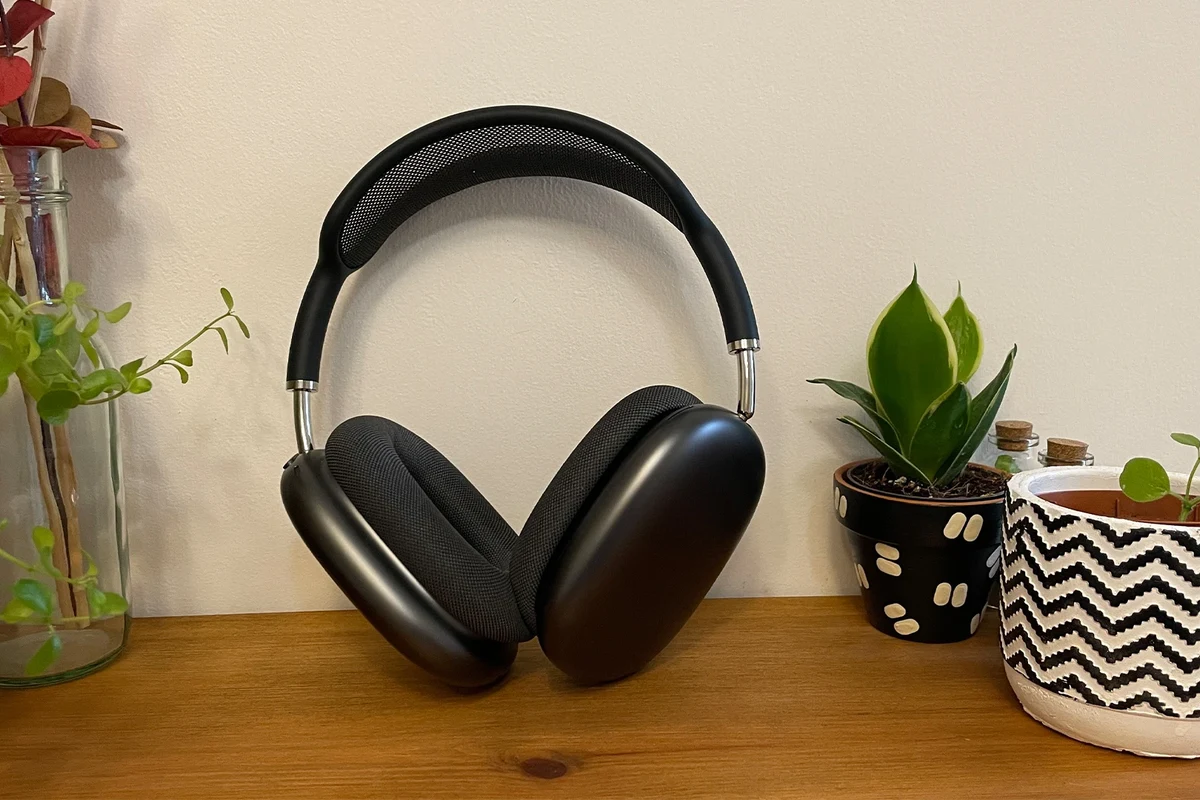
Yes, Apple headphones generally work with Android phones. Wired EarPods can play audio through the correct port or adapter, and AirPods can pair over Bluetooth like most wireless earbuds.
The main catch is feature support. Android usually gets the basics, while Apple extras such as fast device switching, Siri, and some battery features may be limited or missing.
How Apple Headphones Connect to Android Devices
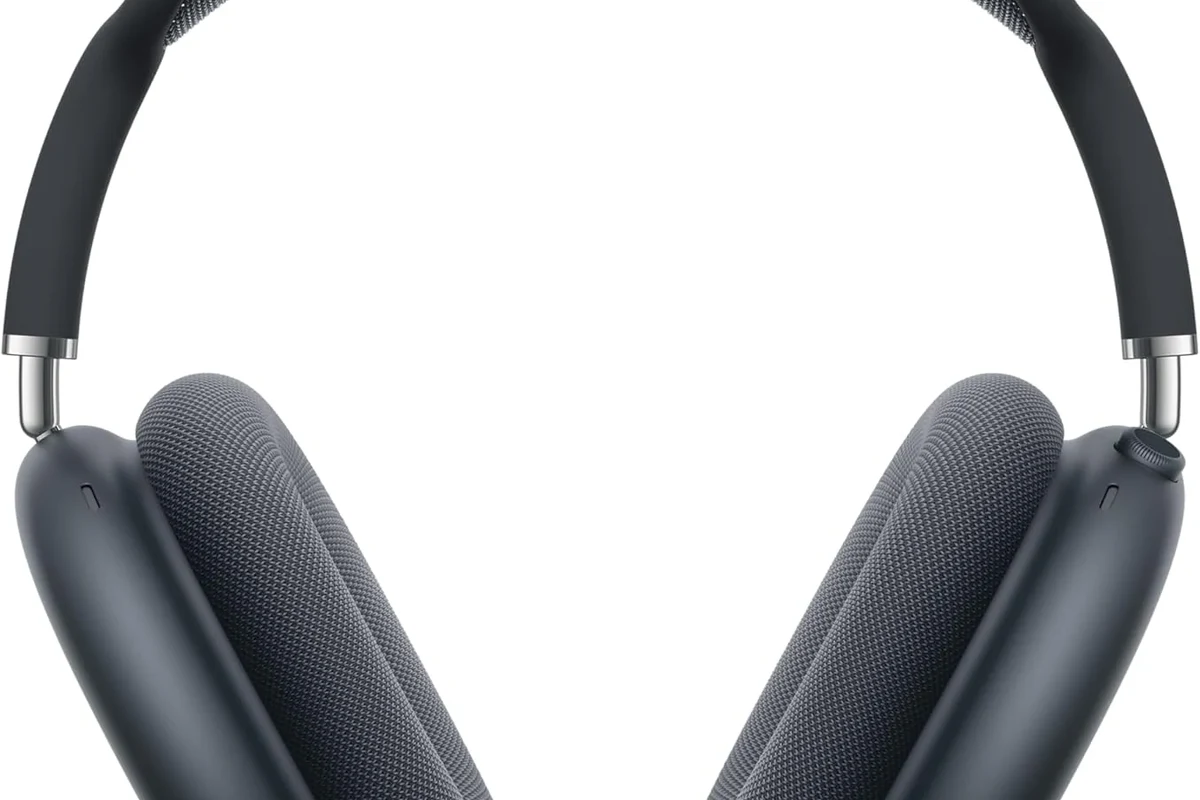
There are two common connection paths: wired and wireless. The right setup depends on whether you own EarPods, AirPods, or another Apple-branded headset.
If you are still deciding between connection types, our guide to wired vs wireless headphones can help you compare convenience, latency, and everyday use.
Wired Apple EarPods and USB-C Adapters
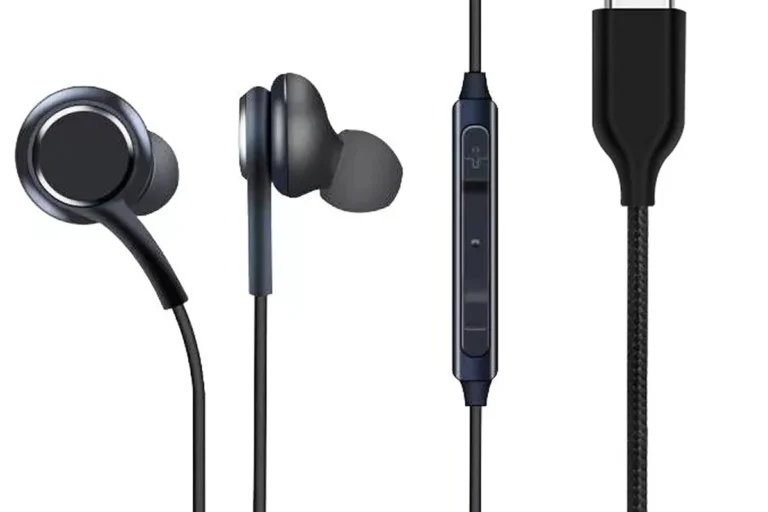
Wired EarPods are the simplest Apple headphones to use with Android. If your phone has a 3.5mm headphone jack, you can usually plug them in directly.
If your Android phone only has USB-C, you may need a USB-C to 3.5mm adapter. Compatibility can vary by phone and adapter quality, so it is worth checking whether your device supports audio output through that adapter.
Adapter support is not identical across all Android phones. A cheap or poorly made dongle may cause weak volume, microphone issues, or no sound at all.
AirPods and Bluetooth Pairing on Android
AirPods connect to Android through standard Bluetooth pairing. Open the AirPods case, put them in pairing mode, and select them from your Android phone’s Bluetooth menu.
For a step-by-step refresher on the process, see our guide on how to connect Bluetooth headphones. The same basic pairing logic applies to AirPods and most other wireless earbuds.
If pairing fails, reset the earbuds, turn Bluetooth off and back on, and try again near the phone with the case open.
What Works Automatically vs. What Needs Extra Setup
Basic playback usually works right away. That includes music, videos, podcasts, and most phone calls.
Extra setup may be needed for button remapping, call permissions, or third-party apps that show battery level and other status details. Android does not always expose the same integration Apple devices do.
Bluetooth earbuds often work across brands because they rely on a shared wireless standard, but advanced features depend on the manufacturer’s software support.
Features You Can Use on Android vs. Features You Lose
Most Android users care about one thing first: does the headphone sound good and stay connected? For Apple headphones, the answer is usually yes, but the feature list is not complete.
If you want a broader explanation of wireless tech, our article on Bluetooth headphones explained simply breaks down how the connection works and why compatibility can differ by device.
Audio Playback, Calls, and Basic Controls
Music playback works normally in most cases. You can usually pause, resume, skip tracks, and answer calls with the built-in controls.
Microphone support also works on many Android phones, though call quality can vary by model, app, and surrounding noise. For everyday listening, most people will find the experience perfectly usable.
Battery Status, Siri, Spatial Audio, and Auto-Switching Limits
Android users often lose Apple’s tighter ecosystem features. That can include Siri access, automatic switching between Apple devices, and some battery status conveniences that are easier to see on iPhone.
Spatial audio support may also be limited or unavailable depending on the headphone model and the app you are using. If you want a deeper look at ANC and related headphone features, our guide to how noise cancelling headphones work is a useful companion read.
Feature names can sound similar across brands, but the actual experience may differ by phone, app, and headphone model. Always check compatibility before buying for Android use.
Model-by-Model Differences: AirPods, AirPods Pro, and EarPods
AirPods and AirPods Pro are wireless and rely on Bluetooth, so they are the most flexible on Android. They still work, but you may miss the full Apple software experience.
EarPods are more straightforward because they are wired. If your Android phone supports the connector, they behave like standard earbuds and usually offer fewer surprises.
Best Real-World Use Cases for Android Users
Apple headphones can make sense for Android owners in a few practical situations. The best choice depends on whether you want convenience, sound quality, or a familiar fit.
Listening to Music, Podcasts, and YouTube
For casual listening, Apple headphones are often easy to live with on Android. Music, podcasts, and video apps generally work without special setup.
That makes them a reasonable option if you already own them or if you want simple earbuds for everyday media. If you are comparing Apple gear with other styles, our article on types of headphones explained can help you narrow down the right form factor.
Taking Calls, Gaming, and Travel Use
Calls are one of the biggest reasons people keep using Apple headphones on Android. They are usually good enough for commuting, office calls, and quick voice chats.
Gaming is more mixed. Bluetooth latency can be noticeable in fast games, and some users prefer wired options or lower-lag models. For travel, comfort and battery life matter more than brand, especially on long flights or train rides.
If you mainly watch videos or play mobile games, test for delay before relying on Bluetooth earbuds for competitive play.
When Apple Headphones Make Sense for Android Owners
Apple headphones make the most sense if you already own them, got them as a gift, or switch between Android and Apple devices. They are also practical if you like the fit and do not need every advanced feature.
They are less compelling if you are buying from scratch and want the best Android-native experience. In that case, a model designed for Android often gives you better app support and fewer compromises.
Common Problems Android Users Run Into
Most compatibility issues are not dramatic, but they can be frustrating. The biggest problems usually involve pairing, battery display, and feature behavior rather than basic audio playback.
Pairing Issues, Codec Limitations, and Button Behavior
Bluetooth pairing can fail if the headphones are still connected to another device or if the Android phone has a stale Bluetooth cache. A reset usually solves many of these problems.
Codec support is another limitation to keep in mind. Apple headphones may not use every audio codec an Android phone supports, which can affect latency or sound behavior depending on the model and phone.
Listening at high volumes for long periods can cause hearing damage. Keep volume at 60% or below for extended sessions.
Microphone Quality and Call Performance Surprises
Microphone performance is usually acceptable, but not always consistent. Wind, traffic noise, and app-specific call handling can make one phone sound better than another.
If call quality matters most, prioritize a headset known for strong microphone pickup on Android rather than assuming every Apple model will perform the same way in every situation.
Compatibility Mistakes to Avoid Before Buying
Do not assume every Apple headphone has the same connector or feature set. Check whether your Android phone has USB-C, a headphone jack, or only Bluetooth.
Also confirm whether the seller includes the adapter you need, especially for wired EarPods. A small accessory mismatch is one of the easiest ways to end up with a headphone that does not fit your phone’s setup.
- Your Android phone’s port type
- Whether the headphone is wired or wireless
- Adapter compatibility and quality
- Expected microphone and button support
Apple Headphones vs. Android-Friendly Alternatives
Apple headphones are not automatically the best choice just because they are popular. Android-friendly models often deliver better app support, easier setup, and more features for the same budget.
Price Comparison: Apple Headphones vs. Budget and Mid-Range Options
Price varies widely by model, seller, and region, so it is best to compare by category rather than exact numbers. In general, budget and mid-range alternatives often give Android users more features per dollar.
Value Trade-Offs for Samsung, Sony, and JBL Users
Android-focused brands often work better with Android phones because their companion apps, EQ tools, and battery features are designed for that ecosystem. That can matter more than brand prestige for everyday users.
If you want to understand how headset shape affects comfort and isolation, our guide to over-ear vs on-ear vs in-ear may help you choose a better fit before you buy.
- Apple headphones can be simple and familiar
- Android alternatives may offer stronger app support
- Wired options can reduce latency concerns
- Apple features are limited on Android
- Some adapters and dongles can be unreliable
- Better value may exist in Android-first models
Expert Advice: When to Buy Apple Headphones for Android and When Not To
Our editorial view is straightforward: buy Apple headphones for Android only if they fit a clear need. That need might be ownership, comfort, or a good deal—not just the Apple name.
Best Choice for iPhone Switchers and Mixed-Device Households
If you recently switched from iPhone to Android, keeping your Apple headphones can be a smart move. You already know how they fit, and you may not need to replace them right away.
They can also work well in mixed-device homes where one person uses Android and another uses Apple gear. In that case, basic Bluetooth use is often enough for shared listening and calls.
If you have hearing concerns, frequent ear fatigue, or trouble understanding speech at normal volume, consider an audiologist. A professional can help with safe listening habits and fit-related issues.
Warning Signs That a Different Headphone Is a Better Fit
If you want advanced ANC controls, seamless battery readouts, low-latency gaming, or the best Android app integration, a different brand is often the better choice. The same is true if you need a specific mic profile for work calls.
If your priority is sound tuning, you may also want to compare EQ flexibility and driver behavior before buying. For more background on tuning, see our guide to best EQ settings for headphone.
Final Recap: Should Android Users Use Apple Headphones in 2025?
Yes, Apple headphones do work with Android in 2025, and they can be perfectly fine for music, podcasts, calls, and casual use. The main limitation is that Android users usually get the core audio experience, not the full Apple feature set.
If you already own Apple headphones, there is usually no reason to stop using them. If you are buying new and want the best value for Android, compare them carefully against Android-first options before you decide.
Frequently Asked Questions
Wired Apple EarPods are usually simpler if your Android phone supports the right port or adapter. AirPods work over Bluetooth, but some Apple-only features are limited on Android.
Basic sound quality is usually fine, but the experience can vary by model, codec support, and phone. For most casual listening, the difference is more about features than raw playback.
They can work for casual gaming, but Bluetooth latency may be noticeable in fast games. If low delay matters, a wired headset or a gaming-focused model may be a better fit.
Check whether your phone uses USB-C, has a headphone jack, or relies on Bluetooth only. Also confirm adapter support, microphone behavior, and whether you need Apple-specific features.
Comfort depends on the model and your ear shape, so fit can vary a lot from person to person. If you plan long sessions, look at weight, cushion materials, and how securely the earbuds sit.
If you already own Apple headphones, using them on Android is often practical. If you are buying new, Android-friendly brands may offer better app support, EQ tools, and overall value.