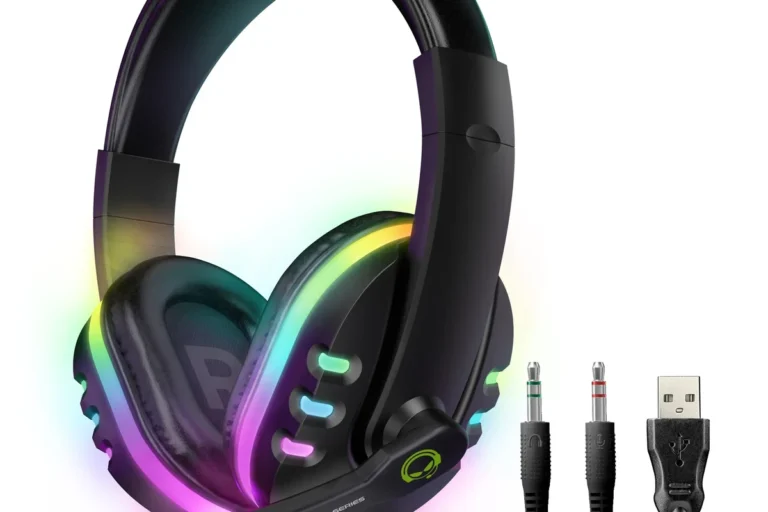
How to Connect Bluetooth Headphones to PS5 Easily

The easiest reliable way to connect Bluetooth headphones to PS5 is to use a USB Bluetooth transmitter or a USB wireless gaming headset. Direct Bluetooth pairing is limited on PS5, so TV Bluetooth or a dongle-based headset usually works better.
If you’re trying to figure out how to connect bluetooth headphones to ps5, the short answer is that most standard Bluetooth headphones won’t pair directly with the console. The most reliable options are a Bluetooth audio transmitter, your TV’s Bluetooth output, or a gaming headset that uses a USB wireless dongle.
- Best workaround: Use a USB transmitter or USB wireless headset.
- Lowest lag: Wired or USB wireless usually beats standard Bluetooth.
- Mic support: Bluetooth mic performance on PS5 can be inconsistent.
- Casual use: TV Bluetooth can work for movies and single-player games.
Why PS5 Doesn’t Support Most Bluetooth Headphones Directly
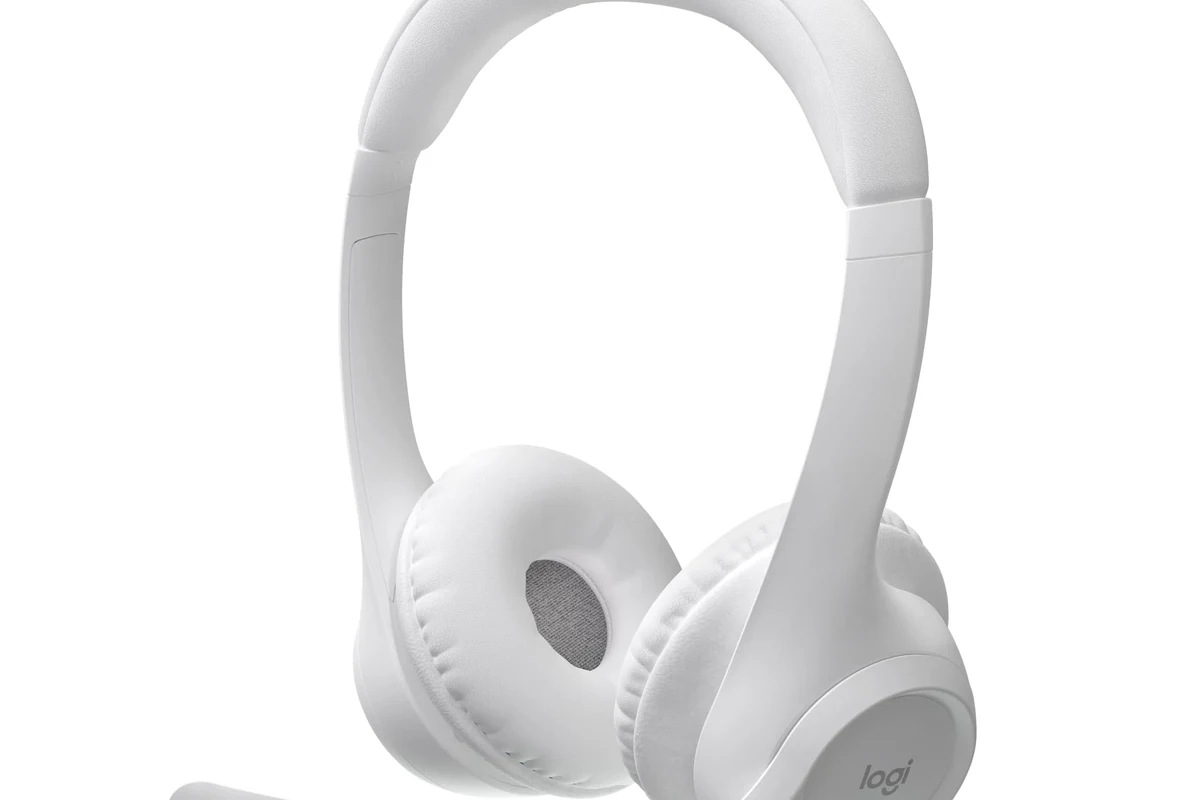
The PS5 is designed to work best with Sony-approved accessories and wired audio setups, so it blocks many regular Bluetooth audio devices. That means your everyday wireless headphones may not show up in the PS5 pairing menu at all.
This can be frustrating, but it’s not really a defect. Sony is trying to reduce lag, avoid unstable connections, and keep voice chat and game audio working smoothly.
What Sony allows and what it blocks in 2025
In 2025, the PS5 still supports a limited set of Bluetooth accessories, but not most Bluetooth headphones for direct audio playback. Some devices may connect in a limited way, but full game audio or mic support is often unreliable.
If you’ve used bluetooth headphones with phones, tablets, or laptops, the PS5 may feel less flexible. That’s because the console prioritizes low-latency gaming connections over general-purpose Bluetooth convenience.
How this affects everyday gaming and TV audio use
For everyday gaming, the biggest issue is delay. Even a small lag between the action on screen and the sound in your headphones can make fast games feel off.
For TV or movie use, the problem is usually less noticeable, but connection stability still matters. If you use your PS5 for streaming, single-player games, or late-night play, a workaround can still deliver good results.
Best Ways to Connect Bluetooth Headphones to PS5
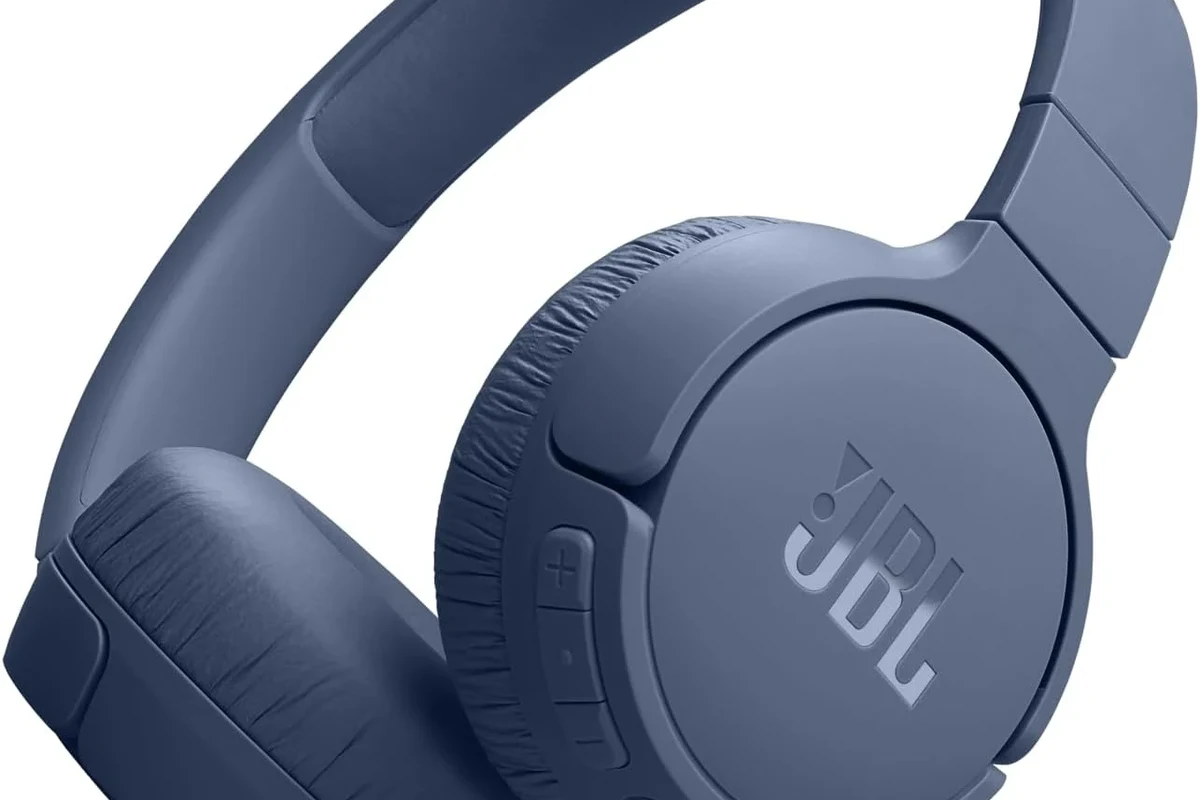
There are three practical ways to get wireless audio from a PS5 into Bluetooth headphones. Each method has tradeoffs in sound quality, latency, convenience, and microphone support.
Using a Bluetooth audio transmitter with the PS5
A Bluetooth transmitter plugs into the PS5 or into a device connected to it, then sends audio to your headphones. This is usually the most direct workaround if you want to use your own Bluetooth headset.
For best results, choose a low-latency transmitter and pair it with headphones that support a similar low-delay mode. Results can vary by brand, codec support, and how the transmitter is powered.
Connecting through your TV, monitor, or soundbar
If your TV or monitor has Bluetooth audio output, you may be able to send PS5 audio to your headphones through the display instead of the console. This is often the easiest option when the TV already supports wireless audio.
The downside is that TV Bluetooth can add delay. It may still be fine for story games, but competitive players usually notice the lag.
Pairing via a USB wireless dongle or headset base station
Many gaming headsets skip standard Bluetooth and use a USB wireless dongle or a base station. These are often much more reliable on PS5 because they are built for gaming audio, not general Bluetooth pairing.
If you want simple setup and better chat support, this is usually the most dependable route. It can also be a better pick than standard Bluetooth if you care about voice chat quality.
Step-by-Step Setup Guide for Each Connection Method
Before you start, make sure your headphones are charged and your PS5 is on the correct audio output path. If you’re unsure about the basics of wireless pairing, it can help to review a general guide on Bluetooth headphones explained simply.
How to use a USB Bluetooth adapter on PS5
Insert the Bluetooth transmitter into a USB port on the PS5, or into the audio output on a connected device if the adapter uses a 3.5mm or optical input.
Follow the transmitter’s pairing instructions. Most adapters use a button or LED indicator to show when they are ready to connect.
Put your Bluetooth headphones into pairing mode and wait for the transmitter to connect. Once paired, audio should route through the adapter automatically.
Note
Some transmitters work better than others with PS5, and compatibility may vary by headphone model and codec support.
How to connect through a TV’s Bluetooth settings
Go to your TV’s settings and look for Bluetooth, sound output, or wireless audio options. The exact menu name depends on the TV brand.
Set your headphones to pairing mode and select them from the TV’s Bluetooth device list. Once connected, PS5 audio should play through the TV to your headphones.
Launch a game or video and listen for delay. If the lag is distracting, switch to a wired or USB wireless option instead.
How to pair a wireless gaming headset with a USB dongle
Plug the headset’s USB wireless receiver into the PS5. Some headsets may use a small USB-A adapter or a dock-style base station.
Power on the headset and let it search for the receiver. In many cases, the connection happens automatically after a few seconds.
Go to the PS5 sound settings and confirm the headset is selected as the output device. Adjust chat and game audio balance if your headset supports it.
Sound Quality, Latency, and Mic Performance: What to Expect
Wireless audio is convenient, but it is not always equal in performance. The right setup depends on whether you care most about speed, clarity, or voice chat.
Why audio delay matters in competitive games
Latency is the gap between what happens on screen and when you hear it. In fast shooters, sports games, or rhythm games, even a small delay can throw off timing and reaction speed.
This is why many players prefer USB wireless headsets or wired options over standard Bluetooth. If you want to reduce lag further, see our guide on Bluetooth headphone lag fixes.
Movie, single-player, and chat use cases compared
For movies and single-player games, a little delay is usually easier to tolerate. Story-driven titles, exploration games, and casual streaming sessions are often fine with a TV Bluetooth connection.
For party chat, the main concern is clarity and stability. A dedicated gaming headset often performs better than regular Bluetooth headphones because it is designed for both listening and speaking.
Microphone limitations with Bluetooth on PS5
Mic support is one of the weakest parts of standard Bluetooth on PS5. Some headphones may play audio but fail to route microphone input properly, or they may require extra setup that still does not work consistently.
If voice chat matters to you, a USB wireless headset or a wired headset is usually the safer choice. That gives you a much better chance of stable chat performance.
Listening at high volumes for long periods can cause hearing damage. Keep volume at 60% or below for extended sessions.
Common Mistakes That Stop Bluetooth Headphones from Working
Most failed PS5 Bluetooth setups come down to a few common mistakes. The good news is that they are easy to avoid once you know what to look for.
Forgetting the PS5 Bluetooth limitations
The most common mistake is assuming the PS5 works like a phone or laptop. It does not support most standard Bluetooth headphones directly, so pairing may fail even when the headphones are working perfectly elsewhere.
If the headset is not showing up, the issue may be the console’s compatibility rules rather than the headphones themselves.
Using unsupported codecs or low-quality adapters
Some adapters and headphones promise wireless audio, but they may not deliver a stable low-latency experience. Codec support, build quality, and firmware all affect the final result.
A cheap adapter can also introduce hiss, dropouts, or audio sync problems. If you want a smoother setup, choose a reputable transmitter instead of the lowest-cost option.
Confusing headset pairing with controller pairing
Another common mistake is mixing up controller connection steps with headset audio pairing. A DualSense controller can connect easily, but that does not mean Bluetooth headphones will connect the same way.
Always check whether the device is meant for audio output, voice chat, or simple controller input before you start troubleshooting.
Best Bluetooth Headphone and Adapter Options for PS5 Players
There is no single best choice for every player. The right pick depends on whether you want the lowest cost, the least lag, or the best all-around gaming experience.
Budget-friendly transmitter choices
Budget transmitters can be a decent starting point if you only want casual wireless listening. They are best for single-player games, streaming, and light use where perfect timing is not critical.
Expect performance to vary. Some budget models work well enough, while others may struggle with range or delay.
Mid-range and premium low-latency options
Mid-range and premium transmitters usually offer better stability, better codec support, and a lower chance of audio delay. These are more appealing if you plan to game often and want fewer connection headaches.
Wireless gaming headsets with a USB dongle are also strong contenders here, especially if you want easy setup and dependable chat support.
When a dedicated gaming headset is the better value
If you play on PS5 regularly, a dedicated gaming headset can be better value than trying to force standard Bluetooth headphones to work. You usually get better latency, easier pairing, and more reliable microphone performance.
That said, if you already own a good Bluetooth pair, an adapter may still be the most cost-effective path. The smartest choice depends on what you already have and how picky you are about audio delay.
| Model | Best For | Price Range |
|---|---|---|
| USB Bluetooth transmitter | Casual wireless audio | Varies |
| TV Bluetooth output | Simple movie and single-player use | Varies by TV |
| USB wireless gaming headset | Low-lag gaming and chat | Varies by brand |
Expert Advice: How to Get the Best PS5 Audio Experience in 2025
The best PS5 audio setup is the one that matches your habits, not just your budget. If you want the least hassle, choose a connection method built for gaming rather than general Bluetooth use.
Recommended settings for low lag and stable sound
Use the shortest reliable connection path you can. A USB wireless headset or a quality transmitter is usually more stable than routing audio through multiple devices.
If your TV has audio delay settings, check for a game mode or lip-sync option. That can help reduce the feeling of mismatch between video and sound.
When to choose wired, USB wireless, or Bluetooth
Choose wired if you want the simplest, most dependable audio with no wireless delay concerns. Choose USB wireless if you want convenience and better gaming performance.
Choose Bluetooth only when you value flexibility and already own compatible gear. For many PS5 players, Bluetooth is a compromise rather than the ideal solution.
Warning signs that your setup is causing audio issues
If you hear crackling, dropouts, echo, or noticeable lag, your setup probably needs adjusting. Those are common signs that the adapter, TV, or headset is not a good match.
If problems continue across multiple devices, consider resetting the headphones or switching to a different connection method. For reset steps, you can also review how to reset Bluetooth headphones.
If you notice persistent hearing fatigue, ringing, or discomfort after gaming, reduce volume and consider speaking with an audiologist. Long-term ear health matters more than any convenience feature.
Final Recap: The Easiest Way to Connect Bluetooth Headphones to PS5
The easiest reliable method is usually a USB wireless gaming headset or a quality Bluetooth transmitter. Direct PS5 Bluetooth pairing is limited, so most players need a workaround.
Quick summary of the safest and most reliable method
If you want the least lag and the fewest problems, use a USB wireless dongle or a dedicated gaming headset. If you only want casual listening, a transmitter or TV Bluetooth may be enough.
Best choice based on budget, convenience, and gaming style
Budget buyers can try a transmitter first, especially if they already own Bluetooth headphones. Competitive players should lean toward USB wireless or wired audio for better response and chat performance.
In short, the best answer to how to connect bluetooth headphones to ps5 is to use a compatible adapter or a headset made for gaming, not to rely on direct console pairing.
Frequently Asked Questions
Not always. The PS5 blocks many standard Bluetooth headphones from direct pairing, so you usually need a transmitter, TV Bluetooth, or a USB wireless headset.
USB wireless is usually better for PS5 gaming because it tends to have lower lag and more stable chat support. Bluetooth is more convenient, but it can add delay.
Over-ear headsets are often the best choice for long gaming sessions because they usually offer better comfort and sound isolation. In-ear options can work for casual play, but fit and mic quality vary.
Look at latency, codec support, comfort, and whether the headset includes a mic. Sound quality can also depend on driver design, tuning, and how well the headset handles bass and clarity.
Start by deciding whether you need wireless convenience or the lowest possible lag. A budget transmitter may be enough for casual use, but a basic USB wireless gaming headset is often better for serious play.
Choose lightweight headphones with soft ear cushions and a secure but gentle fit. If you feel pressure, heat, or fatigue during long sessions, take breaks and lower the volume.