Can You Use Bluetooth Headphones for PS4 Easily

Yes, you can use Bluetooth headphones on PS4, but direct pairing is often limited and unreliable. The easiest setups are usually a USB wireless dongle, a Bluetooth transmitter, or a wired controller connection.
If you’re asking can you use bluetooth headphones for ps4, the short answer is yes—but not always in the simple, phone-like way most people expect. The PS4 has Bluetooth limits that make some headphones work poorly or not at all for game audio and chat.
In practice, the easiest setup usually involves a USB wireless dongle, a Bluetooth transmitter, or a wired backup connection. If you want a broader look at wireless audio basics, our guide to Bluetooth headphones explained simply can help before you buy.
- Compatibility first: Not every Bluetooth headphone works properly with PS4.
- Best wireless fix: A USB transmitter is usually the simplest option.
- Most reliable backup: Wired mode through the controller is often safest.
- Watch for lag: Latency and mic issues are common with generic Bluetooth.
Can You Use Bluetooth Headphones for PS4? What the Answer Means in 2025
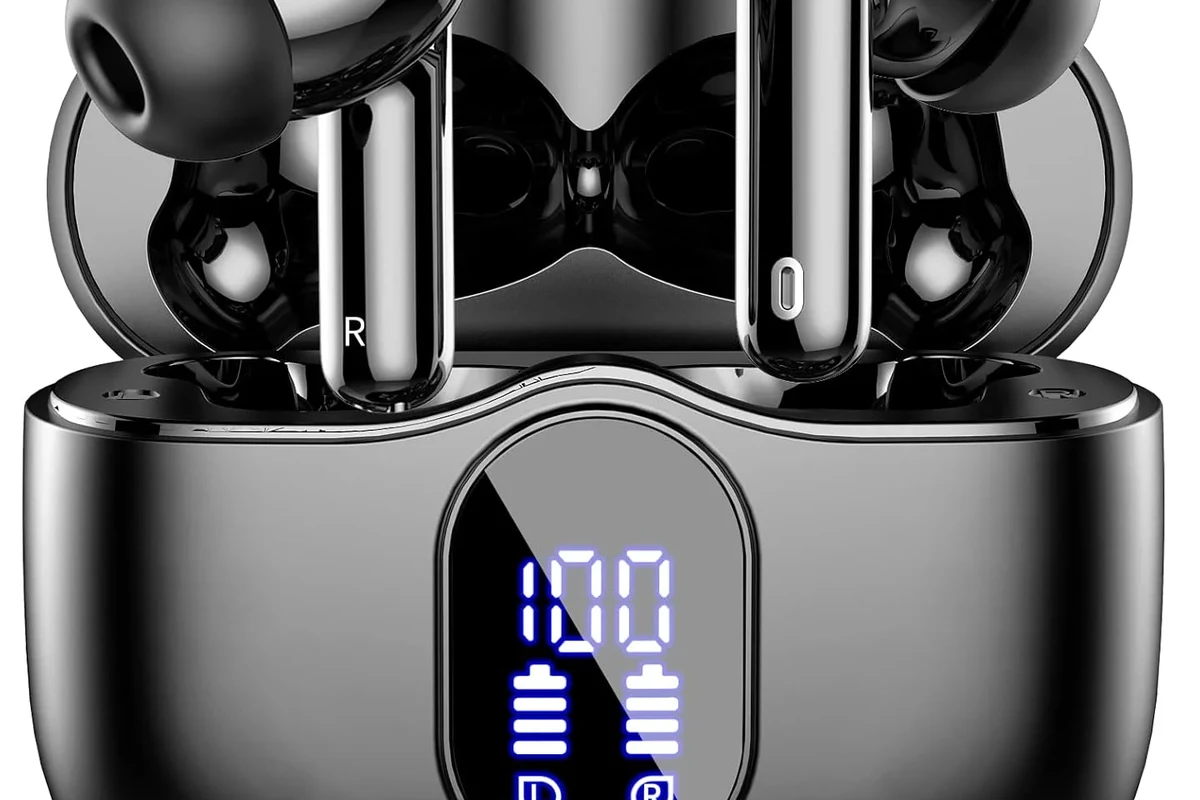
Yes, you can use Bluetooth headphones with a PS4 in 2025, but compatibility depends on the headphone model and the connection method. The key issue is that “Bluetooth” alone does not guarantee full game audio, voice chat, or low-latency performance.
Many PS4 owners expect the console to pair with any wireless headset the same way a smartphone does. That is where the frustration starts, because PS4 Bluetooth support is more limited than most people realize.
Will any Bluetooth headphones work on PS4?
No, not reliably. Some pair for menus or limited audio, while others need a USB dongle or transmitter to work properly for gameplay.
Why PS4 Bluetooth Audio Is Limited: The Real Compatibility Problem
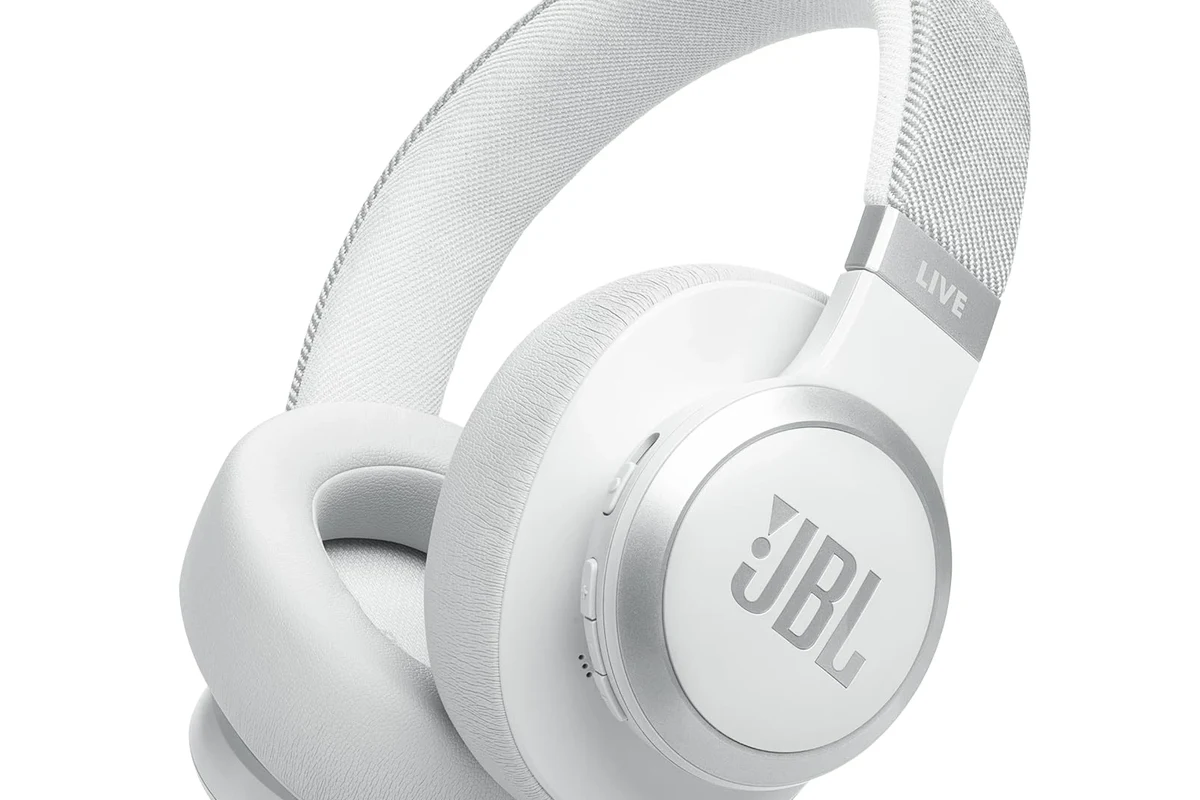
The PS4’s wireless audio support is not designed to be universal. That means some Bluetooth devices connect, but the console may still block full sound output or microphone support.
For gamers, this matters because a headset that works for music or calls may still fail when used for a fast-paced game. If you’re comparing wireless and wired listening in general, our article on Bluetooth vs wired headphones sound quality explains why wired setups often feel more consistent.
How Sony handles Bluetooth on PS4
Sony’s Bluetooth implementation on PS4 is selective rather than open-ended. In simple terms, the console is more likely to support approved accessories and dedicated gaming headsets than generic Bluetooth headphones.
This helps reduce connection problems, but it also means your favorite everyday headphones may not be the best choice for PS4 play. The result is often a device that pairs, then disappoints when you try to hear game audio or talk in a party.
Why some headphones pair but still fail for game audio
A successful pairing only means the devices recognized each other. It does not guarantee that the PS4 will route stereo audio, chat audio, and microphone input the way you want.
Some headphones may connect for short menus or system sounds, then cut out during games. Others may produce lag, low volume, or no mic function at all, which is why pairing and usability are not the same thing.
Best Ways to Connect Wireless Headphones to PS4 Without Frustration
If you want the least stressful setup, choose a connection method built for gaming rather than general Bluetooth use. That usually means a USB dongle, a transmitter, or a wired fallback through the controller.
Before shopping, it helps to know your use case: casual single-player, party chat, or competitive multiplayer. For a broader buying foundation, see our guide on types of headphones explained.
Using a USB wireless dongle for direct audio
This is often the simplest option for gaming headsets that include their own USB transmitter. The dongle creates a dedicated wireless link, which is usually more stable than standard Bluetooth on the PS4.
In many cases, this setup also improves chat support and lowers delay. It is usually the most “plug in and play” route if your headset already includes the proper receiver.
Connecting through the DualShock 4 controller with a cable
If your Bluetooth headphones have a 3.5mm cable option, connecting them to the DualShock 4 controller can be a practical fallback. This does not make the headphones wireless, but it can solve compatibility problems quickly.
It is a good backup for players who want reliable sound without buying extra hardware. Just remember that cable length, controller battery life, and mic support may vary by headset model.
Not every 3.5mm cable supports microphone input the same way. Check whether your headset and cable are designed for both audio and chat before relying on this method.
Using a Bluetooth transmitter from the PS4 optical or USB setup
A Bluetooth transmitter can bridge the gap between the PS4 and standard Bluetooth headphones. Some transmitters connect through USB, while others are designed for optical audio on compatible setups.
This route can work well if you already own good Bluetooth headphones and do not want to replace them. Still, the final sound quality and latency will depend on the transmitter, codec support, and headphone pairing quality.
Step-by-Step Setup Examples for Common Headphone Types
The right setup depends on what kind of headphones you already own. A gaming headset, a standard Bluetooth pair, and a wired-capable headphone all need slightly different approaches.
Compatibility can vary by headset brand, PS4 software version, and transmitter type. Always check the headset manual and the adapter’s supported devices before buying.
Bluetooth headphones with no dongle
For standard Bluetooth headphones with no included receiver, start by checking whether your PS4 recognizes them in the Bluetooth devices menu. If they do not connect properly, do not assume the headphones are broken.
Instead, try a dedicated Bluetooth transmitter or a wired fallback. In many cases, the headset itself is fine—the problem is simply that the PS4 is not built for universal Bluetooth audio.
Gaming headsets with included USB transmitter
These are usually the easiest wireless option for PS4 users. Plug the USB transmitter into the console, power on the headset, and follow the pairing steps from the manufacturer.
Once connected, test both game sound and voice chat before your first long session. If you want a general troubleshooting refresher, our guide on how to connect Bluetooth headphones covers the basic pairing mindset.
Plug the dongle into the PS4 and wait for the console to detect it.
Use the headset’s pairing button or switch until the indicator light shows it is ready.
Check the PS4 sound menu and test party chat before gaming for real.
Wired mode on Bluetooth headphones with 3.5mm support
Some Bluetooth headphones also include a wired listening mode. If your pair supports a 3.5mm cable, this can be the most dependable way to use it on PS4.
It may not feel as modern as wireless play, but it often gives you better consistency and avoids pairing headaches. That makes it a smart fallback for players who value reliability over convenience.
Sound Quality, Mic Performance, and Latency: What Gamers Actually Notice
For gaming, the biggest differences usually show up in delay, chat quality, and how stable the connection feels. A headset can sound fine for music and still feel off in a game where timing matters.
Audio delay in fast-paced games
Latency is one of the most noticeable drawbacks of standard Bluetooth on PS4. In slower games, a small delay may not bother you much, but in shooters or rhythm games it can feel distracting.
If you care about tight timing, a USB gaming transmitter or wired connection is usually safer than generic Bluetooth. Even small delays can change how responsive the game feels.
Chat microphone issues and party voice limitations
Mic support is another common pain point. Some Bluetooth headphones may play audio but fail to send a clean microphone signal through the PS4.
That can be a problem for party chat, co-op play, and streaming setups. A headset designed for consoles is usually less frustrating if voice chat is important to you.
If you rely on voice chat for work, streaming, or competitive play, consider checking with a professional audio specialist or audiologist if you also notice hearing fatigue, uneven volume, or discomfort during long sessions.
When stereo sound is good enough for casual play
For story games, single-player adventures, and relaxed couch gaming, basic stereo audio may be perfectly fine. If you do not need a perfect mic setup, a compatible Bluetooth solution can still be enjoyable.
Casual players often care more about comfort and convenience than perfect latency. In that case, a decent wireless setup can be a practical compromise.
Best Budget vs Premium Solutions: What You’ll Spend in 2025
Costs vary a lot depending on whether you buy an adapter, a transmitter, or a full gaming headset. The cheapest fix is not always the best value if it creates lag or compatibility trouble later.
Low-cost adapters and transmitters
Budget Bluetooth transmitters can be attractive if you already own a good headset. They may solve the basic connection problem without forcing you to replace your headphones.
Just be careful with very cheap adapters, since build quality, range, and latency can be inconsistent. The lowest price is only a good deal if the adapter actually works well with your setup.
Mid-range wireless gaming headsets
Mid-range gaming headsets with USB transmitters are often the sweet spot for PS4 users. They usually offer a simpler setup and better chat support than generic Bluetooth headphones.
They are also easier to recommend for players who want a cleaner all-in-one solution. If you want less tinkering, this category is often the best balance of convenience and performance.
When upgrading is better than troubleshooting
If you have already spent time on adapters, settings, and cables, it may be smarter to upgrade to a headset made for consoles. That is especially true if you play often and value stable voice chat.
Sometimes the real cost is not the price tag—it is the time and frustration spent trying to make the wrong device work. For many gamers, a purpose-built headset is the more reliable long-term choice.
Common Mistakes to Avoid When Using Bluetooth Headphones on PS4
Most PS4 Bluetooth problems happen because the setup assumptions are wrong. If you avoid a few common mistakes, you can save a lot of time and money.
Assuming standard Bluetooth will work like on a phone
This is the biggest mistake. A PS4 is not a phone, and its Bluetooth support is much more limited than most people expect.
Always check whether your headphones need a dongle, transmitter, or cable before you buy. That one step can prevent a lot of disappointment.
Buying the wrong adapter for game audio and chat
Some adapters only handle audio, while others are better suited for both audio and microphone use. If you need party chat, make sure the adapter actually supports the full experience you want.
Read the product details carefully and avoid assuming “Bluetooth” means “fully compatible.” That small assumption is often the reason a setup fails.
Ignoring latency and battery-life tradeoffs
Wireless convenience is great until lag or battery drain becomes part of the routine. A headset that sounds fine for an hour may feel less appealing during longer sessions.
Keep battery life, charging habits, and delay in mind before buying. For long gaming nights, comfort and stable performance matter as much as wireless freedom.
Listening at high volumes for long periods can cause hearing damage. Keep volume at 60% or below for extended sessions.
Final Verdict: The Easiest and Most Reliable Way to Use Bluetooth Headphones on PS4
So, can you use bluetooth headphones for ps4? Yes, but the easiest route is usually not direct standard Bluetooth pairing. The most reliable options are a gaming headset with a USB transmitter, a Bluetooth transmitter made for the PS4, or a wired fallback through the controller.
If you already own Bluetooth headphones, try a transmitter or wired mode before replacing them. If you are shopping from scratch, a console-friendly wireless headset will usually give you fewer headaches and better results overall.
- PS4 Bluetooth support is limited, so not every headphone will work well.
- USB dongles and gaming transmitters are usually the easiest wireless fix.
- Wired controller connections are the most dependable backup option.
- Latency and mic support matter more than the word “Bluetooth” on the box.
Frequently Asked Questions
Not always. Wired connections usually offer lower delay and fewer compatibility issues, while wireless can be more convenient if the headset is built for PS4.
They can be, especially for blocking room noise during long sessions. Just make sure the headset still has comfortable audio balance and works well with your PS4 setup.
Closed-back headphones are usually better for PS4 gaming because they block outside noise and keep game audio focused. Open-back models can sound wider, but they leak sound and offer less isolation.
Look at connection type, microphone support, comfort, battery life, and whether the headset uses a USB transmitter or wired fallback. Sound tuning and latency matter too, but compatibility comes first.
Focus on reliable connection, decent comfort, and clear voice chat before chasing extra features. A well-made mid-range headset often gives better value than a very cheap wireless option.
Light weight, soft ear cushions, and a headband with even pressure all help. If you play for hours, choose a fit that stays comfortable without squeezing too tightly.