Why Does My Sony Headphones Keep Pausing and How to Fix It

Sony headphones usually keep pausing because of wear detection, Bluetooth instability, dirty sensors, or app and phone settings. Re-pairing the headphones, cleaning the sensors, and checking the Sony app usually solves the problem.
If your Sony headphones keep pausing, the cause is usually a setting, sensor issue, Bluetooth instability, or a problem with the phone or app they’re connected to. In most cases, you can fix it with a few quick checks before assuming the headphones are faulty.
- Most common cause: Auto-pause or wear detection is often the culprit.
- Fastest fix: Re-pair the headphones and test on another device.
- Sensor care: Clean ear cups and check fit before resetting everything.
- Phone factors: Battery optimization and app conflicts can trigger pauses.
- When to replace: Persistent pausing after reset may point to hardware wear.
Why Does My Sony Headphones Keep Pausing? Understanding the Most Common Causes
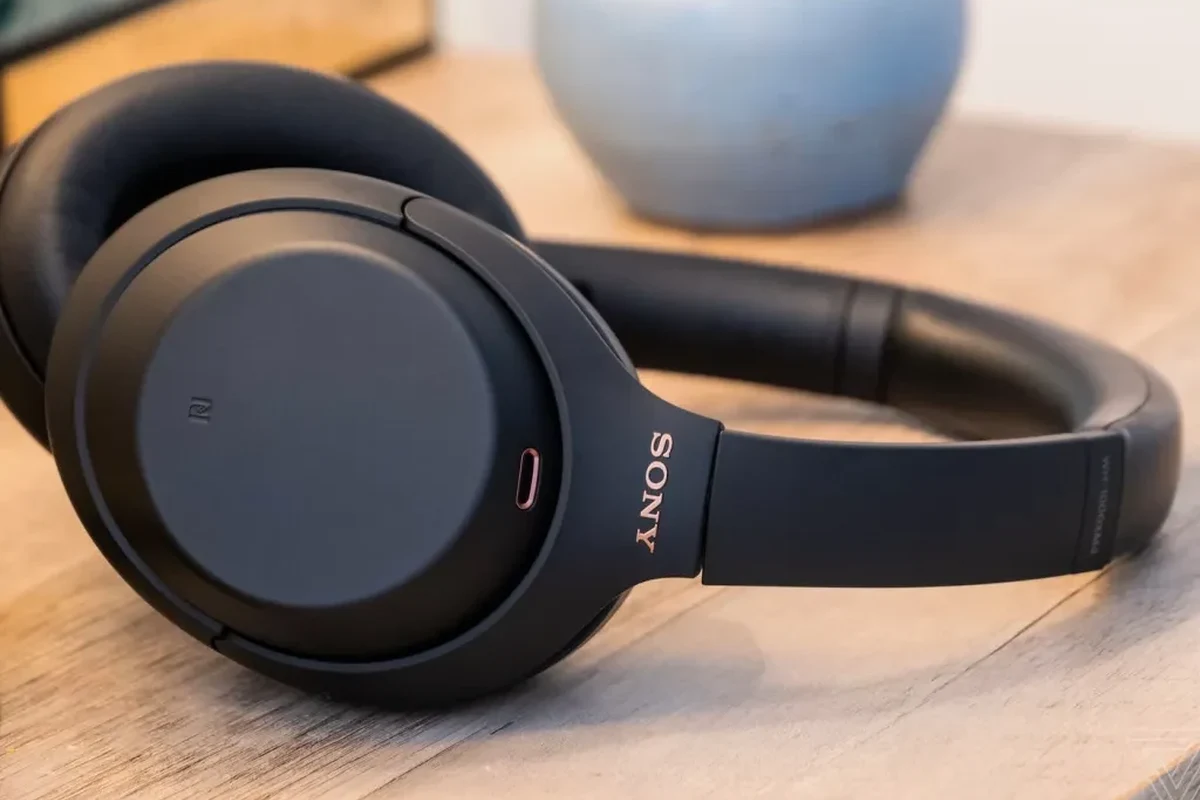
Random pausing is one of the most common wireless headphone complaints, and Sony models are no exception. The good news is that the pause is often a feature working too aggressively, or a connection issue that can be corrected without repair.
Auto-pause features and wear detection issues
Many Sony headphones use wear detection to pause audio when you take them off. If the sensor thinks the headphones were removed, even briefly, playback may stop unexpectedly.
This can happen if the ear cups shift, if the headset sits unevenly, or if the detection setting is too sensitive for your head shape and listening style. Features like Speak-to-Chat can also make it seem like the headphones are pausing on their own when they are actually reacting to speech or ambient sound.
Bluetooth signal drops, interference, and unstable connections
Wireless pausing often comes from a weak or unstable Bluetooth connection. Walls, crowded wireless spaces, and devices like laptops or smartwatches can interrupt the signal long enough to trigger a pause.
If you are using Bluetooth headphones, connection quality matters just as much as sound quality. A stable link usually depends on distance, device compatibility, and how busy the wireless environment is. For a deeper look at how wireless audio behaves, see our guide on Bluetooth headphones explained simply.
Dirty sensors, misaligned ear cups, and physical fit problems
Dust, sweat, skin oil, and worn earpads can confuse wear sensors. If the headphones do not sit correctly, the sensor may think you removed them even when they are still on your head.
Over-ear models are especially likely to pause if the ear cups are not aligned well. A poor fit can also affect noise cancellation, comfort, and long-session stability. If you want more context on fit styles, our types of headphones explained guide can help.
Quick Checks to Confirm the Real Problem Before You Troubleshoot
Before changing settings, it helps to narrow down whether the issue is in the headphones, the phone, or the app. A few simple tests can save time and prevent you from resetting something that was not broken in the first place.
How to tell if pausing happens on one device or all devices
Start by pairing the Sony headphones with a second phone, tablet, or laptop. If the pausing only happens on one device, the source device is more likely to be the problem.
If the headphones pause on every device, the issue is probably in the headset settings, sensors, or Bluetooth hardware. That distinction matters because it tells you whether to focus on the headphones or the playback source.
Testing with music, calls, and different apps to isolate the trigger
Try a music app, a video app, and a phone call if possible. Some apps pause when they lose focus, while others react badly to notification interruptions or voice assistants.
If only one app causes the problem, the fix may be as simple as updating or reinstalling that app. If everything pauses, the cause is more likely to be system-wide, such as Bluetooth, battery, or sensor behavior.
Why battery level, firmware, and app settings matter in 2026
Low battery can make wireless headphones behave unpredictably, including dropping audio or disconnecting for a moment. Firmware also matters because Sony often uses updates to refine sensor behavior, Bluetooth stability, and app features.
In 2026, headphone apps and phone operating systems are more tightly linked than before, so background permissions and system optimization settings can affect playback. It is worth checking the Sony app, your phone’s battery settings, and any audio-enhancement features that may interfere with normal use.
How to Fix Sony Headphones That Keep Pausing: Step-by-Step Solutions
Once you have a sense of the cause, move through the fixes in order. Start with the simplest steps first, then work toward reset and firmware updates if the pausing continues.
Restarting, re-pairing, and resetting the headphones properly
Turn the headphones off, power the phone off and back on, then reconnect the pair. A basic restart often clears temporary Bluetooth glitches.
If that does not help, remove the headphones from your device’s Bluetooth list and pair them again from scratch. For persistent issues, a full reset may be needed. If you need a broader walkthrough, our how to reset Bluetooth headphones guide explains the general process.
Turn off the headphones and the phone, wait a few seconds, then turn them back on.
Remove the headphones from Bluetooth settings and pair them again as a fresh connection.
Use the manufacturer reset method if pausing still happens after re-pairing.
Adjusting auto-pause, Speak-to-Chat, and touch controls in the Sony app
Open the Sony app and review any settings tied to wear detection, Speak-to-Chat, or touch controls. These features are useful, but they can also create accidental pauses if they are too sensitive for your routine.
For example, Speak-to-Chat may interrupt playback when it detects your voice, while touch controls can pause audio if the ear cup is brushed during use. If you regularly talk while wearing the headphones, commuting or working in an office, it may be worth reducing sensitivity or turning off the feature temporarily.
If pausing happens while you adjust the ear cups, touch the controls, or speak near the headphones, check the Sony app settings before assuming it is a hardware problem.
Cleaning ear sensors and checking for fit-related interruptions
Use a soft, dry microfiber cloth to clean the ear cups and sensor areas. Avoid harsh cleaners or excess moisture, since those can damage the finish or seep into sensitive parts.
Also check the fit. The headphones should sit evenly and fully cover the ear if they are over-ear models. Worn earpads can change the way the headset sits and may make wear detection less reliable. If cleaning is part of your regular care routine, our how to clean headphones guide is a useful reference.
Updating firmware and device software without breaking settings
Firmware updates can improve Bluetooth behavior, fix sensor bugs, and reduce random pausing. Before updating, make sure the headphones are charged and keep the app open until the process finishes.
It is also smart to update your phone’s operating system and the streaming app you use most. Just note that software updates sometimes reset preferences, so check your Sony app settings again afterward. If you use a Windows PC, device output settings can also matter, so our select headphones in Windows 11 guide may help if the issue appears on a computer.
Common Mistakes That Make the Pausing Worse
Some fixes backfire because the real issue was never addressed. A good troubleshooting process means avoiding the common mistakes that keep the problem coming back.
Ignoring app permissions and background optimization on phones
Many phones limit background activity to save battery. That can cause the Sony app, music app, or Bluetooth service to close or sleep in the background, which may interrupt playback.
Check battery optimization, background refresh, and notification permissions for any app involved in audio playback. If those settings are too strict, the headphones may seem to pause randomly even though the source device is cutting the connection.
Assuming the headphones are broken before checking the source device
It is easy to blame the headphones first, but the phone or computer often causes the problem. Bluetooth stack issues, app crashes, and system power-saving modes can all trigger pauses.
Before requesting service or replacement, test the headphones on another device and compare the results. If the issue disappears, the headset may be fine.
Using worn-out earpads or poor ear placement that triggers sensors
Old earpads can flatten, leak, and shift the headset position. That changes how the sensors read your ears and can cause playback to stop unexpectedly.
Poor placement can do the same thing, especially if one cup sits higher than the other. In long listening sessions, a small shift can be enough to trigger wear detection repeatedly.
When the Issue Is Not the Headphones: Device, App, and Bluetooth Factors
Not every pause comes from the headset itself. In many cases, the source device, the app, or the wireless environment is responsible for the interruption.
Phone power-saving modes, audio app glitches, and streaming app conflicts
Power-saving modes can reduce Bluetooth performance or suspend background activity. Some streaming apps also conflict with phone call handling, voice assistants, or notification systems.
If the pause happens during downloads, incoming messages, or background app switching, the issue may be software-related rather than headphone-related. This is especially common on phones that aggressively manage battery life.
Bluetooth version differences between older phones and newer Sony models
Older phones may not handle newer wireless features as smoothly as recent Sony models expect. Even when pairing works, the connection may be less stable than it should be.
This does not mean the headphones are incompatible, but it can mean more dropouts, more latency, or more pauses under load. If you are comparing wireless options, our wired vs wireless headphones guide explains why connection stability can vary so much.
Interference from smartwatches, laptops, and crowded wireless environments
Bluetooth shares space with many other wireless signals. Smartwatches, laptops, routers, and crowded public areas can all increase interference.
If the pausing only happens in one location, such as a gym, train station, or office, the environment may be the real cause. Moving a few feet away from other devices can sometimes make a bigger difference than changing headphone settings.
Expert Advice: When to Reset, Repair, or Replace Your Sony Headphones
If the simple fixes do not work, the next step is deciding whether the problem is worth repairing. That choice depends on the symptoms, the age of the headphones, and the cost of service in your area.
What a factory reset can fix and what it cannot
A factory reset can clear corrupted settings, pairing errors, and software glitches. It is a strong option when the pausing started after an update or after changing devices.
However, a reset will not fix physical damage, worn battery cells, or failing sensors. If the headset still pauses after a clean reset and fresh pairing, the issue may be hardware-related.
Signs of sensor failure, battery wear, or hardware damage
Watch for symptoms like pausing even when the headphones are sitting still, random power-offs, charging problems, or one side cutting out. Those can point to deeper hardware trouble.
If the sensors react inconsistently even after cleaning and adjusting the fit, the hardware may be wearing out. The same is true if battery life has dropped sharply or the headphones no longer hold a stable charge.
Repair versus replacement: typical cost considerations in 2026
Repair may make sense if the headphones are high-end, relatively new, or still under warranty. Replacement may be more practical if the battery, sensors, and controls are all showing age at the same time.
Costs vary widely by model, region, and service availability, so it is smart to compare repair estimates with current replacement pricing before deciding. If you are also weighing audio quality and comfort, our noise cancelling explained article can help you judge whether the model is still worth keeping.
Listening at high volumes for long periods can cause hearing damage. Keep volume at 60% or below for extended sessions.
Best Practices to Prevent Random Pausing From Coming Back
Once the issue is fixed, a few habits can help keep it from returning. Most of them are simple maintenance and setup choices that improve stability over time.
Regular cleaning and storage habits that protect sensors and controls
Wipe the headphones after workouts, long commutes, or hot weather use. Sweat and skin oils are common causes of sensor confusion and touch-control misfires.
Store the headphones in a case or a clean, dry place when you are not using them. That helps protect the ear pads, controls, and charging contacts from unnecessary wear.
Keeping firmware, apps, and phone software updated
Make updates part of normal maintenance instead of waiting for problems. Firmware, app, and phone updates often include small stability improvements that reduce random disconnects.
Just remember to review settings after each major update. Some updates preserve preferences, while others may revert audio behavior to default.
Using the right settings for commuting, workouts, and office use
Different listening situations call for different settings. For commuting, stronger noise cancellation may be helpful, while workouts may require more careful fit and fewer touch-control gestures.
In office settings, Speak-to-Chat or auto-pause may be useful if you move between conversations and calls. If you want a better sense of how mode choices affect listening, our how noise cancelling headphones work article is a good companion read.
Some Sony features are useful but sensitive by design. If you prefer fewer interruptions, it is often better to simplify the settings than to leave every automation turned on.
Final Recap: The Fastest Way to Stop Sony Headphones From Pausing
If you are asking why does my sony headphones keep pausing, the most likely causes are wear detection, Bluetooth instability, dirty sensors, or a phone/app setting that is interrupting playback. Start by testing another device, checking the Sony app, and cleaning the ear cups before moving to a reset or firmware update.
Most likely causes, quickest fixes, and when to get professional help
The quickest fixes are usually re-pairing the headphones, disabling or adjusting auto-pause features, and cleaning the sensors. If the problem continues across multiple devices after a factory reset, the issue may be hardware-related and worth professional inspection.
If you also notice poor comfort, weak battery life, or unstable charging, replacement may be the more practical option. For persistent hearing discomfort or volume-related concerns, follow safe listening guidelines and consider speaking with an audiologist.
If pausing is paired with crackling, one-sided audio loss, or rapidly worsening battery performance, consult a qualified repair technician or Sony support before the issue spreads to other components.
Many “random pause” complaints are caused by fit or sensor behavior, not by the audio driver itself. That is why cleaning and repositioning the headphones can sometimes fix the issue faster than resetting them.
Frequently Asked Questions
Random pausing usually comes from wear detection, Bluetooth interference, or a phone or app setting. It can also happen if the ear cups shift or the sensors are dirty.
Wireless headphones can pause from Bluetooth dropouts, while wired headphones usually avoid that issue. But wired models can still pause if the source device or app is the problem.
Noise cancelling itself usually does not pause playback, but related features like Speak-to-Chat or touch controls can interrupt audio. If settings are too sensitive, it may feel like ANC is causing the issue.
Check the fit, ear cushion wear, and sensor area on that side. Uneven placement or worn padding can confuse the wear detection system.
Look at Bluetooth version, battery life, comfort, and app support. If you want fewer interruptions, stable wireless performance and good fit matter more than flashy extra features.
Choose a lightweight model with soft ear cushions and a secure fit. Take breaks, keep volume at safe levels, and replace worn pads when they stop sealing properly.