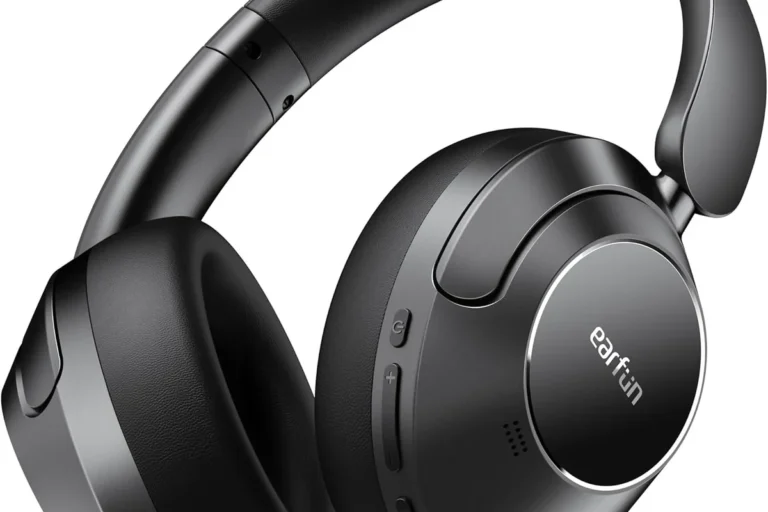
How To Find Good Headphones: Smart Buying Guide

Finding good headphones starts with how you will use them, not with the brand name or the highest price. For shoppers in the United States, the best choice depends on your device, listening habits, comfort needs, sound preference, noise level, and budget.
A good pair should fit well, sound clear, work with your devices, and remain comfortable after more than a few minutes. Use this guide to compare headphones with less guesswork.
Start With How You Will Use the Headphones
The right headphones for a New York subway ride may be a poor choice for a home office. First, decide where and when you will use them.
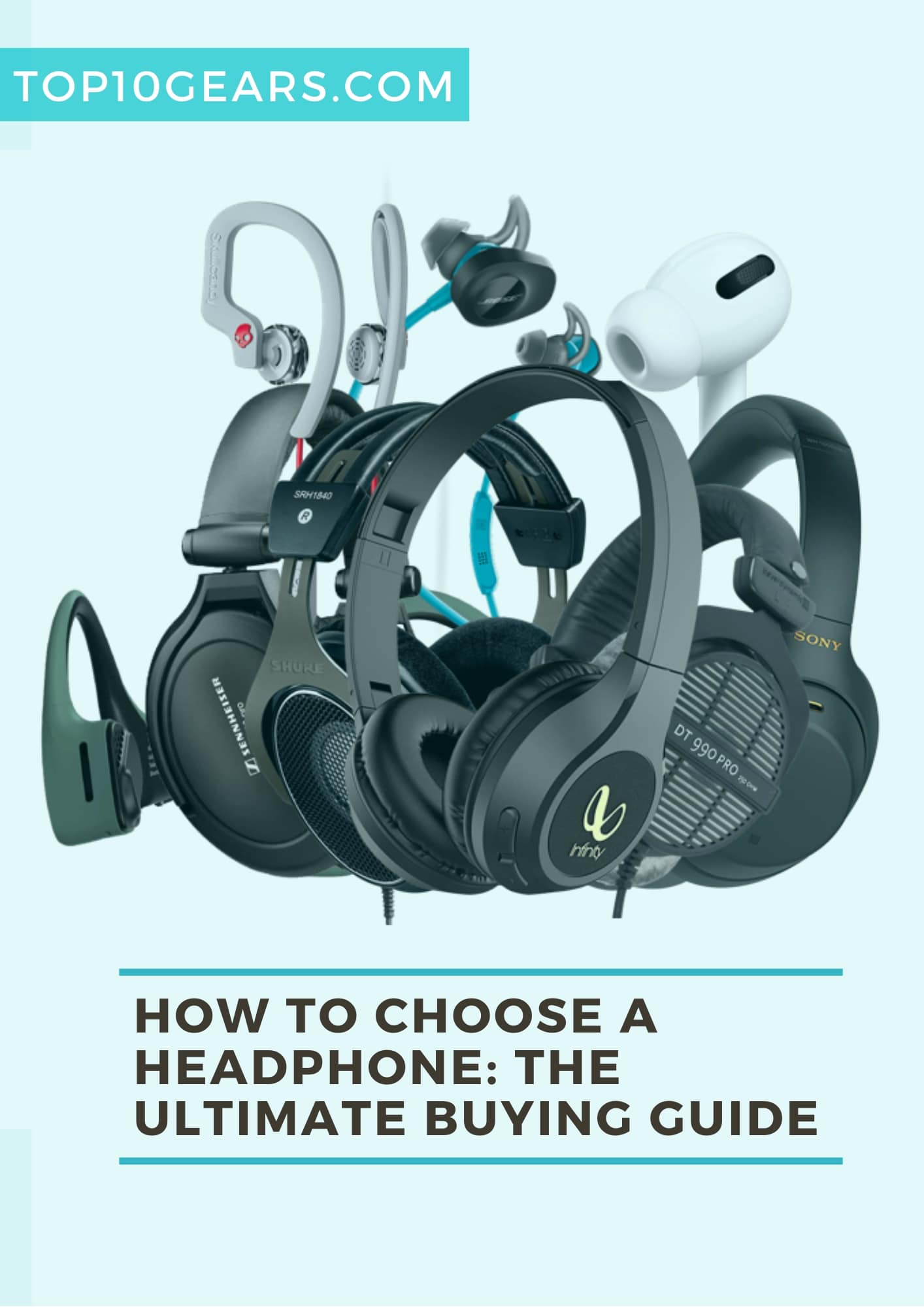
Choose the right headphone type
| Type | Best for | Main strengths | Main limits |
|---|---|---|---|
| Over-ear | Home, office, travel | Strong comfort, fuller sound, better isolation | Larger and less portable |
| On-ear | Casual use and travel | Smaller than over-ear models | Can press on the ears |
| In-ear earbuds | Exercise, commuting, daily use | Small, light, easy to carry | Fit and ear comfort vary |
| Open-back | Home listening and music work | Wide, natural sound | Leaks sound and blocks little noise |
| Closed-back | Travel, work, and recording | Better isolation and privacy | May feel warmer over time |
| Wireless | General everyday use | No cable, easy movement | Must be charged |
| Wired | Gaming, music work, and simple setups | No battery, low delay, consistent connection | Cable can tangle or limit movement |
Think about your main use case:
- For commuting: Look for strong passive isolation or active noise cancellation (ANC).
- For office calls: Prioritize microphone quality, comfort, and reliable device switching.
- For exercise: Choose a secure fit, sweat resistance, and simple controls.
- For gaming: Check platform support, microphone quality, comfort, and audio delay.
- For music at home: Compare sound balance, comfort, and whether you want open or closed backs.
- For TV: Check Bluetooth support, audio delay, and compatibility with your television.
- For travel: Consider battery life, folding design, case size, and noise control.
Your main use should guide the shortlist. Extra features matter only if you will use them.
Understand the Headphone Features That Matter
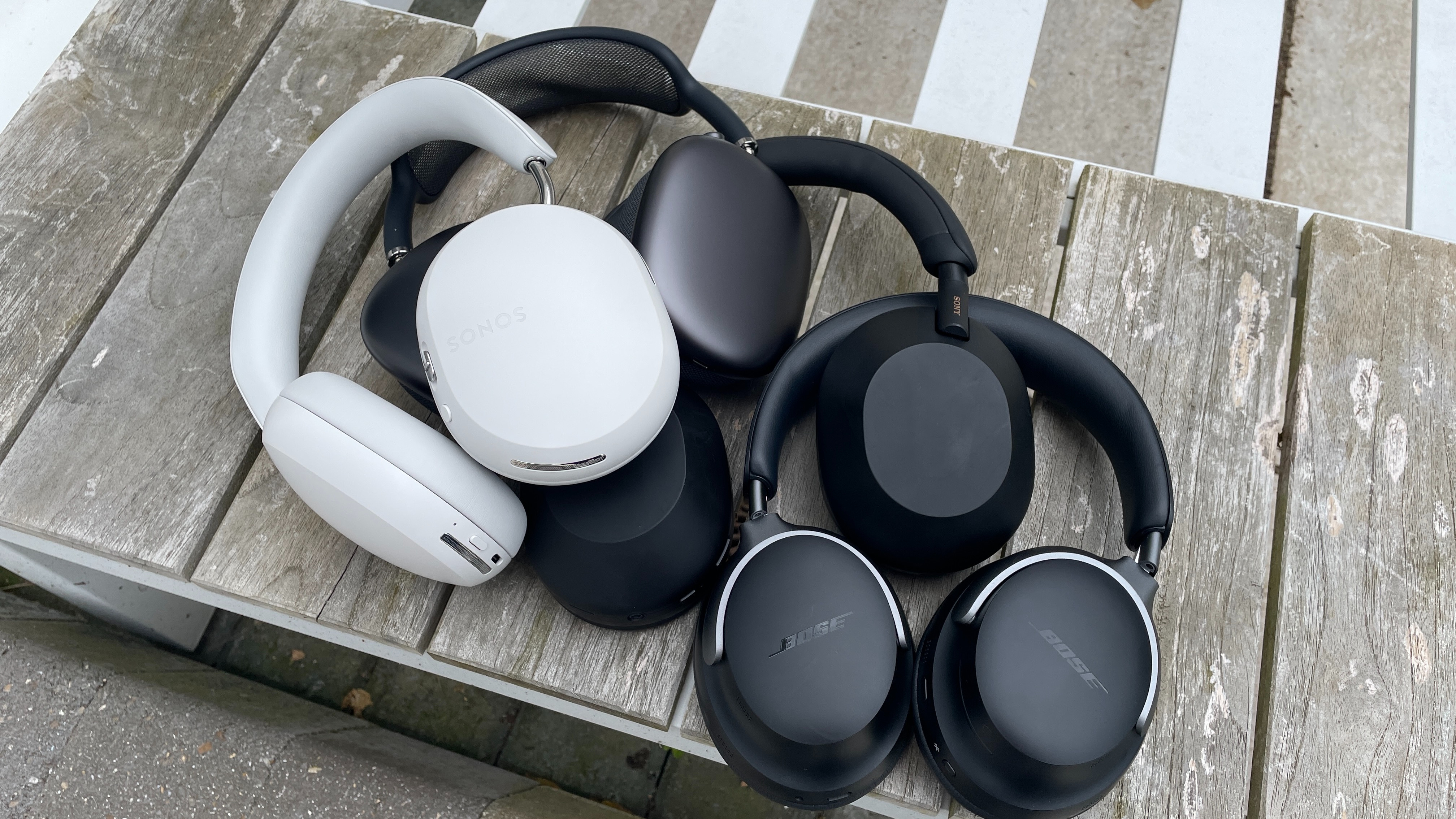
Headphone specifications can help you compare products, but they do not tell the whole story. A long list of numbers does not guarantee better sound.
Sound signature
A headphone’s sound signature describes how it presents different parts of music.
- Balanced: Bass, mids, and treble sound relatively even.
- Bass-forward: Low notes sound stronger and fuller.
- Bright: High notes sound more prominent.
- Warm: Bass and lower mids receive more emphasis.
- Neutral: The sound aims to stay close to the recording.
No single sound signature is best for everyone. Bass-heavy headphones may suit hip-hop and electronic music. A more balanced model may work better for podcasts, classical music, or long listening sessions.
Frequency response
Frequency response shows the range of frequencies a headphone can reproduce, such as 20 Hz to 20 kHz. That range roughly covers human hearing, but it does not show how evenly the headphone plays each frequency.
Two headphones with the same listed range can sound very different. Treat frequency response as a basic specification, not a quality score.
Active noise cancellation
ANC uses microphones and electronic processing to reduce outside sound. It works best with steady, low sounds such as:
- Airplane engine noise
- Bus and train rumble
- Air-conditioning systems
- Office fans
ANC is less effective against sudden voices, clapping, or irregular sounds. It also does not make a headphone fully silent.
Some ANC headphones create a slight pressure-like feeling. If that sensation bothers you, choose a model with a return period and test it at home.
Passive isolation
Passive isolation comes from the physical seal around or inside your ears. A good seal can reduce outside sound without electronic processing.
Earbuds depend heavily on ear-tip size. Over-ear headphones depend on the cushion shape and clamping force. A poor seal can reduce bass and make you increase the volume.
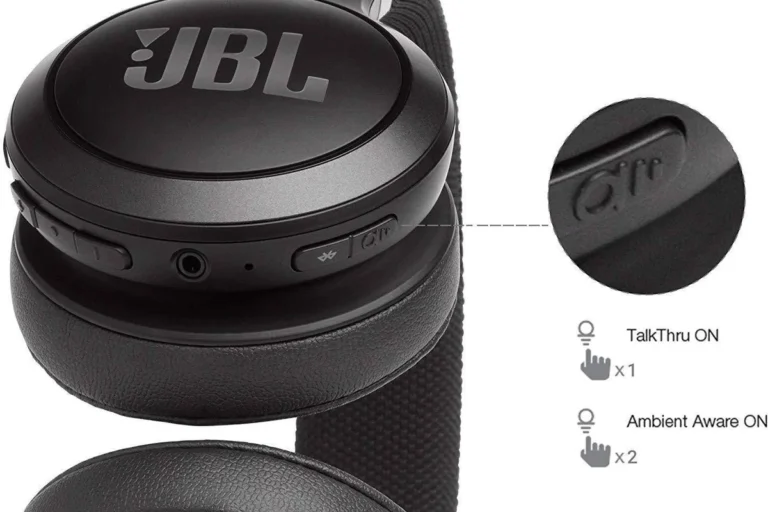
Transparency or ambient mode
Transparency mode uses external microphones to let outside sound pass through. It can help you hear announcements or speak with someone without removing your headphones.
Check how natural the mode sounds. Some models produce a noticeable hiss or make voices sound processed.
Bluetooth codecs and connection
Bluetooth codecs affect how audio is transmitted from a source device to wireless headphones. Common codecs include SBC, AAC, and aptX variants. Support must exist on both the source and the headphones.
Codec support does not automatically mean better sound. The result also depends on the recording, software, connection quality, and headphone tuning.
For most listeners, stable connection, comfort, and sound matter more than a long codec list.
Battery life and charging
Wireless headphones list estimated battery life under stated conditions. ANC use, high volume, calls, and codec choice may change real-world results.
Check:
- Battery life with ANC turned on
- Fast-charge time
- Charging connector
- Whether the headphones work while charging
- Whether they support a wired connection
- Battery replacement or repair options
A battery that lasts 20 hours may be enough for daily use. A frequent traveler may prefer a longer runtime.
Microphone quality
A headphone can sound good for music and still perform poorly on calls. Look for independent microphone tests when calls are a major use.
A microphone’s result depends on wind, room noise, software processing, and the device connected to it. Manufacturer claims alone do not show how your voice will sound in a busy place.
Match the Headphones to Your Devices
Before buying, check whether the headphones work with the devices you already own. Compatibility problems can make an otherwise good product frustrating.
Phones and tablets
Most current smartphones support Bluetooth headphones. Some phones do not include a 3.5-millimeter headphone jack, so wired headphones may require a compatible adapter.
Check whether the adapter supports:
- The plug type
- Microphone input
- In-line controls
- Your phone’s operating system
USB-C headphones may work only with devices that support digital USB audio. Do not assume that every USB-C port supports every USB-C headset.
Laptops and desktop computers
For computers, confirm:
- Bluetooth availability
- Bluetooth microphone support
- USB compatibility
- Separate headphone and microphone ports
- Operating system support
Some gaming headsets use a USB receiver rather than standard Bluetooth. This may reduce delay, but the receiver must work with your computer or console.
Game consoles
Console support varies by model. Before buying, check the headphone maker’s compatibility list and the console maker’s current requirements.
Pay special attention to:
- Wireless receiver support
- Bluetooth restrictions
- Chat support
- Microphone support
- Surround sound software
- Compatibility with PlayStation, Xbox, Nintendo Switch, or PC
A headset may play game audio but fail to support voice chat.
TVs and airplanes
For TV use, check whether your television supports Bluetooth headphones and whether it sends sound with noticeable delay. Some TVs may need a separate Bluetooth transmitter.
Airplanes may use a standard headphone jack, but many newer wireless headphones do not include the needed cable. A wired cable or a suitable Bluetooth transmitter may help.
Prioritize Comfort and Fit
Comfort is one of the best predictors of whether you will keep using a pair of headphones. Sound quality cannot compensate for painful ear cups, loose earbuds, or excessive heat.
Check the fit
For over-ear headphones, the ear cups should surround your ears rather than press directly on them. The headband should stay secure without creating a sharp pressure point.
For earbuds, the ear tips should seal the ear canal without causing pain. A correct seal usually improves bass and passive noise blocking.
For on-ear headphones, check whether the pads press too hard against your ears. This style can feel comfortable at first but become tiring during long sessions.
Look for adjustable parts
Useful adjustment points include:
- Sliding headbands
- Rotating ear cups
- Several ear-tip sizes
- Replaceable cushions
- Flexible hinges
- Adjustable boom microphones
A larger range of adjustment can help different users find a stable fit.
Consider weight and heat
Weight affects comfort, but weight alone does not determine comfort. Headband padding, clamp force, balance, and ear-cup material also matter.
Closed-back over-ear headphones may feel warm during long use. Fabric or perforated cushions may improve airflow, while leather-like materials may provide a stronger seal.
Use the return policy
Headphones are personal products. If possible, buy from a seller with a clear U.S. return policy. Keep the box, cables, ear tips, and other parts until you decide to keep the product.
Test the headphones during a normal work session, walk, commute, or gaming period. A short store test may not reveal long-term pressure or heat.
Compare Sound Quality Without Falling for Spec Numbers
The best way to find good headphones is to listen with familiar content and compare under similar conditions.
Use several types of audio
Test with:
- A familiar song with vocals
- A track with deep bass
- Acoustic instruments
- A podcast or spoken voice
- A movie scene
- Quiet and busy surroundings
Listen for clear speech, harsh high notes, weak bass, muddy vocals, and details that disappear during busy music.
Keep the volume similar
A louder headphone can sound more impressive during a quick comparison. Lower the louder pair until both seem equally loud before judging sound quality.
This comparison is not a laboratory test, but it reduces one common source of bias.
Check bass control
Bass should support the music rather than cover vocals or instruments. Excess bass can make a headphone sound powerful at first but tiring over time.
Try music with kick drums, bass guitar, and low electronic tones. Listen for tight notes rather than a constant boom.
Check vocals and speech
Voices should sound natural and easy to follow. If a podcast is hard to understand, the headphones may have recessed mids, excessive bass, or poor clarity.
This test matters even more if you plan to use the headphones for meetings, calls, or online classes.
Check treble
High frequencies should provide detail without sharpness. Cymbals, “s” sounds, and string instruments can reveal harsh treble.
A bright headphone may sound detailed in a short test but become tiring during long listening.
Check for distortion
Distortion can appear as buzzing, fuzziness, or rough sound, especially at high volume or with strong bass. If it happens at normal listening levels, try another source and another track. If the problem remains, return the headphones.
Decide Between Wired and Wireless Headphones
Wired and wireless headphones can both sound good. The better choice depends on convenience, latency, battery use, and device support.
Choose wireless when convenience matters
Wireless headphones suit people who want:
- Freedom from cables
- Easy use with phones
- Active noise cancellation
- Multipoint device switching
- Controls on the ear cups
- Portable everyday listening
Wireless headphones need charging and may become less useful when the battery ages. Review the warranty and repair policy before paying more for a model with a sealed battery.
Choose wired when consistency matters
Wired headphones may be better for:
- Desktop listening
- Music production
- Gaming where delay matters
- Long sessions without charging
- Simple plug-and-play use
- Devices with a headphone jack
Wired does not always mean higher sound quality. The source device, headphone design, fit, and recording still affect the result.
Consider latency
Latency is the delay between the source and what you hear. It may be hard to notice when listening to music, but it can affect gaming, video editing, and musical instruments.
For gaming, a dedicated wireless receiver or wired connection may offer lower delay than standard Bluetooth. Confirm support for your specific platform.
Set a Budget Based on Features, Not Branding
You do not need the most expensive headphones to get good results. Set a budget after deciding which features matter.
A simple budget method
List your top three needs. For example:
- Comfortable fit for eight-hour workdays
- Clear microphone for calls
- Noise reduction for commuting
Then compare products that meet those needs. Do not pay extra for features that do not support your main use.
Consider the total cost
The purchase price may not be the full cost. Also consider:
- Replacement ear pads
- Charging cables
- Adapters
- Protective cases
- Subscription-based app features
- Repairs
- Battery replacement
- Shipping and return costs
A slightly more expensive pair with replaceable cushions may cost less over several years than a cheaper pair that cannot be repaired.
Treat discounts carefully
A sale price does not make a poor fit into a good purchase. Compare the product with similar models, check the return terms, and confirm that the item is new rather than refurbished or open-box.
If a listing does not clearly state the condition, warranty, or seller, use caution.
Use a Simple Headphone Buying Process
Follow these steps before you buy.
Step 1: Define the main use
Write one sentence, such as: “I need headphones for a noisy train and daily phone calls.”
This keeps unrelated features from controlling the decision.
Step 2: Choose the form
Decide between earbuds, on-ear, over-ear, open-back, closed-back, wired, and wireless designs.
Step 3: Set must-have features
Choose only the features that affect your use. Examples include ANC, a strong microphone, water resistance, low delay, or a wired backup mode.
Step 4: Check device compatibility
Confirm support for your phone, computer, console, television, or other source. Check the exact model, not only the product family.
Step 5: Compare fit and comfort
Read independent fit comments, look at adjustment options, and buy from a seller with a clear return policy.
Step 6: Check evidence beyond marketing
Use manufacturer specifications for documented features. Use independent measurements or careful reviews for sound, microphone quality, ANC, battery life, and comfort.
Remember that test results can differ by ear shape, device, software, and measurement method.
Step 7: Inspect the warranty and support
Find out how the company handles defects, battery problems, replacement parts, and firmware issues in the United States.
Step 8: Test the headphones at home
Try them with your usual music, calls, videos, and devices. Check comfort after at least 30 to 60 minutes, not just the first few minutes.
A successful purchase should meet your main needs without creating a new problem, such as painful pressure, poor call quality, or unreliable pairing.
Avoid These Common Headphone Buying Mistakes
Many disappointing purchases come from choosing by a single number or feature.
Mistake 1: Buying by brand alone
A trusted brand may sell several models with very different sound, fit, and durability. Compare the exact model.
Mistake 2: Treating price as proof of quality
Higher prices can pay for better materials, ANC, software, or support. They do not guarantee a sound signature you will enjoy.
Mistake 3: Ignoring fit
A highly rated headphone may not fit your head or ears. Poor fit can reduce comfort, bass, and noise blocking.
Mistake 4: Assuming ANC solves every noise problem
ANC reduces some sounds more than others. It does not replace a good physical seal, and it may not remove nearby speech.
Mistake 5: Forgetting the microphone
Music reviews may say little about call quality. If meetings matter, seek tests that examine voice pickup in quiet and noisy conditions.
Mistake 6: Ignoring battery aging
Wireless headphone batteries lose capacity over time. Check whether the product offers wired use, battery service, or a meaningful warranty.
Mistake 7: Listening too loudly
The National Institute on Deafness and Other Communication Disorders warns that loud sound from personal listening devices can contribute to noise-induced hearing loss. The World Health Organization also recommends limiting both listening level and duration.
A practical habit is to use the lowest volume that lets you hear clearly, take breaks, and avoid raising the volume to overcome background noise. If you notice ringing, muffled hearing, pain, or difficulty understanding speech, stop listening and consider speaking with a hearing professional.
Quick Headphone Decision Checklist
Before buying, ask:
- Where will I use the headphones most?
- Do I need earbuds, on-ear, or over-ear headphones?
- Do I need noise cancellation or only passive isolation?
- Will they fit my phone, computer, console, and TV?
- Do I need a microphone?
- Is low audio delay important?
- Can I wear them comfortably for my longest session?
- Do I need a wired backup?
- How long will the battery last with my normal use?
- Can I return, repair, or replace the product?
- Does the warranty apply in the United States?
- Can I listen safely without turning the volume too high?
If a model passes this checklist, it is a stronger candidate than one chosen only because it has a famous name or a long feature list.
Frequently Asked Questions
What makes headphones good?
Good headphones fit comfortably, produce clear sound, work with your devices, and suit your main use. The best balance depends on whether you value noise reduction, portability, calls, gaming, music, or long battery life.
Are expensive headphones always better?
No. Expensive models may offer better materials, ANC, microphones, software, or support, but price does not guarantee a preferred sound or comfortable fit. Compare the exact features you need.
Is wired or wireless better for sound?
Neither is always better. Wired headphones avoid battery limits and may reduce delay. Wireless headphones offer convenience and may include ANC and device controls. The headphone design and source quality often matter more than the connection type.
How much should I spend on headphones?
Spend enough to meet your main needs and no more. Start with your use, fit, and must-have features. Include accessories, returns, repairs, and replacement parts when comparing total cost.
How can I tell if headphones are safe to use?
Use the lowest volume that lets you hear clearly, take regular breaks, and avoid using high volume to mask loud surroundings. Ringing, muffled hearing, or pain are warning signs to stop listening and seek professional advice if they continue.
Should I buy headphones with noise cancellation?
Buy ANC headphones if you often face steady background noise, such as airplane or train rumble. If you mainly need clear calls in a quiet room, comfort and microphone quality may matter more than ANC.
Conclusion
To find good headphones, begin with your real use, then compare fit, sound, compatibility, comfort, battery life, microphone quality, and warranty. Use specifications as a starting point, but rely on careful listening and a return policy for the final decision.
The best pair is not the one with the most features. It is the one you can wear comfortably, connect reliably, and use safely for the tasks that matter most.