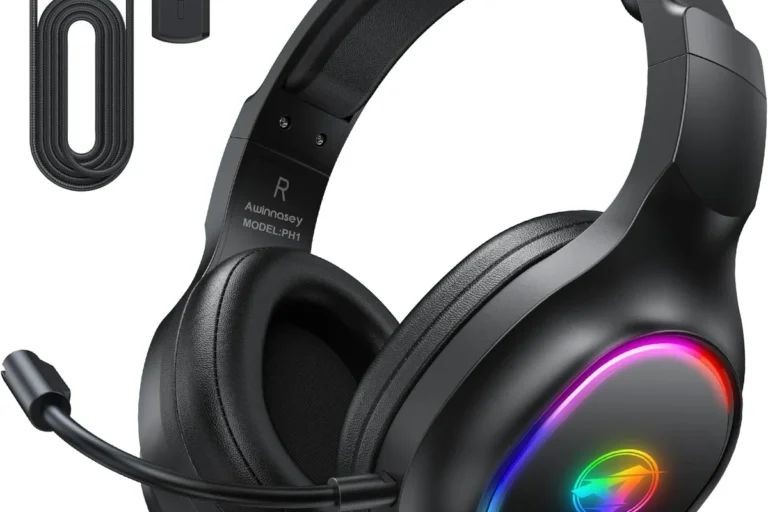
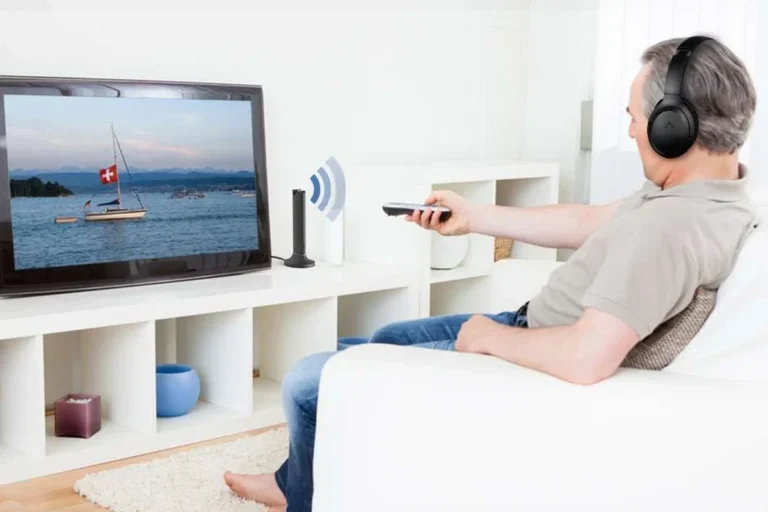
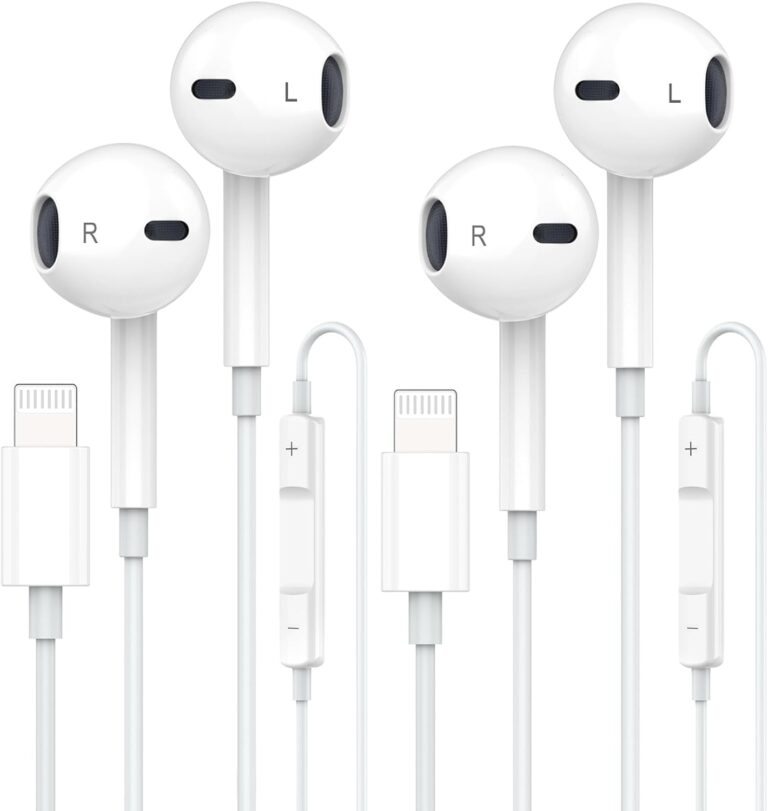
How to Connect Headphones to Roku TV Easily and Fast

The fastest way to connect headphones to Roku TV is usually the Roku mobile app for private listening. If that is not available, use a Bluetooth transmitter or a wired audio connection depending on your TV’s ports.
If you’re trying to figure out how to connect headphones to Roku TV, the good news is that there are several workable options in 2025. The fastest method for many people is the Roku mobile app, but wired headphones, Bluetooth transmitters, and TV audio ports can also get the job done depending on your TV model.
- Fastest method: The Roku app is usually the easiest private-listening option.
- Best sync: Wired headphones or low-latency transmitters reduce delay.
- Compatibility matters: Not every Roku TV has native Bluetooth audio support.
- Check ports first: Match your adapter or transmitter to the TV output.
How to Connect Headphones to Roku TV: What Works in 2025

Roku TV owners often assume headphone support is built in the same way across every model, but that is not always true. Some setups support private listening directly through the Roku app, while others need a workaround such as a Bluetooth transmitter or a wired audio connection.
The right method depends on what kind of headphones you already own and how your Roku TV is configured. If you want a deeper overview of wireless headphone basics before choosing a setup, our guide to Bluetooth headphones explained simply can help you understand what to expect from pairing, range, and audio delay.
Roku TV support can vary by brand, model, and software version. Always check your TV’s audio settings before buying extra gear.
Roku TV Headphone Options Explained: Wired, Wireless, and Private Listening
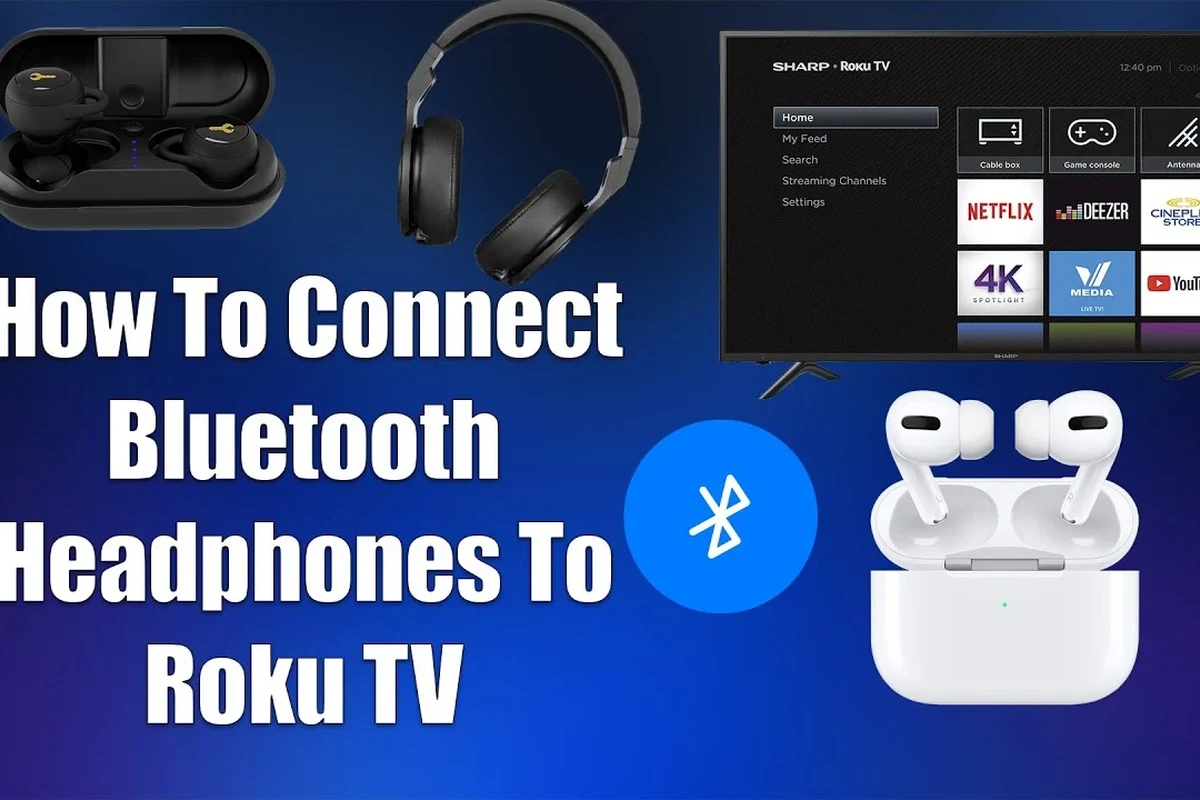
There are three main ways to listen privately on Roku TV: use the Roku mobile app, connect wireless headphones through a Bluetooth workaround, or plug in wired headphones through a compatible port or adapter. Each option has different tradeoffs in convenience, sound quality, and latency.
For readers comparing headphone styles, the choice also affects comfort and long-session listening. Over-ear headphones are usually better for movies and gaming, while earbuds can be easier for quick private listening. If you want a broader overview of fit and design, see our article on types of headphones explained.
Using the Roku Mobile App for Private Listening
The Roku mobile app is often the simplest way to connect headphones to Roku TV because it routes TV audio to your phone, then to your headphones. This works well with wired headphones plugged into your phone or wireless headphones paired to the phone itself.
This method is especially useful if your TV does not have Bluetooth audio support. It also avoids the need to buy extra hardware, which makes it one of the best beginner-friendly options.
Connecting Bluetooth Headphones with Roku TV Workarounds
Many Roku TVs do not support direct Bluetooth headphone pairing for audio, even if the TV remote or other devices use wireless features. In those cases, a Bluetooth transmitter connected to the TV’s audio output is the usual workaround.
That transmitter sends sound to your Bluetooth headphones, but the quality depends on the transmitter, the headphones, and the audio format. If you have ever dealt with delay before, our guide on Bluetooth headphone lag fix is worth reading before you buy.
Wired Headphones, USB Adapters, and TV Audio Outputs
Wired headphones can be a simple solution if your Roku TV has a headphone jack, RCA audio output, or another compatible audio port. Some TVs may also work with USB adapters, but that depends on whether the TV supports audio output through USB, which is less common.
Wired setups are usually the most reliable for low delay. They are a strong choice for gaming, live sports, or anyone who wants the least complicated connection path.
Step-by-Step: How to Connect Headphones to Roku TV Easily and Fast
If you want the shortest path to private listening, start with the Roku app. If that does not fit your setup, move to a Bluetooth transmitter or a wired connection based on the ports available on your TV.
Method 1: Connect via the Roku App
Download the Roku mobile app on your phone and make sure your phone is on the same Wi-Fi network as the Roku TV.
In the app, select your Roku TV and look for the headphones or private listening option. Then route the sound to your phone.
Use wired headphones with your phone’s audio port or pair Bluetooth headphones to the phone, then adjust the volume to a comfortable level.
This method is easy, but it does rely on your phone staying connected and awake. If your phone battery drains quickly, that may be inconvenient during long movie nights.
If the dialogue sounds quiet in private listening mode, raise the TV app volume first, then fine-tune the headphone volume on your phone or headphones.
Method 2: Use a Bluetooth Transmitter for Non-Bluetooth Roku TVs
A Bluetooth transmitter is often the best solution when you want wireless headphones but your Roku TV does not support native Bluetooth audio. You plug the transmitter into the TV’s audio output, then pair your headphones to the transmitter instead of the TV.
Before buying, check whether your TV has optical, 3.5mm, RCA, or USB audio output. The transmitter must match that output type, and some models may need a separate power source.
- TV audio output type
- Headphone pairing compatibility
- Latency support for video sync
- Power source for the transmitter
Method 3: Plug in Wired Headphones Through Compatible Audio Ports
If your Roku TV has a headphone jack or another analog output, wired headphones can be the fastest setup of all. Just connect the cable, lower the TV speakers if needed, and adjust the listening level on the headphones or TV.
If your TV only has line-level outputs, you may need a small DAC or adapter to make the signal usable with headphones. That is why it helps to confirm the port type before buying cables.
Best Headphone Setup for Roku TV: Real-World Use Cases
The “best” headphone setup depends on what you watch and where you watch it. A setup that works well for quiet late-night streaming may not be the best choice for gaming or live sports.
Late-Night Streaming Without Waking Others
For late-night viewing, the Roku app is often the easiest option because it lets you keep sound local to your headphones without turning on the TV speakers. Wireless headphones are convenient here, especially if you like to move around the room.
Noise cancelling can also help if you want to block household noise at lower listening levels. For more context on how that feature works, our guide to how noise cancelling headphones work explains the basics clearly.
Gaming on Roku TV with Low-Latency Audio
Gaming is where latency matters most. If the sound arrives late, gunshots, footsteps, and on-screen action can feel out of sync, which is distracting in fast-paced games.
For that reason, wired headphones or a low-latency transmitter are usually better than generic Bluetooth solutions. If you are choosing between gaming headsets and regular headphones, prioritize comfort, clear mids, and stable timing over extra bass.
Watching Sports or Movies with Clear Dialogue
For sports and movies, clear speech and stable volume matter more than heavy bass. Closed-back headphones can help keep outside noise down, while open-back headphones may feel more spacious but leak sound into the room.
If you mainly want better dialogue, look for headphones with balanced tuning rather than overly bass-heavy sound. Small EQ adjustments can also help if voices seem buried under background music or crowd noise.
Common Mistakes When Connecting Headphones to Roku TV
A lot of connection problems come from simple assumptions. Most issues are not caused by the headphones themselves, but by the wrong port, the wrong adapter, or the wrong expectation about Roku TV support.
Assuming Every Roku TV Has Native Bluetooth
This is one of the biggest mistakes. Roku TV and Roku streaming devices are not all the same, and not every model supports direct Bluetooth headphone pairing for audio output.
If your TV does not show a headphone or Bluetooth audio option in settings, you may need the Roku app or a transmitter instead.
Ignoring Audio Delay and Lip-Sync Issues
Bluetooth can sound fine for music but still create noticeable delay with video. That delay is especially frustrating when mouths do not match dialogue or when game sounds arrive late.
If lip-sync matters, choose low-latency gear whenever possible. Otherwise, wired headphones are usually the safer choice.
Using the Wrong Cable or Adapter
Not every cable works the same way. A line-out port, headphone jack, optical output, and USB port all behave differently, and some need an adapter before headphones can use them properly.
If you are unsure, check the TV manual or the manufacturer’s support page before ordering anything. That small step can save you from buying the wrong accessory.
Listening at high volumes for long periods can cause hearing damage. Keep volume at 60% or below for extended sessions.
Expert Advice: What to Watch Out for Before You Buy
Before you spend money, think about how you actually use your Roku TV. The best headphone setup is not always the most expensive one; it is the one that matches your room, your habits, and your audio needs.
Latency, Range, and Battery Life Considerations
Wireless convenience is great, but latency and battery life can make or break the experience. A transmitter with weak range or a headset with short battery life may be fine for short viewing sessions, but annoying for long ones.
Battery life, range, and audio stability can vary a lot by brand and model, so it is worth checking reviews and return policies before you buy.
When a Bluetooth Transmitter Is Better Than a New Pair of Headphones
If you already own good Bluetooth headphones, a transmitter is often the smarter purchase than replacing your headset. It lets you keep the headphones you like while adding TV compatibility.
This is usually the best value move for households that want private listening from more than one TV or for users who already have a favorite pair with good comfort and sound.
Warning Signs of Cheap Adapters and Poor Audio Quality
Very cheap adapters may introduce hiss, dropouts, or unstable pairing. Some also struggle with sync, which can make movies and games feel off even if the connection technically works.
Look for clear compatibility details, decent build quality, and straightforward support information. If the product page is vague, that is usually a warning sign.
If you have persistent hearing discomfort, ringing in the ears, or trouble understanding dialogue at normal volume, consider speaking with an audiologist. They can help you rule out hearing issues and choose a safer listening setup.
Cost Breakdown and Best Value Options for 2025
The cost of connecting headphones to Roku TV can range from nearly free to a more polished premium setup. Your budget should reflect whether you want simple private listening, better latency, or maximum convenience.
Budget-Friendly Wired Solutions
The most affordable option is often a wired connection, especially if your TV already has a compatible audio jack. In many homes, this is the quickest and most reliable way to get sound into headphones without extra pairing steps.
Mid-Range Wireless Setups
Mid-range setups usually include a Bluetooth transmitter plus a decent pair of wireless headphones. This is a strong balance for people who want freedom of movement without replacing their current TV.
If you want a better understanding of wireless pairing behavior, the basics in our how to connect Bluetooth headphones guide can help you avoid common setup mistakes.
Premium Private Listening and Low-Latency Choices
Premium setups may include low-latency transmitters, better closed-back headphones, or feature-rich wireless models with stronger comfort and clearer sound. These are best for users who watch a lot of TV and care about sync, clarity, and long-session comfort.
If you are comparing options for both TV and other devices, it can also help to think about whether you want one headset for everything or separate headphones for gaming, travel, and home viewing.
Final Recap: The Fastest Way to Connect Headphones to Roku TV
The fastest way to connect headphones to Roku TV is usually the Roku mobile app, especially if you already have headphones paired to your phone. If your TV does not support that workflow, a Bluetooth transmitter or a compatible wired connection is the next best option.
For most people, the right choice comes down to convenience versus latency. If you want the simplest answer, start with the Roku app; if you want the most reliable audio sync, wired headphones or a low-latency transmitter is usually the better pick.
Frequently Asked Questions
Wired headphones usually give the most reliable sound with the least delay. Wireless headphones are more convenient, but they may need a transmitter or app workaround.
Yes, noise cancelling can make dialogue easier to hear at lower volume by reducing background noise. It does not improve the TV signal itself, but it can improve comfort and focus.
Closed-back headphones are usually better for Roku TV because they keep sound in and help block outside noise. Open-back headphones can sound more spacious, but they leak sound and are less private.
For TV use, comfort, clear mids, and low latency matter more than fancy specs alone. Driver type, tuning, and frequency response can affect bass and clarity, but real-world fit and sync are just as important.
Start with the Roku app or a wired connection if your TV supports one. If you need wireless, compare the cost of a Bluetooth transmitter against buying a new headset.
Check weight, ear cushion material, battery life, and build quality. For long sessions, comfort matters as much as sound, and a poor fit can become tiring quickly.