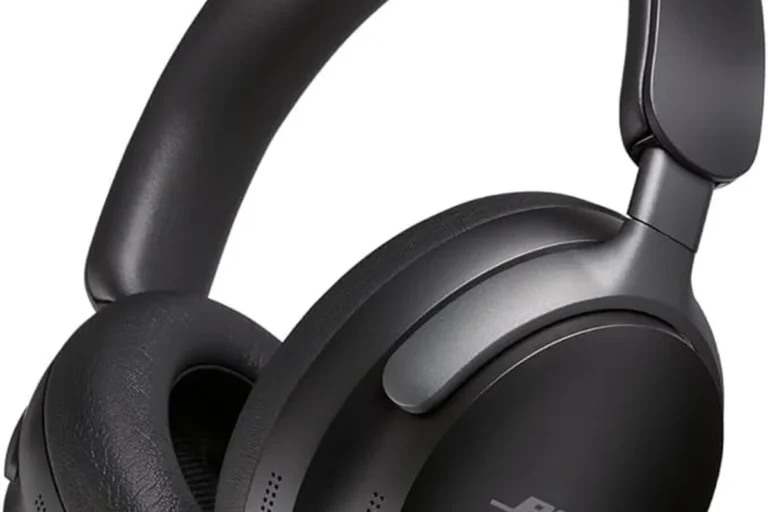
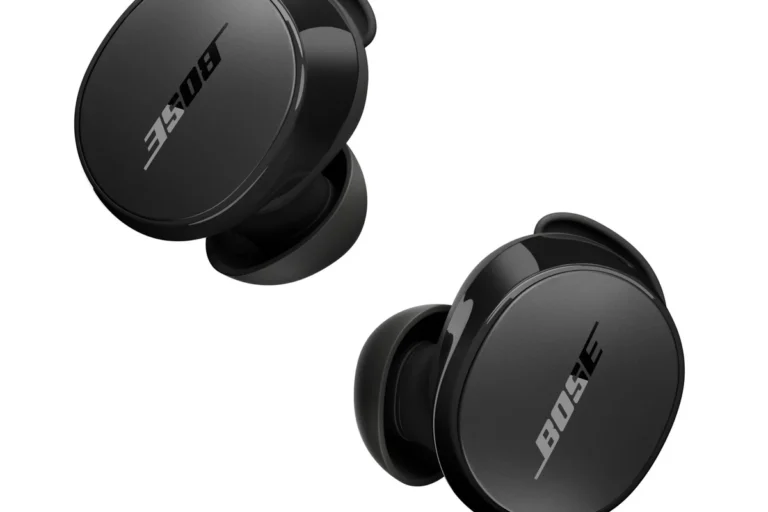
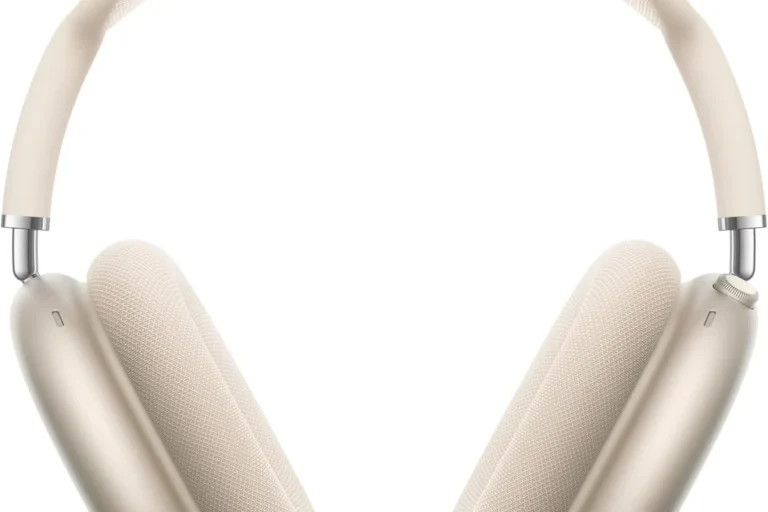
How Do Wireless Headphones Work: Simple Guide

Wireless headphones use radio signals instead of a cable to carry sound from a phone, computer, TV, or other source. Most use Bluetooth. The headphones receive digital audio, decode it, turn it into an electrical signal, and drive tiny speakers near your ears.
The headphones also contain a battery, control chips, microphones, and often noise-canceling parts. Together, these parts let you listen, make calls, pause music, and control volume without a wired connection.
This guide explains how wireless headphones work in the United States, how Bluetooth pairing happens, why sound may lag, and what to do when a connection fails.

What Are Wireless Headphones?
Wireless headphones are listening devices that receive audio without a physical cable between the headphones and the audio source. The source may be a smartphone, tablet, laptop, smart TV, game console, or Bluetooth transmitter.
The term covers several types:
- Bluetooth headphones: The most common type for phones, tablets, and computers.
- Wireless earbuds: Small Bluetooth headphones that sit in or near the ear.
- Wireless gaming headsets: Often use Bluetooth, a USB radio dongle, or both.
- TV wireless headphones: May use Bluetooth or a dedicated radio-frequency transmitter.
- True wireless earbuds: Each earbud connects without a cable between the left and right sides.
A wireless headphone system has two main sides:
- The transmitter: Sends audio data from the source.
- The receiver: Built into the headphones and converts the data back into sound.
With Bluetooth headphones, the phone is usually the transmitter. The headphones are the receiver. In some cases, a USB dongle or TV adapter acts as the transmitter instead.

How Do Bluetooth Headphones Work?
Bluetooth headphones work by sending compressed digital audio over short-range radio waves. The phone and headphones first create a wireless link. The phone then sends audio packets through that link.
Here is the basic path:
- Your phone stores or receives digital audio.
- The phone compresses the audio with a Bluetooth audio codec.
- A Bluetooth radio sends the data through the air.
- The headphone radio receives the data.
- A decoder rebuilds the audio signal.
- A digital-to-analog converter changes the signal into an electrical waveform.
- An amplifier boosts the signal.
- The speaker driver turns the signal into sound waves.
Bluetooth operates in the 2.4 GHz radio band. This band is also used by Wi-Fi, cordless devices, and some other household electronics. Bluetooth uses methods such as frequency hopping to reduce the effect of interference. The Bluetooth Special Interest Group explains that Bluetooth technology supports short-range wireless communication between devices.
Bluetooth does not send a full music file in one long stream. It divides the audio into small packets. The headphones receive and process these packets in near real time.
Bluetooth pairing
Pairing creates a trusted connection between two devices. The usual process is:
- Turn on the headphones.
- Put them into pairing mode.
- Open Bluetooth settings on your phone or computer.
- Select the headphone name.
- Confirm the connection if prompted.
After pairing, many headphones reconnect automatically when both devices are turned on and nearby.
Some headphones support Bluetooth multipoint. This feature lets one pair connect to two source devices, such as a phone and a laptop. The headphones may switch between them, but the exact behavior depends on the model and software.
Bluetooth profiles
Bluetooth uses profiles to define what a connection can do. Common profiles include:
- A2DP: Stereo music and other high-quality audio.
- HFP: Phone calls and headset functions.
- AVRCP: Play, pause, skip, and volume controls.
- HID: Some control functions, such as input from buttons.
A device may support one profile well but have limits with another. For example, music may sound better than a phone call because call profiles often use a lower-bandwidth microphone mode.

How Do Wireless Headphones Turn Data Into Sound?
Wireless headphones do not receive sound waves through the air. They receive digital information that describes the sound. Their internal electronics rebuild that information.
1. The source prepares the audio
A phone, computer, or other source starts with digital audio. This may come from a music app, video, game, podcast, or phone call.
The source then prepares the audio for wireless transmission. This step may include volume changes, equalization, mixing, and codec compression.
2. A codec compresses the audio
A codec is a system that encodes and decodes digital audio. It reduces the amount of data needed for wireless transmission.
Common Bluetooth audio codecs include:
- SBC
- AAC
- aptX
- aptX Adaptive
- LDAC
- LC3
The available codec depends on both devices. A phone and headphones must support the same codec before they can use it. If they do not, they normally use a shared fallback option.
A codec affects data rate, delay, power use, and sometimes sound quality. It does not work alone. The headphone design, fit, music source, wireless conditions, and tuning also affect what you hear.
The Bluetooth SIG describes LC3 as the audio codec used with Bluetooth LE Audio. LE Audio is a newer Bluetooth system that can support features such as better power options and broadcast audio. Support still depends on the specific phone, operating system, and headphones.
3. The headphone decodes the signal
A chip inside the headphones receives the packets and decodes them. It checks the packets, places them in the right order, and turns them into a digital audio stream.
Small delays help the headphones handle short gaps in transmission. This buffer can improve smooth playback. However, a larger buffer can increase delay between a video image and the sound.
4. The DAC and amplifier drive the speakers
A digital-to-analog converter, or DAC, changes digital audio into a changing electrical signal. An amplifier then increases the signal to a level that can move the speaker driver.
The driver is the part that creates sound. Most headphones use a dynamic driver with a small diaphragm and a magnet. The electrical signal makes the diaphragm move. That movement creates changes in air pressure that your ears detect as sound.
This final step is similar to a wired headphone system. The main difference is that wireless headphones contain the radio, decoder, DAC, amplifier, and battery inside the earcups or earbuds.

How Do Wireless Headphones Connect to a Phone or Computer?
Wireless headphones connect through a short setup process called pairing. The phone and headphones exchange device information and create encryption keys for the connection.
Pairing versus connecting
These terms are related but not identical:
- Pairing is the initial process of saving device information.
- Connecting is the later process of using that saved relationship.
A phone may remember several paired devices but connect to only some of them at one time. Headphones may also store a limited list of past devices.
What happens during pairing?
During pairing, the devices:
- Discover each other.
- Identify their Bluetooth capabilities.
- Exchange security information.
- Create a shared connection.
- Select supported audio profiles and codecs.
The exact security method varies by Bluetooth version and device design. A nearby stranger generally cannot control your headphones simply because Bluetooth is turned on, but you should avoid accepting unknown pairing requests.
Why do headphones disconnect?
A wireless connection may drop when:
- The devices are too far apart.
- A wall, body, or metal object blocks the signal.
- The battery is nearly empty.
- Too many wireless devices create interference.
- The phone changes Bluetooth settings.
- The headphones connect to another remembered device.
- Firmware or operating-system software has a fault.
- The earbuds lose contact with their charging case or each other.
Bluetooth range is not a fixed promise for every setting. The result depends on radio power, antenna design, obstacles, interference, and the Bluetooth class used by the devices.
How Do Wireless Headphones Handle Noise Cancellation?
Noise cancellation uses microphones and signal processing to reduce unwanted sound. It does not remove all noise, and it is different from passive sound blocking.
Passive noise isolation
Passive isolation comes from the physical design of the headphones. Ear cups, ear tips, and seals block some outside sound before it reaches your ears.
A good seal often reduces higher-pitched outside sounds. It can also improve bass because less low-frequency sound leaks around the ear tip.
Active noise cancellation
Active noise cancellation, or ANC, uses microphones to listen to outside sound. The headphones create a second sound wave with the opposite phase. When the two waves meet, some of the unwanted sound is reduced.
ANC often works best with steady, low sounds, such as:
- Airplane engine noise
- Bus or train rumble
- Air-conditioning systems
- Road noise
It may work less well against sudden or complex sounds, such as speech, clapping, or a nearby dog bark.
ANC needs power because the microphones and signal processor must run. Many headphones let you turn ANC off to extend battery life.
Transparency or ambient mode
Transparency mode uses outside microphones to send some environmental sound into the headphones. This can help you hear an announcement or speak with another person without removing the headphones.
Microphones may also support phone calls. Call quality depends on microphone placement, wind control, voice processing, and the Bluetooth call profile.

How Are Wireless Headphones Powered?
Wireless headphones use rechargeable lithium-ion or lithium-polymer batteries. The battery powers the radio, processor, amplifier, microphones, and controls.
Battery life depends on several conditions:
- Volume level
- ANC use
- Call time
- Codec and connection mode
- Wireless signal strength
- Temperature
- Battery age
- Earbud charging case use
True wireless earbuds usually charge inside a case. The case contains its own battery and transfers power through small metal contacts. Over-ear headphones normally charge through a USB cable.
A battery rating is an estimate under stated test conditions. Real use may produce a shorter or longer result. Features such as ANC and voice calls often use more energy than quiet music playback.
Rechargeable batteries gradually lose capacity. Heat can speed battery aging. For that reason, avoid leaving headphones in very hot places, such as a closed car in direct summer sun.
Do not use a damaged, swollen, leaking, or unusually hot battery device. Stop charging it and follow the manufacturer’s safety instructions. If the battery appears damaged, contact the manufacturer or a suitable electronics recycling service rather than opening the device.

Bluetooth Headphones vs. Wireless Headsets With a USB Dongle
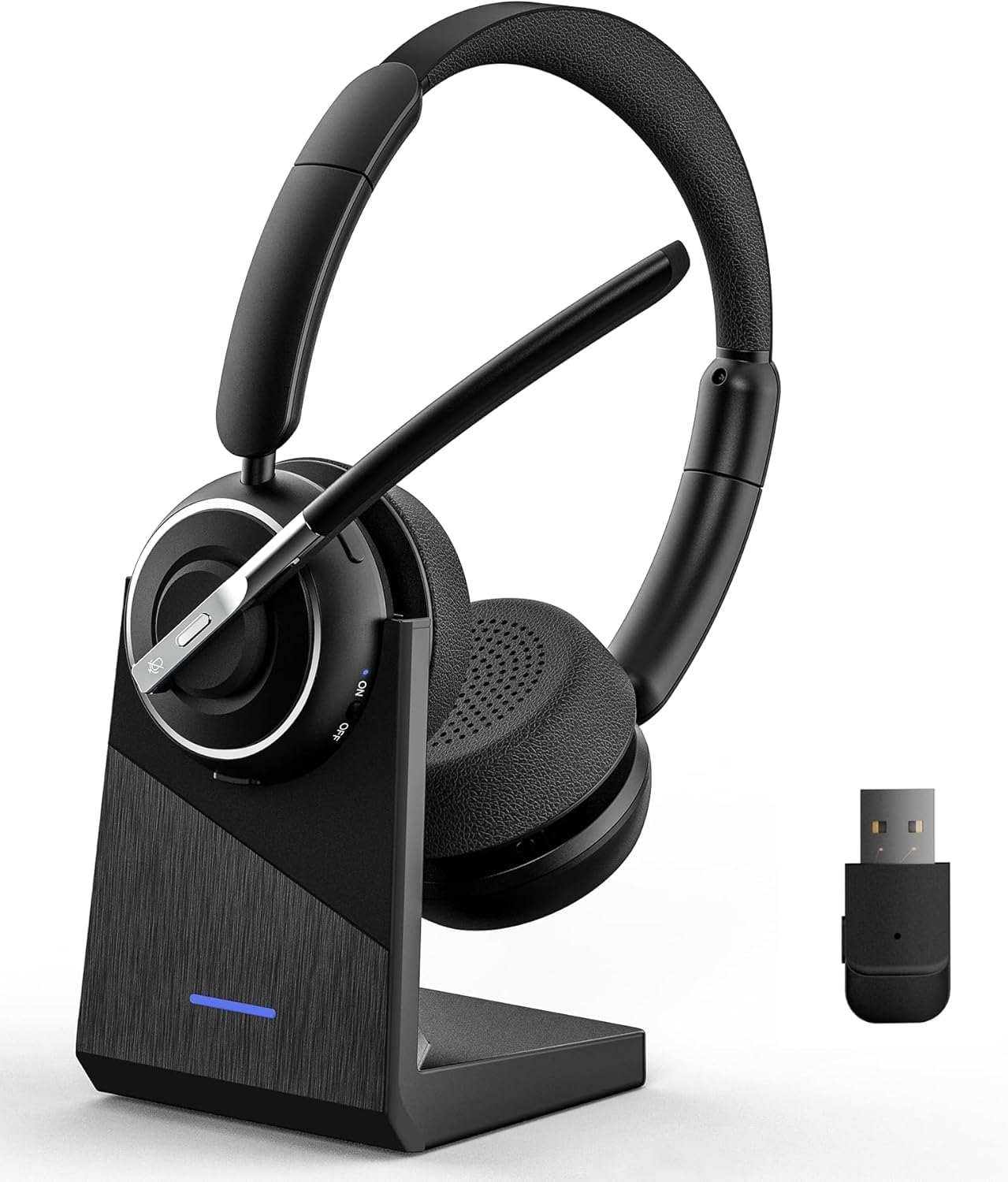
Not every wireless headphone uses Bluetooth. Some wireless headsets use a dedicated USB radio dongle, often in the 2.4 GHz band.
The main differences are:
| Feature | Bluetooth headphones | USB wireless headsets |
|---|---|---|
| Common sources | Phones, tablets, laptops, cars | PCs, game consoles, some TVs |
| Connection method | Bluetooth settings | USB receiver or transmitter |
| Compatibility | Broad Bluetooth support | Depends on the USB port and platform |
| Latency | Can vary by codec and device | Often designed for low-latency use |
| Phone support | Usually strong | May need a separate Bluetooth mode |
| Setup | Pair through system settings | Plug in the receiver and connect |
A USB dongle is not automatically better. It may reduce delay for gaming, but it can occupy a port and may not work with every console or TV.
Some models support both Bluetooth and a USB radio. They may use one mode at a time or mix audio from two sources. Check the manual for the exact supported modes.

Why Is There Audio Delay With Wireless Headphones?
Wireless audio delay happens because the source and headphones need time to encode, transmit, buffer, decode, and play the sound.
Music usually hides small delays. Video may expose them if the lips and voice do not match. Games can make the delay more noticeable because your action and the sound effect happen at different times.
Delay may increase when:
- The codec uses more processing time.
- The headphones add a large buffer.
- ANC or other processing adds delay.
- The source device handles Bluetooth audio poorly.
- The connection suffers interference.
- The headphones switch into a microphone call mode.
Some headphones offer a low-latency mode. This may reduce delay but can lower range, sound quality, or battery life. Some phones and video apps also adjust video timing to match Bluetooth delay.
For gaming, compare the complete system rather than the headphones alone. The console, computer, game, dongle, codec, and game software all affect the result.

How to Fix Common Wireless Headphone Problems
Use this order because the simple checks are fast and safe.
Headphones will not pair
- Charge the headphones and source device.
- Turn Bluetooth off and on at the source.
- Put the headphones back into pairing mode.
- Remove the old headphone entry from Bluetooth settings.
- Restart both devices.
- Pair the headphones again.
- Check the manual for a factory reset.
A reset usually removes saved connections. Use it only after the basic checks fail.
Only one earbud works
Check whether both earbuds are charged and seated correctly in the case. Clean the charging contacts with a dry, soft cloth. Confirm that the earbuds are not connected separately to different devices.
If the problem remains, reset the earbuds and pair them again. Do not use liquid or sharp tools inside the charging contacts.
The sound cuts out
Move the source closer to the headphones. Keep the phone on the same side as the earbud if your model has a weak connection through the body. Turn off unused Bluetooth devices and test in another location.
If the problem occurs only with one phone or computer, update that device and check its Bluetooth settings. If it occurs with several sources, the headphones may need service.
The sound is quiet or unbalanced
Raise the source volume and headphone volume if both have separate controls. Check left-right balance and mono audio settings. Inspect the ear tips, speaker openings, and sound filters for blockage.
If one side remains much quieter after cleaning and resetting, the driver or internal electronics may have a fault.
The microphone does not work
Confirm that the app has microphone permission. Select the headphones as the active input device. Some computers switch from a high-quality music mode to a lower-quality call mode when the microphone turns on.
If the microphone works in one app but not another, check the second app’s input settings.
How to Use Wireless Headphones Safely
Wireless headphones are generally low-power radio devices, but safe listening still matters. The main hearing risk comes from loud sound and long exposure, not from the normal Bluetooth connection.
The National Institute on Deafness and Other Communication Disorders recommends reducing loudness and limiting exposure to harmful noise. The CDC also provides guidance on noise and hearing protection.
Use these habits:
- Keep the volume as low as practical.
- Take breaks during long listening sessions.
- Use a good seal so you do not need to raise the volume.
- Turn on device volume warnings when available.
- Keep one ear aware of traffic and announcements when needed.
- Do not wear noise-isolating headphones while driving.
- Keep headphones away from water unless they have a suitable rating.
- Follow the charging instructions for the exact model.
A useful warning sign is ringing, muffled hearing, or pain after listening. Stop and reduce exposure. Persistent symptoms should be assessed by a qualified health professional.
Key Takeaways
- Wireless headphones usually send digital audio through Bluetooth radio.
- The headphones decode the signal, convert it to an electrical waveform, amplify it, and move speaker drivers.
- Bluetooth codecs affect data use, delay, and possible sound quality.
- ANC uses microphones and signal processing to reduce some outside noise.
- Battery life changes with volume, ANC, calls, temperature, and battery age.
- USB wireless headsets may offer a different connection and lower delay for some gaming setups.
- Pairing problems often improve after charging, removing the old connection, restarting, and pairing again.
- Safe listening depends mainly on controlling volume and exposure time.
Frequently Asked Questions
Do wireless headphones need Wi-Fi?
No. Bluetooth headphones do not need Wi-Fi for normal playback. Your phone may need Wi-Fi or mobile data to stream music, but the connection from the phone to the headphones uses Bluetooth.
Can wireless headphones work without a phone?
Yes. They can work with any compatible source, including a laptop, tablet, smart TV, game console, Bluetooth transmitter, or airplane entertainment adapter. Some models also support a wired connection.
Do wireless headphones work when the battery is dead?
Bluetooth headphones normally need battery power for wireless use. Some over-ear models can play through a cable when turned off. Many true wireless earbuds cannot play after their batteries are empty.
Why do Bluetooth headphones sound worse during a phone call?
Calls may use a headset profile that gives the microphone and voice connection priority. This can reduce the audio bandwidth available for music. The result may be lower-quality sound until the call ends.
Are wireless headphones safe near medical devices?
Radio signals can affect some implanted or worn medical devices in certain conditions. Keep headphones and their charging case away from an implanted medical device as directed by its manufacturer. Ask a qualified medical professional or the device maker if you need specific guidance.
What is the best wireless connection for gaming?
The best choice depends on the game, platform, and headset. A low-latency USB radio system may work well for a PC or console. Bluetooth can be convenient, but delay and microphone behavior vary by device and codec.
Conclusion
Wireless headphones work by combining a radio link with a small audio system. Bluetooth sends compressed digital audio. The headphones decode it, convert it, amplify it, and use speaker drivers to create sound.
The main factors that shape the experience are connection type, codec support, fit, battery condition, microphone design, and signal processing. When problems occur, start with power, pairing, distance, settings, and a reset before assuming the headphones are defective.
For the next step, check the headphone manual and the Bluetooth settings on your main source. Confirm the supported codec, connection modes, microphone behavior, battery guidance, and reset method for your exact model.