How To Use Noise Cancelling Headphones: Easy Guide

Introduction
Noise-canceling headphones can make a flight from Chicago to Los Angeles quieter, help you focus in a busy New York office, or reduce the hum of a home air conditioner. They work best when you choose the right mode, create a good seal around your ears, and keep the volume at a safe level.
To use noise-canceling headphones, charge them, pair them with your device, turn on active noise cancellation, adjust the fit, and test the controls. If the headphones sound weak or the outside noise remains loud, check the ear seal, battery, app settings, and listening mode before raising the volume.
What Noise Cancellation Means
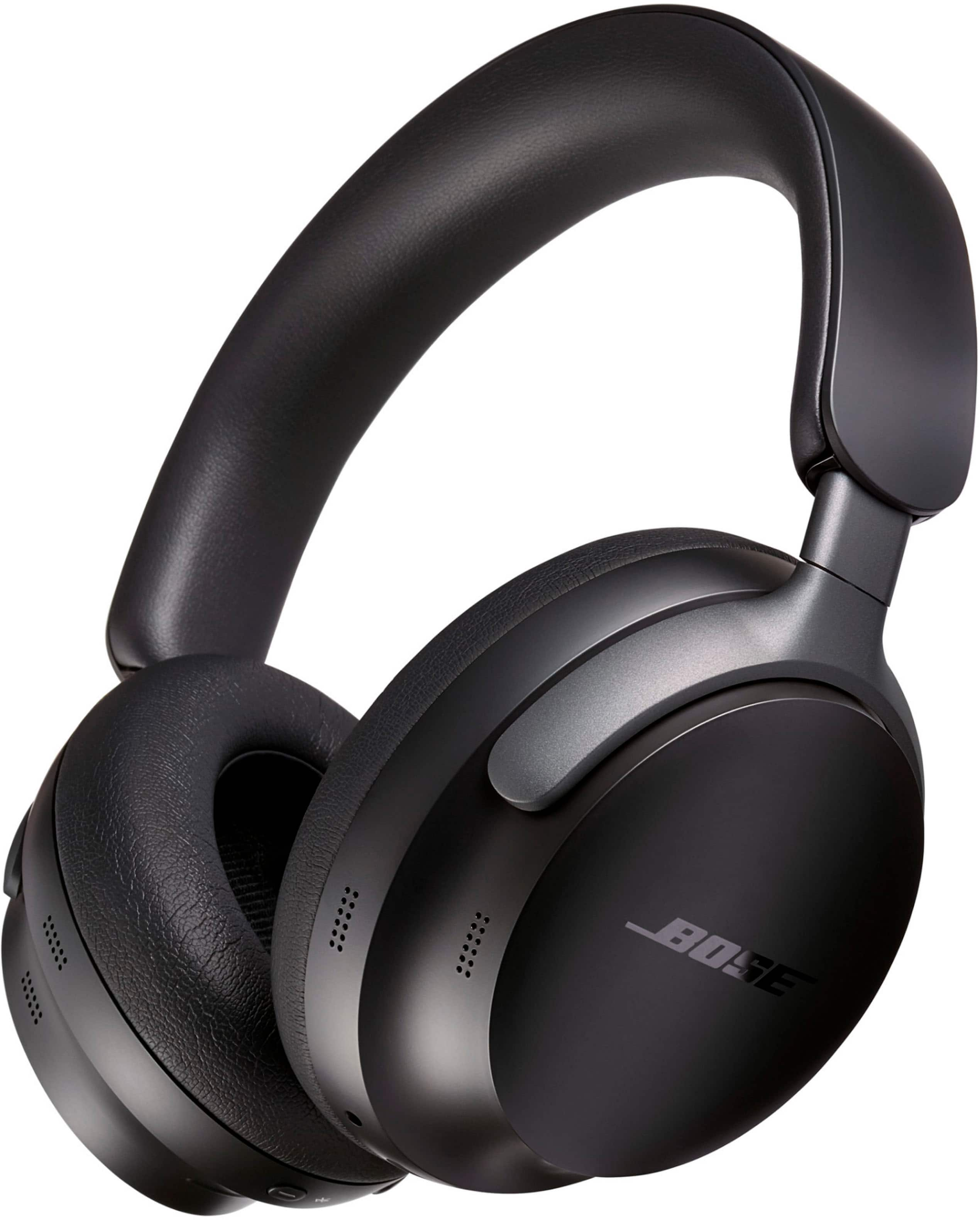
Noise cancellation is a system that reduces unwanted sound before it reaches your ears. Most headphones use two methods: passive noise isolation and active noise cancellation.
Passive noise isolation comes from the physical design. Ear cups and ear tips block some sound in the same way that earplugs do. Over-ear headphones often block more outside sound because their cushions surround the ears.
Active noise cancellation, often called ANC, uses microphones and electronic processing. The microphones detect outside sound, and the headphones create an opposite sound wave. The two waves partly reduce each other.
ANC works best with steady, low sounds, such as:
- Airplane engine noise
- Bus and train vibration
- Air conditioners
- Office fans
- Road noise during a commute
ANC is usually less effective against sudden or high-pitched sounds. A nearby voice, a door closing, or a dog barking may still be heard. The headphones are not creating silence. They are reducing certain types of sound.
Many headphones also include:
- Transparency mode: Lets outside sound pass through the speakers.
- Ambient sound mode: A similar mode that allows environmental sound into the headphones.
- Normal or ANC-off mode: Disables active noise reduction.
- Adaptive or automatic mode: Changes noise control based on the surroundings.
Manufacturers use different names for these features. Check the headphone manual or companion app for the exact terms used by your model.
What You Need Before You Start
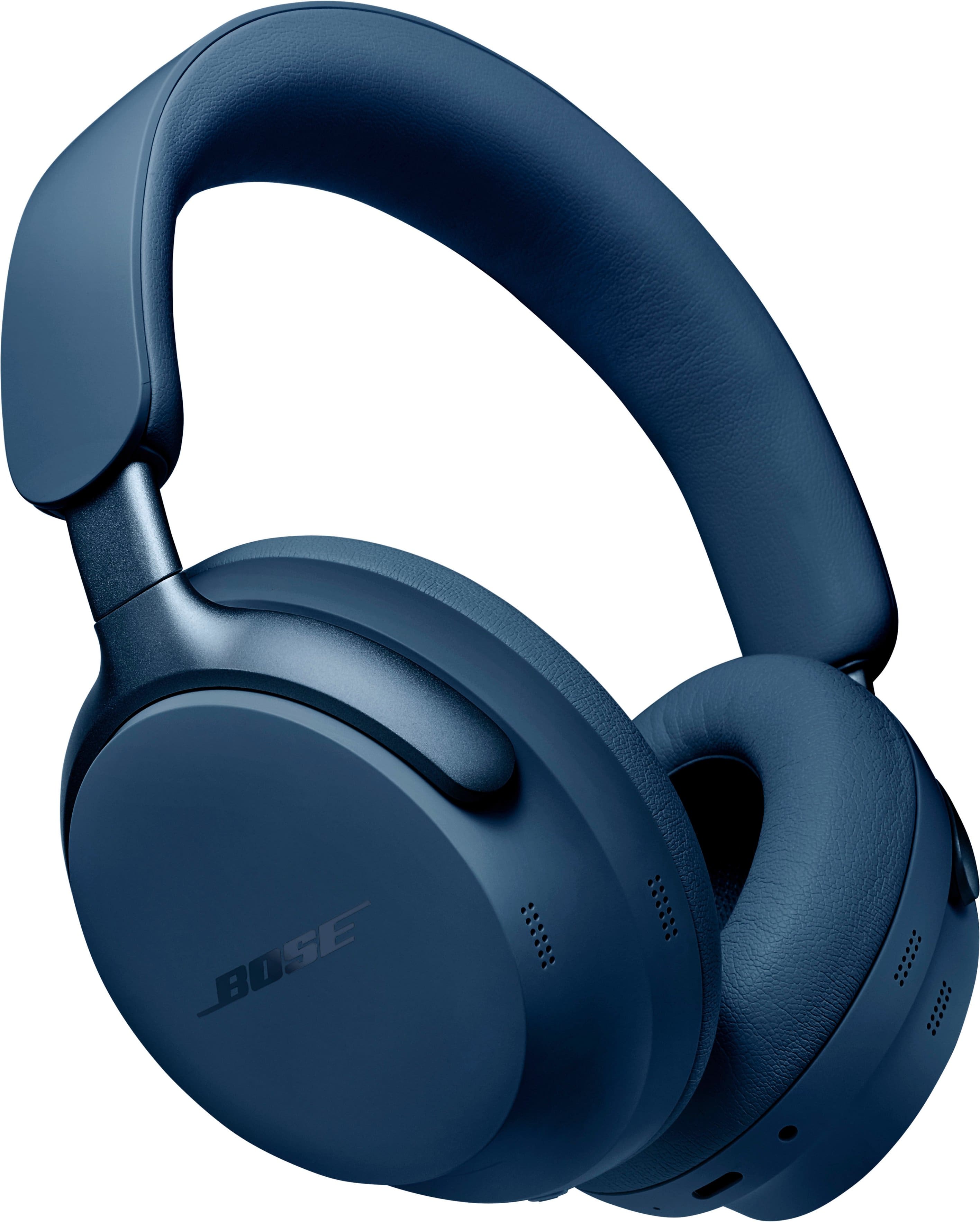
Before using noise-canceling headphones, prepare the headphones, your audio device, and the companion app if one is required.
Check these items:
- Charge the headphones. ANC needs power. Some models can play audio with a dead battery, but active noise cancellation may stop working.
- Find the power and noise-control buttons. They may be on the ear cup, touch panel, or cable.
- Turn on Bluetooth on your device. This applies to phones, tablets, laptops, and many smart TVs.
- Install the official app if needed. An app may control firmware updates, sound settings, equalization, and noise modes.
- Read the quick-start guide. Button actions differ by model.
- Remove protective film from the ear cushions or sensors. Film can affect comfort and wearing detection.
Most Bluetooth headphones work with modern iPhones, Android phones, Windows PCs, and Mac computers. Some models support multipoint Bluetooth, which lets them connect to two devices at once. Other models support only one active connection.
A wired connection may work when Bluetooth is unavailable. However, some headphones still need to be powered on for ANC to function. A USB cable may charge the headphones but may not carry audio unless the model supports USB audio.

How to Set Up Noise-Canceling Headphones
Follow these steps to connect and use most Bluetooth noise-canceling headphones.
1. Charge and turn on the headphones
Charge the headphones with the supplied cable or a compatible charger. The status light, voice prompt, or app should show the battery level.
Press and hold the power button until the headphones turn on. Some models enter pairing mode automatically the first time you use them. If they do not, press and hold the Bluetooth or power button until the indicator flashes.
2. Pair the headphones with your device
On your phone, tablet, or computer:
- Open Settings.
- Select Bluetooth.
- Turn Bluetooth on.
- Look for the headphone name in the device list.
- Select the name.
- Confirm the pairing request if one appears.
Keep the headphones close to the device during setup. If you see several similar names, use the model name printed on the headphones or shown in the manual.
After pairing, play a short audio clip. Confirm that sound comes from the headphones rather than the device speaker.
3. Turn on active noise cancellation
Press the noise-control button or use the companion app. Most headphones cycle through two or more modes when you press the button.
You may hear a voice prompt such as:
- Noise canceling
- Ambient sound
- Transparency
- Off
Put the headphones on before testing the mode. ANC often sounds more effective when the ear cups or ear tips form a complete seal.
4. Adjust the fit
Place the left and right ear cups on the correct ears. Adjust the headband so the cushions sit evenly around your ears.
For earbuds, choose the largest ear tips that feel comfortable and stay in place. The tips should seal the ear canal without causing pain.
A good fit should:
- Feel secure when you move your head
- Cover the ears without pressing hard
- Reduce some outside sound even with ANC off
- Produce similar sound levels in both ears
- Avoid gaps around the cushions
Hair, glasses, hats, and loose ear cushions can reduce the seal. If one side sounds louder, reposition the headphones before changing the audio balance.
5. Test the controls
Play audio and test:
- Play and pause
- Volume up and down
- Noise-control modes
- Answer and end calls
- Voice assistant access
- Track skip, if available
The same control may perform different tasks with a short press, double press, or long press. The official manual is the best source for your model’s exact controls.
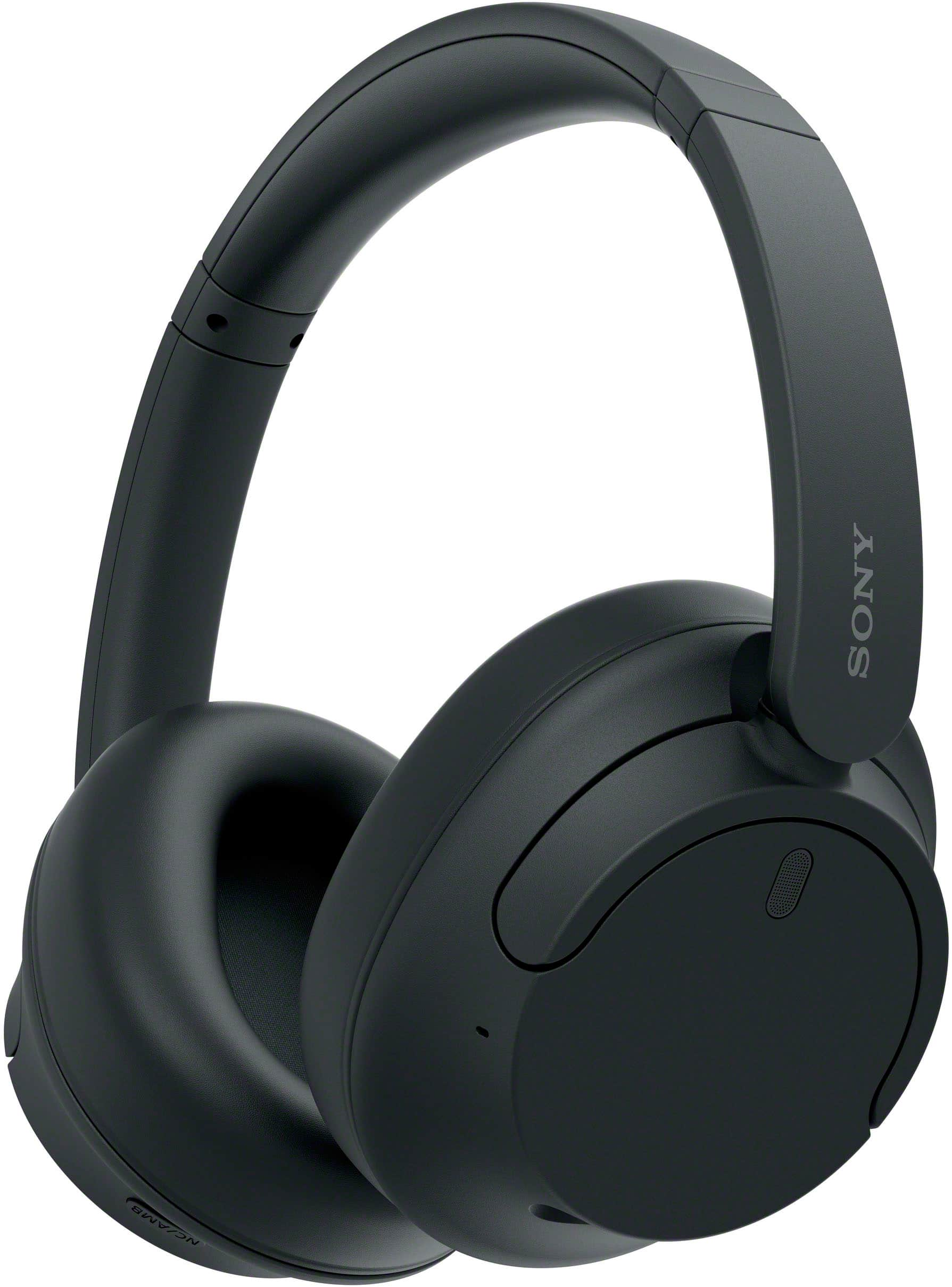
How to Get Better Noise-Canceling Performance
The fit matters as much as the electronics. Even strong ANC cannot fully compensate for an open gap around an ear cup or ear tip.
Improve the ear seal
For over-ear headphones, the cushions should surround the ears. If they sit partly on the ears, outside sound may enter through gaps.
For earbuds, try each supplied ear-tip size. A simple test is to play a steady low sound with ANC off. If the sound becomes fuller and outside noise drops after you change the tip, the new size likely provides a better seal.
Do not force an ear tip deep into the ear canal. Comfort and a stable seal matter more than using the largest possible tip.
Use the correct mode
Use ANC for steady background noise. Use transparency mode when you need to hear people, announcements, traffic, or alarms.
For example:
- Airplane: ANC is useful during the flight.
- Airport terminal: Transparency mode may help you hear gate announcements.
- Office: ANC can reduce HVAC and computer fan noise.
- Walking near roads: Transparency mode is safer than full isolation.
- Conversation: Turn ANC off or use transparency mode.
Noise-canceling headphones are not a substitute for awareness. The National Highway Traffic Safety Administration advises pedestrians to stay alert to vehicles and their surroundings. Avoid using full isolation near traffic, bike paths, rail platforms, or other areas where you must hear warnings.
Adjust the sound, not just the volume
If music sounds dull, thin, or harsh, use the equalizer in the headphone app or audio service. Make small changes. Increasing bass can make music feel fuller, but it can also make speech less clear.
If voices sound distant during calls, move to a quieter area and check whether the microphone openings are blocked. ANC mainly affects what you hear. It does not always remove background noise from the microphone signal sent to other people.
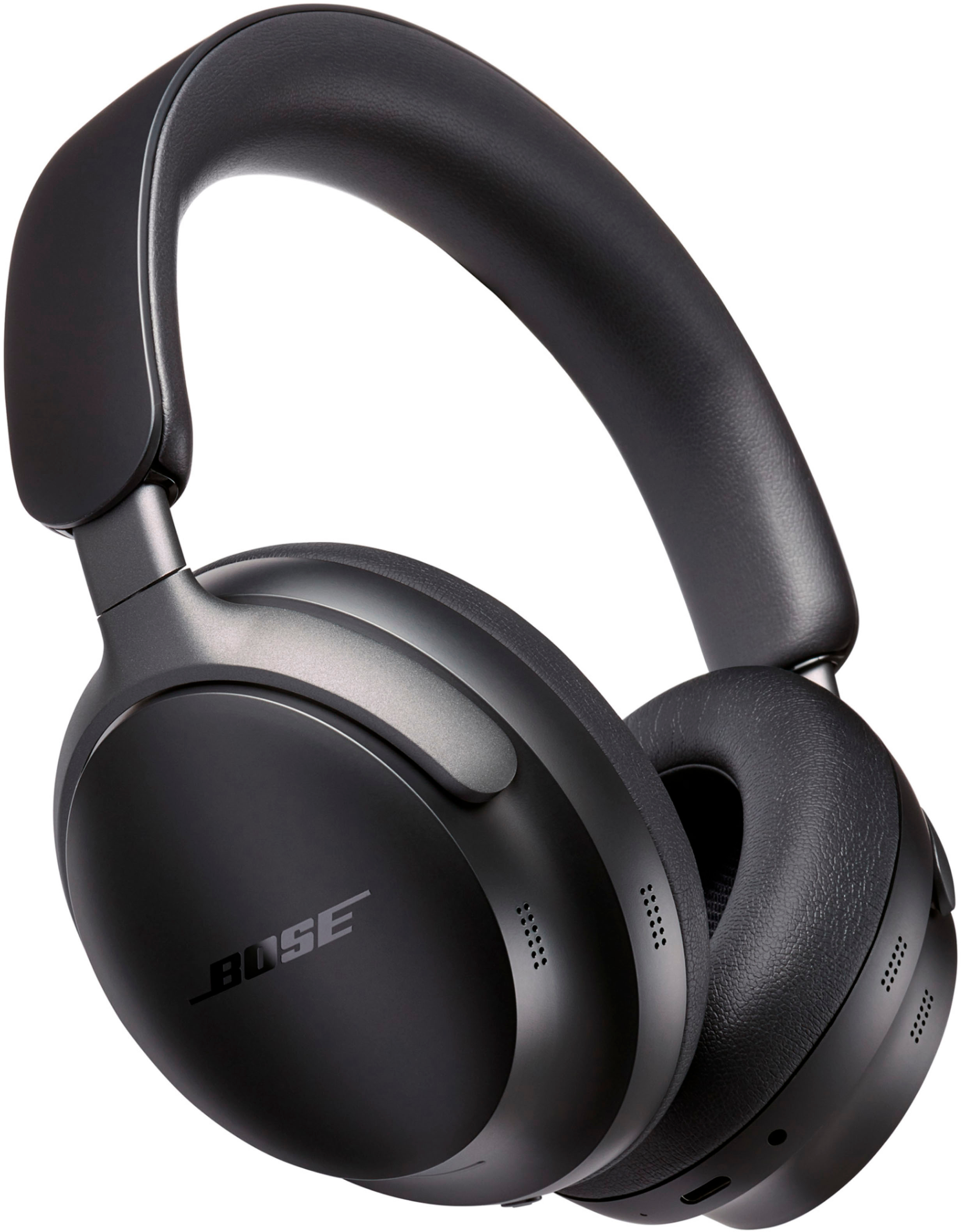
How to Use Noise-Canceling Headphones on a Plane
Noise-canceling headphones can reduce the steady engine sound heard during a flight, but they cannot remove every cabin noise.
Before boarding:
- Charge the headphones fully.
- Download music, podcasts, or videos for offline use if needed.
- Bring the correct charging cable.
- Check whether the headphones include a wired audio cable.
- Learn how to turn ANC on without the app.
During the flight, put the headphones on and enable ANC. Keep the volume moderate. A quieter cabin may make your current volume feel loud, so check the level after ANC starts.
Bluetooth rules can vary by airline and flight stage. Follow the instructions from the airline and crew. A wired connection may be useful for the seat-back entertainment system, but some systems require a two-prong airline adapter.
ANC headphones do not replace hearing protection in unusually loud environments. The Federal Aviation Administration provides general passenger safety guidance, but the headphone manufacturer controls the product’s specific limits and operating instructions.

How to Use Noise-Canceling Headphones Safely
Noise-canceling headphones are generally simple to use, but safe listening still depends on volume, time, and surroundings.
The World Health Organization recommends keeping personal audio at a safe level and taking breaks. In the United States, the National Institute for Occupational Safety and Health explains how loud sound and exposure time affect hearing risk.
Use these habits:
- Keep the volume as low as needed for clear sound.
- Take regular breaks during long listening sessions.
- Lower the volume before turning ANC on or off.
- Stop using the headphones if you feel pain, ringing, pressure, or dizziness.
- Use transparency mode when you need to hear your surroundings.
- Do not rely on headphones to hear emergency alarms.
- Keep the headphones dry unless the model has a stated water-resistance rating.
- Clean ear tips and cushions according to the manufacturer’s instructions.
A practical check is the conversation test. If you cannot hear someone speaking nearby without raising your voice, the audio may be too loud or the isolation may be too strong for that setting.
Noise cancellation may create a feeling of pressure for some users. This often comes from the change in low-frequency sound rather than a physical increase in air pressure. If the feeling is painful or continues after removing the headphones, stop using them and seek medical advice.
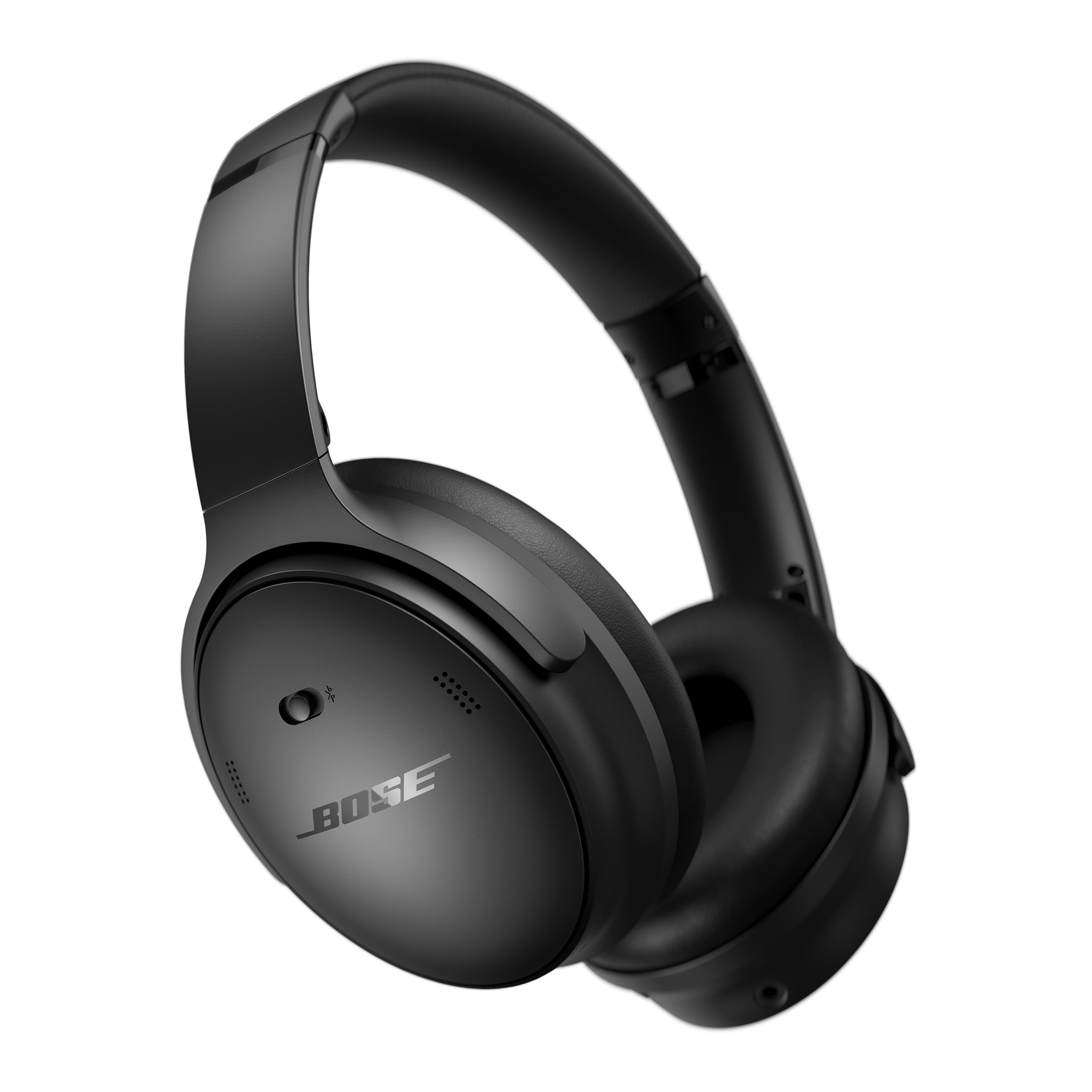
How to Fix Common Noise-Canceling Problems
Start with simple and safe checks. Do not raise the volume to solve a connection or fit problem.
| Problem | Likely cause | What to try |
|---|---|---|
| ANC does not turn on | Low battery or wrong mode | Charge the headphones and cycle through noise modes |
| Outside noise remains loud | Poor seal or weak ANC for that sound | Adjust the fit, change ear tips, and test with steady low noise |
| One ear sounds louder | Uneven fit or blocked ear tip | Reposition the headphones and clean them |
| Bluetooth will not connect | Old pairing record or another connected device | Forget the headphones, restart Bluetooth, and pair again |
| Sound cuts out | Distance, interference, or multipoint switching | Move closer and disconnect unused devices |
| Headphones sound muffled | Ear cushions blocked or sound setting changed | Clean the headphones and check equalizer settings |
| Calls sound poor | Microphone blocked or noisy location | Clean microphone openings and move to a quiet area |
| Battery drains quickly | ANC, high volume, calls, or aging battery | Lower volume, disable unused features, and check battery health |
| App cannot find headphones | Bluetooth permission or outdated app | Allow access, update the app, and restart the headphones |
Reset the connection
If pairing fails, remove the headphones from the Bluetooth list on your device. Turn Bluetooth off, restart the phone or computer, then put the headphones back into pairing mode.
If the problem continues, perform the model’s factory reset. A reset usually deletes saved devices and custom settings. Follow the official instructions because the button sequence varies.
Check firmware and app settings
A manufacturer app may offer firmware updates that address connection or control problems. Update only through the official app or support site.
Do not install unofficial firmware. It can create compatibility, security, or warranty problems.
Know when the headphones may be damaged
Get support if:
- The headphones become unusually hot
- The battery swells or the case separates
- You smell smoke or chemicals
- The charging port becomes loose
- One side stops working after cleaning and resetting
- The headphones produce loud crackling or sudden bursts
Stop charging damaged headphones. Contact the manufacturer or an authorized repair provider.
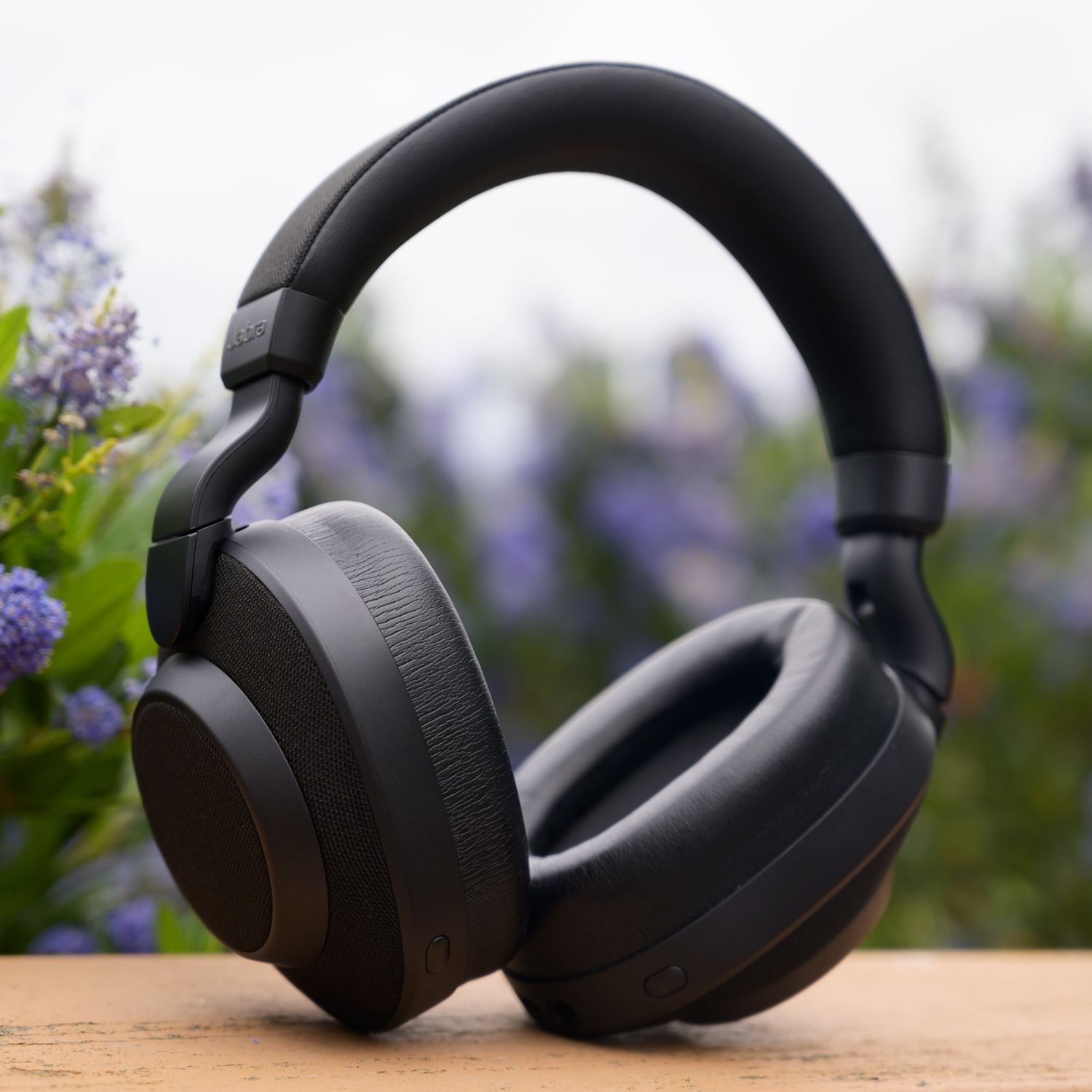
How to Maintain Noise-Canceling Headphones
Clean headphones regularly to protect comfort and sound quality. Remove ear tips when the manual allows it, and wipe them with a slightly damp cloth. Let all parts dry before use.
Avoid pouring liquid onto the headphones or spraying cleaner directly on the ear cups. Do not use sharp objects to remove debris from microphone openings.
Store the headphones in a case when possible. Keep them away from extreme heat, direct sun, and moisture. Fold or rotate the ear cups only as the manufacturer permits.
Battery life declines over time. To extend daily use:
- Turn off the headphones when you are finished.
- Disable features you do not need.
- Keep the firmware current.
- Avoid leaving the battery empty for long periods.
- Use the supplied or approved charger.
If the battery no longer lasts through normal use, check whether the manufacturer offers battery service. Some headphones have user-replaceable batteries; many do not.
Common Mistakes to Avoid
Several habits reduce the benefit of noise-canceling headphones.
Raising the volume instead of fixing the fit
A poor seal makes outside noise seem louder. Adjust the ear cups or change the ear tips before increasing the volume.
Using ANC when transparency mode is needed
ANC can reduce awareness. Use transparency mode in airports, public places, near traffic, and whenever you need to hear announcements or other people.
Assuming ANC blocks every sound
ANC is not a universal sound barrier. It works best with steady, low-frequency noise. Voices and sharp sounds may remain audible.
Wearing headphones during every alert-sensitive activity
Do not use full isolation when cycling, crossing streets, operating equipment, or working in a place where alarms matter.
Ignoring discomfort
Pressure, pain, ringing, or dizziness are signs to stop and reassess. A different fit or shorter listening session may help. Persistent symptoms need medical attention.
Changing settings without checking the manual
Touch controls, wired modes, USB audio, ANC behavior, and reset steps differ by model. Use the official guide for model-specific instructions.

Frequently Asked Questions
Do noise-canceling headphones work without music?
Yes. Many ANC headphones can reduce background noise even when no music is playing. They still need battery power, and the amount of reduction depends on the model, fit, and type of sound.
Can I use noise-canceling headphones with a TV?
Usually, yes. The TV must support Bluetooth, or you need a compatible Bluetooth transmitter. Some TVs can pair with only one Bluetooth audio device at a time. A wired connection may be easier for older TVs.
Is it safe to sleep with noise-canceling headphones?
It depends on the design and your sleeping position. Over-ear headphones can press against the head, while earbuds can irritate the ear canal. Avoid sleeping with headphones if they cause pain, heat, pressure, or tangled cables. Keep the volume low and make sure you can respond to important alarms.
Why do my ears feel pressure with ANC on?
ANC changes the level of low-frequency sound reaching your ears. Some people interpret this change as pressure, even though the headphones are not creating a dangerous air-pressure difference. Turn ANC off if the feeling is uncomfortable or causes symptoms.
Do noise-canceling headphones protect hearing?
They can reduce the need to raise volume in noisy places, but they are not automatically certified hearing protection. For loud workplaces, firearms, machinery, or other high-noise settings, use hearing protection rated for that purpose and follow workplace safety rules.
Conclusion
To use noise-canceling headphones well, charge them, pair them correctly, choose ANC for steady background noise, and adjust the fit until the ear cups or ear tips seal comfortably. Use transparency mode when you need awareness, keep the volume moderate, and follow the model’s manual for controls and resets.
The best next step is simple: put on the headphones, test ANC and transparency mode in a quiet room, then practice switching between them before using the headphones during travel or near traffic.