How To Choose A Headphone Amp: Smart Buying Guide

For most people in the United States, the right headphone amp is the smallest, quietest, and safest model that can drive their headphones with enough volume and headroom. Start with the headphones, not the amp. Check impedance, sensitivity, connector type, source device, and your listening level. Then choose a portable, desktop, or specialized amp that meets those needs without adding features you will not use.
Do You Need a Headphone Amp?
You may need a headphone amp if your headphones sound too quiet, lose impact at higher volume, produce distortion, or work poorly with your phone, laptop, game console, or audio interface.
You may not need one if your current device plays music loudly and cleanly. Every phone, computer, tablet, and music player already has a small headphone amplifier inside it.
A separate headphone amp can help when:
- Your source does not reach your preferred listening level.
- The sound becomes harsh or distorted when you turn it up.
- Your headphones have high impedance or low sensitivity.
- You hear hiss with sensitive in-ear monitors.
- You need more output connections or better volume control.
- You want a desktop setup with several sources and headphones.
A separate amp does not automatically improve every pair of headphones. It cannot fix a poor recording, damaged cable, bad fit, or an incorrect software setting.
The basic test
Set your source to a safe level and play a familiar track. If the headphones are loud enough, clear, and free from noise, an amp is optional.
If the sound is too quiet, connect the headphones to a more powerful source if one is available. If the problem remains, check the headphone plug, device settings, and cable before buying new equipment.
Understand the Headphone Amp’s Main Job
A headphone amplifier increases the voltage and current available to the headphones. The amp must deliver enough power for the headphones to reach your target volume without audible clipping.
Three headphone specifications matter most:
- Impedance, measured in ohms (Ω)
- Sensitivity, listed as dB/mW or dB/V
- Maximum power handling, when the manufacturer provides it
Impedance describes how much the headphones resist the electrical signal. Sensitivity describes how loud the headphones become from a given amount of power or voltage.
A 300-ohm headphone is not always harder to drive than a 32-ohm model. A low-sensitivity 32-ohm headphone may need more power than a sensitive 300-ohm model. You need to consider impedance and sensitivity together.
Impedance
High-impedance headphones often need more voltage. Common examples include models rated at 150, 250, or 300 ohms.
Low-impedance headphones need less voltage, but they can require more current. Some low-impedance planar magnetic headphones are demanding because of their low sensitivity.
Impedance can also change across the frequency range. This matters because an amp with high output impedance may alter the headphone’s frequency response.
Sensitivity
Sensitivity is often listed in one of two ways:
- dB/mW: loudness from 1 milliwatt of power
- dB/V: loudness from 1 volt of signal
Do not compare these numbers as if they use the same scale. A headphone rated at 100 dB/mW and one rated at 100 dB/V do not have the same power needs.
If the specification uses dB/mW, you can estimate the power needed for a target level with this formula:
Required power in mW = 10^((target dB − sensitivity dB) ÷ 10)
This is an estimate. Music has peaks, and manufacturers may measure sensitivity under different conditions.
Headroom
Choose an amp with extra capacity above your normal listening level. This reserve is called headroom. It helps the amp handle short peaks without clipping.
A target of about 110 dB peak capability is a common planning point for many home systems, but it is not a safe listening recommendation. You should not listen at that level for long periods. The CDC explains that loud sound can damage hearing, and lower volume is safer for longer listening.
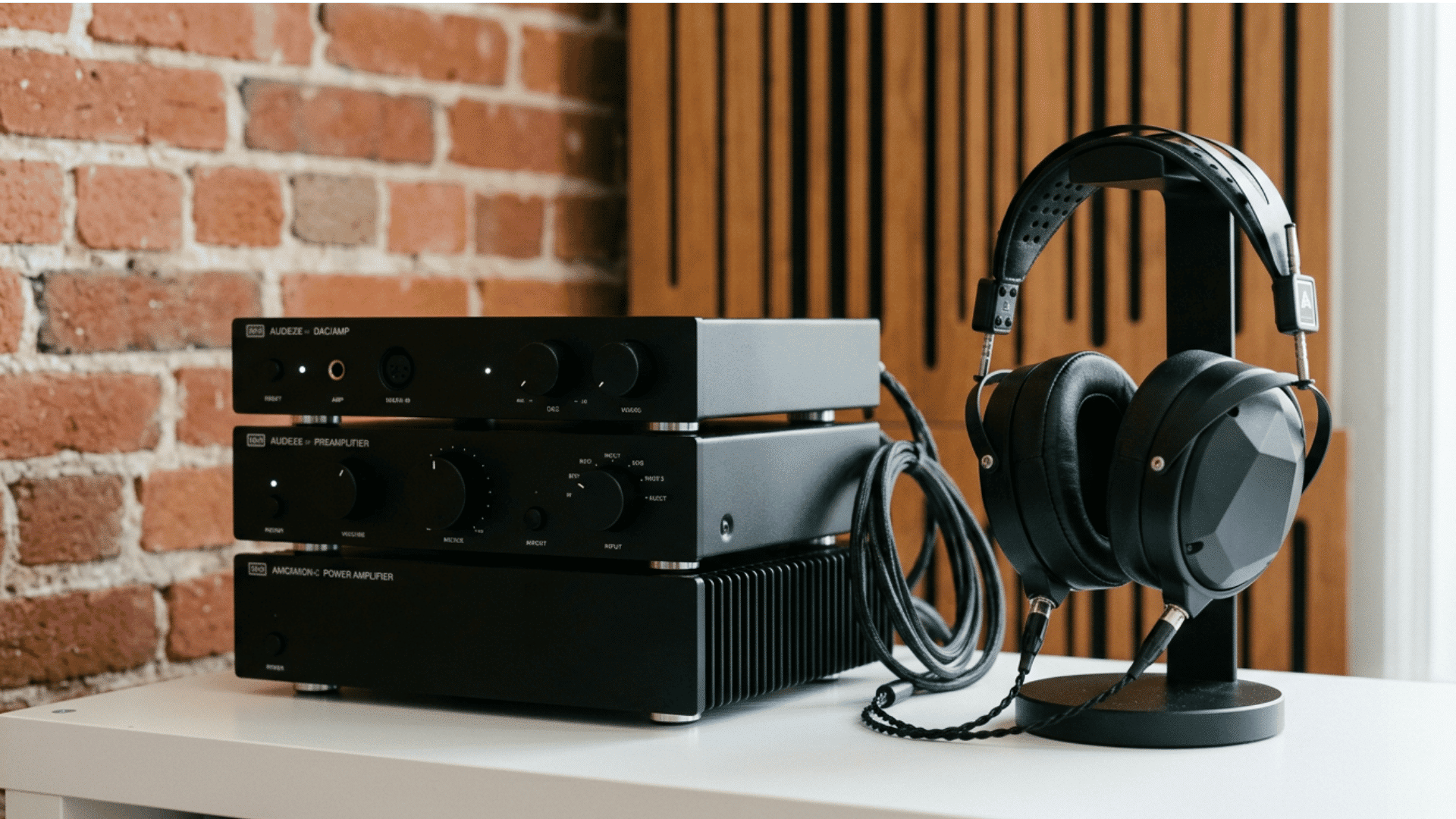
Calculate How Much Power You Need
A simple calculation can help you avoid both underpowered and oversized headphone amps.
Suppose a headphone has:
- 300-ohm impedance
- 98 dB/mW sensitivity
- A desired peak level of 110 dB
The level increase is 12 dB. The estimated power is:
10^(12 ÷ 10) = about 15.8 mW
The voltage requirement is:
Voltage = √(power × resistance)
Use watts for power:
√(0.0158 × 300) = about 2.18 volts RMS
The current requirement is:
Current = √(power ÷ resistance)
√(0.0158 ÷ 300) = about 7.3 milliamps
This headphone needs modest power but fairly high voltage. A phone may not provide enough voltage, while a desktop amp likely will.
Example: a low-impedance headphone
Now consider a hypothetical 32-ohm headphone rated at 94 dB/mW. To reach 110 dB:
10^(16 ÷ 10) = about 39.8 mW
The voltage requirement is about 1.13 volts RMS. The current requirement is about 35 milliamps.
This example needs less voltage than the 300-ohm model but more current. That is why a good headphone amp must work across both voltage and current demands.
How to read an amp specification
Look for output power at the impedance you plan to use. A useful specification may look like:
- 200 mW into 32 ohms
- 100 mW into 150 ohms
- 50 mW into 300 ohms
The numbers are meaningful only when the manufacturer gives the test conditions. Check whether the rating is:
- Per channel or total
- At a stated distortion level
- From the balanced or single-ended output
- Measured with AC power or battery power
- Continuous or peak output
Do not compare a large watt number with a small watt number unless the impedance and test conditions match.
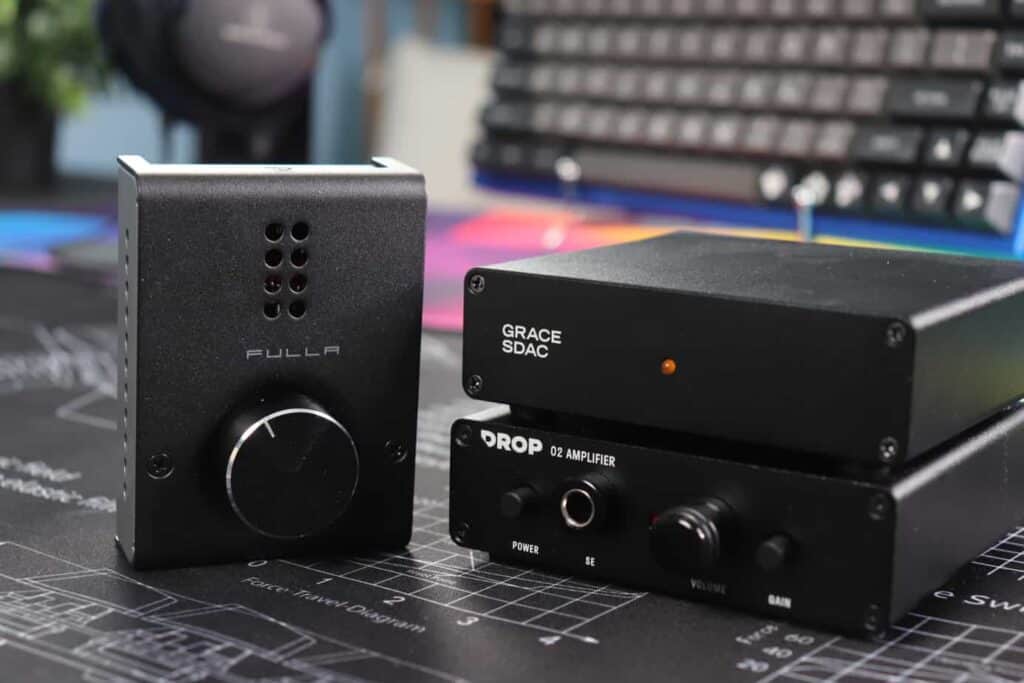
Choose the Right Type of Headphone Amp
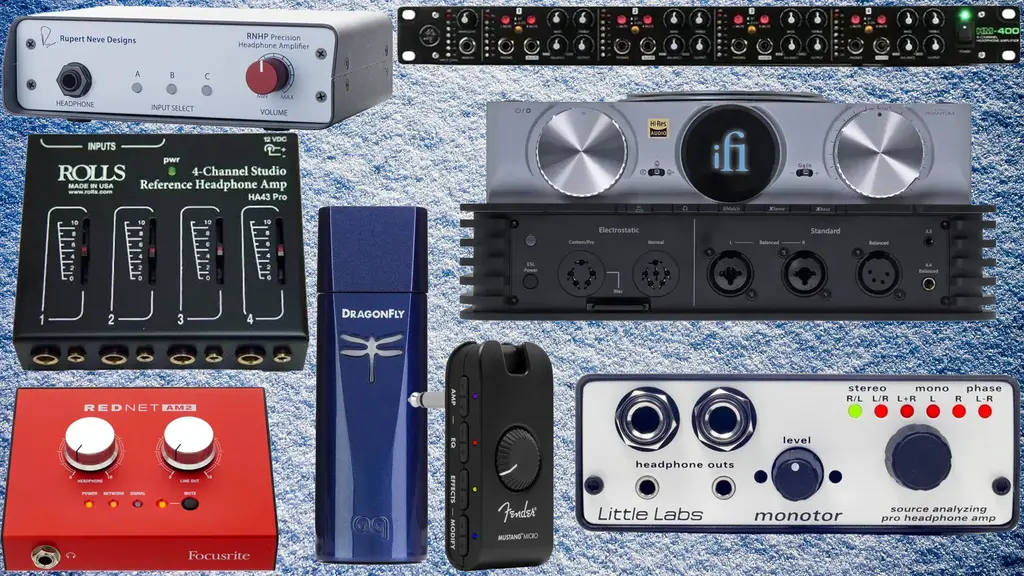
The best headphone amp type depends on where and how you listen.
Portable headphone amp
Choose a portable amp or USB headphone dongle when you mainly use:
- An iPhone or Android phone
- A laptop
- A tablet
- A portable music player
- Wired in-ear monitors
A compact USB amp can provide more output than a phone’s built-in jack. It may also offer lower noise and better control with some headphones.
Check the connection before buying. A USB-C device may work directly with many newer phones and computers, while an iPhone with a Lightning port may need a compatible adapter. Some phones may require USB audio permission or an external power setting.
Battery-powered portable amps add size, charging needs, and another device to carry. A small USB dongle is often better for simple mobile listening.
Desktop headphone amp
Choose a desktop amp when you use demanding headphones at a desk or in a home audio system. Desktop models often provide:
- More voltage and current
- Larger volume controls
- Multiple inputs
- Preamp outputs
- Separate headphone outputs
- Better support for high-impedance headphones
A desktop amp is a good fit for a 250-ohm or 300-ohm headphone, a low-sensitivity planar magnetic headphone, or a system connected to a computer and a dedicated DAC.
Desktop equipment needs a nearby power outlet. It is less suitable if you switch between several mobile devices.
Integrated DAC and headphone amp
A DAC converts digital audio into an analog signal. A headphone amp then provides the power needed to drive the headphones.
Many products combine both parts in one unit. This can simplify a computer setup because one USB cable handles the digital connection.
An integrated DAC and amp is useful if your source has:
- Audible hiss
- A noisy headphone jack
- Poor volume control
- No headphone jack
- Inadequate output power
You do not need a separate DAC and amp unless you have a clear reason to split the system. Separate units can make upgrades easier, but they also add cost, cables, and more points of failure.
Audio interface or mixer
Musicians, streamers, and content creators may need an audio interface instead of a standard headphone amp. An interface can connect microphones, instruments, monitors, and headphones.
Check the interface’s headphone output rating. Some interfaces provide enough power for sensitive headphones but struggle with high-impedance or low-sensitivity models.
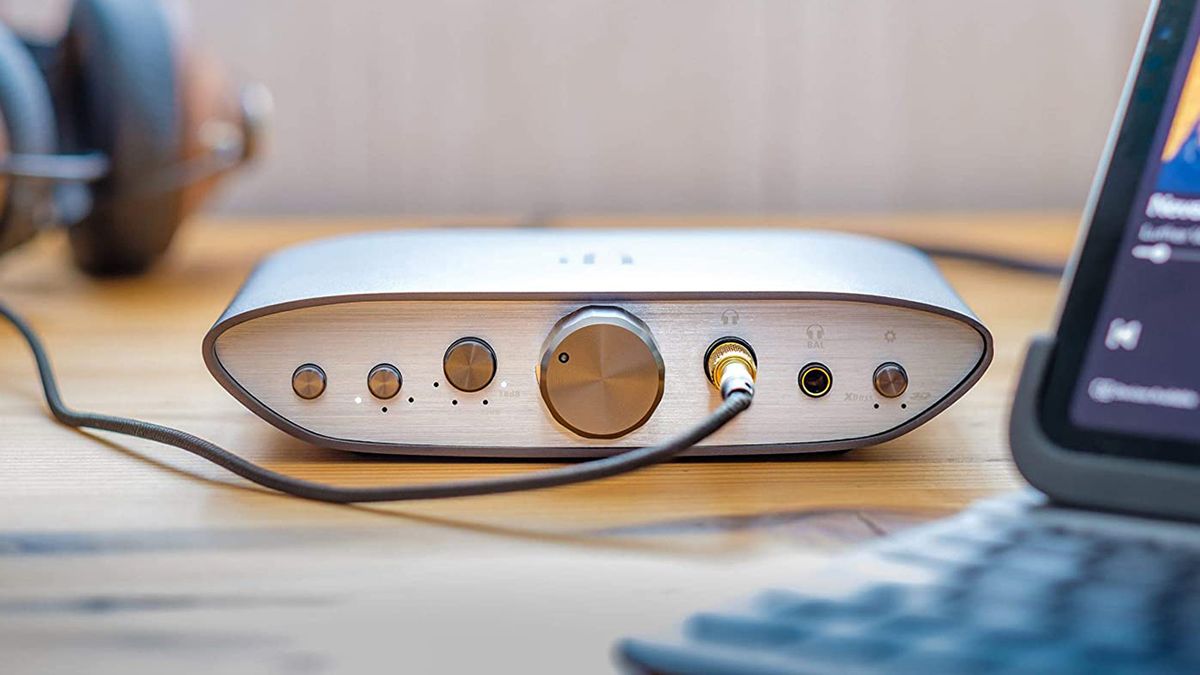
Check Output Impedance and Noise
Output impedance is one of the most overlooked headphone amp specifications. It is the resistance at the amp’s headphone output.
A high output impedance can change the frequency response of headphones whose impedance varies across frequencies. It can also reduce electrical control of the driver.
A common rule is to keep amp output impedance below one-eighth of the headphone’s nominal impedance. This is a useful starting point, not a law.
For a 32-ohm headphone:
32 ÷ 8 = 4 ohms
An amp with an output impedance below 4 ohms is usually a safer match. For sensitive in-ear monitors, a much lower value may be better.
Noise and sensitive headphones
Sensitive in-ear monitors can reveal hiss that larger over-ear headphones hide. For IEMs, look for:
- Low output noise
- Low gain
- Low output impedance
- A precise volume control
- A channel balance that remains even at low volume
A powerful amp is not automatically a good IEM amp. Excess gain can make the volume jump too quickly and raise the risk of hearing damage.
If you hear hiss, try the lowest gain setting first. Then test another output, cable, or source. If the hiss remains only with one device, that device may be the cause.
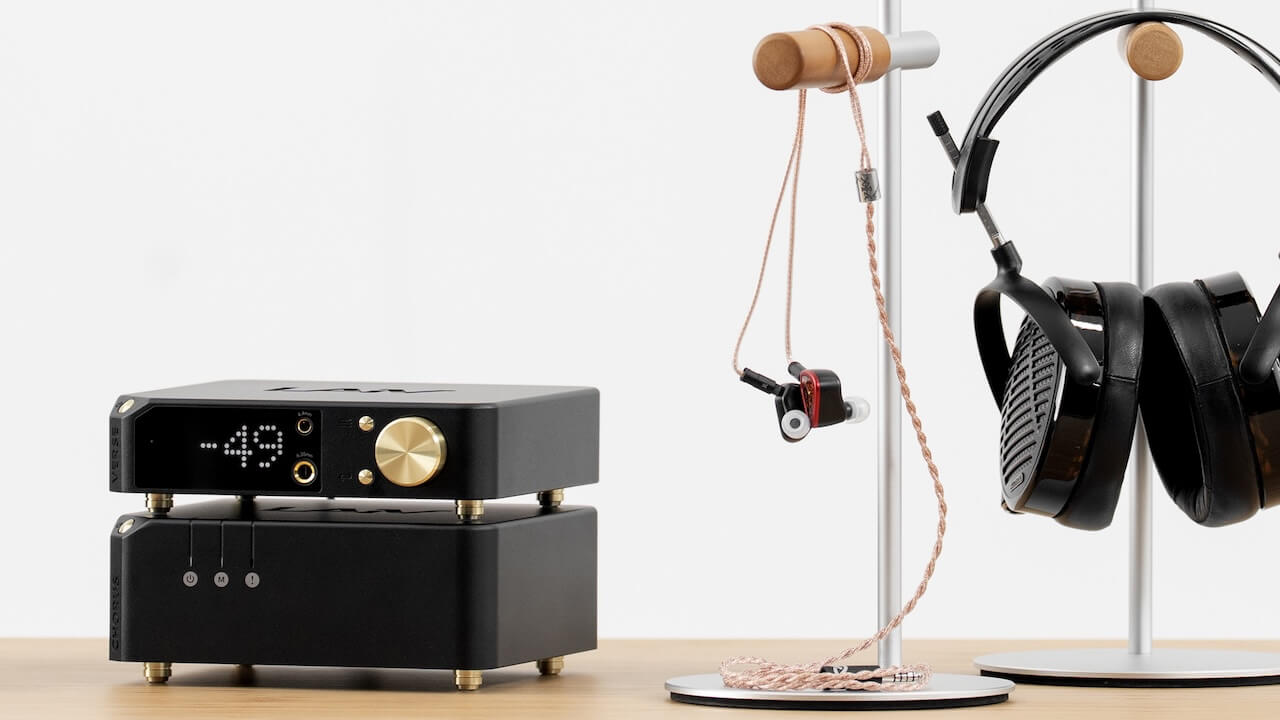
Decide Between Single-Ended and Balanced Outputs
Single-ended and balanced outputs describe the amp’s circuit and connector design. A standard 3.5 mm or 6.35 mm headphone connection is usually single-ended. A 4.4 mm Pentaconn or four-pin XLR output is often balanced.
Balanced output can provide more voltage in some designs. It can also help with certain wiring and system noise problems. But balanced does not guarantee better sound.
Do not connect a normal three-wire headphone plug to a balanced output with an unsafe adapter. Some balanced outputs use separate amplifier channels for the left and right negative connections. Combining those connections can damage the amp.
Use balanced output only when:
- The amp manual supports your headphone cable
- The cable has the correct wiring
- You need the extra output power
- You want a specific connection for system layout
Do not buy a balanced amp simply because the connector looks more advanced. A well-designed single-ended amp can provide more than enough performance.
Match the Amp to Your Source
The source determines which inputs and controls you need.
Computer
For a desktop or laptop, a USB DAC and headphone amp is often the simplest setup. Confirm that the unit supports your computer’s operating system and USB connection.
Many basic USB audio devices work without special drivers. Some advanced devices may need software, firmware updates, or a dedicated driver. Check the manufacturer’s support page before purchase.
Phone or tablet
For mobile use, confirm:
- USB connector type
- Power use
- Operating system support
- Physical size
- Cable length
- Case clearance
- Volume control behavior
Some portable amps draw enough power to reduce phone battery life. A battery-powered model may solve that problem but will need regular charging.
Game console
Console support varies. A USB DAC may not work with every console or every USB port. Check the console maker’s supported audio devices and the amp maker’s compatibility notes.
If you use a microphone, confirm that the amp supports microphone input. Many headphone amps provide headphone output only.
Television
TV compatibility depends on the available output. A TV may offer optical, HDMI ARC, Bluetooth, or a 3.5 mm analog jack. A standard headphone amp cannot accept every type of signal without the correct converter.
If the TV has optical output, you may need a DAC with optical input. If it has HDMI ARC, look for an audio device that supports ARC or use a compatible extractor.
Choose Gain, Volume Control, and Features Carefully
Gain changes how much the amp increases the input signal. Low gain is useful for sensitive headphones. High gain can help with headphones that need more voltage.
A good amp should give you a useful volume range. If normal listening occurs at the first few degrees of the knob, the gain may be too high.
A physical volume knob is helpful for desktop use. A remote control may help with a TV or speaker system. Digital volume controls can be precise, but the implementation matters.
Useful features may include:
- Low and high gain
- USB input
- Optical input
- RCA line input
- 3.5 mm line input
- Preamp output
- Automatic input switching
- Front-panel mute
- Multiple headphone outputs
Choose features based on your setup. Extra inputs do not improve sound if you will never use them.
DAC features
Sample-rate support and high-resolution labels should not drive the purchase by themselves. The amp must first provide enough power, low enough noise, and safe compatibility.
A simple device that works reliably is often more useful than one with a long feature list.
Use This Headphone Amp Decision Table
| Your headphones and source | What to look for |
|---|---|
| Sensitive IEMs with a phone | Low noise, low gain, low output impedance, small USB connection |
| Easy-to-drive over-ear headphones with a laptop | A clean integrated USB DAC and amp, if the laptop output is inadequate |
| 250- or 300-ohm headphones | Strong voltage output and a low-noise desktop design |
| Low-sensitivity planar headphones | High current and voltage capability; check output ratings at low impedance |
| Headphones and active speakers | Amp with a preamp or line output |
| Computer, console, and TV | Inputs that match each source, plus verified device support |
| Several headphones | Multiple outputs or a safe headphone switcher |
| Mobile listening and travel | Low power use, small size, and a short compatible cable |
This table is a starting point. The headphone’s sensitivity and the amp’s measured output remain more important than its size or price.
A simple buying process
- Identify the headphones. Record impedance, sensitivity, and connector type.
- Identify the source. List your phone, computer, console, TV, or audio interface.
- Estimate the power need. Use the sensitivity and impedance figures.
- Check the amp’s output. Compare power at the correct impedance.
- Check output impedance. Prefer a low value, especially with IEMs.
- Choose the connection. Confirm USB, optical, RCA, 3.5 mm, or balanced support.
- Check gain and noise. Low gain matters for sensitive headphones.
- Confirm physical fit. Consider desk space, cable length, battery use, and case clearance.
- Buy from a seller with a clear return policy. This lets you check noise, fit, and compatibility safely.
Common Headphone Amp Buying Mistakes
Buying by wattage alone
A high watt rating does not tell you how the amp behaves with your headphones. Output at 32 ohms may look impressive while output at 300 ohms is weak.
Always check the output rating at the impedance you need.
Assuming higher power means better sound
More power helps only when the original source lacks enough power. Once an amp reaches the needed level with low noise and low distortion, extra power may have no practical benefit.
Ignoring output impedance
An amp may be powerful enough but still interact poorly with sensitive headphones. Check output impedance before pairing an amp with multi-driver IEMs.
Treating balanced as a sound-quality guarantee
Balanced output can offer more power or help with connection design. It does not automatically make music clearer, wider, or more accurate.
Forgetting gain
High gain can make sensitive headphones hard to control. It can also increase hiss and cause sudden loud volume changes.
Using unsafe adapters
Do not use a passive adapter that combines or shorts balanced headphone connections. Follow the amp manual and use a cable made for that output.
Replacing the amp before checking the source
Check system volume, app volume, device permissions, cable connections, and headphone fit first. A software limit or loose plug can look like an amp problem.

Troubleshoot a Headphone Amp Before Replacing It
If there is no sound, check the input and output selection first. Make sure the source is sending audio to the amp and that the amp is set to the correct input.
If one channel is missing, test another track, cable, and headphone. A partly inserted plug can cause a missing channel.
If the sound is too quiet, check low-gain mode, the source volume, and the amp’s output rating. Do not assume that a balanced cable will solve the issue.
If you hear hiss, lower the gain and test another headphone output. Sensitive IEMs may expose noise that is not audible with over-ear headphones.
If the sound is distorted, reduce the source volume and check for clipping in the app or recording. Then confirm that the amp is not being driven beyond its rated output.
If the amp becomes unusually hot, smells burnt, shuts down, or behaves erratically, disconnect it and stop using it. Follow the manufacturer’s support instructions. Do not open mains-powered equipment unless you are qualified to service it.
.jpg "Frequently Asked Questions")
Frequently Asked Questions
Can a headphone amp make headphones sound better?
It can improve the result when the original source lacks power, has high noise, or interacts poorly with the headphones. It will not automatically improve headphones that already receive a clean, adequate signal.
What headphone impedance needs an amp?
There is no single cutoff. Headphones rated at 250 or 300 ohms often benefit from a stronger amp, but sensitivity matters more than impedance alone. Some 32-ohm planar headphones also need substantial power.
Is a DAC the same as a headphone amp?
No. A DAC converts digital audio into an analog signal. A headphone amp supplies the voltage and current needed by the headphones. Many products combine both functions.
Is a phone headphone jack powerful enough?
Sometimes. Sensitive headphones and many IEMs can work well from a phone. High-impedance or low-sensitivity headphones may need a USB amp or desktop amp.
Do I need a separate amp and DAC?
Usually not. A combined USB DAC and headphone amp is simpler and often provides all the functions most listeners need. Separate units make sense when you need specific inputs, outputs, upgrades, or system control.
Final Recommendation
Choose a headphone amp by matching output power, output impedance, gain, noise, and connections to your headphones and source. Start with the manufacturer’s impedance and sensitivity data. Then verify the amp’s output at that impedance.
For most mobile listeners, a quiet USB headphone amp is enough. For high-impedance or demanding planar headphones, choose a desktop model with strong voltage and current output. For sensitive IEMs, prioritize low noise and low gain over maximum power.
The best headphone amp is not the most powerful model. It is the model that gives your headphones clean, controlled, compatible output at a safe listening level.