Do Sony Headphones Work with iPhone Easy Guide

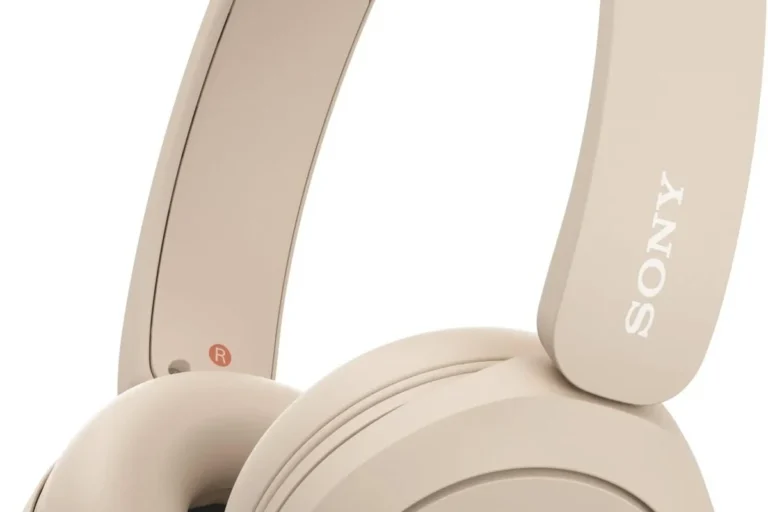
Yes, Sony headphones work with iPhone for Bluetooth listening, calls, and most everyday features. The best experience usually comes from pairing through Bluetooth and using the Sony app for supported models.
Yes, Sony headphones work with iPhone in most cases, and usually very well. You can connect them wirelessly through Bluetooth, use a cable on supported models, and still get access to many core features like noise canceling, playback controls, and app-based sound settings.
- Compatibility: Most Sony headphones pair well with iPhone.
- Best use: Bluetooth is usually the simplest and most reliable connection.
- Top features: Noise canceling and sound customization work especially well.
- Watch out: Wired use depends on the model, adapter, and iPhone port.
Do Sony Headphones Work with iPhone? Quick Answer and What “Works” Really Means
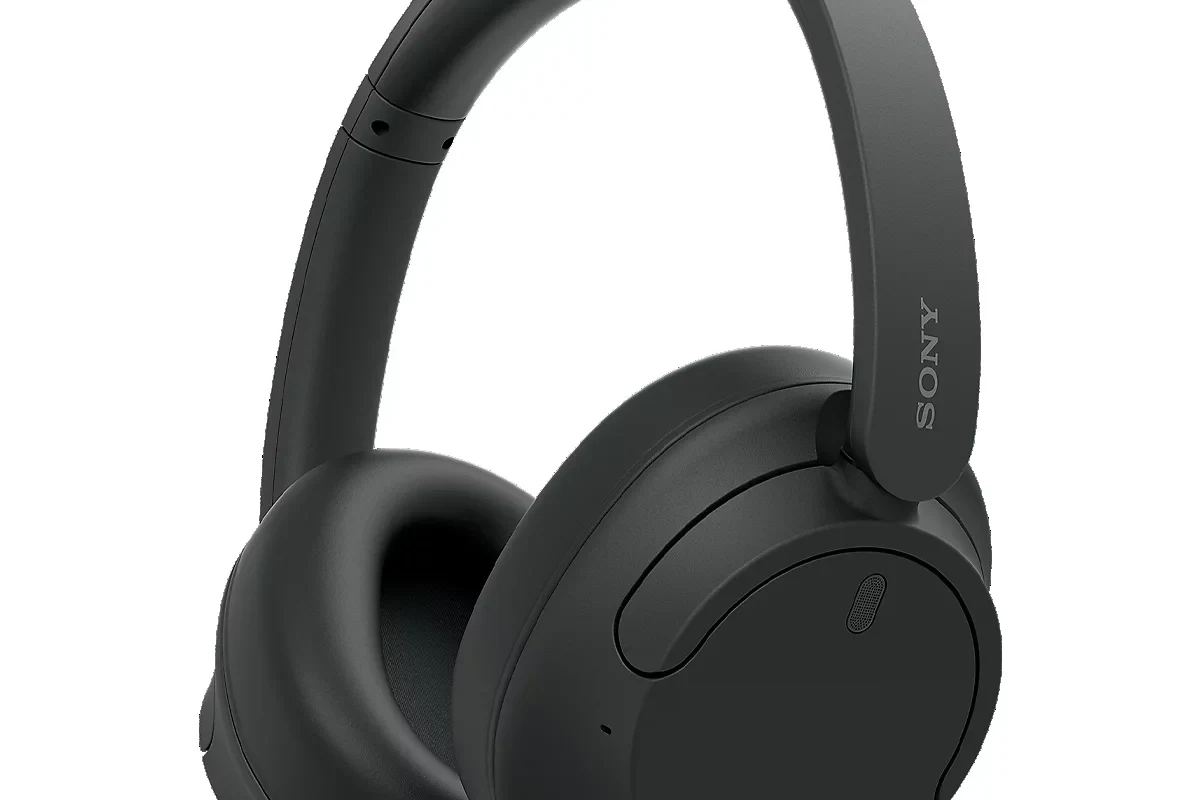
The short answer is yes: Sony headphones are broadly compatible with iPhone. If your goal is to listen to music, take calls, and use noise canceling, most Sony wireless headphones and earbuds will do the job without much trouble.
What “works” really means depends on the model and connection method. Basic audio playback is easy, but some Sony features are better on iPhone than others, especially if you compare Bluetooth use to wired use or to Sony’s own app features.
Compatibility can vary by model, iPhone version, and iOS updates. If a feature depends on Sony’s app or a Bluetooth codec, results may differ from one headphone to another.
Will Sony headphones pair easily with an iPhone?
Usually yes. Most modern Sony wireless headphones pair through the iPhone Bluetooth menu in a few simple steps.
How Sony Headphones Connect to iPhone: Bluetooth, Wired, and App Compatibility
There are three main ways Sony headphones can connect to an iPhone: Bluetooth, wired audio, and the Sony Headphones Connect app for customization. For most users, Bluetooth is the default and most convenient option.
If you want the easiest setup, Bluetooth is the best place to start. If you want to squeeze out the most stable connection or use a specific adapter, wired options can still be useful, but they depend on the headphone model and your iPhone port.
Bluetooth pairing steps for Sony WH-1000XM and other popular models
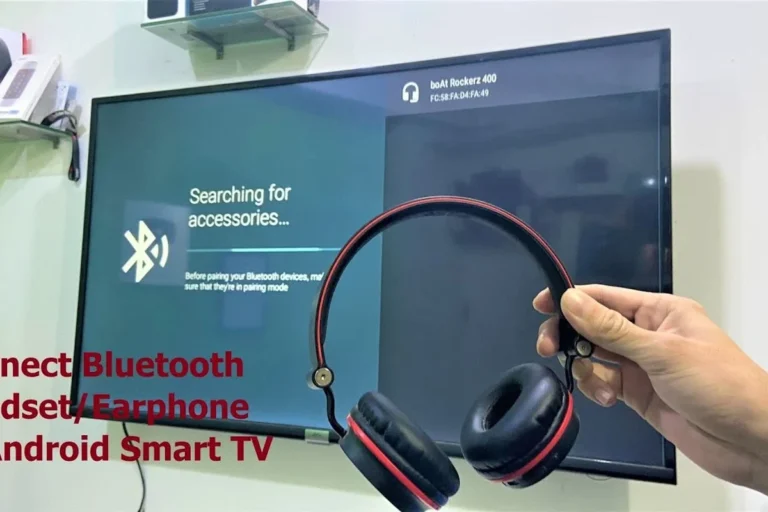
Pairing Sony headphones with an iPhone is usually straightforward. Put the headphones into pairing mode, open iPhone Bluetooth settings, and select the Sony device when it appears.
Hold the power or Bluetooth button until the indicator light shows pairing mode, depending on the model.
Go to Settings, tap Bluetooth, and make sure Bluetooth is enabled.
Tap the headphone name when it appears in the list, then wait for the connection confirmation.
If pairing fails, reset the headphones and try again. If you want a deeper walkthrough, our guide on how to connect Bluetooth headphones can help with the basic process, and our how to reset Bluetooth headphones article covers common recovery steps.
Using a wired connection with Lightning adapters and USB-C audio options
Wired listening can still work, but the details matter. Many Sony over-ear headphones include a 3.5mm audio cable, which can connect to an iPhone with the right adapter if your iPhone does not have a headphone jack.
For newer iPhones with USB-C, some users may also use USB-C audio accessories depending on the headphone model and cable setup. In practice, wired compatibility is less about Sony alone and more about matching the right cable, adapter, and iPhone port.
Not every Sony headphone supports the same wired features. Some models may still need power for active noise canceling or app-based functions, even when a cable is connected.
If you are comparing wired and wireless use, our wired vs wireless headphones guide explains the tradeoffs in simple terms.
What the Sony Headphones Connect app can and cannot do on iPhone
The Sony Headphones Connect app is one of the biggest reasons people like Sony headphones on iPhone. It can usually help you adjust sound, manage noise canceling settings, and customize controls on supported models.
That said, the app does not magically unlock every feature on every headphone. Some options depend on the exact model, firmware version, and what iOS allows in the background.
After pairing, install the Sony app and check for firmware updates first. That simple step often improves stability, button behavior, and feature access.
Which Sony Features Work Best on iPhone in 2026
In 2026, Sony headphones still offer strong value for iPhone users because the most important features usually work well. Noise canceling, sound tuning, touch controls, and call handling are the main reasons people buy them.
Some advanced extras may be less seamless than on a Sony-specific ecosystem, but the everyday experience is still solid for most listeners.
Noise canceling, transparency mode, and sound customization
Sony is especially known for active noise canceling, and that remains one of the best reasons to use Sony headphones with an iPhone. If you commute, work in a noisy office, or travel often, ANC can make a big difference in comfort and focus.
Transparency-style listening and ambient sound features are also useful on many Sony models. For a deeper explanation of the technology, see our guides on how noise cancelling headphones work and transparency mode headphones.
Noise canceling works best on steady background sounds like engines, fans, and traffic. It is less effective on sudden voices and sharp noises.
Multipoint, voice assistant, and touch controls on iPhone
Multipoint can be very convenient if you switch between an iPhone and another device, such as a laptop or tablet. On supported Sony models, it may help you move between devices without fully reconnecting each time.
Voice assistant support and touch controls also tend to work well, but the exact behavior depends on the headphone model and iPhone settings. If you use touch controls often, it is worth learning the gesture layout in the Sony app so you do not accidentally pause or skip tracks.
Codec support: AAC, SBC, and what iPhone users should expect
iPhone users should expect solid Bluetooth audio, but not every codec behaves the same. In general, iPhones are known for good support of AAC and SBC, which means Sony headphones can still sound very good even if you are not using every high-end codec option available on other platforms.
For most people, the real-world difference is smaller than the spec sheet makes it seem. If you care about sound quality, fit, and tuning, those factors usually matter more than codec chasing on an iPhone.
If you want a broader primer on wireless audio basics, our Bluetooth headphones explained article is a good starting point. You can also compare wireless and cable performance in our Bluetooth vs wired headphones sound quality guide.
Best Sony Headphones for iPhone Users: Models Worth Considering
The best Sony headphones for iPhone users are usually the models that balance easy pairing, reliable battery life, strong ANC, and comfortable design. You do not need the most expensive option to get a good iPhone experience.
Think about how you listen most often. Commuters, travelers, students, and office workers may each want a different Sony model depending on size, portability, and call quality.
Flagship over-ear picks for iPhone listeners
Flagship Sony over-ear headphones are usually the best choice if you want the fullest feature set. They often deliver the strongest noise canceling, the most comfortable ear cups for long sessions, and the most flexible app controls.
These models are a smart pick for iPhone users who listen for hours, take frequent calls, or want one pair for home, travel, and work. If you prefer over-ear comfort and better isolation, this is usually where Sony shines most.
Budget-friendly Sony earbuds and headphones for everyday use
If you want a lower-cost option, Sony also has earbuds and entry-level headphones that work well with iPhone for everyday listening. These can be a better value if you mainly want music, podcasts, and calls without paying for every premium feature.
Budget models may not match flagship comfort or ANC performance, but they can still deliver clear, enjoyable sound. For shoppers comparing value, our best headphones under 100 guide can help frame what to expect at lower price points.
Best choice for calls, commuting, and travel
For calls, commuting, and travel, Sony over-ear noise-canceling models are usually the safest recommendation. They tend to offer a better mix of microphone performance, comfort, and outside-noise reduction than smaller, cheaper options.
If you want something compact for pockets and quick trips, Sony earbuds can be more convenient. The best choice depends on whether you value portability or long-wear comfort more.
Common Problems iPhone Users Face with Sony Headphones
Most Sony-and-iPhone problems are not serious, but they can be annoying when they happen. The good news is that many issues come from pairing, firmware, or settings rather than from a broken headphone.
If your headphones seem inconsistent, start with the basics before assuming the hardware is defective.
Pairing failures, audio lag, and one-sided sound issues
Pairing failures usually come from an old Bluetooth connection, a stale pairing record, or a headphone that is still connected to another device. Audio lag can also happen in busy wireless environments or when the connection is unstable.
One-sided sound is often caused by a cable issue, dirt in the earbud, or a balance setting problem on the iPhone. If you need troubleshooting help, our Bluetooth headphone lag fix article covers common delay causes and solutions.
Battery, firmware, and app permission mistakes
Battery problems are easy to overlook. If the headphones are low on power, some features may behave strangely, and Bluetooth stability may suffer.
Firmware updates and app permissions matter too. If the Sony app cannot access the right settings, or if you skip updates for too long, you may miss out on fixes that improve performance.
- Charge the headphones fully before troubleshooting.
- Update the Sony app and headphone firmware.
- Recheck Bluetooth pairing after any iOS update.
When iPhone settings block the best Sony experience
Sometimes the iPhone itself is the source of the problem. Bluetooth toggles, audio balance, accessibility settings, and app permissions can all affect how Sony headphones behave.
If sound seems muted or uneven, it is worth checking iPhone audio settings before blaming the headphones. For more help with sound issues, our why do headphones sound muffled guide is a useful follow-up.
Expert Advice: How to Get the Best Performance from Sony Headphones on iPhone
Getting the best Sony experience on iPhone is usually about setup, not luck. A few small habits can improve sound quality, connection stability, and battery life.
Most users do best when they keep firmware current, avoid unnecessary device switching, and store the headphones properly between uses.
Recommended setup tips for better sound, stability, and battery life
Start with a clean Bluetooth pairing, then install the Sony app and check for updates. After that, test noise canceling, EQ, and touch controls so you know which settings feel best for your ears.
Keep the headphones charged, avoid letting them sit dead for long periods, and use the right ear tips or ear pads for your fit. If you want more control over sound, our best EQ settings for headphone guide can help you shape the audio more effectively.
Warning signs that a cable, adapter, or setting is causing issues
If the sound cuts in and out only when wired, the cable or adapter may be the problem. If Bluetooth works fine but the wired connection sounds weak or distorted, the issue is often with the accessory rather than the headphones themselves.
On the software side, strange volume jumps, missing controls, or poor battery life can point to a settings conflict or outdated firmware. If you suspect a deeper audio problem, it may be time to test the headphones on another device before replacing anything.
If you still hear distortion, imbalance, or pain at normal listening levels, consult an audiologist or qualified audio specialist. Persistent sound issues can sometimes be related to hearing health, not just the headphones.
Are Sony Headphones Worth It for iPhone Users in 2026? Price, Value, and Alternatives
For many iPhone users, Sony headphones are still absolutely worth considering in 2026. They offer a strong mix of comfort, ANC, battery life, and customization that works well for everyday listening.
The value becomes even better if you want more control than you would get from a very simple plug-and-play option. Sony is often a strong middle ground between basic wireless headphones and fully Apple-centered convenience.
How Sony compares with AirPods and other premium headphone brands
Compared with AirPods, Sony usually stands out for stronger customization and often more aggressive noise canceling, depending on the model. AirPods may feel more seamless inside Apple’s ecosystem, but Sony can be more appealing if you care about tuning options and over-ear comfort.
Compared with other premium brands, Sony often competes well on features and versatility. The best choice depends on whether you want the most Apple-like experience or the most flexible headphone feature set.
- Sony works well with iPhone for music, calls, and ANC.
- App features are useful, but performance varies by model.
- Over-ear Sony headphones are usually the best value for travel and long listening.
- iPhone users should expect strong Bluetooth audio, especially with AAC and SBC support.
What you get at different price points and where the value is strongest
At lower price points, you get the basics: good wireless playback, decent battery life, and a simpler feature set. As you move up, Sony typically adds better ANC, more comfort, improved controls, and more polished app support.
The strongest value is usually in the midrange, where you get most of the features that matter without paying top-tier prices. If you are shopping carefully, compare comfort, battery life, and noise canceling before focusing only on the name on the box.
Final Recap: Should You Buy Sony Headphones for Your iPhone?
If you are asking do sony headphones work with iphone, the answer is yes for most users and most models. They connect well, sound good, and bring useful features that make everyday listening easier.
For iPhone owners who want strong noise canceling, comfortable wear, and flexible sound controls, Sony is still one of the best non-Apple options to consider. Just make sure you choose the right model for your budget, your listening habits, and whether you prefer wireless or wired use.
Listening at high volumes for long periods can cause hearing damage. Keep volume at 60% or below for extended sessions.
Frequently Asked Questions
For most users, Bluetooth is the easiest and most reliable option on iPhone. Wired can be useful on supported models, but it depends on the cable, adapter, and headphone design.
Noise canceling, sound customization, and touch controls are usually the most useful features on iPhone. App support is also helpful, but exact results vary by model and firmware.
Yes, most Sony headphones sound very good on iPhone for everyday listening. AAC and SBC support gives iPhone users a strong wireless experience, though fit and tuning still matter a lot.
Over-ear Sony headphones are usually better for comfort and noise canceling, especially for travel or long listening sessions. Earbuds are more compact and convenient if portability matters most.
Check Bluetooth support, battery life, comfort, noise canceling, and whether the model works well with the Sony app. If you want wired use, also confirm the cable and adapter setup.
Choose the right ear pad or ear tip fit, keep the weight comfortable, and avoid over-tight clamping pressure. If you feel soreness or fatigue, take breaks and lower the volume.